
How to Choose the Right MicroSD Card for Your Dash Cam
Choosing the right microSD card for your dash cam is less about fancy tech specs and more about not having your crucial footage turn into digital dust. It's the difference between having proof of that fender bender and a blank screen.
Choosing the right microSD card for your dash cam is less about fancy tech specs and more about not having your crucial footage turn into digital dust. It's the difference between having proof of that fender bender and a blank screen. I learned this the hard way after my first dash cam decided to corrupt a whole week of recordings on a cheap, no-name card. That's about $50 down the drain for a card that couldn't handle the constant writing.
The real move here is understanding what makes a card reliable for the non-stop grind of dash cam duty. This isn't just about capacity; it's about speed and endurance, two things beginners often overlook. Choosing an SD card with a higher speed class ensures superior data transfer rates, minimizing the risk of recording errors or dropped frames. My first card was a rookie mistake that cost me dearly.
The Core Answer
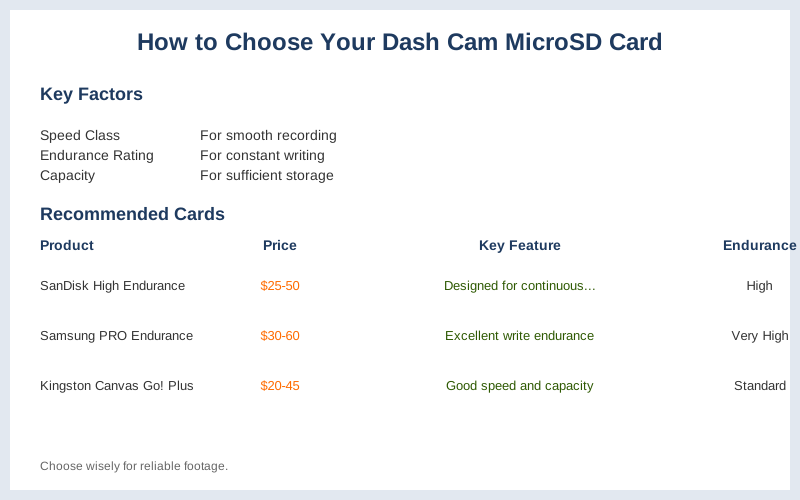
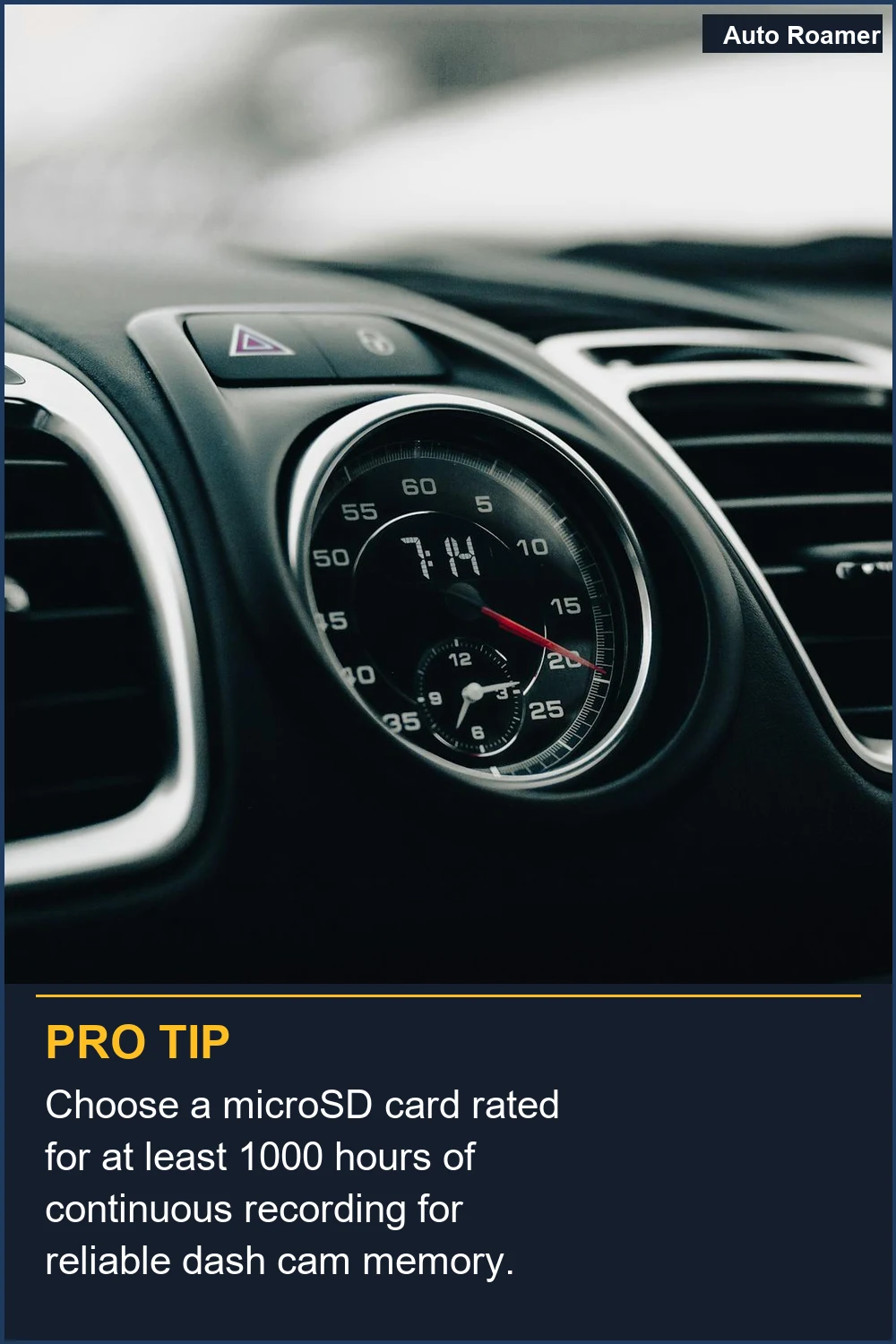
Alright, let's talk about what actually matters for your dash cam's brain, the microSD card. Forget the marketing hype; we need something that can handle constant writing without throwing a fit. Think of it like this: your dash cam is a tiny, always-on videographer. It's not taking pretty landscape shots; it's writing footage, deleting old footage, and writing new footage, over and over. This constant churn is brutal on a card. That's why 'endurance' is a keyword you should actually care about, not just a buzzword. Dash cams are exposed to constant vibrations and temperature variations, which can impact the lifespan of SD cards. My first card, a generic $10 thing, lasted about three months before it started giving me 'card error' messages daily. The honest version? You need a card built for this abuse. Look for cards that explicitly state 'high endurance' or are designed for continuous recording. These are usually a bit pricier, maybe the $50 version instead of the $20 one, but they save you headaches and lost footage down the road. I once had a card fail just hours before a near-miss incident. Brilliant engineering, that. I'm currently running Samsung Evo Plus 512gb card on my A329 but it popped up "card slow" after a few days. That's the kind of problem you avoid with the right card. Capacity is also important, but not as critical as endurance. For most daily drivers, 64GB to 128GB is plenty. That's enough for several hours of 1080p footage, which usually covers a full day's driving before the oldest stuff gets overwritten. UHS Speed Class 1 (U1) is generally the minimum you want, handling 10MB/s write speeds. If you're running a 4K dash cam, you'll need U3 or higher for at least 30MB/s write speeds. My current setup is a 128GB U3 card, and it's been rock solid for over a year. It was the $40 version, and it's been worth every penny. Don't skimp here; your footage is too important.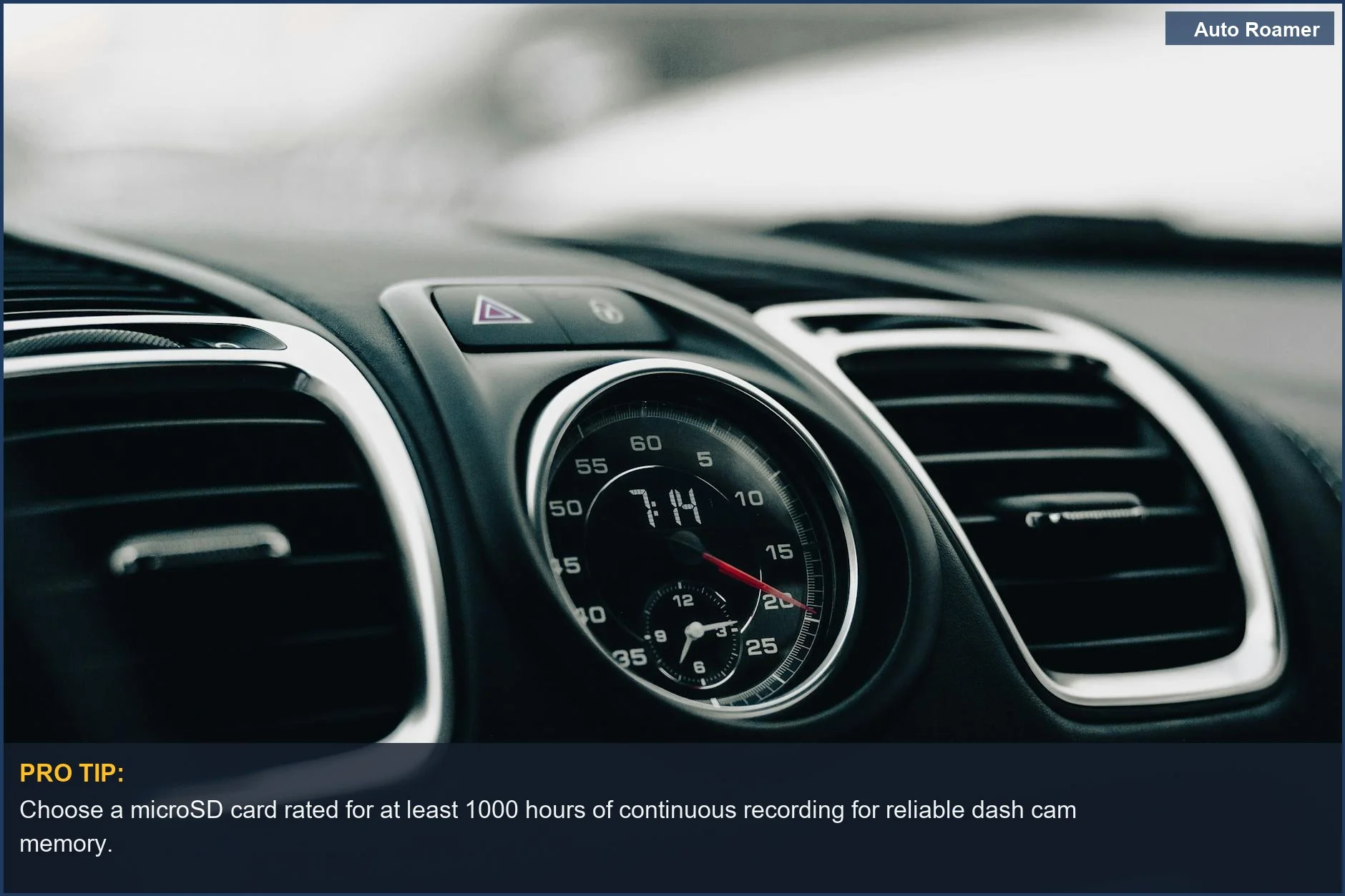
Why This Matters for Your Setup
Why does all this technical jargon actually matter when you're just trying to get your dash cam working? Because a cheap card is a ticking time bomb for your evidence. I learned this the hard way when my dash cam started showing 'card error' messages a few months after I bought it, right before a minor fender bender. The footage from that incident was gone. Field notes: A slow or failing card means you miss critical moments. Choosing an SD card with a higher speed class ensures superior data transfer rates, minimizing the risk of recording errors or dropped frames. If your dash cam records in 4K, you absolutely need faster speeds, or you'll get stuttering video that's useless. My buddy tried to save $10 on a card for his new 4K dash cam and ended up with corrupted footage that looked like a bad 80s video game. The real move is to match the card's capabilities to your dash cam's resolution and features. Don't let a cheap piece of plastic cost you your peace of mind. The honest version: card slow errors are common with the wrong type of card. It's not worth the risk.
Making the Right Choice
So, when you're picking out that little piece of plastic for your dash cam, remember a few things. First, endurance is king. Look for cards built for continuous writing, not just occasional photo-taking. My first two cards died within months because I didn't know this. Opt for a micro SD card with a recommended capacity of at least 32GB, but aim higher if your dash cam supports it. Second, speed matters, especially for higher resolutions. A Class 10 or U1 is usually the minimum, but 4K cameras need U3 or V30. Choosing an SD card with a higher speed class ensures superior data transfer rates. The $50 version of a reliable, high-endurance card is a far better investment than a $15 gamble that could cost you crucial evidence. Don't be like me and learn this lesson the expensive way.
Frequently Asked Questions
If I buy a super high-endurance card that costs maybe $60, is that way more expensive than what a dealership would charge to recover footage if my cheap card dies?
Do I really need to worry about the 'U' and 'V' ratings on these cards, or can I just grab any Class 10 card?
What if I buy a high-endurance card, put it in my dash cam, and it still shows 'card error' after a week?
Can using a cheap, non-endurance card permanently damage my dash cam itself?
Is it true that you can just use any old card from your phone or camera in a dash cam?
🏅 Looking for Gear Recommendations?
Check out our tested gear guides for products that work with this setup: