Setting the Scene
Choosing the right dash cam resolution feels like picking a tent size for a solo trip when you actually need a cabin for five. It's not just about more pixels; it's about what those pixels actually capture. The resolution you pick determines if you'll get usable evidence or just a blurry mess of lights when you need it most. Think of it like trying to read a license plate from 50 feet away versus reading it from across the street.
Higher resolution means more detail, but that detail can get lost if the camera isn't built right. I learned this the hard way after a minor fender bender where my $50 dash cam's footage looked like a grainy movie from the 80s. The other driver's lawyer basically laughed at it. Brilliant engineering, that. My goal is to save you from that same embarrassment.
We're talking about making sure you can actually see who slammed into you, not just that something hit your car.
The Core Answer
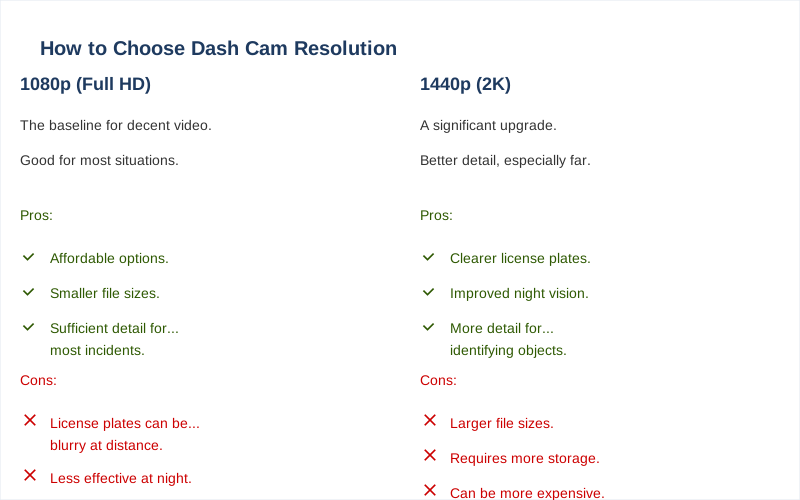
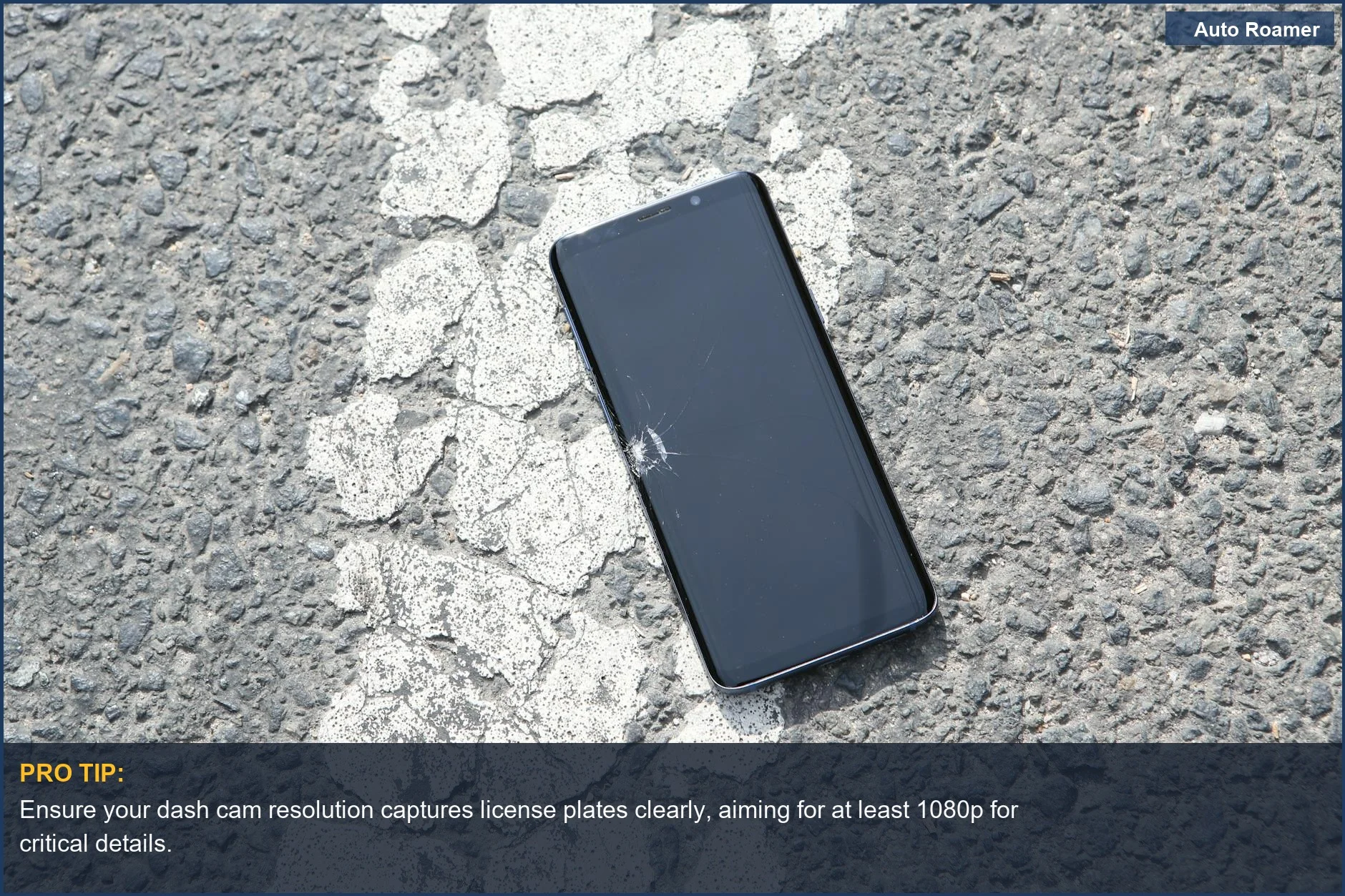
The core answer to dash cam resolution is that you need enough detail to make out critical information, like license plates and street signs, especially at a distance. Full HD, or 1920x1080 pixels, is generally the baseline for decent video quality and is what most people consider the minimum acceptable dash cam resolution. It's the $50 version of dash cam footage - it gets the job done.
You can usually make out most things with 1080p, especially if the camera has good optics and processing. My first dash cam was 1080p, and while it wasn't perfect, it was enough to prove I wasn't at fault in a parking lot incident. The license plate was blurry, but the car's model and color were clear enough. However, simply having a high number like 4K doesn't guarantee better video.
Sometimes, manufacturers will upscale lower-resolution footage to 4K, which is like putting a fancy label on cheap gas. The sensor itself might not be capturing that much detail. I saw a forum post where someone bragged about their 4K camera, but when they zoomed in, it was pixelated garbage. It's the rookie mistake of believing the marketing hype.
Higher resolutions like 2K or 4K offer more detail, which is great for capturing those tiny details that can make or break an insurance claim, like a partial plate number or a distinctive bumper sticker. If you're driving in areas with poor lighting or need to see fine details from far away, stepping up to 2K or 4K might be worth the extra storage space. Think of it as going from a regular photo to a high-resolution professional shot.
The real move here is understanding that resolution is just one piece of the puzzle. The sensor, lens quality, and video processing all play a huge role. You can have a 4K camera that looks worse than a good 1080p one if the other components are junk. I'd rather have a solid 1080p camera that performs well in all conditions than a flashy 4K camera that struggles in low light.
It's about what actually works in game-time, not just what sounds impressive on paper. The number of pixels matters, but so does the quality of those pixels. Don't get fooled by the megapixel race alone. You want footage that's clear enough to be undeniable evidence, not just a pretty picture.
Why This Matters for Your Setup
Why this matters for your setup is simple: you need footage that actually proves your case, not just a collection of pixels.
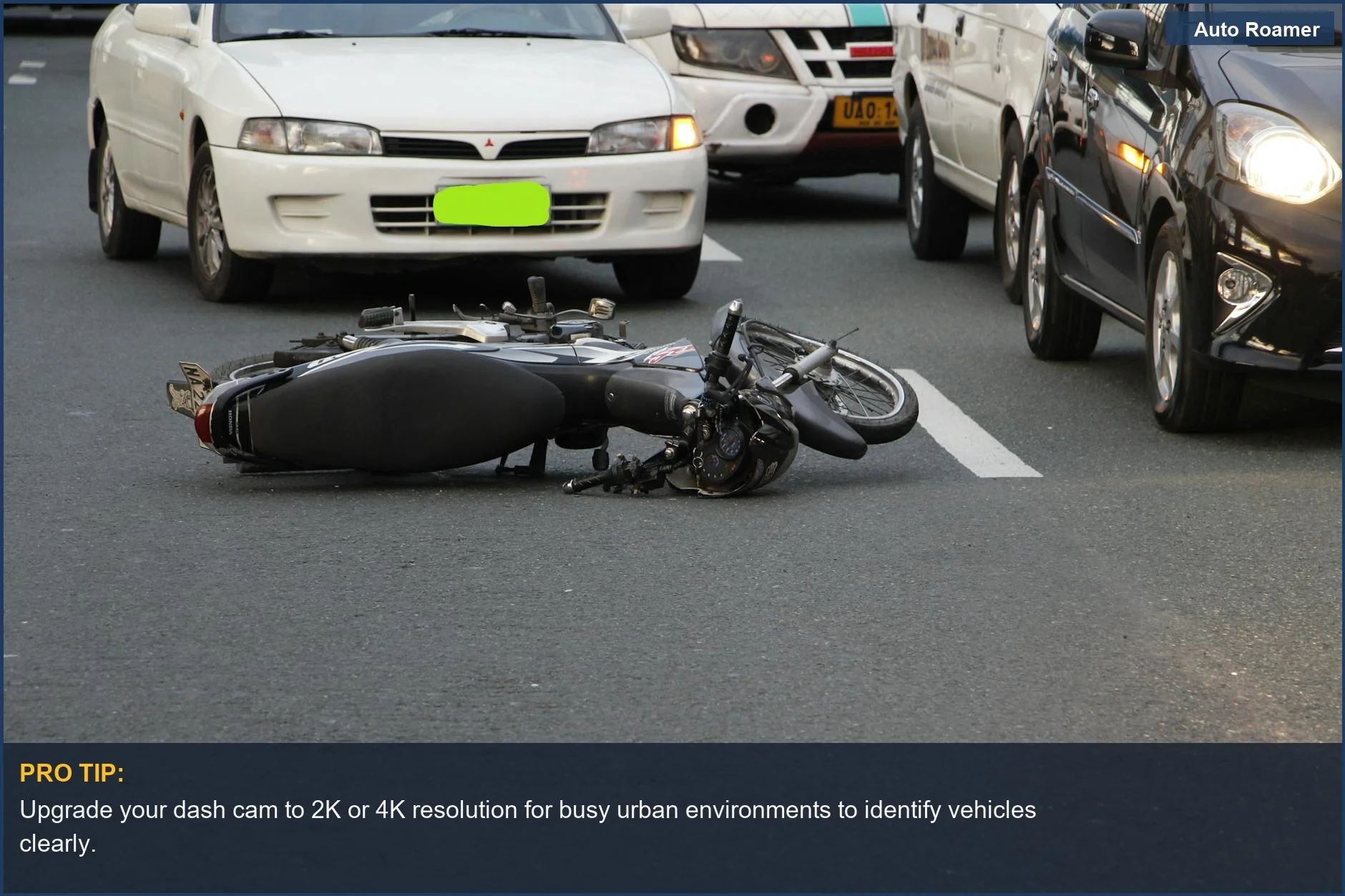
If you're driving in a city with lots of traffic, you'll want a higher resolution to capture license plates of cars cutting you off. My first trip to Chicago, someone merged into my lane without looking. My old dash cam footage was too grainy to read their plate. Rookie mistake.
Clearer footage means you can actually identify the offender.
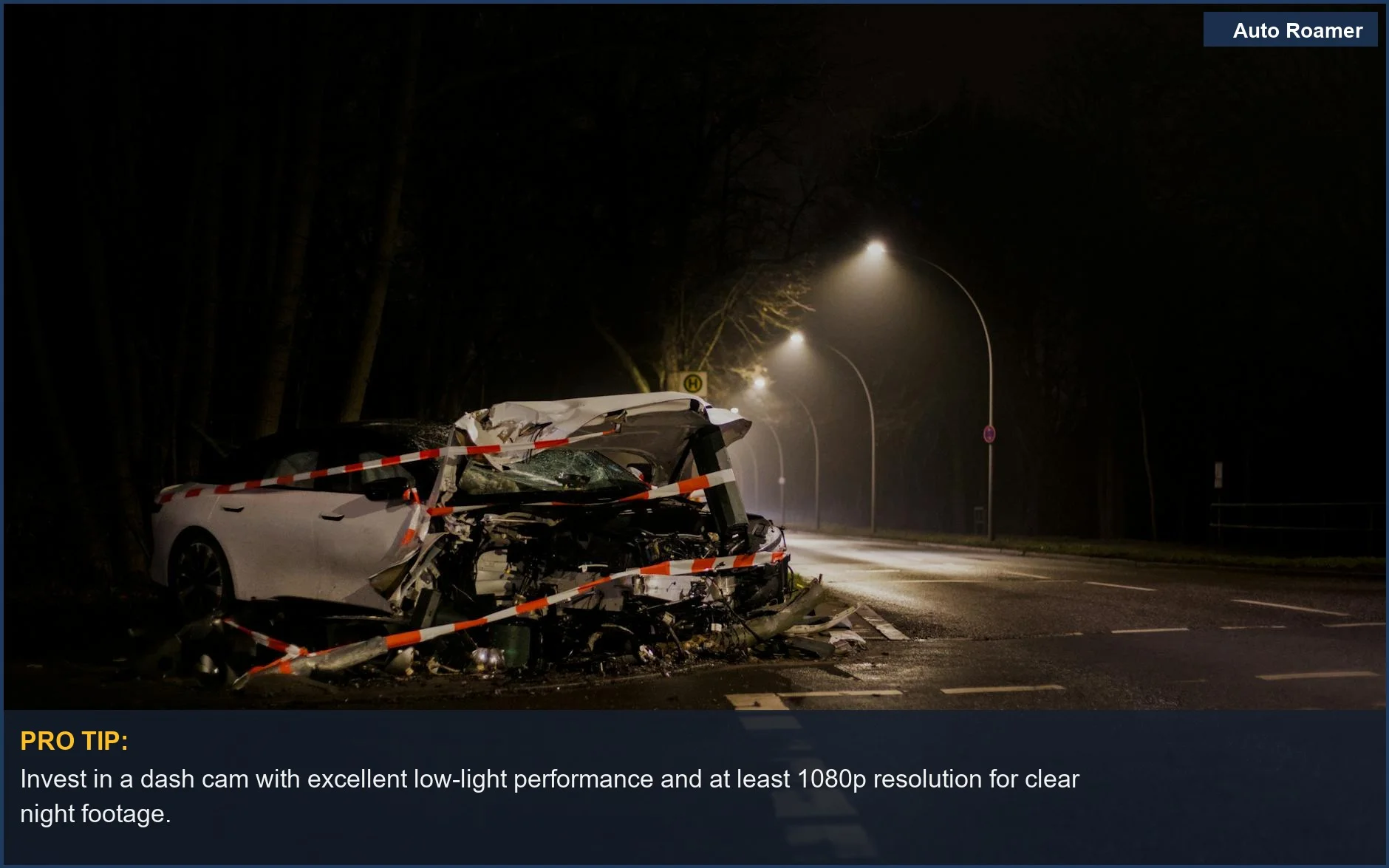
For night driving, higher resolution combined with good low-light performance is key. I once drove through a poorly lit rural road in Ohio and had a deer dart out. The footage was so dark I could barely tell it was a deer, let alone a plate if there had been one.
Resolution helps, but so does the camera's ability to see in the dark.
Storage space is another factor. Higher resolution means bigger files, which fill up your memory card faster. If you don't want to constantly swap cards or buy huge ones, you might need to balance resolution with file size. My first dash cam used a tiny 32GB card, and I had to overwrite footage every few hours at 1080p.
The honest version: you need enough storage for at least a few hours of recording.
Frame rate (FPS) also plays a role. While resolution is about detail in a single frame, FPS is about how smooth the motion is. For dash cams, 30 FPS is usually sufficient, but 60 FPS can provide smoother video, especially for fast-moving objects. Higher FPS can help capture split-second events more clearly.
Making the Right Choice
Making the right choice about dash cam resolution comes down to balancing clarity, practicality, and your budget.
You don't necessarily need 4K if 1080p provides enough detail for your driving environment. Think about where you drive most often. For most people, 1080p is the sweet spot. It's good enough to see license plates in decent lighting and doesn't eat up storage like a hungry bear.
Don't just look at the resolution number.
Read reviews and look at sample footage, especially from nighttime driving. A camera marketed as 4K but filmed with a cheap sensor will look worse than a solid 1080p camera. Video quality is more than just pixels.
Consider your storage capacity and how often you want to access footage. Higher resolutions require more storage, so factor in the cost of larger SD cards or more frequent overwrites.
My buddy tried to save money by getting a low-res camera and a tiny SD card; he ended up losing footage because it overwrote too quickly. That's a $0 solution to a $50 problem.
Ultimately, the goal is to have reliable evidence. For most drivers, a good 1080p camera is the game-time winner. If you frequently drive in challenging conditions or need extreme detail, then look at 2K or 4K, but do your homework.