Gear

How to Choose the Right MicroSD Card for Your Dash Cam

Casey - The Weekend Warrior
3 min read
Includes Video

Choosing the right microSD card for your dash cam is less about chasing the fastest read speeds and more about avoiding the infuriating 'card error' message that pops up when you actually need that footage. This isn't some niche hobbyist problem; it's a fundamental part of your car's security system working, or more often, not working.

Choosing the right microSD card for your dash cam is less about chasing the fastest read speeds and more about avoiding the infuriating 'card error' message that pops up when you actually need that footage. This isn't some niche hobbyist problem; it's a fundamental part of your car's security system working, or more often, not working.

I learned this the hard way when my dash cam decided to take a vacation right before a fender bender I could have used as evidence. The whole ordeal cost me more than a decent 128GB card ever would. Reddit users confirmed my pain, often pointing to card failure as the culprit.

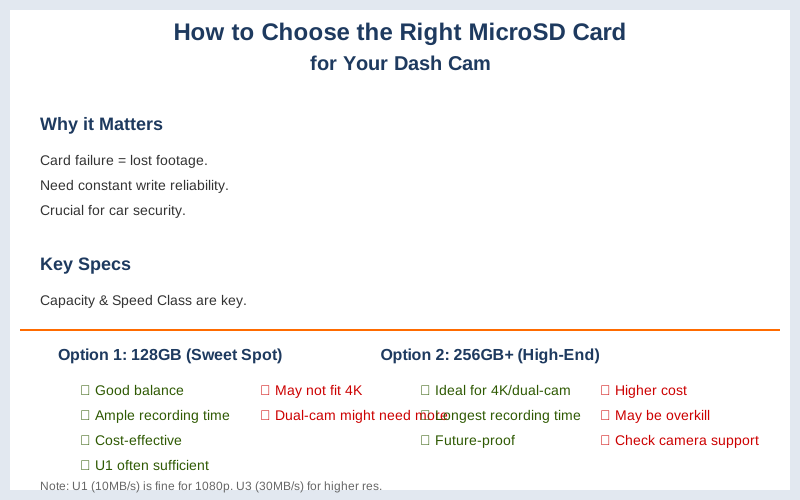
How to Choose the Right MicroSD Card for Your Dash Cam — Key Specifications Compared
Key specifications for How to Choose the Right MicroSD Card for Your Dash Cam

The Core Answer

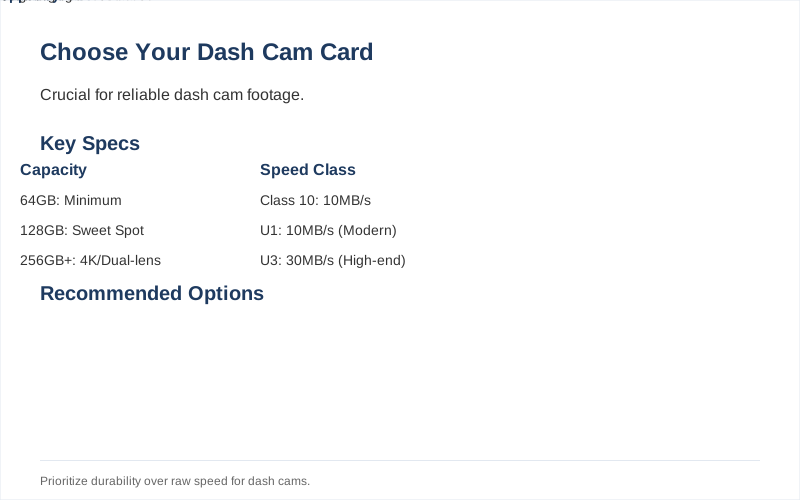
Here's the honest version: you need a microSD card that can handle constant writing and rewrites without throwing a fit. Think of it like a tiny, overworked employee who has to log every single second of your drive. The key specs to look for are capacity and speed class. For capacity, 128GB is the sweet spot for most users; it gives you plenty of recording time without breaking the bank. If you have a dual-lens camera or record in 4K, bumping up to 256GB or even 512GB is a good idea, assuming your camera supports it, as discussed on Medium. My first dual-cam setup choked on anything less than 128GB. Rookie mistake. Dashcam-shop recommends at least 64GB as a minimum. That's enough for maybe a few hours of 1080p footage, but I'd rather have more wiggle room. The real move is to aim higher. The speed class is where most people get tripped up. You'll see numbers like Class 10, U1, and U3. Class 10 means it can write at least 10MB/s. U1 also means at least 10MB/s, but it's a more modern standard. U3 means at least 30MB/s write speed. For most 1080p dash cams, U1 is usually fine. But if you're rocking 4K or even 2K, you absolutely need U3, according to Adata. I once tried to save a few bucks with a U1 card on a 4K dash cam, and it started giving me 'card slow' errors within a week. Brilliant engineering, that. Dashcamtalk forums are littered with stories of cards failing because they weren't fast enough for the camera's demands. Don't be that person. The constant writing wears out cards faster than you'd think. Look for cards that mention 'high endurance' or are specifically marketed for dash cams. They're built to handle that constant abuse. The $50 version of a card might seem tempting, but it could cost you more in lost footage.
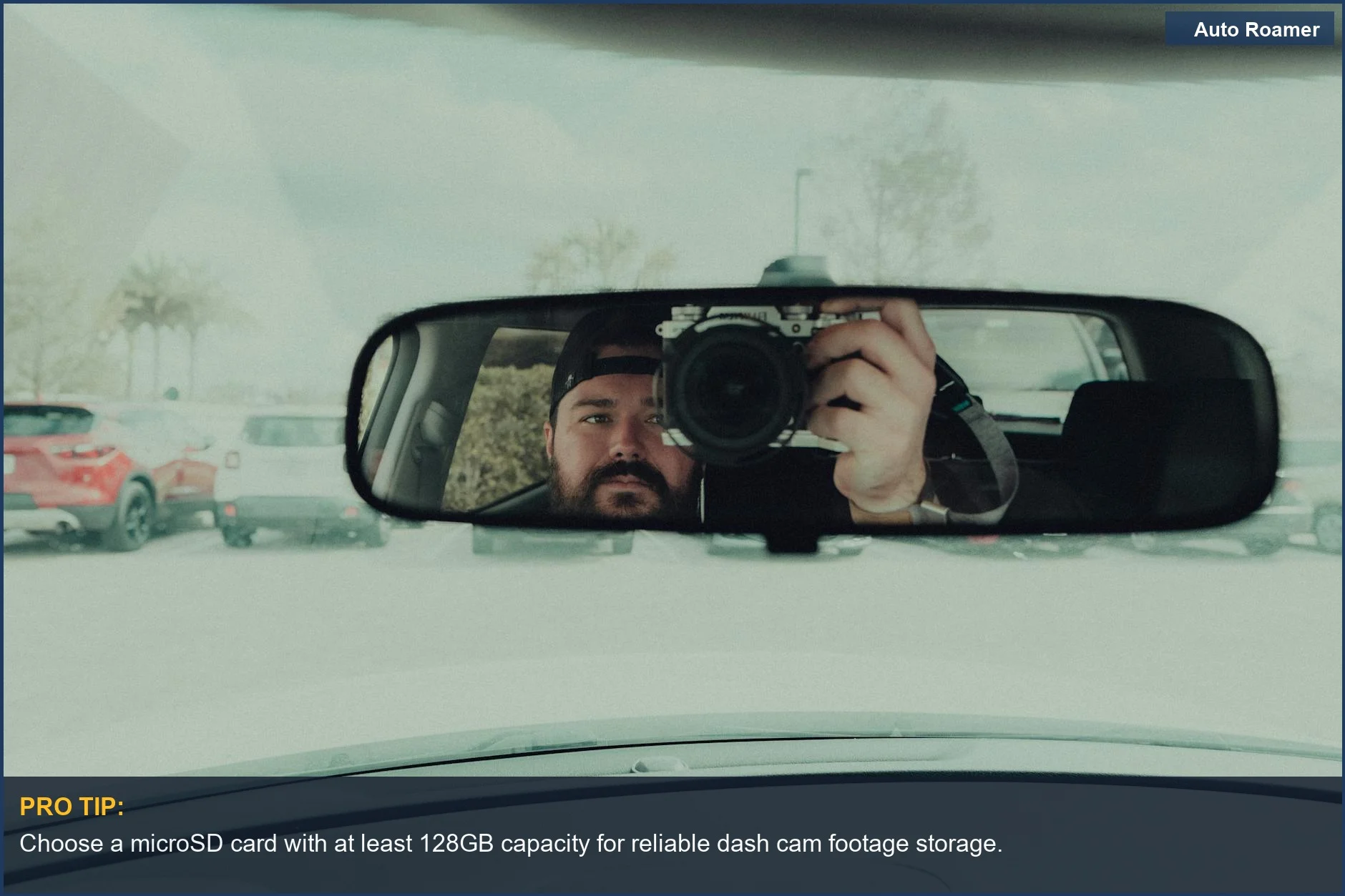
To ensure optimal performance, consider our tips on selecting the best microSD card for your dash cam.
Choose a microSD card with at least 128GB capacity for reliable dash cam footage storage.
Ensure your dash cam has the right microSD card to capture every moment, like this driver checking their reflection. | Photo by Connor Scott McManus

Why This Matters for Your Setup

Why does this matter? Because your dash cam is your silent witness. If the card can't keep up, you lose the evidence. I was once parked in a spot in Colorado where someone sideswiped my car and drove off. My dash cam recorded it, but the last 30 seconds were corrupted because the card was too slow to write the high-resolution footage. Total bummer. DDPai emphasizes that a higher speed class minimizes recording errors. It's like trying to pour a gallon of water through a straw; it just won't work efficiently. You'll see "card error" or "recording failed" messages, and then you're SOL when you need that footage most. My first experience with a cheap card meant I had zero proof. It was a painful lesson in 'buy once, cry once'.
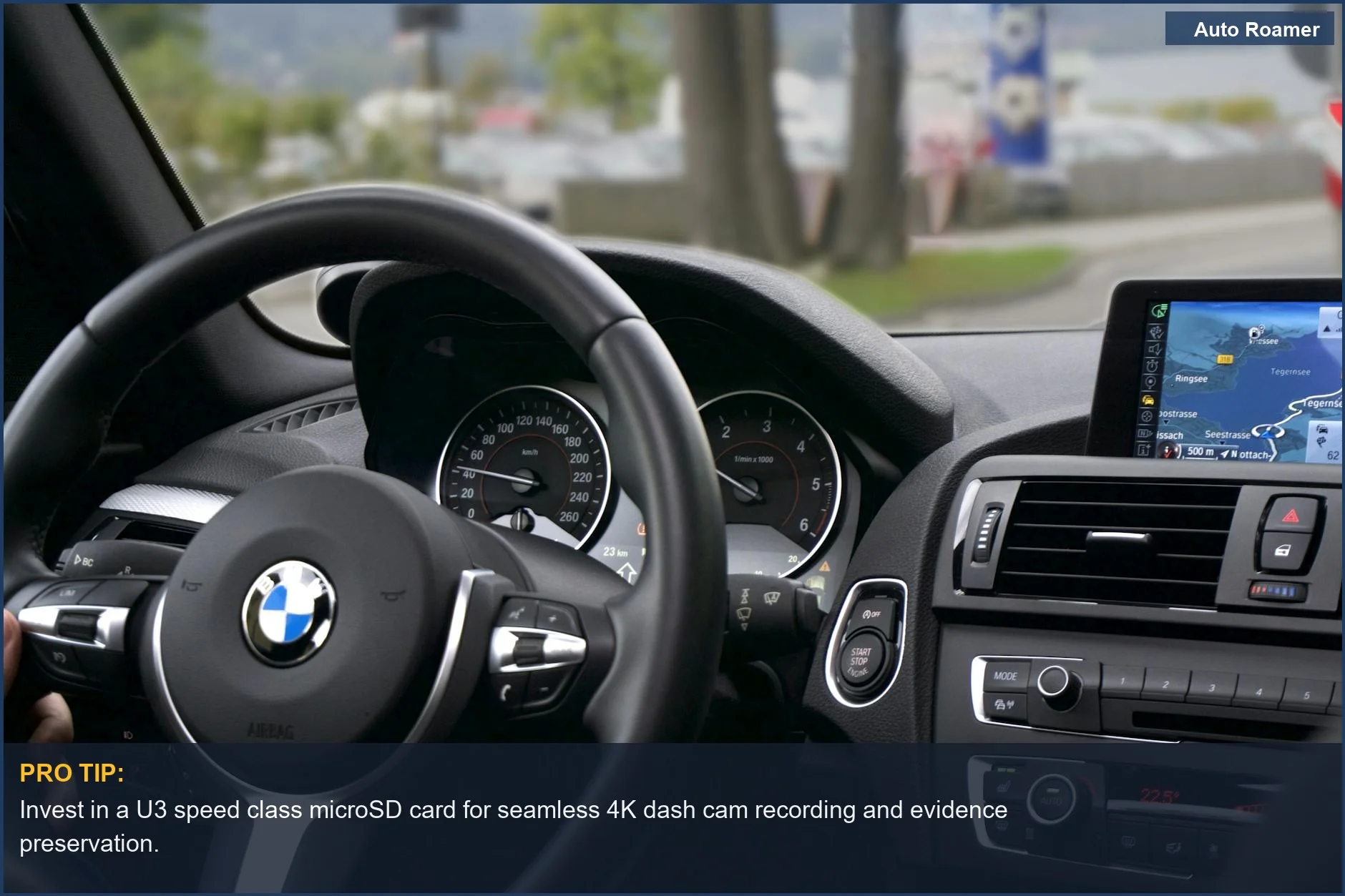
To ensure your dash cam performs optimally, understanding how to select the right SD card for your needs is essential.
Invest in a U3 speed class microSD card for seamless 4K dash cam recording and evidence preservation.
This elegant car interior showcases the importance of a fast dash cam storage solution to prevent corrupted footage. | Photo by Ingo Joseph

Making the Right Choice

So, to recap: aim for at least 128GB capacity, and make sure it's U3 speed class if you're recording anything higher than 1080p. If you're on a budget, U1 is the absolute minimum for 1080p. Seriously, just get the U3. It's not that much more expensive. Viofo agrees that U3 is ideal for 4K. The real move is to invest in a card designed for continuous recording. It'll save you headaches and potentially a lot of money down the line. My car's got a good dash cam now, and it's got a card that won't quit. Game time.
To optimize your dash cam's performance, consider the specifics of the BlackVue DR750X-2CH Plus.
Always opt for U3 speed class for dash cams recording above 1080p to guarantee data integrity.
Starting your car is simple, but selecting the correct microSD card for your dash cam requires attention to speed class. | Photo by Erik Mclean

Frequently Asked Questions

If a dash cam installer charges $75 to put in a new SD card, but the card itself is only $20, is it worth paying for the service?
Absolutely not. Unless they're also installing a whole new dash cam system, that $75 is pure profit for them. The actual installation of a microSD card takes about 30 seconds. You could literally do it yourself in the parking lot of the shop while they're drawing up your bill. I once saw a mechanic charge $50 to change a cabin air filter that cost $15 and took him 5 minutes. Don't fall for that.
Do I really need to buy a special 'dash cam' microSD card, or will any fast one work?
You don't strictly *need* a 'dash cam' card, but you absolutely need a card rated for high endurance. Most standard microSD cards aren't built for the constant, relentless writing that a dash cam does 24/7. They'll wear out way faster and start corrupting footage. Think of it like using a regular screwdriver to hammer nails; it'll sort of work at first, but it's not designed for the job and will break. A dedicated dash cam card is like using the right tool.
What if I buy a 256GB card and my dash cam says it's not compatible? Can I just format it?
Sometimes formatting will fix it, but often if a dash cam doesn't officially support a certain capacity, it's because the internal software or firmware just can't manage that much storage. It's not always a formatting issue. My old dash cam, for example, maxed out at 128GB, and no amount of formatting would make it recognize a 256GB card. It's best to check your dash cam's manual or the manufacturer's website for supported card sizes before you buy.
Can using a cheap, low-quality SD card permanently damage my dash cam itself?
It's unlikely to permanently damage the dash cam hardware itself, but a faulty or incompatible card can definitely cause software glitches, constant error messages, and prevent the camera from functioning correctly. It's more likely to cause frustration and data loss than a physical breakdown of the camera. However, a card that overheats due to poor quality could potentially cause issues, though that's rare.
I heard you need to format your dash cam SD card every month or it will stop working. Is that true?
That's an old myth, or at least an overblown rule. Most modern dash cams and decent quality cards don't require monthly formatting. The cards are designed for continuous overwrite. Formatting too often can actually wear out the card faster. The only time you *really* need to format is when you first put a new card in, or if you're troubleshooting errors. Don't fix what isn't broken.

🏅 Looking for Gear Recommendations?

Check out our tested gear guides for products that work with this setup:

C

Casey - The Weekend Warrior

Weekend car camper and road trip enthusiast. Focuses on practical, budget-friendly solutions for families and first-time campers.

Sources

Related Articles