The Big Picture
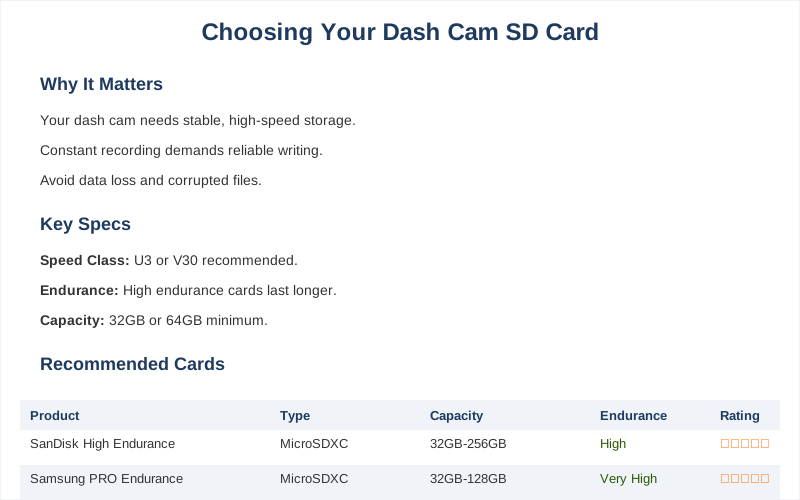
The little memory card in your dash cam is basically its brain, and if that brain is garbage, your whole system is garbage. I learned this the hard way when my first dash cam, a cheap thing I got for about $50, kept spitting out 'card error' messages. Turns out, the tiny, no-name card that came with it was slower than molasses in January. It couldn't keep up with the camera even at 1080p, let alone anything fancier.
Choosing the right SD card for your dash cam is less about fancy specs and more about making sure it doesn't fail you when you actually need it. You need something that can write data constantly without choking. It's not rocket science, but it's also not just plugging in any old card you find in a junk drawer. Dash cams need stable and high-speed storage to record videos without data loss. That's the whole point.
The Core Answer
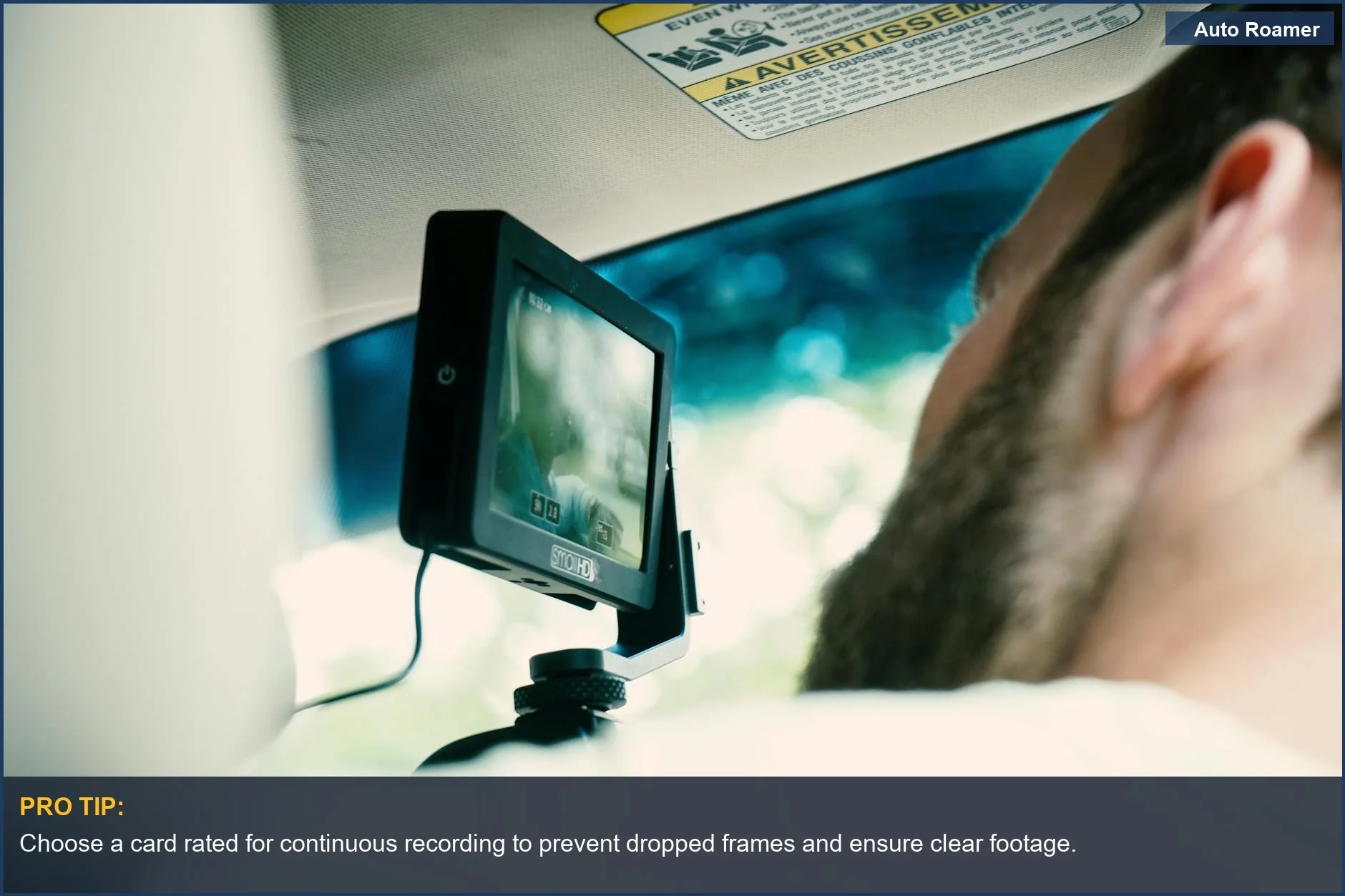
Forget the bargain bin memory cards. Your dash cam needs a card that can handle constant writing, day in and day out. Think of it like this: your dash cam is a tiny video editor that never stops, and it needs a fast, reliable hard drive. If it doesn't get one, you're looking at dropped frames, corrupted files, and a whole lot of frustration. Continuous loop recording is the main offender here.
It means the card is constantly overwriting old footage. This is way more demanding than just saving a photo. Ordinary cards, the kind you use in your phone or a point-and-shoot camera, just can't hack it. They'll wear out fast, or worse, start failing mid-recording. Memory errors, card slow, and recording failure are common symptoms of a bad card.
I had a card do this to me on a trip through the Smokies; by the time I got back, half my footage was gone. Rookie mistake. The real move is to look for cards specifically designed for high-endurance applications, like dash cams or security cameras. They're built to withstand that constant read/write cycle. You'll see terms like 'high endurance' or 'endurance' on the packaging. That's what you want. Capacity is also a big deal.
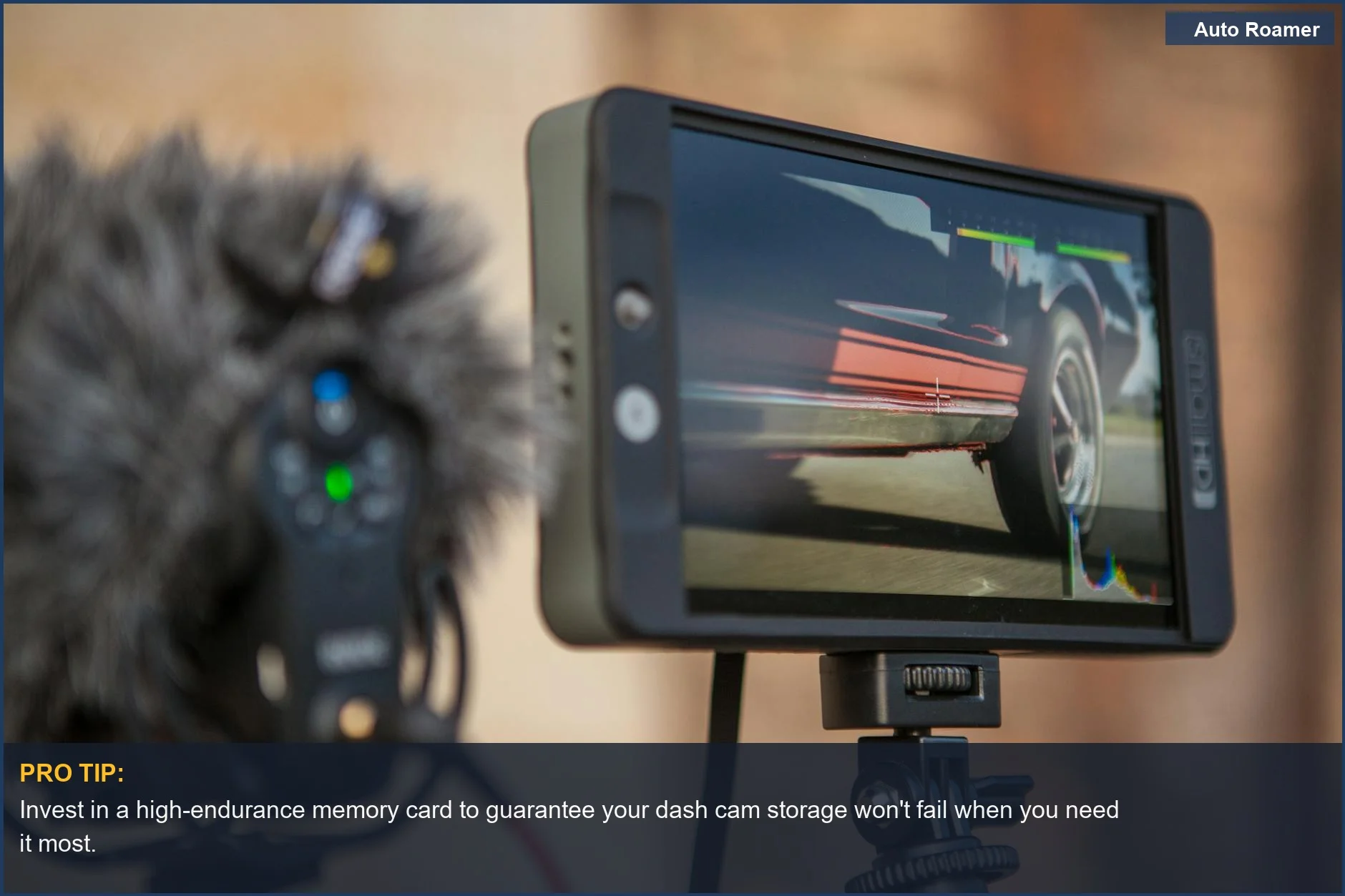
A 32GB card might seem fine, but if you're running 4K or have a dual-channel camera, you'll fill that up in a couple of hours. A big card 64Gb card/128Gb will be better if a dual dash cam or a 4K solo dash cam. I'd aim for at least 128GB for most setups these days. It's the sweet spot where you get enough recording time without breaking the bank.
For my current setup, a 256GB card cost me around $30, and it holds about a week of footage. That's game-time for peace of mind. Speed matters too. Look for U3 or V30 ratings. This tells you the card can write data at a certain speed, which is crucial for high-resolution video. A U1 card might be okay for basic 1080p, but U3 is the safer bet for anything more demanding.
U3-rated speed is what you need to avoid choppy video or corrupted files. Don't skimp here; a cheap card that fails is more expensive in the long run than buying the right one upfront. It's the $50 version of a $20 problem.
Why This Matters for Your Setup
Why does all this technical jargon even matter? Because a bad card means bad evidence. Imagine you're in a fender bender, and you need that footage to prove you weren't at fault. If your card failed because it couldn't keep up, that crucial evidence is gone. Toast.
If you put the wrong card in, you might end up with a choppy video, a corrupted file, and, worst of all, a poor video evidence that would have helped you after an incident. It's not just about having video; it's about having usable video. I had a friend who swore his dash cam was broken because the footage was always glitchy. Turns out, he was using the tiny 8GB card that came with his old phone.
Brilliant engineering, that. You need a card that can handle the constant writing, especially if your dash cam records in 4K or has a rear camera. That's a lot of data being thrown around. The memory card's quality, capacity, and functionality are crucial factors that directly impact the dashcam's performance. Don't let a cheap piece of plastic be the reason you can't prove your innocence or capture that insane moment on the road.
It's the difference between having a story and having proof.
Making the Right Choice
So, what's the takeaway here? Don't treat your dash cam's memory card like an afterthought. It's the heart of the operation. A big card 64Gb card/128Gb will be better if you have a dual dash cam or a 4K solo unit. Aim for high endurance and a decent speed rating, like U3. 128GB to 256GB is often ideal. My first dash cam card was a $5 disaster.
My current 128GB card cost me around $20 and has been flawless for two years. That's the real move. The Complete Guide to Memory Cards can seem overwhelming, but focus on those key specs: endurance and speed. Your dash cam deserves it, and frankly, so do you.