
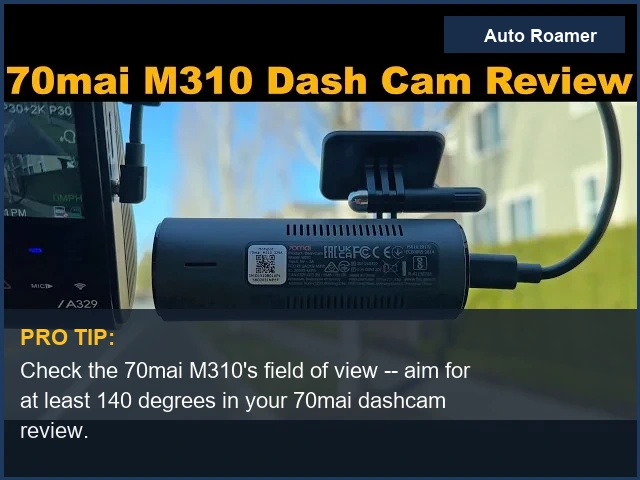
70mai Dash Cam Review: Best Models Compared

2026-04-14 · 6 min read · By Auto Roamer

Auto Roamer is the site's staff byline, used for guides assembled by the editorial operation as a whole rather than a single editorial voice. These guides follow the same standards as everything on the site: specs cross-checked against manufacturer documentation, owner reports, and expert third-party reviews, with sources linked.

70mai A810S
70mai A810S

The Short Answer

Across 70mai's lineup the best model depends on your priority: the A810S is the pick for 4K STARVIS 2 image quality and connected LTE/GPS/ADAS features, the Omni X200 for 360-degree surround coverage from one unit, and the M310 for a simple, dependable budget recorder around fifty dollars.

70mai dash cams: where the lineup stands in 2026

70mai has built its reputation on packing genuinely capable hardware — including current Sony STARVIS 2 sensors — into dash cams that cost far less than the premium brands. The catch is that the range is wide, from a connected 4K flagship to a fifty-dollar single-channel unit, and the right pick depends entirely on whether you want maximum image quality, full-surround coverage, or the cheapest reliable recorder.
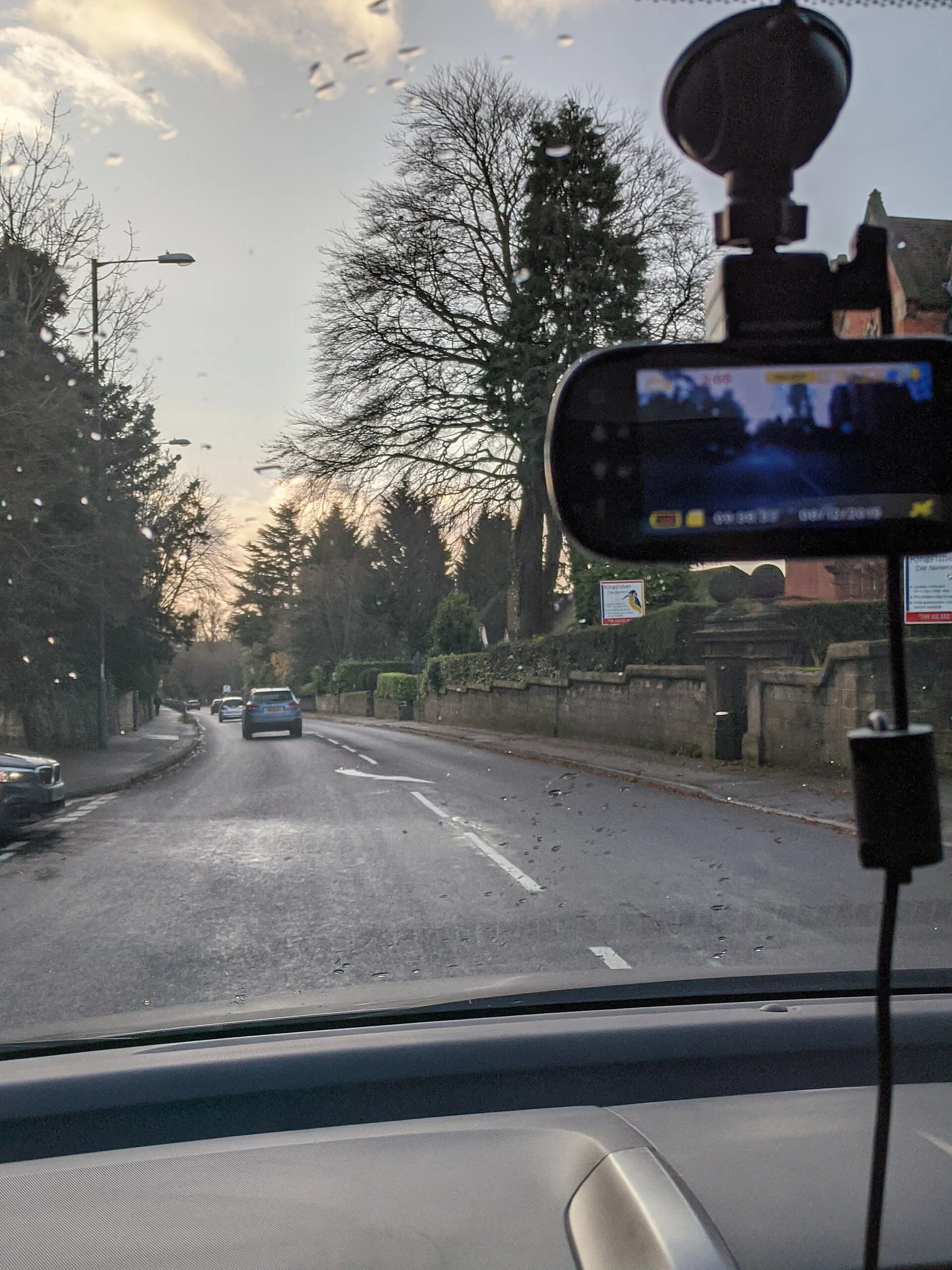
This comparison looks at three current 70mai models that anchor the lineup — the 4K A810S flagship, the 360-degree Omni X200, and the budget M310 — with their real specs, honest strengths and trade-offs, and the type of driver each one actually suits, so you can match a model to your needs instead of just its price.

A dash cam mounted behind the rear-view mirror, recording the road ahead
A dash cam mounted behind the rear-view mirror, recording the road ahead — Photo: Ed6767, CC BY-SA 4.0 (via Wikimedia Commons)

How the 70mai lineup compares at a glance

How the 70mai lineup compares at a glance

Across the range the sensors and resolutions are the clearest dividing line, followed by connectivity and coverage. Reviewers and owner communities such as DashcamTalk consistently rate 70mai's image quality highly for the price, with the differences below deciding which model fits.

ModelResolution & sensorStandout featureBest for
A810S4K front (Sony STARVIS 2), 1080p rear4G LTE remote access, WiFi 6, GPS, ADASBest image quality and connected features
Omni X2002K HDR, 360-degree rotating lensFull surround coverage from one unit, built-in storageDrivers who want to see every angle
M3101296p (2K) single-channelCompact, built-in WiFi, very low priceSimple, budget incident recording

The pattern is straightforward: pay more for a sharper sensor and connected features, or less for simpler coverage. None of these is a bad camera; they target different buyers.

How the 70mai lineup compares at a glance 70mai Dash Cam Review: Best Models Compared Model Resolution & sensor Standout feature Best for A810S 4K front (Sony STARVIS 2), 1080p rear 4G LTE remote access, WiFi 6, GPS, ADAS Best image quality and connected features Omni X200 2K HDR, 360-degree rotating lens Full surround coverage from one unit, built-in storage Drivers who want to see every angle M310 1296p (2K) single-channel Compact, built-in WiFi, very low price Simple, budget incident recording
How the 70mai lineup compares at a glance
70mai Omni X200
70mai Omni X200

What actually matters when choosing a 70mai

What actually matters when choosing a 70mai

Before comparing individual models, it helps to know which specs change the experience and which are just numbers on a box. For a dash cam, a few factors do most of the work.

  • Sensor and resolution. Resolution sets how much detail you capture, but the sensor decides night performance. 70mai's move to Sony's STARVIS 2 sensor on the A810S is the single biggest quality jump in the lineup, because most incidents you actually need footage of happen in poor light, where a weak sensor turns a license plate into a smear.
  • Coverage: single, dual, or 360. A single front channel records the road ahead; a dual front-and-rear setup adds the view behind; the Omni X200's rotating lens trades simultaneous coverage for the ability to point anywhere, including the cabin. Match this to where you expect incidents, not to the biggest number.
  • Connectivity and storage. WiFi lets you pull clips to your phone; LTE and GPS add remote access and location and speed stamps for evidence. The Omni X200's built-in storage means it works out of the box, while the others rely on a memory card you supply.
  • Parking mode. All three can monitor the car while parked, but continuous parking recording needs a hardwire kit with a low-voltage cutoff so it does not drain your starting battery — a setup decision as important as the camera itself.

Weigh those four, and the choice between 70mai's models becomes a question of priorities rather than guesswork.

What You’ll Learn 70mai Dash Cam Review: Best Models Compared 1 70mai dash cams: where the lineup stands in 2026 2 How the 70mai lineup compares at a glance 3 What actually matters when choosing a 70mai 4 70mai A810S: the 4K STARVIS 2 flagship 5 70mai Omni X200 and M310: coverage vs simplicity 6 The verdict: which 70mai should you buy?
What you'll learn about 70mai Dash Cam Review: Best Models Compared
70mai M310
70mai M310

70mai A810S: the 4K STARVIS 2 flagship

70mai A810S: the 4K STARVIS 2 flagship

The 70mai A810S is the model to pick when image quality is the priority. It pairs a 4K front camera built on Sony's STARVIS 2 sensor with a 1080p rear channel, an f/1.8 lens, and a roughly 140-degree field of view, and it adds the connected features usually reserved for pricier brands: 4G LTE remote access, WiFi 6, GPS, HDR night vision, voice control, and ADAS driver alerts.

  • Strengths: The STARVIS 2 sensor is the real draw — reviewers consistently praise its low-light clarity, which is exactly where cheaper cameras smear license plates. The 4K front footage captures the detail that turns a near-miss into usable evidence, and the LTE/cloud connectivity lets you check in remotely and pull clips while away.
  • Trade-offs: It is the most expensive of the three, the rear channel is 1080p rather than 4K, and the remote LTE and cloud features depend on a data plan or subscription. For a parking surveillance setup you will also want to hardwire it.

It is the right 70mai for drivers who want the best 4K image quality and connected features, and are willing to pay the flagship price to get them.

70mai Omni X200 and M310: coverage vs simplicity

70mai Omni X200 and M310: coverage vs simplicity

The other two models solve very different problems.

The 70mai Omni X200 takes an unusual approach: a 360-degree rotating lens on a compact body, recording 2K HDR with an f/1.5 aperture, AI motion detection, GPS, and built-in eMMC storage so it works without a memory card. Its strength is coverage — a single unit can watch the road, the cabin, or swivel to track motion, which is genuinely useful for rideshare drivers or anyone who wants eyes on every angle. The trade-offs are honest ones: 2K is a step below the A810S's 4K, and the rotating lens is a single camera pointing one way at a time rather than simultaneous front-and-rear coverage, so it suits surround awareness more than dual-channel evidence.

The 70mai M310 is the budget pick: a compact 1296p (2K) single-channel camera with built-in WiFi, a roughly 130-degree field of view, WDR, and basic parking monitoring, usually around fifty dollars. For light users who just want a dependable record of the road ahead without spending much, it covers the essentials. Its limits are what you would expect at the price: a single front channel, no 4K, and a simpler feature set, so it is a sensible first dash cam rather than a full evidence system.

Between the two, the deciding question is what you are protecting against. The Omni X200 makes the most sense for rideshare and delivery drivers, where recording the cabin and swiveling toward an incident matters as much as the road ahead, and where its built-in storage and AI motion detection reduce fuss. The M310 fits as a straightforward safeguard for a second car, a new driver, or anyone who simply wants a reliable record of the road without configuring connected features. Neither is trying to be the A810S; each trades the flagship's 4K sensor and LTE package for a specific strength, coverage in one case and price in the other.

The verdict: which 70mai should you buy?

The verdict: which 70mai should you buy?

70mai's lineup is strong value across the board, and the best model is simply the one that matches how you drive:

  • For the best image quality and connected features: the A810S. Its 4K STARVIS 2 front camera and LTE/GPS/ADAS package are the closest 70mai gets to a premium brand, at a lower price.
  • For full-surround coverage: the Omni X200. Its 360-degree rotating lens and built-in storage suit rideshare drivers and anyone who wants to see every angle from one unit.
  • For a simple budget recorder: the M310. Compact, inexpensive, and dependable for basic front-facing recording.

If your priority is evidence-grade footage, the A810S is the clear choice; if it is coverage or budget, the Omni X200 and M310 each earn their place. Whichever you choose, pair it with a genuine high-endurance memory card and hardwire it if you want parking protection, and it will earn its keep for years.

Frequently Asked Questions

Which 70mai dash cam has the best image quality?

The 70mai A810S has the best image quality in the current lineup. Its 4K front camera is built on a Sony STARVIS 2 sensor, which reviewers consistently praise for low-light clarity — the situation where cheaper cameras blur license plates and faces. It pairs the 4K front with a 1080p rear channel, an f/1.8 lens, and roughly a 140-degree field of view. If sharp, evidence-grade footage day or night is your priority, the A810S is the model to choose; the Omni X200 records 2K and the M310 is 1296p.

Is the 70mai Omni X200's 360-degree camera worth it?

It depends on whether you value coverage over outright resolution. The Omni X200's rotating lens lets a single compact unit watch the road, the cabin, or track motion, which is genuinely useful for rideshare drivers or anyone who wants eyes on every angle. The trade-off is that it records 2K rather than 4K, and because the lens rotates it points one direction at a time rather than capturing front and rear simultaneously. Choose it for surround awareness; choose the A810S if you want the sharpest dual-channel evidence.

Do 70mai dash cams need a subscription?

The core recording works with no subscription — the camera records to its memory card or, on the Omni X200, its built-in storage, regardless. A subscription or data plan only comes into play for the connected features on models like the A810S, such as 4G LTE remote access and cloud clip retrieval. If you do not need to check your camera remotely while you are away, you can use any of these cameras fully without paying an ongoing fee.

Do I need to hardwire a 70mai dash cam?

Only if you want continuous parking protection. Plugged into the 12V outlet, a 70mai records normally while you drive, but that outlet usually loses power when the ignition is off, so the camera stops when you park. To keep parking mode running you need a hardwire kit that draws from the fuse box with a low-voltage cutoff to protect your battery. For drive-only recording the cigarette-lighter adapter is fine; for 24-hour parking surveillance, hardwiring is the way to do it safely.

Which 70mai dash cam is best on a tight budget?

The 70mai M310 is the budget choice, typically around fifty dollars. It records 1296p (2K) from a single compact front camera, with built-in WiFi, a roughly 130-degree field of view, WDR, and basic parking monitoring. It covers the essentials of incident recording without the cost of the 4K A810S or the 360-degree Omni X200. It is a sensible first dash cam for light users; step up to the A810S if you later want 4K clarity and connected features.

Sources

  1. DashcamTalk — Dashcam Buyer's Guide 2026 (recommendations & reviews)
  2. 70mai A810S 4K Dual STARVIS 2 Dash Cam (product listing)
  3. 70mai Omni X200 360-degree Dash Cam (product listing)