
Understanding Viofo Dash Cam Features: What Matters Most?
Understanding the features on a dash cam, like those from VIOFO, can feel like deciphering ancient hieroglyphs. It's not just about the shiny specs; it's about what actually helps you when you need it most. My first dash cam, a cheap no-name thing I got for $30, was basically useless.
Understanding the features on a dash cam, like those from VIOFO, can feel like deciphering ancient hieroglyphs. It's not just about the shiny specs; it's about what actually helps you when you need it most. My first dash cam, a cheap no-name thing I got for $30, was basically useless. It recorded blurry garbage that would make a potato look high-def.
VIOFO dash cam features are a whole different ballgame, and knowing what matters can save you from that same rookie mistake. Smart voice control sounds neat, but does it actually work when you're yelling at someone who just cut you off? Let's break down what's important and what's just marketing fluff.
The Core Answer
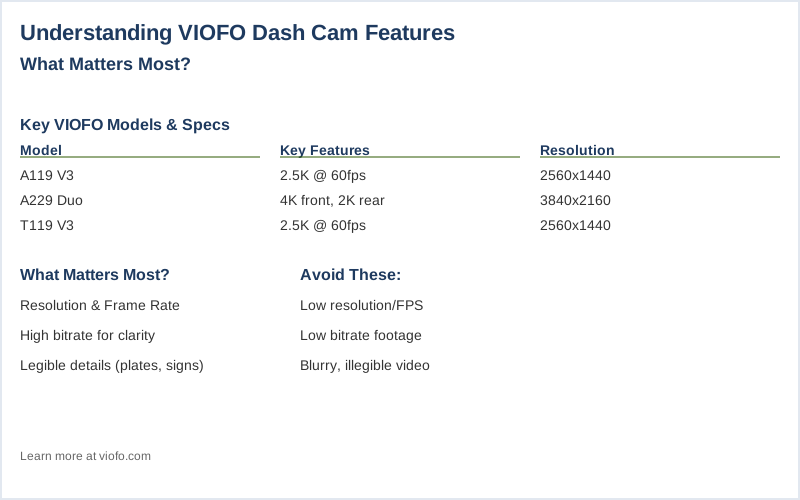
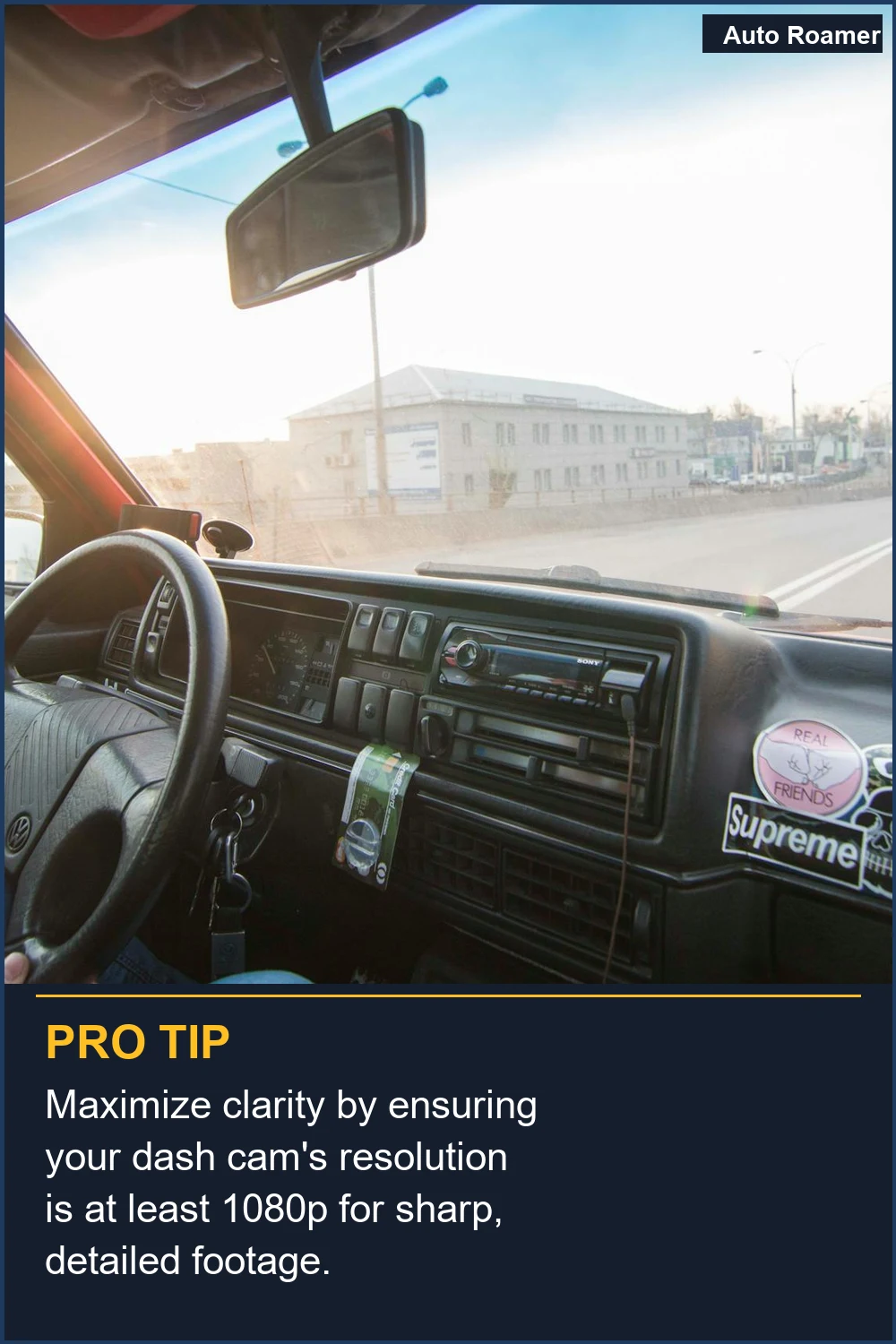
The real meat of any dash cam, including VIOFO models, comes down to a few key areas that actually provide useful footage. First up is resolution and frame rate. Think of it like this: you can have the fanciest camera, but if the picture is fuzzy, it's worthless. Most guides will tell you to go for the highest resolution, like 4K. 4K Ultra HD recording sounds impressive, and it is, because it captures way more detail. This means license plates, faces, and even street signs are legible. My first dash cam, which I think was advertised as 'HD' (ha!), couldn't even read a license plate from 20 feet away in broad daylight. The honest version is, if you can't clearly see the crucial details, the footage is basically just background noise. Then there's bitrate. This is how much data the camera packs into each second of video. A higher bitrate means smoother video, especially in fast-moving situations. I learned this the hard way during a sudden lane change incident. My cheap camera's footage looked like a janky flip-book animation. Medium bitrate is usually a solid compromise between quality and storage space. If you go too low, you get blocky, pixelated mess. Too high, and you'll fill up your memory card in a few hours. It's a balancing act, but prioritizing a decent bitrate means your footage won't look like abstract art when you need it to be clear evidence. Parking mode is another big one. This is where the camera keeps recording even when your car is off, usually triggered by motion or impact. This is crucial for catching hit-and-runs or vandalism while you're parked. My first car was dinged in a parking lot, and without a functioning parking mode, I had zero proof. Some parking modes are 'low bitrate,' meaning they record at a lower quality to save space, but still capture enough to identify the culprit. Low bitrate recording is often enough for this purpose. The real move here is ensuring your camera has a reliable way to power itself when the engine is off, usually through a hardwire kit connected to your car's battery or fuse box. GPS is also a feature worth considering. This tags your video with location data. Why does this matter? Because it can corroborate your story if there's an accident. If you say you were on Elm Street and the GPS shows you were, it adds a layer of undeniable truth. I once had a dispute where the other driver swore we were miles apart, but my GPS-tagged footage proved otherwise. It's not just about seeing where you were, but having concrete proof of it. GPS dash cams are standard now, but it's good to know why it's a feature that actually helps.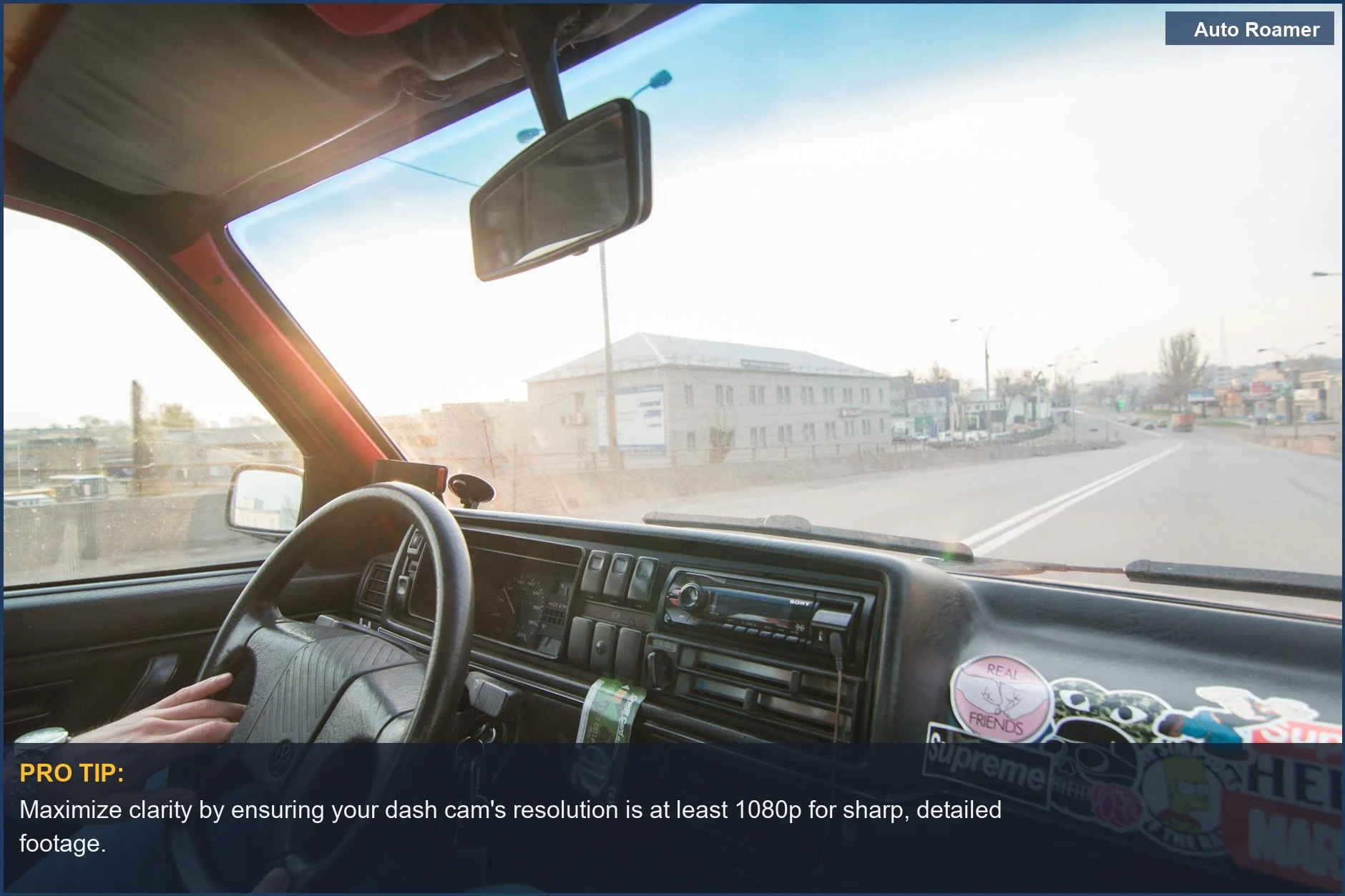
Why This Matters for Your Setup
So, why does all this matter when you're actually setting up your dash cam? It boils down to actually getting usable footage when you need it. My first dash cam was a $50 paperweight because it couldn't capture anything useful. Excellent video quality isn't just a buzzword; it means clear license plates and faces. If your camera can't do that, it's a wasted expense.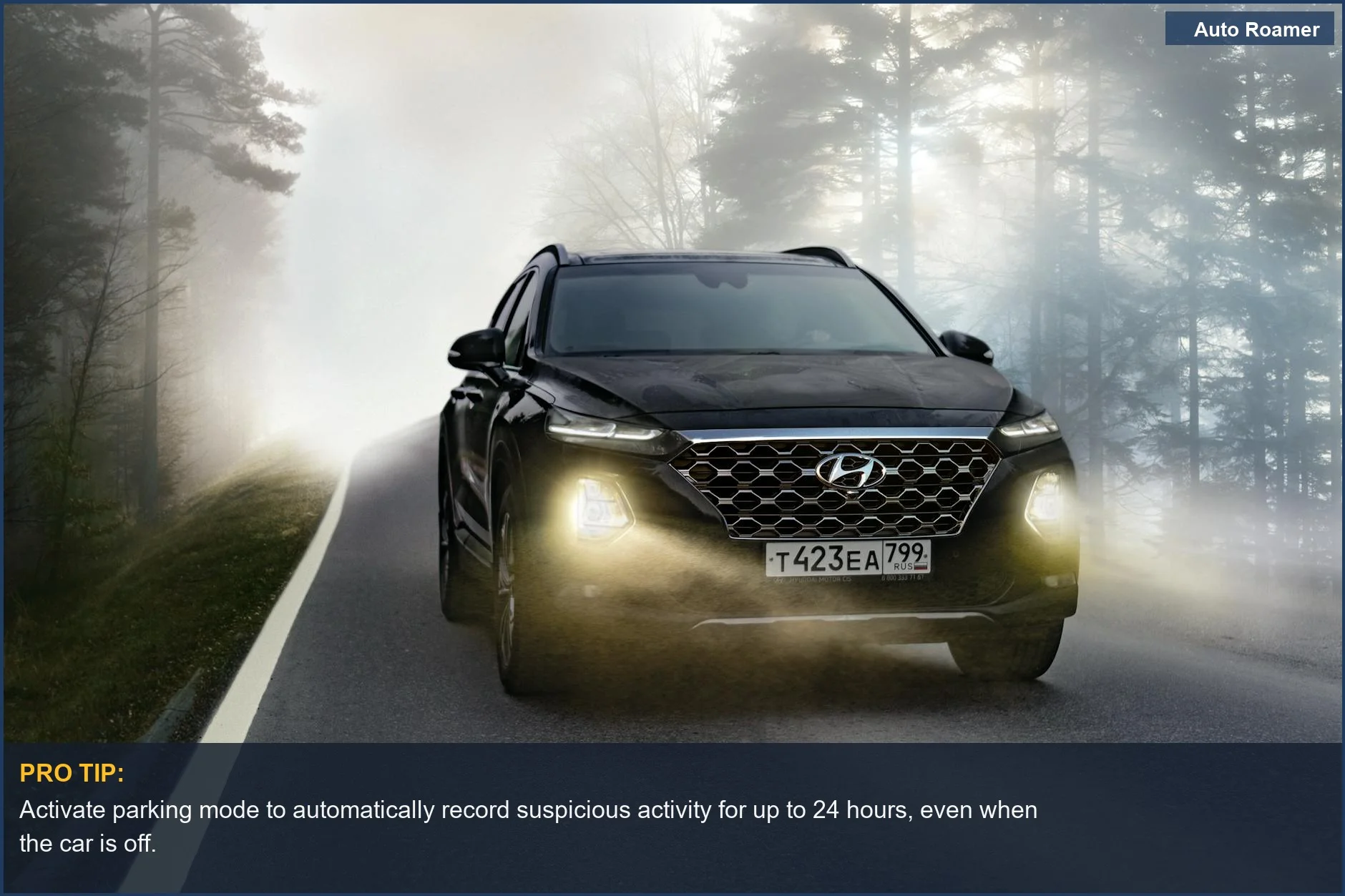
Making the Right Choice
Choosing a dash cam isn't about picking the one with the most blinking lights. It's about understanding what features actually provide reliable evidence when you need it most. My first dash cam, a $40 impulse buy, was a complete bust. The ideal configuration depends on your priorities, but clarity and reliability should always be at the top.
Frequently Asked Questions
If I get a fancy dash cam with 4K resolution, does that mean I'm going to need to buy a new, super-expensive memory card right away, or can I get by with something cheaper?
My car has a bunch of weird fuses in the fuse box. Do I really need a special fuse tap tool to install a hardwire kit, or can I just shove a wire in there like I did with my old stereo?
What if I set up my parking mode, and then a week later I check the footage and it's all corrupted or just a black screen? What's the next step?
If I hardwire my dash cam and it's always drawing a little bit of power, could that permanently drain my car battery over time, leaving me stranded?
I heard that leaving your dash cam plugged in all the time will 'fry' your car's electrical system. Is that true?
🏅 Looking for Gear Recommendations?
Check out our tested gear guides for products that work with this setup:
Sources
- I have a Viofo A329 dash cam. What are the recommended settings ...
- Why does everyone swear by the viofo when features don't stack up?
- Best Settings for VIOFO A229 Series Dash Cam - BlackboxMyCar
- Viofo Dashcam Setup Guide: Features & Settings Explained
- Why Choose VIOFO
- Best Dashcams of 2025: Viofo A329S & A329T - YouTube
- Viofo A329S Dash Cam - Everything You NEED to Know! - YouTube
- What's your favorite Viofo feature? - Facebook