
The Short Version
The dealer wanted $250 for a new side mirror on my '08 Civic after a parking lot ding. Turns out, the guy who hit it drove off, but a dash cam would've caught his license plate, saving me the deductible and the afternoon I spent at the body shop. These things aren't just for viral crash compilations anymore; they're digital alibis when you need one.
I've seen enough bent sheet metal and insurance claims to know a piece of evidence is worth its weight in gold.Car and Driver explains how crucial they are for accident evidence.
Parking mode is where the real value kicks in. Your car sits for 95% of its life, baking in the sun or freezing in the lot. That's 95% of the time it's vulnerable to some yahoo backing into it or a punk trying to jimmy the door. A dash cam with parking mode is a silent witness, always recording. It's about mitigating risk, not just recording the aftermath.
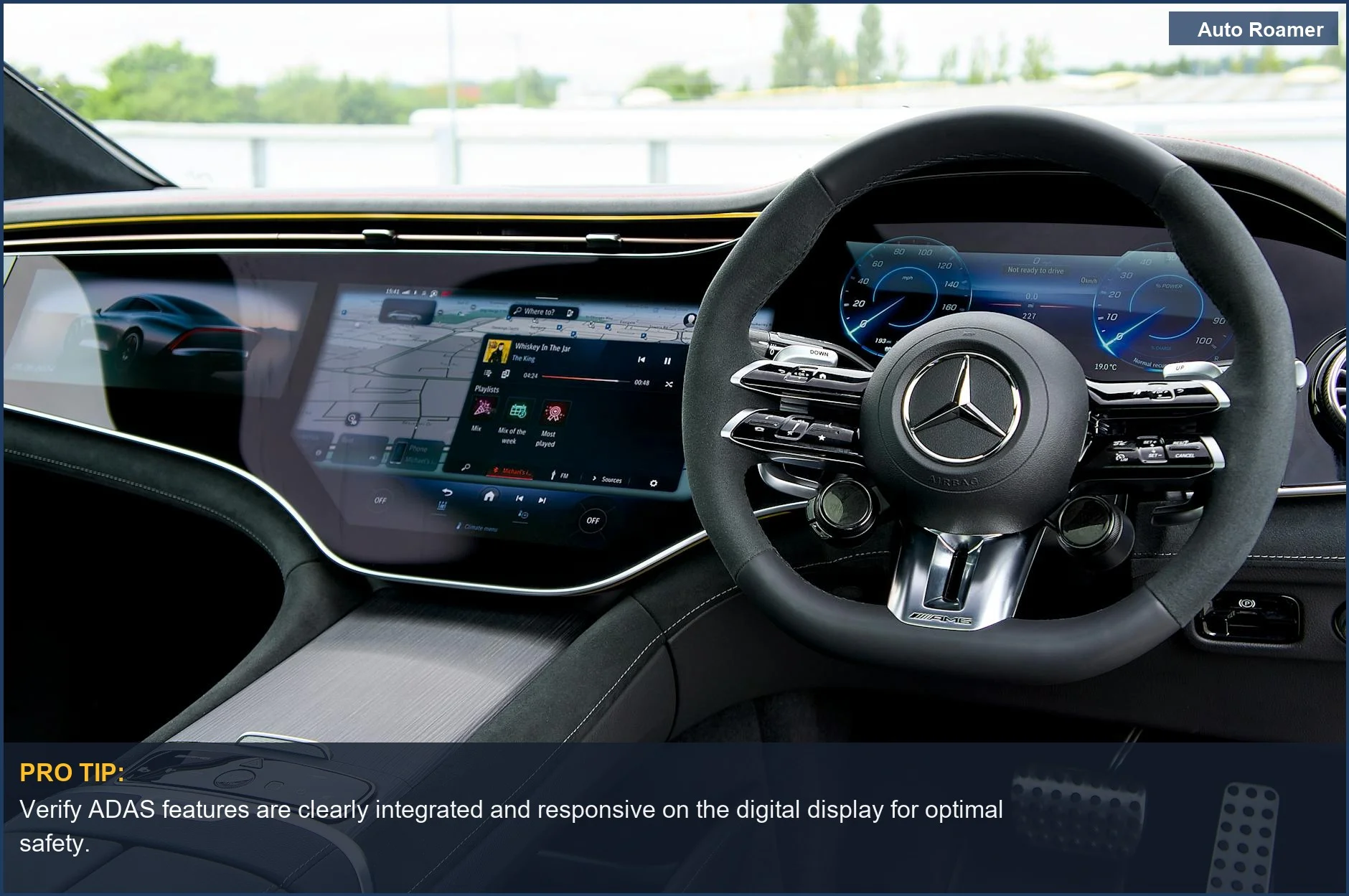
ADAS features, or Advanced Driver-Assistance Systems, are basically extra eyeballs. Lane departure warnings, forward collision alerts - these are algorithms crunching camera data to give you a heads-up before you become a statistic. They're not foolproof, but a 100-millisecond warning can prevent a 100-foot skid. PCMag details some impressive ADAS capabilities.
I've seen too many arguments over who was at fault turn into a he-said, she-said mess because there was no impartial witness. A dash cam provides that objective truth. It's a small investment to protect a much larger one. Think of it as cheap insurance against bad drivers and even sketchier stories.
Key Features to Consider
Getting Down to Brass Tacks: What Matters
When you're sifting through these things, ignore the marketing fluff. Focus on the hard numbers and the actual mechanical operation. Here's what actually makes a difference.
| Feature | Why It Matters (Physics/Engineering) | What to Look For |
|---|---|---|
| Resolution | Higher pixel density means more data points per unit area. This directly impacts your ability to resolve fine details like license plate numbers or facial features. Lower resolution means pixelation, which is data loss. | 4K (3840x2160) minimum for front, 1080p for rear. Don't fall for interpolated 4K; check the sensor spec. Wirecutter emphasizes crisp, high-res footage. |
| Parking Mode | Utilizes low-power sensors (G-sensor for impact detection, motion detection for pixel changes) to trigger recording. This minimizes parasitic draw on the 12V system during vehicle dormancy, preventing battery drain from thermal cycling. | Buffered parking mode (records pre-event), low-power modes (time-lapse), and adjustable sensitivity. Hardwiring kit with voltage cutoff is non-negotiable. This Medium article highlights the importance of smart parking features. |
| Capacitor vs. Battery | Capacitors store energy electrostatically, tolerating extreme thermal cycling (-4F to 158F) with minimal degradation. Lithium-ion batteries degrade rapidly under thermal stress, leading to electrolyte breakdown and reduced charge cycles. | Always choose a supercapacitor. Batteries swell, leak, and fail in hot cars. It's a mechanical stress point waiting to happen. |
| Lens Aperture | Expressed as f-number (e.g., f/1.8). A lower f-number means a larger physical aperture, allowing more photons to reach the sensor. This directly correlates to low-light performance and image noise reduction. | f/1.8 or lower. Critical for legible night footage. A cheap lens with a small aperture will give you grainy garbage after dark. |
| ADAS Features | These are algorithms processing video input, identifying patterns, and issuing alerts. Lane Departure Warning (LDW) uses optical flow analysis to detect lane line crossings. Forward Collision Warning (FCW) calculates closing speed to objects. | Look for accurate calibration and minimal false positives. These are secondary features; prioritize core recording quality first. |
| Mounting System | Adhesive mounts (3M VHB) offer superior shear strength and vibration dampening compared to suction cups, which lose adhesion due to thermal expansion/contraction and UV degradation. | 3M VHB tape. Suction cups are for temporary use. They'll drop your camera at 120 degrees F and leave you with a dangling wire. |
Our Top Picks
The Hardware I'd Actually Trust
Forget the marketing brochures. These are the units that actually deliver on their promises, based on real-world testing and a low failure-rate. I've seen these survive some serious thermal cycling. BlackVue DR970X-2CH Plus (~$500)Specs: Front 4K UHD, Rear 1080p, Sony STARVIS 2, Cloud connectivity, Buffered Parking Mode.
Pros: Top-tier video quality, robust cloud features for remote monitoring, built-in voltage monitoring for battery protection. Ibrahim calls this hands-down the best with parking mode.
Cons: Pricey, cloud features require a subscription and consistent cellular data. Viofo A229 Pro (~$300)
Specs: Front 4K, Rear 2.7K, Sony STARVIS 2 sensors, GPS, 24-hour parking monitoring, supercapacitor.
Pros: Excellent video clarity day and night, heat-friendly supercapacitor for longevity, multiple channel options. Wirecutter's top pick for its crisp video.
Cons: App interface can be a bit clunky, not as feature-rich as BlackVue's cloud options. Thinkware U3000 Pro (~$450)
Specs: Front 4K UHD, Rear 2K QHD, Radar parking mode, Built-in GPS, ADAS features.
Pros: Radar parking mode significantly extends surveillance time while minimizing battery drain, good night vision. VortexRadar recommends this for advanced parking mode.
Cons: High price point, radar can be sensitive to false triggers in heavy traffic areas. Vantrue E1 Pro (~$150)
Specs: Single-channel 4K, Sony STARVIS 2 IMX678 sensor, 5GHz Wi-Fi, optional LTE.
Pros: Best value for a single-channel 4K with STARVIS 2, compact form factor, strong night performance. Julian23 notes its excellent footage and clear license plate capture.
Cons: No rear camera option, limited ADAS features. 70Mai A810 (~$170)
Specs: Front 4K, Sony STARVIS 2 IMX678, HDR support, ADAS, built-in GPS.
Pros: Solid all-rounder for the price, decent night vision, user-friendly app. Car and Driver calls it utilitarian and effective.
Cons: Parking mode is basic compared to premium options, not as robust in extreme thermal conditions.
Budget vs Premium Options
Penny Pinching vs. Dropping the Hammer
Look, I get it. Money talks. But sometimes, spending an extra $100 up front saves you $500 down the line in failed components or missed evidence. This isn't just about features, it's about the quality of the silicon and the thermal management.This YouTube guide helps choose the right dash cam.
| Category | Budget Options (< $150) | Premium Options (>$300) |
|---|---|---|
| Video Quality | Often 1080p, sometimes interpolated 4K. Lower-grade sensors with less dynamic range. Expect washed-out images in direct sun, grainy at night. | True 4K with Sony STARVIS 2 sensors. Superior light gathering, wider dynamic range, clearer license plate capture at 20+ feet. |
| Thermal Durability | Prone to using internal lithium-ion batteries that swell or fail above 140 degrees F. Plastic housings can warp, leading to lens misalignment. | Almost exclusively supercapacitors, tolerating -4F to 158F. Robust ABS or polycarbonate housings designed for thermal expansion and contraction. |
| Parking Mode | Basic G-sensor detection only. Short recording buffers, higher parasitic draw, often requires constant power that drains your car battery in 2-3 days. | Buffered parking mode (records 5-10 seconds pre-event), radar detection, voltage cutoff protection. Can monitor for weeks without killing your car's 12V. Reddit users praise Thinkware U3000's radar mode. |
| Connectivity | Often 2.4GHz Wi-Fi, slow file transfers. Limited or no cloud integration. SD card removal is your primary data transfer method. | 5GHz Wi-Fi for faster downloads, robust cloud platforms with remote viewing, GPS logging for speed and location data. |
| Mounting | Suction cups with poor long-term adhesion. Vibration can introduce image blur and cause mechanical fatigue. | 3M VHB adhesive mounts provide superior bond strength and dampening against road vibrations. Lower chance of detachment during thermal cycling. |
My advice? If you're serious about protection, don't cheap out. The failure mode on a budget dash cam is usually at the worst possible moment. A $70 unit that fails during a hit-and-run is $70 wasted, plus your deductible. Brilliant.
Setup and Installation Tips
Hardwiring It In: No Cheating Allowed
Just plugging it into the cigarette lighter is for tourists. If you want parking mode worth a damn, you're hardwiring this. That means a clean, fused connection to your vehicle's electrical system. Don't be a hero; use the right tools. Redtiger offers tips for choosing a camera that fits your driving style.
- Locate Your Fuse Box. This is usually under the dash or in the engine bay. Consult your vehicle's service manual for the exact location and a fuse diagram. You need constant 12V (always hot) and switched 12V (ACC - hot when ignition is on).
- Identify Fuse Taps. You'll need an "add-a-circuit" or "fuse tap" kit. Match the fuse type (mini, ATO, micro2) to your car. These allow you to tap into an existing circuit without cutting wires, maintaining circuit integrity.
- Test for Power. Use a multimeter to confirm which fuses are constant 12V and which are switched 12V. Probe the exposed test points on the fuses. Constant power should show 12V with the ignition off; switched power should show 0V then 12V with ignition on. Don't guess. TechRadar covers easy setup for dash cams.
- Connect the Hardwire Kit. Your dash cam's hardwire kit will have a constant 12V wire, a switched 12V wire, and a ground wire. Connect the constant to an always-hot fuse via a tap, and the switched to an ACC fuse via another tap. Ground the ground wire to a bare metal bolt on the chassis - ensure good electrical conductivity.
- Route the Cables. Tuck the cables neatly along the headliner, down the A-pillar, and under the dash. Use trim removal tools to avoid damaging plastic clips. Avoid running cables near airbags or high-current wires that can induce electromagnetic interference.
- Mount the Camera. Clean the windshield thoroughly. Apply the 3M VHB adhesive mount firmly. Ensure the camera's field of view is clear and not obstructed by wipers or tint. This is a one-shot deal for good adhesion. No second chances for a proper bond.
Care and Maintenance Tips
Keeping It From Eating Itself: Care and Feeding
These things aren't set-it-and-forget-it. Neglect it, and you'll end up with corrupted files or a dead camera. Proper maintenance is about preventing thermal and mechanical stress failures. It's not rocket science, but it takes 10 minutes every month. VortexRadar has more tips for dashcam care.
- Format the SD Card Monthly. Continuous write cycles degrade NAND flash memory. Formatting refreshes the file system and redistributes wear leveling across the card. This prevents sector corruption and ensures reliable recording. Don't just delete files; format the whole damn thing.
- Check Cable Connections. Road vibrations and thermal cycling can loosen connections over time. Check the power cable at the camera and the hardwire kit connection points for any play. A loose connection means intermittent power, which means corrupted files.
- Clean the Lens. Dust, grime, and oily films degrade image quality by scattering light, reducing contrast, and introducing glare. Use a microfiber cloth and a gentle lens cleaner. Don't use window cleaner; it leaves streaks.
- Monitor Parking Mode Settings. If your car battery keeps dying, your voltage cutoff might be set too low, or the motion sensitivity is too high. Adjust the threshold to prevent excessive parasitic draw. A 12.0V cutoff is a good starting point for lead-acid batteries.
- Inspect the Mount. The 3M VHB adhesive can degrade under extreme UV exposure over years. Check for any signs of lifting or reduced adhesion. If it's failing, clean the surface and re-mount with fresh VHB tape. A falling camera is a distraction, and a broken one is useless.
Final Recommendations
The Bottom Line: Get One, Wire It Right
Look, I've seen enough bent metal and insurance claim forms to know that a dash cam isn't a luxury; it's a necessity. The cost of a good unit, say $300, is a fraction of your deductible or the headache of proving your innocence after some idiot T-bones you. It's about data, and data doesn't lie. This YouTube guide looks at entry-level front-only dash cams.
- Prioritize Supercapacitors: Avoid lithium-ion batteries. They're a thermal failure waiting to happen in a hot car. That means reduced lifespan and potential fire risk.
- Hardwire for Parking Mode: A properly installed hardwire kit with voltage cutoff protects your car's battery and ensures 24/7 surveillance. No sketchy cigarette lighter plugs for long-term use.
- Go 4K Front, 1080p Rear: Resolution matters for license plate capture. Don't skimp here.
A blurry plate is useless in court.
- Check Sensor Specs: Look for Sony STARVIS 2. It's the gold standard for low-light performance, which means legible footage at night.
- Regular Maintenance: Format the SD card monthly. Clean the lens. Check connections. This isn't a magic box; it needs attention to function reliably.
Don't let some clown on the road ruin your day with no recourse. Invest in a dash cam, install it correctly, and let the physics of optics and data storage protect your ride.