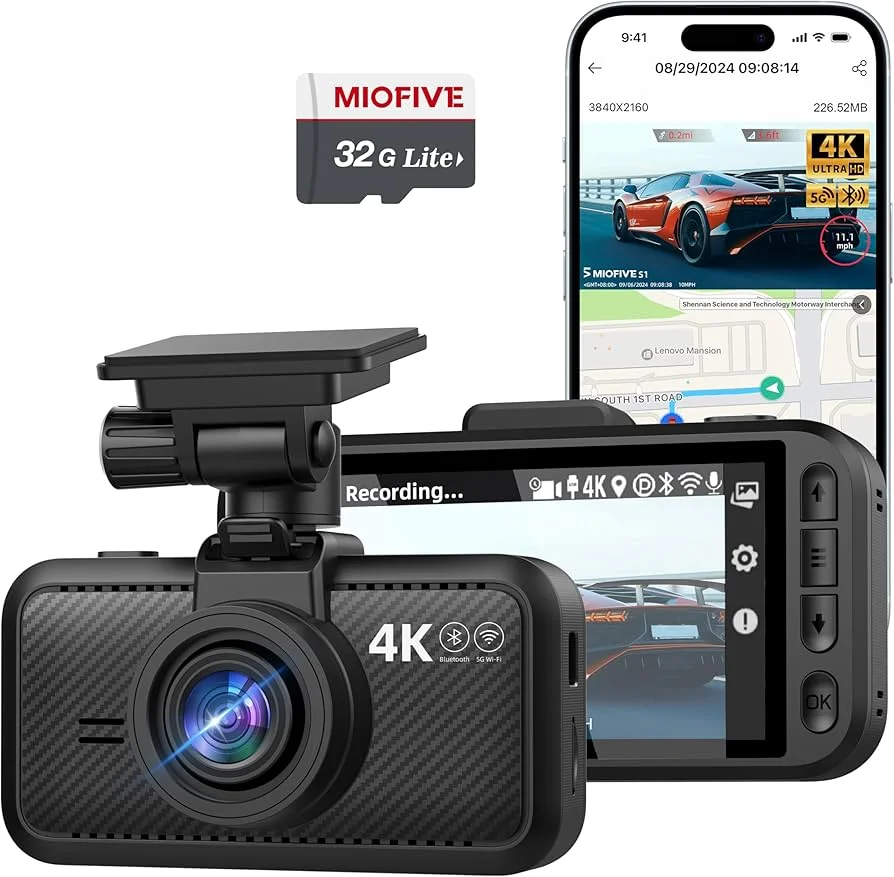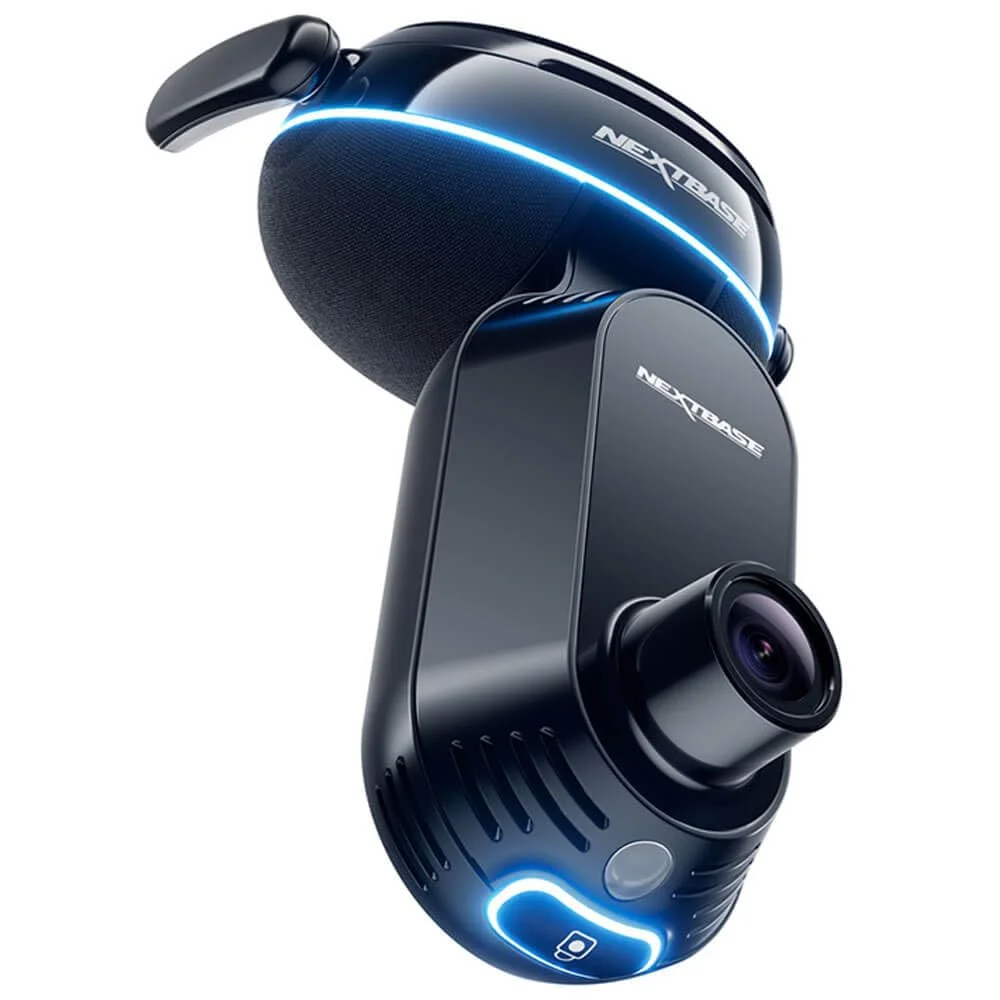
First, the Basics
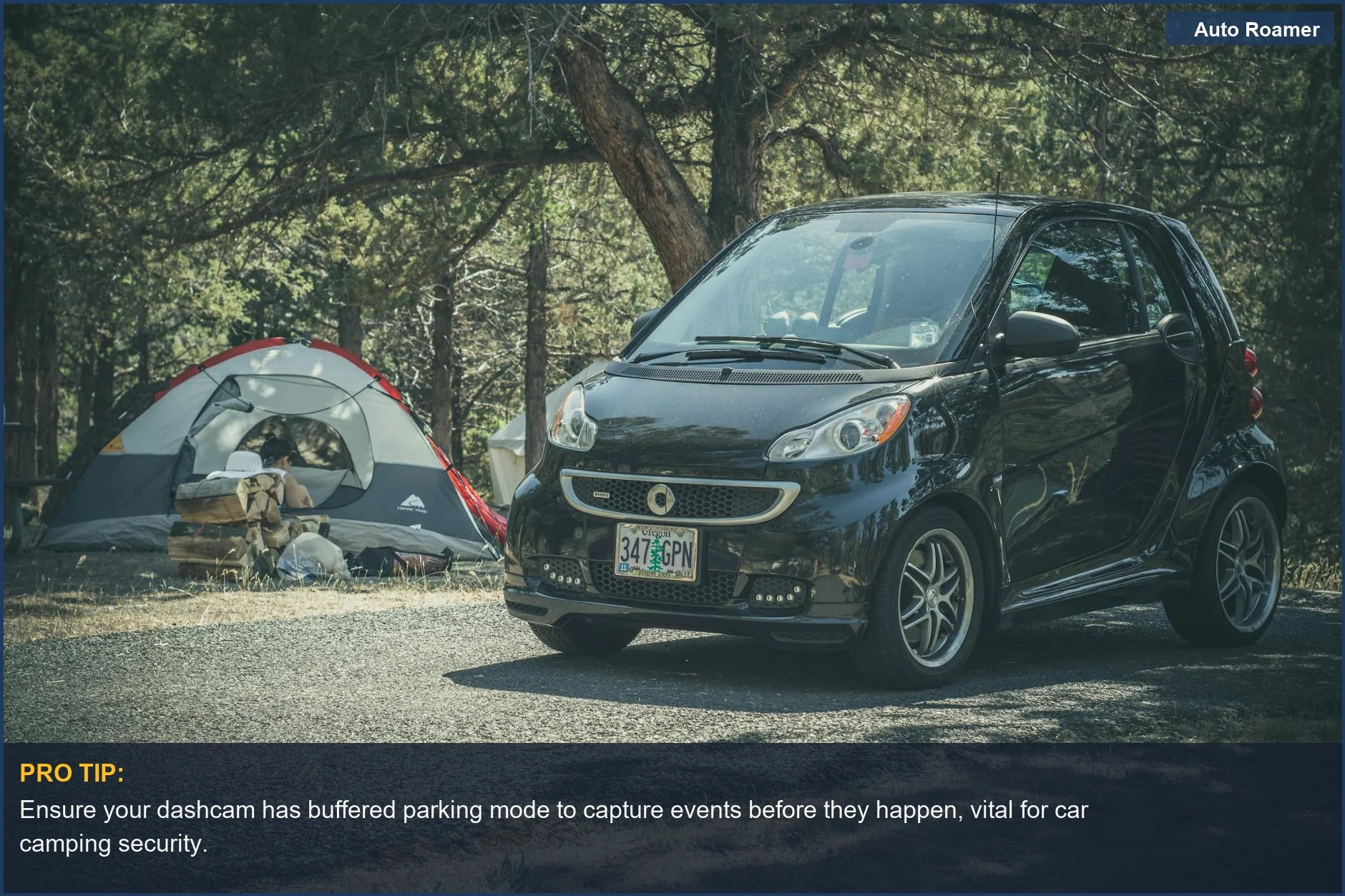
I've seen too many smashed taillights and keyed paint jobs at campsites to trust dumb luck. A dashcam with proper parking mode is not a luxury; it's cheap insurance against the uninsured bozo who backs into your fender at 2 AM. The Vortex Radar review points out exactly what I've been saying: it's a silent witness.
Your average dashcam just records when the ignition is on. That's fine for highway shenanigans. But when you're parked up, engine off, drawing 0 amps from the alternator, that's when the real fun starts.
Parking mode means the camera is still watching, even when you're asleep in the tent or hiking a trail. It's about protecting your investment, not just documenting your drive.
I wired a cheap unit into my old Tacoma once. It pulled 180mA continuous. Dead battery in three days, every time. Learned that lesson the hard way, stranded in a state park with no cell service. The Dashcam Reviews site highlights this exact power drain issue.
This isn't about capturing scenic sunsets. This is about proving some idiot dinged your door with their cooler, or that the bear actually did rip through your garbage, not a rogue squirrel.
It's about having irrefutable video evidence when the campground host or insurance adjuster gives you the side-eye. The physics of a G-sensor reacting to an impact is pretty straightforward, but getting that data recorded is the trick.
Without a solid parking mode, your camera is just a paperweight when the mechanical stress of an impact happens. Don't cheap out on the critical features.
Key Features to Consider
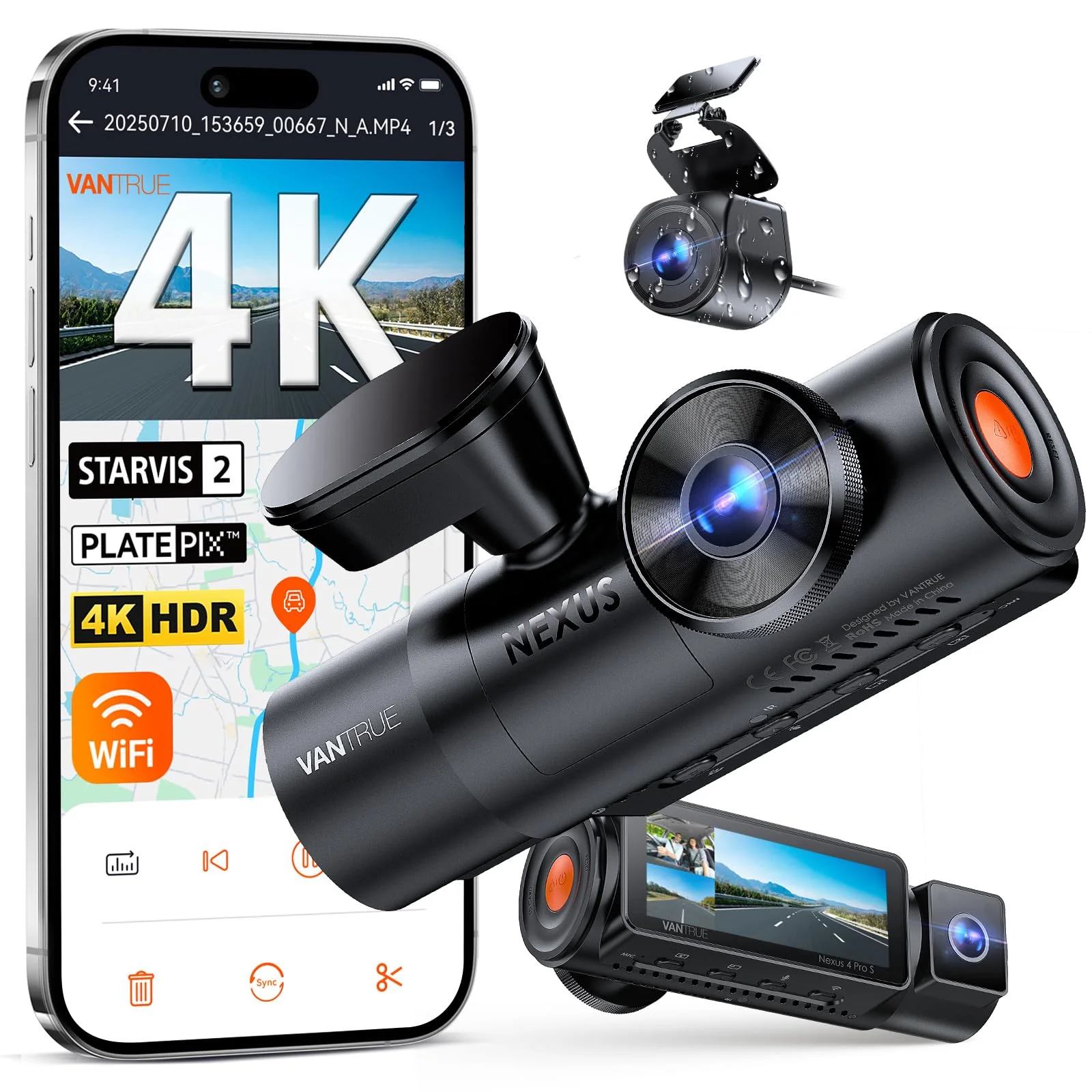
When I'm spec'ing out a dashcam for car camping, I'm looking at raw data and failure modes, not marketing fluff. Here's what actually matters:
| Feature | Why It Matters (Dirtbag Engineer's View) |
|---|---|
| Buffered Parking Mode | Most dashcams wake up *after* impact. Buffered mode records 5-10 seconds *before* the event using a small internal buffer, so you see the approach, not just the bang. This is critical for identifying the culprit. If it's just motion detection, you're missing the crucial lead-up, as the Dashcam Talk forum confirms. |
| Low Bitrate/Time-Lapse | Continuous recording at 4K chews through SD card space and battery life. Low bitrate or time-lapse mode compresses footage, recording 1 frame per second. This extends recording time from hours to days, minimizing parasitic draw on your 12V system. The YouTube video on low power parking modes stresses this. |
| Battery Protection Module | Hardwiring directly to your car battery without one is just asking for a dead cell. These modules monitor voltage and cut power to the dashcam if it drops below, say, 12.0V, preventing deep discharge. Don't trust your car's body control module for this; it's not designed for continuous draw. |
| Supercapacitor vs. Battery | Capacitors handle extreme thermal cycling better. A lithium-ion battery in a dashcam cooked to 160 degrees F in a hot car will swell and fail. Capacitors are for long-term reliability in harsh environments. The Wirecutter review praises supercapacitors for heat tolerance. |
| G-Sensor Sensitivity | This accelerometer detects mechanical stress events. Too sensitive, and every gust of wind triggers a recording. Too low, and a light bump goes unnoticed. You need fine-tune control to avoid filling your SD card with useless files. |
| Radar Detection | High-end units use radar to detect approaching motion *before* it becomes an impact, triggering full-resolution recording. This is superior to basic motion detection, which often misses the initial approach. The Dashcam Store highlights radar mode for extended recording times. |
Ignoring these specs is how you end up with a useless brick when you actually need evidence.
Our Top Picks
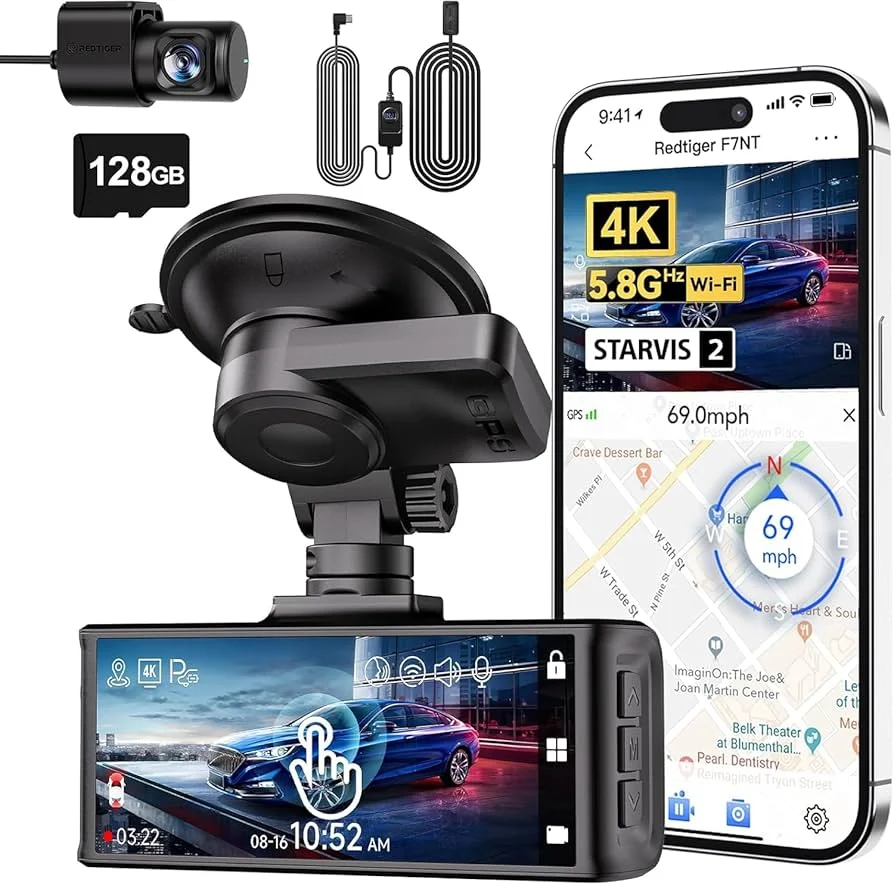
Thinkware U3000 Pro (Front + Rear Radar)
- Pricing: $499.99 for the 1-channel, more for dual-channel. Not cheap, but neither is a body shop bill.
- Parking Mode: This is the gold standard. Built-in radar sensors detect approaching objects, triggering recording *before* impact. This is a game-changer for catching license plates. The Vortex Radar review calls it the best for advanced parking detection.
- Power Management: Excellent low-power consumption, especially with its radar mode. Can run for up to 40 days with an external battery pack. This minimizes parasitic draw on your primary battery.
- Thermal Stability: Uses a supercapacitor, so it won't swell and die in a heatwave like battery-based units.
BlackVue DR750X (or DR970X-2CH Plus)
- Pricing: DR750X around $300-400, DR970X-2CH Plus up to $500+.
- Parking Mode: Reliable buffered recording. It consistently captures events, and the Reddit consensus praises its consistent footage.
- Cloud Connectivity: If you're car camping, sometimes you want to check in on your rig remotely. BlackVue's cloud service is decent for this, assuming you have a hotspot.
- Durability: These units are generally well-built and handle thermal cycling without too much drama.
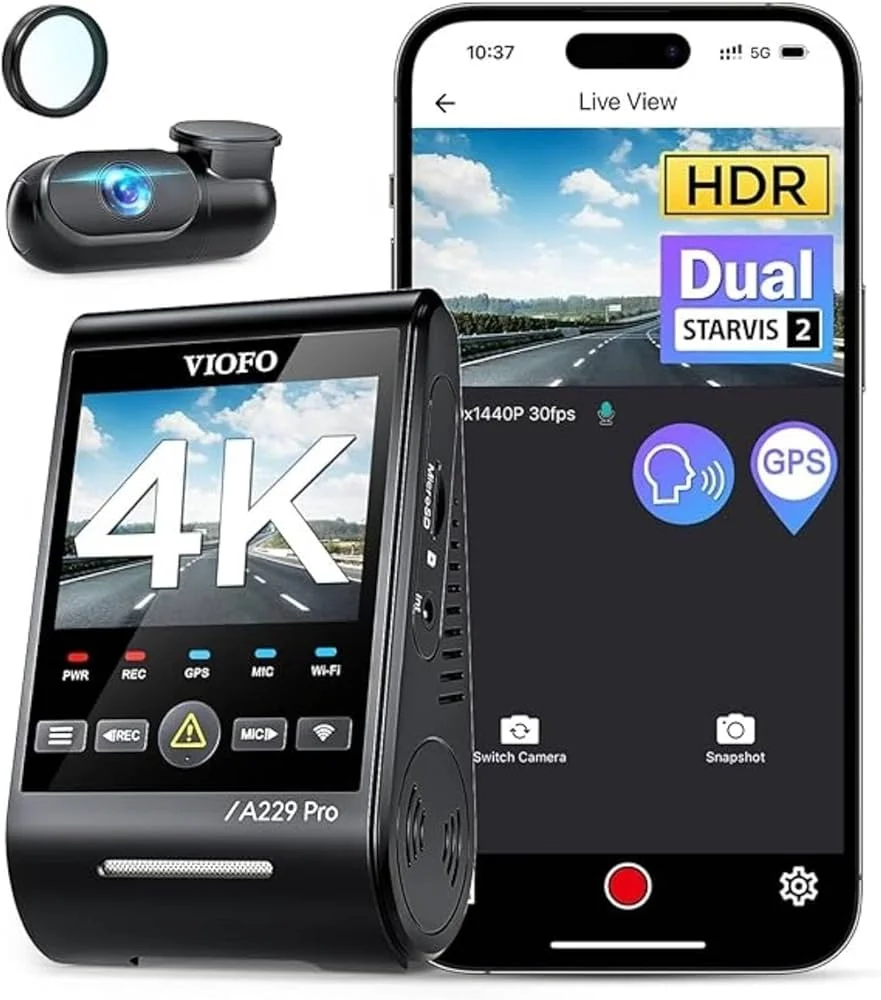
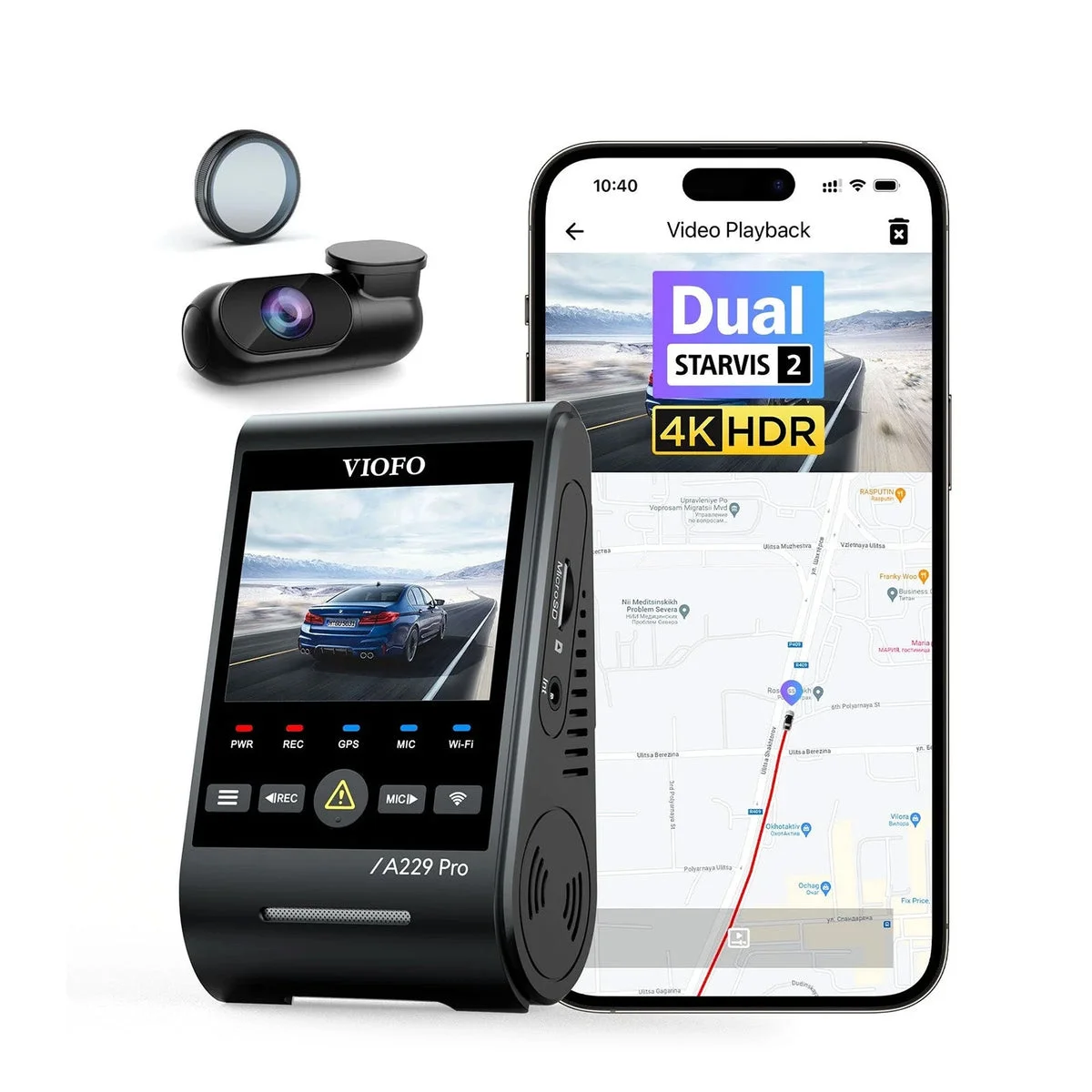
- Pricing: A229 Pro around $250-350, A129 Plus around $180-250. Good value.
- Parking Mode: Offers buffered parking mode and a low-bitrate option. The Dashcam Talk forum specifically recommends Viofo's low bitrate parking mode for guaranteed event capture.
- Supercapacitor: Yes, another thermally stable option. Essential for direct sun exposure.
- Video Quality: The Wirecutter review highlights the A229 Pro's crisp 4K video, even at night. This matters when trying to read a blurry license plate.
Budget vs Premium Options
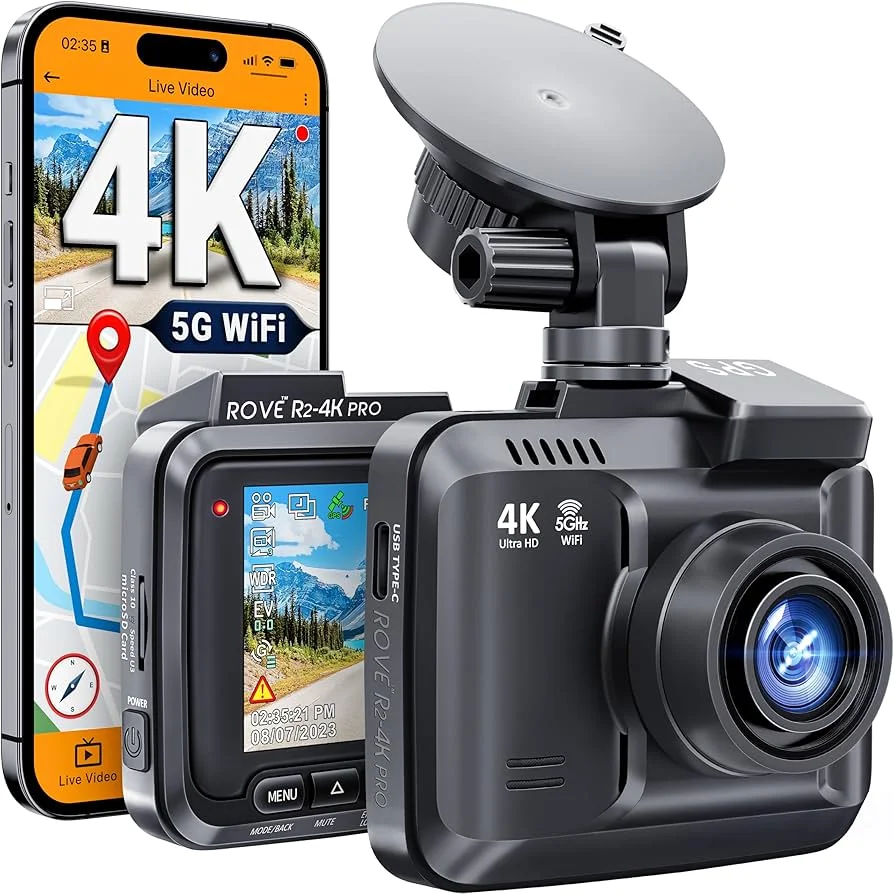
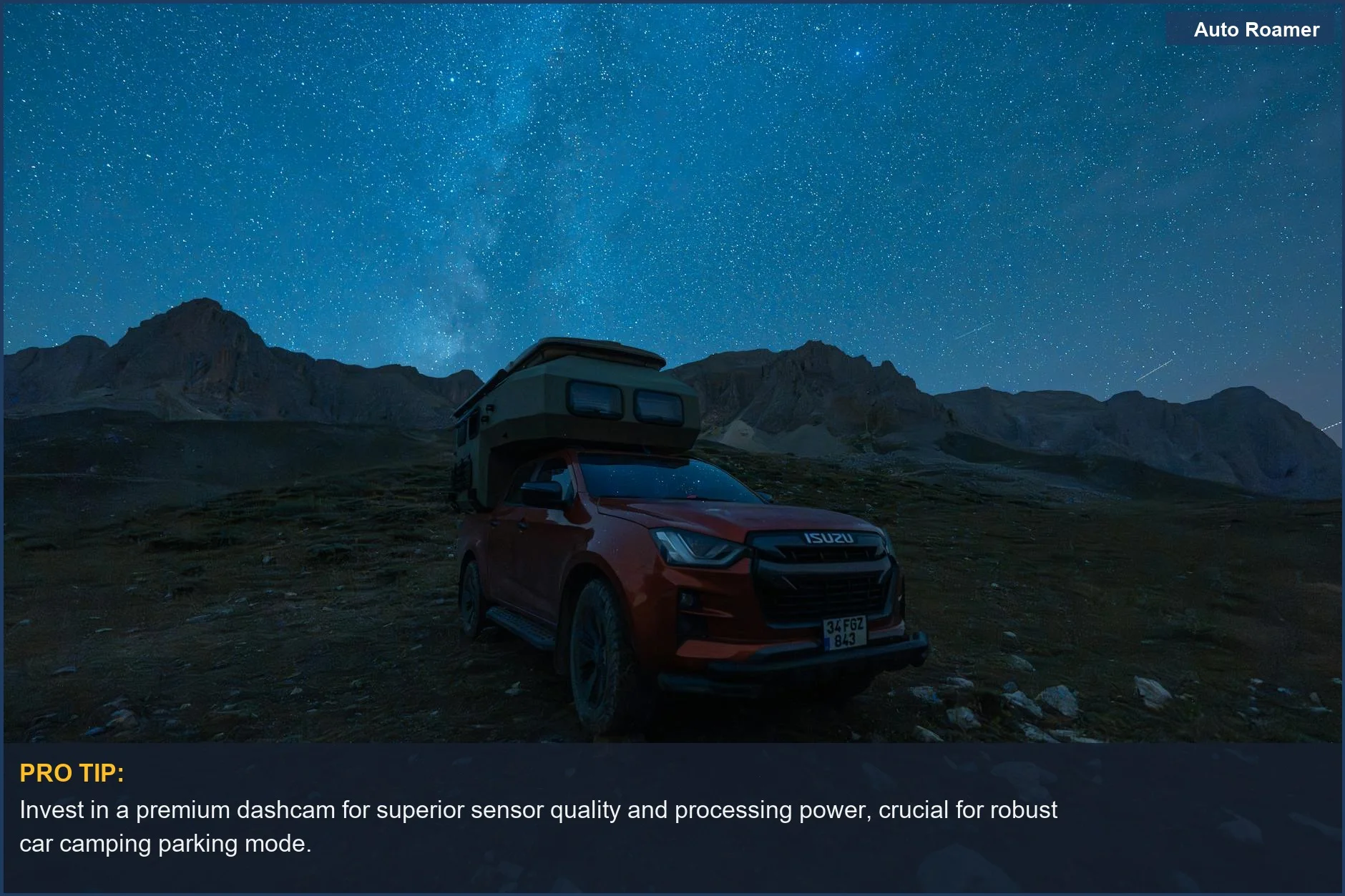
You get what you pay for. With dashcams, this translates directly to sensor quality, processing power, and the robustness of the parking mode algorithms. Don't expect premium features from a $50 unit.
| Feature | Budget Option (~$50-$150) | Premium Option (~$250-$500+) |
|---|---|---|
| Video Resolution | Often 1080p, sometimes upscaled 4K. Fine for general driving, but license plate legibility at night or from a distance suffers from low pixel density. | True 4K front, 1080p-2K rear. High resolution is critical for discerning small details under varied lighting conditions. The Wirecutter praises 4K clarity. |
| Parking Mode | Basic G-sensor or simple motion detection. Often lacks buffered recording, meaning it starts recording *after* impact or motion is detected. High false positive rate. | Buffered recording, radar detection, time-lapse, low-bitrate. More sophisticated algorithms reduce false positives and capture critical pre-event footage. BlackboxMyCar discusses these advanced modes. |
| Power Management | Often relies on internal battery or simple hardwire kit. Higher parasitic draw, greater risk of draining your car battery. Batteries will swell in summer heat. | Supercapacitor for thermal stability. Dedicated battery protection modules with adjustable voltage cut-off. Lower, more efficient power consumption. |
| Durability/Lifespan | Cheaper plastics, lower quality internal components. Prone to thermal stress failure, especially in direct sunlight. My experience shows these often fail within a year. | Robust construction, higher temperature tolerance, better component selection. Designed for continuous operation in variable climates. Longer mean time between failures. |
| Connectivity | Limited or no Wi-Fi/Bluetooth. Footage retrieval means pulling the SD card. | Fast Wi-Fi for quick downloads, cloud integration for remote monitoring (requires a hotspot). |
Don't buy a $70 dashcam expecting it to perform like a $400 unit. The mechanical stress and thermal cycling will kill it, and the video quality will be useless when you need it most. It's a false economy.
Setup and Installation Tips
-
Pick Your Power Source:
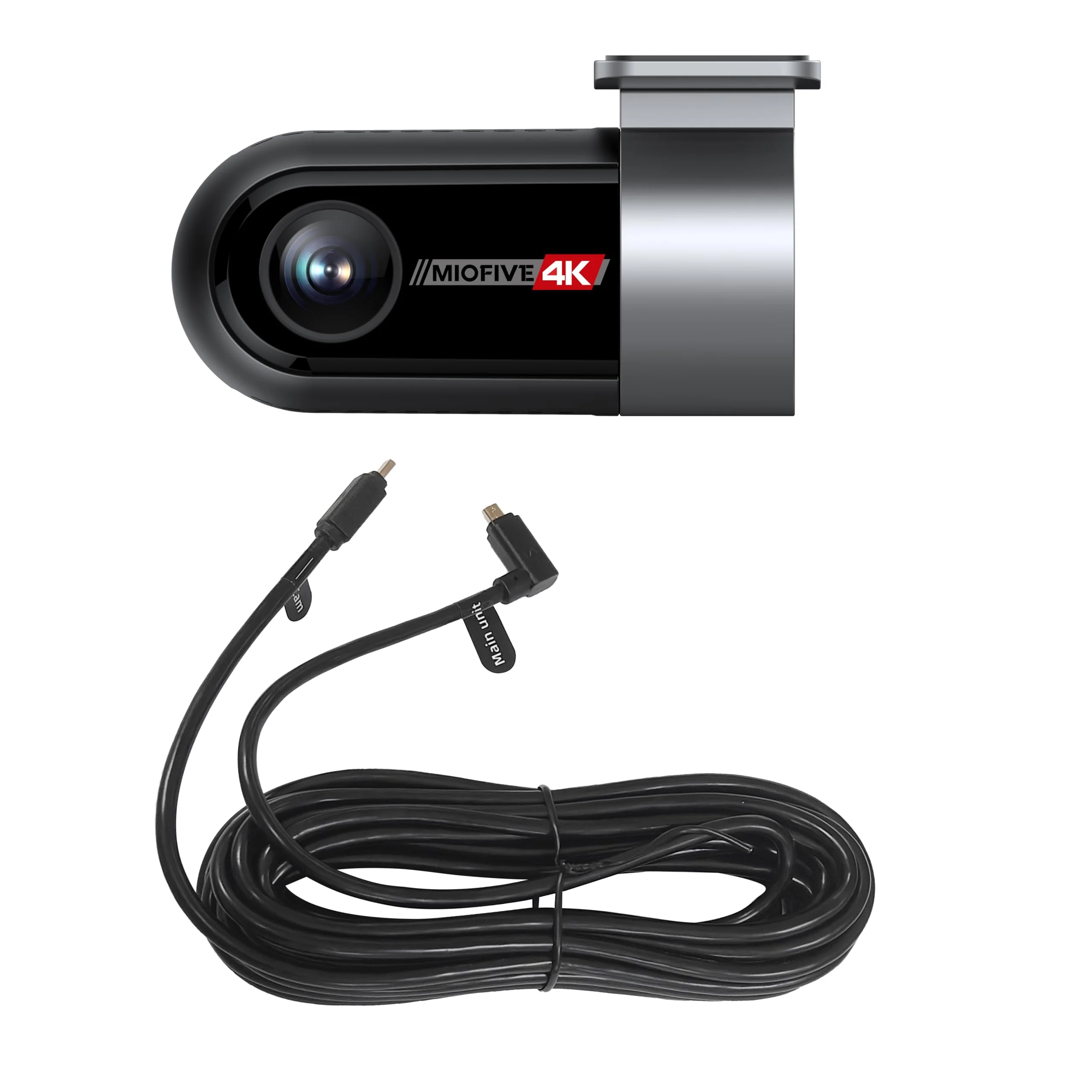
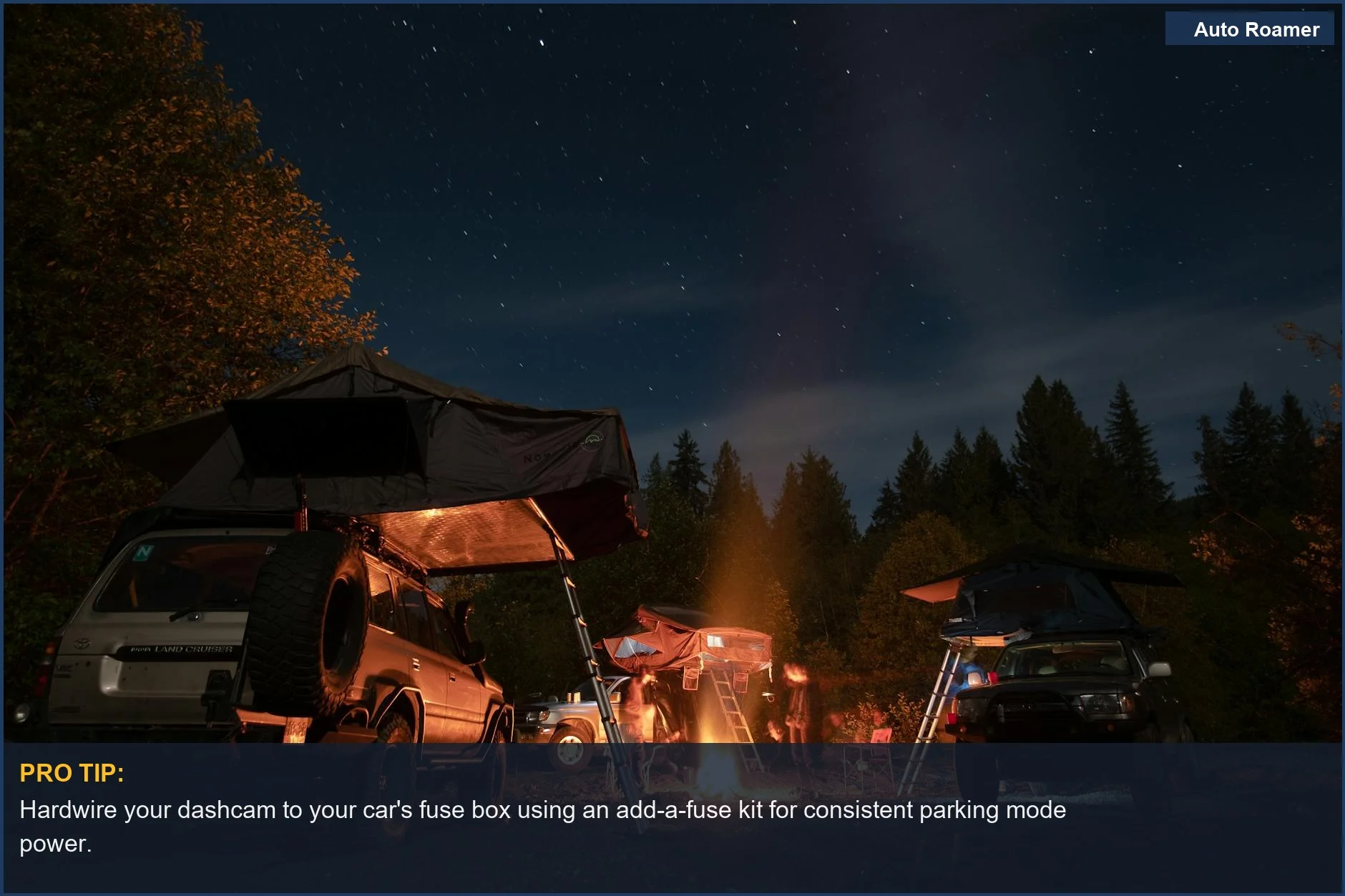
Hardwire directly to the fuse box with an add-a-fuse kit. This provides constant 12V power. Make sure you use a fuse tap on a circuit that's always hot, like your hazard lights or interior dome light, not an ignition-switched one. The Dashcam Store emphasizes the need for constant power.
-
Install a Battery Protection Module:
This is non-negotiable for hardwiring. It monitors your car's battery voltage and cuts power to the dashcam if it drops below a user-defined threshold (e.g., 12.0V). This prevents deep discharge and saves your battery from being permanently damaged. Don't trust your car's stock system to do this for you.
-
Route the Cables Cleanly:
Tuck cables under the headliner, down the A-pillar, and under the dash. Use zip ties or electrical tape to secure them. Loose cables vibrate, abrade, and eventually fail due to mechanical stress. This also prevents interference with airbags, a critical safety system.
-
Mount Securely:
Use the strongest adhesive mount provided. A wobbly camera means blurry, useless footage when you hit a bump. Ensure it's clear of wipers and sun visors. The Dashcam Reviews site shows proper mounting examples.
-
Test Parking Mode Settings:
After installation, park your car, turn it off, and simulate an impact (gently, please). Check the footage. Adjust G-sensor sensitivity. Tweak time-lapse or low-bitrate settings. Don't assume it works; verify the recorded data.
Care and Maintenance Tips
-
Format the SD Card Monthly:
Continuous loop recording wears out SD cards. Data blocks get corrupted, leading to write errors and lost footage. Formatting refreshes the card's file system, improving its longevity and preventing read/write failures. Don't just delete files; perform a full format within the camera's settings.
-
Check Firmware Updates:
Manufacturers often release firmware updates to improve stability, add features, or fix bugs. These can enhance parking mode efficiency or video processing. Treat it like updating your ECU - critical for optimal performance.
-
Inspect Wiring for Abrasion:
Over time, vibrations can cause cables to rub against interior panels, leading to insulation wear. This creates a short circuit risk. Visually inspect visible sections and check for any tactile looseness. A Facebook group discussion mentioned wiring issues.
-
Clean the Lens Regularly:
Dust, grime, and fingerprints degrade video quality. Use a microfiber cloth and lens cleaner. A blurry lens renders your 4K sensor effectively useless for identifying details like license plates. It's basic optics.
-
Monitor Battery Voltage (if applicable):
If you're using a dedicated dashcam battery pack, keep an eye on its charge cycles. For hardwired setups, occasionally check your car's battery voltage with a multimeter to ensure your protection module is functioning correctly and not allowing excessive parasitic draw. A fully charged lead-acid battery should be at 12.6V or higher.
Final Recommendations
Look, car camping isn't just about escaping; it's about being prepared for whatever idiocy the world throws at your rig. A parking mode dashcam isn't a 'nice-to-have' accessory; it's a critical piece of the puzzle for protecting your investment.
Ibrahim's Medium article nails it: the BlackVue DR970X-2CH Plus is a solid choice.
- Prioritize Buffered Recording: This is the absolute minimum for effective parking mode. Without it, you're missing the crucial lead-up to an event.
- Invest in a Supercapacitor: Don't let thermal cycling kill your battery-based unit in a year. It's a known failure mode.
- Hardwire with Protection: A battery protection module is non-negotiable. Don't risk a dead battery in the middle of nowhere for a $30 hardwire kit.
- Consider Radar Detection: If your budget allows, the Thinkware U3000 Pro's radar is a significant upgrade for proactive recording. It's over-engineered in the best possible way.
- Verify Your Install: Don't just wire it and forget it. Test your parking mode settings. Simulate an impact. Make sure the footage is actually there and legible.
Your car is subjected to mechanical stress and thermal cycling every day. Your dashcam needs to be able to withstand that, and record the evidence when things go sideways. Anything less is just a waste of money.