Why parking mode is the feature that earns its keep
A dashcam protects you while you drive, but the damage that is hardest to prove happens while you are parked — the lot ding-and-run, the overnight keying, the break-in attempt. Parking mode is what keeps the camera watching when the car is off, turning a he-said-she-said into clear footage of who did it and when.
But parking mode done wrong is how people wake up to a dead battery or discover the camera recorded the aftermath but not the actual hit. The details that separate a parking mode that works from one that disappoints — buffered recording that catches the seconds before impact, a power source that protects your battery, and heat-tolerant capacitor hardware — are exactly the ones buyers overlook while comparing resolution.
This guide covers what truly matters, then matches it to the picks with honest trade-offs and a head-to-head. It is written for owners who want genuine 24/7 protection — and the confidence that the camera will be recording, and will not flatten the battery, when they need it. Once you understand the parking-mode types, power and hardware, the choice gets simple.
What to look for: the buying criteria
Parking-mode type comes first: buffered recording saves the seconds before an impact, motion/impact detection captures events, and time-lapse records continuously at a low frame rate — the best cameras mix them. Power and battery protection is next — a hardwire kit with an adjustable low-voltage cutoff, or a dedicated battery pack, so parking mode never drains your starting battery.
Capacitor vs battery hardware follows: a capacitor survives a baking windshield far better. Resolution, field of view and storage round it out. We weighted the parking-mode type and battery-safe power most heavily, because those decide whether parking mode catches the incident without leaving you stranded.
- Buffered + motion/impact + time-lapse parking modes
- Battery-safe power (hardwire low-voltage cutoff or battery pack)
- Capacitor hardware for windshield heat tolerance
- High-endurance storage + good resolution and field of view
Our top picks for a parking-mode dashcam
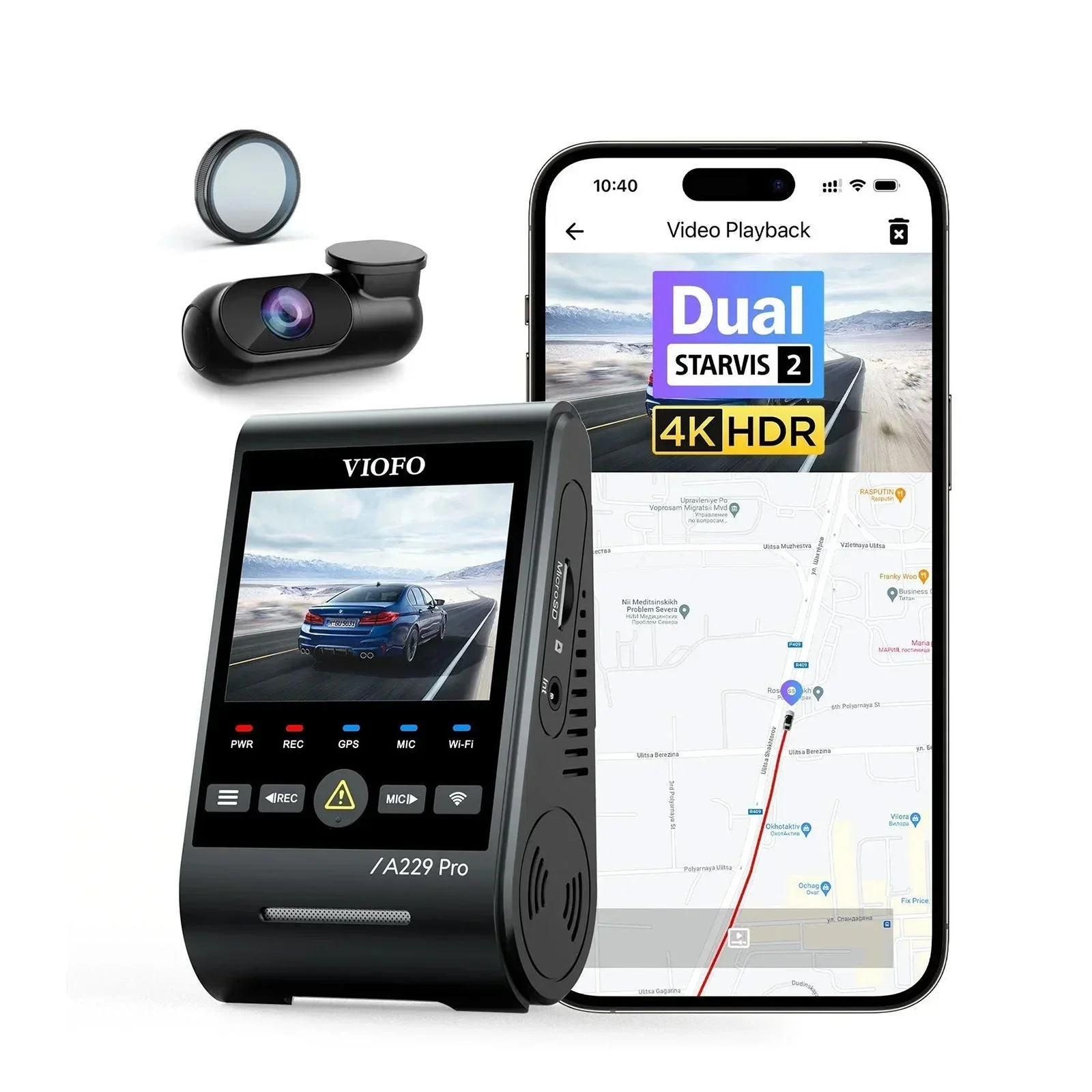
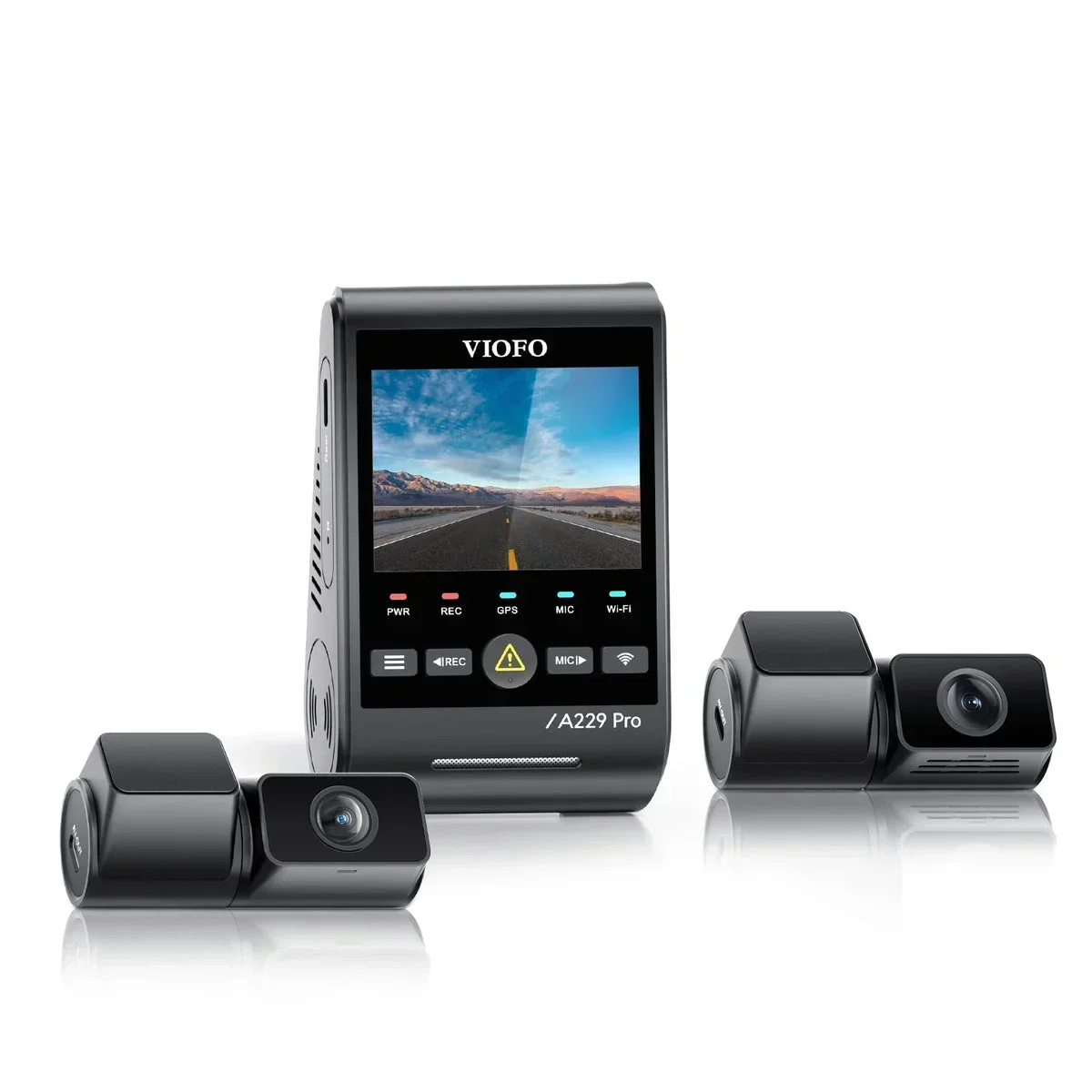
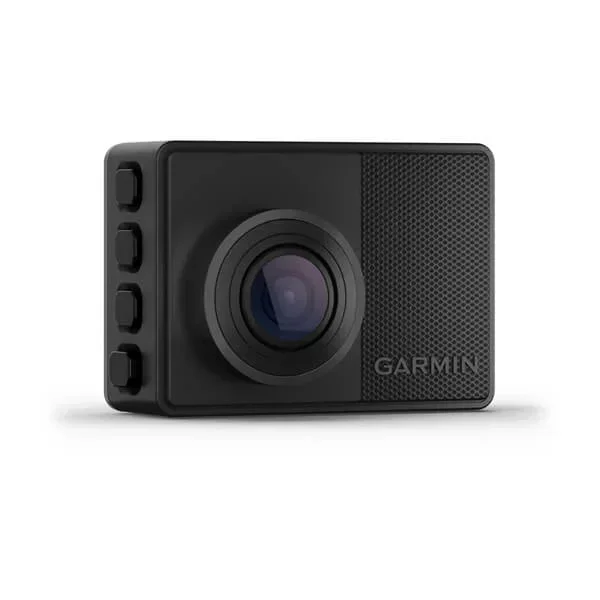
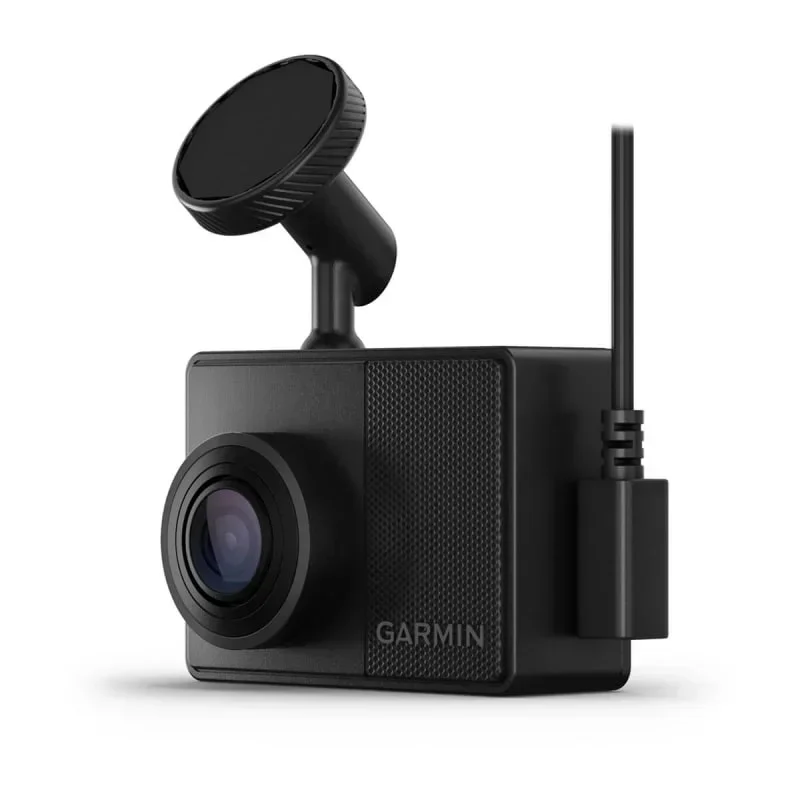
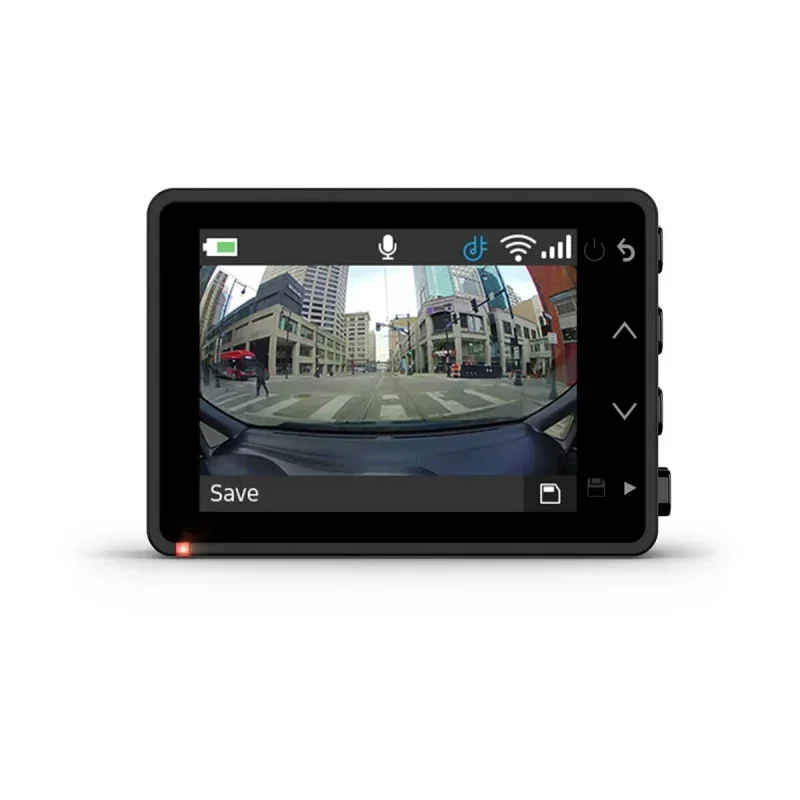
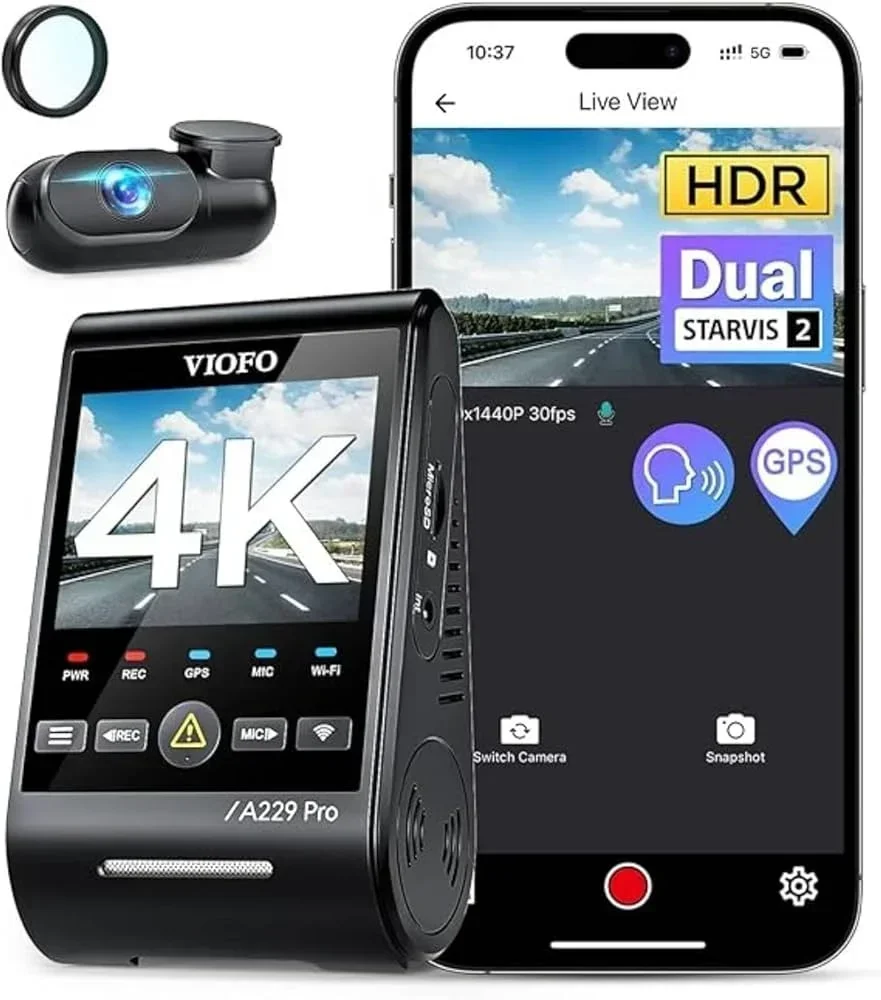
For most parkers the Viofo A229 Pro is the pick: buffered, low-bitrate parking recording, capacitor durability and hardwire-kit support catch incidents without cooking in summer heat. For a compact, fuss-free option the Garmin Dash Cam 67W brings a small form factor and reliable parking recording to drivers who want simple. Each is named for the parking-mode job it does best.
Head-to-head: which camera for which parker
The Viofo A229 Pro wins for capture and endurance - buffered parking recording with hardwire support and a capacitor build for hot cabins. The Garmin Dash Cam 67W is the simplicity pick - tiny, easy and dependable for basic parking recording, trading advanced features for an unobtrusive install. There is no universal winner; match the camera to whether you want the fullest capture or the smallest install.
Parking-mode types: buffered, motion and time-lapse
The single most important thing to understand is that 'parking mode' is several different recording behaviors, and which one you use decides what you actually capture. Buffered recording continuously holds a few seconds in memory and saves them when a trigger fires, so you get the moments before the impact — the part that shows the other car or person — not just the aftermath. The Viofo A229 Pro does this well.
Motion and impact detection wakes the camera only when something moves near the car or a jolt is detected, sipping far less power and storage — the sensible default for a typical street park. Time-lapse records continuously at a low frame rate, so it never misses anything but fills the card and uses more power. The best approach for most people is buffered motion/impact, which catches the event with the crucial lead-up while keeping power and storage in check; reserve time-lapse for situations where an unbroken record matters and you have the power to support it.
The honest hierarchy: buffered motion/impact catches the hit with its lead-up at modest power cost; time-lapse never misses but eats power and storage; plain motion is the lightest but can miss the trigger frame.
Powering parking mode without killing your battery
The alternative is a dedicated battery pack that powers the camera independently, never touching your car battery — more cost and bulk, but zero drain risk. A camera's small built-in battery or capacitor only buffers brief recording, not hours of parking. The rule is simple: never run parking mode without either a low-voltage cutoff or an independent battery pack, and on an older or marginal battery, set the cutoff conservatively and check the morning voltage for the first week. A few hours less footage is a fair trade for always starting in the morning.
- Hardwire + low-voltage cutoff: clean, cheap, protects the battery
- Dedicated battery pack: zero car-battery drain, more bulk and cost
- Older battery: set the cutoff high and verify morning voltage
Capacitor vs battery: surviving the heat of a parked car
A battery-based camera can buffer some recording with the power off, but lithium batteries can swell, degrade or fail in the temperatures a closed car reaches in the sun, shortening the camera's life and risking failure exactly when you need it. If your car parks outdoors in a hot climate, prioritize a capacitor model and accept that it may buffer slightly less with the power fully off. The longevity and reliability of a capacitor camera in heat is worth far more than the convenience of a battery for a device whose whole job is to be recording unattended.
Resolution, field of view and the second channel
Field of view determines how much of the scene around the car you capture; a wide angle catches a hit from the side that a narrow lens would miss. And a second (rear) channel is genuinely valuable for parking mode, because a lot of parked-car damage happens behind you — a dual-channel setup watches both ends. Night performance ties it all together: good low-light handling (look for a strong sensor, sometimes marketed as STARVIS or similar) is what makes overnight parking footage worth having rather than a dark, grainy blur. Buy enough resolution to read a plate, a wide field of view, and add a rear channel if you park where rear hits are likely.
Setup and settings that make parking mode actually work
Buying the right camera is only half the job; the settings decide whether parking mode catches anything useful. Start with impact sensitivity: set it too low and a real bump in a lot fails to trigger a save, set it too high and a passing truck or a slammed neighboring door fills your card with false events. Most cameras like the Viofo A229 Pro let you tune the G-sensor — start moderate and adjust after a week of real parking.
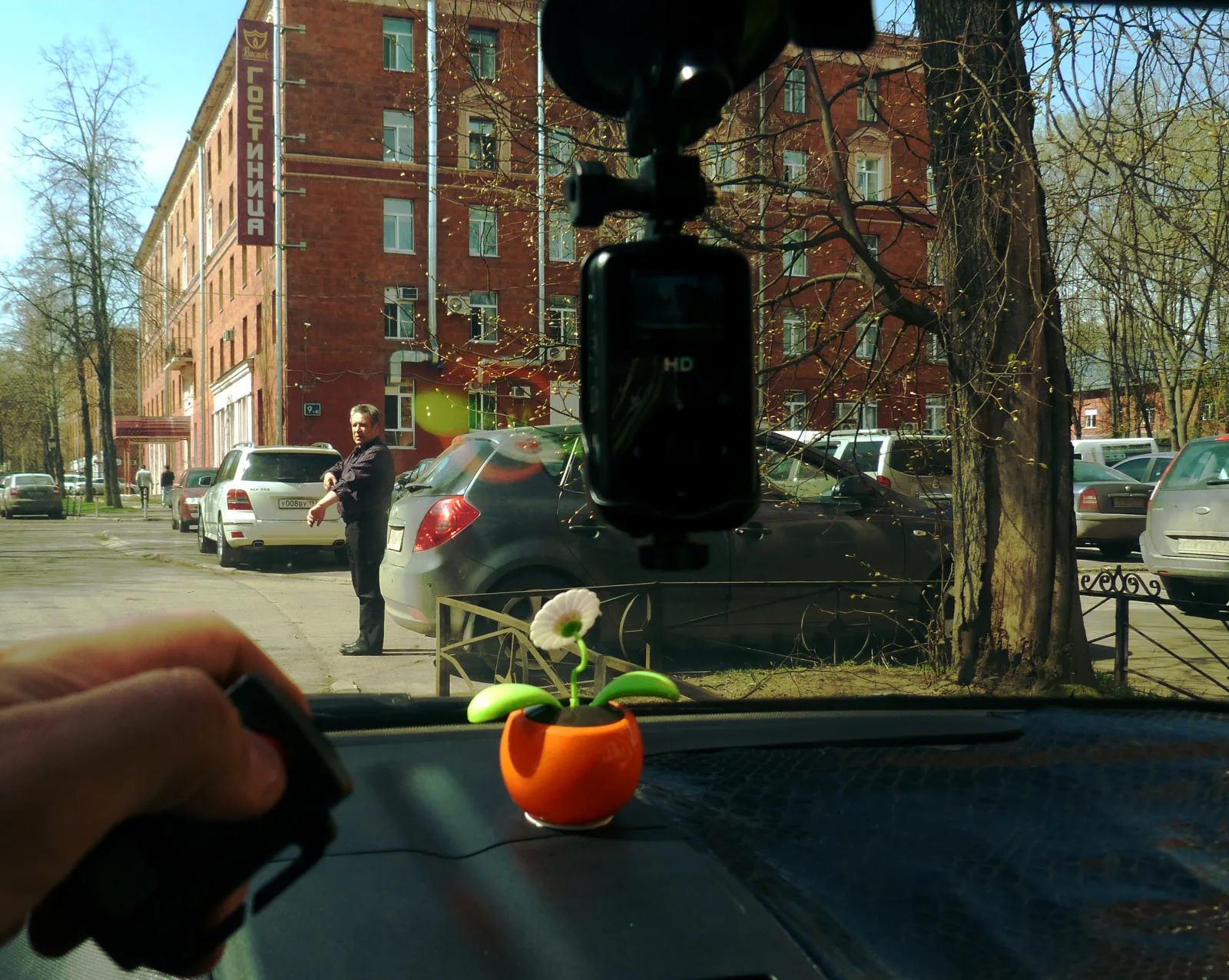
Mounting matters as much. Position the camera so the lens has a clear, wide view of the area where hits are most likely — the front of the car in a head-in spot, and pair it with a rear channel if you back into spaces. Keep the lens clear of heavy window tint at the top of the windshield, which can darken the image.
Finally, confirm the camera actually enters parking mode when the car is off: with a three-wire hardwire setup the ACC wire tells the camera the ignition is off so it switches modes automatically, while a poorly wired kit may keep it in driving mode or shut it off entirely. Verify the transition once, and check that saved parking clips are landing in the right folder, before you rely on it.
- Tune impact sensitivity: avoid both missed hits and false saves
- Mount for the likely hit: wide front view, add a rear channel
- Verify the mode switch: confirm it enters parking mode when off
Common mistakes buying a parking-mode dashcam
The predictable errors leave you with no usable footage or a dead battery. The first is buying any dashcam and assuming parking mode just works off the cigarette socket — it does not; you need constant power from a hardwire kit or battery pack, as the Viofo A229 Pro setup shows. The second is skipping the low-voltage cutoff and draining the battery flat.
- Assuming socket power works: parking mode needs constant power
- No low-voltage cutoff: a flat battery and a no-start
- Battery camera in heat: swelling, failure, lost footage
- Cheap or small SD card: wears out or fills mid-incident
Verdict
Choose buffered motion/impact recording so you catch the lead-up to a hit, power it with a hardwire kit and low-voltage cutoff (or a battery pack), pick capacitor hardware if you park in the sun, and use a high-endurance card. Do that and your dashcam quietly guards your car around the clock; skip the power planning or the cutoff and you will be jump-starting the car or staring at footage of the aftermath without the hit.