What You Need to Know
Advanced Driver Assistance Systems, or ADAS, are basically the car's digital co-pilot, using sensors to keep an eye on what's happening around you. Think of it like having an extra set of eyes that never get tired or distracted, constantly feeding information to your car's computer. These systems can warn you about potential dangers or even step in to help avoid an accident. It's all about using technology to make driving a little less risky and a lot more predictable.
ADAS in Dash Cams explain how these systems work by monitoring your surroundings. These aren't magic wands, but sophisticated tools designed to augment your awareness on the road. The goal is to reduce those split-second mistakes that can lead to big problems. 5 Types of ADAS Sensors break down the tech that makes it all happen. It's a fascinating blend of hardware and software working together.
The Core Answer
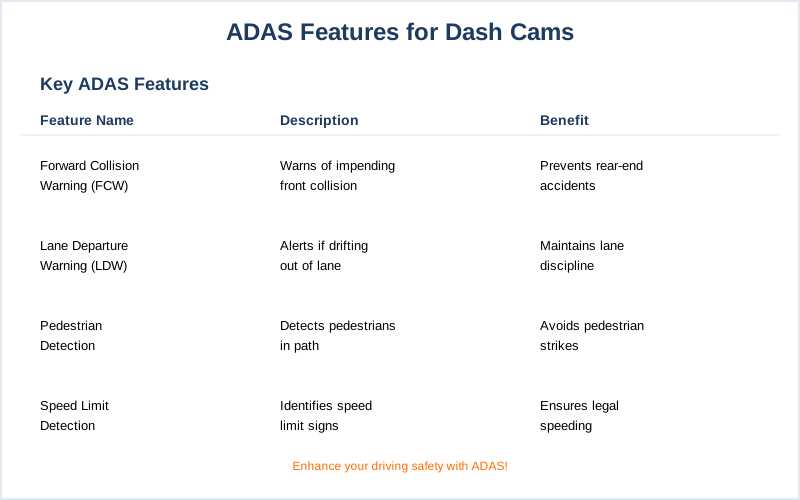
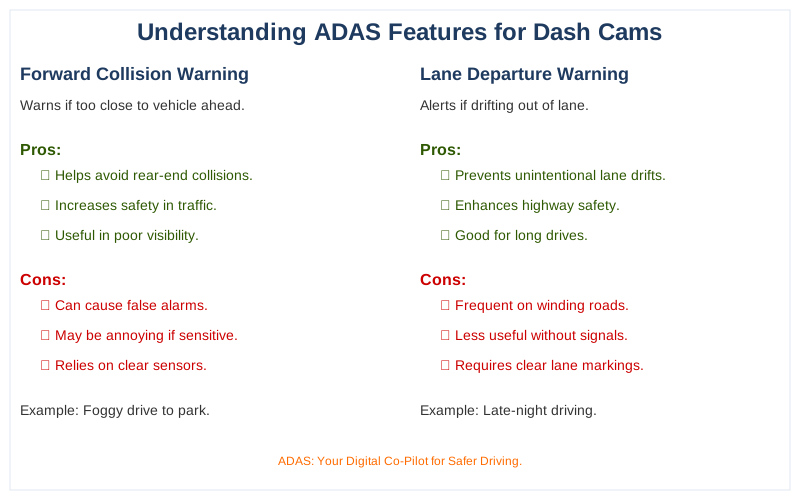
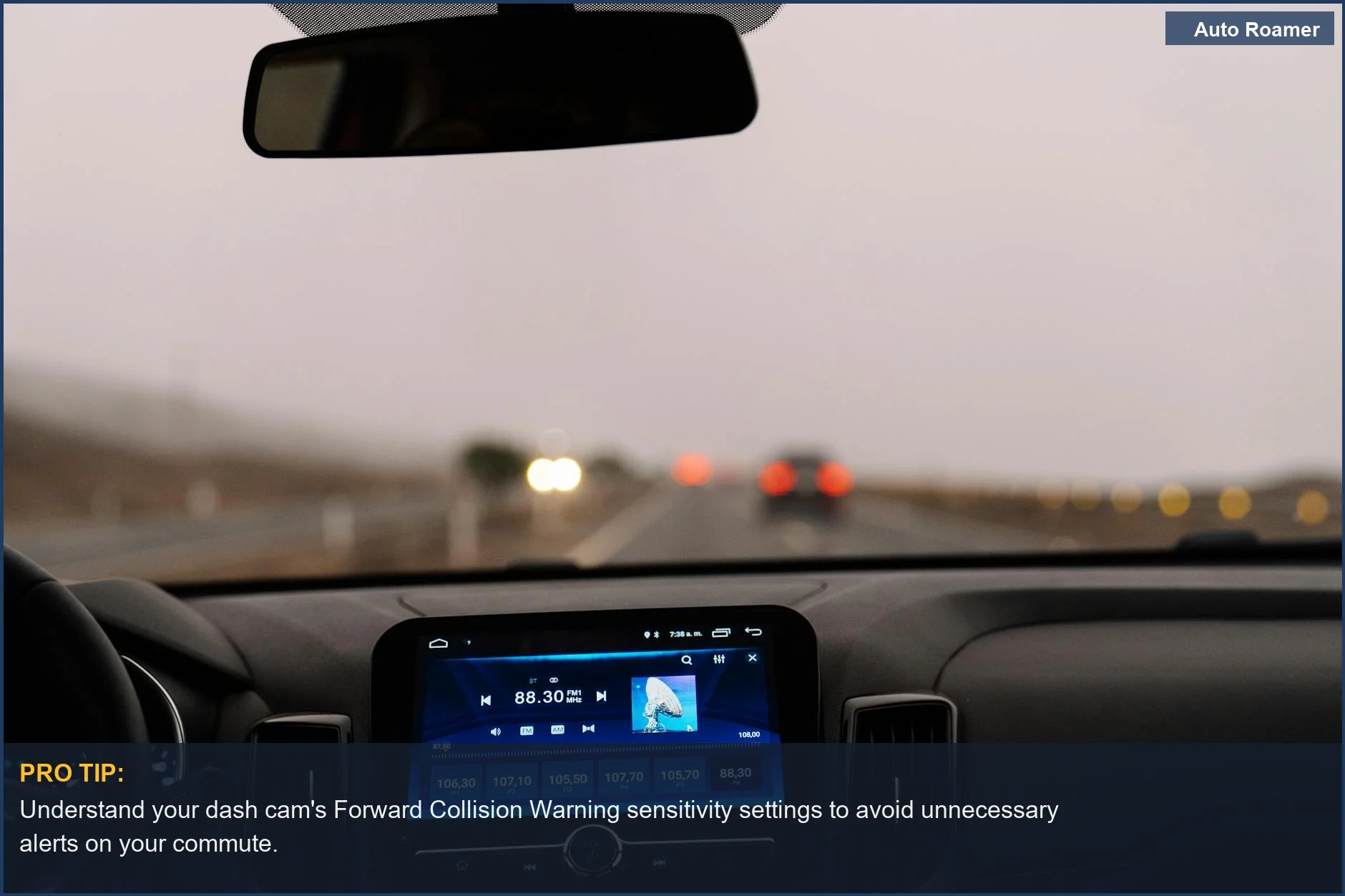
ADAS features are like having a bunch of specialized buddies helping you drive. You've got your Forward Collision Warning, which is basically your car yelling 'Whoa, slow down!' if you're getting too close to the car in front. I learned this the hard way during a foggy morning drive to Rocky Mountain National Park. I was too focused on the road ahead and not enough on the brake lights of the SUV in front of me.
My dash cam, thankfully, had this feature and gave me a heads-up just in time. Common ADAS Features lists this and more.
Then there's Lane Departure Warning. This one taps you on the shoulder (virtually, of course) if you start drifting out of your lane without signaling. Picture this: a late-night drive through endless cornfields in Iowa, and I'm nodding off. The gentle chirp from my system jolted me awake before I ended up in a ditch.
It's not about the car driving itself, it's about it nudging you back into the right lane. Features, Sensors, and Levels covers this.
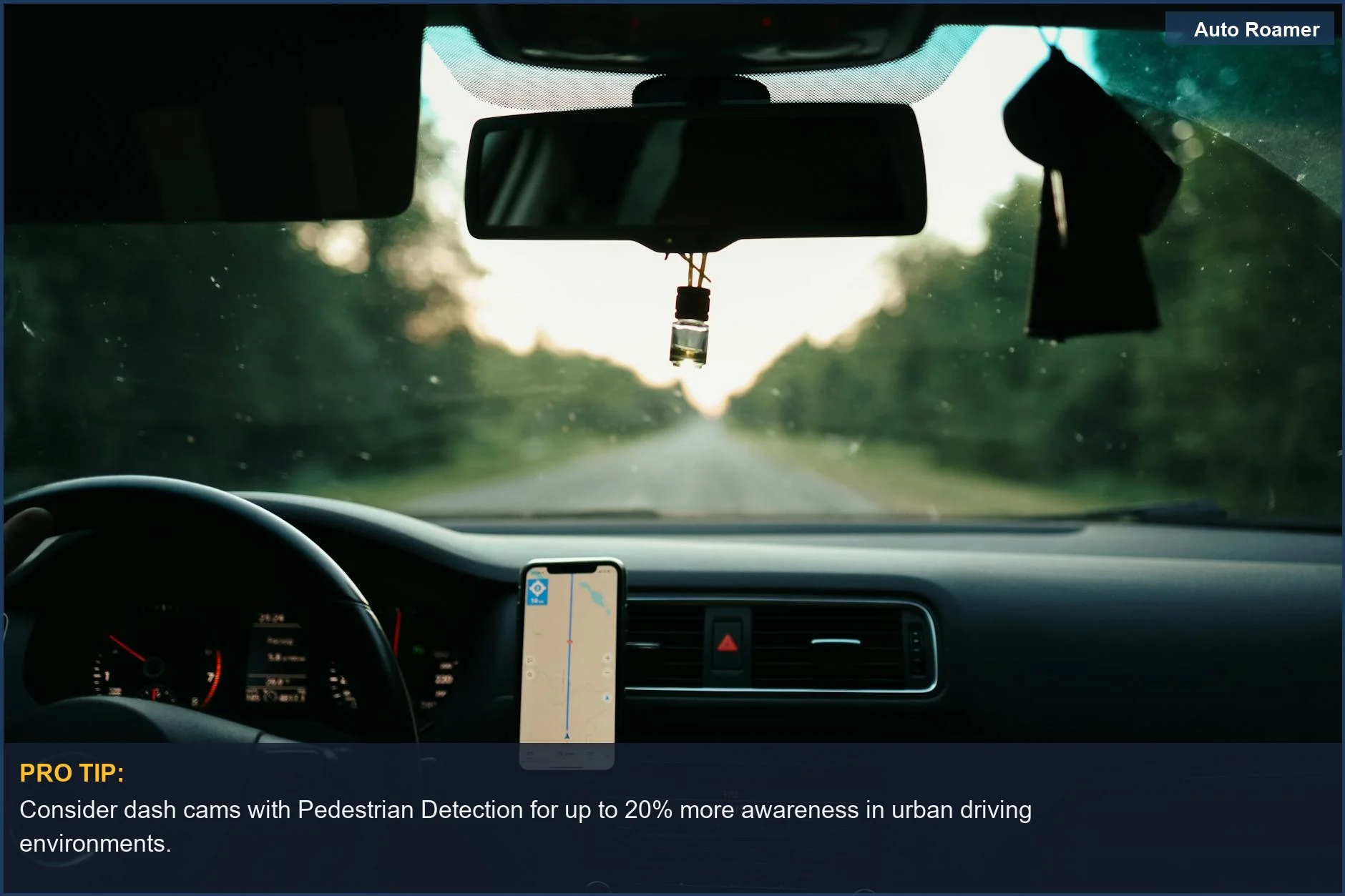
Pedestrian Detection is another big one. This system uses cameras and other sensors to spot people or cyclists who might be crossing your path, especially in low light or busy intersections. It can then trigger an alert or even automatic emergency braking.
I haven't personally had to rely on this for a near-miss, but I've seen enough close calls in city traffic to know it's a lifesaver. It's the car saying, 'Hey, there's someone there, pay attention!' What is ADAS details this.
These systems rely on a mix of sensors. Cameras are like the eyes, reading lane markings and identifying objects ADAS Cameras explain this well.
Radar uses radio waves to detect distance and speed, and sometimes lidar, which uses lasers, helps create a 3D map of the surroundings. 5 Types of ADAS Sensors goes into detail here. The real move is understanding that these aren't just fancy add-ons; they're integrated safety nets. The $50 version of a dash cam might have basic recording, but the $300 one with ADAS is a different ballgame for actual road awareness.
Types of ADAS Sensors breaks down the tech.
What nobody tells beginners is that these systems aren't foolproof. They can be affected by weather, dirt on the sensors, or even how your car is aligned. So, while they're incredibly useful, they don't replace the need for you to actually pay attention. It's like having a good spotter at the gym; they're there to help, but you still have to do the lifting.
A complete guide to ADAS sensors touches on the importance of assessment. The honest version: they help, but you're still the driver in charge.
Why This Matters for Your Setup
- Knowing about these ADAS features is crucial because it helps you understand what your dash cam is actually doing, beyond just recording video. It's not just a glorified security camera for your car; it's a safety tool.
- For example, if your dash cam has Lane Departure Warning, it's using its camera to watch those white or yellow lines. This means you need to make sure that camera lens stays clean.
I once drove for two days with a bug splattered on my windshield, completely ruining my lane departure alerts. Rookie mistake.
- Similarly, Forward Collision Warning relies on a clear view of the road ahead. If you've got a cracked windshield or a bunch of stickers obscuring the camera's view, that warning might as well be a ghost.
- Understanding these features means you can choose a dash cam that actually offers the assistance you need.
Do you do a lot of highway driving where lane drift is a concern? Or are you mostly in stop-and-go city traffic where pedestrian and forward collision warnings are gold?
- The real move is matching the tech to your driving habits. My first dash cam was a cheap $50 thing from Amazon that just recorded. It was fine, but it didn't offer any real-time safety benefits.
My current one, which cost about $200, has all these ADAS features and feels like a much smarter investment for peace of mind.
Making the Right Choice
- When you're looking at dash cams with ADAS, think about what matters most for your daily commute or road trips. Are you worried about drifting lanes, or are you more concerned about potential rear-end collisions?
- The cost difference can be significant. A basic dash cam might run you $50, while one with advanced ADAS features can easily be $200 or more. It's a trade-off between just having a recording and having an active safety assistant.
- Don't expect these systems to be perfect.
They're designed to help, not to handle everything. You still need to be the attentive driver.
- Consider the calibration process too. Some systems require a bit of setup to work correctly with your specific vehicle. It's not always plug-and-play, but usually worth the effort for the added safety.
- Ultimately, ADAS features in dash cams are about giving you more information and a little extra buffer on the road.
They're a smart addition if you're looking to enhance your driving safety beyond just a simple recording.