
Do You Really Need a Dash Cam with ADAS Features?
Advanced Driver Assistance Systems, or ADAS, in dash cams aren't some futuristic tech you only see in sci-fi movies anymore. They're built into a growing number of cameras designed to watch the road ahead. These systems use your dash cam's lens to monitor traffic and road markings, offering alerts to help prevent accidents.
Advanced Driver Assistance Systems, or ADAS, in dash cams aren't some futuristic tech you only see in sci-fi movies anymore. They're built into a growing number of cameras designed to watch the road ahead. These systems use your dash cam's lens to monitor traffic and road markings, offering alerts to help prevent accidents. Think of it as a co-pilot, but one that doesn't ask to change the radio station.
What is ADAS in dash cams aims to give you an extra layer of awareness, especially when your attention might drift for a second. It's not about replacing your driving skills, but augmenting them. ADAS features are designed to be a helpful nudge, not a constant interruption.
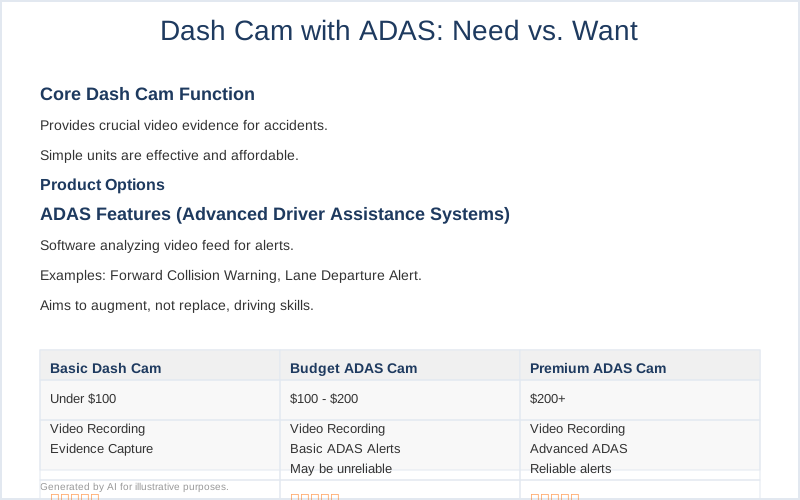
The Core Answer
So, do you *really* need a dash cam with ADAS features? Honestly, for most people, the answer is probably no, or at least, it's not the top priority. My first dash cam was a simple $50 unit from Amazon that just recorded. It captured a fender bender I was in outside of Asheville, NC, during a sudden downpour, and that video was all I needed to prove I wasn't at fault. That's the core job of a dash cam: evidence. A camera doesn't check its phone or get tired; it's just there.The ADAS features, like forward collision warnings or lane departure alerts, are essentially software that analyzes the video feed. They're trying to replicate some of the functions of the fancy sensors in new cars. The problem I've seen and heard about from others is that these systems, especially in budget dash cams, can be finicky. I remember a buddy installing one on his older pickup truck, and it kept yelling at him to "brake!" when he was already stopped at a light. Brilliant engineering, that.
Some sources claim ADAS can reduce collisions by up to 30%, which sounds great on paper. Stats show ADAS reduces collisions. But that's often based on integrated systems in brand-new vehicles with multiple sensors, not just a single camera bolted to your windshield. The accuracy can vary wildly depending on the camera's quality, its mounting position, and even the weather. If you have a $100 dash cam with ADAS, don't expect it to perform like a $50,000 luxury sedan's built-in system.
The real move here is to prioritize solid video quality and reliable recording. If a dash cam happens to have ADAS that works well for your specific setup, great. But don't pay a significant premium for it if the core recording isn't top-notch. For me, the peace of mind from having clear footage of an incident outweighs the occasional false alarm from a cheap ADAS system. The consensus has always been that ADAS implementation in dash cams is more of an annoying distraction than anything else. I'd rather have a clear video of a squirrel running into the road than a constant beep telling me I'm too close to it.
Ultimately, the decision comes down to what you value most. If you want the absolute best chance of preventing an accident and have the budget, a car with factory-installed ADAS is the way to go. For a dash cam, stick to the basics unless you've thoroughly researched a specific model and its ADAS performance. The honest version is that most of these features are more of a gimmick than a necessity on a standalone dash cam. The most important feature is that it records reliably. Unless you want the device for fun, the odds are that you'll rarely need the video, but when you do, you'll be glad you have it.
Consider this: my brother bought a dash cam with ADAS features for his commute in Los Angeles traffic. He said the lane departure warning went off so often on the freeway, because he'd naturally shift lanes slightly to avoid potholes or slow traffic, that he ended up disabling it after two days. It was more distracting than helpful. That's a rookie mistake - assuming all advertised features will be useful in real-world driving.
If you're considering an ADAS dash cam, look for reviews that specifically test those features in various conditions. Don't just take the manufacturer's word for it. The $50 version that just records is often just as effective for its primary purpose: capturing an event. ADAS in dash cams refers to a group of driver alerts designed to provide warnings.
Why This Matters for Your Setup
Why this matters for your setup is simple: it's about managing expectations and not overspending on features you might never use.- Prioritize Core Functionality: The main job of any dash cam is to record clear, usable video. If a camera has ADAS but produces grainy footage at night, I'd ditch it. My first dash cam, a $47 Walmart special, recorded decent daytime footage but was useless after sunset. That's the real move: get good footage first.
- Understand the Limitations: ADAS in dash cams is not automotive-grade. It's software running on a small camera chip. Don't expect it to be as reliable as the systems built into new cars. I heard a story from a guy who swore his ADAS dash cam saved him from an accident, but it turned out the car in front of him had just braked suddenly, and the dash cam's computer just happened to flag it.
- False Alarms are Annoying: If you drive a lot, constant beeping from lane departure warnings or forward collision alerts can become incredibly irritating, especially if they're triggered by things like road construction or tight city driving. My friend's experience with his ADAS dash cam constantly yelling at him in LA traffic is a perfect example. most ADAS implementation in dash cams is more of an annoying distraction.
- Cost vs. Benefit: ADAS features often bump up the price. You might be paying an extra $30-$50 for features that might not work consistently. For that money, you could often get a dash cam with better storage options or a wider field of view. The $50 version is often all you need.
- It's Not a Substitute for Attention: These systems are meant to assist, not replace, your focus on the road. Relying too heavily on ADAS is a dangerous rookie mistake. The camera doesn't have judgment; you do. A camera doesn't check its phone.
Making the Right Choice
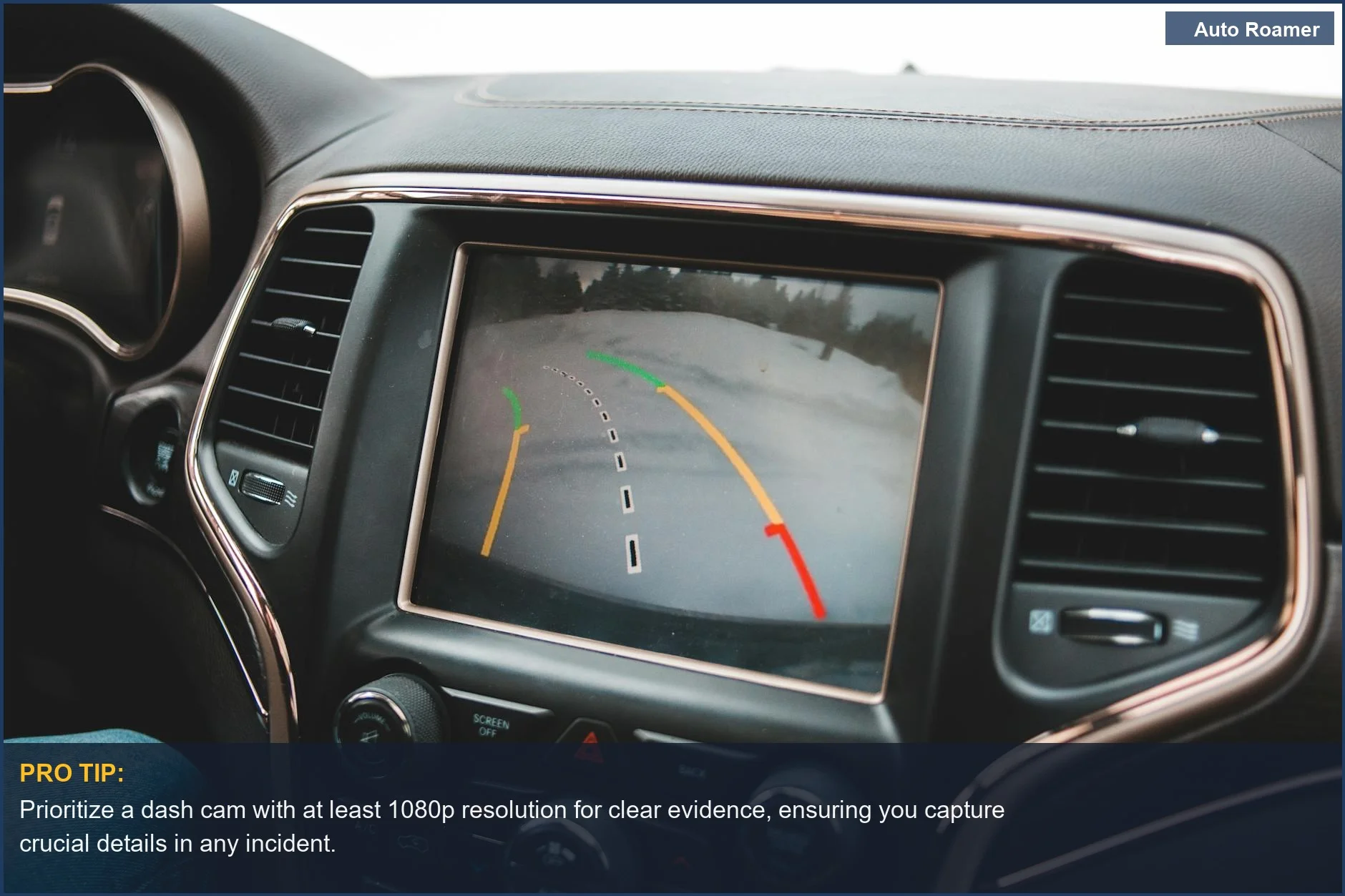
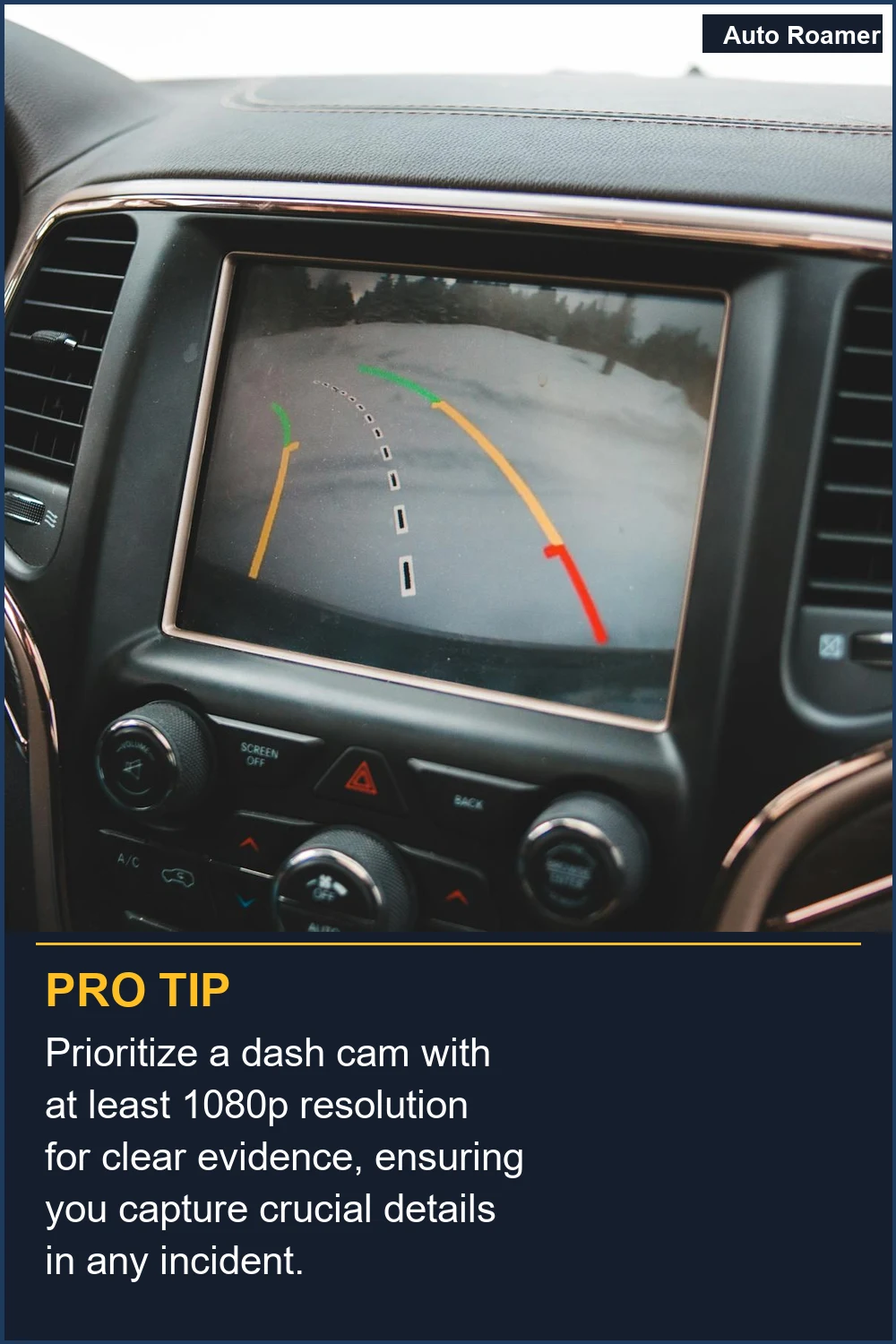
Making the right choice for your dash cam setup boils down to what you actually need.- Focus on the Evidence: The primary purpose of a dash cam is to capture events. If you're on a budget, prioritize clear video resolution (at least 1080p) and reliable loop recording. My first dash cam was a $47 experiment, and while it lacked fancy features, it got the job done when I needed it.
- Test ADAS if You Must: If you're intrigued by ADAS, look for dash cams with free trial periods or generous return policies. Read reviews specifically mentioning the accuracy and usefulness of the ADAS features in real-world conditions. Don't be afraid to turn them off if they become more of a nuisance than a help. Testing dash cam with adas features is part of the process.
- Consider Your Driving Environment: If you drive in heavy, stop-and-go traffic daily, a forward collision warning *might* be more useful than if you primarily cruise on open highways. However, even then, the accuracy can be questionable on cheaper units. ADAS in dash cams refers to a group of driver alerts designed for such scenarios.
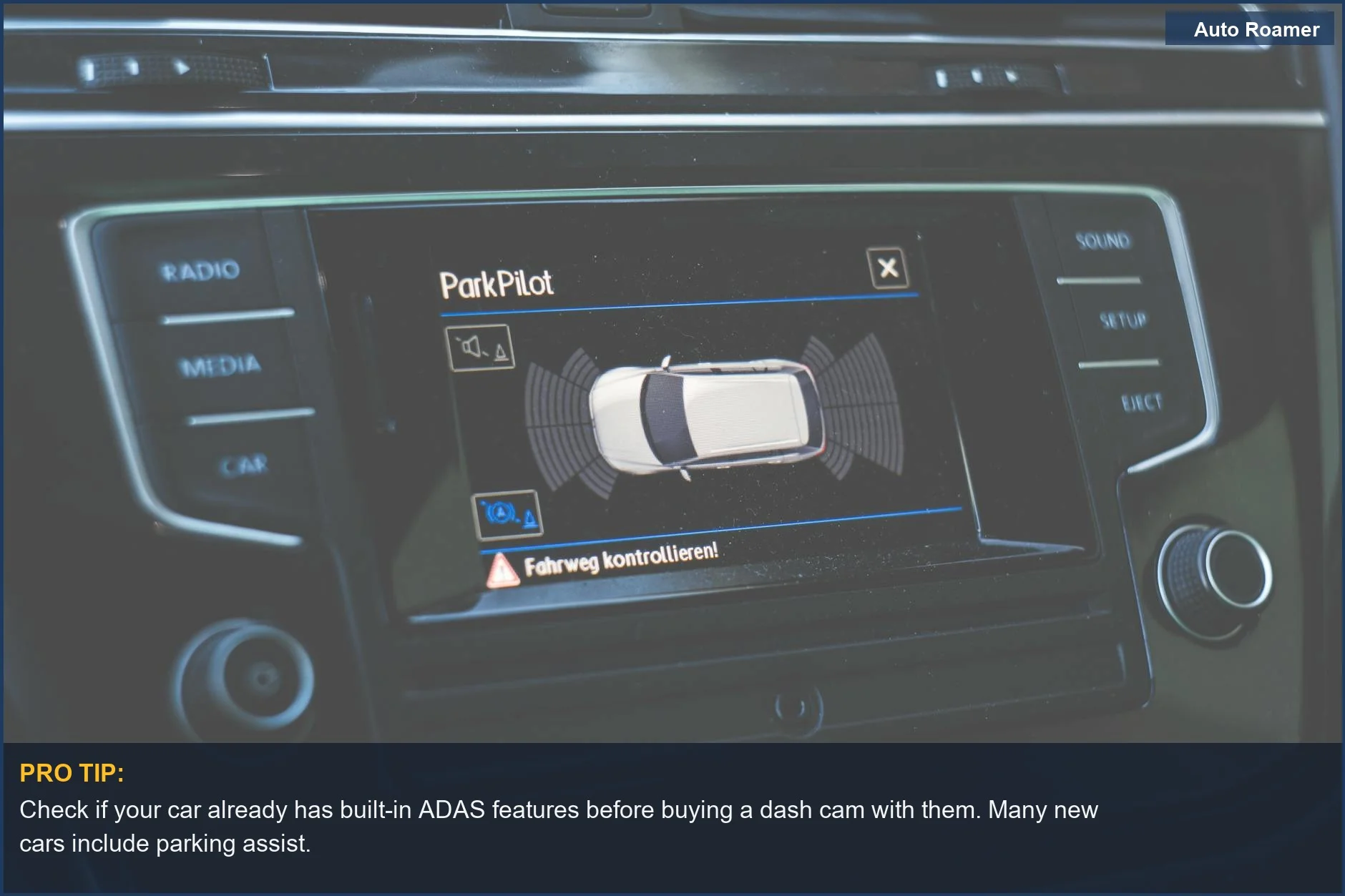
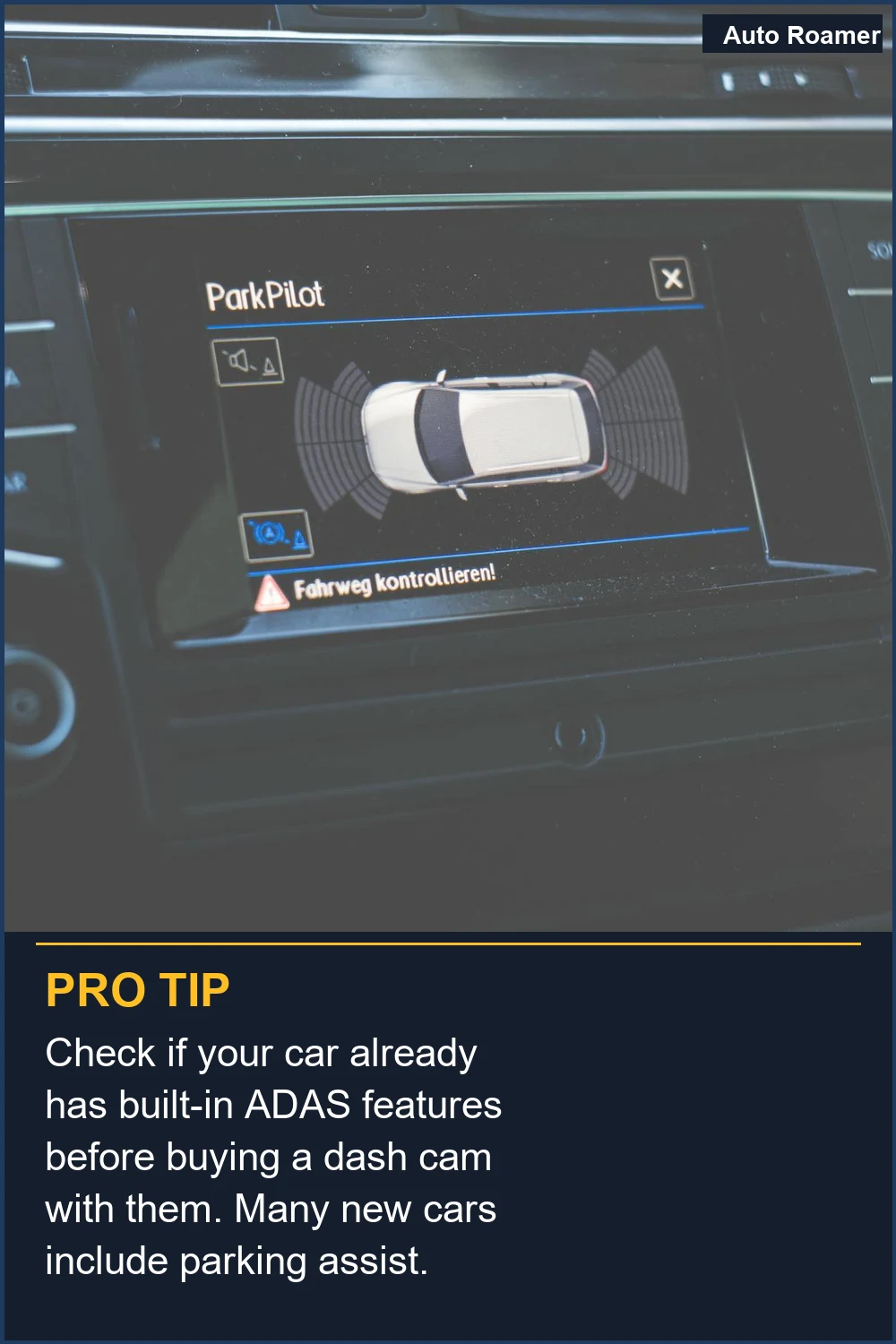
- Newer Cars vs. Aftermarket: If your car already has sophisticated ADAS built-in, adding an aftermarket dash cam with similar features is likely redundant and potentially confusing. Stick to a basic recording unit in that case. The honest version is, factory systems are usually far superior.
- It's Insurance, Not a Guarantee: Think of a dash cam, ADAS or not, as a form of insurance. It's there in case you need it, but it doesn't guarantee you'll never have an accident. the odds are that you'll rarely need the video, but when you do, it's invaluable.
Frequently Asked Questions
If I buy a dash cam with ADAS, can I just plug it in and assume it's calibrated perfectly, or do I need to call a dealership?
What if the ADAS features on my dash cam keep giving me false alerts? Can I permanently damage my car's electronics by using it?
Is it true that ADAS dash cams are really expensive compared to regular ones, like $200 versus $50?
I heard ADAS dash cams need a super high-resolution camera, like 4K, to work properly. Is that true, or can a 1080p camera do the job?
What if I install an ADAS dash cam, and it ends up making me a worse driver because I rely on it too much?
🏅 Looking for Gear Recommendations?
Check out our tested gear guides for products that work with this setup:
Sources
- Best Dash Cams with ADAS (Advanced Driver Assistance System ...
- Testing dash cam with adas features - Facebook
- How do ADAS cameras enhance driving safety and reduce road ...
- Do you use Advanced Driver Assistance System (ADAS)?
- What Is ADAS? How It REALLY Works in Dashcams (70mai & other ...
- Dashcam for Cars: Is It Worth It? - Kelley Blue Book
- What is ADAS & Why Do You Need It? - YouTube
- What Is ADAS in Dash Cams? A Practical Guide for UK Drivers