The Big Picture
The frame rate on your dashcam is the number of still images it captures per second, and it makes a bigger difference in the dark than most people realize. It's the difference between seeing a blurry mess and actually catching that license plate. I learned this the hard way after a fender bender in the middle of the night where the footage was basically useless.
DashCamTalk users have been talking about this for years, noting that lower frame rates help cameras grab more light. It's not just about having a fancy high-resolution camera; it's about how fast it can actually process what it's seeing. Think of it like your eyes trying to focus in a dark room - the slower you move your head, the more you can actually see.
This is why understanding frame rate is crucial for getting useful footage when the sun goes down.
The Core Answer
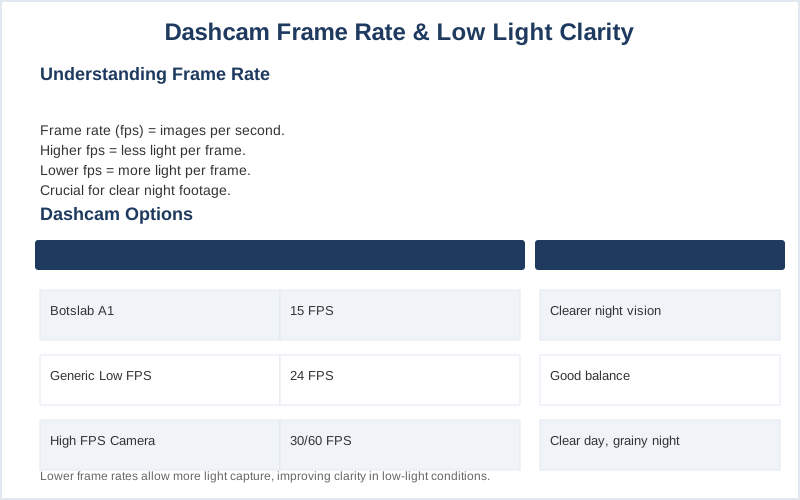
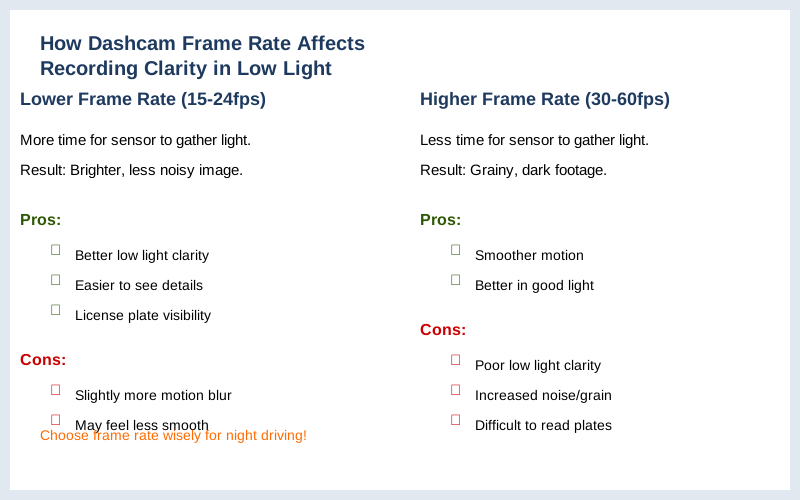
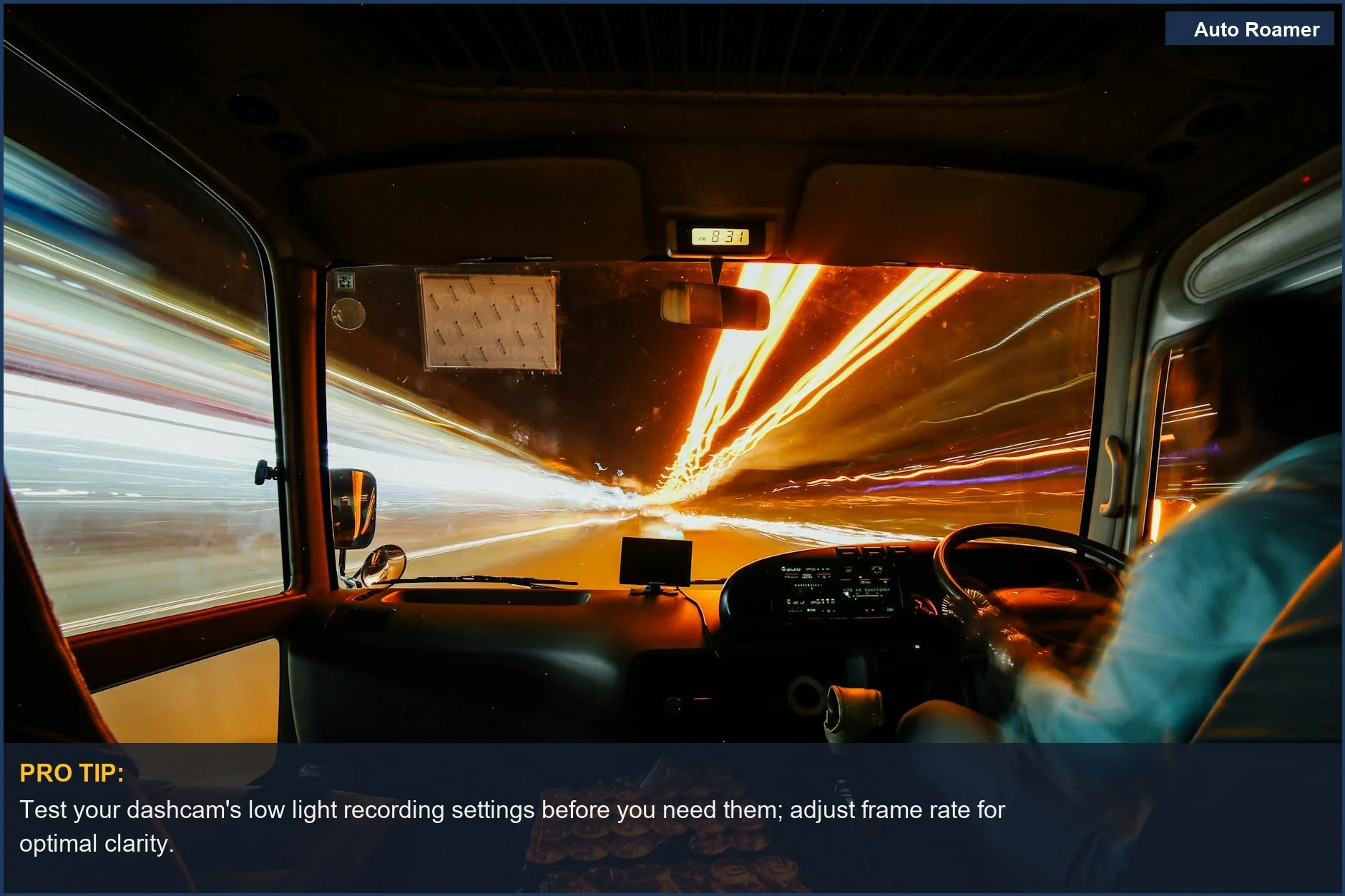
The core answer is that a lower frame rate on your dashcam generally leads to better video clarity in low light conditions. Here's why: cameras capture individual frames, and each frame is like a snapshot. In the dark, the camera sensor needs more time to gather enough light to create a clear picture for each snapshot.
If the camera is trying to take 30 or 60 snapshots every second (30fps or 60fps), it doesn't have enough time to collect sufficient light for each one, especially when there isn't much light to begin with. This leads to grainy, dark footage where details, like license plates, get lost. This YouTube review shows exactly how grainy footage can be.
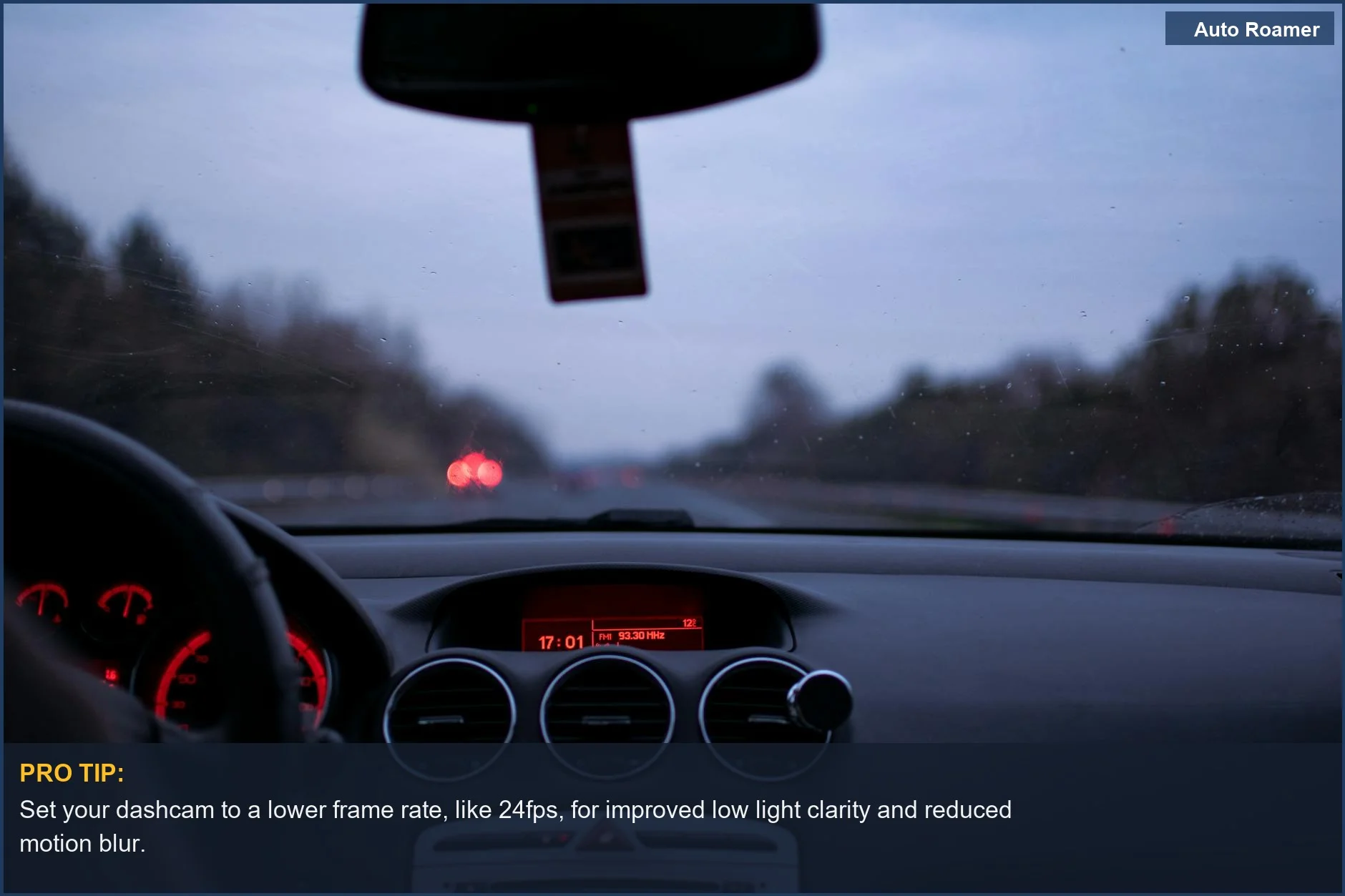
When you lower the frame rate, say to 24fps or even 15fps, the camera has more time between each snapshot to let light hit the sensor. It's like giving the sensor a longer exposure time for each photo. This allows for a brighter, less noisy image, making it much easier to see details.
The folks over at Botslab explain that the sensor quality and size are paramount for low-light performance, and giving that sensor more time per frame is a huge help. So, while 60fps might look smoother in bright daylight, it's often overkill and detrimental when you're trying to capture evidence on a dimly lit street. The real move for low light is to trade raw frame count for actual image quality.
It's a rookie mistake to think more frames always means better video, especially after sunset. My first dashcam was set to 30fps, and trying to make out anything after 10 PM was a joke. I ended up switching to a setting that felt a bit choppier, but the difference in clarity was night and day - pun intended.
Reddit discussions often highlight how a lower frame rate can preserve video integrity and save card space, which is a nice bonus. It's a trade-off, but for critical nighttime evidence, clarity trumps choppiness every time. The physics are simple: more time to gather light equals a better picture in the dark.
Why This Matters for Your Setup
Why does this matter for your setup? Because if you're relying on your dashcam for proof after a nighttime incident, you need footage you can actually use. Imagine getting sideswiped by a car that speeds off, and your dashcam footage is too blurry to even make out the make and model, let alone the license plate. That's a $500 dashcam turned into a $50 paperweight. Forum posts often lament this exact scenario.
It's not just about resolution; it's about how that resolution is captured. If your dashcam offers options, consider these points:
- Lower FPS for Night: If you drive a lot at night or in poorly lit areas, setting your dashcam to a lower frame rate (like 24fps or 15fps) is usually the smart play. It's the $50 version of expensive night vision.
- Motion Blur is the Enemy: High frame rates can sometimes make fast-moving objects appear more smeared, especially in low light.
Think of a spinning tire on a dark road - at a low FPS, you might see the rim; at a high FPS, it's just a grey blur.
- Balance is Key: While lower FPS is better for night, super-low rates (like 1fps) can make video look like a slideshow and might miss crucial split-second events. Find that sweet spot.
Some recommend 1 FPS for parking mode to save space, but that's not what you want for active driving.
- Sensor Matters Most: Ultimately, the camera's sensor and lens are the biggest factors for low light. But even the best sensor will struggle if it's rushed.
Making the Right Choice
Making the right choice about your dashcam's frame rate in low light comes down to prioritizing what you need most: clarity over choppiness. Don't get caught with useless footage because you didn't tweak a setting. Here's the rundown:
- Prioritize Clarity: For nighttime driving, a lower frame rate is your best friend.
It's the real move to capture usable evidence.
- Understand the Trade-off: Going too low can make video look like a flipbook, but finding that balance between 15fps and 30fps is usually sufficient for night driving.
- Check Your Settings: Most dashcams let you adjust this. If yours doesn't, well, maybe it's time for an upgrade.
Pixel size on the sensor is important, but giving it time to capture light is even more so at night.
- Don't Fear the 'Lower' Setting: The idea that more FPS is always better is a myth when it comes to dark conditions. This is what nobody tells beginners who just want the 'best' camera.
When I finally figured out the frame rate trick, it was like a lightbulb went off. It's a simple adjustment that can make all the difference in a critical situation.