Gear

What is the Difference Between Dash Cam Resolution and Frame Rate?

Casey - The Weekend Warrior
4 min read
Includes Video

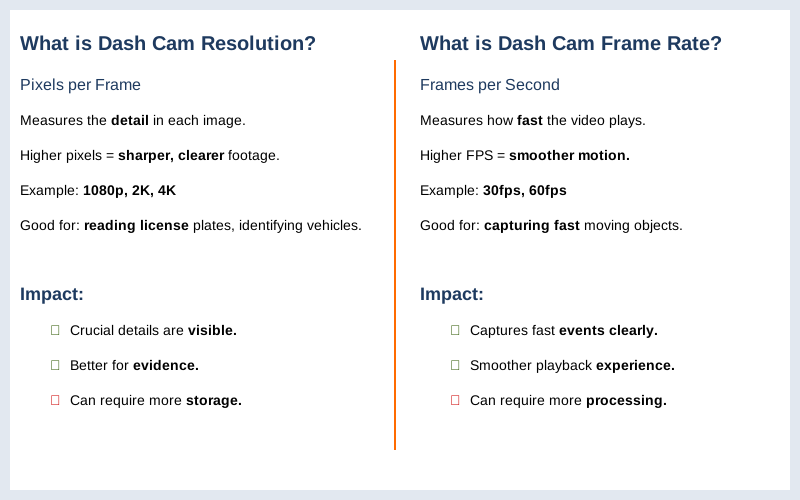
Dash cam resolution is how many pixels are in each frame of video, and frame rate is how many of those frames get captured every second. Think of it like this: resolution is the size of the canvas, and frame rate is how fast the painter is working.

Dash cam resolution is how many pixels are in each frame of video, and frame rate is how many of those frames get captured every second. Think of it like this: resolution is the size of the canvas, and frame rate is how fast the painter is working. My first dash cam, a cheap $50 thing I snagged online, had a resolution that was basically a fuzzy mess.

I could barely tell if the car next to me was a sedan or a minivan, let alone read a license plate. Higher resolution means more pixels, which translates to a sharper, more detailed picture. It's the difference between a grainy photo and something you can actually zoom in on to find crucial details. I learned that lesson the hard way after a fender bender where the other driver tried to blame me for something that wasn't my fault.

That blurry footage was useless. 1080p gives a sharper picture, which is a good starting point for most people.

What is the Difference Between Dash Cam Resolution and Frame Rate? — Key Specifications Compared
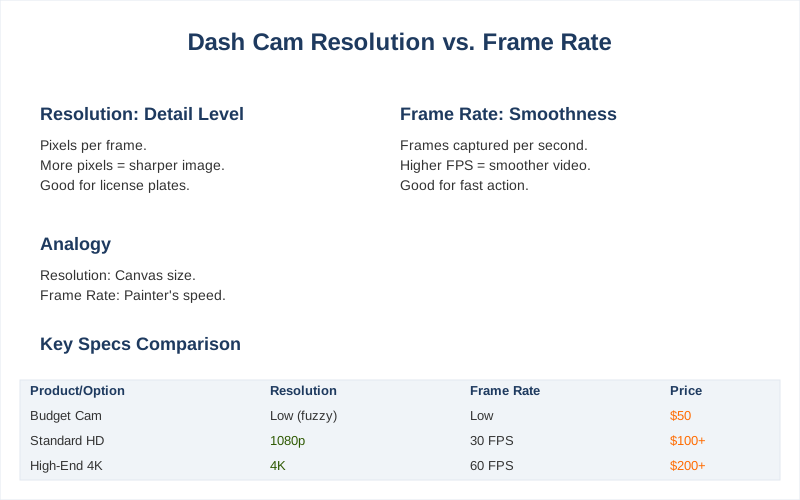
Key specifications for What is the Difference Between Dash Cam Resolution and Frame Rate?

The Core Answer

The core difference between dash cam resolution and frame rate boils down to what you're trying to capture. Resolution, measured in pixels like 1080p or 4K, dictates the level of detail in each individual frame. More pixels mean a clearer, sharper image, which is fantastic for reading license plates or identifying specific features on other vehicles. I remember my first real dashboard camera, a unit that claimed 'HD' but was probably closer to a blurry potato. Trying to make out anything beyond the car directly in front of me was a joke. Higher resolution lets you zoom in on footage and still see details. It's like having a better magnifying glass for your video evidence. 4K resolution is the current high-end, offering a lot of pixel real estate. Frame rate, on the other hand, is about motion. It's measured in frames per second (fps), and it tells you how many still images are strung together to create the video each second. Most dash cams start at 30fps, which is standard for broadcast TV. Most dash cameras record at 25 or 30 frames per second. If you've ever watched a really choppy video, that's a low frame rate. For dash cams, a higher frame rate, like 60fps, means smoother motion. This is crucial when things are happening fast - like a car cutting you off or a pedestrian darting across the street. 60fps promises smoother video. I had a situation in a busy intersection where a cyclist swerved out of nowhere. My old 30fps footage captured the event, but it was a bit jerky. A 60fps recording would have shown that swerve with more clarity, less blur. 60fps looks nice if you just want to watch the video, but sometimes 30fps works better for what we actually need a dashcam to do, especially for freezing a frame to grab a license plate. The trade-off is that sometimes higher frame rates mean lower resolutions, so you have to pick what's more important to you. High-resolution models often choose 30fps.
To ensure you capture the best footage, it's important to dive deeper into understanding dash cam resolution and frame rates.
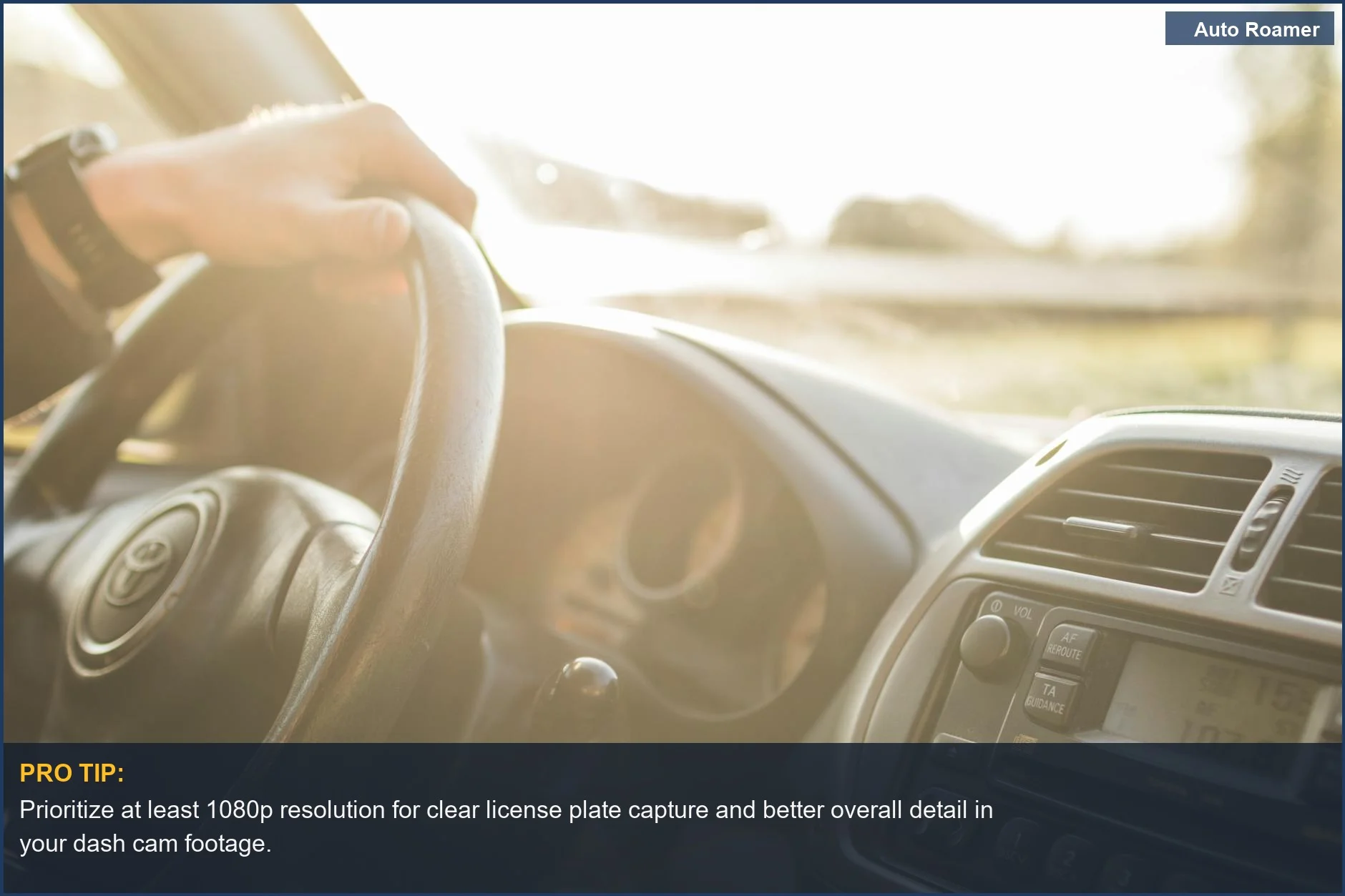
Prioritize at least 1080p resolution for clear license plate capture and better overall detail in your dash cam footage.
See the road ahead clearly with high dash cam resolution. This 1080p view emphasizes the importance of detail for capturing crucial evidence on the road. | Photo by Sindre Fs

Why This Matters for Your Setup

Why this matters is pretty straightforward: you want clear evidence, not a blurry mess. When I bought my first dash cam, I just grabbed the cheapest thing on Amazon. The resolution was so bad, I couldn't even read my own license plate in the footage. It was a rookie mistake. Sometimes a higher frame rate is only possible with a lower resolution.
  • License Plate Capture: If your priority is snagging that elusive license plate number, higher resolution is your friend. It gives you more pixels to work with when you zoom in. I once spent 20 minutes trying to decipher a plate from a grainy 720p video. Never again.
  • Smooth Motion for Accidents: For capturing fast-moving events like accidents or near-misses, a higher frame rate is key. It reduces motion blur and makes it easier to see exactly what happened.
  • 60fps is for sport games and car races, and you want that kind of smoothness for critical events.
  • Storage Space: Higher resolution and higher frame rates both take up more storage space on your memory card. It's a balancing act. You can't have everything on a tiny card. My first card was full in 2 hours of 1080p recording.
  • To ensure you capture every important moment, understanding how to select the right dashcam resolution is essential.
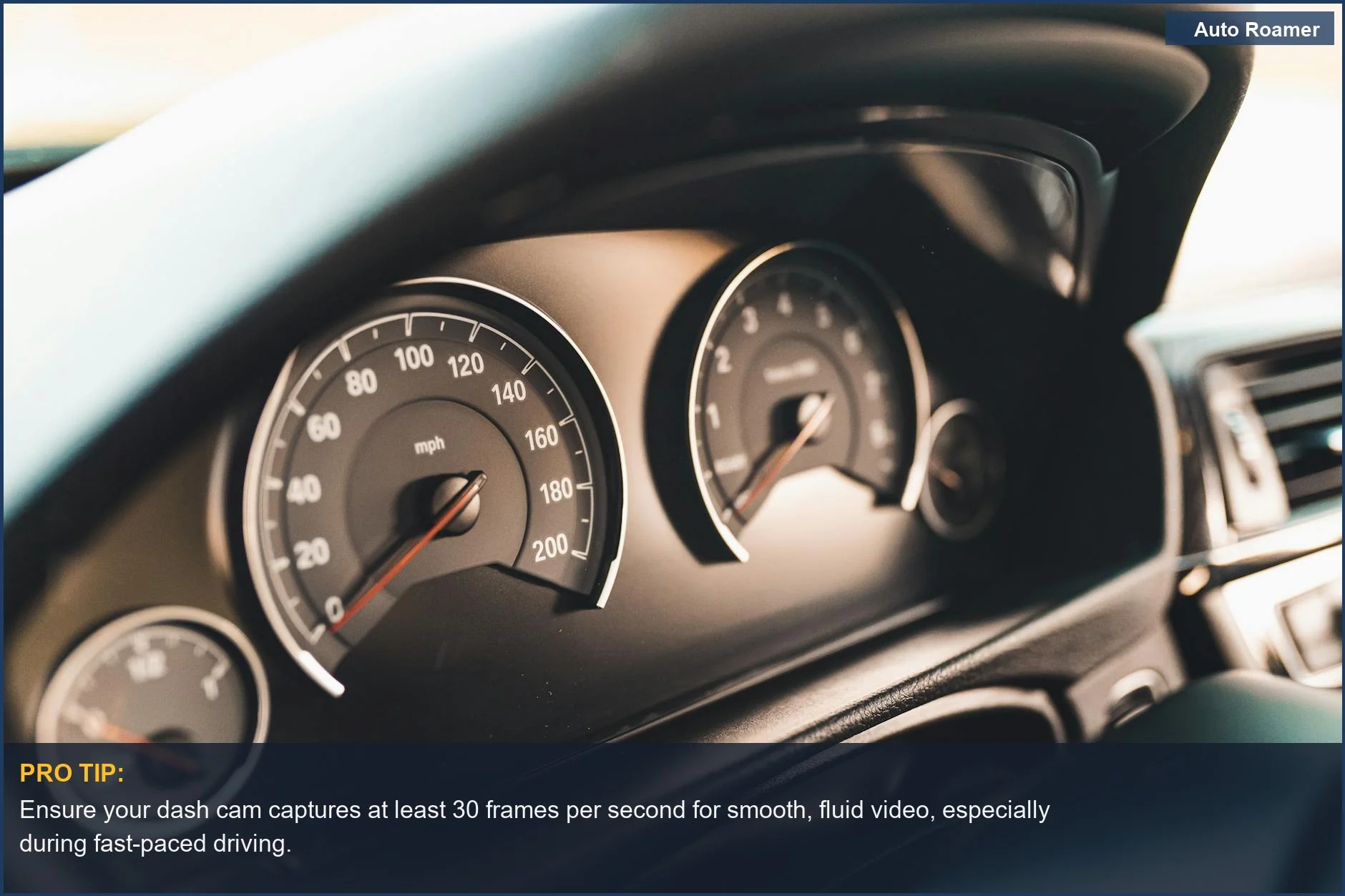
    Ensure your dash cam captures at least 30 frames per second for smooth, fluid video, especially during fast-paced driving.
    Don't miss a moment with a high frame rate dash cam. Smooth playback ensures you catch every detail, vital for understanding dash cam quality. | Photo by Garvin St. Villier

    Making the Right Choice

    Choosing between resolution and frame rate isn't always a one-or-the-other situation, but you need to understand what you're prioritizing. Frame rate vs. shutter speed is a whole other can of worms, but for practical dash cam use, think about what you're most likely to need.
  • For general evidence and clarity: Aim for the highest resolution you can afford, ideally 1080p or higher. This is usually the most critical factor for identifying details. Video resolution refers to the number of pixels.
  • For high-speed events and smoother playback: If you often drive in heavy traffic or want to capture every split-second detail of a dynamic situation, consider a higher frame rate. Many modern cams offer 60fps.
  • 60fps looks smoother for watching.
  • The sweet spot: Often, a good balance is 1440p at 30fps or 1080p at 60fps. You get decent detail and smooth motion without completely blowing up your storage. My current setup is 1440p at 30fps and it's been solid for the last two years.
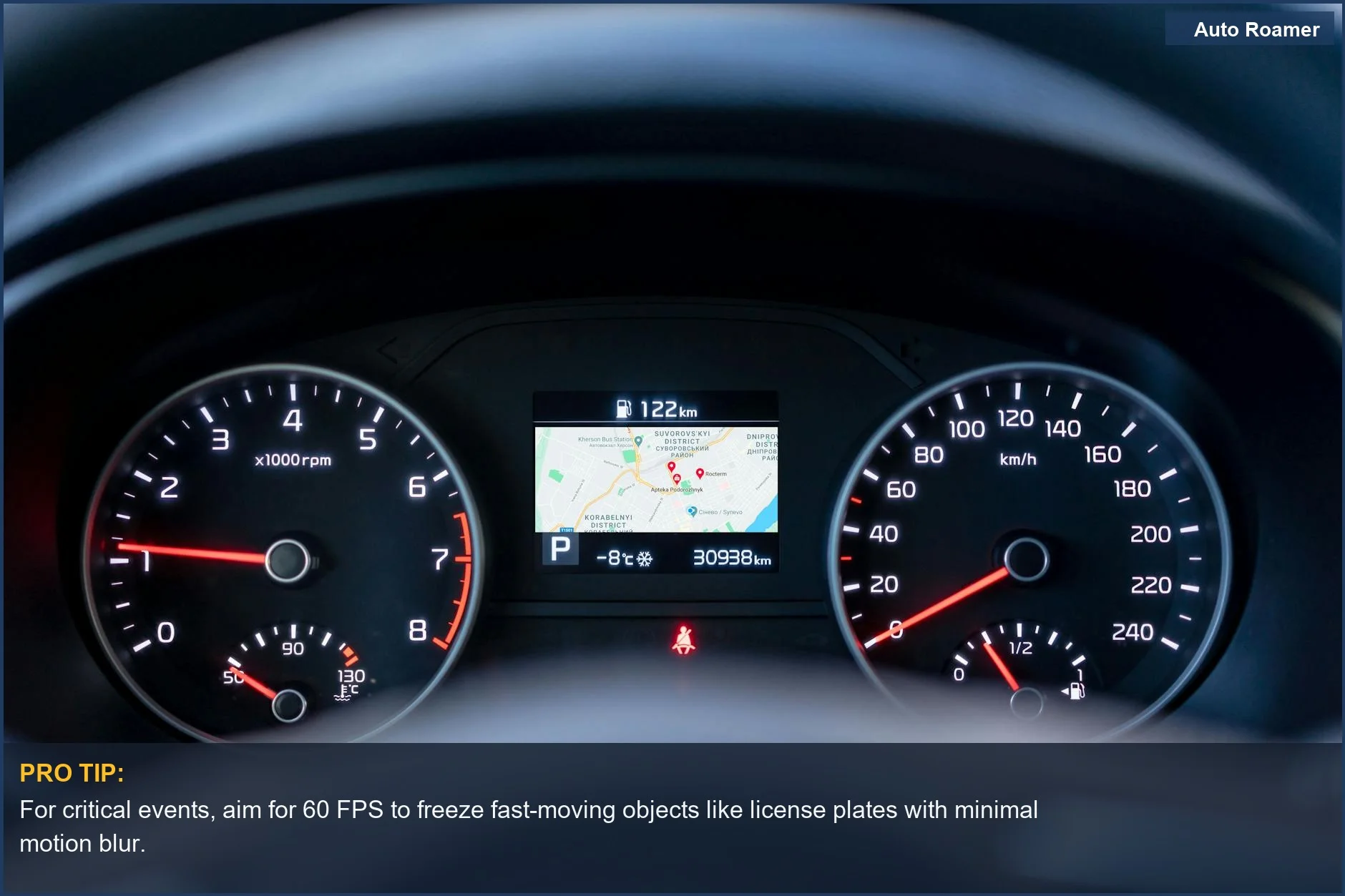
  • To ensure clear recordings in challenging conditions, understanding how frame rate affects clarity is crucial.
    For critical events, aim for 60 FPS to freeze fast-moving objects like license plates with minimal motion blur.
    Understanding dash cam frame rate is key for capturing fast action. This dashboard view symbolizes the need for smooth, continuous recording to avoid blurry evidence. | Photo by Atlantic Ambience

    Frequently Asked Questions

    If I go for a fancy 4K dash cam, will it automatically read every license plate, or am I still going to be squinting at the screen like a detective on a budget?
    Don't let the marketing fool you; a 4K dash cam doesn't magically read every license plate. While higher resolution gives you more pixels to work with, the actual capture depends on factors like distance, angle, and lighting. Having a higher-resolution camera increases your odds, but it's not a guarantee. You'll still need clear conditions and the car to be relatively close and perpendicular to your camera for the best chance.
    My dash cam has a 'loop recording' feature. What happens if my memory card is full when an accident occurs? Will the camera just shrug and say 'tough luck'?
    Loop recording is designed to prevent that exact scenario. When the memory card fills up, the camera automatically overwrites the oldest footage to make space for new recordings. This ensures you always have recent footage. However, for critical events like accidents, most dash cams have a G-sensor that locks the current recording, preventing it from being overwritten. So, the camera won't just give up on you; it's built to protect that important evidence.
    I see a lot of dash cams claiming 'night vision.' Is this just a fancy marketing term, or will it actually let me see what I hit in the dark?
    The term 'night vision' on dash cams usually refers to enhanced low-light performance through larger sensors or better image processing, not actual infrared night vision like you see in military movies. Other features affect dashcam image quality besides resolution. While they can capture usable footage in dim conditions, don't expect crystal clear, daylight-quality video. It's more about reducing noise and brightening the image than true night vision.
    If I set my dash cam to record at the highest resolution and frame rate possible, will it drain my car battery super fast, or is it more of a minor annoyance?
    Running a dash cam at its highest settings, especially a 4K camera, can definitely draw more power. However, most modern dash cams are designed to be relatively power-efficient. Higher frame rates and resolutions require more power. If you're just parking for a few hours, it's usually fine. For extended parking surveillance, you'll likely need a dedicated dash cam battery pack or a hardwire kit that cuts off power when your car battery gets low, preventing it from being completely drained.
    I heard that 60fps footage looks smoother, but what if it causes motion blur when I'm trying to read a license plate? Is it better to just stick with 30fps for clarity?
    That's actually a really good question, and it's a common point of confusion. While 60fps provides smoother motion, it can sometimes introduce more motion blur in still frames, making it harder to read a license plate compared to 30fps. All the 60fps freeze frames have motion blur, but going back to 30fps made the freeze frames sharper. So, if your absolute priority is capturing clear license plates, especially in dynamic situations, 30fps might actually be the better choice.

    🏅 Looking for Gear Recommendations?

    Check out our tested gear guides for products that work with this setup:

    C

    Casey - The Weekend Warrior

    Weekend car camper and road trip enthusiast. Focuses on practical, budget-friendly solutions for families and first-time campers.

    Sources

    Related Articles