
First, the Basics
Dash cam resolution is basically how many tiny dots of color, or pixels, are in each picture the camera takes. More pixels mean a sharper, clearer image. Think of it like trying to read a street sign from a block away versus standing right next to it. Higher resolution means you can actually make out those details, which is kind of the whole point.
It's not just about a prettier picture; it's about having actual evidence if something goes sideways. My first dash cam was a blurry mess, and trying to read a license plate was like trying to read a fortune cookie in the dark. I learned pretty quick that resolution is not just a number; it's your ticket to clarity. Common resolutions now range from 1080p to 4K, and that jump makes a huge difference in the real world.
The Core Answer
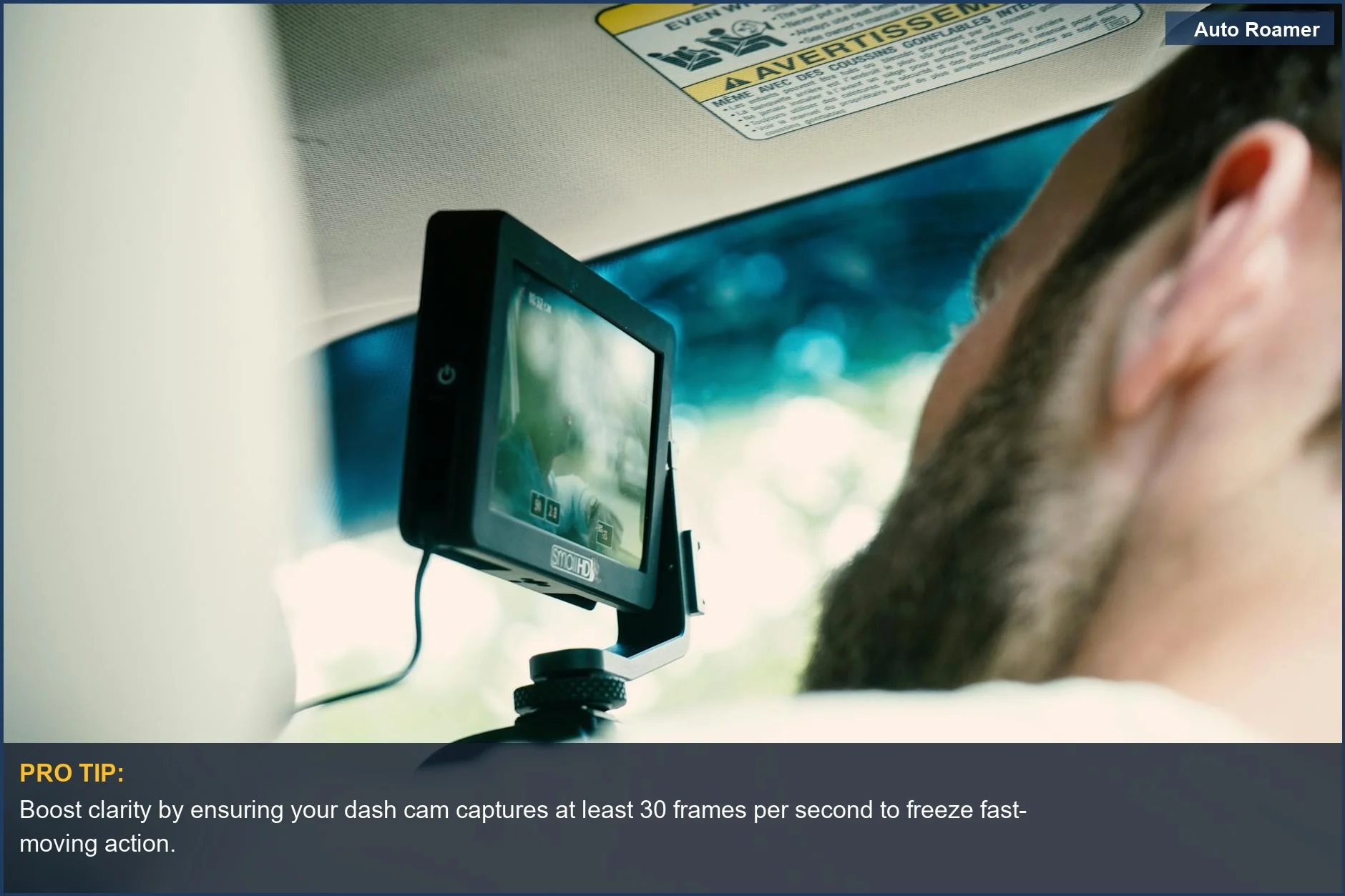
Frame rate, or FPS, is how many still pictures your camera takes every second. Most basic dash cams record at 30 FPS, which is usually fine for watching normal videos. But when you're driving, things happen fast. 30 FPS can make fast-moving cars look a little choppy or blurry, like an old movie. I once saw a near-miss happen in my footage, and the other car's plate was just a smear because of the low frame rate.
It was incredibly frustrating. If you can get 60 FPS, the motion is way smoother. It's like going from a flip-book animation to watching actual video. 60 FPS can capture details in fast events that 30 FPS just misses. This can be the difference between identifying a car or just seeing a blur. When I upgraded my dash cam to one that could do 60 FPS, it was like night and day for capturing traffic.
It's not just about looking pretty; it's about getting the actual information you need. My friend, who's a mechanic, told me that when you're trying to prove fault after an accident, every single frame matters. He said, 'You need to see if they ran that stop sign, not just saw a red blob go by.' That stuck with me. While resolution gives you the detail, frame rate gives you the motion clarity. You need both for good footage.
Think of resolution as the sharpness of a photograph, and frame rate as the smoothness of a movie. You wouldn't want a movie with only 10 frames per second, right? It would be unwatchable. The same principle applies here. Having a higher resolution with a low frame rate is like having a super sharp photo of something that's moving too fast to even recognize.
Higher resolution doesn't always mean better footage if the frame rate is too low to capture motion clearly. You want enough pixels to see details AND enough frames to see what's actually happening.
Why This Matters for Your Setup
Here's the breakdown on why this matters for your car:
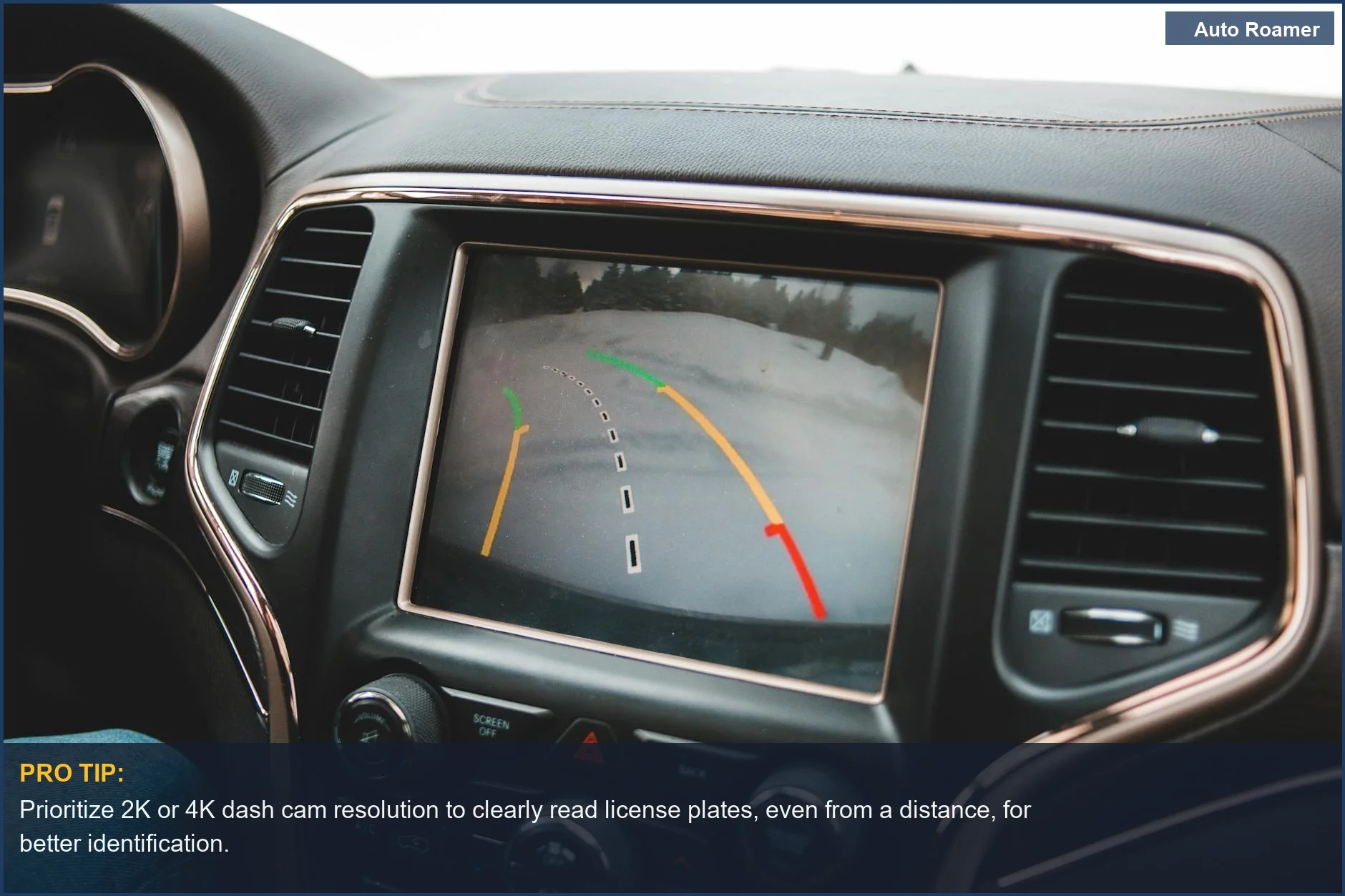
- License Plates: This is the big one. My first dash cam, a cheap $50 thing, couldn't read a license plate even when the car was parked right next to me. Higher resolution, like 2K or 4K, means you have a much better shot at capturing those crucial numbers, whether it's a car cutting you off or a hit-and-run.
Clear license plate capture is non-negotiable for evidence.
- Traffic Events: When you're in a fender bender or see someone driving erratically, you need to see exactly what happened. A higher frame rate, like 60 FPS, helps capture fast lane changes or sudden braking without turning the other car into a motion blur.
I remember a close call where the other driver swerved without signaling; my old 30 FPS footage made it look like a magic trick instead of a dangerous maneuver. Smooth motion is key here.
- Night Driving: This is where things get tricky. While higher resolution helps, sometimes a dash cam with a good sensor and a slightly lower resolution but a better frame rate can perform better at night than a 4K camera that struggles in low light.
Don't just chase the biggest number; look at reviews that specifically mention night performance. My buddy ended up with a $200 camera that was useless after sunset because he only looked at the resolution spec.
- Storage Space: Bigger numbers mean bigger files. 4K video at 60 FPS takes up way more space on your memory card than 1080p at 30 FPS.
You need to balance the quality you want with how much storage you have and how long you want to keep recordings. My first car, a beat-up '98 Civic, had a tiny SD card that filled up in two days.
Making the Right Choice
So, what's the real move here? Don't just grab the first dash cam you see. Understand the specs. For most people, a solid 1080p or 2K resolution at 30 FPS is a decent starting point. It's the $50 version that still gets the job done. If you can swing it, 60 FPS is a fantastic upgrade for smoother motion, especially if you do a lot of highway driving or live in a busy city.
Higher frame rates make reading signs and plates easier. If you want the absolute best, go for 4K resolution, but make sure it also offers a good frame rate. Honestly, my biggest rookie mistake was thinking the biggest number was always the best. It's not. You need a balance. Think about your driving habits and what you're most likely to need footage of. Evidence is evidence, whether it's 1080p or 4K, as long as you can actually see it.
Look for cameras that offer flexibility in these settings so you can tweak them to your needs.