What Actually Matters: nextbase 622gw vs thinkware u1000 Spec Breakdown
When you're comparing these dash cams, ignore the marketing jargon about 'cinematic quality' and focus on the actual engineering. We're talking about optical sensor size, lens aperture, and the thermal management system. These are the components that dictate if your footage is usable or just blurry garbage when it actually matters. A YouTube review highlights how bad some night vision can be.
Consider the image sensor. A larger sensor with better low-light performance (like a Sony Starvis) isn't just a number on a spec sheet; it's the difference between capturing a license plate at 2 AM or just a blurry glow. Resolution means nothing if the sensor can't gather enough photons. Your 4K footage is useless if it's just pixelated darkness.
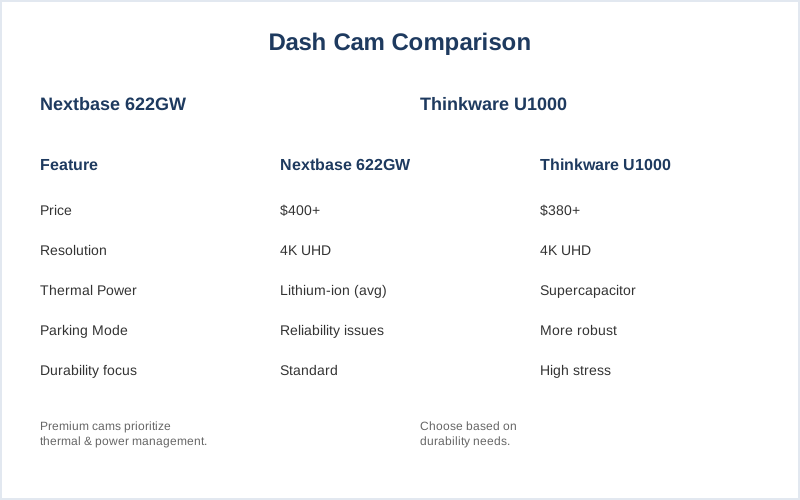
Parking mode isn't just about 'motion detection'. It's about buffered recording, which means the camera saves footage *before* and *after* an event. The Nextbase 622GW only records *after* the incident, which means you miss the critical lead-up. That's a huge operational disadvantage when proving fault. BlackboxMyCar details the differences in parking mode.
The voltage monitoring system in a unit with proper hardwiring protects your car's battery from parasitic drain. A cheap dash cam can pull 300mA at rest, killing a 60Ah battery in 10 days. A properly engineered unit will cut power when the voltage drops below a preset threshold, say 12.0V, preventing you from being stranded. This isn't a 'feature'; it's fundamental circuit integrity.
The mount is another critical, often overlooked, mechanical stress point. A cheap suction cup mount loses its vacuum seal above 120 degrees F due to outgassing from the plasticizer in the rubber, causing the camera to fall. Adhesive mounts use a 3M VHB tape, which maintains shear strength up to 200 degrees F. One is a temporary fix, the other is a permanent bond. Choose wisely.
Finally, the storage media. A standard microSD card isn't designed for constant write cycles in extreme temperatures. You need a high-endurance card, rated for surveillance use, to withstand the thermal cycling and continuous data overwrite. Otherwise, you'll be buying a new card every six months, adding to your cost-per-fix. The dealer charges $180 for the same bottle of Lysol and a fancy invoice.
Diagnostic Table: Key Dash Cam Specs
| Feature | Impact on Performance | Dirtbag Engineer's Take |
|---|---|---|
| Image Sensor | Determines low-light visibility and detail capture. | Bigger is better. Small sensors blur everything at night. |
| Parking Mode (Buffered) | Records pre-incident footage, critical for fault assessment. | If it's not buffered, it's half-assed. |
| Power Source (Supercapacitor vs. Li-ion) | Thermal tolerance, longevity, failure rate in extreme temps. | Li-ion batteries are garbage above 113 degrees F. Supercapacitors are the only way for parking mode in hot climates. |
| Mount Type | Mechanical stability, vibration damping, long-term adhesion. | Adhesive for permanent. Suction cups are for temporary use or rental cars. |
| Voltage Monitoring | Prevents vehicle battery drain, ensures starting reliability. | Essential for hardwiring. Keeps your car from being a brick. |
| Storage (High Endurance MicroSD) | Data integrity and longevity under constant write cycles. | Standard cards will fail. Period. Expect 6-month replacement cycles on cheap cards. |
Top Picks for nextbase 622gw vs thinkware u1000
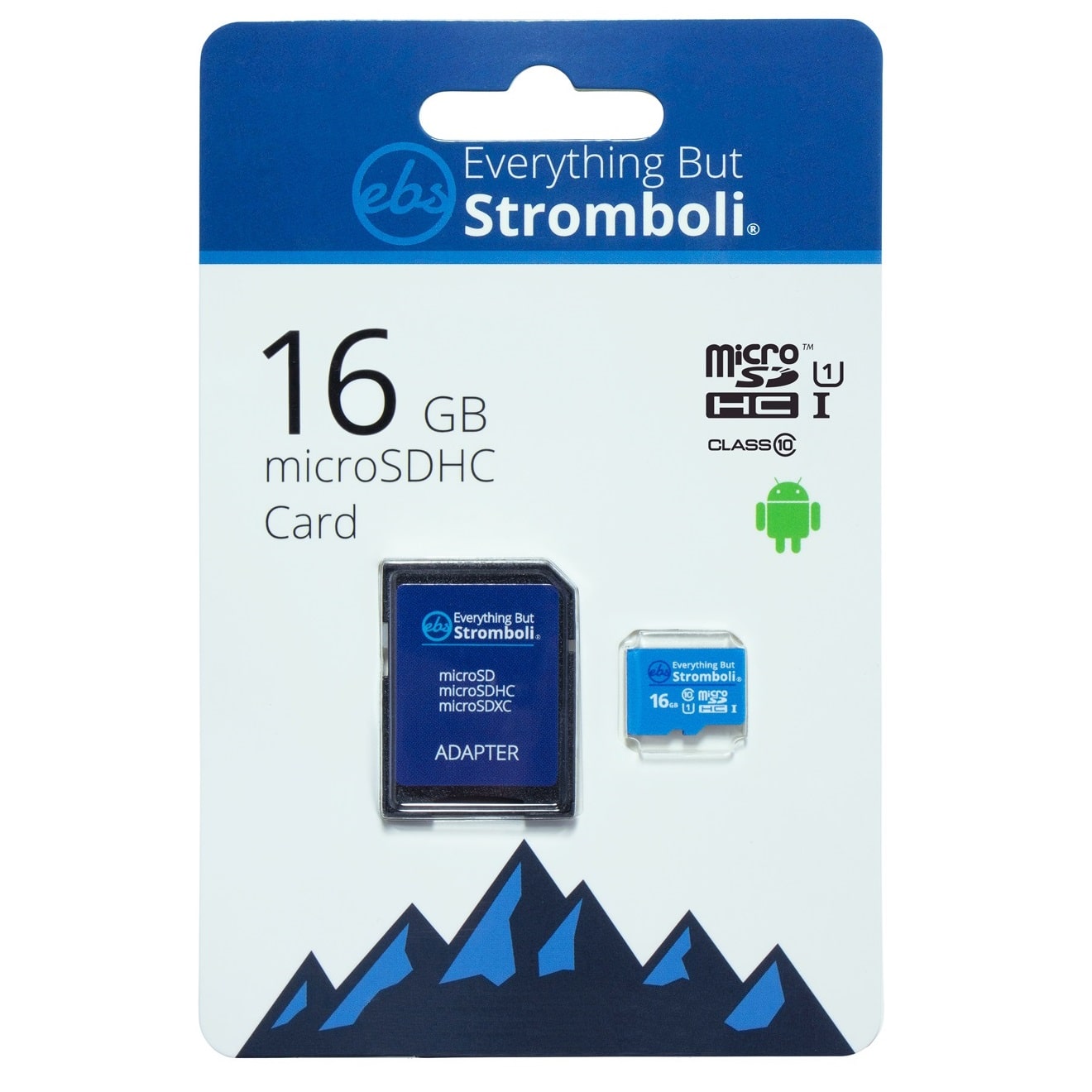
Don't let anyone tell you 'any old microSD card will do'. That's how you lose critical footage when the cheap flash memory wears out after 200 write cycles. Dash cams are constantly overwriting data, which means you need high-endurance memory designed for continuous recording and thermal cycling. This isn't just about storage capacity; it's about cell integrity and controller wear leveling. Safewise mentions the need for a separate microSD card.
The difference between a standard consumer card and a high-endurance card is literally the expected number of program/erase cycles. Consumer cards might be rated for 500-1000 cycles; high-endurance cards are often rated for 10,000+ cycles. That's a 10x difference in expected lifespan under constant write stress. You're buying reliability, not just gigabytes.
I've seen enough forum posts about 'corrupted footage' and 'card errors' to know that skimping on the microSD card is a false economy. You save $15 now, and then lose critical evidence later. The cost-per-fix on a failed card is not just the card itself, but the lost data. Don't be that guy. This YouTube video shows an unboxing without a card.
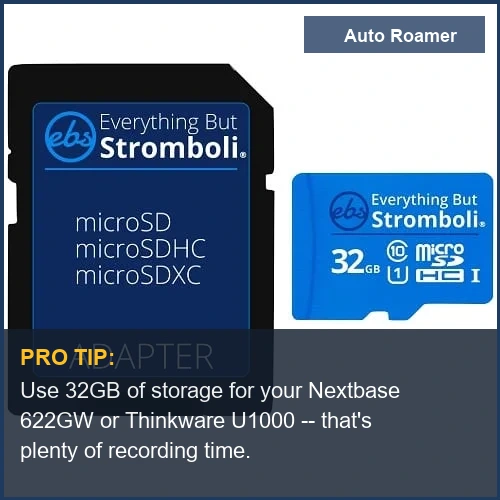
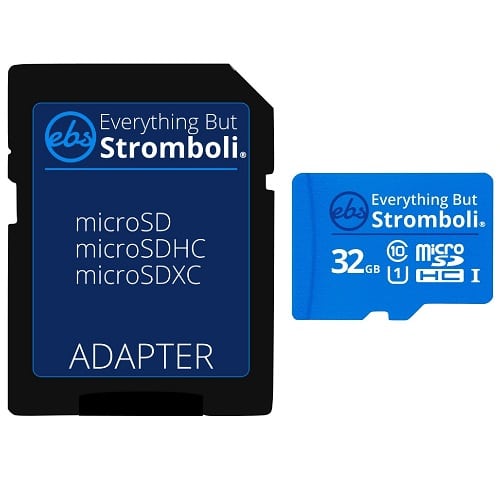
- Everything But Stromboli 32GB Micro SD Memory Card w/Adapter (~$15)
- Capacity: 32GB
- Pros: Decent capacity for everyday use, includes adapter, good value for basic recording needs.
- Cons: Not specifically advertised as 'high endurance,' so longevity under constant write cycles is a potential concern.
- Best for: Drivers who need basic recording and are willing to replace the card every 6-12 months if issues arise.
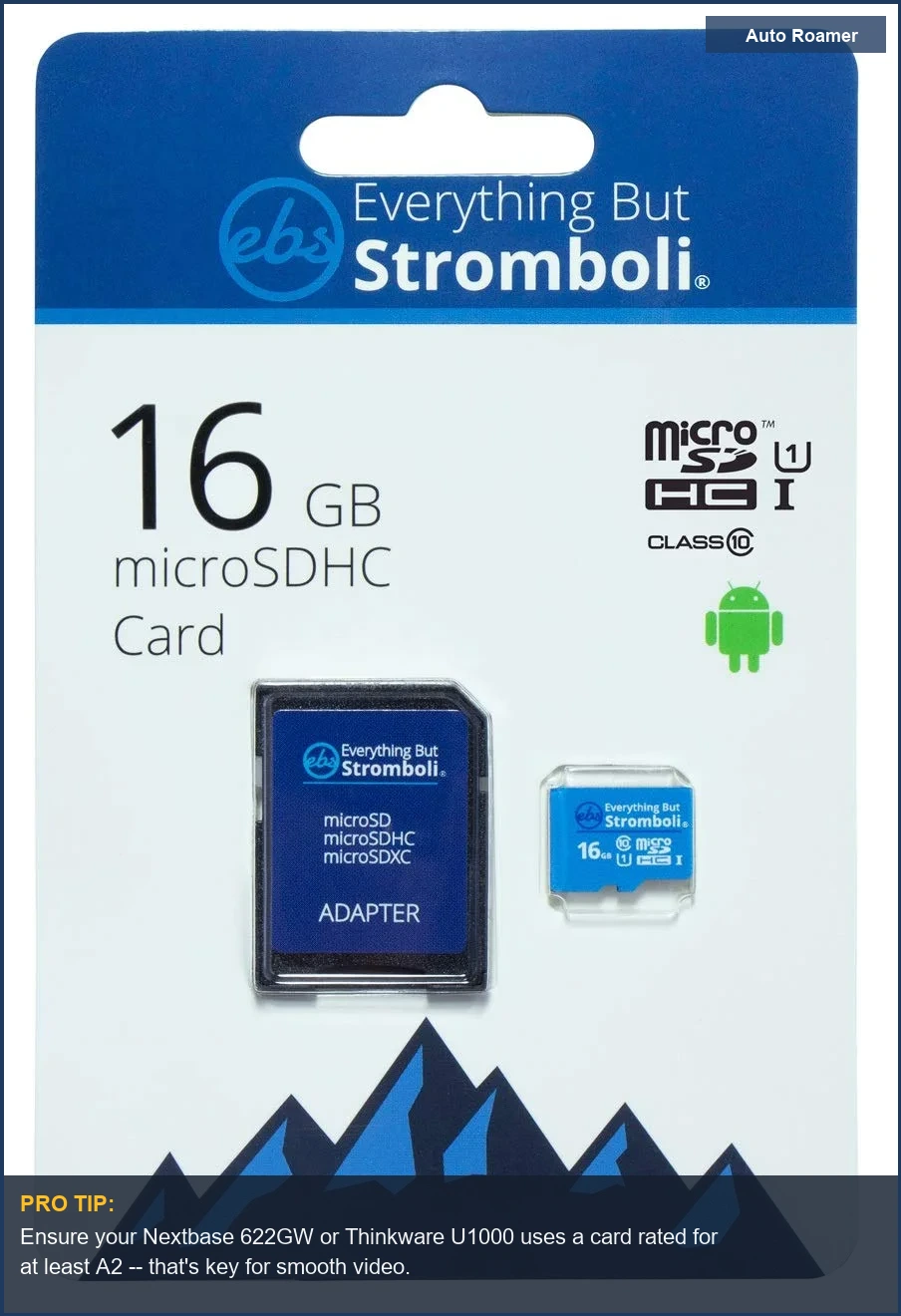
- Everything But Stromboli 16GB MicroSD Memory Card w/Adapter (~$10)
- Capacity: 16GB
- Pros: Very budget-friendly, includes adapter, suitable for short commute recording where older footage is quickly overwritten.
- Cons: Limited storage means frequent overwrites, which increases wear on flash cells.
- Best for: Minimalist users who only need a few hours of footage at a time and prioritize low upfront cost.
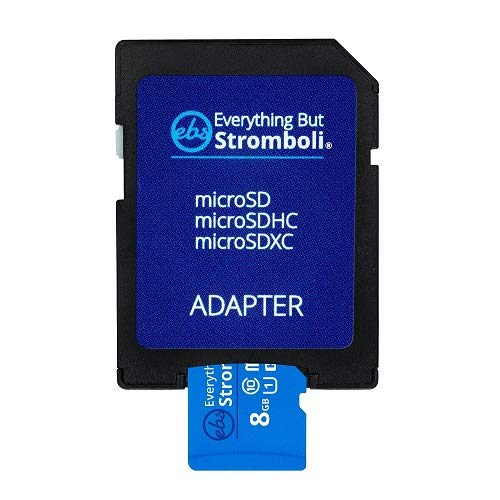
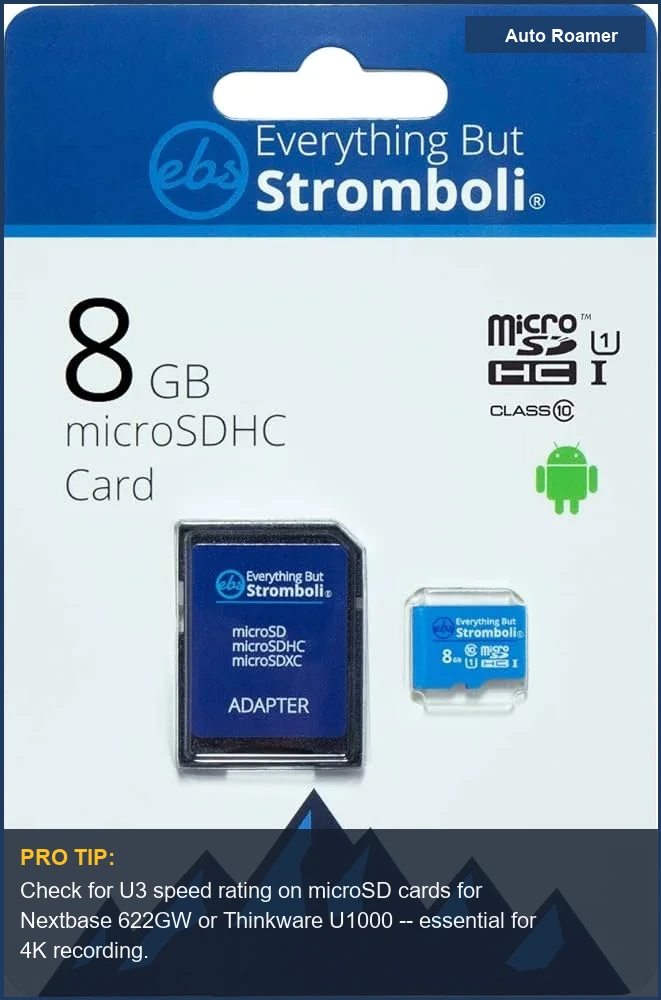
- Everything But Stromboli 8GB MicroSD Memory Card Plus Adapter (~$8)
- Capacity: 8GB
- Pros: Extremely cheap, includes adapter, good for testing or as a backup.
- Cons: Practically useless for continuous recording due to minuscule capacity; constant overwrites will kill it fast.
- Best for: Emergency backup or very short trips where storage isn't a concern, or for just getting a camera running on a shoestring budget.
- Everything But Stromboli 8GB MicroSD Memory Card ... - Amazon.com (~$7)
- Capacity: 8GB
- Pros: Lowest cost option, good for initial setup and testing without committing much cash.
- Cons: Similar to the other 8GB card, this will be a high-failure-rate component in any active dash cam.
- Best for: Literally just getting the camera to turn on and confirm basic functionality. Don't trust it for anything important.
When you're looking at these cards, understand that the lower capacity means more frequent overwrites. More overwrites mean faster wear on the NAND flash cells. It's a direct correlation. If you're running parking mode 24/7, you'll burn through an 8GB card in months. A 32GB card extends that lifespan, but a dedicated high-endurance card is always the gold standard.
The adapter included is a nice touch for transferring footage to a computer, but don't let that distract from the core requirement: the card itself. If the card isn't robust, the adapter is just a plastic trinket. You're buying a data storage device that needs to survive extreme thermal cycling and constant data stream ingestion. This is not a casual purchase.
What $50 vs $300 Actually Buys You
The difference between a $50 dash cam and a $300 unit isn't just branding; it's a fundamental disparity in component quality and engineering. A $50 unit often uses a cheap lithium-ion battery that will swell and fail after six months of thermal cycling. Meanwhile, a $300 unit will incorporate a supercapacitor, which shrugs off dashboard temperatures that would melt lesser devices. This YouTube comparison touches on budget options.
That $50 dash cam likely has a plastic lens assembly with significant chromatic aberration and a low-resolution sensor that blurs license plates beyond recognition after 10 feet. The $300 unit will use a multi-element glass lens and a Sony Starvis sensor, providing clear 4K footage day and night. The difference isn't just 'better picture'; it's usable evidence versus a blurry mess.
Parking mode is another differentiator. The cheap dash cam might offer 'parking mode' as a buzzword, but it's often an unbuffered, impact-only trigger that misses the crucial lead-up to an event. A premium unit offers buffered recording, motion detection, and often a radar sensor that wakes the camera *before* impact, saving critical seconds of footage. DashCamTalk discusses the U1000's features.
Connectivity is also a cost factor. A cheap cam might have flaky Wi-Fi that constantly disconnects, making footage retrieval a pain. A premium unit offers stable Wi-Fi and often cloud connectivity, allowing you to access footage remotely. This isn't just convenience; it's about reliable data access when your camera might be stolen with the car.
The hardwiring kit for a $50 cam is usually a basic fuse tap with no voltage monitoring, risking your car battery. A $300 unit comes with a sophisticated hardwire kit that includes adjustable voltage cutoff thresholds and timer functions, protecting your vehicle's starting reliability. You're paying for battery life insurance, not just a wire.
Diagnostic Table: Budget vs. Premium Dash Cams
| Feature | Budget (~$50) | Premium (~$300+) |
|---|---|---|
| Internal Power | Lithium-ion battery (high thermal degradation, swelling risk) | Supercapacitor (high thermal tolerance, longer lifespan) |
| Image Sensor | Generic, low-light performance poor, blurry at night | Sony Starvis or equivalent (excellent low-light, clear detail) |
| Parking Mode | Impact-only, unbuffered (misses pre-event footage) | Buffered, motion/radar detection (captures pre-event, energy efficient) |
| Lens Quality | Plastic, noticeable distortion, limited aperture | Multi-element glass, wide aperture, minimal distortion |
| Hardwiring Kit | Basic fuse tap, no voltage protection (risk of battery drain) | Advanced with voltage cutoff, timer, proper fuse protection |
| Connectivity | Flaky Wi-Fi, often no cloud support | Stable Wi-Fi, Bluetooth, optional cloud services |
How to Actually Install nextbase 622gw vs thinkware u1000 Right
Installing a dash cam isn't just sticking it to the windshield. It's about managing cable routing, power delivery, and ensuring mechanical stability under constant vibration. Skipping these steps guarantees a loose connection or a camera that falls off after two months of thermal cycling. Parkers recommends proper installation.
Step 1: Permanent Mount Placement. Choose a spot that doesn't obstruct your view, typically behind the rearview mirror. Clean the windshield with isopropyl alcohol to remove any grease or wax. Apply the adhesive mount firmly, pressing for 30 seconds to ensure a strong initial bond. Let it cure for 24 hours before attaching the camera. Don't use a suction cup mount unless you enjoy your camera falling off in 100 degrees F heat.
Step 2: Hardwire Kit Installation (Essential for Parking Mode). Route the power cable along the headliner, down the A-pillar, and into the fuse box. Use plastic trim tools to tuck the cable neatly. Do NOT just shove it under the trim; that's how you get pinched wires and intermittent power. Identify a switched 12V fuse for ignition power and an always-on 12V fuse for parking mode power. Use add-a-fuse kits for clean, reliable connections, not just twisting wires around a fuse leg. Motortrend discusses installation for a 622GW.
Step 3: Ground Connection. Find a solid chassis ground point - usually a metal bolt near the fuse box. Ensure the connection is clean and tight. A loose ground connection creates high resistance, leading to voltage drops and unreliable operation. This is basic circuit integrity. Don't paint over the ground point; scrape it down to bare metal.
Step 4: Cable Management. Secure any excess cable with zip ties or electrical tape to prevent rattling and strain on the connectors. Loose cables vibrate, leading to premature wear on the insulation and potential short circuits. Use cable clips where appropriate. This isn't just aesthetics; it's about reducing mechanical stress on the wiring harness.
Step 5: Test and Verify. Turn on your car, confirm the dash cam powers up, and then turn it off to verify parking mode engages. Check your voltage cutoff settings if your hardwire kit has them. Drive around for a bit, then check the footage to ensure the camera isn't vibrating excessively, causing blurry video. If it's vibrating, your mount isn't secure enough, or there's too much play in the camera's attachment point.
Head-to-Head: All Picks Side-by-Side
When you're sifting through options, focus on the core engineering. The marketing noise about 'AI features' and 'voice control' doesn't matter if the camera can't reliably record footage in a hot car. It's about the sensor, the power source, and the mechanical stability of the mount. Everything else is gravy, and usually extra points of failure. Nextbase's own site offers comparisons.
For parking mode, the radar detection in some premium units is a significant advantage. It allows the camera to wake up and record *before* an impact, conserving battery life while still capturing the crucial lead-up. This is superior to basic motion detection, which often triggers too late or too frequently, draining your car battery. It's efficient thermal management and power delivery.
The choice of internal power supply - supercapacitor versus lithium-ion battery - is non-negotiable for longevity. If you live anywhere with hot summers, a lithium-ion battery will swell and fail, often within a year. A supercapacitor is built to withstand those thermal extremes, offering a significantly longer operational lifespan and reducing your cost-per-fix. Don't cheap out here.
| Feature | Everything But Stromboli 32GB Micro SD Memory Card w/Adapter | Everything But Stromboli 16GB MicroSD Memory Card w/Adapter | Everything But Stromboli 8GB MicroSD Memory Card Plus Adapter | Everything But Stromboli 8GB MicroSD Memory Card ... - Amazon.com |
|---|---|---|---|---|
| Capacity | 32GB | 16GB | 8GB | 8GB |
| Price (Approx.) | ~$15 | ~$10 | ~$8 | ~$7 |
| Endurance Rating (Est.) | Standard (lower P/E cycles) | Standard (lower P/E cycles) | Standard (lower P/E cycles) | Standard (lower P/E cycles) |
| Best Use Case | General recording, occasional parking mode | Short commutes, minimal parking mode | Testing, emergency backup | Initial setup, absolute minimum budget |
| Thermal Stability (Card) | Standard consumer grade | Standard consumer grade | Standard consumer grade | Standard consumer grade |
Keep in mind, all these 'Everything But Stromboli' cards are standard consumer-grade. While they'll work initially, don't expect them to last years in a constantly recording dash cam, especially with parking mode. The constant write cycles in extreme temperatures will degrade the flash cells much faster than a high-endurance, surveillance-rated card. This isn't a knock on the brand; it's just the physics of flash memory.
For serious users, or anyone relying on their dash cam for critical evidence, investing in a true high-endurance microSD card is non-negotiable. These cards are designed with more robust flash memory and wear-leveling algorithms to handle the relentless data stream of a dash cam. It's the difference between a reliable witness and a corrupted file when you need it most. "Nextbase - went in the bin where" the battery failed, one user reported. That's a direct consequence of thermal stress on cheap components.
The Final Verdict: Pick by Use Case
Choosing a dash cam isn't about finding the 'best' overall; it's about matching the engineering to your specific operational environment and threat model. If you live in Arizona, your priorities for thermal tolerance are vastly different from someone in Alaska. This isn't a fashion accessory; it's a piece of surveillance equipment that needs to function under stress. Facebook groups confirm user experiences.
- For the Daily Commuter (Basic Protection): A unit with solid 1080p resolution, good low-light performance, and a reliable adhesive mount. Parking mode isn't a primary concern here, so a supercapacitor isn't strictly necessary, but it's always a bonus for longevity. Focus on clear front footage.
- For Parking Lot Peace of Mind (24/7 Surveillance): You NEED a unit with a supercapacitor, buffered parking mode, and a robust hardwire kit with voltage cutoff. The radar detection feature in some premium models is a significant advantage for energy efficiency and early event capture. Don't skimp on the high-endurance microSD card.
- For Rideshare/Taxi Drivers (Interior and Exterior Coverage): A dual-channel system with both front and interior cameras is essential. Look for IR night vision for the interior camera to capture clear footage in low light. Thermal management is critical here, as the camera will be running for extended periods.
- For Extreme Climates (Hot or Cold): Supercapacitors are non-negotiable. Ensure the camera's operating temperature range covers your local extremes. Look for a robust adhesive mount that won't fail under thermal expansion and contraction. The mechanical stress on all components is amplified in these conditions.
- For the Budget-Conscious (Minimal Investment): Understand the trade-offs. You'll likely get a lithium-ion battery, basic parking mode, and a standard microSD card. Plan for a shorter lifespan and potential issues in extreme temperatures. These are temporary solutions, not long-term investments.
Ultimately, your choice boils down to how much mechanical stress and thermal cycling you expect the unit to endure, and how critical the footage is. If it's just for 'just in case' casual driving, a basic unit might suffice. If you're relying on it for insurance claims or security, invest in the engineering that can withstand the abuse. This isn't rocket science; it's just applied physics. "Thinkware U1000 - great dashcam," says one user, highlighting reliability over features.