Setting the Scene
Dash cams are no longer just for the tech-obsessed. They've become a crucial part of your car's security system, and knowing how they record is key. Think of it like setting up your campsite: you wouldn't just throw your tent up randomly, right? You need to understand how things work. The three main recording modes are continuous, event, and parking. Each one does something different, and understanding them means you won't miss a critical moment when you're parked.
It's about being smart with your footage, not just collecting it. I learned this the hard way when a fender bender happened while my camera was in the wrong mode. Total rookie mistake.parking mode is what you need for that 24/7 protection. It's the real move to ensure you're covered. parking mode is designed to capture those unexpected moments. It's not just about when you're driving; it's about what happens when you're not.
This is the honest version of what you need to know.
The Core Answer
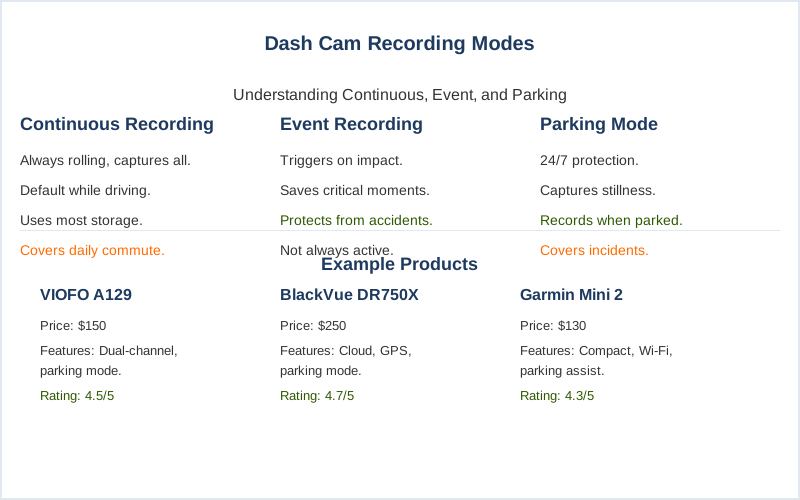
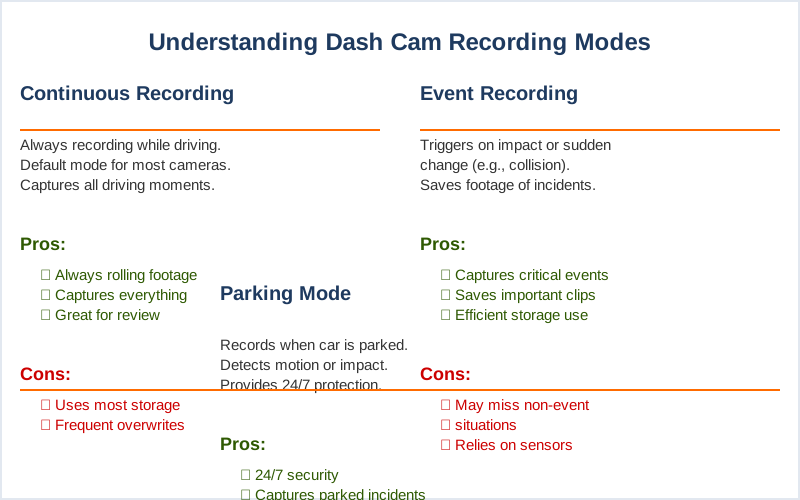
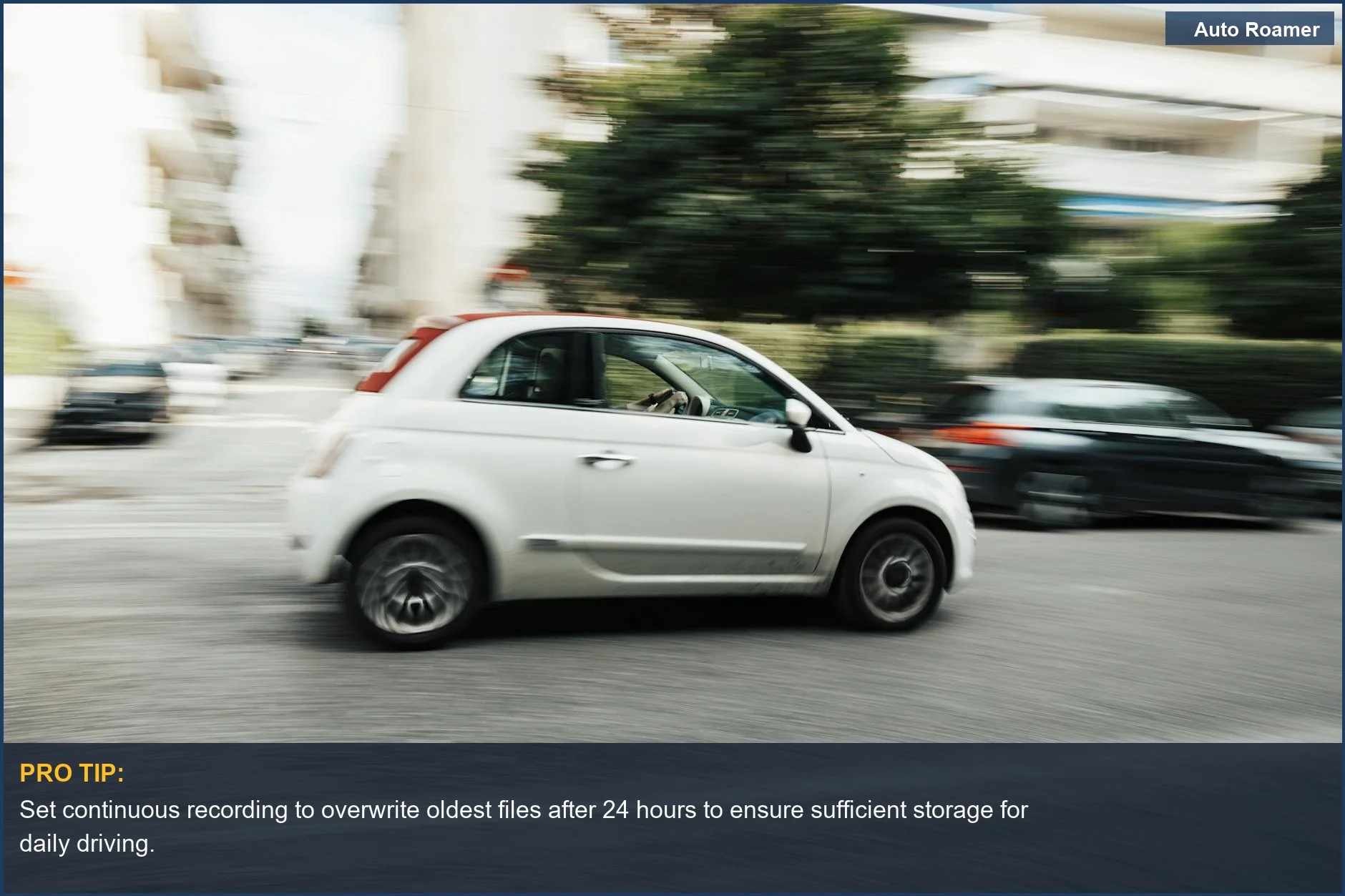
So, let's break down what these modes actually do, because the marketing can be a bit much. Continuous recording is exactly what it sounds like. Your dash cam is always rolling, capturing everything as you drive. It's like having a constant video diary of your commute. This is the default for most cameras when the engine is on. It's great for capturing traffic incidents or just reviewing your drive.
The honest version: it uses the most storage, so you'll be overwriting older footage more often. Normal recording is your everyday driving footage.
Event recording is the superhero mode for when things get a little dicey. It's triggered by sudden impacts or sharp braking. Think of it like your dash cam having a built-in G-sensor that screams 'record this!' when it feels a jolt. This is crucial for accidents. The footage from these events is usually saved in a special folder so it doesn't get accidentally deleted by continuous recording.
I learned this lesson after a minor bump in a parking lot; the footage was there because it was an 'event.' event recording is designed to catch those sudden incidents. It's the difference between having proof and just saying 'it happened.'
Parking mode is where things get interesting, and frankly, a little confusing for beginners. This is when your car is off, but you still want eyes on it. There are a few ways this works. Some cameras use motion detection, so they only start recording if something moves in front of them. Others use impact detection, similar to event recording but for when you're parked.
The real move here is understanding how your camera gets power when the car is off. Usually, it requires a special hardwire kit that taps into your car's battery. This is where you can drain your battery if you're not careful, a classic parking mode cable comes in. It ensures the camera gets power and knows when your car is off.
Parking Mode on a dash cam is a feature that allows the camera to continue recording even when your car is parked and the engine is turned off. Some systems offer buffered recording, meaning they record a few seconds before the event is triggered. This is huge for capturing the full story, not just the impact itself. Without that buffer, you might miss what happened right before the hit.
It's the difference between seeing the car hit you, or just seeing your bumper get smashed. The buffered recording can continuously record a short loop of video. My first attempt at parking mode left my battery dead after two days. That was a $40 tow truck ride I didn't need. The fix? A battery voltage cutoff feature on the hardwire kit. Brilliant engineering, really. It stops the camera before it kills your car battery.
It's the $50 version of not getting stranded.
Why This Matters for Your Setup
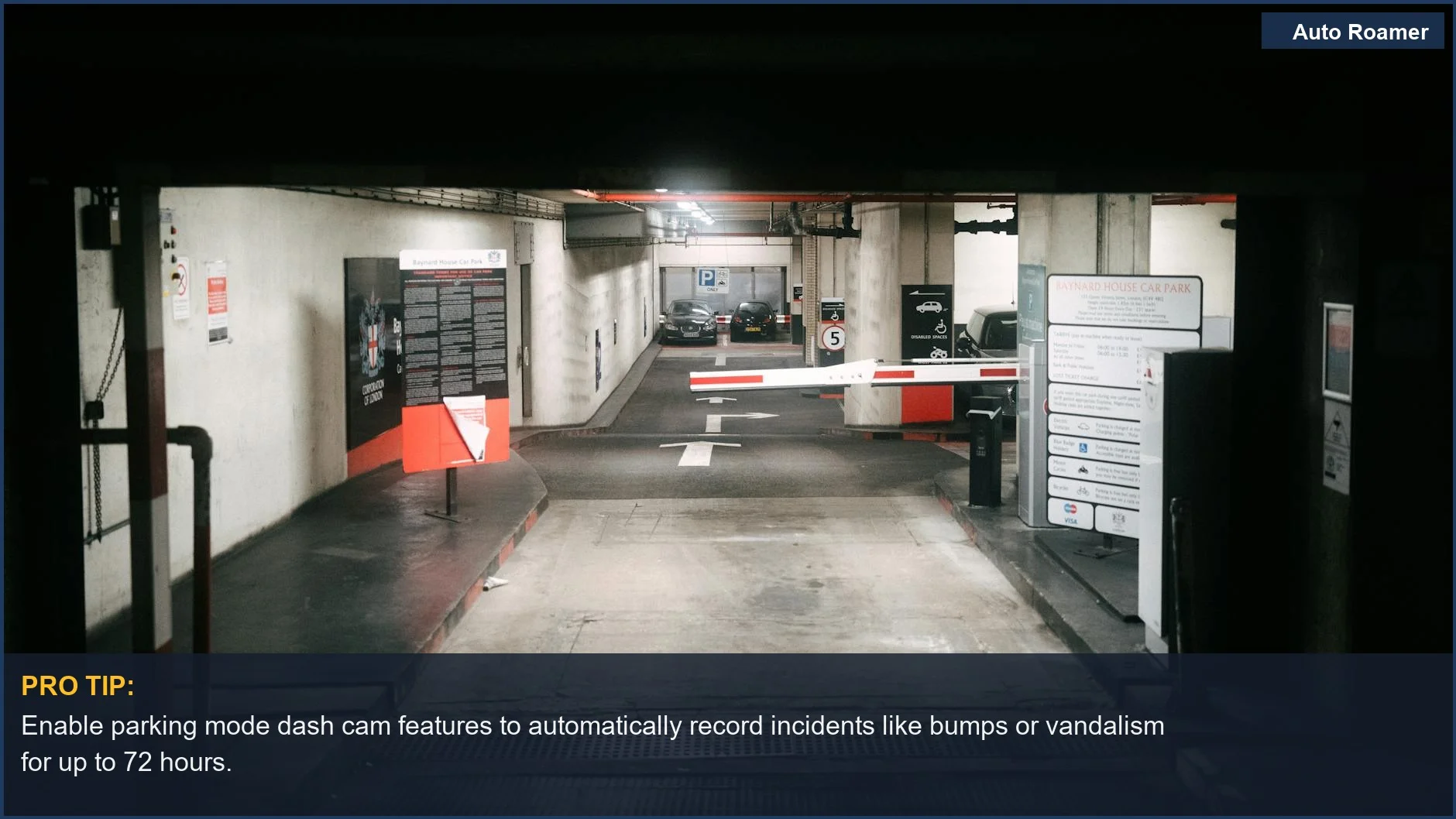
Understanding these modes isn't just trivia; it directly impacts your car's security. If you're parked in a busy lot or on a street where you've had issues before, you absolutely need parking mode enabled. Continuous recording is fine for driving, but it's useless when your car is off and someone keys your door. how-dashcam-parking-mode-actually-works explains this.
My advice: if your dash cam has parking mode, figure out how to use it. It might mean buying a specific hardwire kit, which usually runs around $20 to $40. That's way cheaper than a new bumper or a deductible. It's the real move for peace of mind. Parking Mode cable requires you to hook up ground, constant power, and accessory power.
Think about what you want to capture. Are you worried about random bumps and scrapes, or potential theft? Motion detection is good for general activity, while impact detection is better for actual hits. Some systems even offer time-lapse recording in parking mode, which saves storage by capturing fewer frames per second. This is great for long parking stints where you just want to see the general flow of activity.
It's like setting up a timelapse for your campsite to see the stars move, but for your car. Time Lapse Recording is the most stable and consumes much less power. It's the $50 version of not having to worry.
Making the Right Choice
Choosing the right recording mode is all about knowing what you need. For everyday driving, continuous is your go-to. When you park, especially in sketchy areas, parking mode is non-negotiable. It's the difference between having evidence of a hit-and-run or a vandalized car, and just a story. most only start recording 1 second after impact for a short time.
Don't get overwhelmed by the tech. Start with the basics: continuous for driving, parking mode when off. If your camera supports event recording, make sure it's enabled. It's like packing for camping: you need your essentials first. parking mode is a feature of dash cams that enables them to keep recording when the vehicle's engine is turned off.
The honest version: most people don't need the super-fancy features right away. Just focus on getting solid footage when you're driving and when you're parked. It's the $50 version of having a security guard for your car. Dash Cam Parking Mode cable requires you to hook up ground, constant power, and accessory power to the vehicle. Get it set up and forget about it. That's the goal.