The Short Version
My first car camping trip was a $47 experiment in a Honda Civic hatchback in Shenandoah Valley. Mid-October. I had a Walmart foam pad, a sleeping bag rated to 40F, and zero idea that the temperature drops 15 degrees after midnight in the mountains. By 2AM I was wearing every piece of clothing in my bag and still shivering. The fix was a $12 fleece liner from Amazon that turned my 40F bag into a 25F bag.
Three years later I still use that same liner on every trip.
That first trip taught me a lot about what I didn't have. Like, say, enough power to charge my phone for more than a day, let alone run a tiny fan or string lights. I was relying on a portable battery pack meant for a day hike, not a weekend in the woods. Rookie mistake.
The honest version: you need a solid power source. Not a gas generator that sounds like a lawnmower at 3AM and smells like a gas station. You need something quiet, clean, and capable. That's where a portable power station comes in. Outdoor Gear Lab says they're a compelling alternative to loud, smelly generators.
I started looking for something under $500 because, let's be real, I wasn't trying to finance a power grid. My budget was tight, and I wanted something that could handle my phone, a small fan, maybe a laptop, and a few strings of LED lights. What nobody tells beginners is how quickly those little things add up.
I picked up a cheap 300W unit for $150 and thought I was set. Field notes: it barely lasted a full day charging my phone and running a tiny USB fan in my Subaru Outback at a campsite in Assateague State Park during a humid July weekend. The battery drained faster than I could say "mosquito bite." My phone died mid-podcast. Brilliant engineering.
So, I went back to the drawing board, focusing on what actually works for a weekend warrior on a budget. This isn't about powering your entire house during an apocalypse. It's about keeping your essentials running without selling a kidney. Facebook groups for van dwellers are full of people asking for exactly this type of budget advice.
My goal here is to cut through the marketing fluff and give you the real move. What capacity do you actually need? What ports are essential? And how do you get all that for under $500? I've made the mistakes so you don't have to.
Key Features to Consider
When I first started looking, every power station spec sheet looked like a physics exam. Watt-hours, pure sine wave, LiFePO4-it was overwhelming. What nobody tells beginners is what actually matters for a weekend trip, not for powering a small village. Wirecutter breaks down core features, but I learned this the hard way.
Here's the honest version of what you need to care about:
| Feature | What it means for you | Weekend Warrior Takeaway |
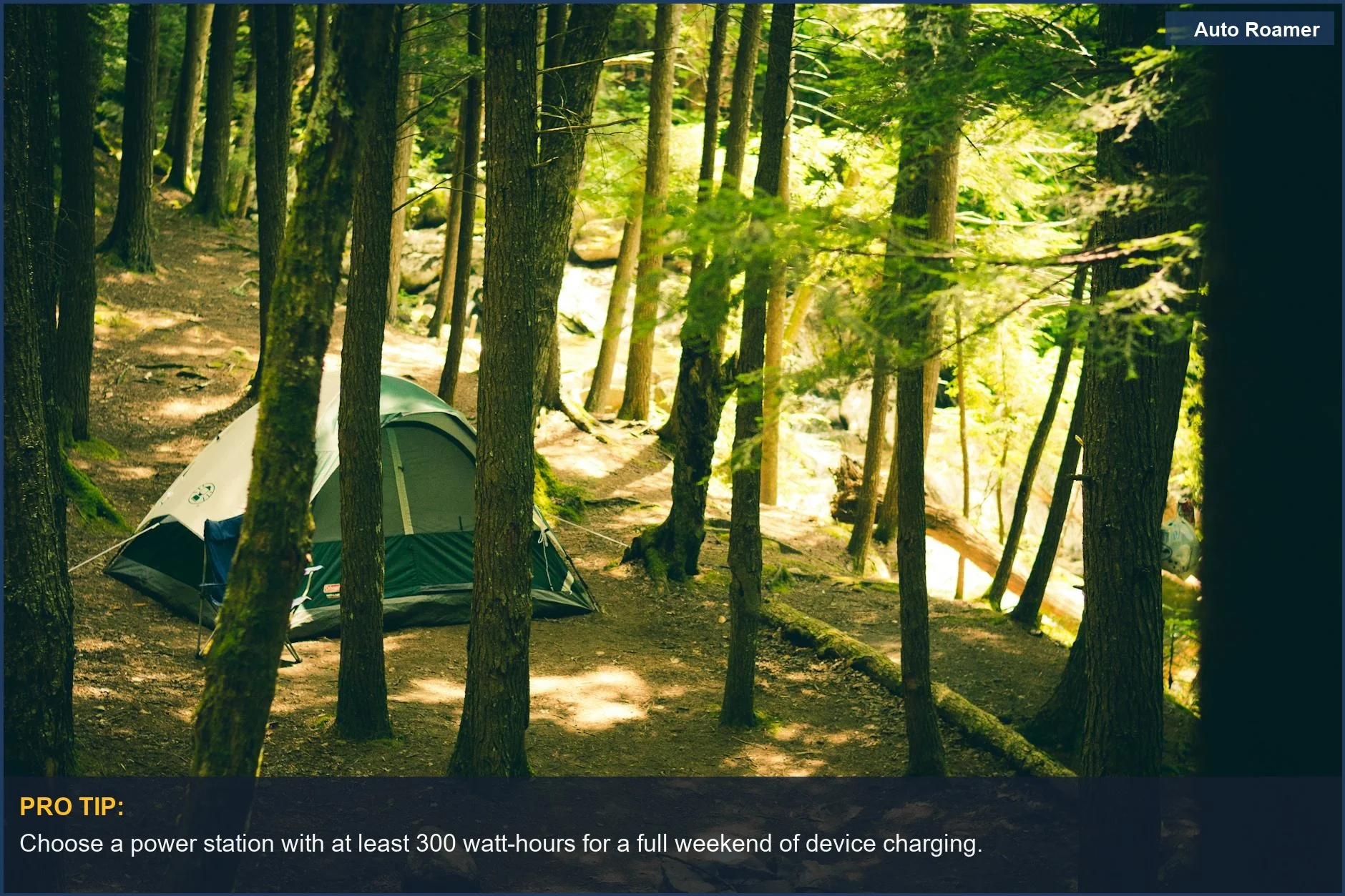
| Capacity (Wh) | How much juice it holds. A 300Wh unit runs a 300W appliance for one hour. | Aim for 500Wh+ for a solid weekend. My 300Wh unit was a joke at Assateague. |
| Output (W) | How many watts it can push at once. Higher numbers mean more powerful devices. | 500W is good for most small appliances like a fan or laptop. Don't expect to run a coffee maker. |
| Battery Type | LiFePO4 (Lithium Iron Phosphate) vs. Lithium-ion. | LiFePO4 lasts longer (3500+ cycles) and is safer. My first cheap one was just 'lithium' and died fast. Tech Writer EDC emphasizes LiFePO4 for real-world trust. |
| Charging Speed | How fast it recharges from a wall outlet or solar. | Crucial for quick turnarounds. My first one took 8 hours to charge, which is useless if you're hitting the road again in the morning. |
| Port Selection | USB-A, USB-C, AC outlets, 12V car port. | You need at least two USB-A, one USB-C (PD for laptops), and one AC outlet. A 12V port is a bonus for specific car accessories. |
| Pure Sine Wave Inverter | Ensures clean power, safe for sensitive electronics. | Essential for laptops and CPAP machines. Don't skimp here unless you like bricking your gear. Wirecutter considers this a must-have. |
I learned about pure sine wave the hard way. Tried to charge my older laptop with a modified sine wave inverter once. The laptop made a weird buzzing noise and charged super slow. The real move is to just get pure sine wave from the start.
Weight is also a factor. My first unit was 7 pounds, which was great. But the bigger ones can hit 15-20 pounds. Make sure you can actually lift it out of your trunk.
Our Top Picks
Finding the best power station under $500 is all about balancing capacity with cost. I've been down this road, buying and returning units that promised the moon but delivered a rock. Here are the ones that actually hold up for the weekend warrior.
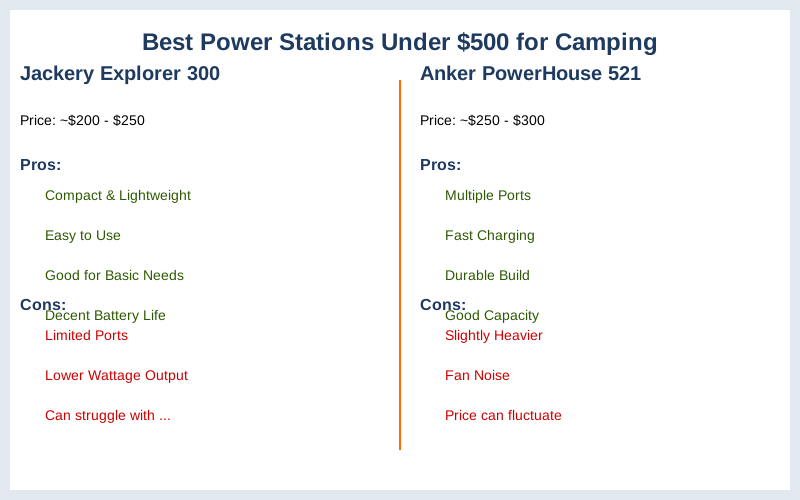
Jackery Explorer 500
- Capacity: 518Wh
- Output: 500W
- Price: Around $499
- Why it's on the list: This was my upgrade after my first unit failed me. It's a solid workhorse. I took this to a campsite in the Red River Gorge for a 3-day trip. It ran my small fan, charged my phone three times, and kept a string of LED lights going for two nights.
Outdoor Tech Lab calls the Jackery Explorer 1000 v2 an overall best under $500, but the 500 model is more budget-friendly. The 518Wh capacity is the real move for a full weekend.
Anker Solix C300X
- Capacity: 288Wh
- Output: 300W
- Price: Around $299
- Why it's on the list: If you're a minimalist and only need to charge phones and maybe a tablet, this is the $300 version that works. It's lighter, around 7 pounds, which is great for tossing in the trunk without thinking. Backup Power Hub touts the C300X as the best overall value with a 5-year warranty. That warranty is gold for a beginner.
EcoFlow River 2 Pro
- Capacity: 768Wh
- Output: 800W (X-Boost to 1600W)
- Price: Around $499 (often on sale below $500)
- Why it's on the list: This one is a beast for the price. I borrowed a friend's River 2 Pro for a beach trip to Cape Hatteras. It powered a small portable fridge for 18 hours straight, plus kept phones charged. What nobody tells beginners is how fast some units charge. This one can hit 80% in 50 minutes.
That's game-time charging. Wirecutter's top pick is the River 2 Pro, praising its power and portability.
Bluetti EB3A
- Capacity: 268Wh
- Output: 600W
- Price: Around $239
- Why it's on the list: This is the ultimate budget pick if you need high wattage for short bursts, like running a hair dryer for 5 minutes (don't judge, I've seen it). It has less capacity than the Jackery 500, but that 600W output is impressive for the price. Backup Power Hub highlights the EB3A for high wattage devices.
It's a compromise, but a good one if you know your power needs.
Budget vs Premium Options
When I first started looking at power stations, I saw units for $150 and others for $1500. My immediate thought was, "Do I really need the $1500 one to charge my phone?" The answer, for a weekend warrior, is a resounding no. But the $150 unit might be a rookie mistake.
Here's the field notes on what you get for your money:
| Feature | Budget (Under $300) | Mid-Range (Under $500) |
| Capacity | Typically 200-300Wh. Enough for phones, small lights, maybe a tablet for a day. My $150 unit was 200Wh. | 500-800Wh. This is the sweet spot. Runs small fridges for a while, laptops, multiple devices over a weekend. The Jackery 500 is 518Wh. Backup Power Hub identifies the sweet spot around $200-450. |
| Output | Generally 300W. Can charge basic stuff, but struggles with anything more. | 500-800W. Can handle more demanding devices like a travel blender or a small CPAP machine. EcoFlow River 2 Pro hits 800W. |
| Battery Lifespan | Often older Lithium-ion. Fewer charge cycles (500-800). | LiFePO4 is common here. 2500-3500+ charge cycles, meaning it lasts years longer. This is the real move for longevity. HiFi Guides forum mentions the Jackery Explorer 1000 v2 uses LiFePO4. |
| Charging Speed | Slow. Expect 6-8 hours for a full charge. My first one was an overnight job. | Faster. Many can charge to 80% in 1-2 hours. This is game-time convenience. |
| Port Selection | Basic. Maybe one AC, a couple USB-A. | More versatile. Includes USB-C PD, multiple AC outlets, 12V car port. |
| Build Quality | Can feel flimsy. Less durable. | More robust casings, better components. Feels like it can actually survive a drop. |
The $500 version gives you peace of mind. The $200 version is a gamble you might regret two trips in. I've been there, done that. Trust me, the extra $200 for a mid-range unit is money well spent.
Setup and Installation Tips
Setting up a portable power station isn't rocket science, but there are a few rookie mistakes I made that you can avoid. My first trip with a power station, I just threw it in the trunk and hoped for the best. That's not the real move.
Here's how to get it ready for game-time:
- Charge it fully before you leave.
- What nobody tells beginners: these things don't come fully charged out of the box. Plug it into a wall outlet for 2-8 hours, depending on the model. My EcoFlow River 2 Pro charged to 80% in 50 minutes, which is brilliant. This YouTube video shows how quickly some units can charge.
- Pack the right cables.
- I once forgot my laptop's USB-C cable. Had a power station with a USB-C PD port, but no cable. Rookie mistake. Make a checklist for phone, laptop, camera, and any other device cables. It's a small detail that can ruin your trip.
- Find a good spot in your vehicle.
- Don't just toss it in the trunk. Secure it so it doesn't slide around. I put mine in a plastic bin in my Subaru Outback. This keeps it from getting banged up and makes it easier to access. Ensure it has ventilation, especially if you're charging it in the car.
- Test your devices at home.
- Before you're 100 miles from civilization, plug in everything you plan to use. Does your laptop charge? Does your fan spin? This is your chance to catch any compatibility issues. I found out my old car fridge pulled too much power for my first cheap unit this way. CNET's review mentions testing efficiency in scenarios.
- Consider solar charging (optional, but a game-changer).
- If you're doing multi-day trips, a solar panel is the real move. I got a cheap 100W foldable panel for $150. It won't fully recharge a 500Wh unit in a day, but it'll top it off and extend your power significantly. I used it at a remote campsite near Moab, Utah, and it kept my phone and lights going indefinitely.
Care and Maintenance Tips
You spent good money on your power station, even if it was under $500. Don't treat it like a disposable battery. A little care goes a long way in making sure it lasts more than a few trips. My first power station gave up the ghost after a year because I ignored these.
Here's the honest version of how to keep your power station happy:
- Keep it charged, even in storage.
- What nobody tells beginners: letting the battery drain to zero and sit there is a death sentence. Most manufacturers recommend keeping it at 50-80% charge when not in use. I make it a point to charge mine to 75% after every trip. Reddit threads often discuss battery longevity.
- Store it in a cool, dry place.
- Don't leave it baking in your car trunk in July or freezing in your garage in January. Extreme temperatures degrade the battery. My garage can hit 95 degrees F in summer, so I keep mine indoors in a closet. This is a game-time decision for battery health.
- Clean the ports regularly.
- Dust, dirt, and lint can get into the USB and AC ports. Use a can of compressed air to blast it out. I learned this after a charging cable wouldn't seat properly on a dusty trip to Big Bend National Park. Rookie mistake.
- Avoid over-discharging.
- Don't consistently run it down to 0%. Most modern units have protection, but it's still better for battery health to recharge when it hits 10-20%. Think of it like your phone battery. You don't let it die every day.
- Check for firmware updates.
- Some brands, like EcoFlow and Anker, have apps that let you update the firmware. These updates can improve efficiency and fix bugs. It's like updating your phone's OS, but for your power brick. This is the real move for getting the most out of your investment.