Why $500 Is the Real Sweet Spot for Car Camping
Under $500 is the band where portable power stations stop being a luxury and start being practical. Spend much less and you are usually buying a tiny 100-300Wh unit that struggles to keep a 12V fridge alive through a single warm night. Spend a lot more and you are paying for whole-home backup capacity you will never realistically haul to a campsite, then leave in the garage after one trip.
The $300-$500 range is the goldilocks zone. It is where you find 300-1000Wh batteries built on modern lithium iron phosphate cells, real pure sine wave inverters, genuine 12V outputs for fridges, and recharging speeds the rest of us actually benefit from. Below that price you start cutting the parts you cannot see — the inverter and the internal wiring — and that is exactly where cheap units fail.
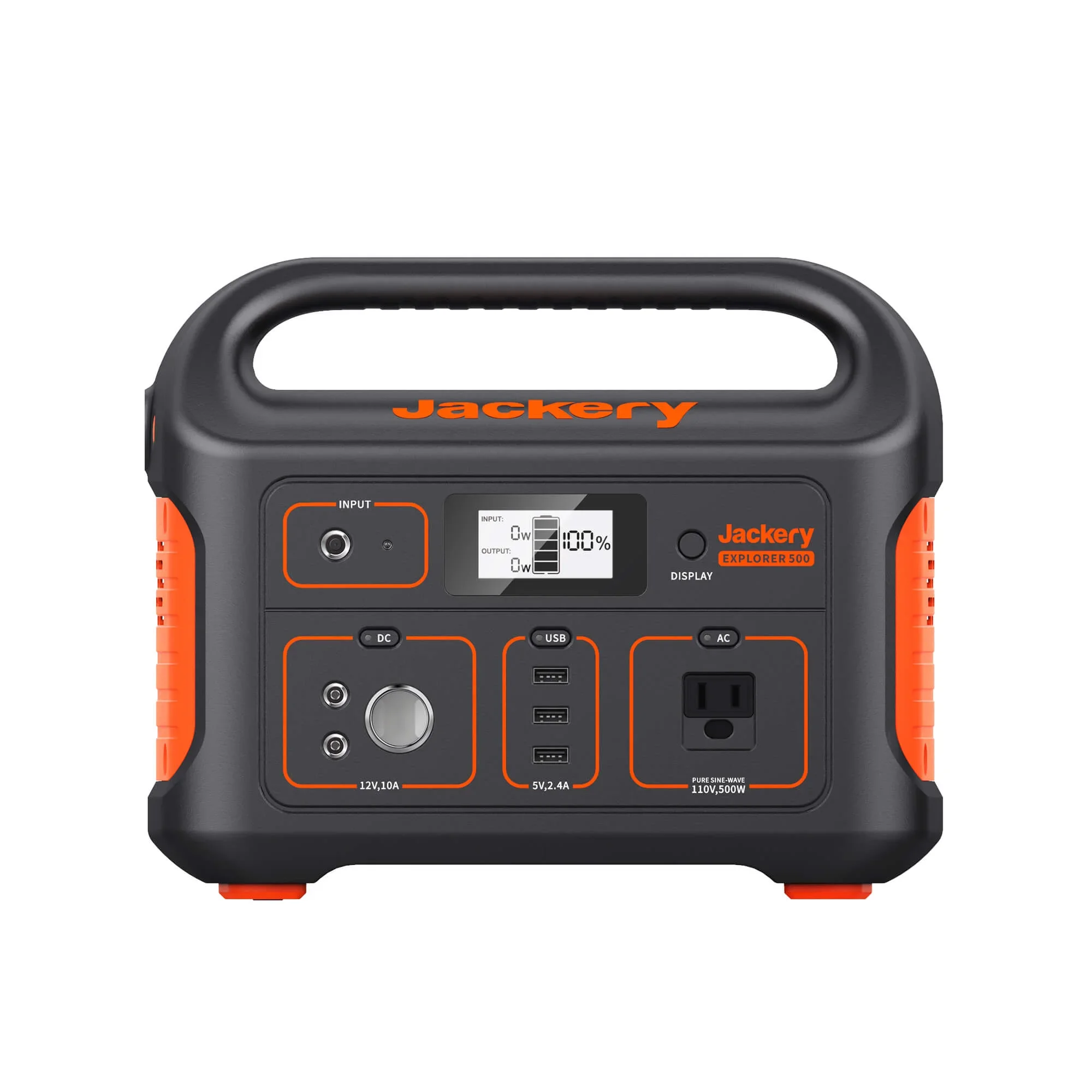
The Jackery Explorer 500 v2 anchors this guide because it sits dead-center in that band: 512 watt-hours of LiFePO4 capacity, a 500W pure sine wave inverter, and enough port variety to run the core of a car-camping setup without a second thought. From there the field spreads out by what you care about most — fast recharging, maximum capacity, raw output, or minimum weight.
One honest note up front on price, because the under-$500 line genuinely moves. Some excellent units list above $500 at full retail and only land in budget territory when a sale hits. Where a pick hovers near or over the cap, this guide says so plainly rather than pretending a 1056Wh battery is always a $500 product. And if you are still deciding how much capacity you even need, the math on runtime is worth reading first — our power station battery life breakdown walks through how watt-hours translate to real hours in the field, which is the number that should drive your whole decision.
The Specs That Actually Decide a Good Buy
Marketing copy buries the four or five numbers that matter behind dozens that do not. Strip it down to the specs that change how a unit behaves at a campsite and the decision gets simple. Here is the short list that separates a station worth $400 from one you will resent by the second trip.
- Battery chemistry (LiFePO4 vs. NMC): LiFePO4 (lithium iron phosphate) delivers roughly 3,000-4,000 charge cycles versus 500-800 for older NMC/Li-ion, plus far better thermal stability. All five picks here use LiFePO4 — at this price point in 2026, anything still shipping NMC is a corner-cut you should skip.
- Capacity (Wh): Watt-hours set your runtime. A 500Wh battery feeding a 50W 12V fridge runs about 10 hours on paper — figure 8.5-9 real hours after inverter losses. Match capacity to your load, not to the biggest number on the shelf.
- Continuous output (W) and surge (W): Continuous wattage is what your gear pulls steadily; surge handles the half-second spike when a fridge compressor or pump kicks on. A 500W unit that surges to 1000W covers most camp loads; a 300W unit will trip on a coffee maker the moment its heating element fires.
- Recharge time (AC and solar): Fast AC charging (0-80% in under an hour) means less time tethered to a wall outlet before you leave home. Solar input ceilings matter if you plan to top off off-grid — a 100W panel on a 500Wh battery needs 5-6 hours of strong, direct sun.
- Weight and ports: Every watt-hour is mass you carry. And you want a genuine 12V DC output for fridges (less conversion loss), USB-C Power Delivery for laptops, and at least one pure sine wave AC outlet for sensitive electronics.
The single most expensive mistake is buying capacity you never use. A 1000Wh unit to charge a phone and run an LED strip is dead weight and dead money. The picks below are organized so you can find the smallest unit that fully covers your real load — and not one watt-hour more.
Jackery Explorer 500 v2 — The Balanced Default
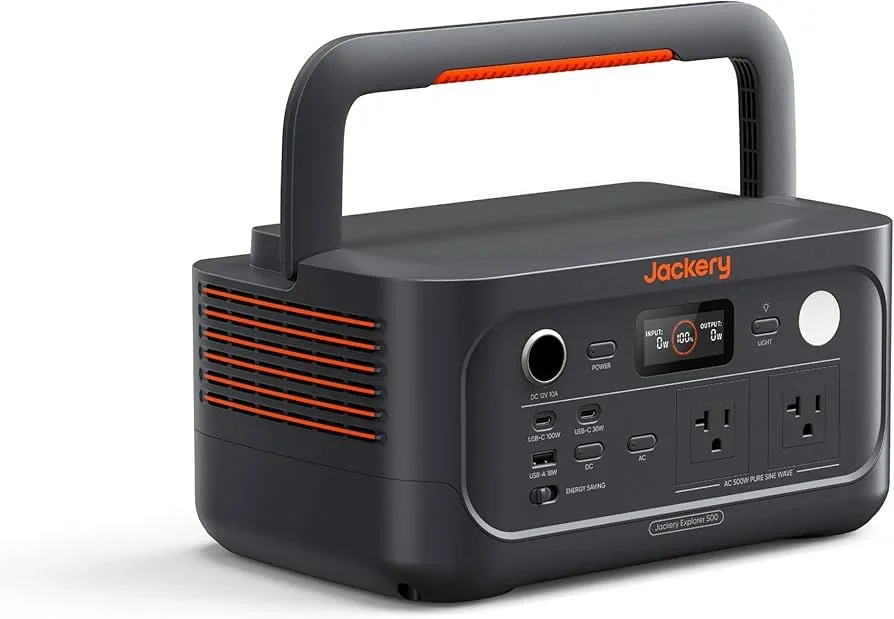
The Jackery Explorer 500 v2 is the unit most car campers should buy first. At 512Wh of LiFePO4 capacity with a 500W pure sine wave inverter (1000W surge), it lands squarely in the budget band and handles the core jobs without drama. Jackery's original Explorer 500 shipped with NMC cells and a short cycle life; the v2 moves to LiFePO4, which is the single upgrade that actually matters for a unit you will recharge hundreds of times over its life.
What earns it the default slot is balance rather than any one headline spec. There is enough capacity for a genuine weekend, a true pure sine wave inverter so a CPAP or laptop charger is safe, and a port layout that covers a 12V fridge plus the usual phones and tablets. The display is legible and honest about remaining runtime, and the build feels like it will survive being slid in and out of a trunk for years.
- Capacity and output: 512Wh LiFePO4, 500W continuous, 1000W surge — enough to run a 12V fridge, charge devices, and keep lights on past 24 hours.
- Best for: The weekend car camper who wants one reliable box and never wants to think about it again.
- The honest trade-off: 500W continuous keeps you out of high-draw appliances like hair dryers or electric kettles, and recharge speed is solid rather than class-leading.
If you only read one recommendation in this guide, it is this: for most car-camping loads, the Jackery Explorer 500 v2 is the unit that disappears into the background and just works.
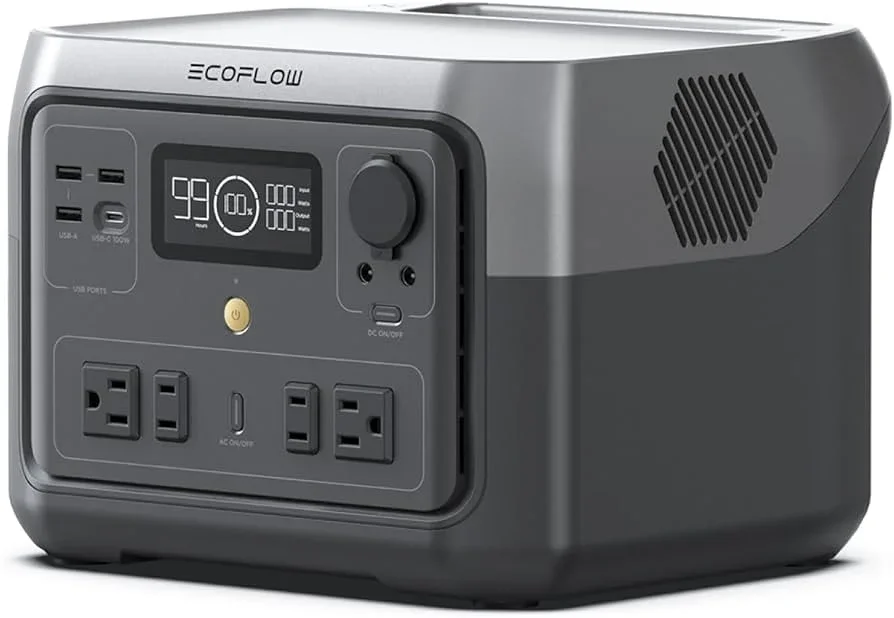
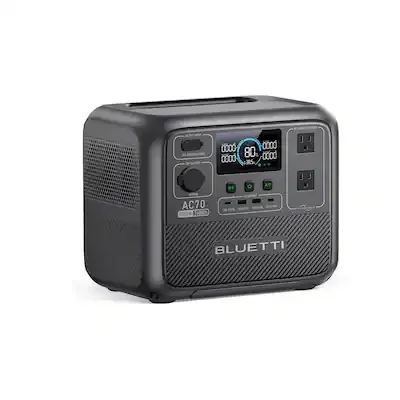
EcoFlow River 2 Max & BLUETTI AC70 — Speed and Capacity
If the Jackery is the safe default, the EcoFlow River 2 Max and the BLUETTI AC70 are the two units worth choosing for a specific strength: recharge speed and capacity-per-dollar, respectively. Both are excellent; which one is right depends entirely on how you resupply power on the road.
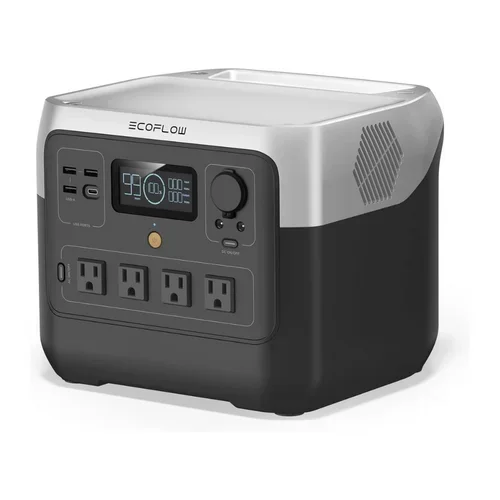
The EcoFlow River 2 Max (499Wh LiFePO4) is built around fast charging. Its standout trick is AC recharge in well under an hour, plus EcoFlow's X-Boost mode, which lets the unit temporarily power devices that exceed its rated continuous output by intelligently stepping voltage down. That combination makes it the pick if you want to top off quickly at a trailhead outlet between short trips, or occasionally run a slightly hungrier appliance than the spec sheet would suggest is possible. The cooling fan is audible under heavy load, and the companion app is a convenience rather than a necessity.
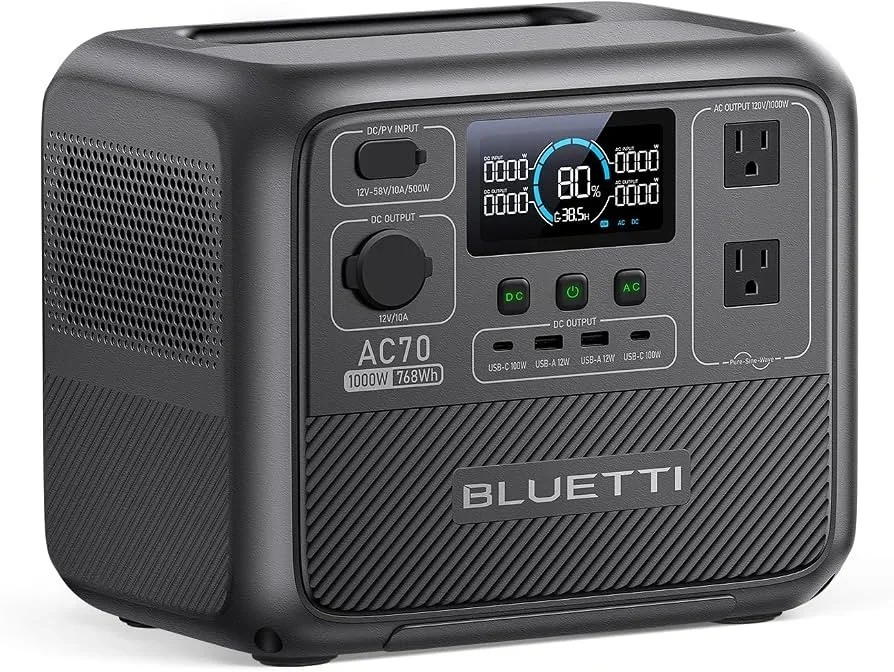
The BLUETTI AC70 (768Wh LiFePO4) is the most watt-hours you can reasonably get inside this budget. With a 1000W continuous inverter and a 2000W surge, it handles almost any single camp appliance you would plug in, and its turbo AC charging reaches 80% in roughly 45 minutes. The catch is that it sits right at the top of the $500 ceiling and is the heaviest of the mid-size units here. If your priority is the biggest dependable battery without crossing into home-backup pricing, the AC70 is the one to grab.
- EcoFlow River 2 Max: 499Wh, fastest recharge in this guide, X-Boost headroom — choose it for speed and flexibility.
- BLUETTI AC70: 768Wh, 1000W continuous, 2000W surge — choose it for maximum capacity right at the price cap.
Rule of thumb: if you recharge from the car or a trailhead outlet between short outings, buy for charge speed. If you head out for several days off any outlet, buy for raw watt-hours.
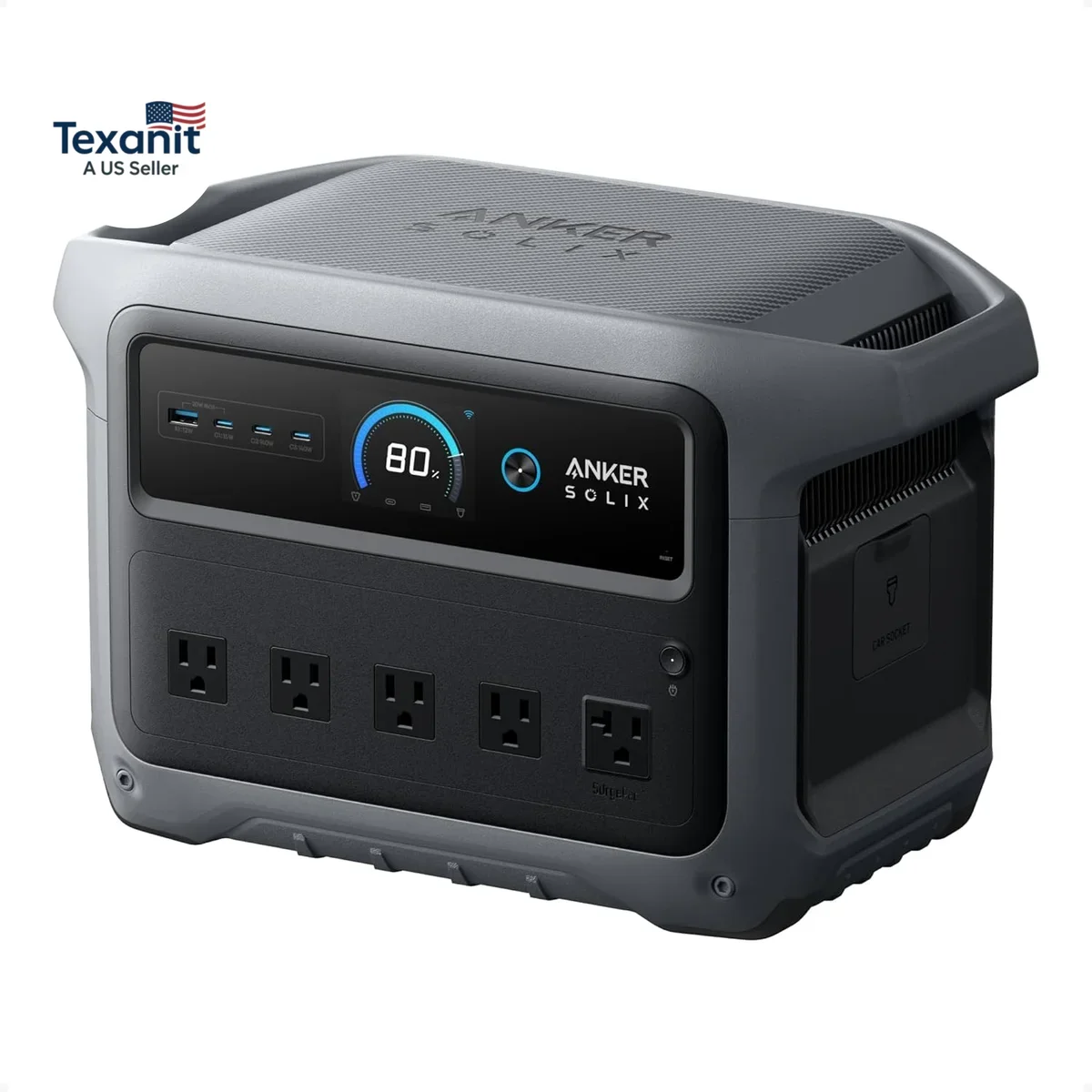
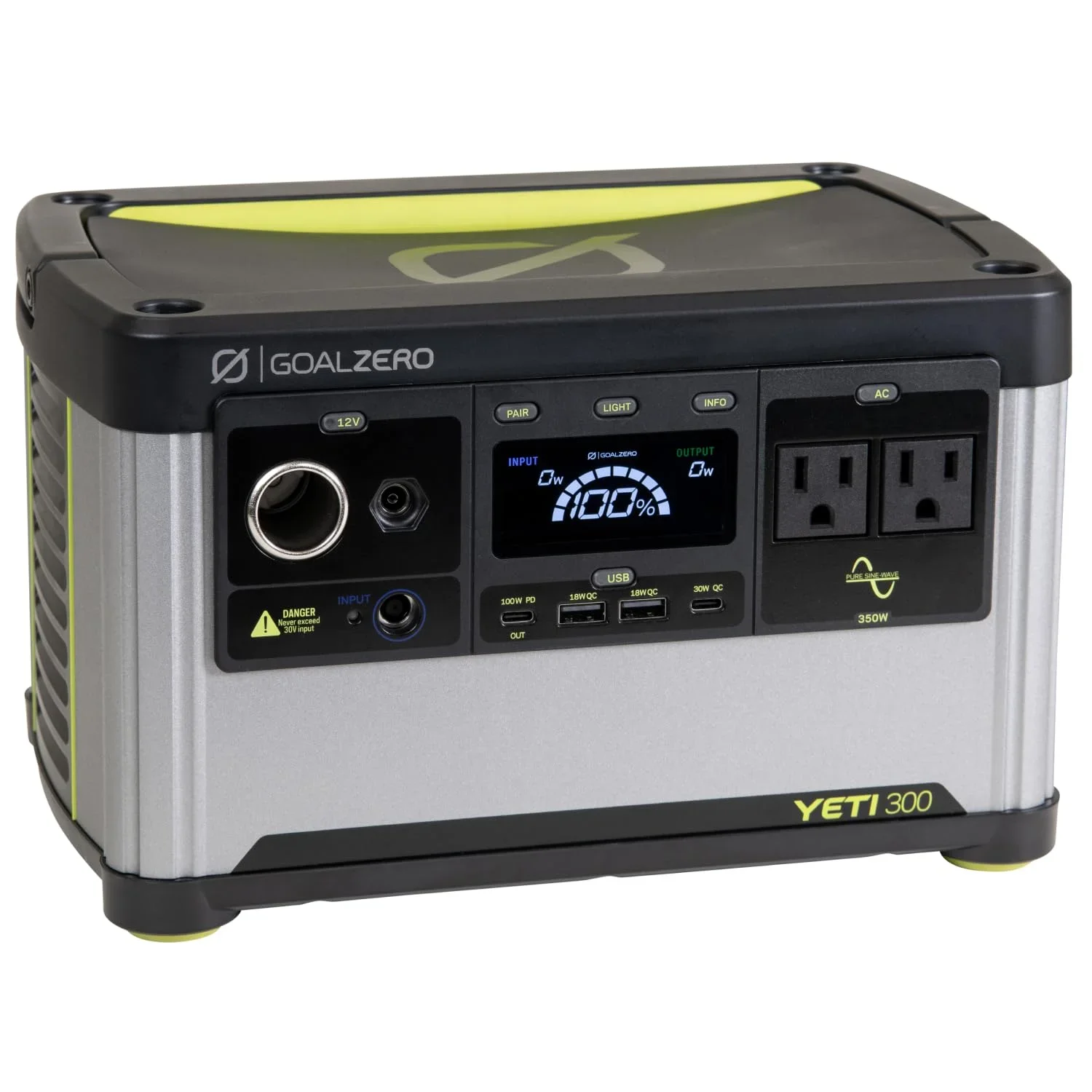
Anker SOLIX C1000 & Goal Zero Yeti 300 — The Extremes
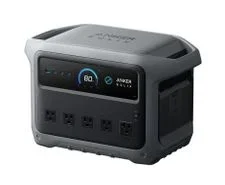
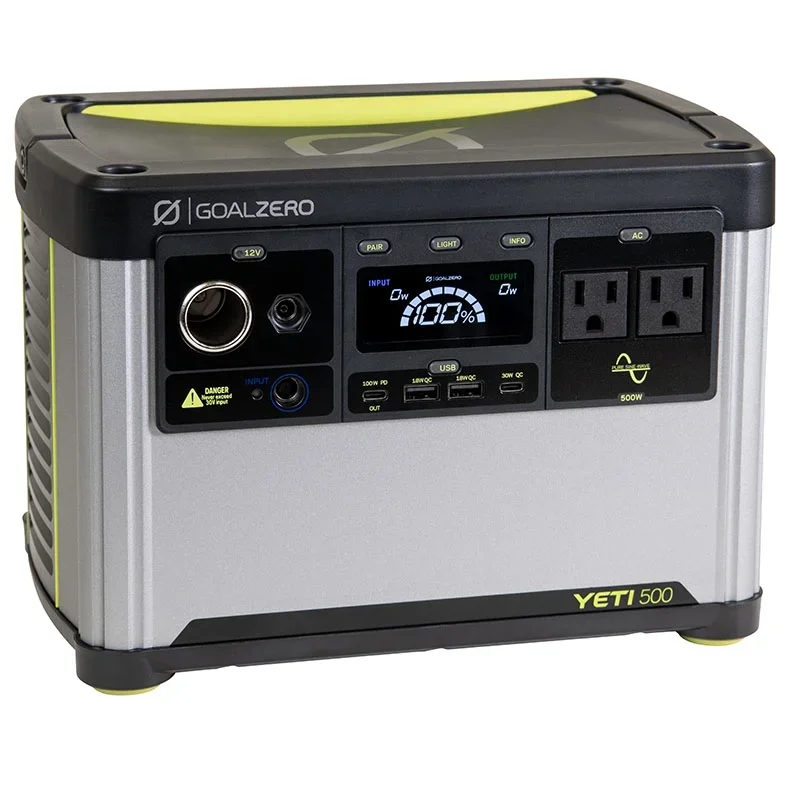
The last two picks sit at opposite ends of the size spectrum, and each exists for a camper with one very clear priority: maximum output, or minimum weight. Neither is the right first buy for most people, but each is the obvious right answer for the person it fits.
The Anker SOLIX C1000 is the powerhouse of the group. With 1056Wh of LiFePO4 capacity, an 1800W continuous inverter, and a 2000W peak, it runs loads the other units here cannot touch — a small induction burner, an electric kettle, even short bursts on a hair dryer. Be honest with yourself on price, though: at full retail the C1000 lists above $500 and only enters budget territory on sale. If your camp setup genuinely needs household-grade output and you can catch a deal, it is the most capable unit in this roundup. If you are mainly charging phones and running a fridge, it is far more battery than you should pay for.
At the other end, the Goal Zero Yeti 300 (297Wh LiFePO4) is the lightest and most packable option. It is dust- and weather-resistant, easy to toss in a trunk or carry to a tailgate, and ideal for short trips where you mostly need to keep phones, a camera, lights, and maybe a small fan running. Its limit is obvious from the spec sheet: 297Wh will not carry a 12V fridge through a hot night. Buy it for portability and simplicity, never for endurance.
- Anker SOLIX C1000: 1056Wh, 1800W continuous, 2000W peak — the most output here; frequently over $500, so buy it on sale.
- Goal Zero Yeti 300: 297Wh, lightest and most rugged — the best pick for short trips and genuinely light loads.
Budget vs. Premium: Where Your Money Actually Goes
People constantly ask whether a $150 no-name unit is "basically the same" as a $400 name-brand one. It is not, and the difference has nothing to do with the logo. You are paying for cell quality, inverter efficiency, and thermal management — the parts you cannot see until the moment they fail you in the field.
The most common budget failure is the inverter itself. A cheap unit's inverter may sag voltage under load, run at only 80-85% efficiency, and distort the sine wave enough to overheat sensitive electronics over time. The five picks above all use pure sine wave inverters in the 85-90% efficiency range, which is the practical floor for safely running a laptop charger or a CPAP machine. The second failure point is wiring gauge: undersized internal wire generates heat and loses power on sustained draws, which is exactly how the cheapest units develop hot, melting ports after a few months.
- Budget (under $500): LiFePO4 is now standard, pure sine wave inverters run 85-90% efficient, AC recharge takes 1-2 hours, fan cooling gets loud under heavy load, and warranties run 1-3 years.
- Premium (over $500): Higher-grade cells rated for 4,000-plus cycles, 90-95% efficient inverters with tighter voltage regulation, faster AC and higher solar input, quieter thermal management, and 3-5 year warranties.
For car camping specifically, the budget tier is genuinely good enough — you are powering a fridge and some devices, not running a house. The real danger is dropping below it, into the unbranded $100-$200 units where the inverter and wiring shortcuts live.
A reliable 12V camping fridge paired with one of the five stations above is a far better and safer setup than an oversized cheap unit that sags and overheats under the same load. Spend your money on the parts that determine reliability, not on capacity you will not use.
Setup and Charging Without Frying Your Gear
A good power station is surprisingly easy to ruin with bad setup. None of this is complicated, but skipping it is how people end up with a dead battery by morning or a popped fuse in the dark on night one.
- Do the first charge from a wall outlet. A full AC charge calibrates the battery management system so your state-of-charge reading is accurate from the start. Trusting a fresh-out-of-the-box percentage is exactly how you misjudge runtime on your first night out.
- Respect your car's 12V limit when charging from the vehicle. Most cigarette-lighter sockets are fused at 10-15A, roughly 120-180W. Charging a 500Wh station at 120W takes over four hours, and pulling harder pops the fuse. Use a dedicated accessory port if your vehicle has one, since some are wired with heavier-gauge cable to the rear.
- Match solar voltage to the input spec. Most of these units accept 12-24V solar input. Exceeding the maximum input voltage — for example, hooking up a high-voltage residential panel — can damage the charge controller permanently. Always check the panel's open-circuit voltage against the station's manual before connecting.
- Keep it ventilated. The internal fan needs airflow to cool the inverter and the cells. Burying the unit inside a sleeping bag or a sealed bin causes thermal throttling, which quietly cuts your output and shortens the battery's lifespan.
- Use the 12V DC output for your fridge, not an AC outlet. Running a 12V fridge directly off the 12V port skips the wasteful DC-to-AC-to-DC conversion and saves you 10-15% in losses — and over a full weekend, that is meaningful extra runtime.
For a deeper walkthrough of wiring a station into a full camp setup, including solar panel connections and load planning, our car camping power station guide covers the rest in more detail.
Final Recommendation by Use Case
There is no single best power station — only the best one for your trip and your load. Once you are honest about what you actually run at camp, the choice gets clear. Here is the short version, mapped to the most common car-camping use cases.
- Most car campers: the Jackery Explorer 500 v2 — the balanced default with enough for a weekend, a true pure sine wave inverter, and no fuss.
- Fast turnaround between trips: the EcoFlow River 2 Max, for sub-hour AC recharging and X-Boost headroom when a load runs hungry.
- Maximum capacity near the cap: the BLUETTI AC70, for 768Wh that still respects the $500 line.
- Household-grade output (on sale): the Anker SOLIX C1000 — the most capable unit here, honestly priced above $500 most of the time.
- Lightest and simplest: the Goal Zero Yeti 300, for short trips and light loads where packability beats endurance.
Whatever you choose, the non-negotiables stay the same: LiFePO4 chemistry, a pure sine wave inverter, and capacity matched to your real load rather than the biggest number on the box. Get those three right and any of these five units will serve you reliably for years of weekends. And if your trips start pushing past a weekend or into rougher terrain, the heavier-duty options in our overlanding power station guide are the logical next step up from this budget tier.
The complete lineup also includes EF ECOFLOW Portable Power Station River 2 Max 500, BLUETTI AC70 Portable Power Station — each compared on the same specs and reviewer consensus.