
Understanding Power Station Ports: AC, DC, and USB Explained
My first power station was a $200 brick that could charge my phone twice. That's it. I thought I was set for a weekend camping trip in Big Sur, but quickly learned my mistake. The USB-A ports barely kept my phone alive, and forget about my laptop.
My first power station was a $200 brick that could charge my phone twice. That's it. I thought I was set for a weekend camping trip in Big Sur, but quickly learned my mistake. The USB-A ports barely kept my phone alive, and forget about my laptop. The real move is understanding what those ports actually do before you drop your hard-earned cash.
It's not rocket science, but it feels like it when your only power source is a fancy battery pack that can't power your gear. power station ports are the handshake between stored energy and your devices.
The Core Answer
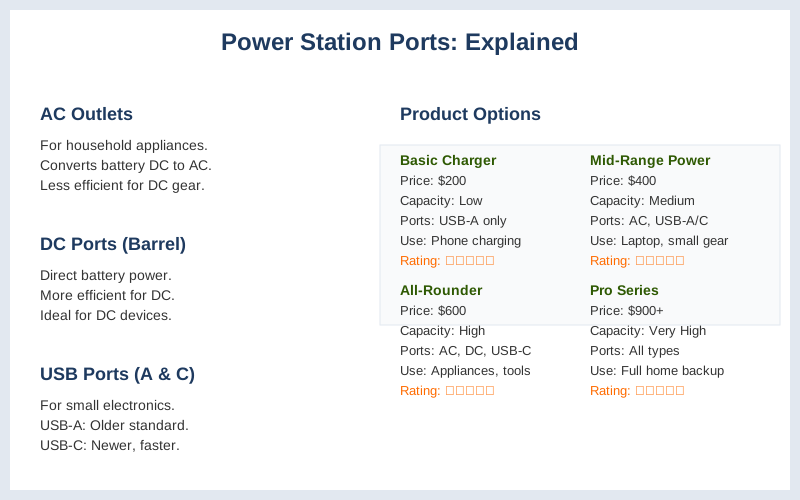
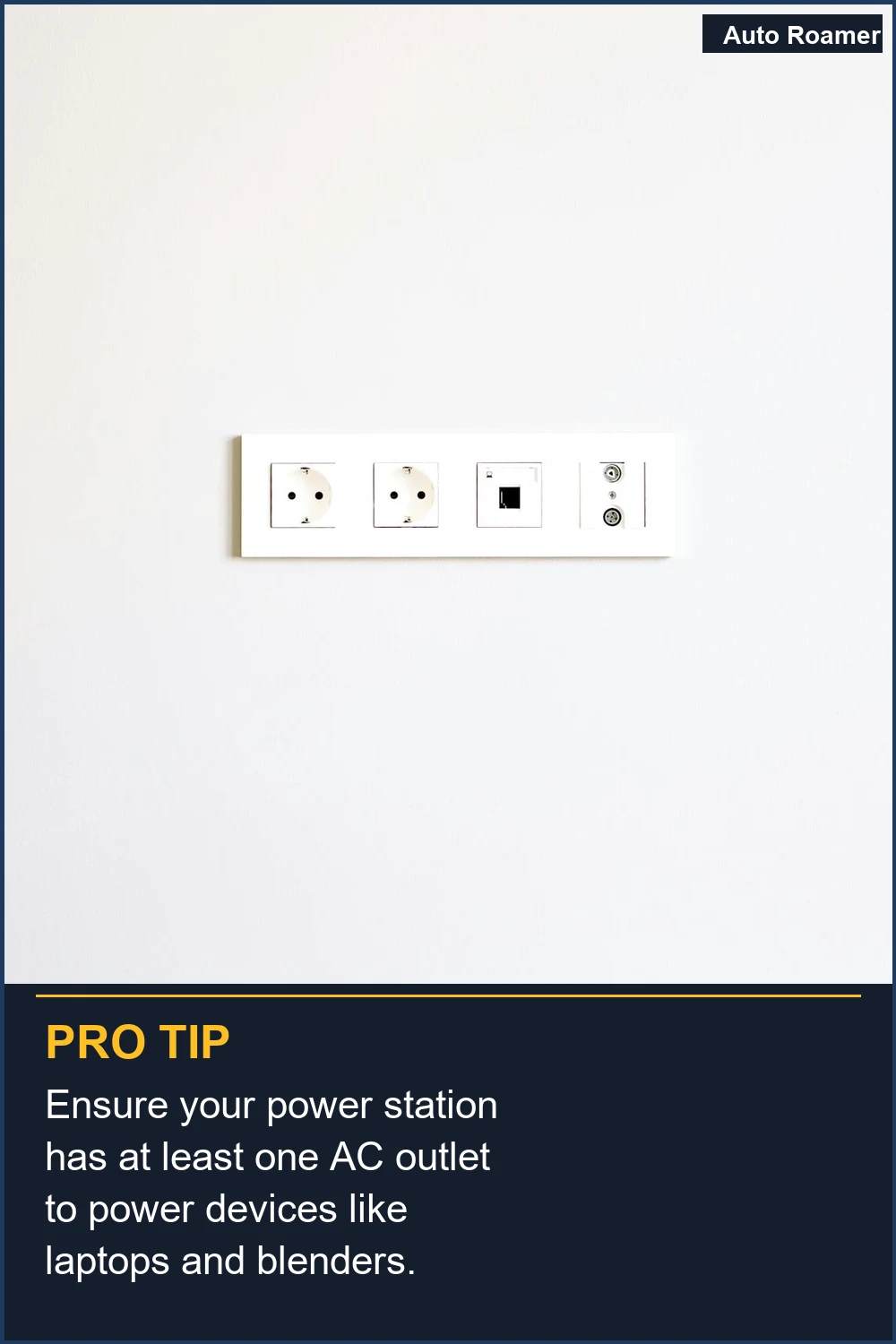
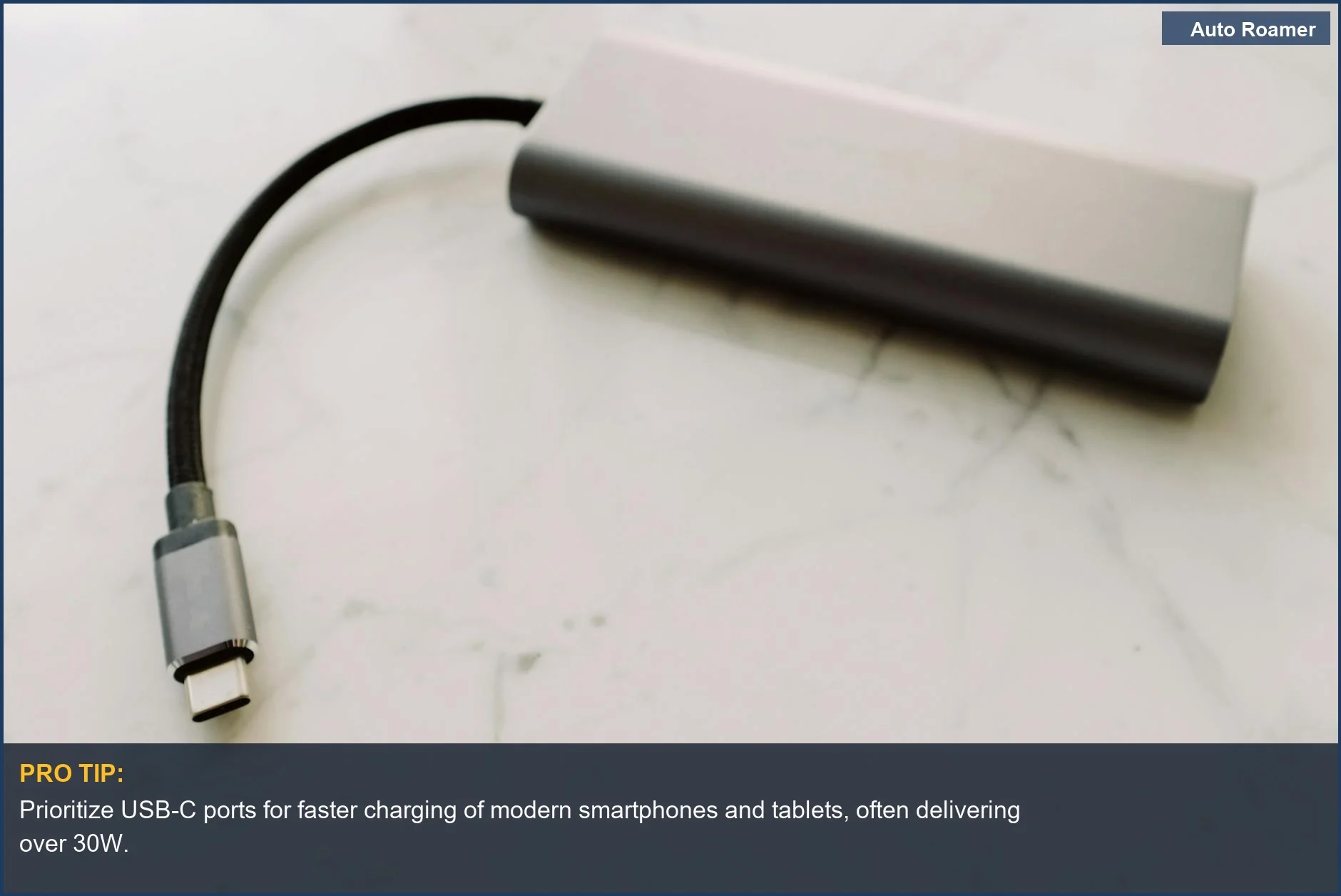
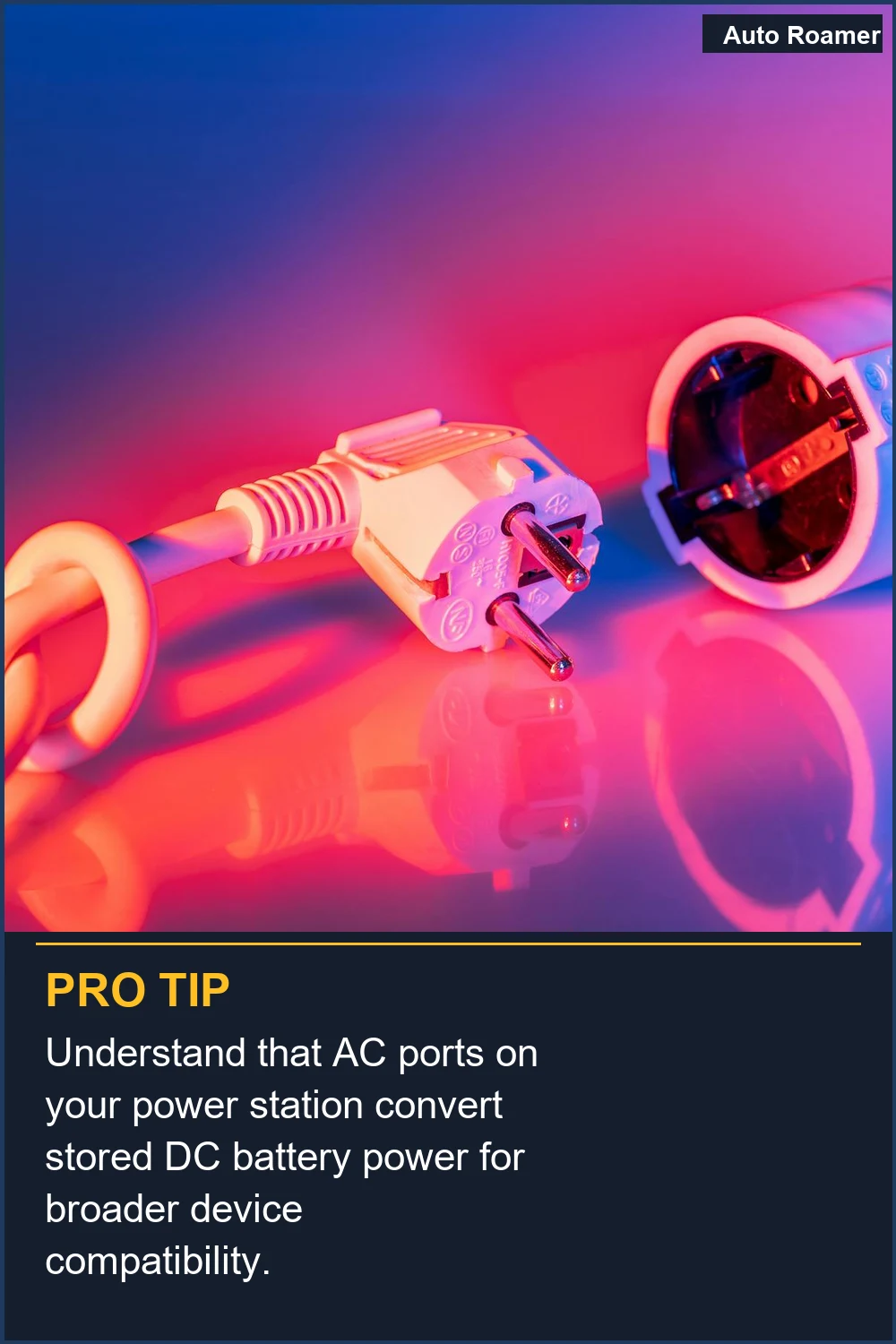
Look, the ports on your power station are basically just different doors for electricity to get out. You've got your AC outlets, which are like the wall sockets in your house. They take the DC power stored in the battery and flip it into AC power, which is what most big stuff like blenders or small fridges use. My first power station had a couple of these, and I tried to run a mini-fridge. It lasted about 4 hours before the power station died, and the fridge was barely cold. Brilliant engineering. AC power outlets are for household appliances. Then you have DC ports. These are usually barrel connectors, and they're more direct. They deliver the DC power straight from the battery, with less conversion loss. This is great for things designed to run on DC, like some portable fridges or LED strip lights. I learned this the hard way when I tried to run my 12V camping fridge off an AC outlet on my second trip. It worked, but it drained the power station way faster than I expected. Why I Choose DC over AC Power on portable power stations is because it's more efficient for DC devices. Finally, the USB ports. You'll see USB-A and USB-C. USB-A is the older, fatter one. It's good for basic stuff like charging your phone or a headlamp, usually putting out around 12-18 watts. My phone was happy, but my drone battery took forever. USB-C, especially with Power Delivery (PD), is the future. It can push a lot more power, sometimes up to 100 watts or even more, which is what you need for laptops or bigger tablets. USB-C Power Delivery is the real deal for modern electronics. So, AC is for your typical home appliances, DC is for devices that run on DC power directly, and USB-C PD is your go-to for laptops and faster charging of modern gadgets. USB-A is still useful, but don't expect it to power anything demanding. Understanding these outputs is key to not being disappointed.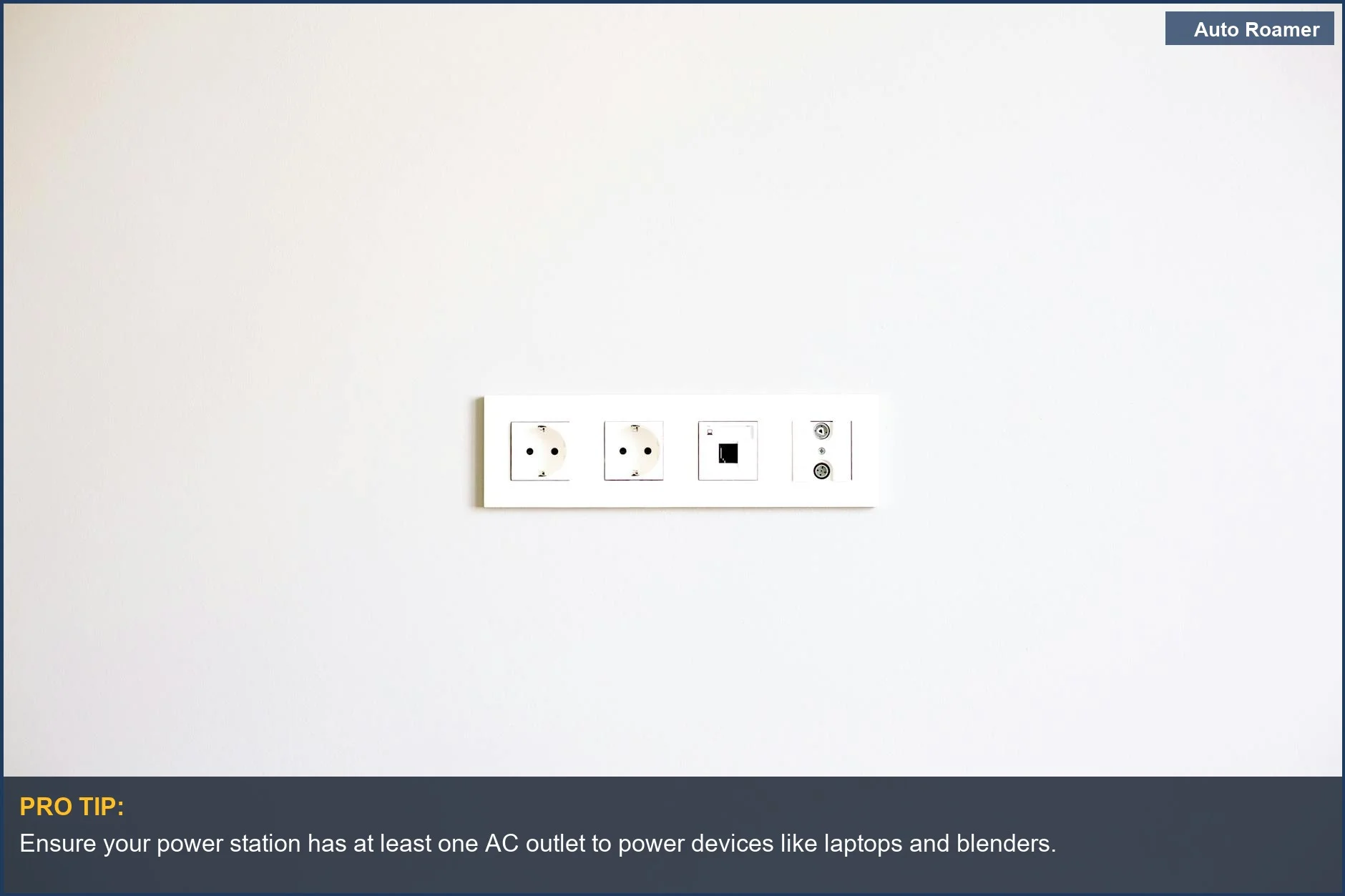
Why This Matters for Your Setup
Making the Right Choice
When you're looking at power stations, don't just stare at the battery capacity (Wh). Pay close attention to the types of ports and their wattage. A 1000Wh battery with only slow USB-A ports is pretty useless for anything beyond basic phone charging. My first $47 foam pad camping experience taught me to look at the details, and this is no different. Outputs are where the magic happens.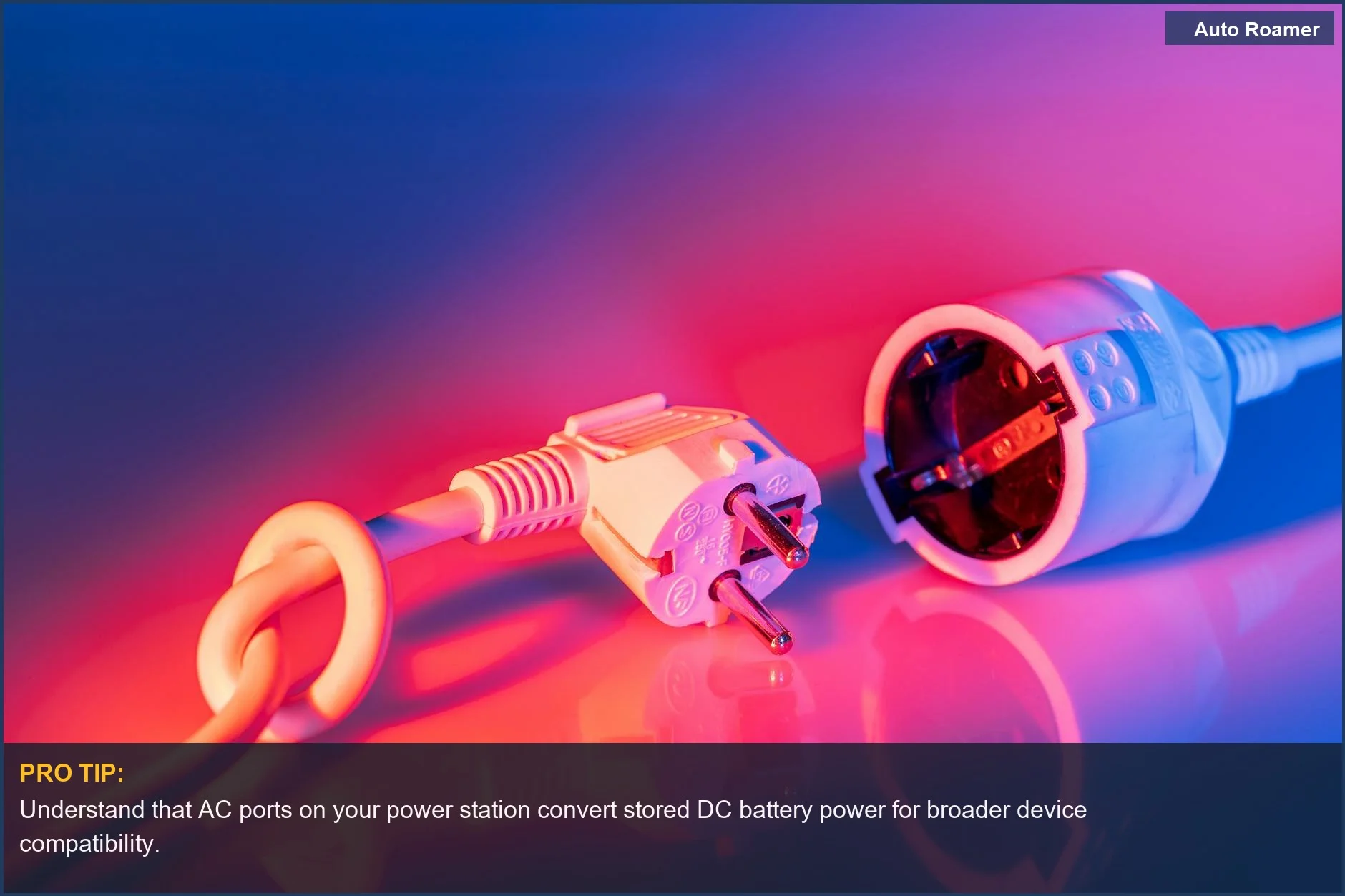
Frequently Asked Questions
If I just need to charge my phone and a headlamp, can I get away with a really cheap power station, like under $50, or am I just buying junk?
Do I need one of those fancy USB-C to USB-C cables, or can I just use a regular USB-A to USB-C cable with my laptop?
What happens if I plug something into an AC outlet on my power station that draws more watts than it can handle?
Can using the AC outlet on my power station to charge my laptop permanently damage my laptop's battery or charging port?
I heard that AC power is 'dirtier' than DC power. Is that true, and does it matter for my sensitive electronics?
🏅 Looking for Gear Recommendations?
Check out our tested gear guides for products that work with this setup:
Sources
- Understanding the Ports of Portable Power Station - Tursan-pps.com
- How Portable Power Stations Work: A Beginner's Guide
- USB Power Explained (USB Power for Dummies!) - YouTube
- Why I Choose DC over AC Power on Portable Power Stations
- Portable Power Station Basics: Outputs, Inputs, and What the ...
- everything-you-need-to-know-about-the-capacity-compatibility-of-portable-power-stations?srsltid=AfmBOopsnuvNrVzhXVmLTI6C_B6YTwn4Z460Xyej23aatK5nr4T9tNVm
- What is the difference between USB power dongles and regular ...