The Big Picture
The built-in dashcam system in your Tesla Model 3 is more than just a fancy gadget; it's a core part of how the car helps keep you safe and provides evidence when things go sideways. It's standard across most models, capturing video from cameras around the vehicle. Think of it as your car's built-in security guard, always on duty, ready to record critical moments.
This system automatically saves footage when it detects a safety-critical event, like a sudden stop or airbag deployment Tesla Owners Manual. It can also be manually activated. Understanding its features, like resolution and field of view, is key to knowing what you're actually getting. It's not just about having a camera; it's about what that camera sees and how well it records the details that matter most. Tesla Learn
The Core Answer
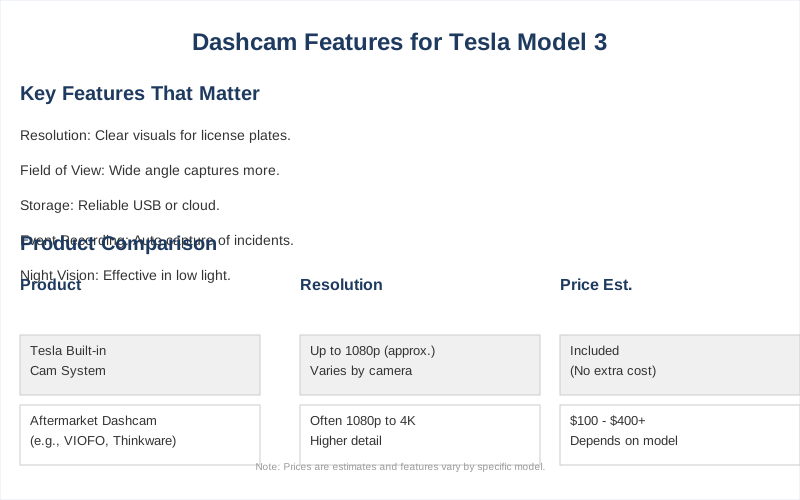
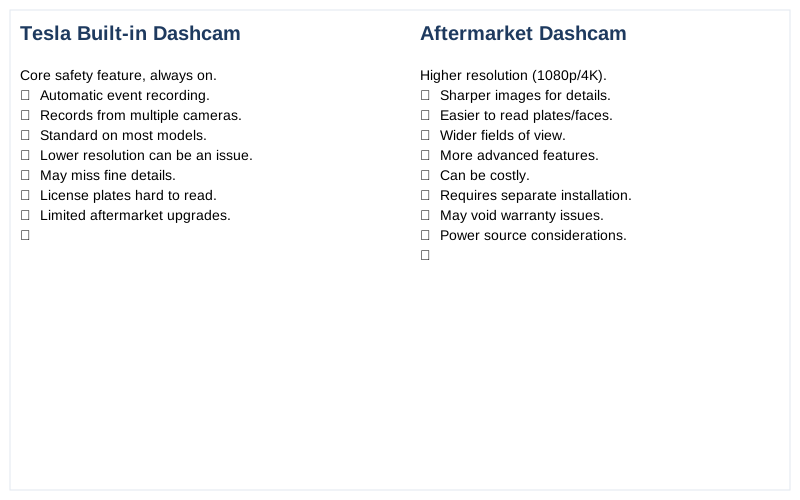
Alright, let's talk about what actually matters with these cameras, beyond the marketing hype. Tesla's built-in system is decent, but it's not always the end-all-be-all. The official TeslaCam records video from multiple cameras, including the forward-facing one, and saves it to a USB drive. It automatically captures events like collisions Tesla Owners Manual. What nobody tells beginners is that while it captures video, it might not capture all the details as clearly as a dedicated aftermarket unit.
For instance, resolution is crucial. If the footage is too grainy, you won't be able to read license plates or make out faces, which defeats the whole purpose. Aftermarket dashcams often boast higher resolutions, like 1080p or even 4K, which means sharper images. Reddit.
Another big one is the field of view. The TeslaCam has a decent field of view, but some aftermarket cams offer wider angles, sometimes up to 170 degrees. This is like the difference between looking through a narrow peephole and seeing the whole party. A wider view means you capture more of what's happening around your car, including those pesky lane cutters or cyclists who appear out of nowhere.
My first attempt at using the TeslaCam for a tricky intersection didn't give me enough peripheral detail, which was a rookie mistake in not understanding its limitations. YouTube.
Then there's the data recorded alongside the video. Tesla's system can include speed, whether Autopilot or FSD is engaged, and acceleration data Facebook. This is good stuff, but some aftermarket units might capture even more granular details, like GPS location with higher accuracy or even audio. Audio recording can be a game-changer if someone is shouting or there's a specific sound related to an incident.
The honest version is, the TeslaCam is a solid starting point, but if you want the best possible evidence, you might need to look at adding something more. It's about knowing what you need for your peace of mind. The real move is to understand the trade-offs.
Why This Matters for Your Setup
So, why should you even care about all this camera tech? Because it directly impacts your ability to protect yourself. Imagine you're in a fender bender. The TeslaCam records the event, but if the footage is blurry, it's like showing up to court with a crayon drawing. You need clear evidence, and that means looking at resolution.
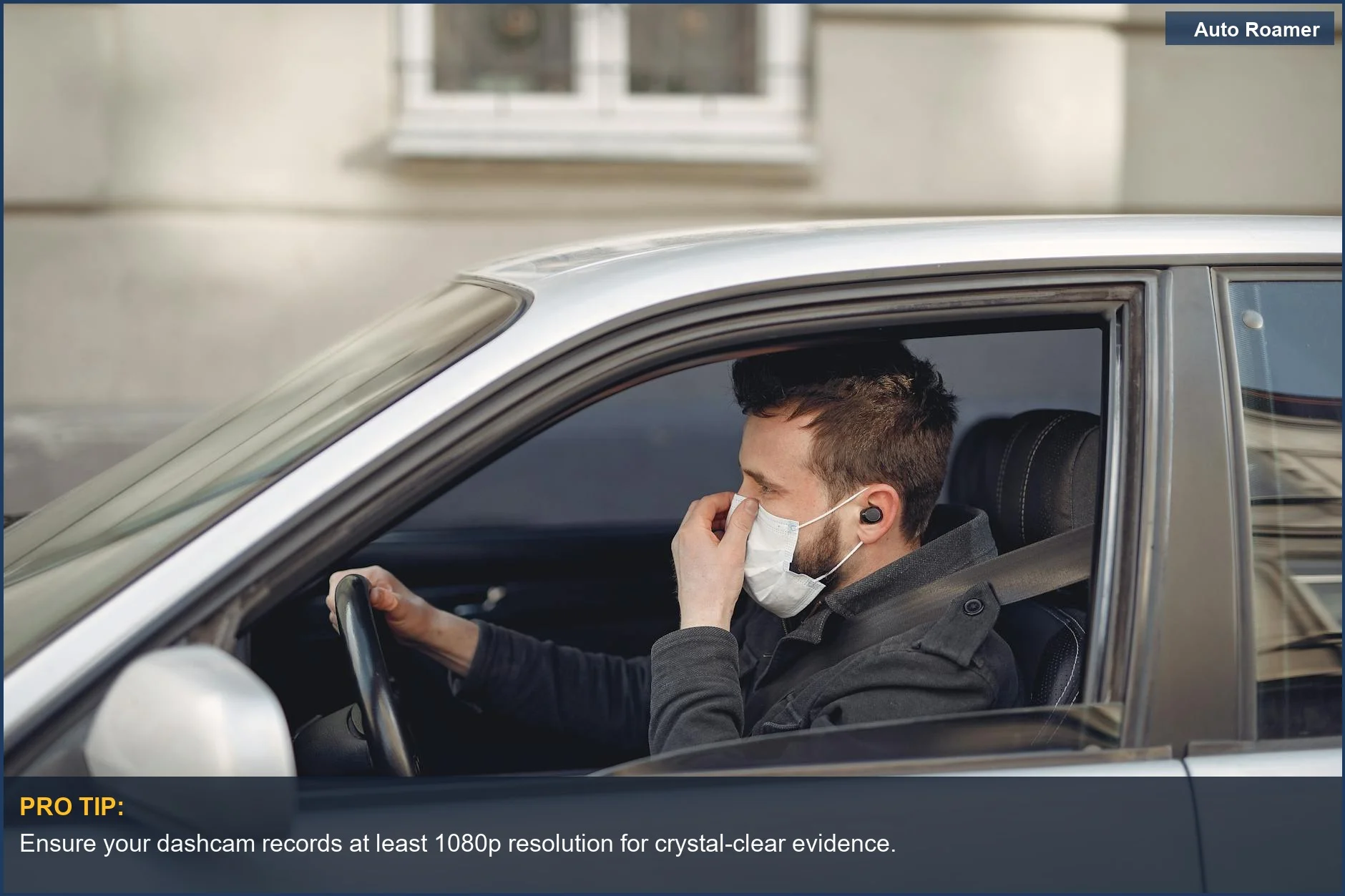
A 1080p camera is generally considered the minimum for decent clarity, but 1440p or 4K is even better for capturing those tiny details like license plates. YouTube.
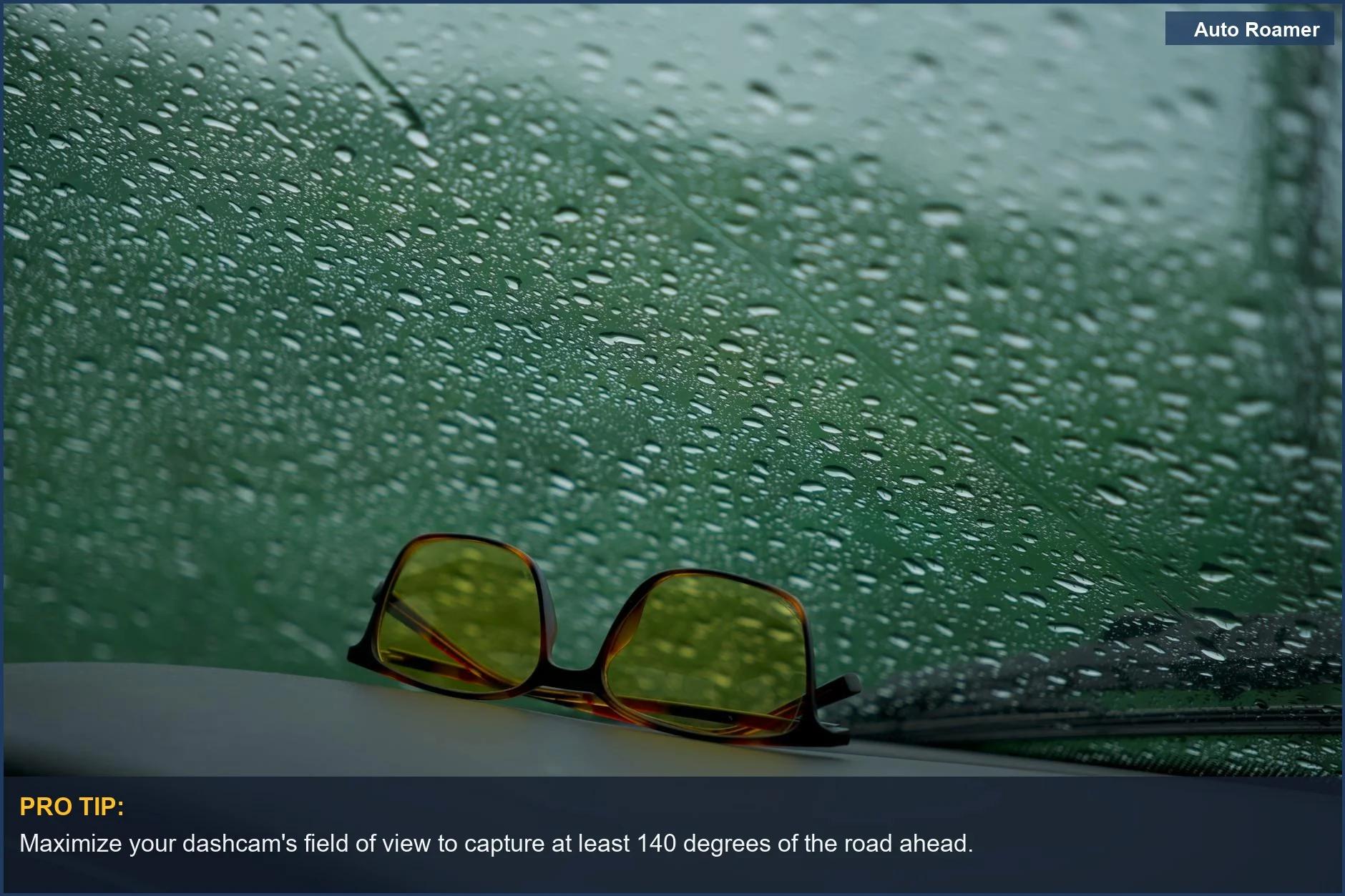
Field of view is another practical consideration. Did that car swerve into your lane from three lanes over? A wider field of view, often found in aftermarket cams, ensures you capture that entire sequence of events, not just the moment of impact. This is especially important for Tesla Model 3 owners who might be looking at multi-camera systems to cover more angles Texas Diamond Garage.
I once had a situation where a car cut me off, and the TeslaCam only caught the last second of their maneuver. If I'd had a wider angle, I could have shown their erratic driving leading up to it.
Think of it this way: the TeslaCam is your basic security camera. An aftermarket dashcam with higher resolution and wider field of view is like upgrading to a professional security system. It's the difference between a grainy black-and-white photo and a crisp, high-definition video that shows everything. The real move is to assess what kind of incidents you're most worried about and choose a system that captures those scenarios effectively.
Making the Right Choice
When it comes down to it, the TeslaCam is a functional tool that offers a baseline level of security and evidence recording. It automatically saves critical events, which is a big win for any driver. However, for those who want to go the extra mile and ensure they have the clearest, most comprehensive footage possible, exploring aftermarket options is wise. Consider what resolution provides the detail you need to identify license plates or faces.
A 1080p resolution is a good starting point, but higher is often better. Reddit.
The field of view is also a critical factor. A wider angle means capturing more of your surroundings, which can be crucial for proving fault in complex accidents. Some systems offer multiple cameras to cover blind spots, giving you a 360-degree view. Texas Diamond Garage. The honest version is, the TeslaCam is there, but it's not always the best tool for every job.
What nobody tells beginners is that 'good enough' might not be good enough when you're dealing with insurance companies or legal disputes. You need evidence that holds up. Making the right choice means balancing convenience with the absolute need for clear, irrefutable video evidence. It's about making sure your car is truly looking out for you.