First, the Basics
Choosing a dashcam app for your phone is less about fancy features and more about not filling up your entire device storage before you even hit the highway. My first attempt at this, using an old iPhone 6, resulted in a full storage alert 43 minutes into my commute.
The core problem isn't the recording quality, it's managing the sheer volume of video files.
Most people think a dashcam app is just 'record button, go.' But if you've ever seen your phone's storage warning pop up when you desperately need to download a map, you know the pain. We need a system that records, but also cleans up after itself.
This isn't rocket science, it's just smart file management.
The real move here is understanding how these apps handle video file size and deletion. It's the difference between a useful tool and a digital paperweight that constantly nags you about space. Let's get into the nitty-gritty, the stuff nobody tells beginners.
The Core Answer
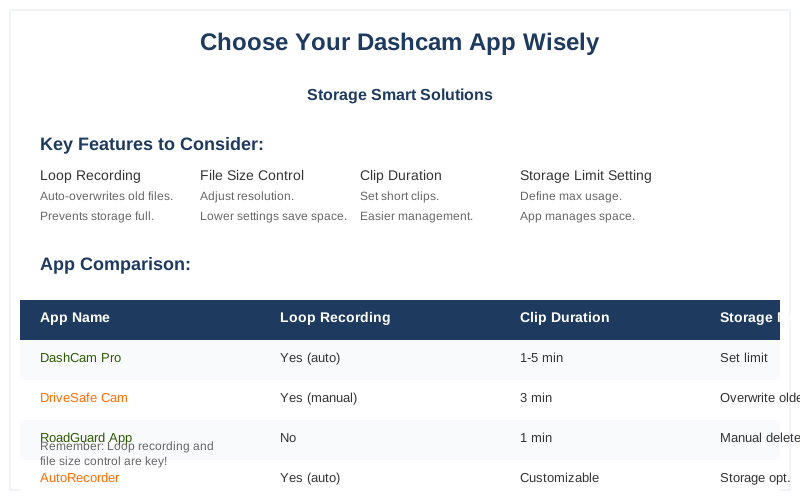
The core answer to managing your phone's storage with a dashcam app boils down to loop recording and file size control. If an app doesn't offer robust loop recording, you're going to hit that dreaded 'Storage Almost Full' notification faster than you can say 'idiot driver'.
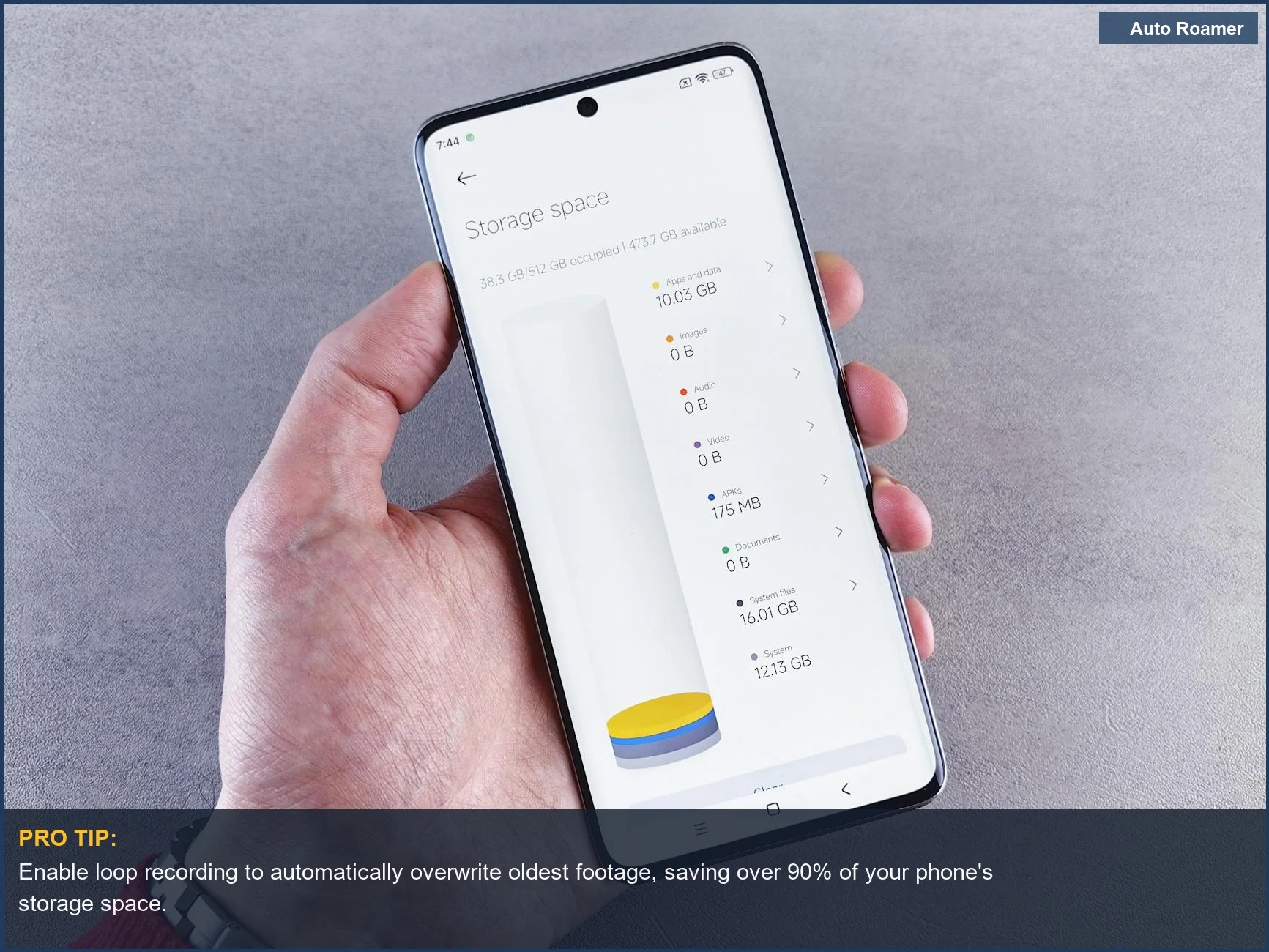
Loop recording is the game-time feature here. It means the app automatically overwrites the oldest video files once your storage reaches a predetermined limit. Imagine a never-ending tape that just keeps recording over itself.
This is how you avoid manually deleting clips every single day.
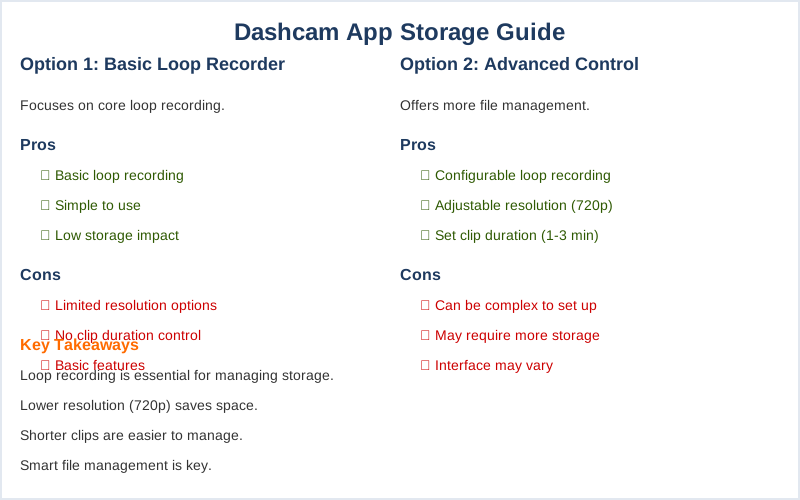
What nobody tells beginners is that video resolution directly impacts file size. Recording in 1080p will eat up storage way faster than 720p. If you're using an old phone, you might not even notice the difference on its small screen, and the reduced file size is a huge win for your storage limits.
You also want an app that lets you set the duration of each individual video clip.
Shorter clips (say, 1 to 3 minutes) are easier to manage and less likely to be massive files if an incident occurs. Longer clips can quickly balloon in size, especially with higher resolutions.
Some apps even offer granular control over how much storage they can use. You can tell the app, 'Only use 5GB of my phone's storage for video.' Once it hits that 5GB mark, it starts overwriting.
This is the $50 version of a dedicated dashcam's memory card management, and it works surprisingly well.
The real move is to find an app that balances recording quality with efficient storage usage. It's not about having the fanciest AI or the most filters. It's about the app reliably recording your drive without making your phone unusable for anything else.
I learned this the hard way on a road trip through the mountains.
My old phone's storage was maxed out within two hours because the app was set to record in 4K and had no loop recording enabled. I had to pull over and delete half my photos to make space for the rest of the drive. Rookie mistake, but a valuable lesson.
So, look for apps that explicitly mention loop recording and allow you to adjust video resolution or clip duration. These are the features that directly address the storage problem.
Anything else is just gravy.
The honest version: your phone's internal storage isn't infinite. Without intelligent file management, a dashcam app will quickly become your biggest storage hog. The fix is simple: loop recording and sensible file size settings. This is how you avoid a full phone and get the evidence you need.
Why This Matters for Your Setup
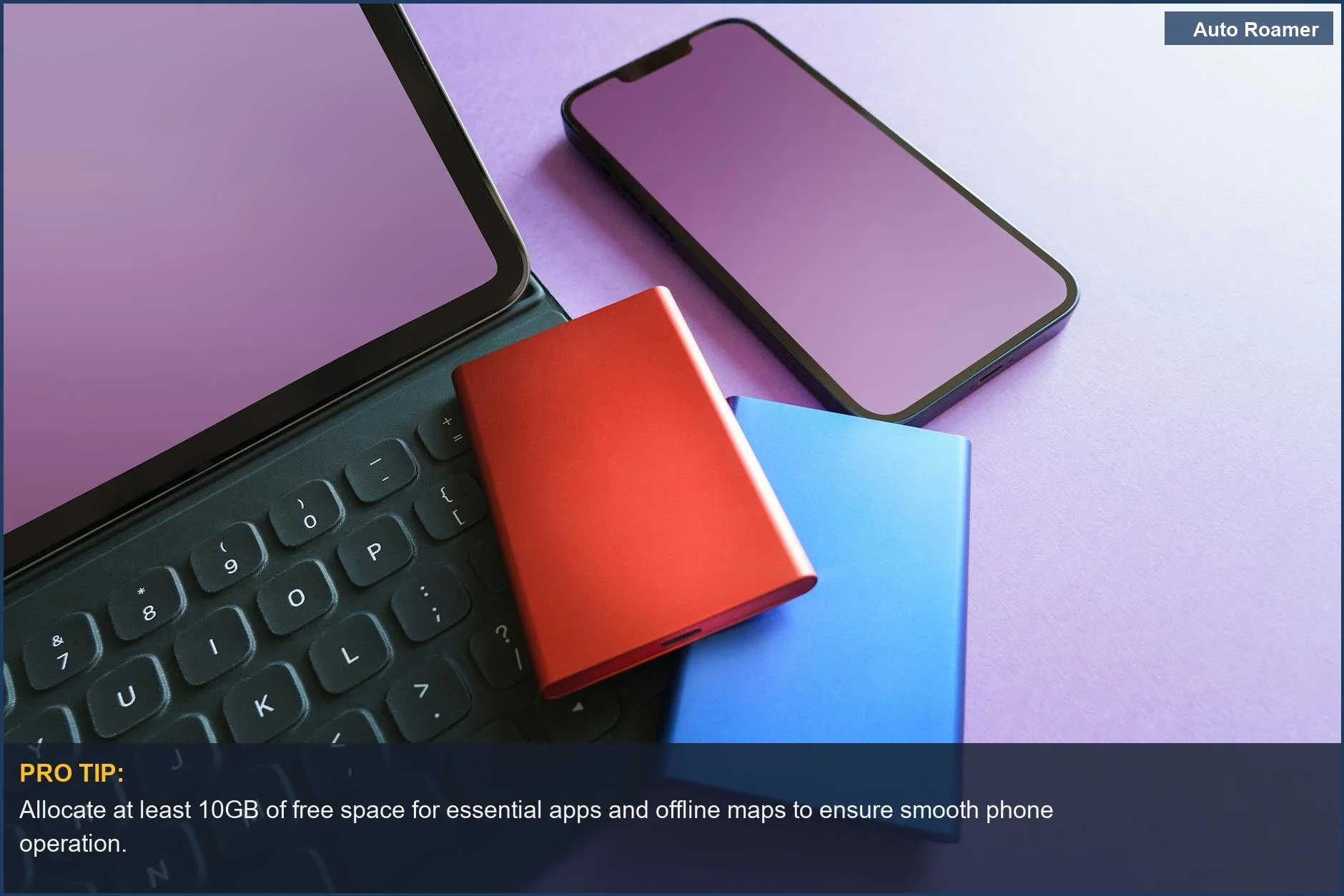
The reason this matters for your setup is simple: you need your phone to do more than just record video. If the dashcam app is hogging all the space, you can't download offline maps, store photos, or even receive important messages. It's a digital arms race in your pocket.
Here's the field notes breakdown:
- Storage Limits: If you can't set a maximum storage percentage or gigabyte limit for the app, it will consume everything.
My first setup filled my phone's 64GB storage in about 3 hours because there was no cap.
- Auto-Deletion: This is non-negotiable. You need the app to automatically delete old footage to make room for new footage. If you have to manually clear files, you'll forget, and then you're back to the full storage problem.
- Clip Length: Shorter video clips (like 1-5 minutes) are easier to manage and transfer if you ever need them.
Longer clips can become massive files that take ages to save or move.
- Resolution vs. File Size: Recording at a lower resolution, like 720p instead of 1080p or 4K, drastically reduces file size. For an old phone acting as a dashcam, 720p is often perfectly adequate for identifying license plates or general events.
My second attempt used an app that let me cap storage at 2GB.
That 2GB would loop for days, and I only had to manually clear it once a week, if that. It was a world of difference and cost me $0 extra.
The real move is to prioritize these storage-conscious features over flashy extras. Do you really need AI-powered lane departure warnings on a 7-year-old phone? Probably not. You need reliable recording and smart storage management. That's it.
Making the Right Choice
Making the right choice for your dashcam app storage isn't about finding the most 'advanced' option. It's about finding the one that works reliably without making your phone unusable. Here's the final checklist:
- Loop Recording is King: Seriously, if an app doesn't have this, move on. It's the core feature that prevents storage overload.
- Storage Caps Matter: Being able to set a hard limit on how much space the app can use is crucial.
This prevents it from eating your entire phone's memory.
- Adjustable Settings: Look for apps that let you tweak video resolution and clip duration. This gives you direct control over file sizes.
- Simplicity Over Flash: Don't get distracted by apps promising the moon. Focus on the basic functions: reliable recording, auto-deletion, and manageable file sizes.
I once saw a forum post where a guy was complaining his dashcam app kept crashing because his phone was full. He hadn't set any storage limits.
It was a classic $0 mistake with a $100 consequence (a lost recording).
The honest version: a few minutes of setup to configure storage settings will save you hours of frustration later. Your old phone can be a great dashcam, but only if you manage its storage wisely.