
Dashcam Guides

How Much Storage Space Does a Dashcam App Need?

Casey - The Weekend Warrior
4 min read
Includes Video

Figuring out how much storage your dashcam app needs can feel like trying to guess how much gas you'll use on a road trip to Mars. It's not just about the app itself, but what it does with your video.

Figuring out how much storage your dashcam app needs can feel like trying to guess how much gas you'll use on a road trip to Mars. It's not just about the app itself, but what it does with your video. This stuff eats up phone space faster than a free buffet at a trucker convention. Video quality, how long you drive, and even if you're using one camera or two all play a massive role.

You don't want to be stuck with a full phone when you actually need to record something important. I learned that the hard way trying to save a recording after a fender bender near the Grand Canyon, only to find my phone had zero space. Brilliant.
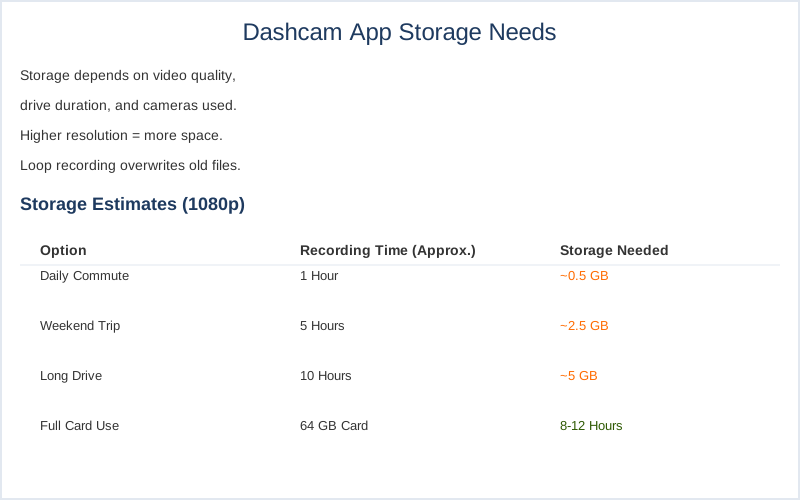
How Much Storage Space Does a Dashcam App Need? — Key Specifications Compared
Key specifications for How Much Storage Space Does a Dashcam App Need?

The Core Answer

The core question is how much space does a dashcam app actually chew through? It boils down to how you use it and what quality you're recording at. Think of it like packing for a weekend camping trip versus a month-long expedition. Higher resolution video, like 4K, is a massive data hog compared to 1080p. I remember my first dashcam was a cheap 720p model, and the files were tiny. Now, even my phone app records in 1080p or higher, and the files are significantly larger. A 64GB card can hold about 8-12 hours of 1080p footage, but that's for a dedicated SD card, not necessarily what your phone app keeps directly. Your phone app often has loop recording, meaning it overwrites the oldest stuff to make room. This is crucial because it means you're not necessarily storing weeks of footage unless you have a massive amount of storage. If you're doing a lot of driving, like my daily commute through Los Angeles traffic, that footage adds up fast. A 32GB card might hold around 5 hours of video, which sounds like a lot until you realize you might be overwriting an incident from yesterday. For most people just commuting, 32GB to 64GB is usually enough for the loop recording to manage itself. But if you're planning a cross-country road trip and want to save everything, you'll need way more. Some apps, like the one I use, give you the option to store videos within the app or upload to the cloud, which is a game-changer for saving phone space. You can often set it to use a maximum capacity, so it doesn't eat your entire phone. I've seen people on forums complaining about their phone running out of storage during a trip, and it's always the same rookie mistake: not anticipating how much space video takes. It's not uncommon for a few hours of 1080p video to take up 10-20GB, depending on compression and frame rate. Dual camera setups will obviously double that requirement.
To optimize your storage use, consider our tips on choosing the right dashcam app for your needs.
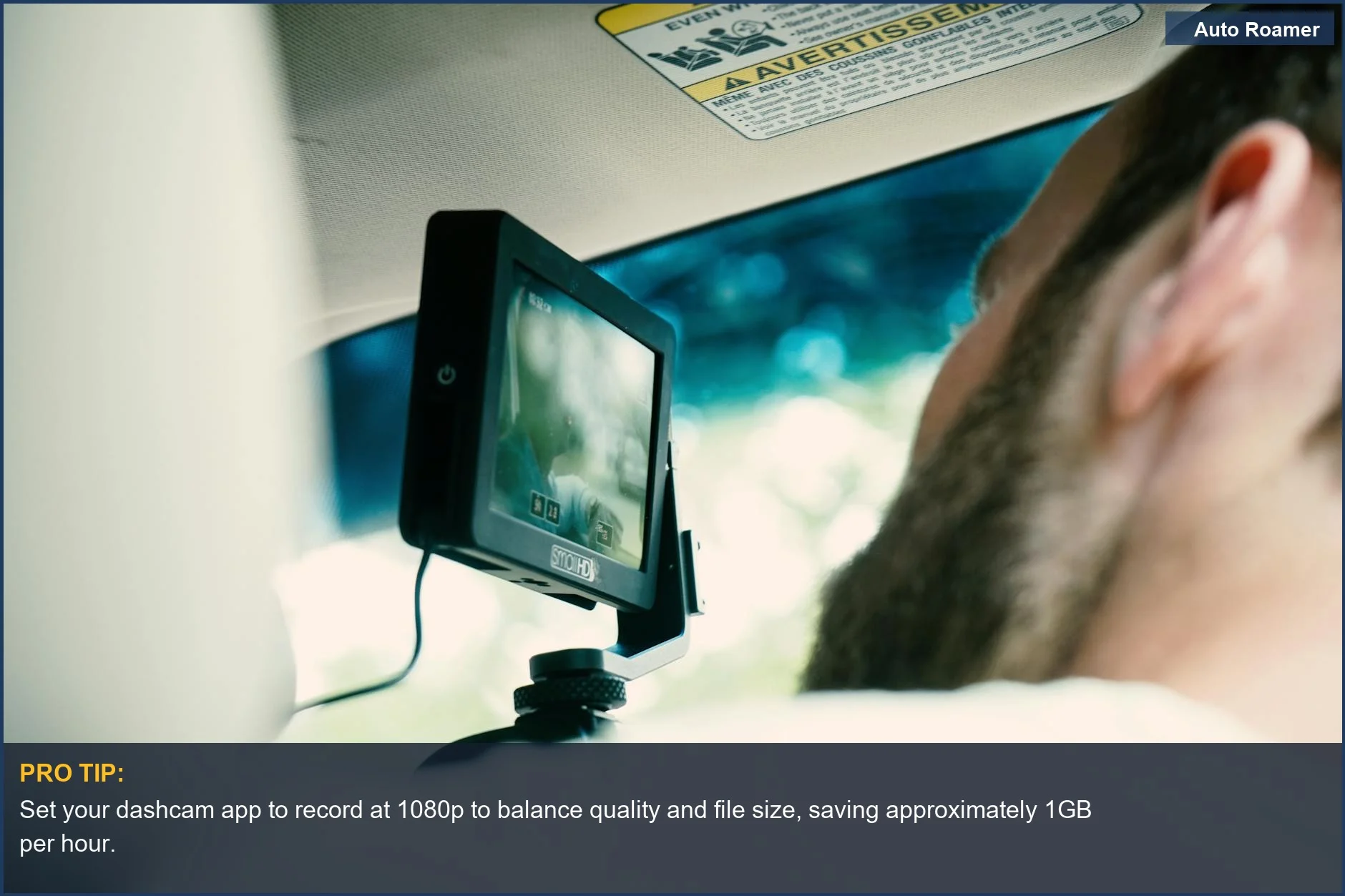
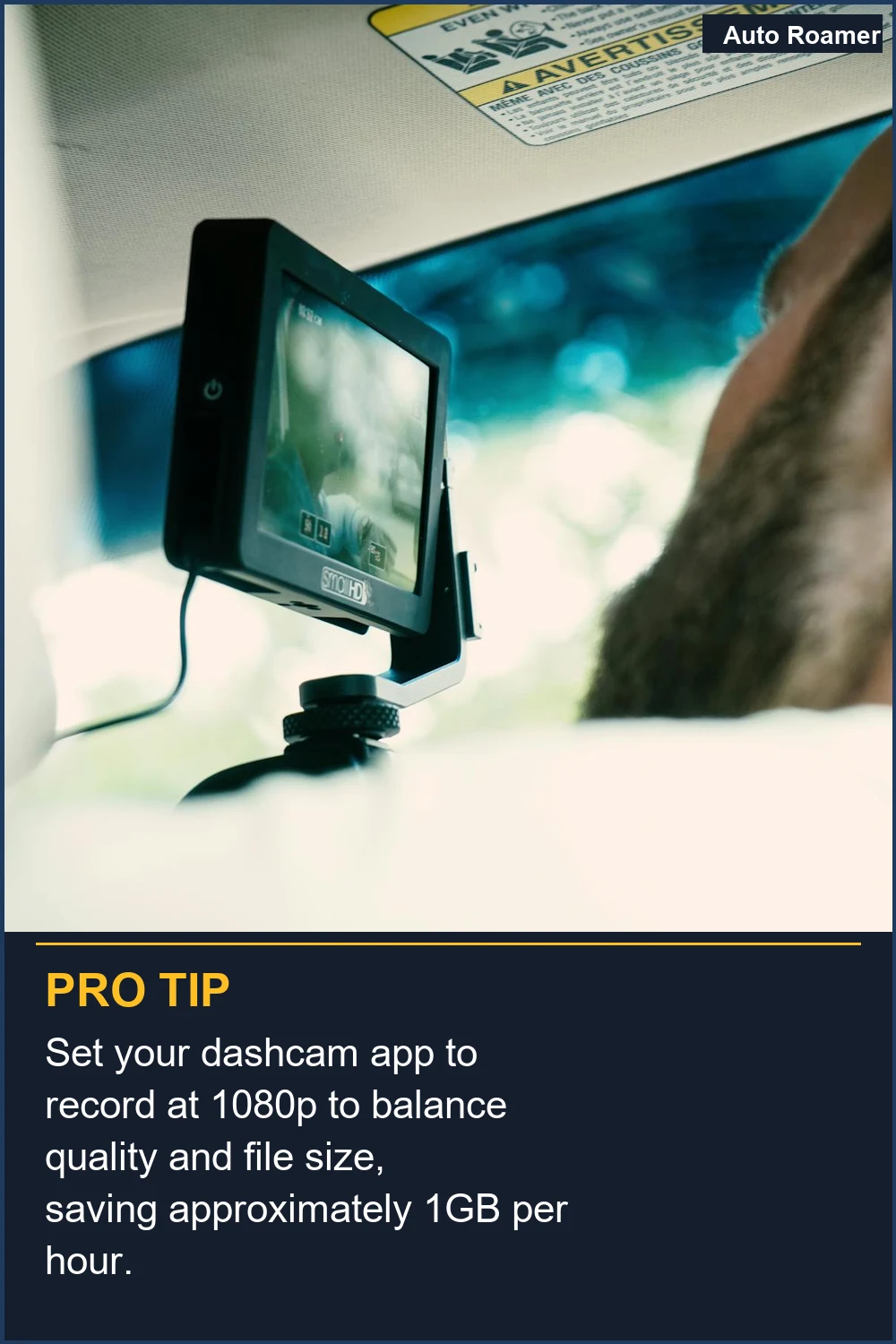
Set your dashcam app to record at 1080p to balance quality and file size, saving approximately 1GB per hour.
A driver focuses on their dashboard camera, highlighting the need to manage phone storage for dashcam recordings. Consider 1080p for efficient space usage. | Photo by Kyle Loftus

Why This Matters for Your Setup

Why does all this storage talk even matter for your setup? Because running out of space at the wrong moment is like forgetting your tent poles on a camping trip. It's a disaster. The real move here is to understand your daily driving habits and match storage to that.
  • Daily Commuter: If you're just running errands and commuting to work, a typical 32GB or 64GB of internal phone storage allocated to the app is probably fine. The loop recording handles the constant overwriting. I tried to get away with 16GB on my old phone and was constantly getting 'storage full' warnings. Never again.
  • Road Tripper: Planning a long haul? You'll want to consider apps that offer cloud storage or have a way to offload footage regularly.
  • Unlimited cloud storage for critical events is a lifesaver when you don't want to babysit your phone's storage. My buddy Dave learned this the hard way on a trip through the Rockies and lost footage of a moose crossing the road because his phone was full. Brilliant.
  • Accident or Incident Recorder: If you plan on using your dashcam app primarily for evidence, you'll want to ensure it has a robust loop recording system and ideally a way to save specific clips without them being overwritten. Some apps have a manual 'save' button or automatic collision detection that locks the recording. Collision detection is the kind of feature that makes you feel like you're not just driving, but being protected.
  • Consider how your dashcam's storage needs might change during extended trips by exploring dash cam storage for camping.
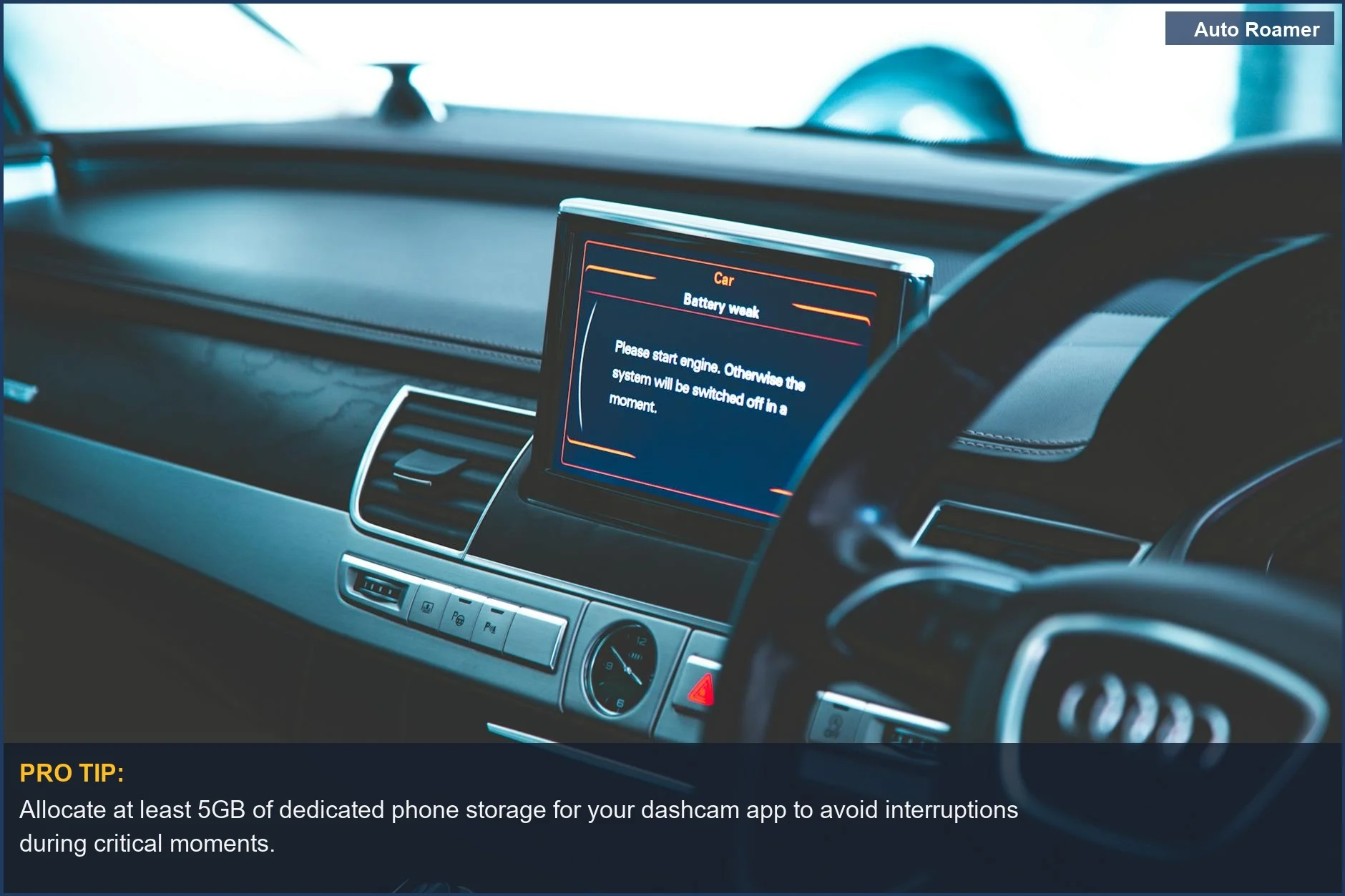
    Allocate at least 5GB of dedicated phone storage for your dashcam app to avoid interruptions during critical moments.
    The sleek interior of a luxury car's dashboard emphasizes the technology in modern vehicles. Ensure sufficient dashcam app storage to capture every detail. | Photo by Ammy K

    Making the Right Choice

    So, what's the takeaway for your dashcam app storage? It's not rocket science, but it requires a little foresight.
  • Know Your Usage: Are you a short-trip driver or a long-haul adventurer? This is the biggest factor. Most daily drivers are fine with 64GB of phone storage dedicated to the app.
  • Cloud is Your Friend: If your app offers it, use cloud storage for important clips. It's the easiest way to free up your phone's internal space.
  • Nexar's unlimited cloud storage is a big deal if you're paranoid.
  • Check App Settings: Dive into your dashcam app's settings. You can often limit how much storage it uses. Setting a 'max capacity' prevents it from hogging your entire phone. It's the $50 version of peace of mind. Don't be the guy who deletes all his vacation photos to make space for a critical recording.
  • To optimize your dashcam experience, it’s essential to understand the various storage options available.
    Understand that higher resolutions like 4K can consume over 4GB per hour, so adjust your dashcam app settings accordingly.
    Illuminated car dashboard at night, showing the importance of managing video file size from your dashcam. 4K recordings can take up significant space. | Photo by Doci

    Frequently Asked Questions

    I saw a dedicated dashcam with a 128GB SD card for $150, but my phone has 256GB storage. Can I just use my phone and save money?
    You absolutely can use your phone, and that's often the $50 version of a dashcam. However, dedicated dashcams have specific hardware designed for constant recording and vibration, which your phone doesn't. Plus, a 128GB SD card might hold 16-20 hours of 1080p video while your phone's overall storage might be much larger, but it's also used for everything else. You might get less recording time if your phone is busy.
    Do I need a fancy, high-speed memory card for my dashcam app, or will any old card work?
    Your dashcam app is usually recording onto your phone's internal storage, not an SD card you swap in and out. The real question is how fast your phone's storage can write data. Most modern smartphones have fast enough internal storage for 1080p video. If you were using an external SD card, you'd want a U3 or V30 rated card for reliable writing, but for internal phone storage, it's generally not something you need to worry about unless your phone is ancient.
    What if I set my dashcam app to use 'all available space' and it starts deleting my photos?
    That's the kind of rookie mistake that makes me want to send you a foam pad from Walmart. If you set your app to use 'all available space' and it doesn't have a dedicated loop recording feature that specifically overwrites *old dashcam footage*, it could absolutely start deleting your photos and other important files. Always check the app's settings to ensure it's only overwriting its *own* video files. Most apps will have a specific loop recording duration setting for this reason.
    Can running a dashcam app constantly fill up my phone and permanently damage the storage?
    No, it's highly unlikely to permanently damage your phone's storage. Your phone's storage is designed for constant read/write cycles. What *can* happen is that you'll run out of space, and the app might stop recording or your phone might become sluggish. The main consequence is simply filling up your available space, forcing you to delete files or buy more cloud storage.
    I heard that if the dashcam app uses cloud storage, it's automatically safe and I don't need any local storage. Is that true?
    That's a common misconception. While cloud storage is fantastic for backing up critical events, it's not a replacement for local storage entirely. Many apps still need local storage to buffer recordings or manage loop recording efficiently. Think of it like this: the cloud is your secure vault, but you still need a notebook (local storage) to jot things down first. Relying solely on cloud without any local buffer could mean missing short events if your connection is spotty.

    🏅 Looking for Gear Recommendations?

    Check out our tested gear guides for products that work with this setup:

    C

    Casey - The Weekend Warrior

    Weekend car camper and road trip enthusiast. Focuses on practical, budget-friendly solutions for families and first-time campers.

    Sources

    Related Articles