Setting the Scene
Using a dash cam app on your phone to record your drives might seem like a no-brainer for capturing evidence, but the legality of it all can get murky faster than a Mississippi mud puddle after a spring thaw. My first thought was, 'This is free evidence!' then I remembered that not everyone thinks like a resourceful weekend warrior. It turns out, just hitting record doesn't automatically make that footage usable, or even legal, everywhere.
Understanding dash cam laws is key before you start rolling tape on every commute.
The Core Answer
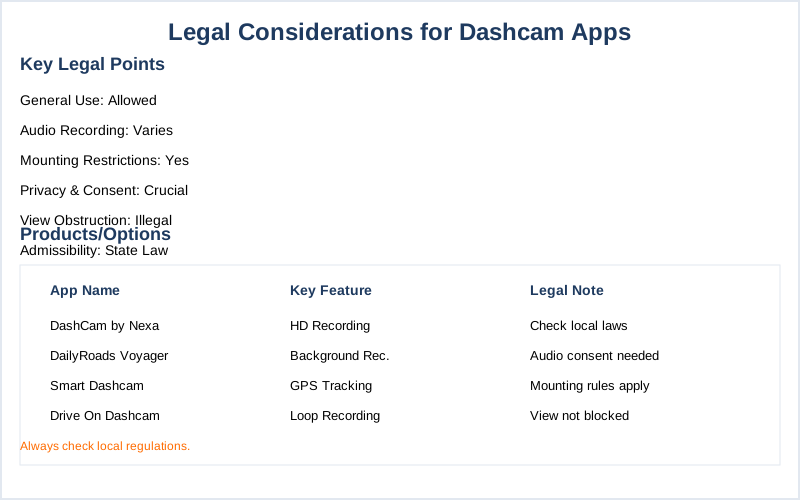
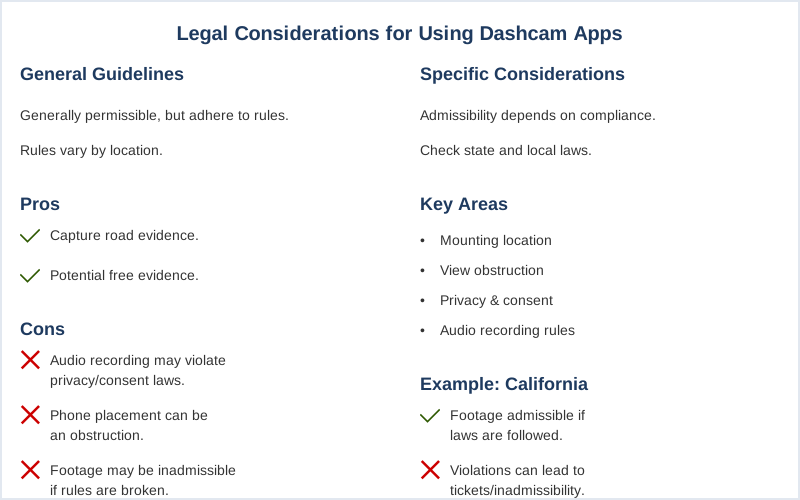
The core answer is: yes, you can generally use dash cam apps, but you've got to play by the rules, and those rules change depending on where you are. Most states are cool with you recording the road, but the devil is in the audio details and where you stick your phone. Dash cams are legal in most places, as long as they don't block your view, violate privacy, or break specific recording consent laws.
Think of it like trying to sneak snacks into a movie theater; you might get away with it, but if they catch you, you're out. Your phone acting as a dash cam is no different. California dash cam laws, for example, are pretty clear that footage is admissible as long as it complies with state law, which includes privacy and consent.
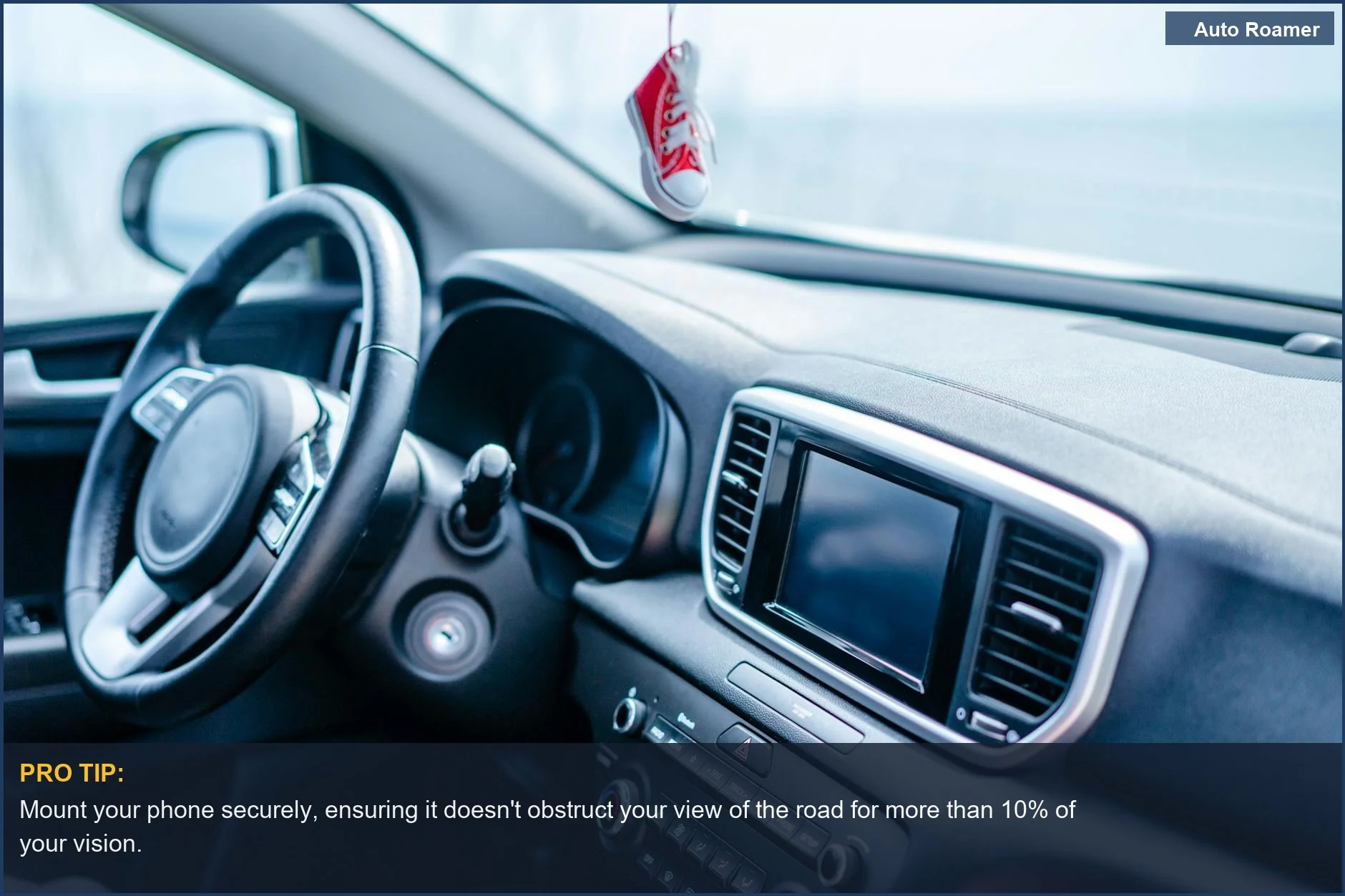
My buddy Kevin got a ticket in Arizona because his phone mount was too big and blocked part of his windshield. Rookie mistake. Mounting requirements are a big deal, and that applies to your phone just as much as a dedicated unit. Some states, like Alabama, say it's illegal on the windshield and must be on the dashboard. Don't make Kevin's mistake. The real move is to check your state's specific rules. For audio, it gets even trickier.
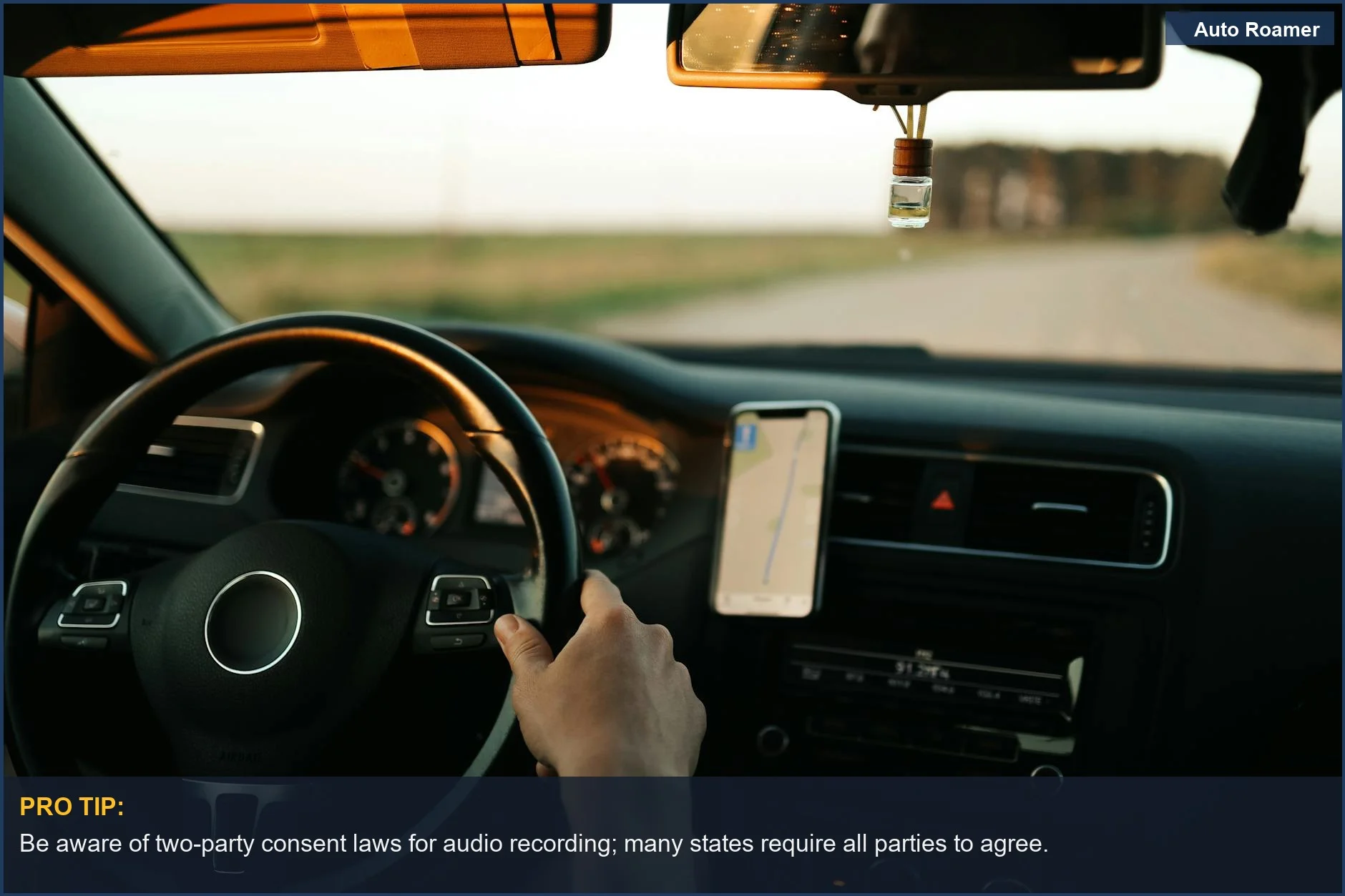
Many states operate under a 'one-party consent' rule, meaning you only need one person in the conversation to be aware of the recording. California is a single-party consent state for audio. However, other states require all parties to consent. If you're recording a passenger, you need to make sure they know they're being recorded.
My cousin Sarah learned this the hard way when she tried to use a dash cam app in Illinois, which is an all-party consent state, and the recording was thrown out because her passenger wasn't aware. The honest version: if your app records audio, you need to understand the consent laws for your area. Each state makes its own rules about how and where you can use your dash cam, and that includes your phone.
It's not just about having the footage; it's about having legally obtained footage. My first trip trying to use my phone as a dash cam was in Pennsylvania, and I just assumed everything was fine. Turns out, Pennsylvania is a two-party consent state for audio. I had audio on my recording and no passenger's consent. The footage was useless for my insurance claim. The fix was simple: disable audio recording or get consent.
Key rules around placement, consent, and footage use are what you need to focus on. It's not rocket science, but it does require a little homework. My advice? Always disable audio unless you're sure you have consent, and check your state's mounting laws before you mount that phone.
Why This Matters for Your Setup
Why does all this legal jargon matter when you just want to record your drive? Because without knowing the rules, your 'evidence' could become useless, or worse, get you in trouble. Here's the real breakdown:
- Obstruction: Most states, like Ohio, say your dash cam can't restrict your line of sight. Ohio dash cam laws are clear on this. If your phone is propped up in a way that you can barely see the road, that's a ticket waiting to happen. I saw a guy in Colorado with his phone mounted so high it looked like a second rearview mirror. The cops pulled him over for it.
That's a $50 fine in some places, and your footage doesn't matter if you're breaking the law to get it.
- Audio Consent: This is where things get really dicey. Single-party consent is common, meaning you're good if you're aware the recording is happening. But states like Illinois are all-party. If your app records audio by default, and you have a passenger, you could be violating their privacy. My friend Dave thought he was covered in New York (a two-party consent state) when he recorded a conversation with his mechanic, forgetting his mechanic was in the car.
The mechanic threatened to sue. The fix? Turn off audio or explicitly tell them. It's not about being sneaky; it's about being legal.
- Privacy: While recording public roads is generally fine, pointing your camera into someone's private property could land you in hot water. Colorado statutes don't prohibit dash cams, but they do prohibit obstructing views and, by extension, potentially violating privacy. You're not a private investigator. Stick to the road.
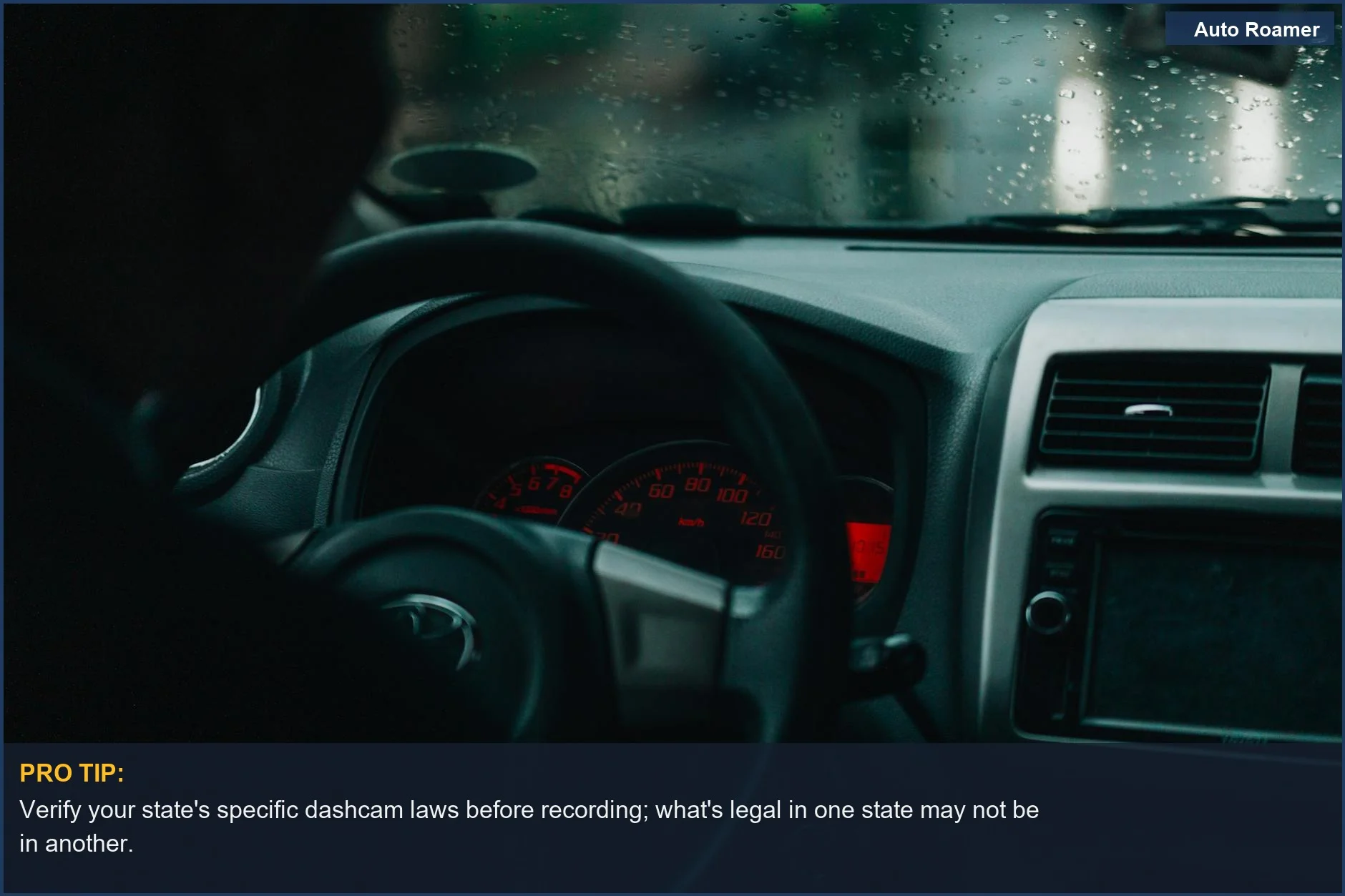
Making the Right Choice
Making the right choice with your dash cam app is less about the fancy features and more about being smart. Here's the rundown:
- Know Your State: This is non-negotiable. What's legal in California might get you a warning in Texas. A quick search for "dash cam laws [your state]" is your best friend. Check the rules before you drive.
- Audio Off is Safest: If you're not sure about consent laws, or if you have passengers, disable audio recording. It's the easiest way to avoid a major headache. Simply telling them you have a dashcam and it records audio when they get in your car will be consent, but that's a hassle.
- Mount It Right: Your phone needs to be out of the way. If it blocks your view, it's a problem. My first attempt at mounting my phone resulted in me constantly adjusting it, which was more distracting than helpful. Proper mounting keeps you legal and safe. Don't obstruct your view. It's that simple.