The Quick Answer: Three Ways to Charge a Phone in a Model 3
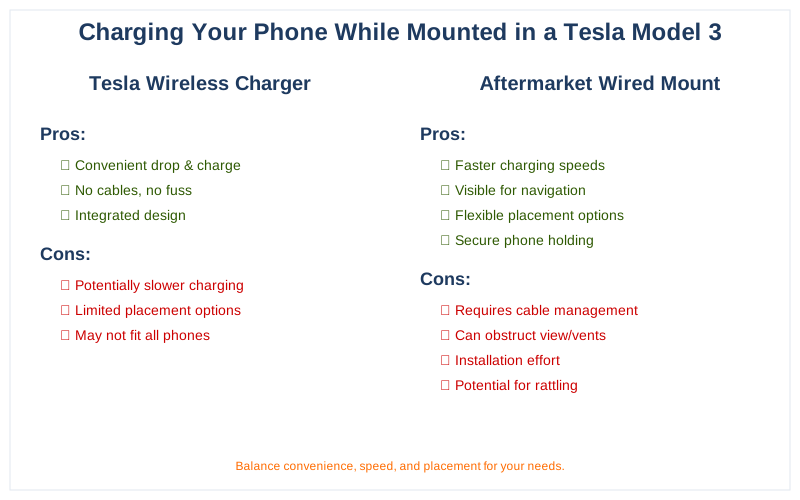
There are three ways to charge your phone in a Tesla Model 3, and you do not have to pick just one. The fastest path for most owners is the wireless charging pad, the felt-lined tray in the center console directly below the touchscreen. Drop a Qi-compatible phone onto it and it begins charging without a cable. Tesla rates this pad at up to 15 watts, the standard ceiling for Qi wireless charging. On Model 3 cars built from the late-2020 refresh onward, Tesla redesigned this tray with two side-by-side charging zones, so a driver and a passenger can charge at the same time.
The second way is wired: the Model 3 has USB-C ports inside the center console, and you plug a charging cable straight in. The third way only matters because of how the car is built: the Model 3 ships with no factory phone mount anywhere on the dash or windshield, so if you want your phone held up at eye level you add an aftermarket cradle. Here is the short version before we go deeper:
- Wireless pad (center console, below the screen): up to 15W Qi, no cable, two phones on 2021-and-later cars.
- USB-C ports (inside the console bin): wired charging via your own cable; the front ports are the higher-power ones.
- Aftermarket mount: needed if you want the phone visible, because the car has no built-in cradle.
The rest of this guide explains where each option lives, how fast it actually charges, why wireless can run slow or hot, and the realistic mounting choices for a car with a clean, button-free dash.
One thing worth setting straight up front: there is no single 'right' answer, and the marketing around Tesla accessories can make it feel like you must buy something. You do not. The car will charge a phone the day you take delivery, with zero accessories, just by laying it on the pad. Everything beyond that, a mount, a special cable, a magnetic puck, is about preference, not necessity. We will be clear throughout about which choices solve a real problem and which are simply nice to have, so you can spend money only where it actually helps your own driving habits.
The Wireless Charging Pad: Location, Wattage, and the Dual-Phone Refresh
The wireless charger is the headline feature for phone charging in a Model 3. It sits at the front of the center console, a shallow tray lined with a grippy material so the phone does not slide around while you drive. Any phone that supports the Qi wireless standard (every recent iPhone and most flagship Android phones) will charge when laid flat on the pad, screen-up, roughly centered.
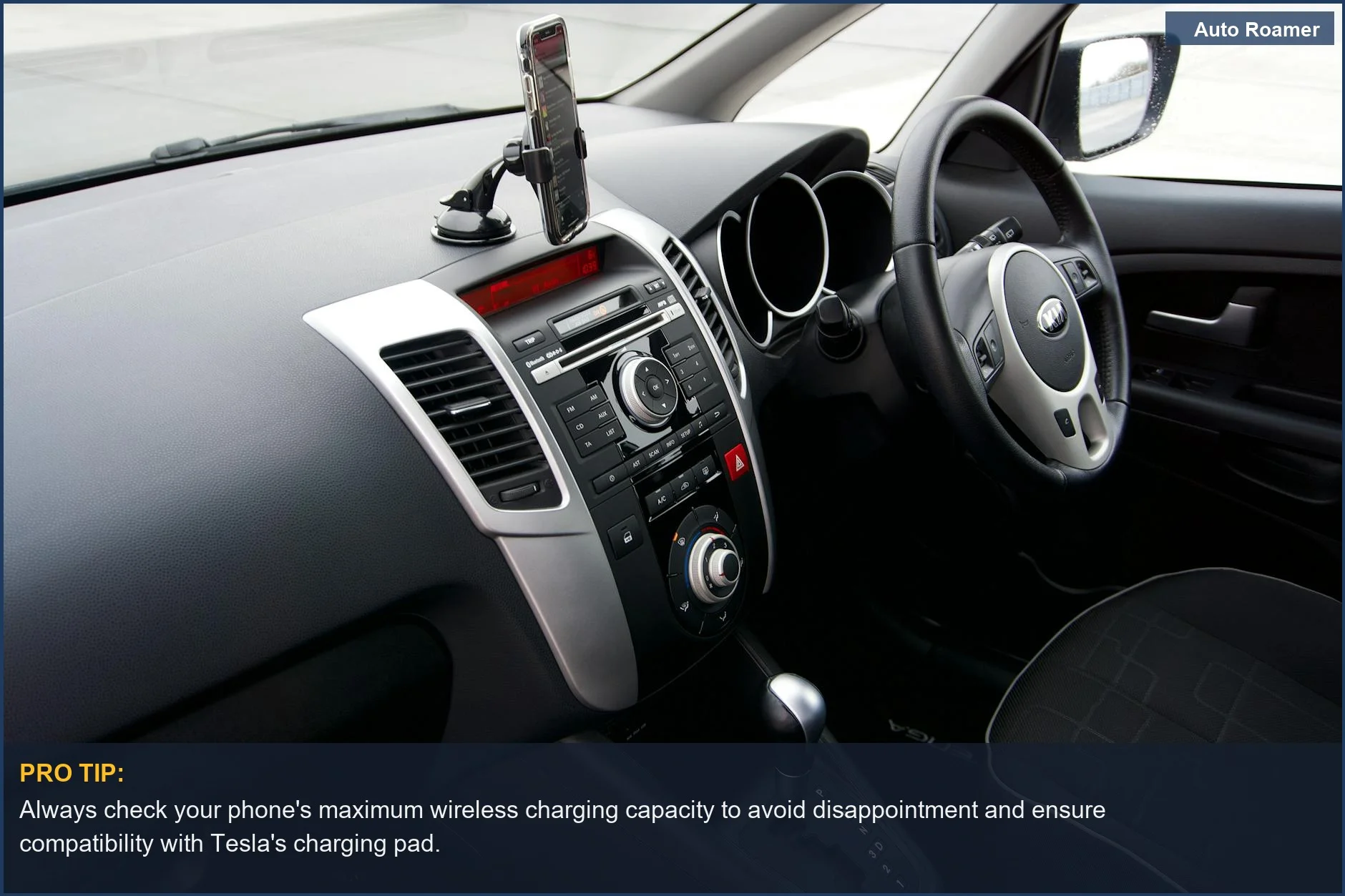
Tesla rates the pad at up to 15 watts. That figure is the maximum the Qi specification allows for this class of charger, and it is a ceiling, not a promise. Whether your phone actually pulls the full 15W depends on the phone itself, its case, and how the two coils line up. Apple's MagSafe-style 15W charging, for example, relies on magnets to align perfectly; on a flat non-magnetic pad an iPhone often negotiates a lower wireless rate.
The most useful upgrade in recent years is the dual-phone tray that arrived with the late-2020 / 2021 Model 3 refresh. Older cars had a single rectangular pad that you shared; the refreshed design splits the tray into two charging zones so two phones charge simultaneously, one for the driver and one for the passenger. If you bought a Model 3 in 2021 or later, you almost certainly have the dual setup.
Wireless charging is convenient but inherently less efficient than a cable. Energy is lost as heat during the coil-to-coil transfer, which is exactly why a wirelessly charging phone gets warm, and why a hot phone may deliberately slow its own charging to protect the battery. None of this is a fault in the car; it is how Qi charging works everywhere.
Two practical notes that trip people up. First, alignment matters: if the phone is too far to one side, charging stutters or stops, so seat it centered in its zone. Second, heat is real on hot days or while running navigation, and the warmer the phone gets, the slower it charges, which we cover in the troubleshooting section.
It is also worth understanding what 15W actually means in daily use. Fifteen watts is a respectable trickle that comfortably keeps a phone topped up during a normal commute, where the phone is mostly idle in your pocket of usage. It is not a 'fast charge' in the sense a wired high-wattage charger is at home, and it was never meant to be. Wireless charging in any car, not just a Tesla, trades some speed for the convenience of never plugging in. If you go from a full battery in the morning and just want to stay topped off, the pad does that quietly all day. The trouble only starts when you ask the pad to do more than top up, for example feeding a phone that is simultaneously running maps at full brightness, streaming audio, and acting as a hotspot. That combined draw can exceed what 15W of wireless power can replace, and the battery slowly slips even while it sits on the charger.
Finally, a note on what does and does not affect the pad. The car's own battery state has no meaningful bearing on it; the 15W the pad draws is trivial against the car's pack, so charging your phone will not noticeably dent your driving range. What does affect it is purely on the phone side, the case, the alignment, and the phone's temperature, which is why every fix in the troubleshooting section is about the phone, not the car.
The USB-C Ports: Where They Are, Data vs. Power, and Wattage
If you want a cable, the Model 3 gives you USB-C ports in the center console. On the refreshed cars there are typically two USB-C ports up front, inside the storage bin under the armrest area, plus additional ports in the rear for back-seat passengers. Tesla switched the front ports from the older USB-A style to USB-C during the refresh, which is why a lot of older cables and advice you find online no longer match what is in a current car.
Here is the distinction that confuses owners most. Not every USB port in the car is built to do the same job:
- The front USB-C ports are the ones to use for fast wired charging. They deliver higher power, and historically the front ports were also the data-capable ports used for dashcam storage and Sentry Mode drives.
- The glovebox USB port (where present) is intended mainly for the dashcam drive, not for fast charging your phone.
- Rear ports are convenience charging for passengers and may deliver less power than the front.
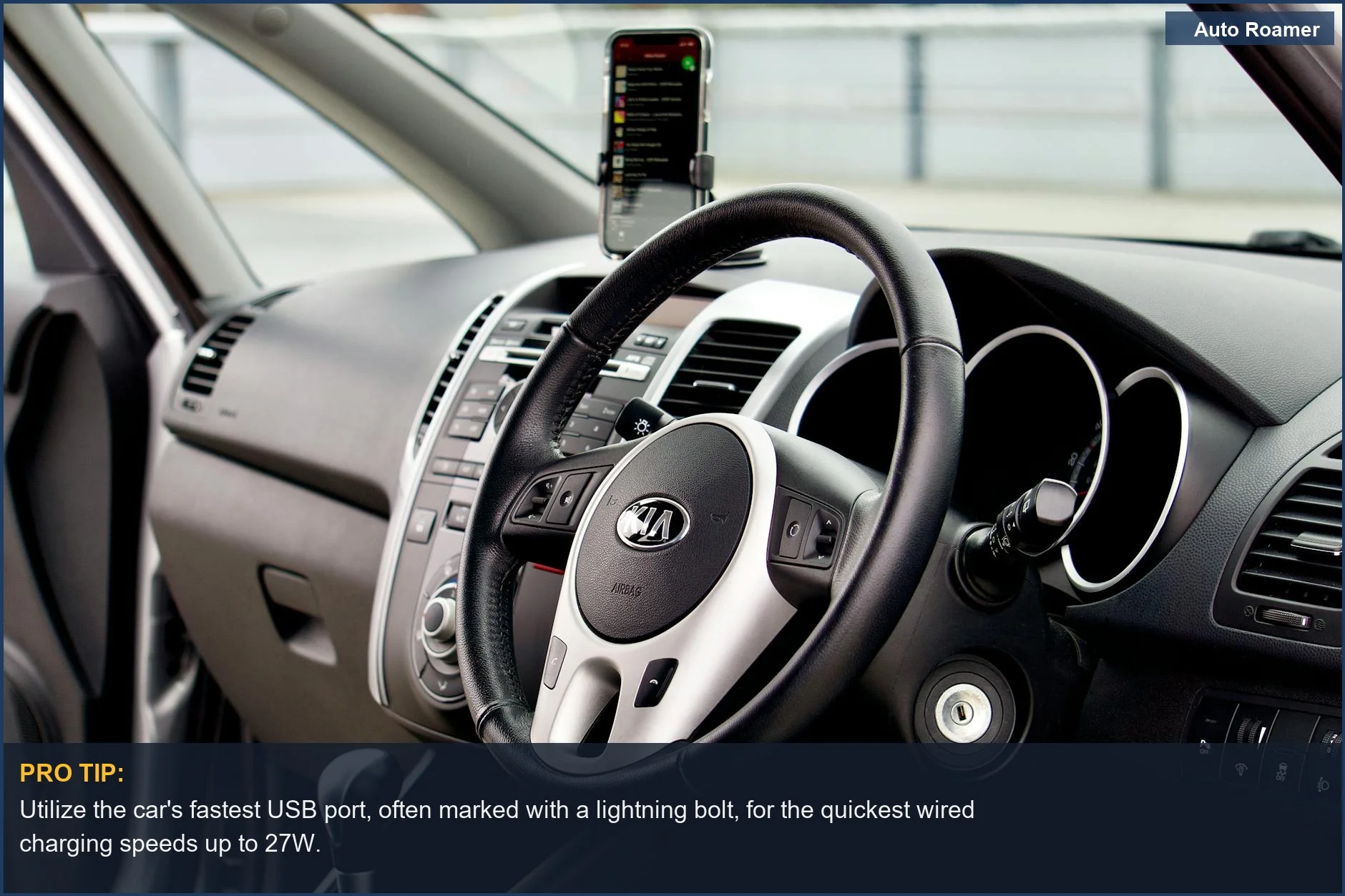
A wired connection is generally the faster and more consistent way to charge, because it skips the efficiency loss of wireless transfer and does not generate the same heat in the phone. Real charging speed still depends on the phone's own fast-charging support and the cable you use. USB-C Power Delivery (USB-C PD) is the standard that lets a phone and a port negotiate higher voltages for faster charging, so a phone that supports PD, paired with a proper USB-C-to-USB-C or USB-C-to-Lightning cable, will charge faster than the same phone on the wireless pad.
If you want the underlying details, our explainers on USB charging standards in a car and car USB fast-charging standards walk through what the wattage numbers actually mean.
A common point of confusion is the difference between a port that charges and a port that also moves data. For simply powering a phone, any of the car's USB-C ports will do the job; the phone just draws current. Data capability matters for a different reason: the front ports have historically been the ones the car uses to read and write the USB drive for Dashcam and Sentry Mode footage. That is why Tesla guidance steers you to a specific port for the dashcam drive and leaves the others free for charging. If you plug your phone into the port your dashcam expects, you may find the car prioritizing the drive, so for charging keep your phone on a port you are not using for storage.
Cable choice is the other half of wired speed, and it is the part owners most often get wrong. A USB-C port can only deliver fast charging if the cable and the phone both support the same standard. A modern Android phone generally wants a USB-C-to-USB-C cable rated for the wattage it negotiates; an iPhone uses USB-C-to-Lightning (or USB-C-to-USB-C on the newest USB-C iPhones). A thin, unbranded cable left over from an old accessory can quietly cap you at a slow rate even on a perfectly capable port. If wired charging feels no faster than wireless, the cable is the first thing to suspect, well before you blame the car.
The simplest reliable wired setup: a quality USB-C cable that matches your phone, plugged into a front console port, used whenever you need real speed. Wired charging skips the heat and efficiency loss of wireless and almost always wins for long, navigation-heavy drives.
Mounting a Phone in a Model 3 (There Is No Factory Cradle)
This is the part that surprises new owners: the Model 3 has no built-in phone mount. The dash is a single uninterrupted panel with no slot, no clip, and no vents on the driver's side in the usual place, because Tesla routes air through a hidden full-width vent. Tesla's design assumption is that you do not need a phone on the dash at all, since navigation, music, and climate all live on the central touchscreen. If you still want your phone visible, you add an aftermarket mount. The common options are:
- Screen-edge mounts clamp onto the left or right bezel of the central touchscreen. They put the phone right next to the display and are popular precisely because the Model 3 dash gives you nowhere else obvious to put one.
- Vent-style mounts adapt to the Model 3's hidden vent or use a dedicated Tesla-specific bracket, since there is no traditional round vent to clip into.
- Console / dash-pad mounts sit lower, near the wireless tray, keeping the phone out of your sightline but within easy reach.
- CD-slot-style and adhesive mounts from other cars generally do not apply, because the Model 3 has no CD slot and a slick dash surface, so most owners end up with a screen-edge or Tesla-specific bracket.
Many of these mounts include a charger, either a magnetic wireless puck or a built-in cable that runs to a USB-C port, so you get holding and charging in one piece. If you are weighing specific styles, we go deeper in our guides to Model 3 phone mount types and the best phone mounts for a Model 3.
When you shop, a few things separate a mount that fits the Model 3 from one that just claims to. Look for a mount marketed as Tesla- or Model 3-specific, because the dash has no standard vent louvers or cup-holder anchor to grab onto, and a generic mount designed for those features simply has nothing to attach to. Screen-edge clamps are the most reliably compatible style for exactly this reason: the bezel of the touchscreen is the one fixed, gripable surface the car reliably offers. Pay attention to whether the clamp pads against the screen housing rather than the glass, and whether it blocks any part of the display, since the touchscreen is the car's entire control surface and covering a corner of it is a genuine annoyance.
Also decide up front whether you want charging built into the mount or handled separately. A mount with an integrated magnetic wireless puck or a captive USB-C cable is the tidiest, because it holds and powers the phone in one motion, you set the phone and walk away. A plain cradle is cheaper and lighter but means you are still reaching for a cable or relying on the console pad for power. Neither is wrong; it is a question of how much you value one-handed, glance-free operation while you drive. Whatever you pick, the Model 3's clean dash rewards a mount that looks deliberate, so a low-profile design tends to age better than a bulky arm.
Do You Even Need a Mount? The Big Screen Changes the Math
Before you buy anything, it is worth asking whether you need a mount at all. The Model 3's central touchscreen is large and sits high enough that, for many drivers, it replaces the job a phone-on-the-dash used to do. Tesla's built-in navigation, plus music and calls handled through the car, mean your phone can stay on the wireless pad, out of sight, the entire drive.
So the honest decision comes down to how you use your phone. If you rely on the car's screen for maps and media, you can skip the mount entirely; lay the phone on the wireless pad and let it charge while the big screen does the work. If instead you prefer Google Maps or Waze over Tesla's own navigation, a mount starts to make real sense, because the Model 3 does not offer Apple CarPlay or Android Auto, which means your phone's navigation app only ever lives on the phone's own screen. And if you use the phone for rideshare or delivery apps while driving, a mount at eye level is close to mandatory.
The lack of CarPlay and Android Auto is the deciding factor for a lot of people. If those phone-projection systems existed in the Model 3, the wireless pad alone would be enough for almost everyone. Because they do not, owners who live inside their phone's apps tend to want the phone held up where they can see it, with charging built into the mount.
Why Is My Phone Charging Slowly? Troubleshooting
The single most common complaint about charging in a Model 3 is the wireless pad feeling slow, or a phone that drains faster than it charges while running navigation. Almost every cause comes back to the same handful of issues, and most are fixable.
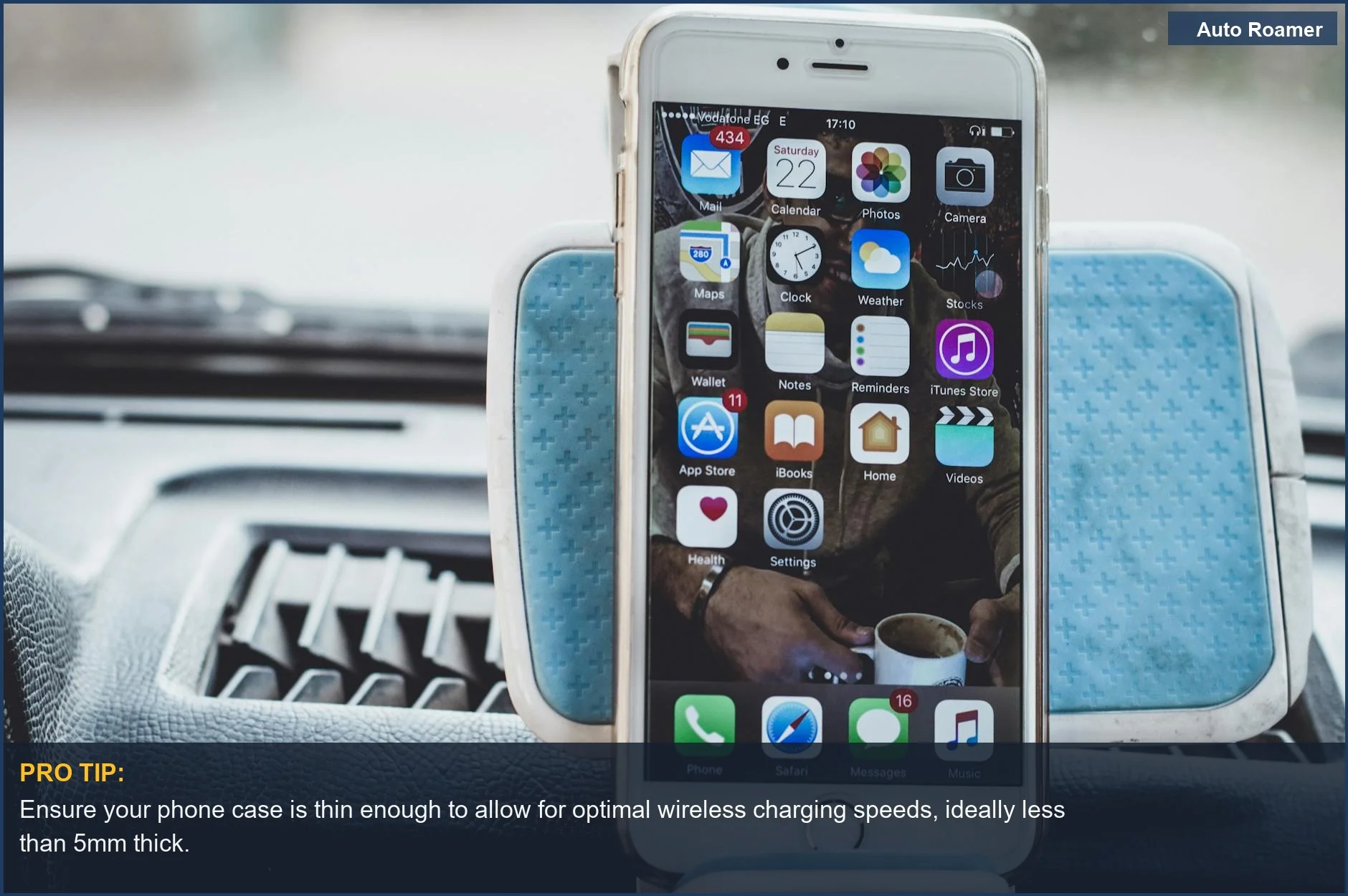
- Thick or metal-containing case. Wireless charging passes energy through the case, and a thick, rugged, or metal-backed case (or a card holder with metal cards) weakens or blocks the connection. If charging is erratic, test with the case off first.
- Misalignment. The phone has to sit over the charging coil. If it is pushed to one side of the tray, charging slows or cuts out. Center it in its zone.
- Heat. A warm phone, from sunlight, a hot cabin, or running a power-hungry navigation app, will deliberately throttle its own charging to protect the battery. This is the phone's behavior, not the car's, and it is why a phone on the pad while running maps in summer can lose ground.
- Output gap on demanding apps. Turn-by-turn navigation with the screen at full brightness can draw more power than 15W of wireless charging supplies. When that happens, switch to a wired USB-C connection on a front port, which delivers more power and generates less heat in the phone.
- Cheap or wrong cable. For wired charging, a low-quality cable or one that does not support your phone's fast-charging standard will cap the speed. Use a quality USB-C cable that matches your phone (USB-C PD for most modern phones).
Rule of thumb: if you are just topping up, the wireless pad is fine. If you are running navigation for hours, or the phone is hot, go wired on a front USB-C port. Wired is faster and cooler, and it sidesteps every wireless-charging quirk at once.
Cable Management for a Clean Model 3 Cabin
Half the appeal of a Model 3 is the minimalist, clutter-free interior, and a cable flopping across the console undoes that instantly. Because the USB-C ports live inside the console bin, a little planning keeps wired charging tidy:
- Route through the bin. Run the cable up out of the console storage area and to your mount or pad position so the connector end is hidden and only the working length is exposed.
- Match cable length to the mount. A screen-edge mount needs only a short cable; an over-long cable just creates slack to manage. Buy the length the route actually needs.
- Use a mount with integrated charging. Many Model 3 mounts route the cable internally or include a magnetic wireless puck, so there is no loose cable at all. This is the cleanest setup if you mount the phone anyway.
- Adhesive clips, sparingly. If you must run a cable along the console, small adhesive cable clips keep it flat. Press them onto a clean surface and accept that strong adhesive can mark trim over time.
If you would rather skip the cable entirely, that is the whole point of the wireless pad: phone goes in the tray, no wire crosses the cabin, and the interior stays as clean as Tesla intended.
Putting It All Together: A Setup That Just Works
For most Model 3 owners, the simplest reliable setup is this: use the wireless pad for everyday top-ups, keep a USB-C cable on a front port for long drives or hot days when you need real speed, and add a mount only if you depend on your phone's own navigation instead of the car's screen. That covers the three jobs, convenience, speed, and visibility, without over-buying.
The decisions in plain terms:
- Just want a charged phone, eyes on the car's screen? Wireless pad. Done. No accessories.
- Long road trips, navigation running for hours? Wired USB-C on a front port for the consistent speed and cooler phone.
- Live in Google Maps, Waze, or rideshare apps? A screen-edge or Tesla-specific mount, ideally one with charging built in, so the phone is visible and powered at once.
None of this requires technical skill or tools, the mounts install by hand and the charging is plug-and-drop. The only thing worth doing before you commit is checking your phone case against the wireless pad and, if you go wired, buying a cable that matches your phone's fast-charging standard. Get those two right and a Model 3 keeps your phone alive through any trip. If your travels run long, see our guide to camping in a Tesla for keeping every device topped up off-grid.