First, the Basics
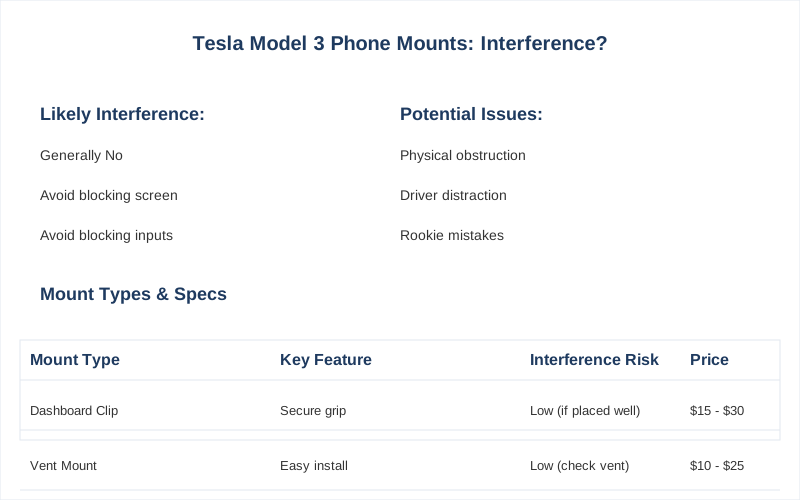
Putting a phone mount in your Tesla Model 3 can feel like a puzzle, especially when you wonder if it'll mess with the car's built-in tech. It's not just about sticking something to your dash; it's about ensuring your car's systems still hum along smoothly. Some folks worry about interference, especially with magnetic mounts, and whether it'll block essential screen functions. The honest version is, most of the time, you're fine, but a rookie mistake can lead to headaches.
It's worth understanding how these mounts interact with your car's electronics before you buy.
The Core Answer
Look, the core answer here is usually a resounding 'no,' a phone mount won't nuke your car's features. I've seen plenty of setups in Teslas, and the main thing is to avoid physically blocking anything. Most mounts are designed not to interfere with the car's electronics. The real danger is a poorly placed mount that obscures your view of the main touchscreen or, worse, interferes with your hand when you're trying to use the turn signal stalk.
That's the kind of rookie mistake that makes you regret your purchase. Magnetic mounts are a hot topic, but most users report no issues with them affecting the car's systems. The magnets are usually pretty localized. The actual risk is more about obscuring the screen or getting in the way of your driving inputs. Imagine trying to adjust the wipers and your phone mount is right there. Not ideal.
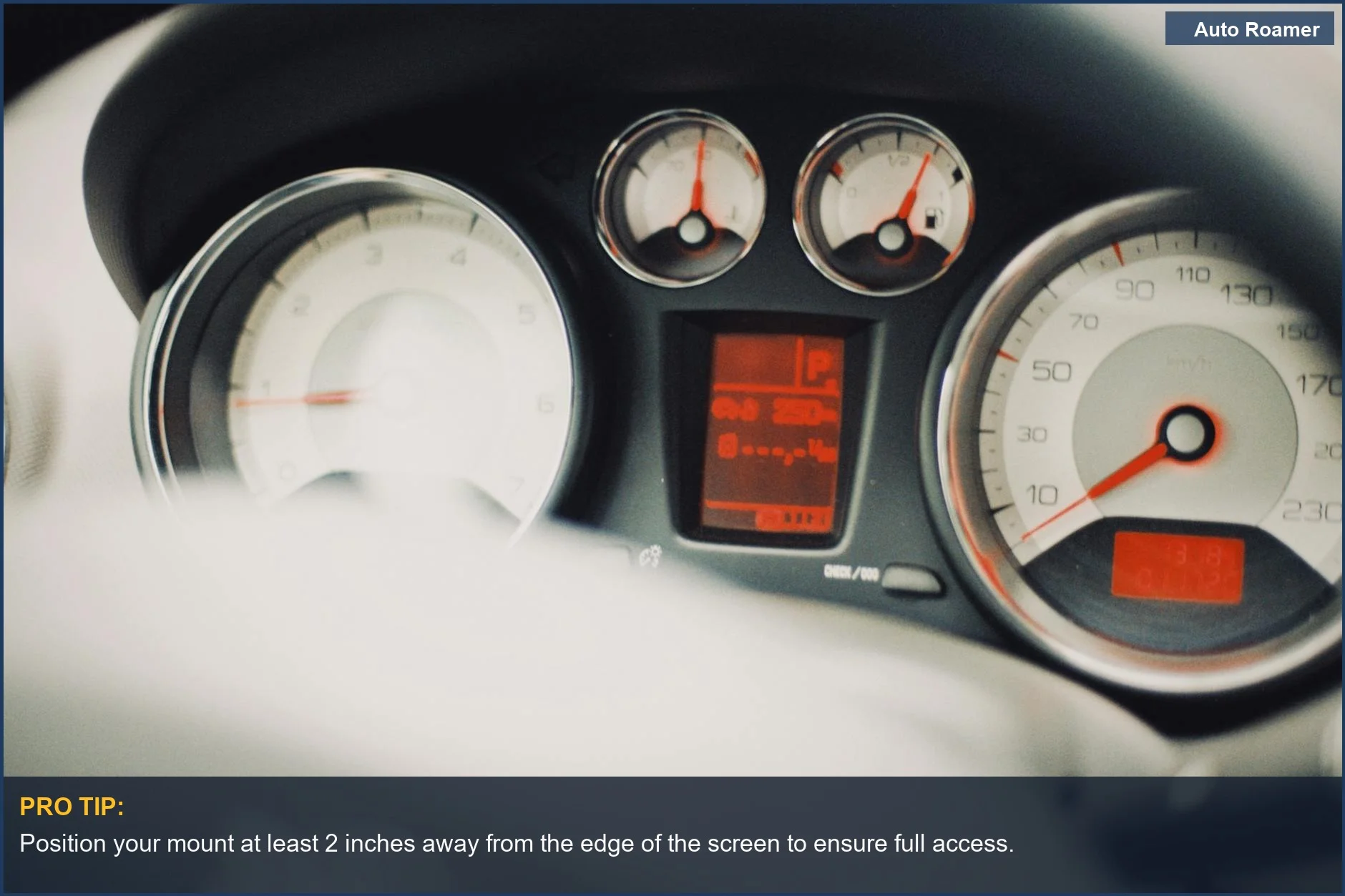
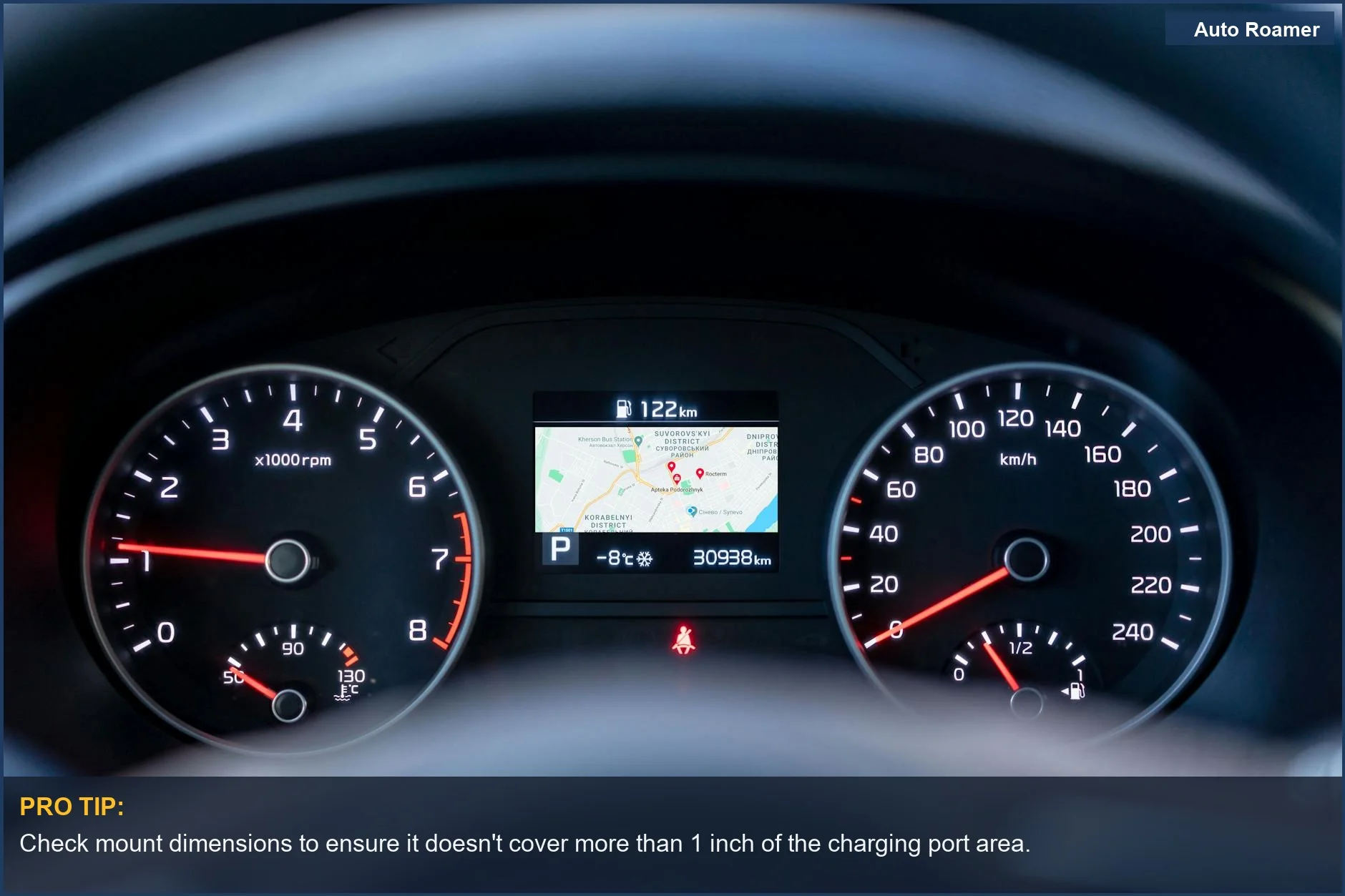
Some mounts attach to the screen itself, which is what you want to avoid. Others clip onto the dash or use the air vents. A one-minute install is possible if you pick the right spot. The real move is to ensure the mount doesn't block your view of the speedometer or any critical warnings on the main screen. A poorly placed phone mount can cover half the charging port area. Brilliant engineering.
The honest version is, your phone is probably more powerful than the car's computer for navigation, so it's not like the phone is going to hack the car. It's more about physical obstruction and accidental button presses. Think about where your hands naturally go when you drive. That's where you don't want your phone mount to be.
The $50 version of a mount might seem like a deal, but if it blocks your view or makes using your car's controls a pain, it's a $50 mistake. The goal is seamless integration, not a new set of driving frustrations. If you can't see the whole screen or you're constantly bumping it, it's not the right mount. Pay attention to the placement and how it affects your natural reach. That's the game-time decision for a good mount.
Why This Matters for Your Setup
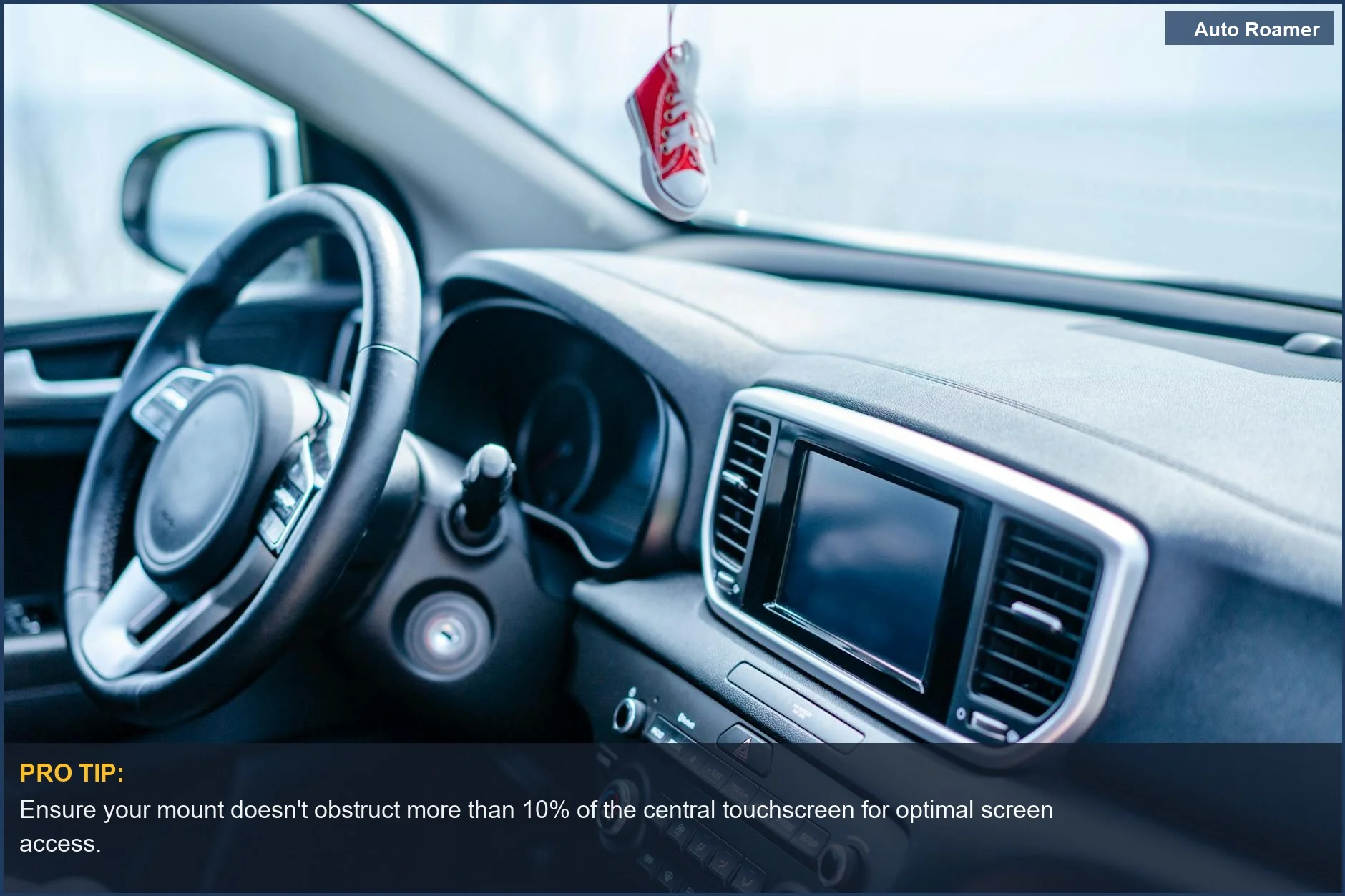
Why does this even matter? Because your Tesla's screen is basically the cockpit of a spaceship. If a phone mount blocks your view of critical info, it's a problem. For ride-share drivers, having the phone visible and accessible is crucial for accepting rides quickly. You have seconds to react. A mount that makes you fumble is a losing proposition. Imagine trying to accept a ride while simultaneously fumbling for your phone that's buried in your lap.
That's a recipe for disaster, and frankly, a bit embarrassing. Simple MagSafe mounts that stick on in under a minute are popular for a reason. They're easy to install and usually don't obstruct much. But even then, check your angles. You don't want to be craning your neck. The real move is to test it before you commit. Prop your phone up where you think the mount will go and see if it feels right.
Does it block the vents? Can you still reach the climate controls? These are the questions you need to ask yourself before you buy. This isn't just about convenience; it's about maintaining the intended functionality of your car. You bought a fancy car; don't make it harder to drive.
Making the Right Choice
So, will a phone mount mess with your Tesla's features? Generally, no, but you need to be smart about it. Most mounts don't interfere with the car's electronics. The biggest concern is always physical obstruction. Make sure your chosen mount doesn't block the main screen, air vents, or crucial controls. Compatibility with your specific vehicle is key, though most are designed for Model 3 and Y. The honest version: do a quick check before you buy.
See how it fits and if it feels natural to use. If it seems like it'll be in the way, it probably will be. Those are the lessons worth passing on. Don't be the person with a mount that makes driving harder.