
Maximizing Your Action Camera Battery: Tips for Extended Recording
Most action cameras are power hogs, draining their batteries faster than I can drain a cooler at a campsite. If you're out trying to capture that epic sunset or the kids' first time surfing, a dead camera is the ultimate rookie mistake.
Most action cameras are power hogs, draining their batteries faster than I can drain a cooler at a campsite. If you're out trying to capture that epic sunset or the kids' first time surfing, a dead camera is the ultimate rookie mistake.
I learned this the hard way when my camera died 30 minutes into a 2-hour surf lesson at Ocean City, Maryland, leaving me with zero footage and a lot of regret.
The good news is, you don't need to be an electrical engineer to get more juice out of your battery. It's mostly about understanding what your camera is doing and making a few smart choices.
Think of it like packing for a weekend trip: you don't bring your entire wardrobe, you bring what you actually need.
What nobody tells beginners is that most of the fancy features are also battery vampires. Turning them off is the easiest way to extend your recording time without buying a single extra accessory. I've spent plenty of time fiddling with settings in the field, and the payoff is huge.
This isn't about complex modifications; it's about using your gear smarter.
We're talking about getting an extra hour or two of recording time, enough to capture the whole adventure, not just the first act. It's the $50 version of having a whole extra battery, easily. Video Performance Modes are your friend here, letting you tailor your camera to the task. Dimming the screens alone makes a noticeable difference.
The Core Answer
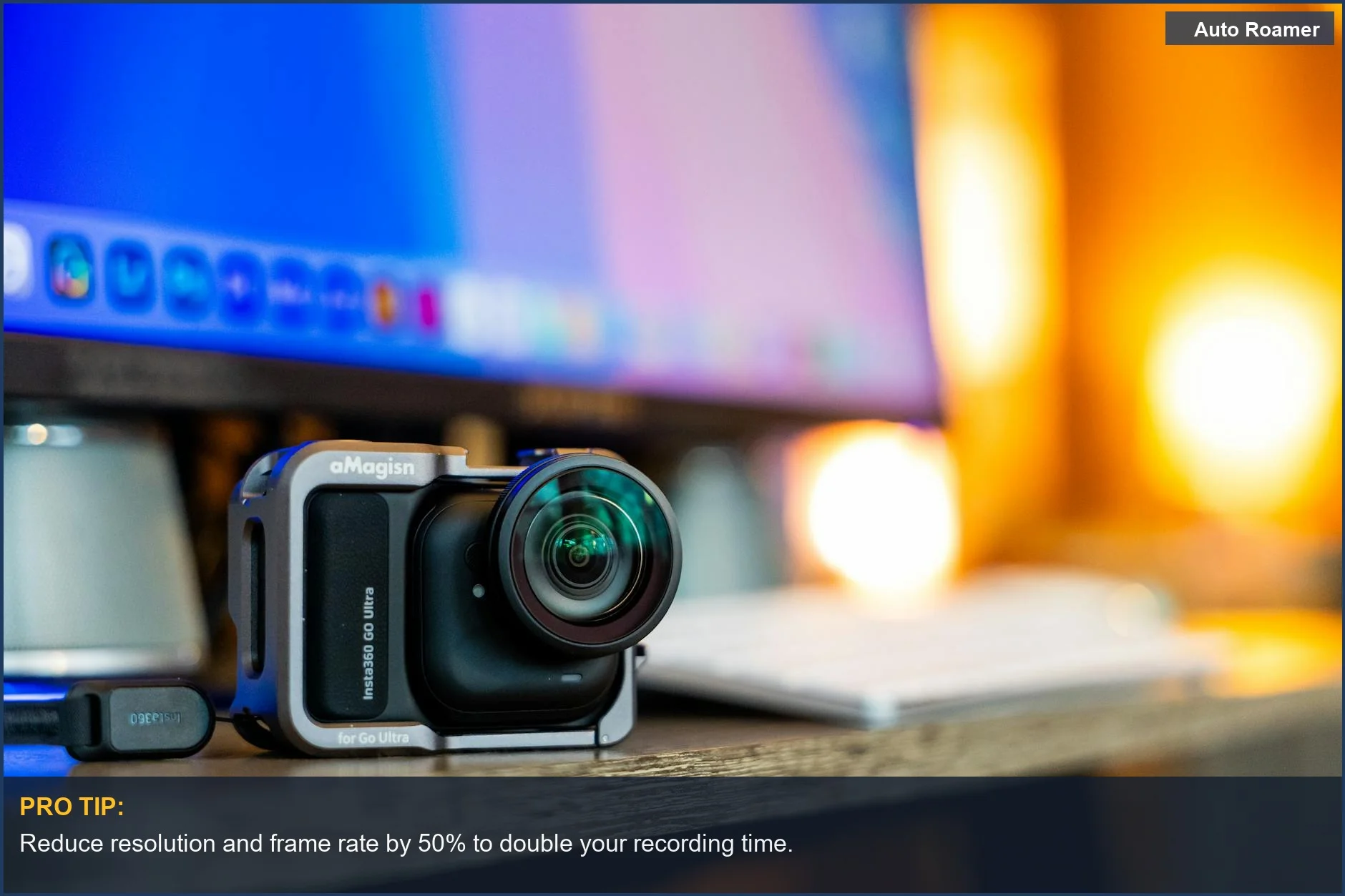
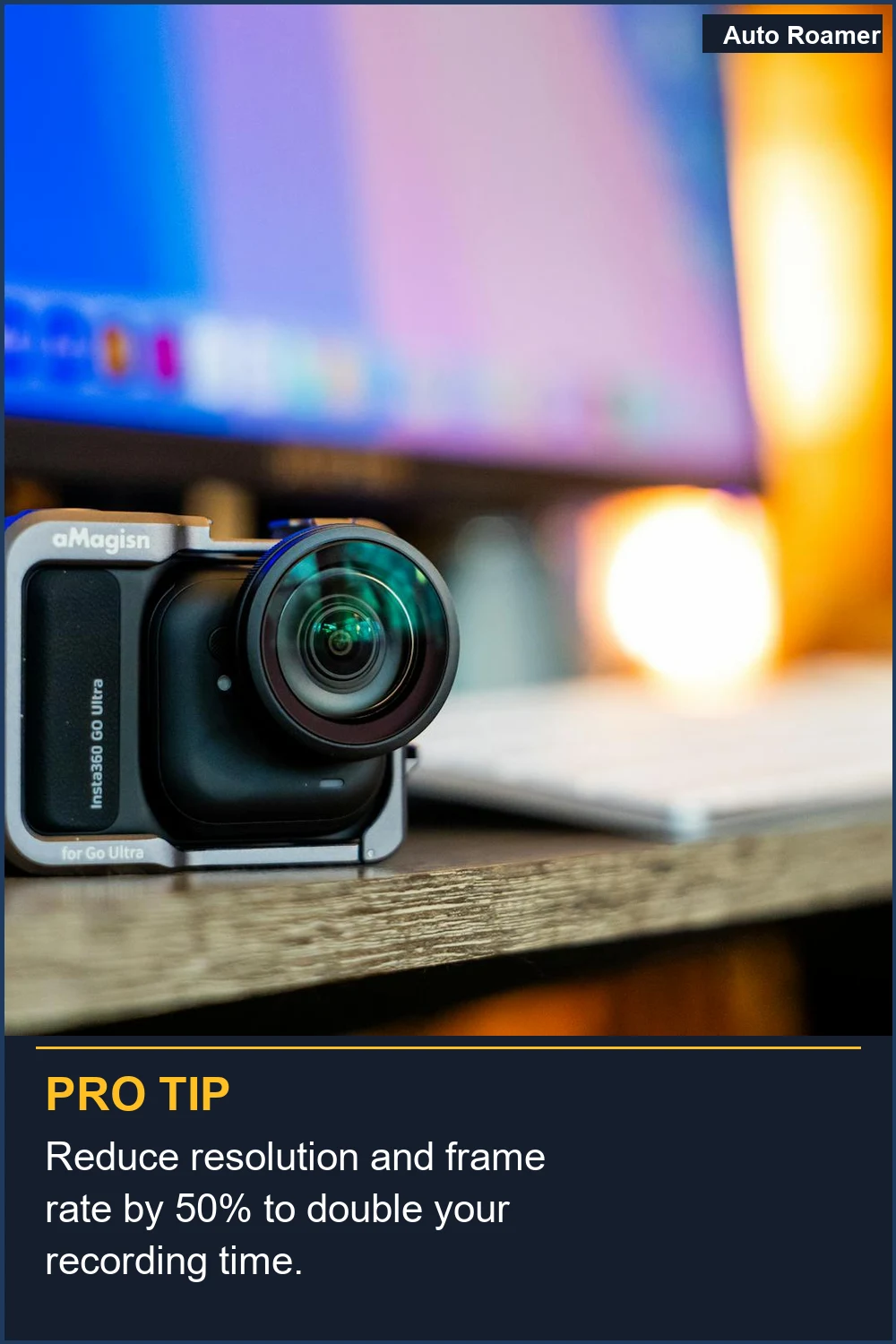
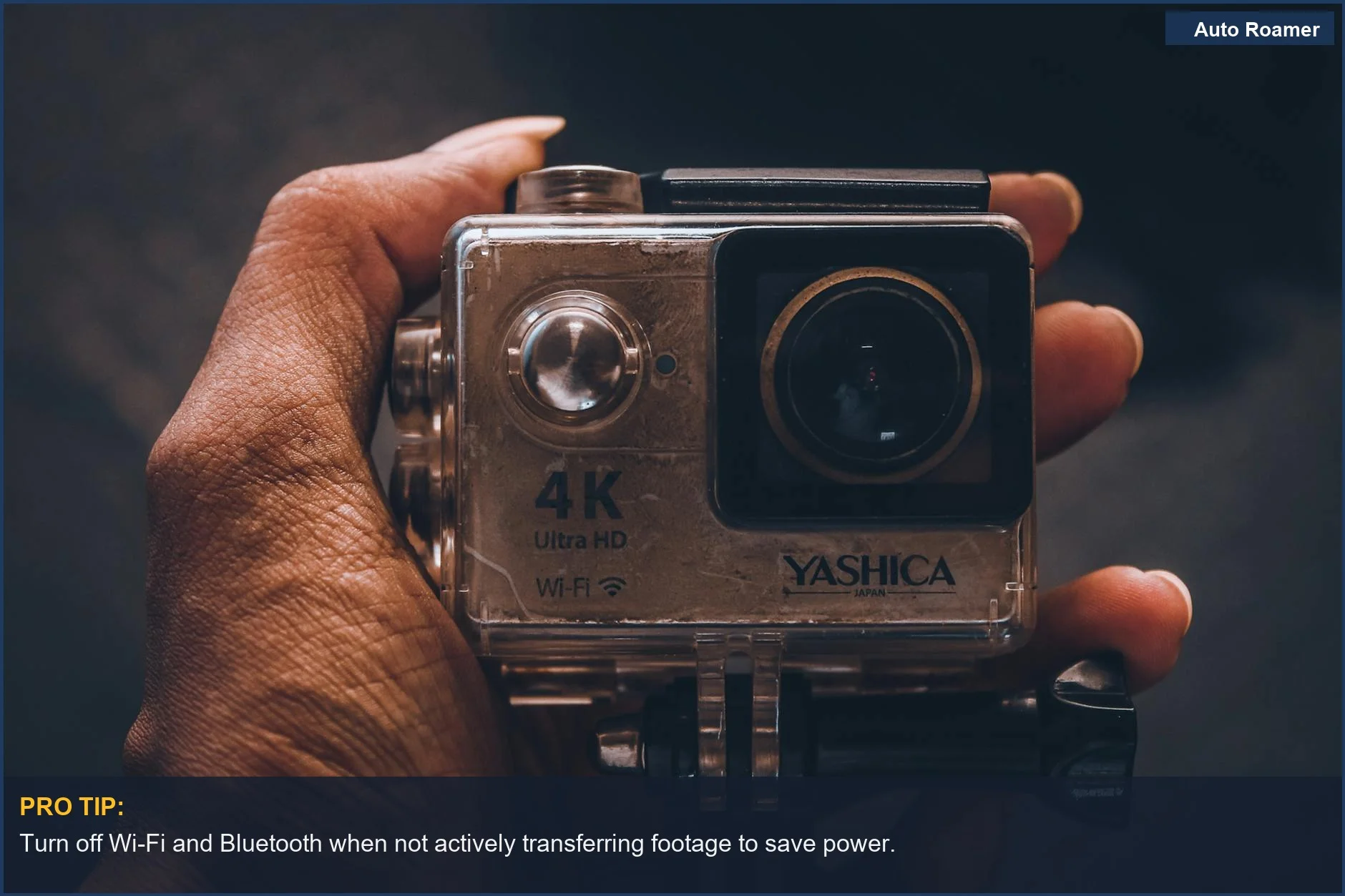
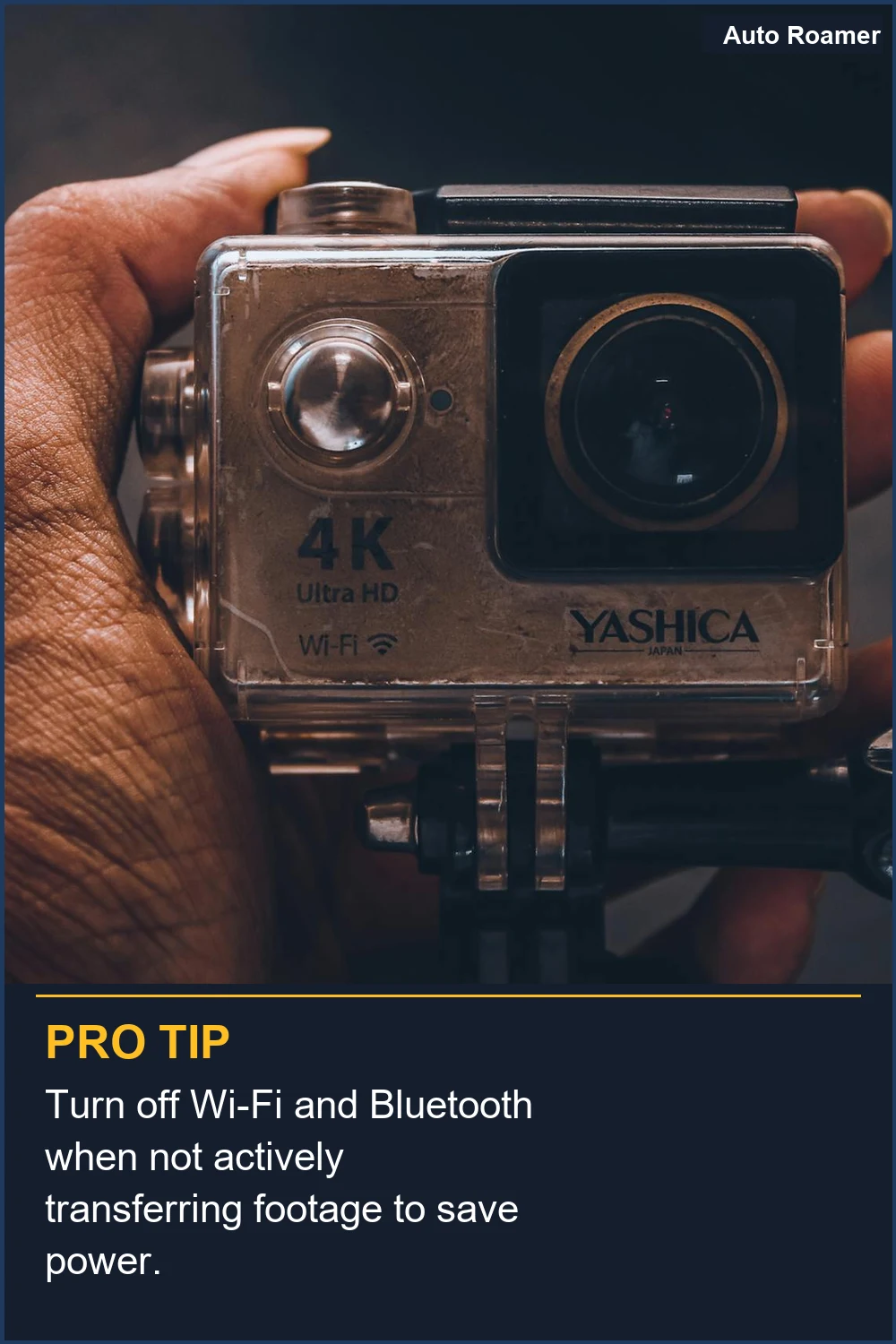
The real move to get more recording time out of your action camera boils down to a few key strategies that are surprisingly simple. First up, dial back those fancy video settings. Recording in 5.3K at 60 frames per second looks amazing, but it chews through battery like a bear through a picnic basket. Lowering the resolution to something like 1080p or even 720p, and reducing the frame rate, can dramatically increase how long you can shoot. I found that dropping from 4K to 1080p on my old camera gave me almost an extra hour of recording time.Next, turn off anything you're not actively using. That includes Wi-Fi and Bluetooth. I know, I know, you want to connect to your phone instantly, but that constant searching for a signal is a battery killer. I once forgot to turn off Wi-Fi on a hike in the Poconos, and my camera died an hour earlier than I expected. The fix was simple: turn it off until I was ready to transfer footage. Without a Wi-Fi connection, you can gain 10 to 15 minutes per hour.
Stabilization features, like HyperSmooth, are great for smooth footage, but they also require processing power, which means more battery drain. If your camera is mounted securely on a bike, a helmet, or a dashboard, you likely don't need electronic stabilization. Turning it off is a no-brainer. I learned this the hard way when my camera was mounted on my kayak; the water movement wasn't that wild, and I was wasting battery for no reason. Turn off Hypersmooth if your camera is mounted on something stable.
The screens are also huge power consumers. If you're recording video, you don't need the rear screen on all the time. Many cameras have a 'screen off' or 'display off' setting that activates after a few seconds of inactivity, or even while recording. Brilliant engineering, right? I make sure to dim my rear screen and turn off the front screen when I'm not actively framing a shot. Using 'Screen Off When Recording' is a simple trick. Apparently, premium means the same garbage with a nicer label, but at least the nice label doesn't drain your battery as fast.
Finally, keep your camera's firmware updated. Manufacturers often release updates that include performance improvements, and sometimes that means better battery efficiency. It's like getting a free upgrade. I always check for updates before a big trip. Firmware updates can improve battery life. And if all else fails, the simplest advice is often the best: turn the camera off when you're not actively recording. Turning it off while not in use preserves battery life.
Why This Matters for Your Setup
Why does all this matter when you're actually out there trying to film? Because a dead camera means a missed story. I remember being on a kayaking trip in the Boundary Waters and my camera died just as a moose swam right past us. Zero footage. It was pure frustration.Think about it like this: you pack your car for a camping trip. You wouldn't bring a second, smaller refrigerator if you could just pack your food more efficiently, right? Same idea here.
Here's the breakdown of what you can realistically achieve:
- Extended Recording Time: By turning off Wi-Fi, dimming screens, and lowering resolution, I've personally seen my recording time jump from 1.5 hours to over 2.5 hours on a single battery. That's game-time for capturing those crucial moments. External power banks and battery packs are options, but why spend money if you don't have to?
- Less Frustration: Nobody wants to be the person constantly swapping batteries or missing the action because their camera is dead. It takes away from the experience. I'd rather spend my time enjoying the view than fiddling with gear.
- Saving Money: While buying extra batteries is an option, mastering these settings means you might not need them as often. That's savings in your pocket. The $50 version of having extra battery life is just using what you've got smarter.
- Better Footage Quality Management: Sometimes, ultra-high resolution isn't necessary. If you're just sharing clips on social media, 1080p is more than enough. You get longer recording and a smaller file size, which is a win-win. Recording with a lower resolution and less frames per second is the honest version of getting more footage.
Making the Right Choice
When it comes down to it, extending your action camera's battery life is less about buying more gear and more about understanding your camera's energy habits. It's about making smart, simple choices before you hit record.Think of it like this: I used to pack an extra sleeping bag for every trip, just in case. Turns out, a $12 fleece liner did the trick and saved me a ton of space and hassle. This is the same principle.
Here's the real move:
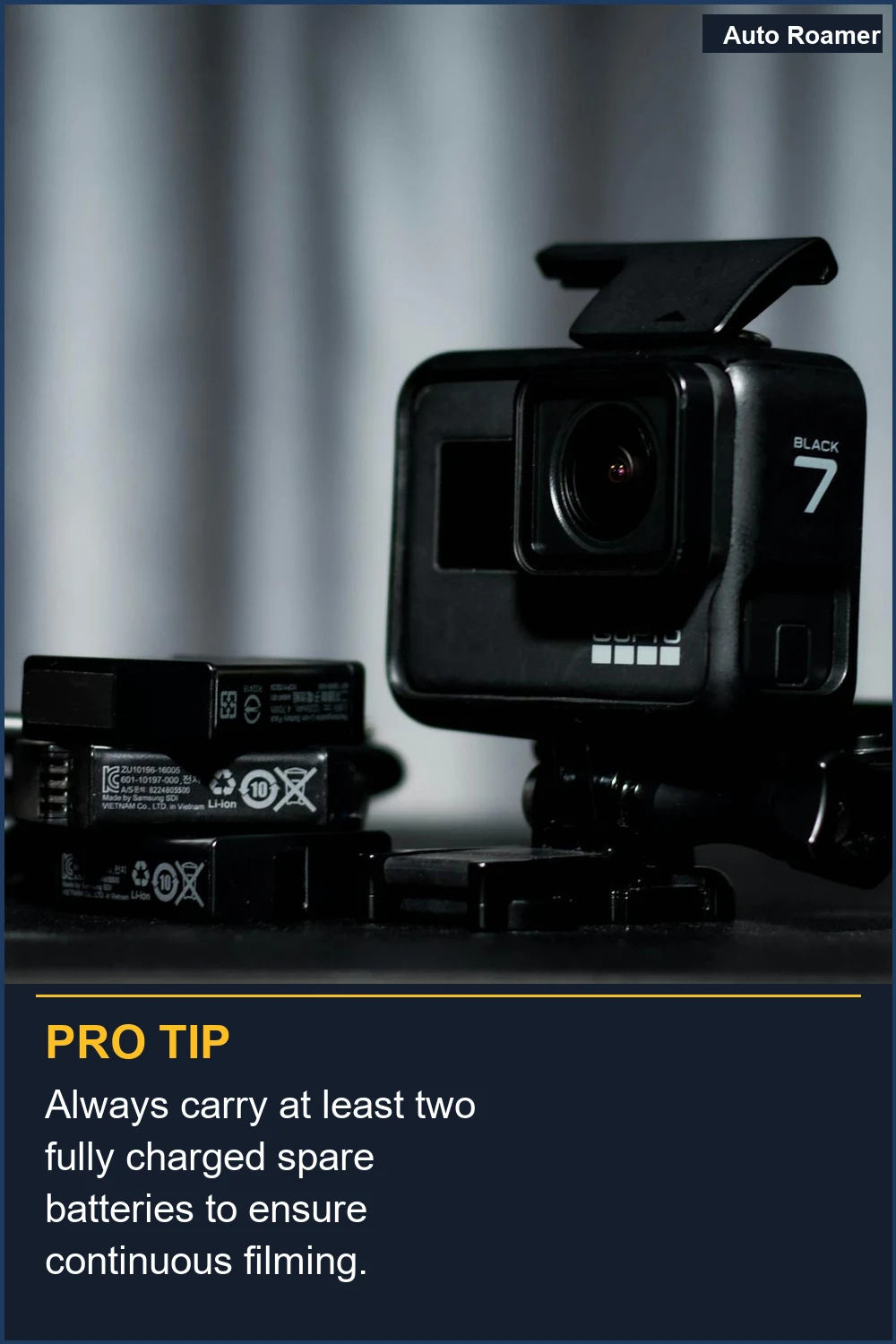
- Prioritize Essential Settings: Focus on what truly matters for your shot. Lower resolution, disable unnecessary features like Wi-Fi and GPS when not in use, and manage your screens. It's the $50 version of buying a whole new battery.
- Regularly Update Firmware: This is a quick, free way to potentially boost performance and efficiency. It's like getting a software patch that makes your phone last longer. Updating firmware can improve battery life.
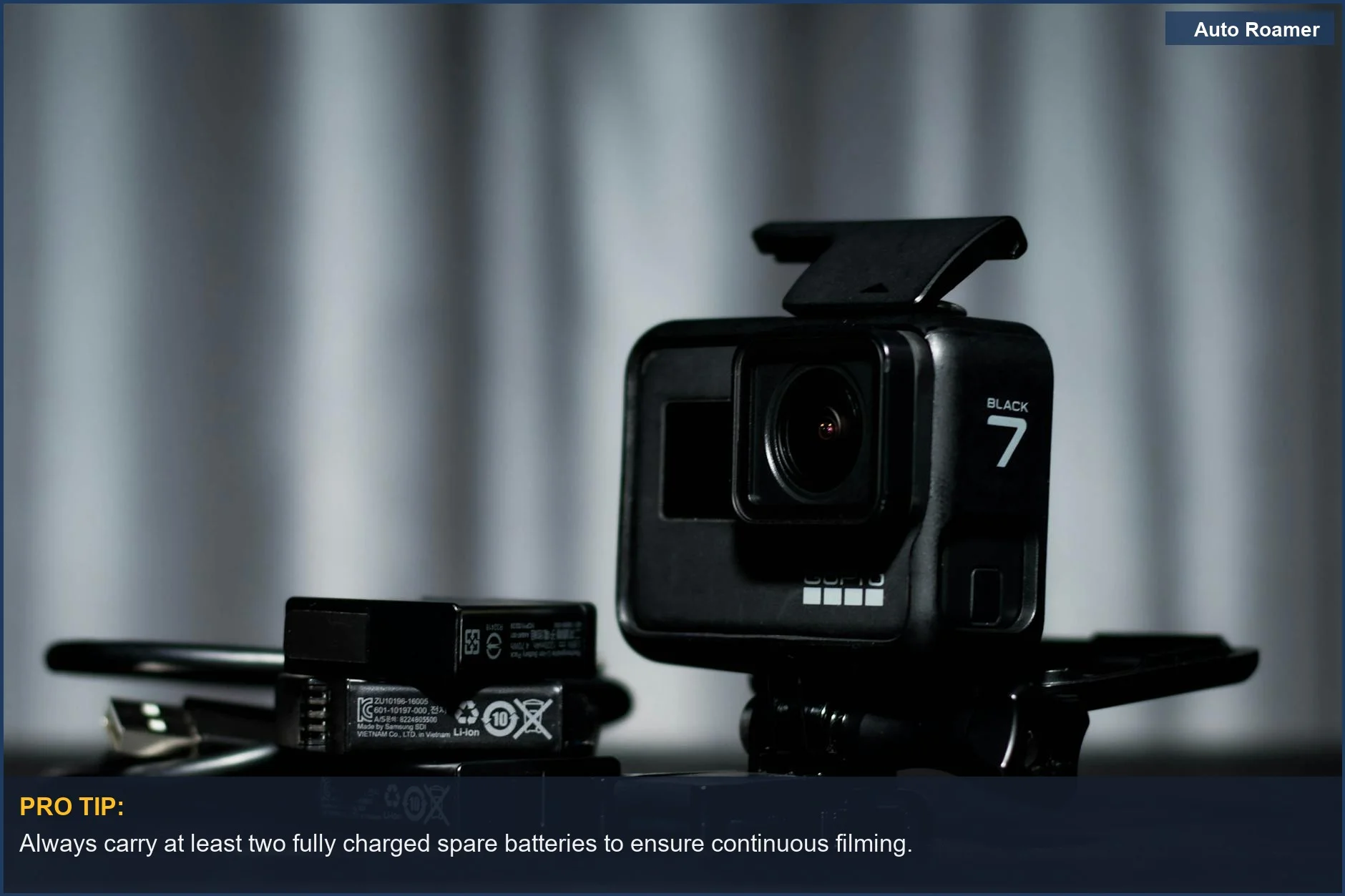
- External Power is a Last Resort: While power banks and battery packs are options, they add bulk and cost. Master the camera's internal settings first. My second trip had half the gear and was twice as comfortable, and that included managing my camera's power. Connecting to an external power bank is a backup, not the primary plan.
- Be Mindful of Usage: The simplest trick? Turn it off when you're not recording. It sounds obvious, but in the heat of the moment, it's easy to forget. Turning it off while not in use is the most effective way to preserve battery life.
Frequently Asked Questions
If I buy an official extended battery pack, is that better than just turning off features?
Do I really need to carry a separate power bank for my action camera?
What if I turn off all the settings and my battery still dies super fast?
Can constantly turning my camera off and on wear out the power button?
I heard that using a lower resolution makes your footage look terrible. Is that true?
🏅 Looking for Gear Recommendations?
Check out our tested gear guides for products that work with this setup:
Sources
- How to extend battery life time of HDR-AZ1 in non-recording ...
- Tips for Extending Insta360 Camera Battery Life
- Extend OSMO Action Battery Life With One Simple Setting #screenoff
- Tips for Extended GoPro Battery Life + Accessories
- Hi there! Any tips to help the battery last longer? I use it to record ...
- How do you extend the battery life of your action camera? - Coolblue
- Optimizing GoPro Battery Life for Recording of a 1 hour and ... - Reddit