
Dashcam Accessories

How to Maximize Your Action Camera's Battery Life on the Go

Casey - The Weekend Warrior
4 min read
Includes Video

Maximizing your action camera's battery life on the go isn't about fancy tech specs; it's about knowing what drains the juice and how to stop it. I learned this the hard way trying to film a full day of mountain biking near Asheville, NC, and my battery died after only 2 hours.

Maximizing your action camera's battery life on the go isn't about fancy tech specs; it's about knowing what drains the juice and how to stop it. I learned this the hard way trying to film a full day of mountain biking near Asheville, NC, and my battery died after only 2 hours. That was a rookie mistake. You're not going to capture that epic descent if your camera's dead before you even hit the trail.

Extending your camera's life is about simple adjustments, not buying every accessory under the sun. It's about smart choices so you don't miss the shot. This isn't rocket science, but it does require a little field notes attention.
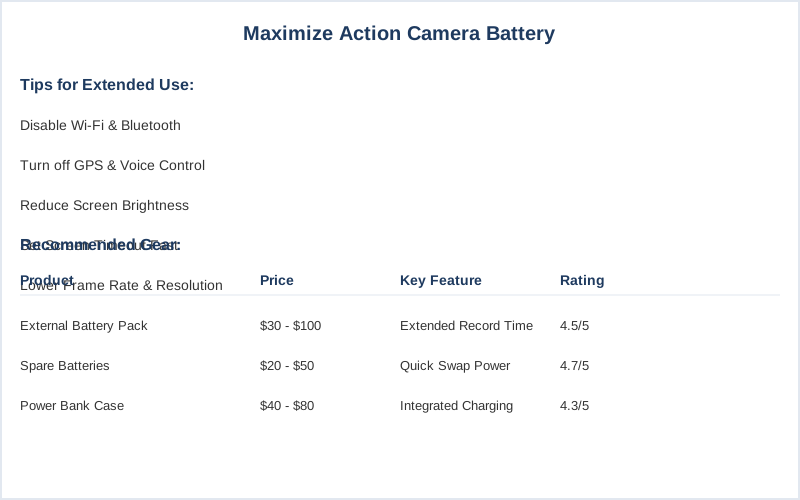
How to Maximize Your Action Camera's Battery Life on the Go — Key Specifications Compared
Key specifications for How to Maximize Your Action Camera's Battery Life on the Go

The Core Answer

The core answer to keeping your action camera alive all day is brutally simple: turn off everything it doesn't need. Think of your camera's battery like a tiny, very expensive phone that's always on max brightness. That bright screen? It's a power hog. Set the video screen to turn off quickly after you start filming. I usually set mine to go blank after 1 minute. That saves a surprising amount of juice. Then there's connectivity. Wi-Fi, GPS, Bluetooth, voice control - these are all little vampires sucking your battery dry even when you're not actively using them. I made the mistake of leaving Wi-Fi on my first fishing trip, thinking I'd connect later. Big nope. Turn all of that off before you even leave the trailhead. You can always turn them back on when you're ready to transfer footage. Frame rate and resolution are also huge factors. Shooting in 4K at 120 frames per second looks amazing, but it also chews through batteries like a hungry bear. For longer recording sessions, dial it back. 1080p at 30 or 60fps is often more than enough for what you need. It's the real move for endurance. Video performance modes can help you pre-set these, but manual control is your best friend. Finally, if you're going to be out for more than a few hours, you absolutely need spare batteries. Don't even think about it. I carry at least two spares for a full day out. Three batteries easily give you three hours of raw video, and that's often enough to get you through. Keep them warm in a pocket; cold kills batteries faster than anything.
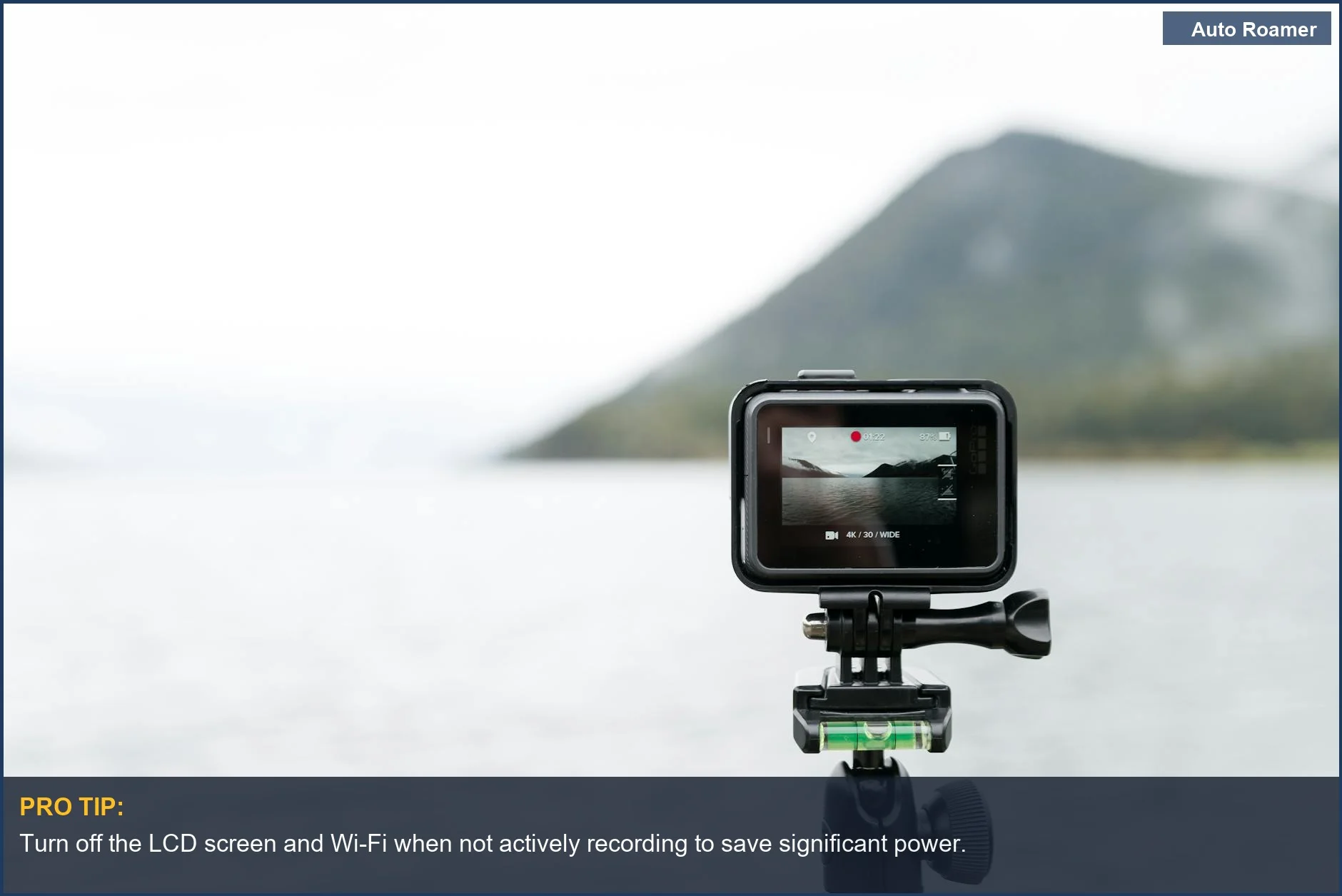
To ensure your footage remains uninterrupted, consider these strategies for maximizing your action camera battery.
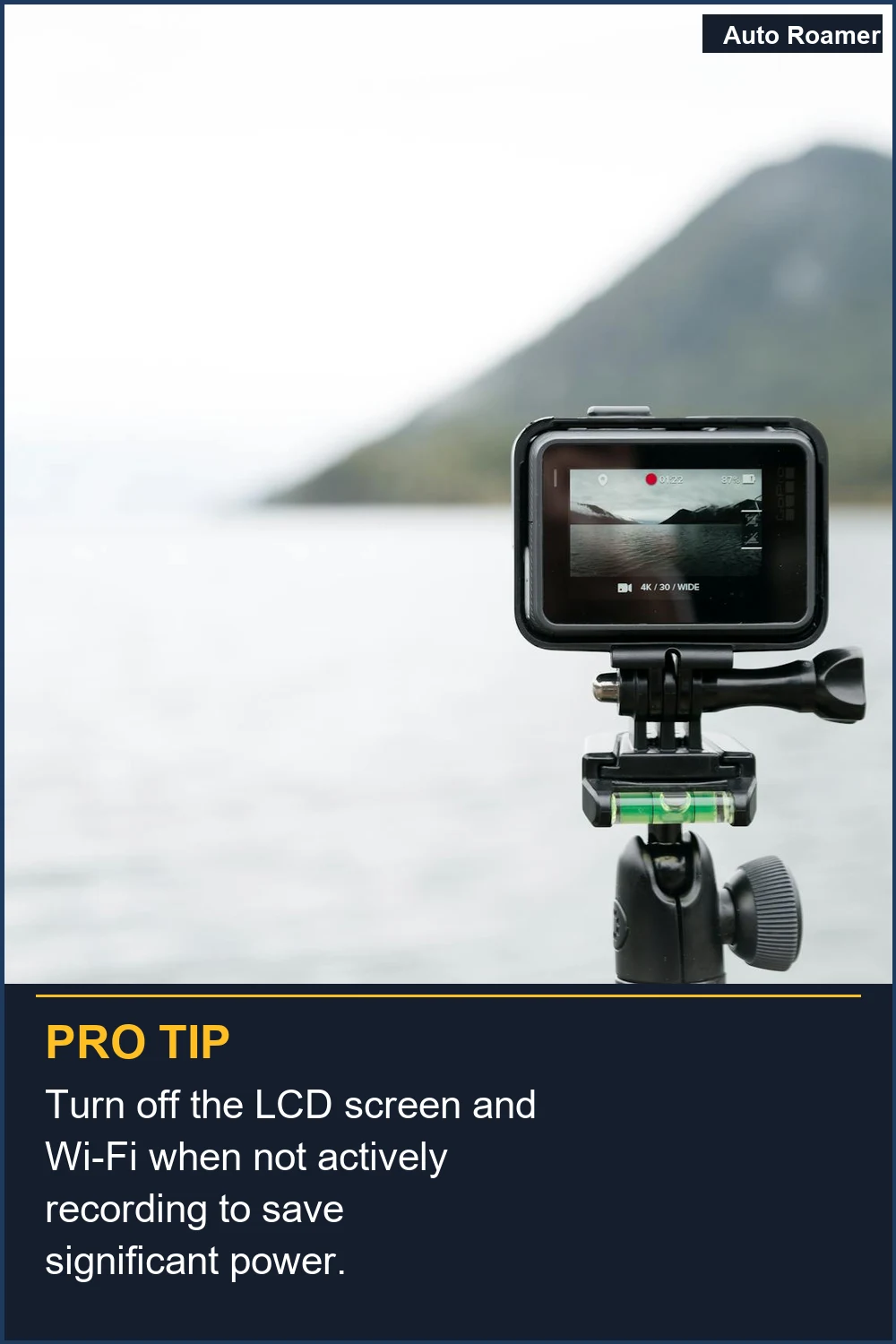
Turn off the LCD screen and Wi-Fi when not actively recording to save significant power.
Capture stunning landscapes like this serene lake with an action camera, but remember to conserve your outdoor camera battery by disabling unnecessary features. | Photo by Gabriela Palai

Why This Matters for Your Setup

Why does this matter for your setup? Because showing up to a once-in-a-lifetime moment only to find your camera dead is a special kind of misery. I learned this trying to film my dog's first time at the beach - battery died 30 minutes in. Tragic.
  • External power is king for long shoots. Think of it like bringing a spare gas can for your car. You might not need it, but you'll be damn glad it's there if you do.
  • Drafting is your friend. If you're filming from a vehicle, try to keep the camera in a spot where it gets some airflow. Overheating is another battery killer, and it can actually damage the camera if it gets too hot.
  • I saw a guy's camera overheat and shut down permanently on a hot desert trail.
  • Storage matters. Don't leave batteries in a hot car all day, and don't store them fully charged for months on end. Treat them like you would any other sensitive electronics.
  • Routing cables for external power needs a little thought. You don't want a dangling cord to get snagged on something and rip your camera off its mount.
  • A small tackle box can be surprisingly useful for housing a power bank and managing cords.
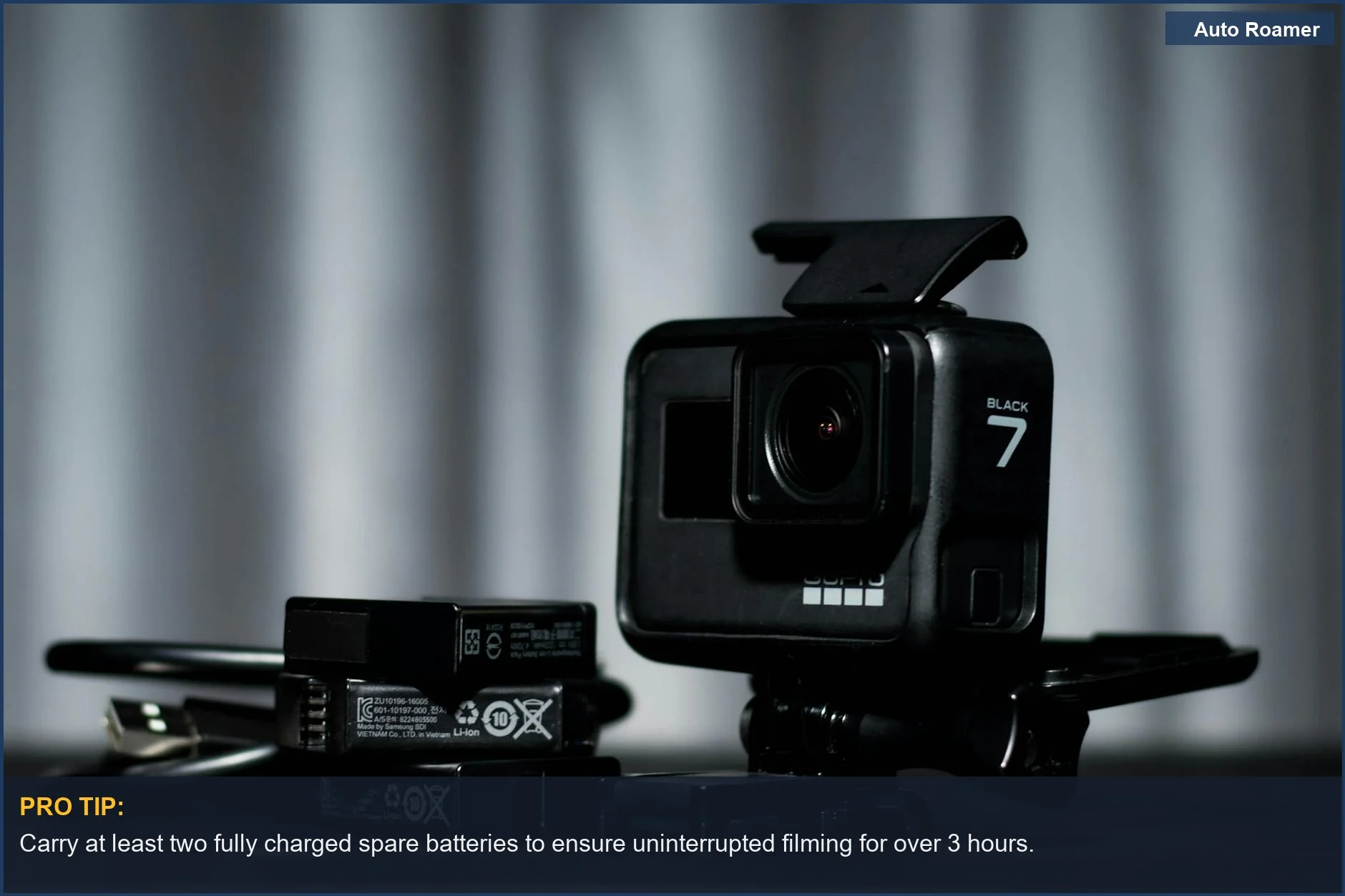
    To maximize your filming time, it's crucial to understand action camera battery drain and its impact on performance.
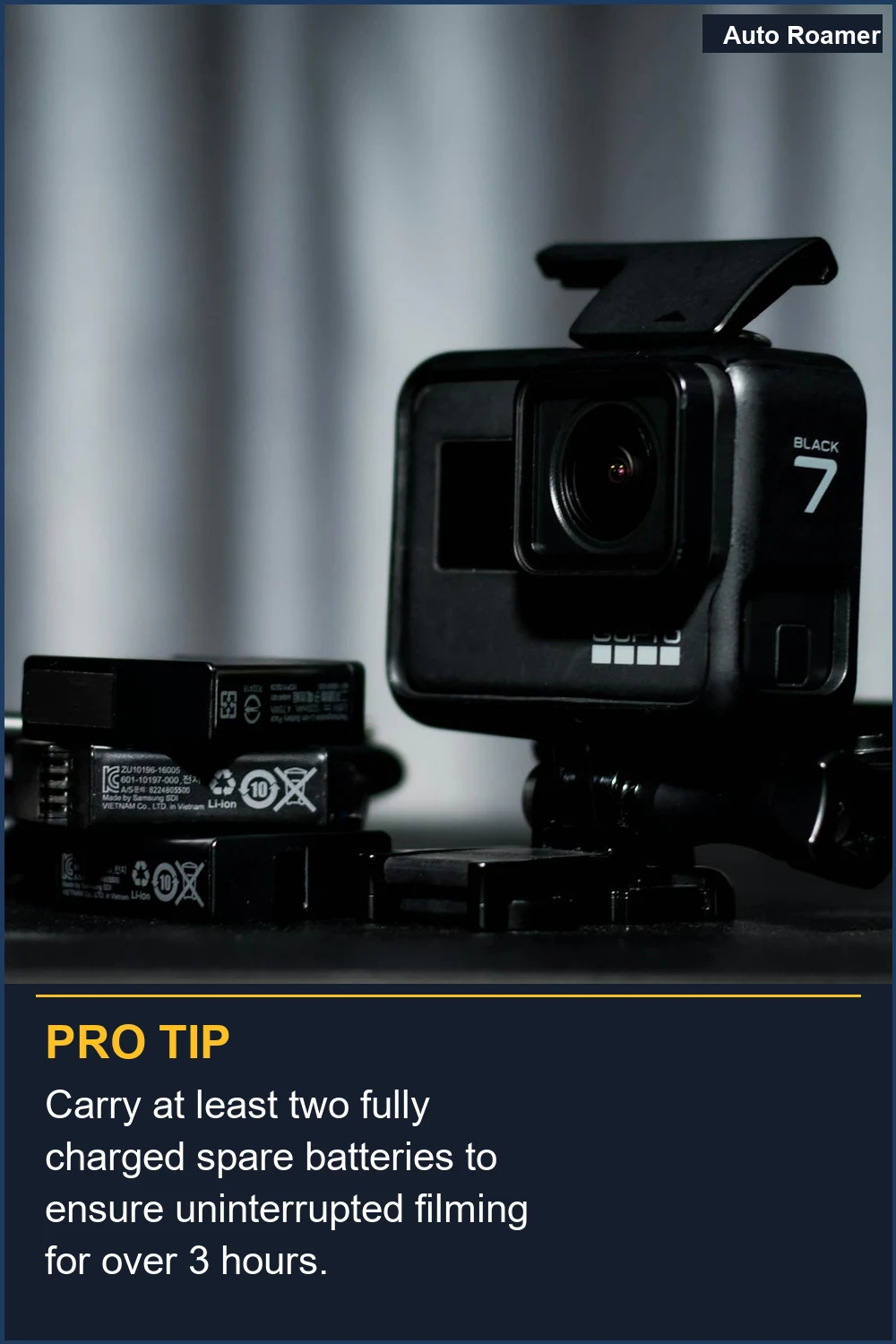
    Carry at least two fully charged spare batteries to ensure uninterrupted filming for over 3 hours.
    Never miss a moment; a detailed view of your action camera and spare batteries highlights the importance of carrying extras to extend action camera life. | Photo by O'NEIL GONZALES

    Making the Right Choice

    Making the right choice for your action camera battery boils down to preparedness and understanding the fundamentals. Don't get caught with your lens cap on and a dead battery.
  • Prioritize power settings first. The screen, Wi-Fi, and GPS are the biggest drains. Turning them off is free and easy.
  • Invest in spare batteries. This isn't optional for longer shoots. Three batteries are better than one, always.
  • Consider external power for multi-day trips or very long filming sessions. It's the game-time solution for serious users.
  • Know your camera's limits and adjust your settings accordingly.
  • Shooting in 4K all day will drain it faster than a leaky faucet.
    To enhance your understanding, explore the different action camera battery types and their performance.
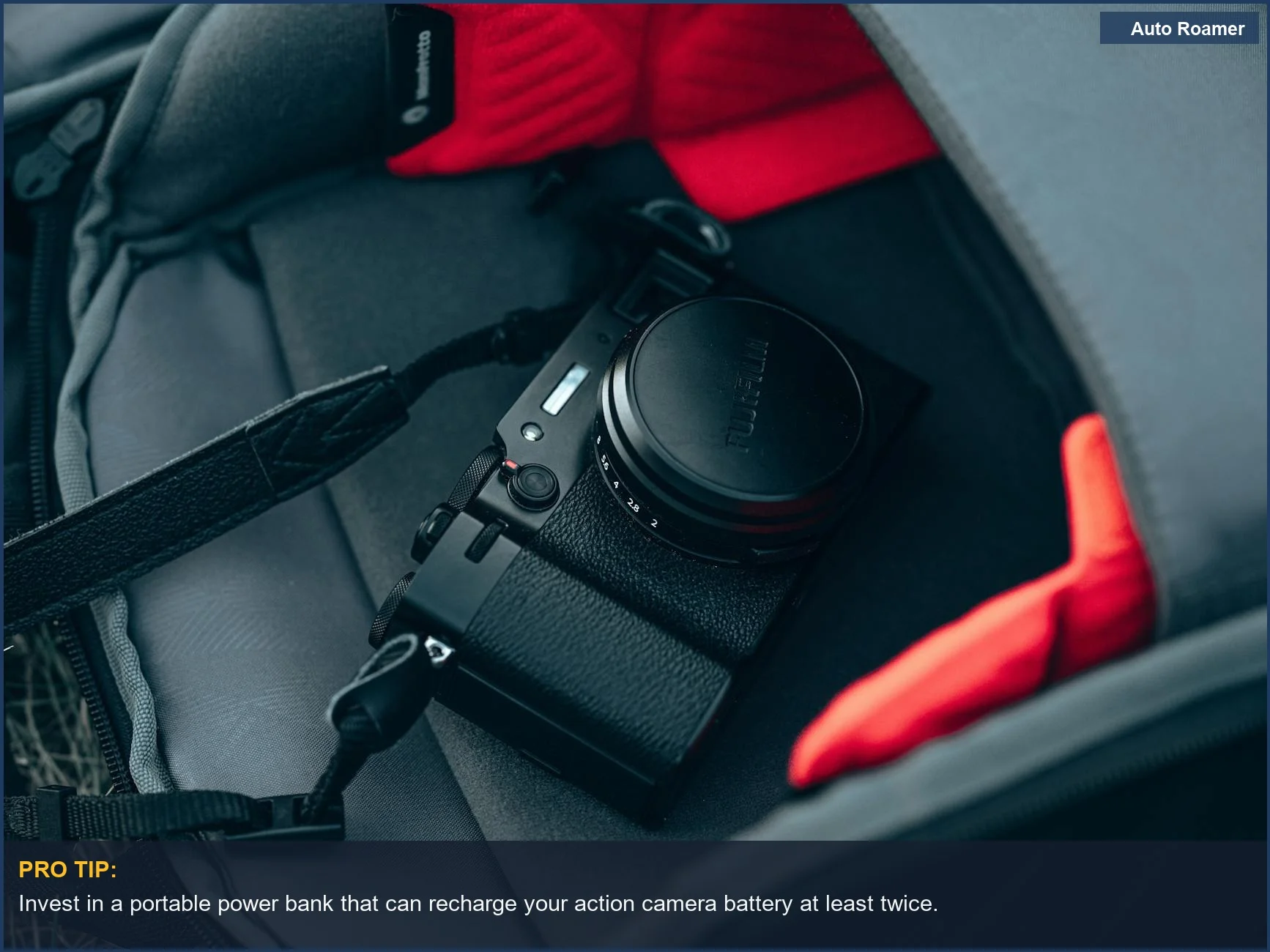
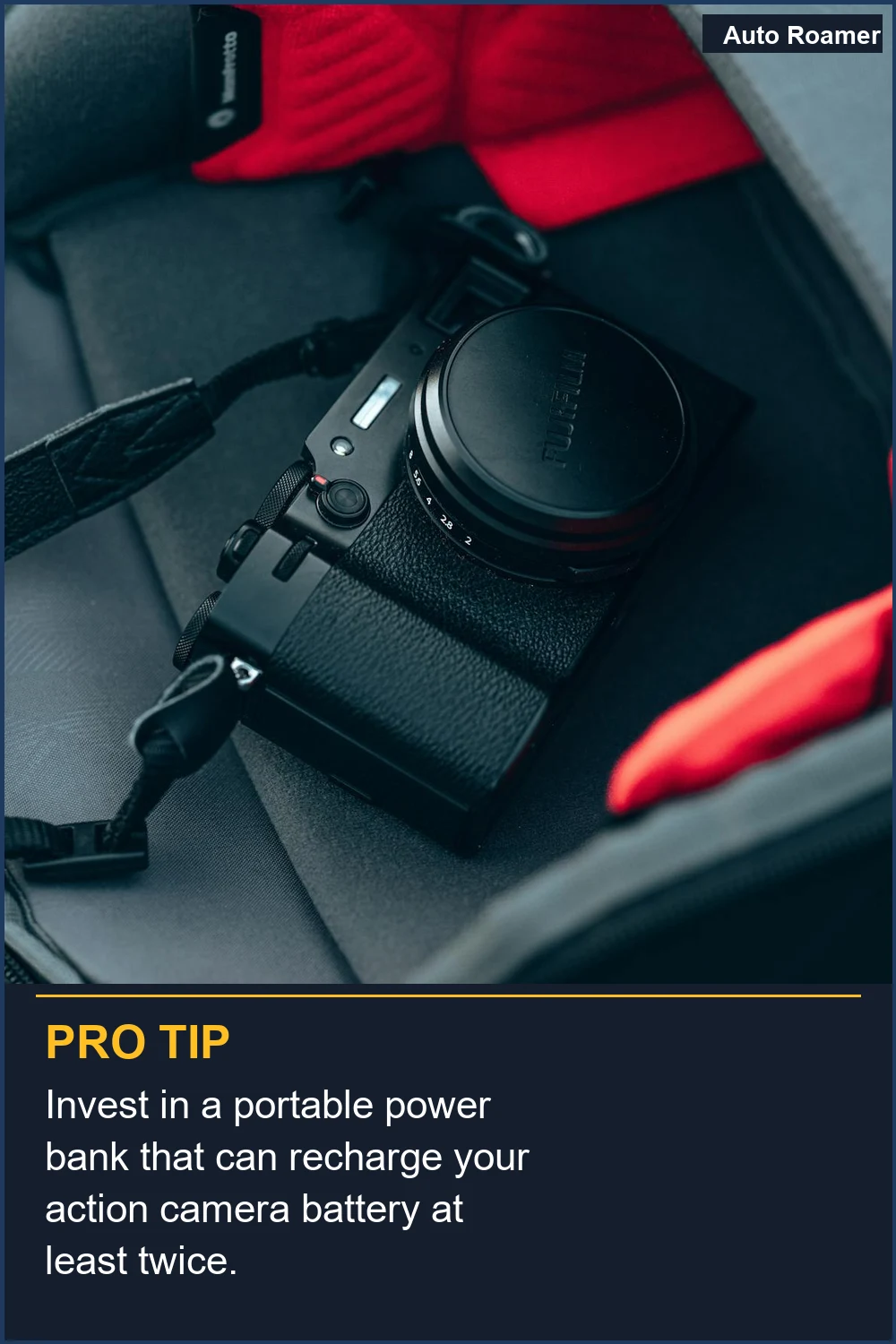
    Invest in a portable power bank that can recharge your action camera battery at least twice.
    Keep your action camera safe and powered up in your travel backpack. Following these action camera battery tips ensures you're always ready to record. | Photo by Egor Komarov

    Frequently Asked Questions

    Can I just hook up any old USB power bank to my camera?
    Not always. Some cameras are picky about their power source. You might need a power bank that can deliver a specific amperage, or one that's designed for higher-draw devices. I once tried a cheap $10 power bank, and my camera just refused to charge, giving me a sad little battery icon. You're usually better off with a reputable brand that lists its output specs clearly.
    Do I really need to buy special 'endurance' batteries for my action camera?
    Honestly, for most weekend warriors, probably not. The 'endurance' batteries are usually just bigger physical batteries that fit in a specific housing. The biggest bang for your buck comes from turning off unnecessary features like Wi-Fi and the screen, which costs you zero dollars. If you're filming a 10-hour documentary, maybe. For a day trip? Stick to spares and smart settings.
    What if my camera still dies really fast even after I turn everything off?
    Your battery might just be old and tired. Batteries degrade over time, just like anything else. If your camera is a few years old and you've used it a lot, the internal chemistry might be shot. The honest version: it's probably time for a new one. A fresh battery can feel like a whole new camera.
    Can I permanently damage my action camera by using an external battery pack?
    Generally, no, as long as you're using a pack that provides the correct voltage and amperage. The real risk comes from using a pack that delivers too much power, which could fry your camera's charging circuit. It's like trying to fill a teacup with a fire hose. Stick to specs and reputable brands, and you should be fine.
    Is it true that you should store batteries at 50% charge?
    For long-term storage, yes, that's generally good advice for lithium-ion batteries. Storing them fully charged or fully depleted for extended periods can stress the battery chemistry. My camping gear sits in the garage for months sometimes, so I make sure the camera batteries are around half-charged before tucking them away. It helps them last longer in the long run.

    🏅 Looking for Gear Recommendations?

    Check out our tested gear guides for products that work with this setup:

    C

    Casey - The Weekend Warrior

    Weekend car camper and road trip enthusiast. Focuses on practical, budget-friendly solutions for families and first-time campers.

    Sources

    Related Articles