The Big Picture
My 1998 Ford F-250 had 0 factory visibility behind the bumper, just 8 feet of blind spot where you could lose a small car, or a kid. Before 2018, backup cameras weren't mandated, so older trucks are rolling death traps in reverse. That's why Car and Driver tested a gauntlet of aftermarket cameras to find decent options. It's not about luxury, it's about not crunching into a dumpster you couldn't see.
The global automotive backup camera market hit a value of USD 2.95 billion in 2024, driven by safety rules and common sense. North America alone makes up 36.7% of that. People are realizing that a $150 camera is cheaper than a $10,000 fender bender, or worse.
You're not just looking for a gadget; you need a rugged piece of kit that can handle road vibration and thermal cycling. A cheap unit from Amazon might look good for $100, but it'll fail when you need it most. That's what Kocchis.com warns about consumer-grade electronics in industrial applications.
I've seen too many 'highly-rated' cameras crap out after six months because the power supply wasn't filtered, or the lens seal failed. You need to understand the failure modes before you trust your truck's rear visibility to some flimsy plastic. This isn't about pretty pictures; it's about avoiding impact stress.
Whether it's a standard pickup or a commercial flatbed, that huge zone right behind your bumper is a real problem. It's where pedestrians, small cars, or job site debris can disappear completely, making a simple reverse a gamble. A quality backup camera isn't just a cool gadget; it's a critical piece of safety gear, T1A Auto points out.
My goal here is to cut through the marketing BS and give you the mechanical and electrical considerations for a backup camera that won't leave you guessing. No fancy 'experience' here, just solid engineering principles and practical fixes.
Key Features to Consider
Key Features for a Bomb-Proof Setup
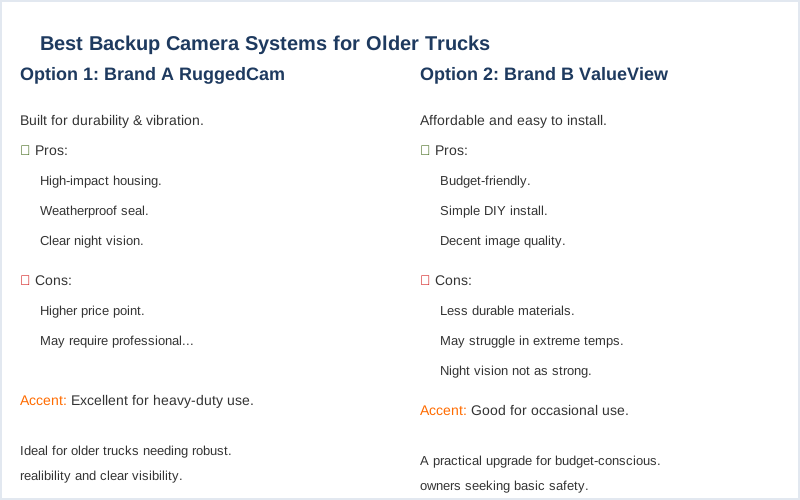
When I'm spec'ing out a backup camera, I'm thinking about failure points first. Resolution, field of view, and mounting hardware are not just buzzwords; they're direct inputs to mechanical stress and circuit integrity. You need to know what matters.
| Feature | Why It Matters (Dirtbag Engineer's View) |
|---|---|
| Resolution (e.g., 720p, 1080p) | Higher pixel count means more data. More data means you can distinguish a 4-inch curb from a 4-year-old. Less ambiguity, fewer impacts. Car and Driver prioritizes high resolution for crisp imagery. |
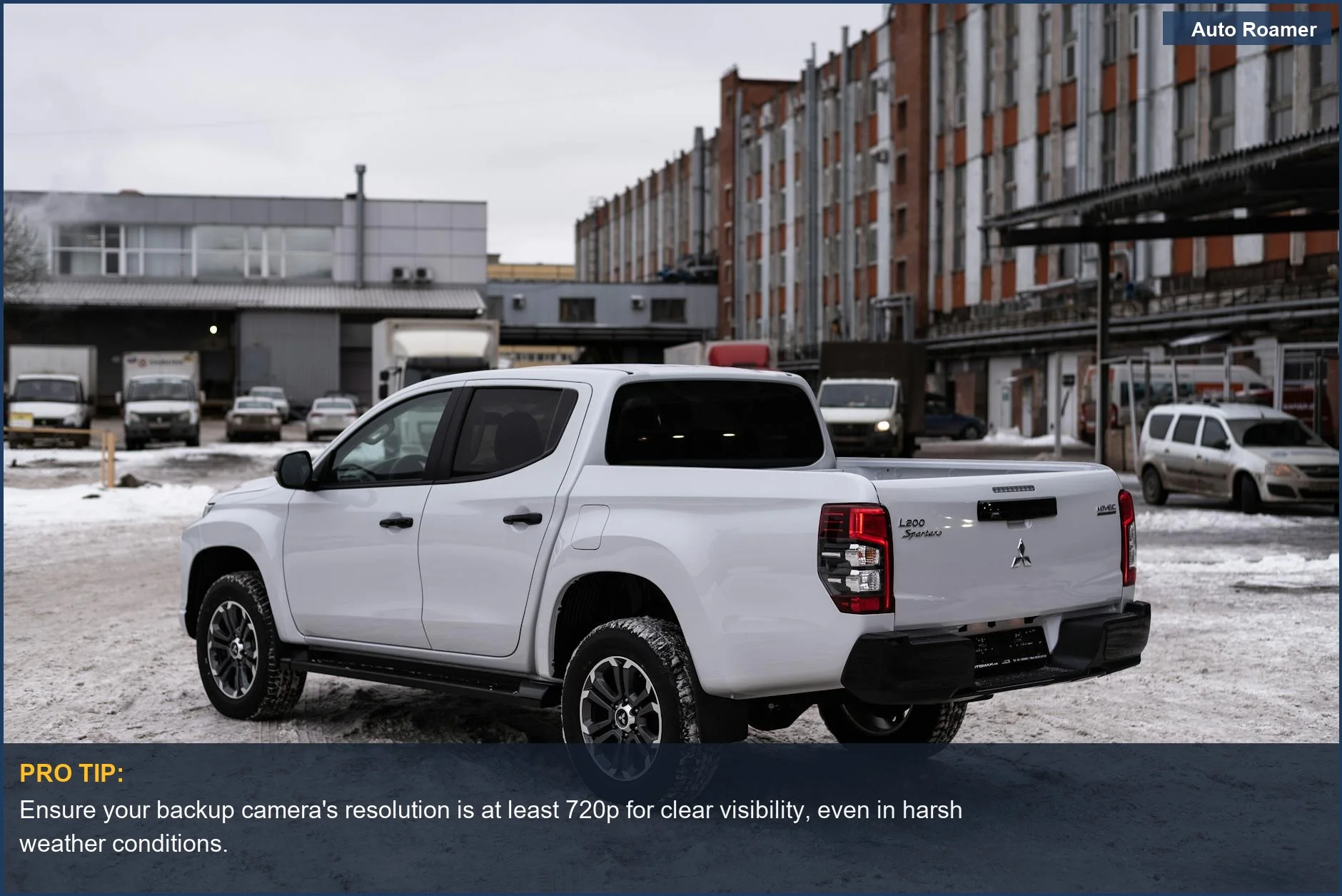
| Field of View (e.g., 150-170 degrees) | This is about optical distortion vs. coverage. Too wide, and everything looks like a fisheye lens funhouse. Too narrow, and you're still missing blind spots. 150-170 degrees is the sweet spot for minimal distortion and maximum hazard detection. |
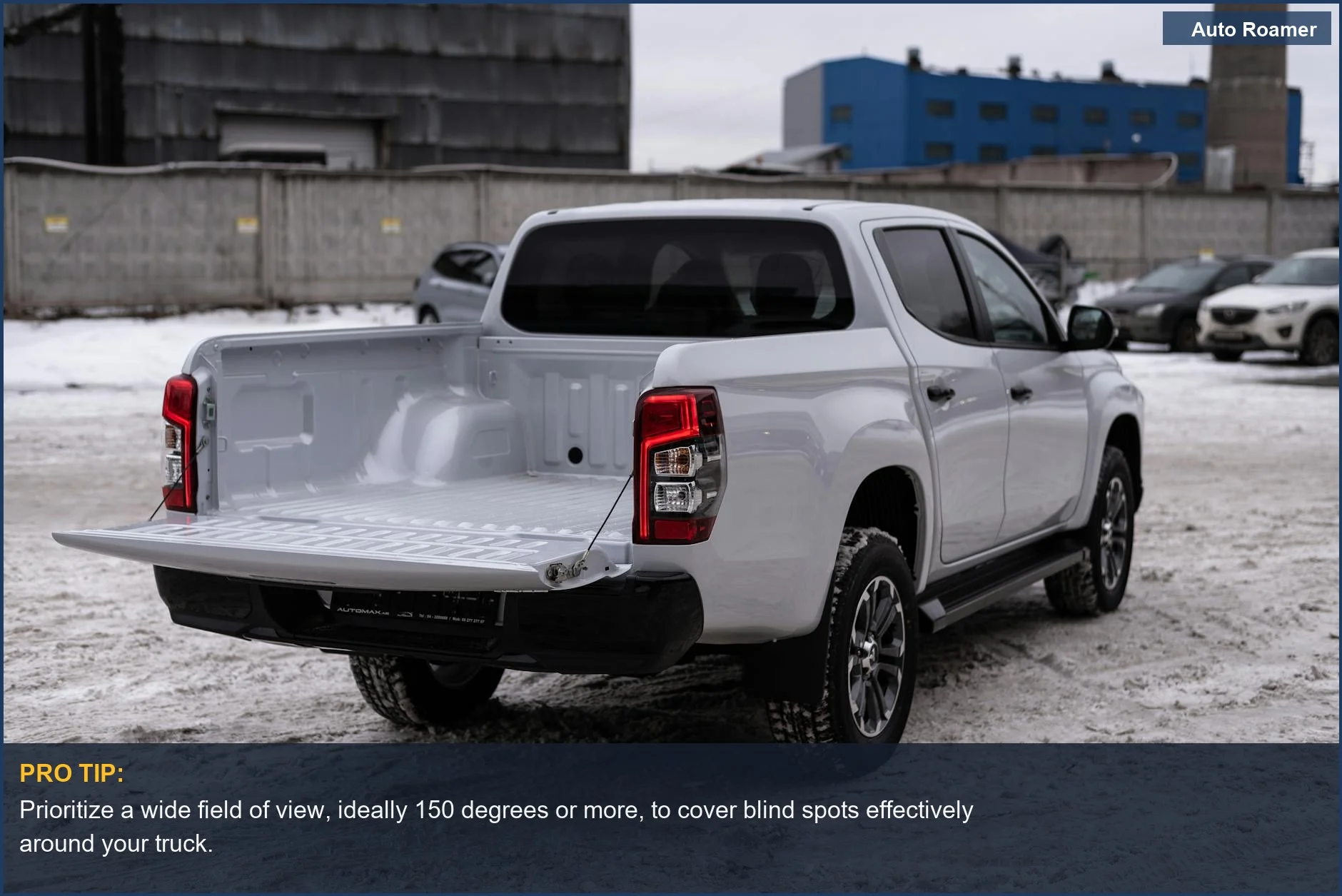
| Mounting Location/Type | License plate mounts are easy but exposed. Tailgate handle mounts look OEM but require drilling. Magnetic mounts are convenient but have zero shear strength in a bump. Think about vibration damping and impact resistance. |
| Wired vs. Wireless Transmission | Wired systems have fewer RF interference issues and better signal integrity. Wireless is easier to install but susceptible to dropouts from radio frequency noise or structural shielding. Crutchfield notes the reliability of wired systems. My preference is always wired for critical systems. |
| Water/Dust Ingress Protection (IP Rating) | IP67 or IP68. This is non-negotiable. IP67 means it can handle submersion up to 1 meter for 30 minutes. IP68 is better. Without it, road spray, pressure washing, or even heavy rain will infiltrate the housing, shorting the PCB. Water causes electrolytic corrosion. |
| Night Vision/Low-Light Performance | Infrared (IR) LEDs or advanced low-light sensors. IR LEDs are robust but monochrome. Sensor-based systems can retain color but introduce noise. You need to see that rock in the dark, not just a blurry shape. |
| Power Source/Voltage Stability | Direct 12V from the reverse light circuit is common. Ensure the camera has a robust voltage regulator. Spikes from alternator ripple or inductive loads can fry cheap electronics. A dedicated, fused circuit is always better for circuit integrity. |
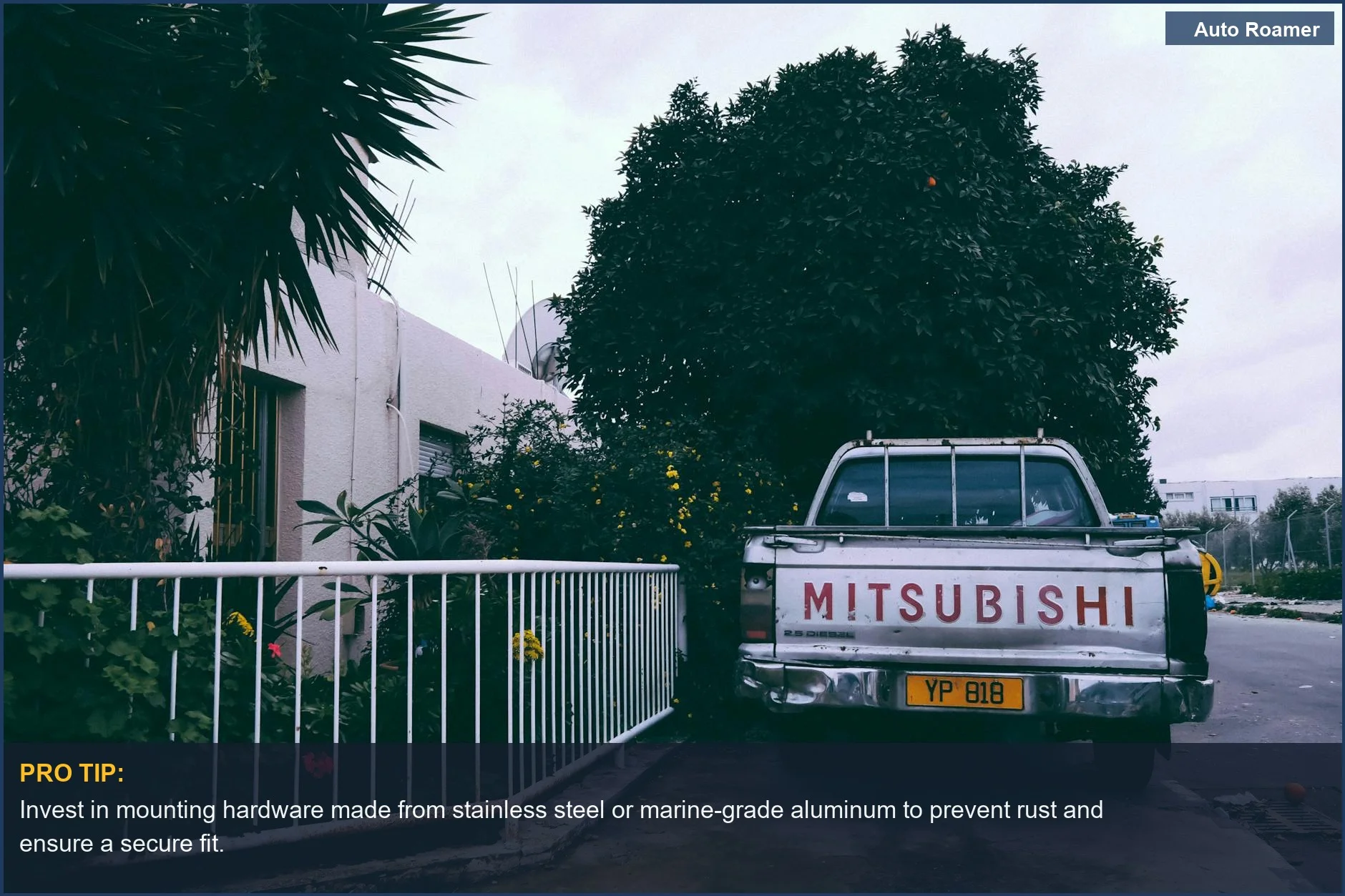
| Operating Temperature Range | If the camera isn't rated for -20F to 150F, it's a toy. Thermal cycling expands and contracts materials, leading to seal failures and solder joint fatigue. Cheap plastic housings crack. |
I've seen 'waterproof' cameras fail because the sealant outgassed after a year of thermal cycling, losing its elasticity. Then water gets in. Don't cheap out on the physical properties. The dealer charges $180 for a camera that's barely IP65. Brilliant engineering.
Our Top Picks
Our Top Picks for Not Crashing Your Truck
Alright, let's talk about the hardware that actually holds up. I've sifted through the garbage to find units with decent construction and reliable signal integrity. These aren't just 'good options'; they're the ones I'd trust on my rig without expecting a failure-rate higher than a cheap headlight bulb. Wolfbox G840S (~$160)Budget vs Premium Options
Budget vs Premium Options: Don't Be a Cheapskate When it Matters
There's a reason a $50 camera feels like a toy in your hand, and a $200 unit feels solid. It's not just branding; it's material science, circuit design, and build quality. You get what you pay for in terms of mechanical stress resistance and circuit integrity.
| Feature | Budget Option (~$50-100) | Premium Option (~$150-300+) |
|---|---|---|
| Housing Material | Thin ABS plastic. Prone to UV degradation and thermal stress cracking. Low impact resistance. | Thick, impact-resistant ABS or metal alloy. UV stabilized. Better heat dissipation. |
| Lens Quality | Plastic lens. Scratches easily, distorts over time from UV exposure. Lower light transmission. | Glass lens with anti-glare coating. Better scratch resistance, superior optical clarity. |
| Wiring Harness | Thin gauge wire, PVC insulation that cracks in cold. Connectors with poor strain relief. High resistance. | Thicker gauge, automotive-grade TPE or silicone insulation. Weather-sealed, robust connectors. Low voltage drop. |
| Image Sensor | Low-resolution CMOS, poor low-light performance. High noise floor. | High-resolution CMOS or CCD. Excellent low-light sensitivity, wide dynamic range. T1A Auto stresses high-resolution video for trucks. |
| Wireless Reliability | 2.4GHz consumer-grade Wi-Fi. Prone to interference, signal dropouts, limited range. | Digitally encrypted, frequency-hopping 5.8GHz or dedicated wireless protocol. Better range, less interference. |
| Weather Sealing (IP Rating) | Often IP65, meaning 'splash-resistant'. Seals degrade quickly. | IP67 or IP68. Fully submersible, superior long-term sealing against dust and water ingress. |
| Voltage Regulation | Barebones linear regulator. Sensitive to voltage spikes, generates heat. | Robust switching regulator with over-voltage protection. Stable output, efficient. |
I've seen budget cameras with wireless signals so bad, it's like watching a slideshow. The cheap plastic housings crack after one winter. You want something that can handle the vibration frequencies of a truck and the thermal cycling of a desert summer. Don't waste your time with garbage that'll fail in 3 months. This YouTube video explains the difference.
Setup and Installation Tips
Setup and Installation Tips: Don't Hack It, Engineer It
Installing a backup camera isn't rocket science, but it's not a 'tape it on and go' job either. You're dealing with electrical systems, weather exposure, and mechanical bonds. Skip the shortcuts if you want it to last longer than your next oil change.
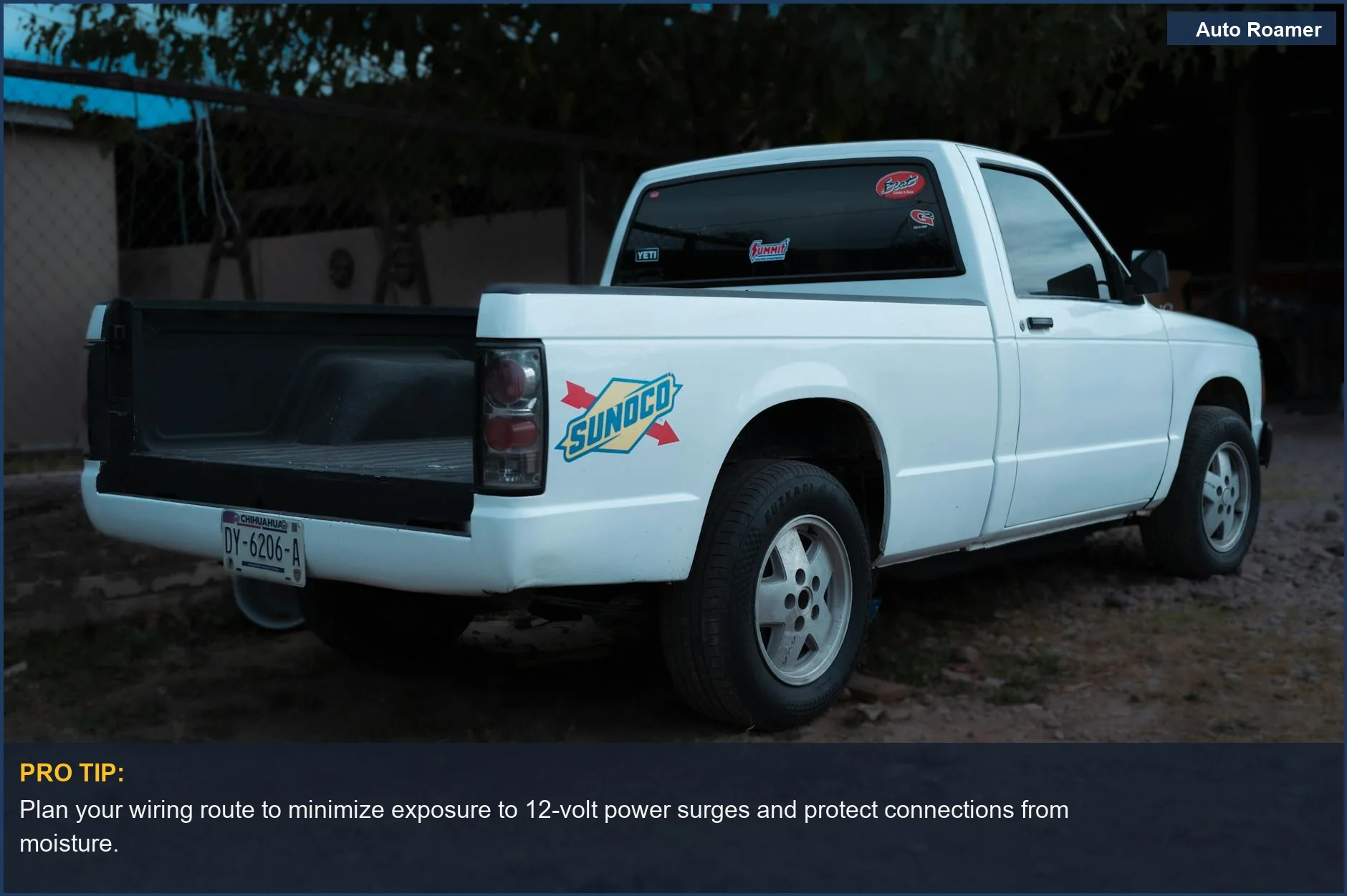
- Plan Your Wire Run: Before you even unbox, figure out the path for your wires. Avoid sharp edges, exhaust components, and pinch points. Use existing grommets or drill new holes and seal them with RTV silicone. This prevents chafing, which leads to short circuits.
- Secure Your Connections: Soldering is always best for permanent electrical connections. If you're using crimp connectors, get a good crimping tool and use heat-shrink tubing with adhesive. Bare electrical tape will unravel and corrode. This maintains circuit integrity against vibration and moisture.
- Power Source Selection: Tap into the reverse light circuit for power, but make sure it's fused. For constant power, use an add-a-fuse kit on a switched circuit to prevent parasitic draw. Don't just splice into any random wire; you could overload a circuit or introduce noise. Redditors discuss various camera power options.
- Mounting Location and Stability: The camera needs a solid, vibration-free mount. If it's a license plate mount, ensure the plate frame is rigid. For a tailgate handle camera, proper drilling and rustproofing the exposed metal is critical. A wobbly camera gives you motion sickness, not clarity.
- Route Wireless Antennas Smartly: If you go wireless, ensure the antenna isn't shielded by metal or near high-current electrical components. Signal degradation is a real issue, leading to choppy video. Think about line-of-sight for RF transmission. TruckersReport forum has discussions on camera systems.
- Cable Management: Zip-tie your cables every 12-18 inches along the frame, but leave a small service loop at connection points to prevent strain during suspension travel. Use UV-resistant zip ties, not the cheap white ones that become brittle after a year. This prevents mechanical stress on the wiring.
Care and Maintenance Tips
Care and Maintenance Tips: Keep Your Eyes in the Back of Your Head
Just like your engine oil, your backup camera needs a little attention to keep it from failing prematurely. It's exposed to road grime, temperature extremes, and constant vibration. Ignoring it means you'll be replacing it sooner than you'd like.
- Regular Lens Cleaning: Road spray, dust, and mud will coat your camera lens. Clean it with a soft cloth and mild soap. Don't use abrasive cleaners or dry-wipe it, as this will scratch the lens, reducing optical clarity. A scratched lens is a fuzzy picture.
- Inspect Wiring and Connections: Every six months, visually inspect the wiring harness, especially where it bends or passes through grommets. Look for chafing, cracked insulation, or loose connections. Secure any loose zip ties. This maintains circuit integrity and prevents short circuits.
- Check Mounting Hardware: Vibration can loosen bolts and screws. Periodically check that the camera and its monitor are securely mounted. A loose camera will vibrate excessively, leading to blurry images and eventual mechanical failure of the mount. Apply thread locker if necessary.
- Monitor for Water Ingress: After a heavy rain or car wash, check for condensation inside the camera lens. If you see moisture, the seals have failed. You might be able to dry it out and re-seal it with RTV, but often it means the camera's internal electronics are already corroding. T1A Auto recommends tough-as-nails weatherproofing.
- Wireless Signal Check: If you have a wireless system, occasionally check for signal dropouts, especially after adding new electronics to your truck. Relocate the antenna if interference becomes an issue. RF interference causes pixelation or complete signal loss.
- Battery Health (for solar/battery units): For solar-powered cameras, keep the solar panel clean and check the internal battery's charge retention. Thermal cycling will degrade lithium-ion batteries over time, reducing their capacity and leading to power failures. That solar panel needs direct sun, not dirt.
Final Recommendations
Final Recommendations: Don't Be a Dummy, See What's Behind You
Look, a backup camera isn't some fancy gadget; it's a piece of safety equipment that should be standard on every truck, regardless of age. The blind spots are too big, and the consequences too high. Don't wait until you crunch something to realize you need one.
- Prioritize Wired Systems: For reliability, especially on long rigs, wired systems beat wireless every time. Less RF interference, more consistent signal. Wired systems are most reliable on long combinations.
- Invest in IP67/IP68: Water and dust ingress are major failure modes. Don't skimp on the IP rating. Your camera will be exposed to the elements, and anything less than IP67 will fail prematurely due to corrosion.
- High Resolution Matters: 1080p isn't just for bragging rights; it's about seeing details. Distinguishing a concrete block from a plastic bag can save you a bent bumper and a trip to the body shop.
- Consider a Dash Cam Hybrid: If you're going to hardwire a camera, a mirror-mounted unit with front and rear recording like the Rexing M2 gives you dual functionality. It's a backup camera and an accident witness, which could save you a 'Nuclear Verdict' in court.
- DIY, But Do It Right: You can install these yourself, but follow proper electrical and mechanical practices. Don't leave exposed wires or loose mounts. Your time is worth more than fixing a cheap, botched installation.
My final word: don't be that guy who backs into a fire hydrant. Spend the $150-250 on a solid unit, install it correctly, and save yourself a world of pain and potential liability. It's cheap insurance.