Why Go Wireless
A wireless backup camera bolts the camera to your plate or bumper and beams the picture to a monitor or your phone over a paired radio link, so you skip the hardest part of a wired install: snaking a video cable the length of the vehicle. That convenience is why the category exists, and it is also where the real differences between models hide. Two cameras can both claim "wireless 1080p" and still behave very differently once you are reversing toward a hitch in a dark driveway.
This guide compares seven cameras you can actually buy today, each from a distinct brand, and separates them by the specs that change how the system performs: sensor resolution, how the camera is powered, whether it shows on a dedicated screen or your phone, the rated wireless range, and the weatherproofing rating. Every claim below is drawn from each manufacturer's published specifications, not from a staged test we did not run.
The right pick depends on your vehicle and habits. A commuter adding eyes to an older sedan wants something different from an RV owner who needs a signal to travel 30-plus feet of steel. The sections that follow walk through how the technology works, our distinct picks, what the key specs mean, how to install without wiring headaches, and the questions buyers ask most.
How Wireless Backup Cameras Actually Work
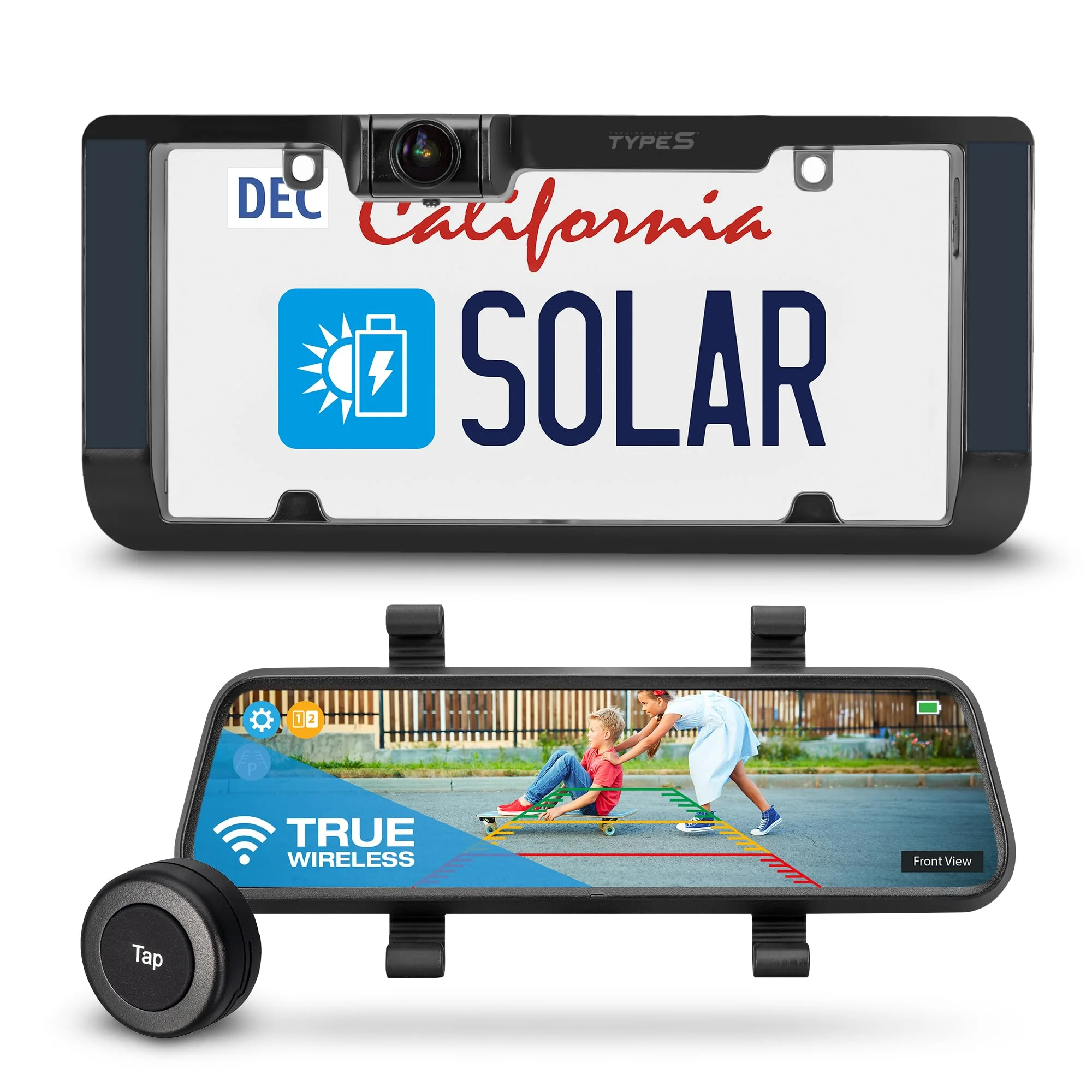
"Wireless" describes the video link, not the power. The camera captures an image, encodes it, and transmits it on a radio band (most consumer units use 2.4GHz, the same crowded band as Wi-Fi and Bluetooth) to a receiver built into the monitor or to an app on your phone. The camera itself still needs power, and that is the first real fork between models. If you want the radio side explained properly, our companion guide to how wireless reverse cameras work covers the Wi-Fi versus Bluetooth trade-off in detail.
There are three common power schemes, and each has a clear trade-off:
- Reverse-light wired power — you tap the camera into the reverse light circuit, so it powers on only in reverse. This is the most reliable but still requires a short wire run at the rear.
- Built-in rechargeable battery — the camera runs off an internal cell you recharge by USB every few weeks. Truly no-wire, but you manage charging.
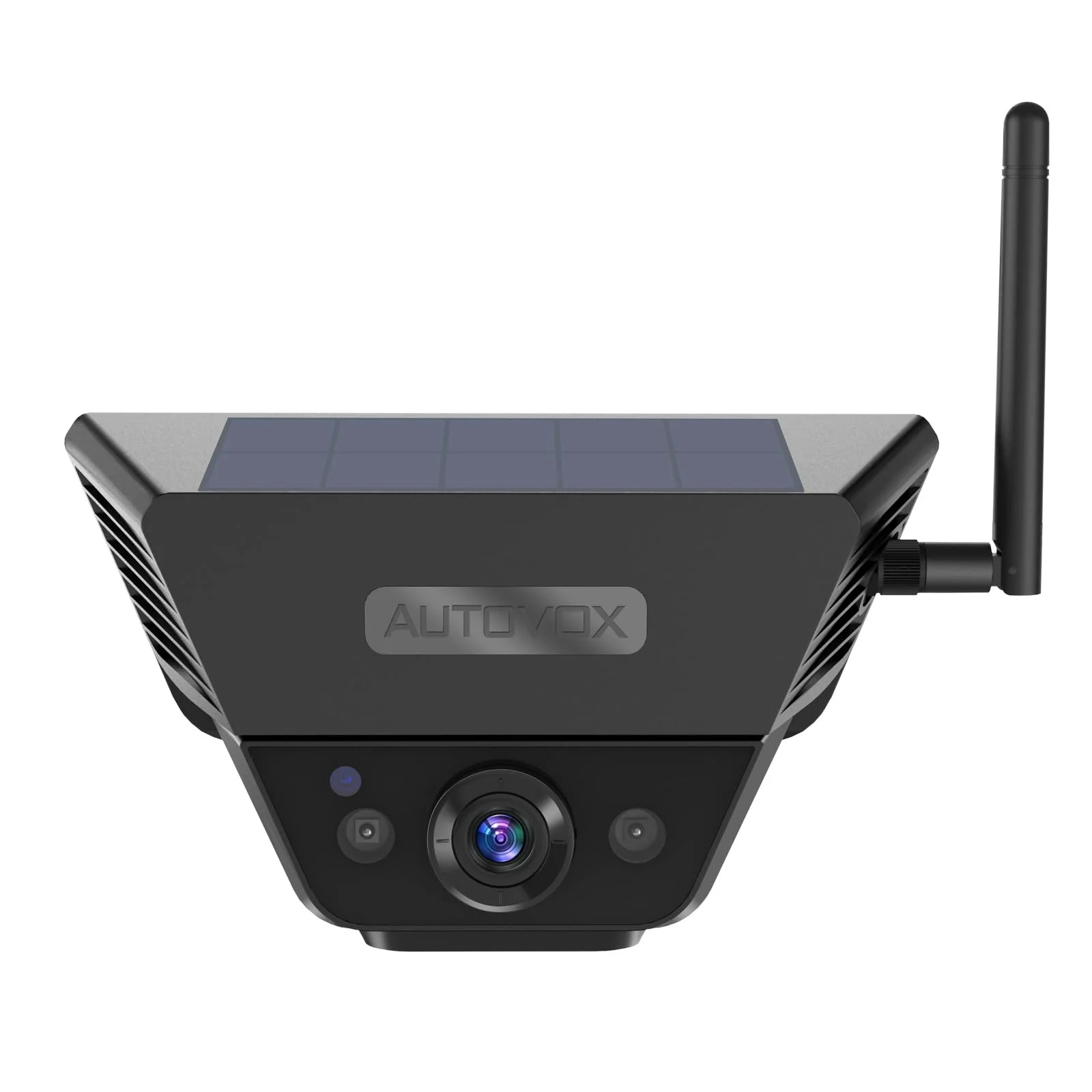
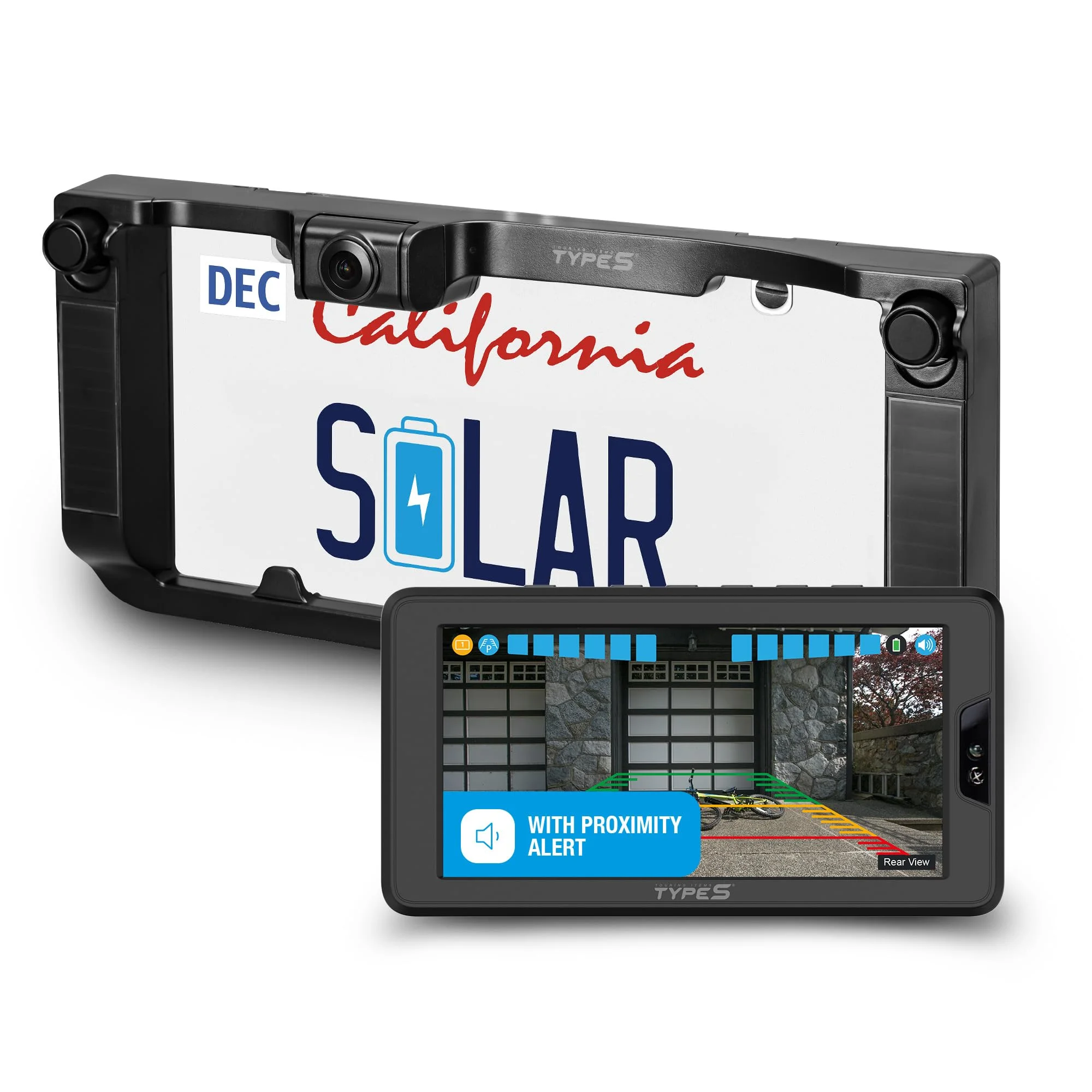
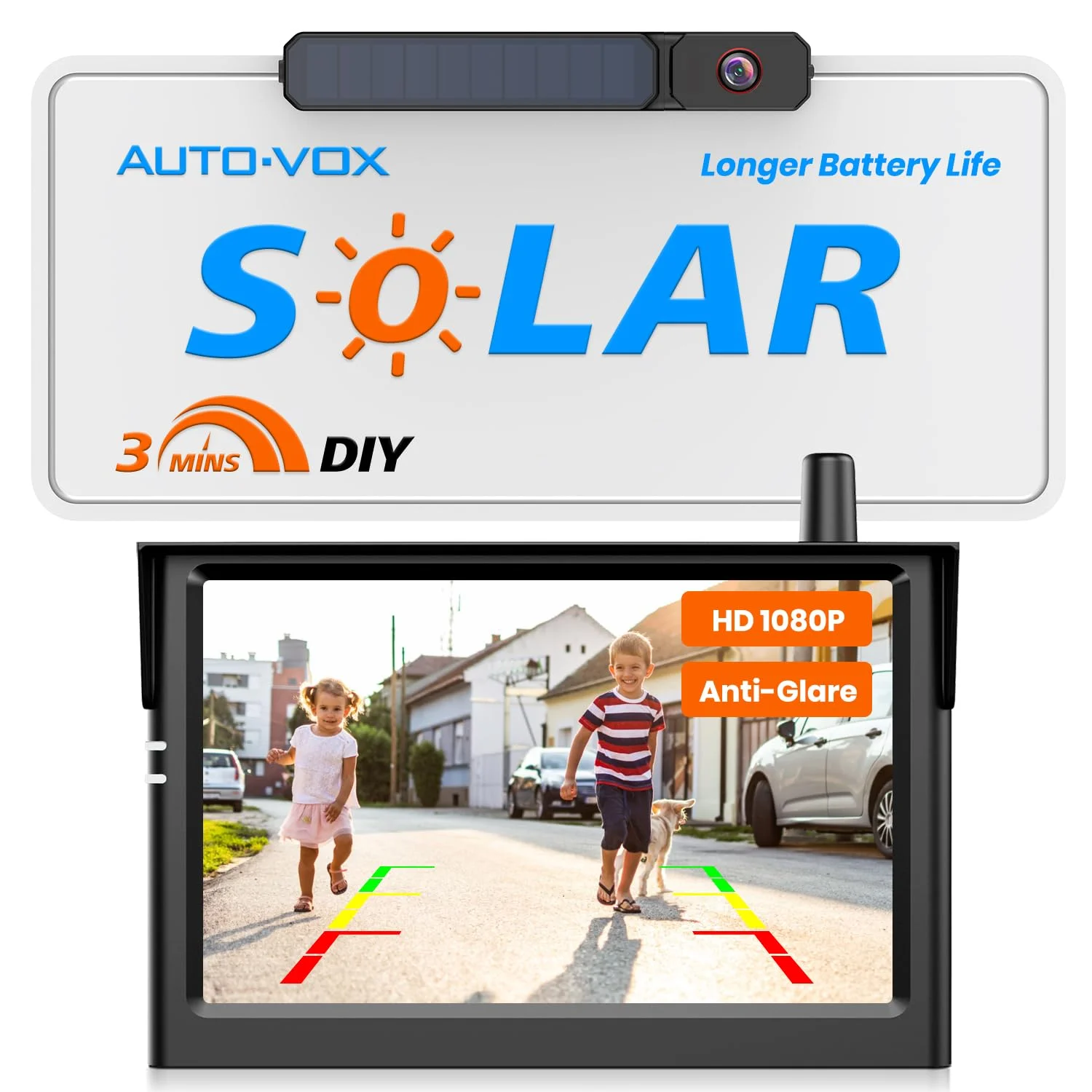
- Solar-assisted battery — a small panel tops the battery during daylight, stretching recharge intervals. The AUTO-VOX Solar Wireless Backup Camera and the Type S Solar Wireless Backup Camera both use this approach.
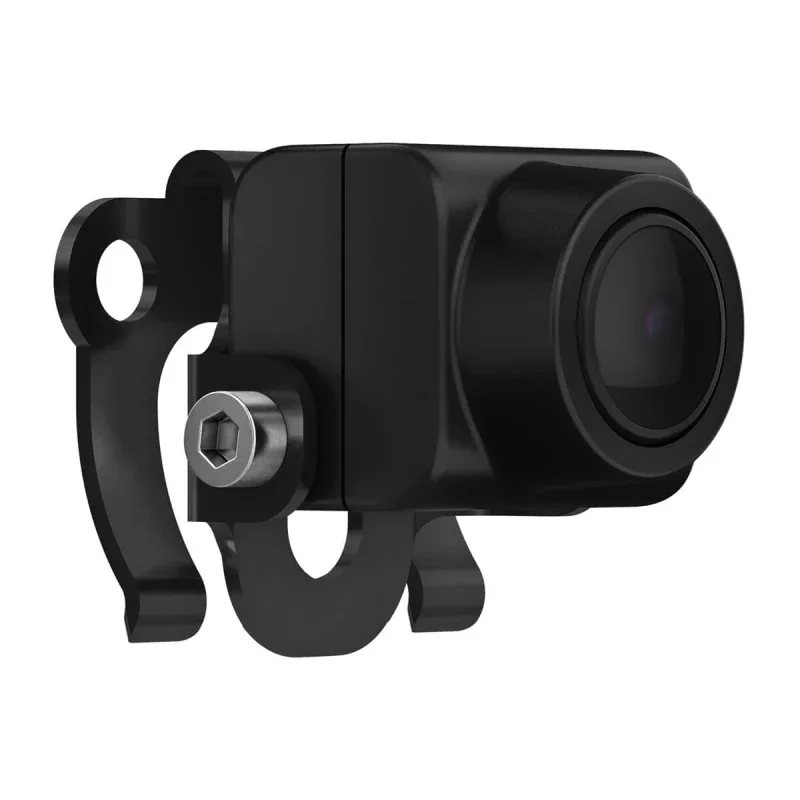
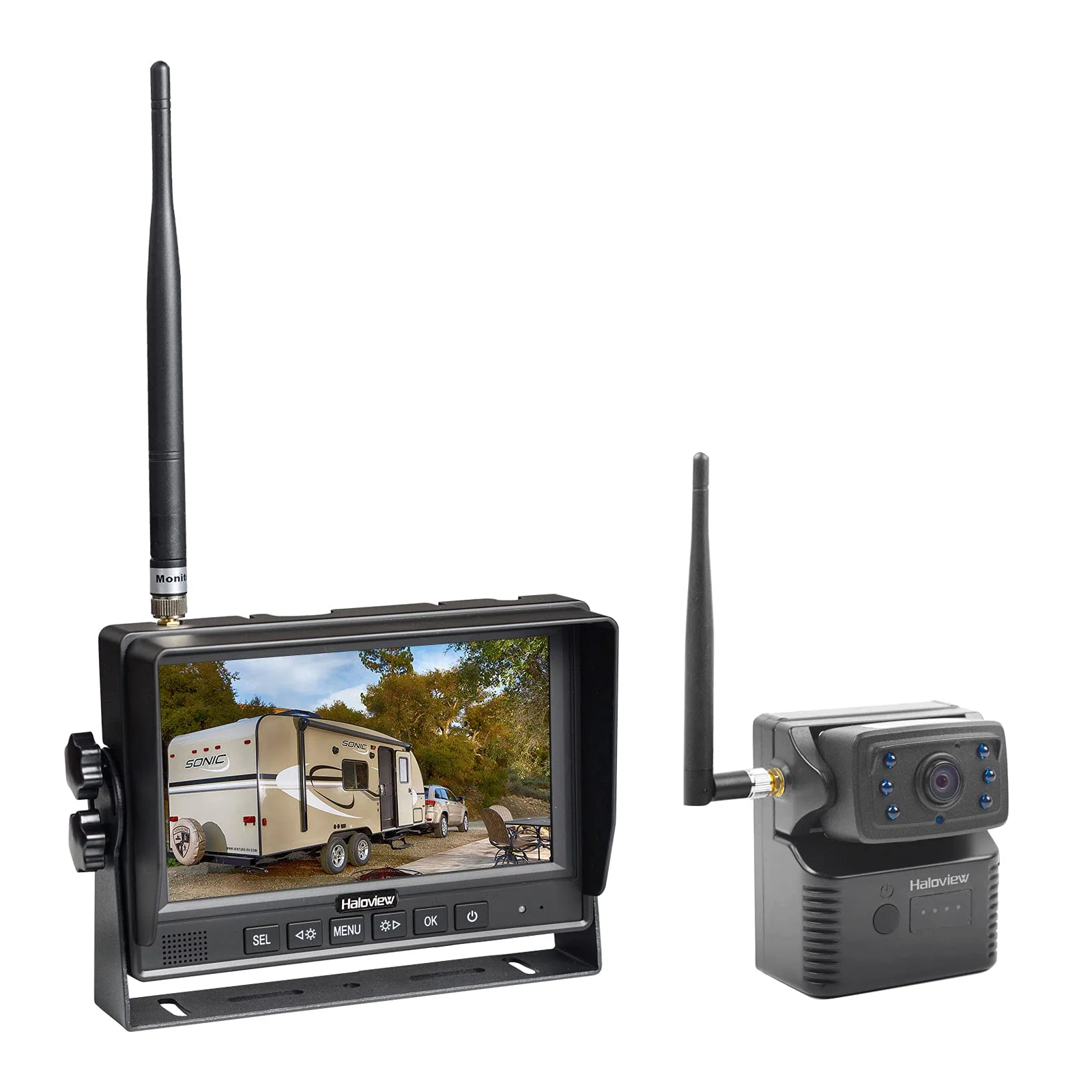
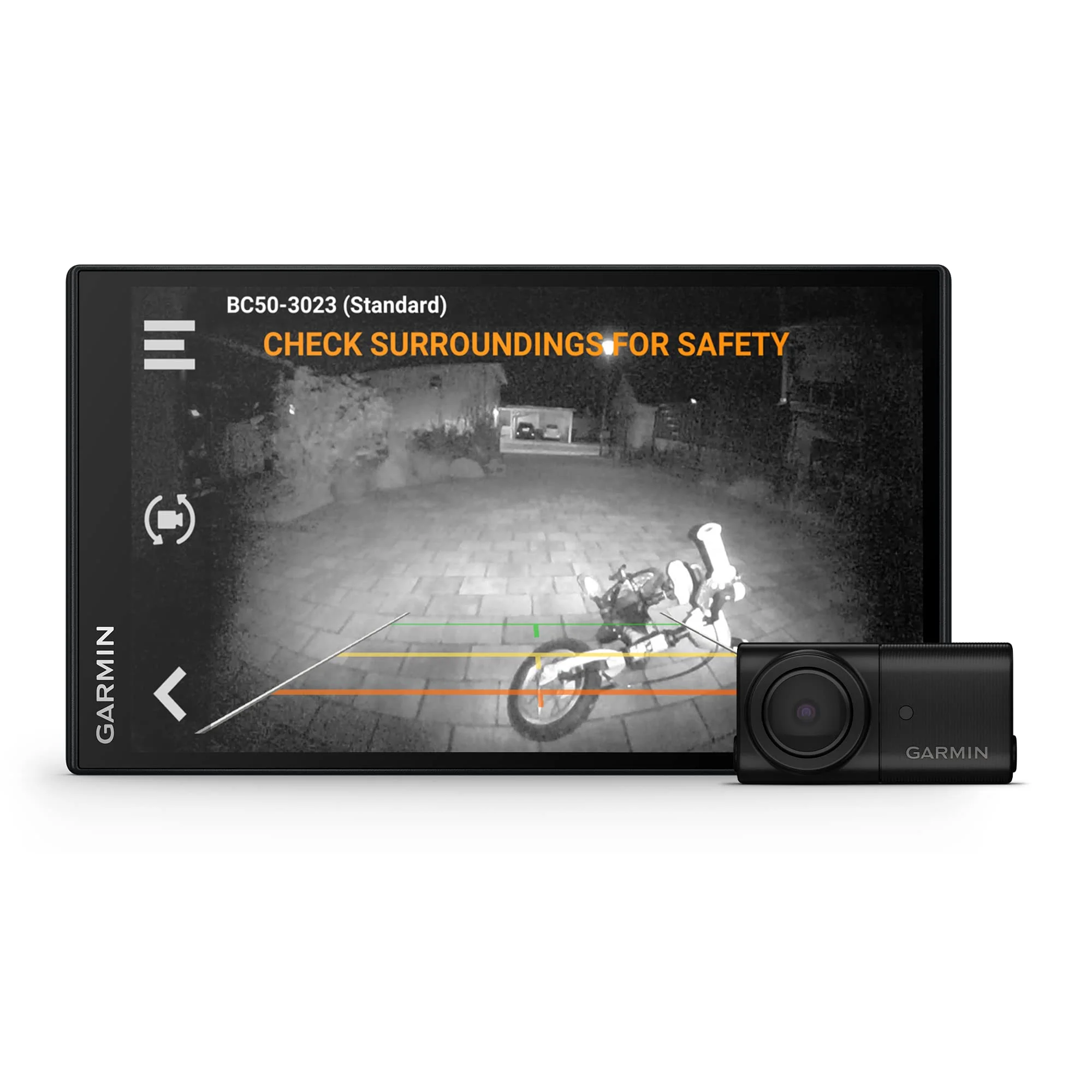
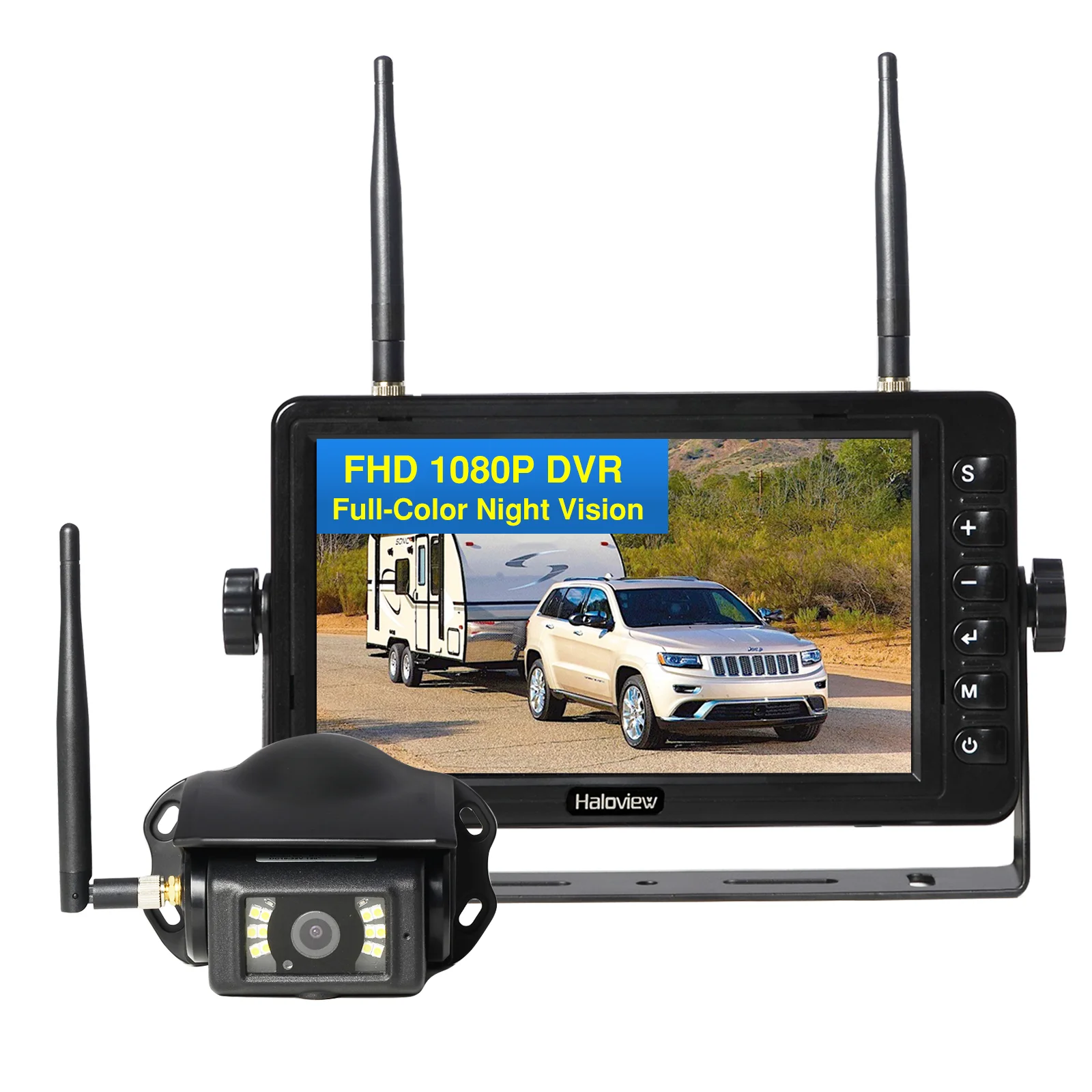
The display is the second fork. A camera like the Garmin BC 50 Wireless Backup Camera streams to a paired Garmin navigator or compatible screen, while phone-app models push the feed over Wi-Fi Direct to iOS or Android. Dedicated-monitor kits such as the Haloview Wireless Backup Camera avoid relying on a phone at all, which matters in a vehicle you use for work. Latency, the lag between motion and what you see, is the spec to watch here: app-based feeds typically add a fraction of a second over a dedicated digital link, which is why we favor monitor kits for larger vehicles where precision matters most.
Our Distinct Picks at a Glance
We chose seven cameras from seven different brands so each fills a clear role rather than padding a list with near-identical units. Here is how they line up:
- AUTO-VOX Solar Wireless Backup Camera — solar-assisted, no-wire install, for drivers who want the simplest possible setup.
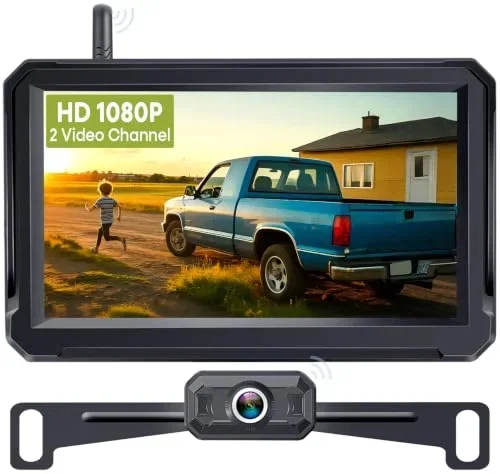
- eRapta Wireless Backup Camera — license-plate mount with a dedicated monitor, a strong value pick for older cars.
- Befumly 1080P Wireless Backup Camera — budget-friendly with a clean 1080p feed for basic parking duty.
- Garmin BC 50 Wireless Backup Camera — pairs with Garmin navigators, the pick if you already run a Garmin GPS.
- Haloview Wireless Backup Camera — long-range digital link built for RVs, trailers, and box trucks.
- Type S Solar Wireless Backup Camera — solar-powered with a magnetic mount, for renters and quick swaps between vehicles.
The next two sections detail the no-wire and the wired-monitor options so you can match one to your vehicle.
Best No-Wire Picks: Solar and Battery Cameras
If running any cable is a deal-breaker, you want a camera powered by its own battery or a solar panel. These install in minutes because nothing connects to the vehicle's electrical system.
The AUTO-VOX Solar Wireless Backup Camera is the one we point most people to first. Its solar panel keeps the internal battery topped off in daylight, so for many owners the recharge interval stretches to weeks, and the magnetic plate mount means no drilling. AUTO-VOX rates it for 1080p capture with night vision, which is enough resolution to read a hitch ball or a curb line in the dark.
The Type S Solar Wireless Backup Camera takes a similar solar-plus-magnet path and leans even harder into portability: the magnetic base lets you move it between vehicles, which suits renters or anyone who tows different trailers. Where the two differ is the display ecosystem and mounting hardware, so the choice often comes down to which monitor design you prefer.
Both are honest "5-minute" installs in the sense that there is no wiring, but remember the trade you are making:
- Solar units depend on getting real daylight on the panel; a garage-kept car needs the occasional USB top-up.
- Battery cameras can drop the feed if you forget to charge them, unlike a reverse-light wired camera that is powered whenever you shift to reverse.
Best Wired-Monitor Picks: Reliability and Range
For the most consistent picture, a camera powered from the reverse-light circuit and paired with a dedicated monitor is hard to beat. It is always on the instant you shift into reverse, and a dedicated digital receiver tends to hold the signal better than a phone app in a busy 2.4GHz environment.
For larger vehicles, wireless range becomes the deciding spec. The Haloview Wireless Backup Camera is engineered for RVs and trailers, with a long-range digital transmitter rated to hold a clear feed across the length of a coach where shorter-range units would drop out. If you tow, this is the category to shop. The Befumly 1080P Wireless Backup Camera rounds out the budget end with a straightforward 1080p feed for everyday parking, while the Garmin BC 50 Wireless Backup Camera is the natural choice for drivers already running a Garmin navigator, since it displays right on the head unit you already own.
Rule of thumb: the bigger the vehicle, the more you should prioritize rated wireless range and a dedicated monitor over phone-app convenience.
Key Specs That Actually Matter
Marketing copy buries the few numbers that change real-world performance. When you compare cameras, weigh these:
- Resolution — 1080p is the sensible floor; it is enough to read a license plate or spot a low obstacle. Sub-720p units smear in low light.
- Rated wireless range — a car needs maybe 15-20 feet; an RV or trailer needs 30-plus feet through steel, which is exactly what long-range kits like the Haloview Wireless Backup Camera target.
- Power source — solar/battery for zero wiring (the Type S Solar Wireless Backup Camera route) versus reverse-light wired for always-on reliability.
- Display type — dedicated monitor (most consistent), phone app (no extra screen to mount), or an existing navigator like the Garmin BC 50 Wireless Backup Camera uses.
- Weatherproofing — look for an IP67 or IP69K rating so rain and a car wash do not kill the camera.
- Night vision — infrared LEDs matter most in unlit driveways; check the rated effective distance, not just the presence of LEDs. If a camera you already own reads too dark after sunset, the cause is usually the infrared rating, not the resolution.
Match the spec sheet to your vehicle and you avoid the most common buyer's regret: a short-range car camera bought for a trailer that the signal cannot reach.
Installation Without the Wiring Headache
The whole appeal of wireless is a simpler install, and most of these systems can be done in a driveway. The steps depend on the power scheme you chose.
For a no-wire solar or battery camera such as the AUTO-VOX Solar Wireless Backup Camera or the Type S Solar Wireless Backup Camera, installation is largely mechanical: mount the camera (magnetic base or plate frame), charge it once, pair it to the monitor, and place the screen in your line of sight. No fuse tapping, no cable run.
- Remove the license-plate screws and seat the camera in the frame mount.
- Tap the camera's power leads into the reverse-light wiring so it activates in reverse.
- Mount the monitor or pair the phone app and adjust the guide lines. If those guide lines never appear, it is nearly always a settings or trigger-wire problem rather than a faulty camera.
If you would rather not touch any wiring at all, our companion backup camera installation guide walks through both the plate-mount and reverse-light approaches in detail. Whichever you choose, place the monitor where it is glanceable but not blocking your view of the road.
How to Choose the Right One for You
Start from your vehicle and your tolerance for any wiring at all, and the field narrows fast.
- Older car, want zero wiring: the solar AUTO-VOX Solar Wireless Backup Camera or the magnetic Type S Solar Wireless Backup Camera.
- RV, trailer, or box truck: the long-range Haloview Wireless Backup Camera.
- Already run a Garmin GPS: the Garmin BC 50 Wireless Backup Camera, which displays on hardware you own.
- Tightest budget, basic parking: the Befumly 1080P Wireless Backup Camera.
Whatever you pick, confirm the resolution is at least 1080p and the weatherproof rating is IP67 or better, then size the wireless range to the distance between the camera and your monitor. For broader context on the technology and wired alternatives, see our complete backup camera guide. Get those three specs right and any of these seven will be a real upgrade over reversing blind.