First, the Basics
Backup cameras for your older car used to be a luxury, but now they're practically a necessity, especially if you're towing anything or just tired of that sinking feeling when you think you've cleared that parking spot. The big question for anyone looking to add one to a vehicle that didn't come with it from the factory is whether to go wireless or wired.
It sounds simple, but there's a whole lot of nuance that nobody really spells out for you when you're just trying to avoid backing into a shopping cart back in the day.
The Core Answer
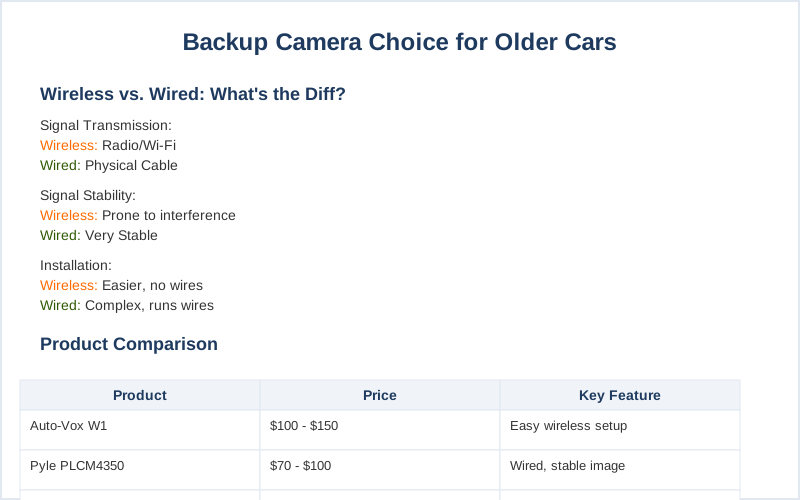
The core difference between a wireless and a wired backup camera boils down to how the video signal gets from the camera at the back of your car to the display screen up front. A wired system uses an actual cable, like a tiny digital extension cord, to send that video data. This means a super stable, consistent signal because it's not bouncing off airwaves.
It's like having a direct phone line versus trying to shout across a crowded room that's a lot more reliable.
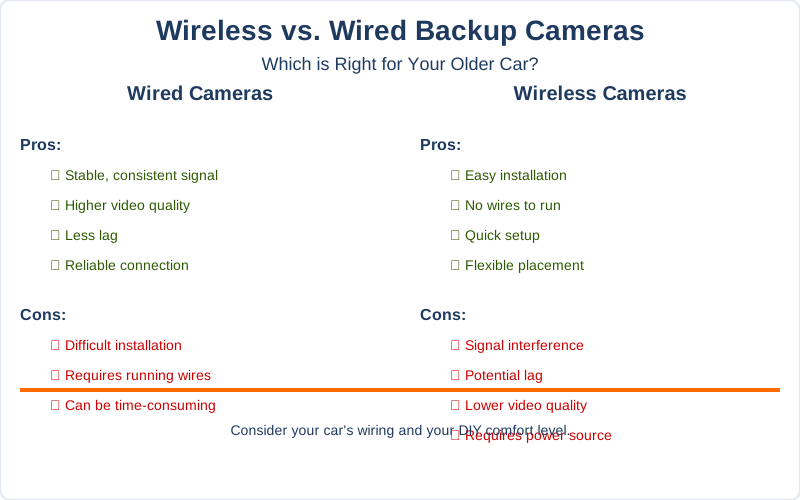
This direct connection is why wired cameras often boast higher video quality and less lag. You're less likely to get a fuzzy image or a delayed reaction when an object suddenly appears. Think of it as the difference between watching a live broadcast and a video call that keeps freezing. The setup, though, can be a pain.
You've got to run that wire from the back bumper all the way to your dashboard, which can mean pulling up trim pieces and crawling around your car. My first attempt at this in my old pickup took me a solid afternoon and involved a lot of questionable language and a few scraped knuckles.
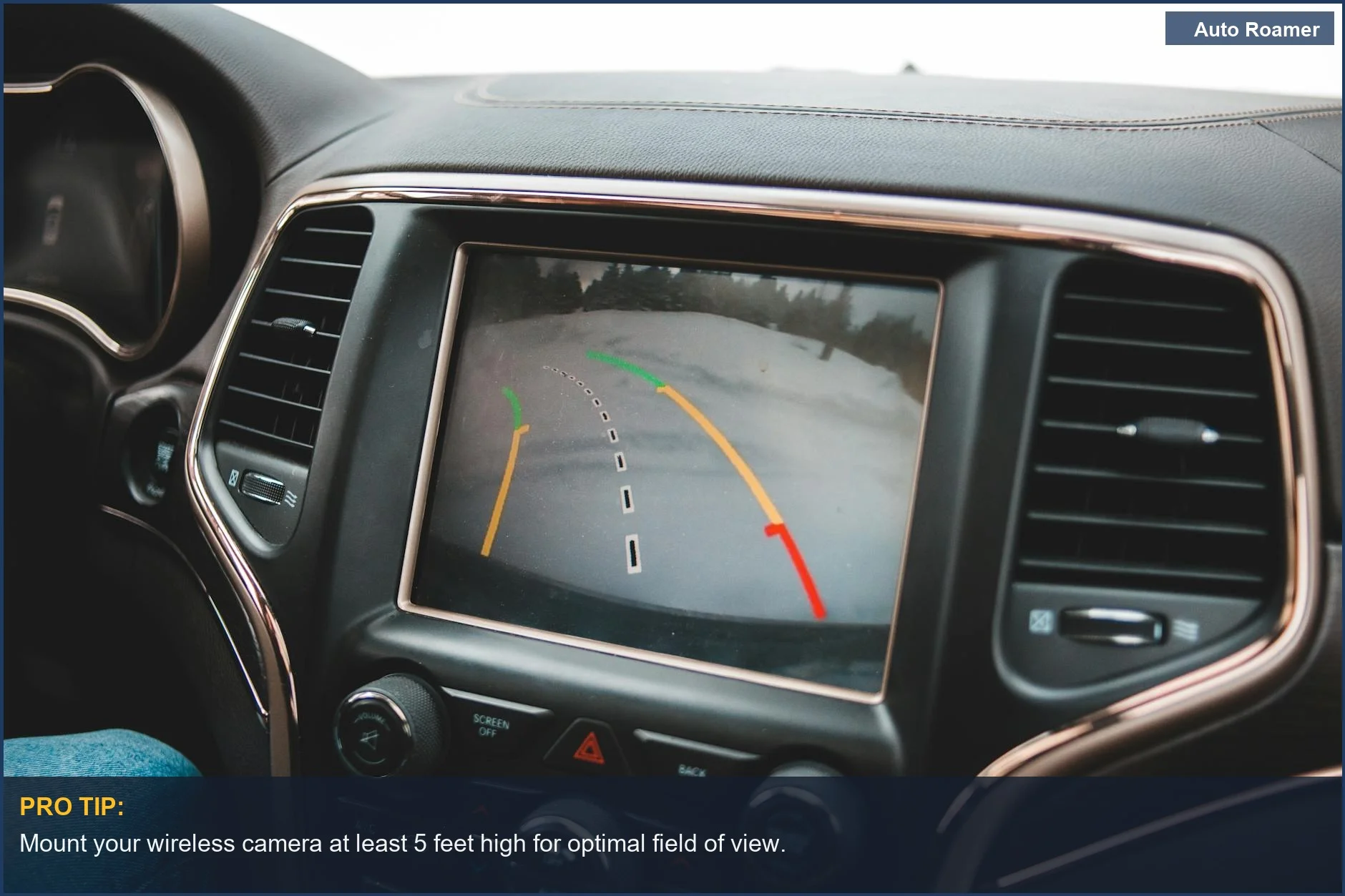
Wireless cameras, on the other hand, use radio frequencies or Wi-Fi to transmit that video signal. The big win here is installation ease. You slap the camera on, connect it to power, and the monitor up front connects wirelessly. My friend with a 2001 Frontier and a vintage trailer uses a magnetic, rechargeable camera that talks to his phone. He says it's invaluable for hitching, and it took him maybe 10 minutes to set up and get going.
However, that wireless signal can be a bit temperamental. In areas with a lot of other wireless traffic, or if you have a really long vehicle like an RV or a large truck, you might experience interference. This can show up as a slight delay, a flickering image, or even a complete dropout. It's like trying to get a clear radio station when you're driving through a tunnel.
For most cars, it's fine, but if you're towing a massive fifth-wheel, you might want to think twice about potential signal issues.
So, the honest version is this: wired is generally more stable and offers better image quality but requires a more involved installation. Wireless is a breeze to install and more portable, but you run the risk of occasional signal hiccups, especially in larger vehicles or congested areas. What nobody tells beginners is that sometimes that "easy" wireless install can lead to frustration down the road if the signal isn't reliable when you need it most.
Why This Matters for Your Setup
Here's why this even matters when you're trying to avoid that rogue shopping cart:
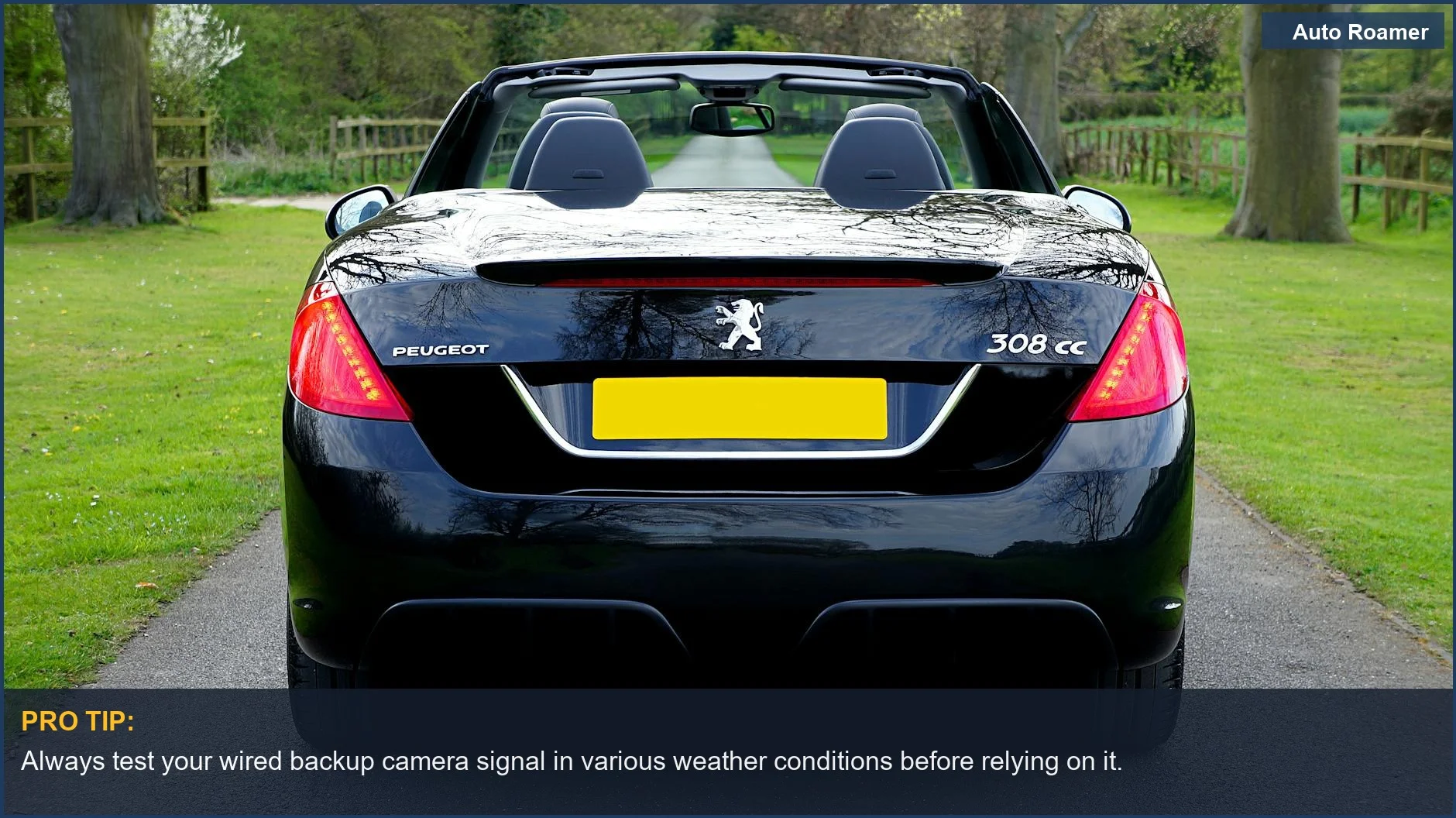
- Signal Stability is Key: If you're driving a larger vehicle like a van, RV, or even a long pickup truck with a trailer, a wired system is usually the safer bet. The signal has to travel a longer distance wirelessly, and that increases the chance of interference. I tried a wireless camera on my old minivan when towing a small U-Haul, and the delay was noticeable enough that I felt I was guessing where the trailer bumper was for a few seconds.
- Installation Hassle vs. Future Headaches: Running wires through your car's interior can take a few hours, maybe even a whole Saturday if you're not mechanically inclined. However, once it's done, it's done. A wireless system might take 30 minutes to set up, but if you get constant signal drops, you'll be spending more time troubleshooting than actually using the camera. My buddy who went wireless for his camper said he spent more time fiddling with signal boosters than he did driving on his first trip trying to get a clear picture.
- Portability Factor: If you have multiple vehicles or you like to move your camera setup around, wireless is the obvious choice. My uncle pulls his small boat with his truck and then his camper with the same truck, and he just unplugs and replugs his wireless camera unit. It's a simple $50 version of a permanent install that works for him.
- Image Quality and Features: Wired systems often support higher resolution cameras and more advanced features like dynamic parking lines that move with your steering wheel. While many wireless cameras are getting pretty good, the absolute best, crispest image you can get usually comes from a wired connection. It's like the difference between a streaming movie and a Blu-ray disc; one is convenient, the other is often superior in detail if you care about clarity.
Making the Right Choice
So, how do you pick? It really comes down to what you're driving and how much you want to tinker.
- For your everyday car or sedan: A wireless camera is likely your best bet. It's quick to install, doesn't require drilling, and the signal range is usually more than enough. My neighbor put one on his '08 Corolla in under 15 minutes and hasn't complained since about any issues.
- For trucks, RVs, or trailers: This is where you need to weigh the pros and cons more carefully. If signal stability is paramount and you don't mind a bit of wiring work, go wired. If you absolutely cannot stand running cables and are willing to accept a small risk of interference, a good quality wireless system with good reviews might still work for you. I've seen folks with big rigs swear by both types depending on their rig.
- Consider your budget: While there are cheap options in both categories, you often get what you pay for. A slightly more expensive wireless system might have better internals to combat interference, and a higher-end wired system will use better quality cables and connectors. Don't go for the absolute cheapest thing you find online; you'll regret it when it fails.