What You Need to Know
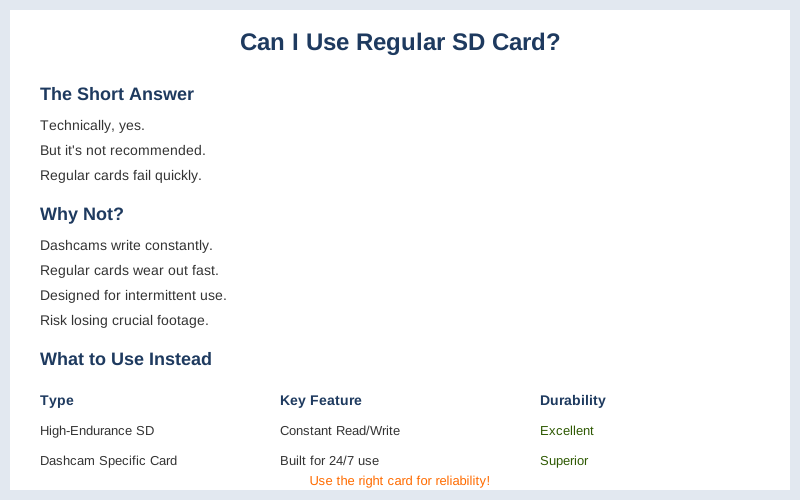
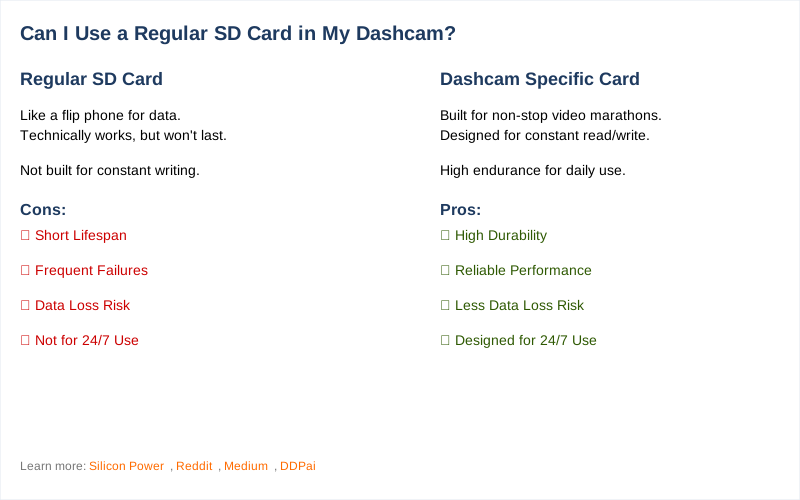
Using a regular SD card in your dashcam is like trying to use a flip phone for a high-speed data transfer. Technically, it might work for a minute, but it's going to fall apart faster than my first attempt at making campfire s'mores. Dashcams are workhorses, constantly writing and rewriting data, and standard cards just aren't built for that kind of abuse.
Think of it like this: a regular card is for occasional photos, a dashcam card is for a non-stop video marathon. Source Name says it best, regular cards are for 'intermittent' use, while dashcams are '24/7' non-stop writing.
The Core Answer
The honest version? You can stick a regular SD card in your dashcam, but I wouldn't bet on it lasting more than a few months, maybe less if you drive a lot. I learned this the hard way on a trip through the Rockies; my dashcam started spitting out error messages halfway through a blizzard, and I lost crucial footage of a deer almost taking out my bumper. Rookie mistake.
Reddit users are constantly warning about this, saying 99% of regular cards just don't have the guts for dashcam duty. Source Name confirms this, stating regular cards will 'likely fail within months'.
Dashcams are basically writing data constantly, like a super-fast diary. Regular SD cards are designed for when you snap a picture, then put the camera away. They're not built for that relentless, 24/7 grind. This constant writing wears them out way faster. Source Name calls these 'high-endurance' cards, and they're specifically designed to handle that constant read/write cycle without throwing a tantrum. Your dashcam needs that durability, or it's going to fail when you need it most.
I've seen too many forum posts from people who lost accident footage because of a cheap card. It's not worth the gamble.
What nobody tells beginners is that the temperature extremes in a car also mess with regular cards. I had a regular card in my dashcam during a scorching summer day in Arizona, and it just fried. The dashcam just showed a blank screen. The real move is to get a card labeled 'high endurance' or specifically for dashcams.
They cost a bit more upfront, maybe an extra $10-$20 for a 64GB card, but it saves you the headache and potential cost of lost footage. Think of it as cheap insurance for your car's memory.
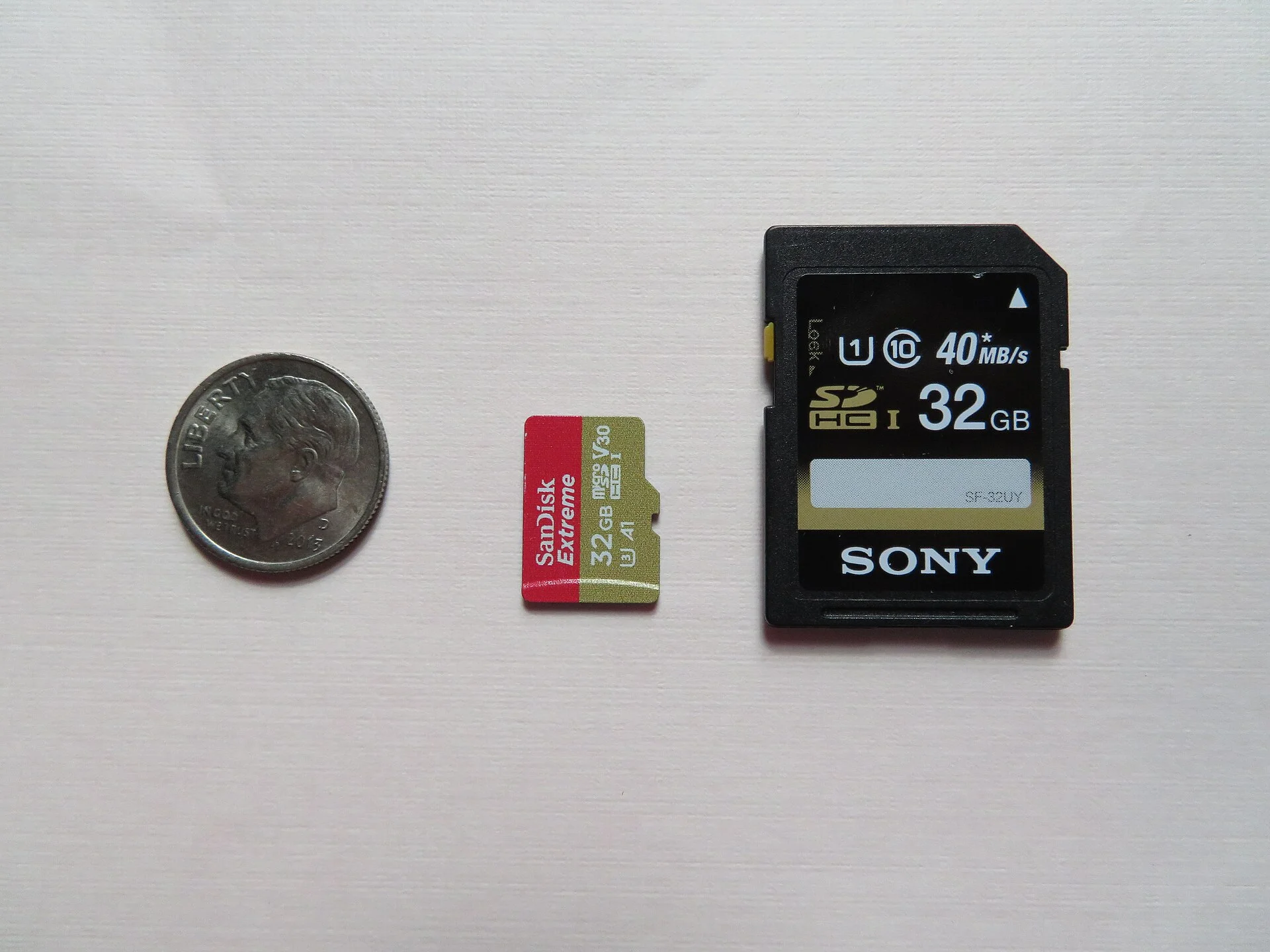
The capacity also matters, but that's a different beast. For a basic 1080p dashcam, a 32GB or 64GB card is usually enough to hold several hours of video before it starts overwriting. Source Name mentions 32GB or 64GB for basic 1080p at 30fps. But even with the right capacity, if the card isn't high-endurance, it's still a ticking time bomb.
I learned that lesson the hard way, and now I only buy cards that scream 'dashcam ready' or 'high endurance'.
Why This Matters for Your Setup
Why does this even matter? Because your dashcam is supposed to be your reliable witness, not a flaky friend who forgets everything. Here's the breakdown:
- Data Corruption: Regular cards can't handle the constant writing. This leads to corrupted files, missing segments, or the card just giving up the ghost. I once had a card that would only record about 5 minutes before glitching out. Brilliant engineering, right?
- Temperature Extremes: Cars get hotter than a sauna in summer and colder than a witch's kiss in winter. Standard SD cards aren't built for these wild swings. They can overheat, freeze, and die. My dashcam in Texas once refused to boot after sitting in the sun all day because the card was too hot.
- Short Lifespan: The sheer volume of data being written means a regular card will wear out its write cycles way faster. Think of it like constantly erasing and rewriting on a whiteboard versus writing in permanent marker. The whiteboard (regular card) gives out way sooner. Source Name points out that dash cams write data constantly, and regular cards aren't designed for that.
- Lost Footage: This is the big one. If your card fails, you lose all that precious footage. That could be proof of an accident, a hit-and-run, or just a funny moment. I'd rather spend an extra $15 on a card than potentially lose thousands in damages or legal fees.
Making the Right Choice
So, can you use a regular SD card? Sure, if you enjoy living on the edge and don't mind potentially losing critical footage. The $50 version of a dashcam setup often comes with a cheap, regular card that's basically a ticking time bomb. The real move here is investing in a high-endurance card. It's a small price to pay for peace of mind.
Here's the game-time advice:
- Check Your Dashcam Manual: Most dashcams will specify the type of SD card they recommend. Pay attention to 'high endurance' or 'automotive grade'.
- Look for the 'Endurance' Label: If it doesn't explicitly say 'high endurance' or 'for dashcams', assume it's a regular card and avoid it. Source Name strongly recommends endurance cards for dashcams.
- Don't Skimp on Capacity: While endurance is key, make sure you have enough space. A 32GB or 64GB high-endurance card is usually a solid starting point for most setups.
- Format Regularly: Even with the right card, formatting it in your dashcam every month or so can help keep things running smoothly. It's like giving your dashcam's brain a quick reboot.