The Big Picture
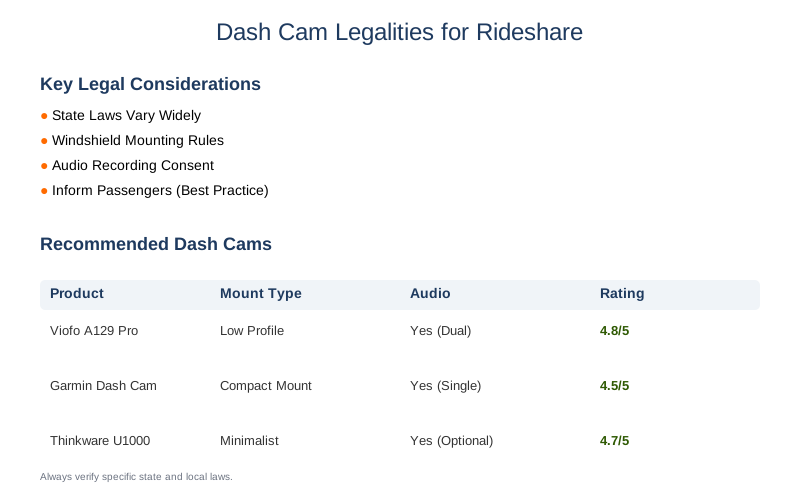
Legally recording video and audio in your vehicle for rideshare work means understanding a messy patchwork of state laws. It's not as simple as just plugging in a dash cam and hitting record. You've got to be aware of what you can capture, how you can use it, and, crucially, who you need to tell about it. Privacy best practices for rideshare drivers using dashcams aren't just suggestions; they're your shield against legal headaches.
The Core Answer
The core answer is: yes, you can generally use a dash cam for rideshare, but you absolutely must follow state laws regarding recording, especially audio. Every state has its own rules about windshield obstructions and consent for recording conversations. Think of it like trying to park in a new city - you know parking is allowed, but you need to find the right spot and obey the signs. Dash cam laws by state are your traffic signs here.
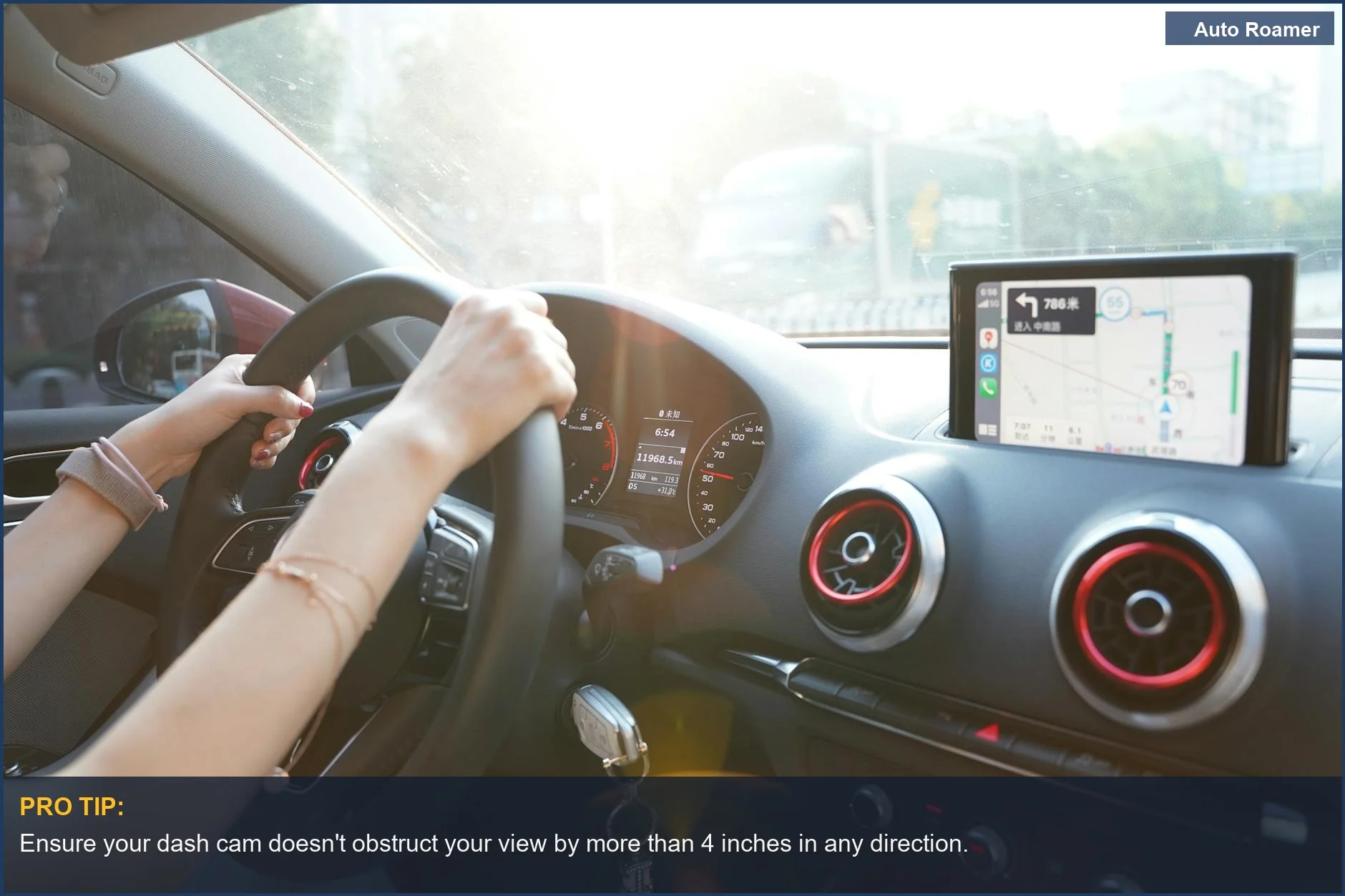
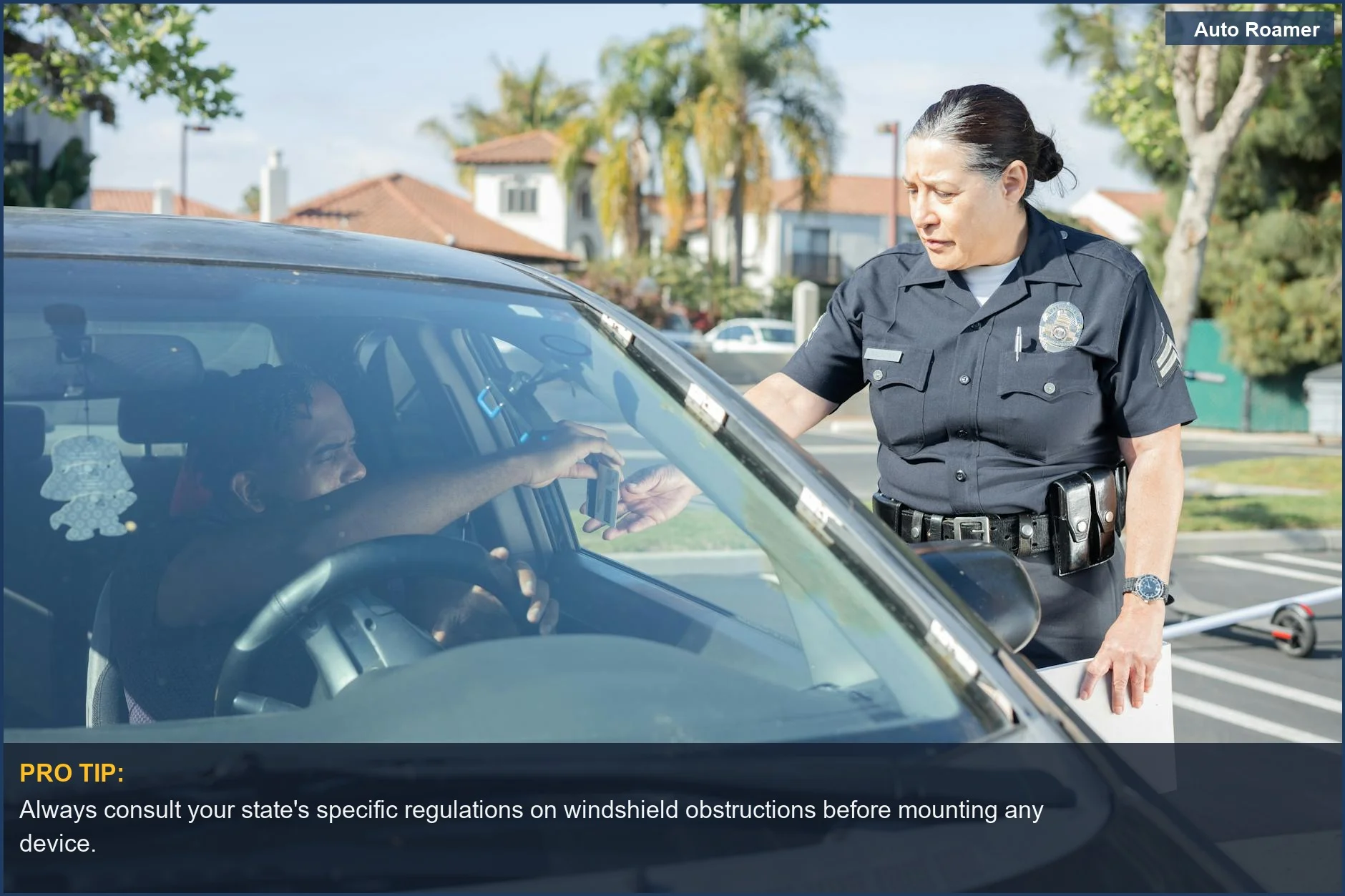
Most states allow dash cams, but some have strict rules about where you can mount them on your windshield. You don't want to end up with a ticket because your camera is blocking more than the allowed area. It's a rookie mistake, but a costly one. Always check your specific state's regulations on windshield mounting. A small, low-profile mount is usually your safest bet. Windshield rules vary significantly.
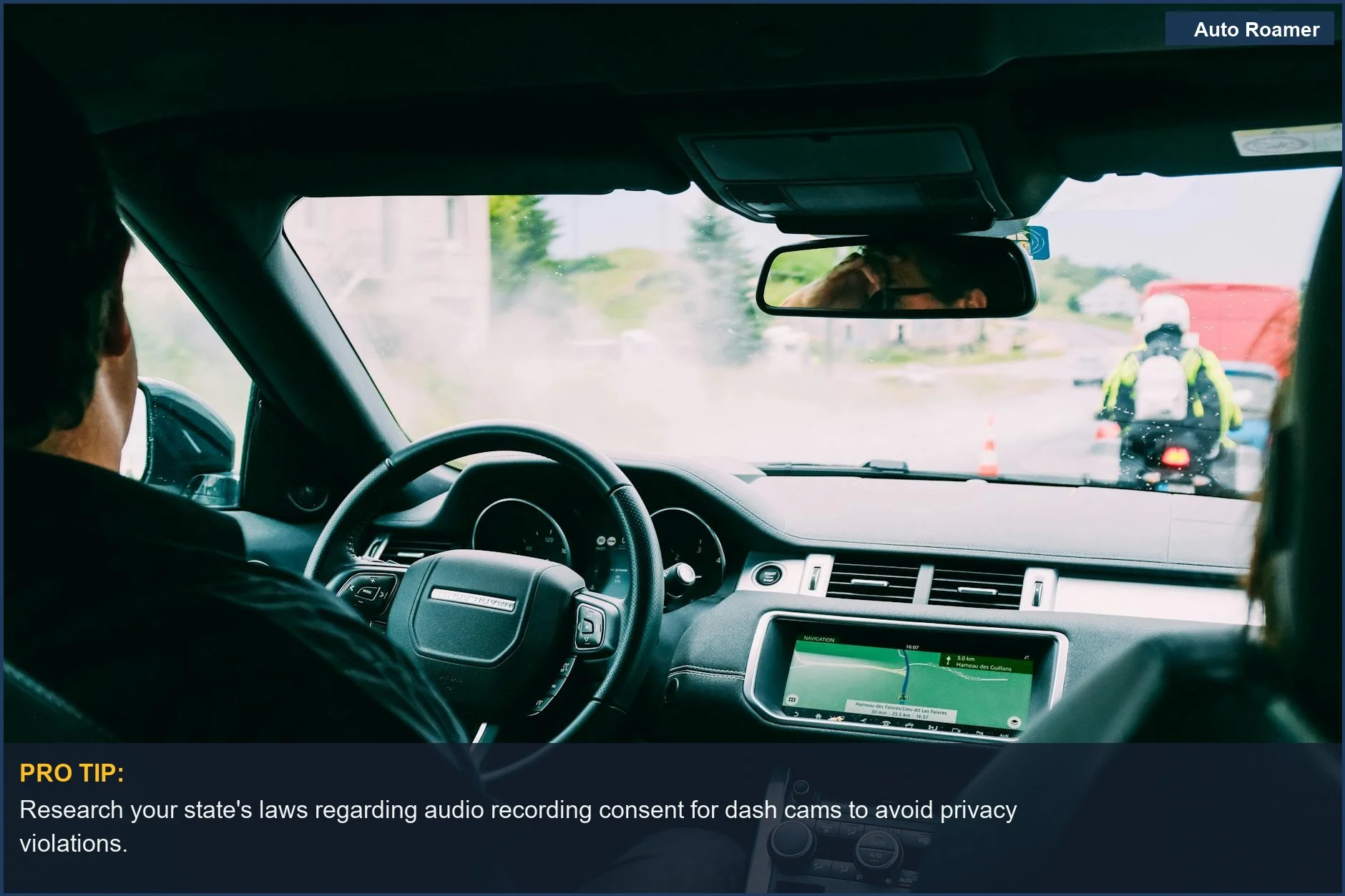
The real kicker for many drivers is audio recording. Some states, often called 'one-party consent' states, let you record conversations if you're part of it. Texas, for example, is one of these. But many others are 'two-party' or 'all-party' consent states. In those places, you need everyone in the car to agree to be recorded. This is where things get complicated fast. Texas is a "one-party" consent state.
What's the real move then? Transparency. You need to let your passengers know they're being recorded. This can be done with a visible sign inside your car, or sometimes through the rideshare app itself if it offers that feature. If you're in a two-party consent state and can't get consent from everyone, you might have to disable the audio recording or even the entire dash cam for that ride. It's a hassle, but it beats a privacy lawsuit.
Give individuals notice that they are being recorded.
Uber and Lyft generally permit dash cams, but they aren't required. If you do use one, you'll likely need to register it with the platform. This keeps them in the loop and helps if footage is needed for an incident. It's all about documenting events, whether it's a fender bender or an unruly passenger. Drivers may choose to install and use a dashcam.
Ignoring these rules isn't just a minor screw-up; it can lead to legal trouble, including fines or even charges related to illegal surveillance. The honest version is that a dash cam is a great tool for safety and protection, but only if you use it correctly and legally. My first dash cam was a $50 Amazon special, and I spent a solid hour reading state laws before I even plugged it in.
It was way more complicated than setting up a tent for the first time. To my knowledge they dont have requirements, but you do have to register it on the apps.
Why This Matters for Your Setup
Why does all this legal jargon matter for your actual setup?
- Mounting Location: States have specific rules. Some say only a small 4-inch square in the upper corner is allowed. Others are more lenient. If you're in California, for example, you'll want to stick to the manufacturer's recommended 'non-obstructive' placement. Get it wrong and you might get a ticket, not for the dash cam itself, but for obstructing your view. Dash cams are legal nationwide.
- Audio Recording Consent: This is the big one. If you're driving in New York, you need everyone's permission to record audio. That means telling passengers, "Hey, just so you know, this dash cam records audio." If they say no, you have to turn it off. Some folks just disable audio entirely to avoid the headache. My buddy Dave, who drives in Pennsylvania, found out the hard way he needed consent. He learned to just turn his audio off.
[PA] Am I legally allowed to have a dash cam.
- Notification: How do you tell people? A simple sticker on the window or a small sign on the dashboard that says "Video and Audio Recording in Progress" is usually enough. Some rideshare apps might have built-in notifications too, which is even better. Being upfront is always the best policy. Place recording notices inside and on the vehicle.
- Data Storage and Privacy: What happens to the footage? You need to think about how long you keep it and who sees it. Most dash cams loop record, overwriting old footage. This is generally fine, but if an incident occurs, you'll want to secure that specific footage. Don't just leave it lying around on a memory card where anyone can access it. limit data use and sharing.
Making the Right Choice
Making the right choice about dash cams in your rideshare vehicle boils down to being informed and proactive. It's not just about buying a gadget; it's about integrating it legally and ethically into your business.
- Know Your State's Laws: This is non-negotiable. What's legal in one state might get you a ticket in another. Always consult dash cam laws by state before you install anything. The Internet is your friend here, but so is consulting a local legal expert if you're really unsure.
- Prioritize Transparency: Whether it's a sign, an in-app notification, or an oral announcement, let passengers know they're being recorded. This covers your audio consent bases and avoids awkward confrontations. Give individuals notice that they are being recorded.
- Consider Your Audio Strategy: If you're in a two-party consent state, think hard about whether you really need audio. Disabling it is the simplest way to stay out of trouble. If you do record audio, make sure you have a clear policy on how you store and share that data. Texas is a "one-party" consent state.
- Register with Platforms: Don't forget to let Uber or Lyft know you're using a dash cam. It's a simple step that can save you hassle down the road if an incident occurs. Drivers may choose to install and use a dashcam.