
Understanding Dash Cam Resolution: What's Best for Capturing Towing Details?
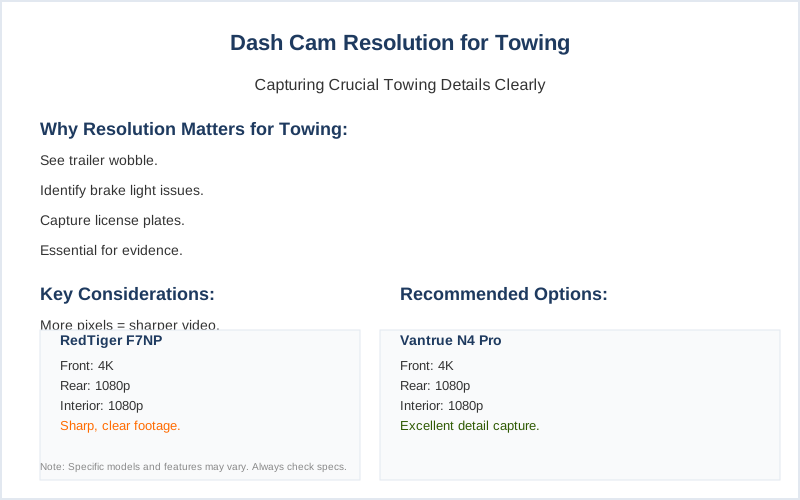
Dash cam resolution is basically how many tiny dots make up the picture your camera records. Think of it like trying to read a license plate from across a football field versus standing right next to it. For towing, where details matter - like seeing if your trailer is wobbling or if a brake light is out - the resolution plays a big role in whether you get useful evidence or just a blurry mess.
Dash cam resolution is basically how many tiny dots make up the picture your camera records. Think of it like trying to read a license plate from across a football field versus standing right next to it. For towing, where details matter - like seeing if your trailer is wobbling or if a brake light is out - the resolution plays a big role in whether you get useful evidence or just a blurry mess.
It's not just about having a fancy camera; it's about what that camera can actually see and record clearly. Video resolution determines the quality of the footage. Higher resolution means clearer footage, making details like license plates easier to identify. The amount of pixels in each frame is what resolution is all about. More pixels, sharper video. It's the fundamental difference between seeing a smudge and seeing a face.
The Core Answer
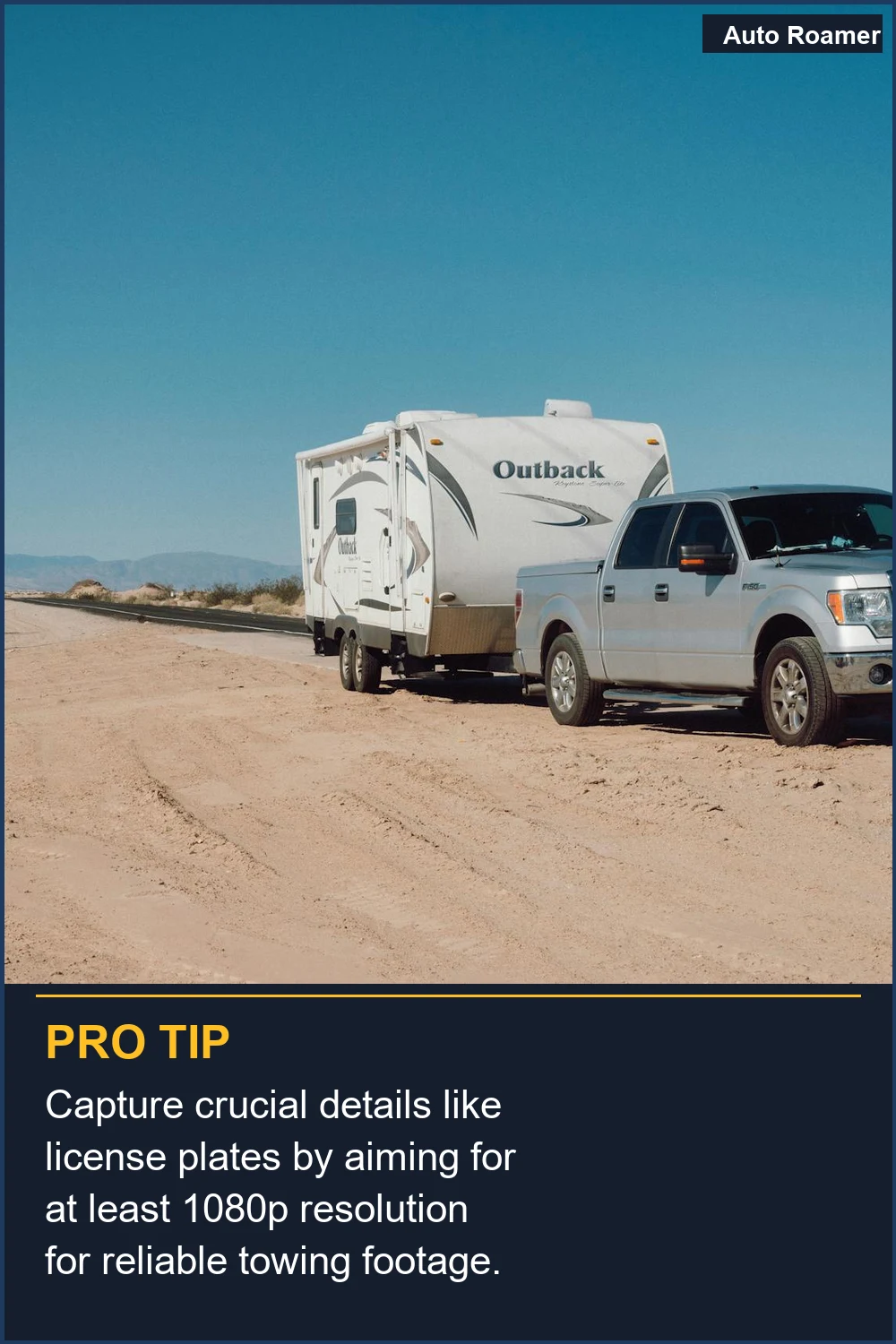
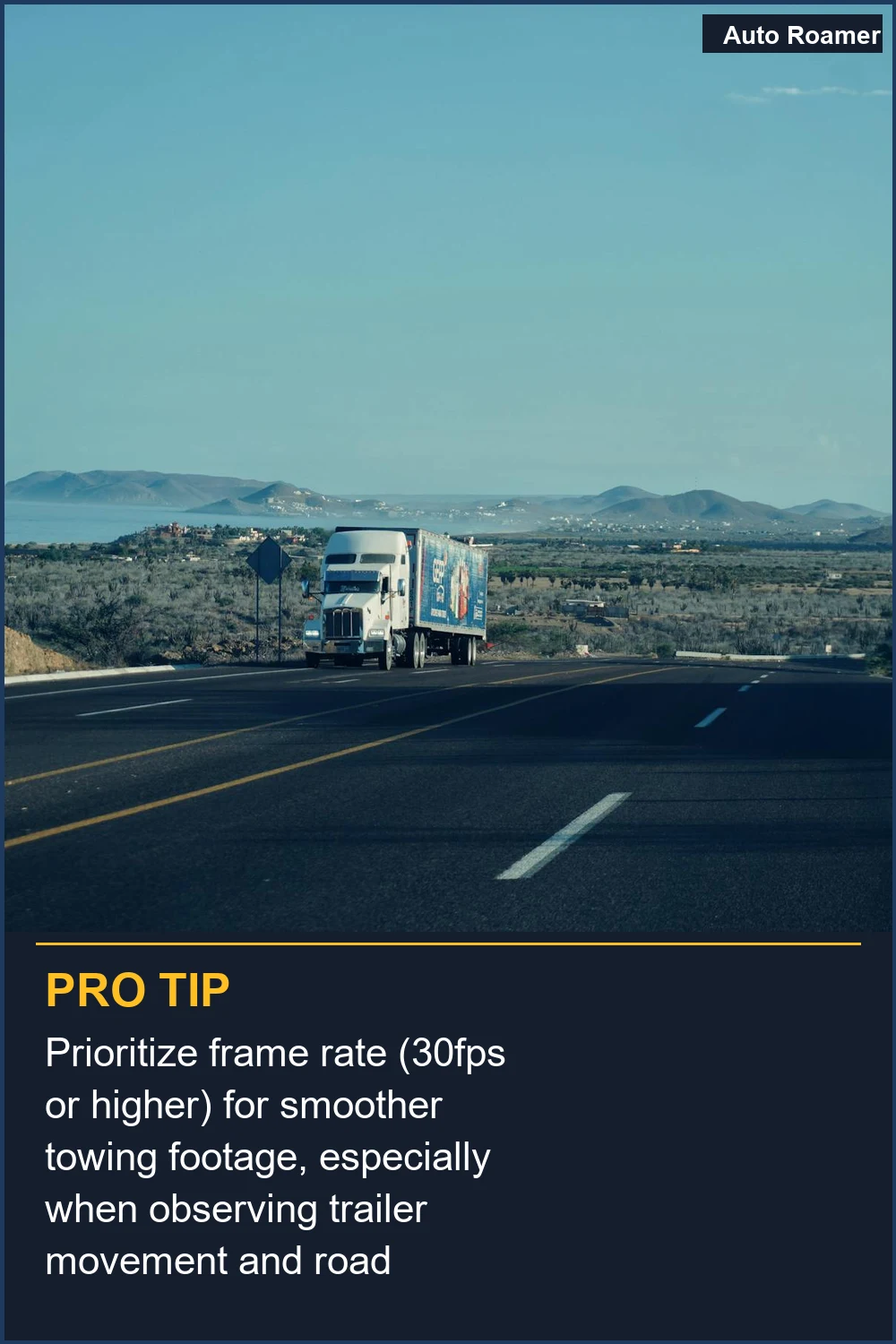
When I first started looking at dash cams, I thought 'higher number is always better,' right? I saw 4K advertised and figured that was the end of the story. But then I spent 2 hours trying to read a license plate from a car that cut me off on I-81 in Pennsylvania. It was a blurry mess, even though the camera was supposedly 4K. Turns out, resolution is only part of the story higher resolution doesn't always mean better. The lens and the sensor matter just as much. Resolution alone does not make for good video quality, but it is very important for capturing detail. For towing, you need to see small things, like the connection between your truck and trailer, or if something is coming loose. 1080p (Full HD) is the bare minimum, and honestly, I found it lacking for anything beyond general accidents. It's like trying to watch a movie on a tiny phone screen. 1080p or 2K resolution may be sufficient for capturing clear and detailed footage. I ended up upgrading to a 1440p (2K) camera, and that made a huge difference. I could actually make out details of the road and other vehicles. My friend swears by his 4K, but he also has a monster truck and needs to see details from miles away, which is overkill for most of us. 4K video at 30fps is pretty standard for high-end models. The real move is to find a balance. You don't want to chew up your memory card in two hours with 4K footage if you need it for a whole day of driving. Higher resolution footage takes up more storage space. For towing, I'd aim for at least 1440p. It captures enough detail without making your storage card fill up faster than a cheap cooler leaks ice. A 4K dash cam will generally show the most details, such as street signs and license plates. That's what you want when you're hauling something big and need to keep an eye on everything. It's the difference between capturing a clear image of your trailer's tire or just a blur. Higher resolutions like 4K Ultra HD give you unmatched clarity which can be very useful for finding license plates, road signs or even small details after an accident. But honestly, 1440p is usually good enough for the average person hauling a camper or a utility trailer. 2K and 4K are becoming more popular due to their superior image quality. Don't forget frame rate either; 30 frames per second (fps) is okay, but 60fps makes motion smoother, which is critical for catching fast-moving issues. My first dash cam was 720p, and it was useless. I couldn't even read my own speedometer in the footage. That was a rookie mistake I learned from. The higher the frame rate, the smoother your video will appear. This is especially important when there is motion.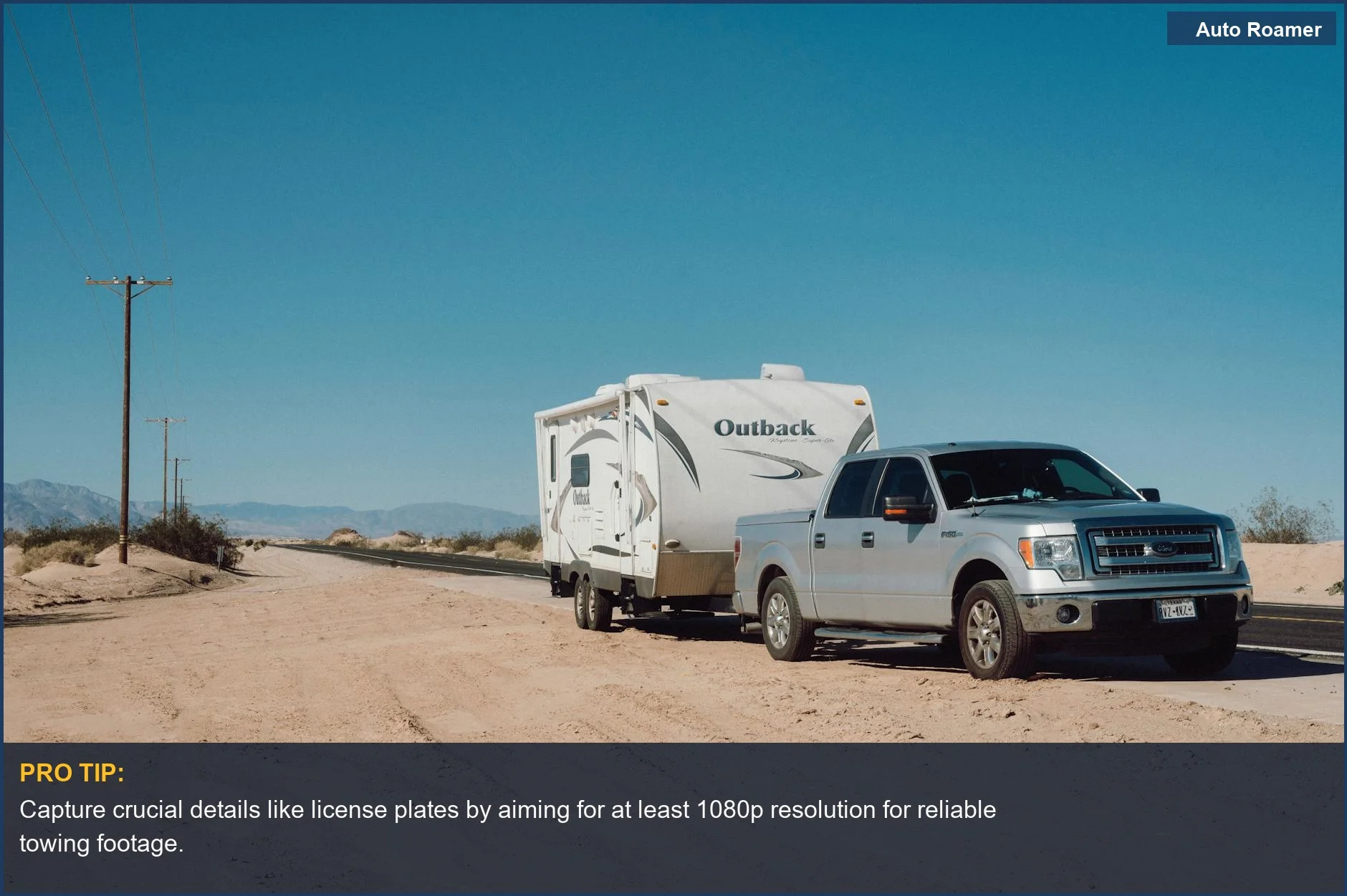
Why This Matters for Your Setup
So why does all this resolution stuff actually matter when you're hooked up and rolling? It's all about what you can see in the footage later. My first trip towing my small teardrop trailer through the Smokies, I had a cheap dash cam. I thought I was good. Then, I noticed a weird wobble on one of my trailer tires in a video clip. Dash cams are typically offered in three different video resolutions: 4K, 2K, and 1080p HD. I couldn't zoom in enough on my 1080p footage to tell if it was a tire issue or just a shadow. This meant I had to pull over and check everything manually, which took forever. Your dash cam has to use the same amount of pixels (1080p) for a much wider / bigger picture. That's why wider lenses can sometimes make resolution look worse if it's not handled right. With a higher resolution camera, like 1440p or 4K, I could have zoomed in and clearly seen the tire was slightly deflated. This is crucial for towing because a small problem can become a big, dangerous one fast. A 4K dash cam will generally show the most details. It's not just about accidents; it's about preventative maintenance you can see happening in real-time. Imagine seeing your trailer lights flicker on a dark road; with good resolution, you can pinpoint the problem. With bad resolution, you might just think it's a glare. It's the difference between knowing and guessing. The higher the resolution, the clearer the footage will be. This is game-time info when you're miles from anywhere and need to trust your gear.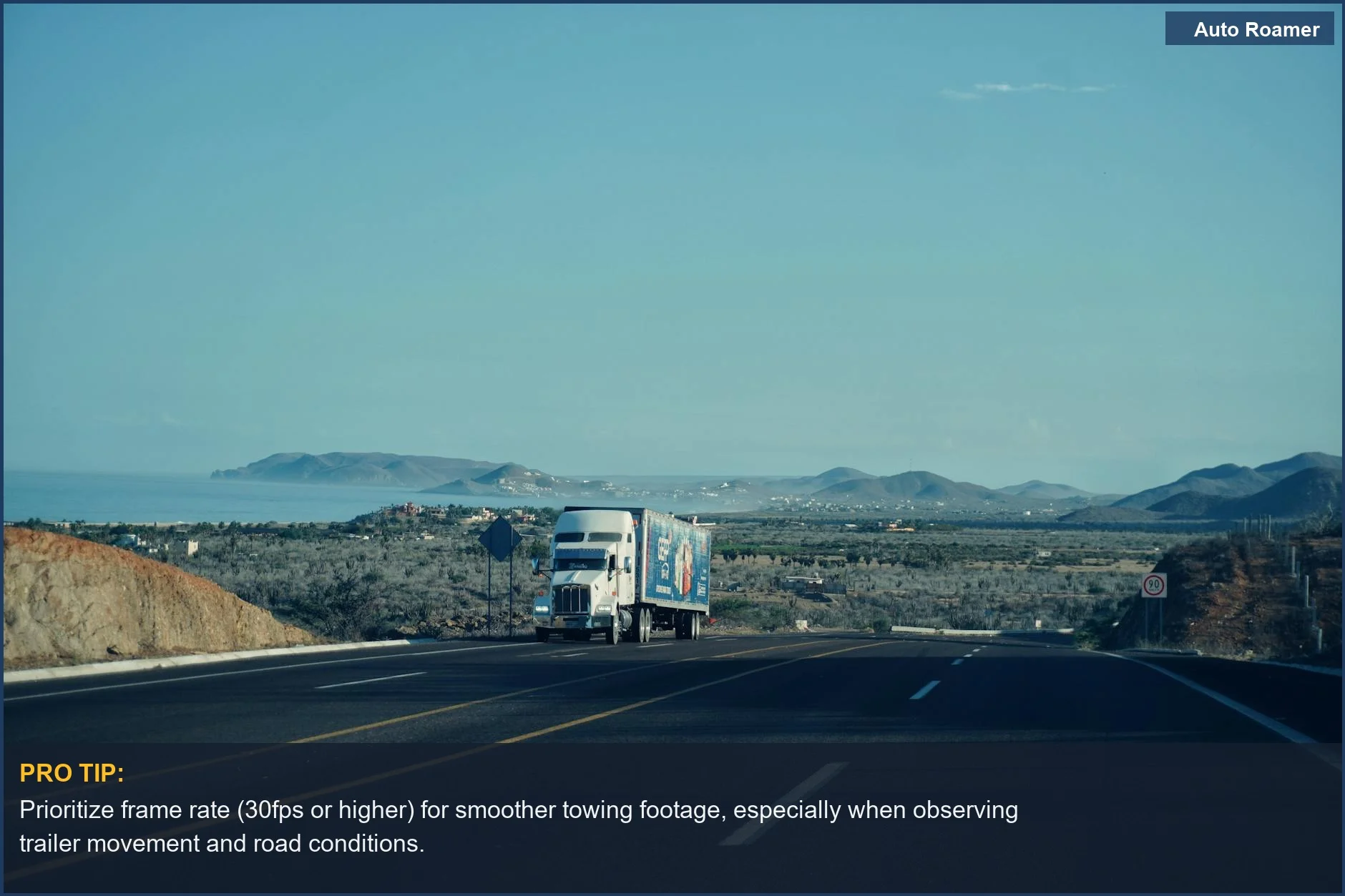
Making the Right Choice
So, when you're looking at dash cams for towing, don't just grab the cheapest one or the one with the biggest number on the box. Think about what you actually need to see. I used to believe that dashcam resolution was the most important thing. I was wrong. All dash cams offer recording of the road ahead, but the quality differs. For most people towing, 1080p is too low. You'll want at least 1440p (2K) for decent detail, especially if you have a larger trailer or drive in challenging conditions. 1080p or 2K resolution may be sufficient. If you're on a tight budget, 1080p can work, but be prepared for less detail. A 2K dash cam may work well for some people. Consider what you'll be using the footage for. If it's just for general accident evidence, 1080p might be okay. But if you need to see specific issues with your trailer or cargo, step up your resolution game. It's better to have clear footage you can use than a blurry file that looks like it was recorded on a potato.
Frequently Asked Questions
I saw a mechanic charge $150 to install a dash cam in my truck. Can I just buy one online for $50 and install it myself to save money?
Do I really need to buy a special high-speed memory card for a 4K dash cam, or will my old 32GB card from my old camera work?
What if I get a 4K dash cam, but the footage still looks grainy and unclear in low light, like at dusk or on a cloudy day?
Can running a dash cam constantly, especially a 4K one, drain my truck's battery significantly or even damage it over time?
I heard that higher resolution automatically means better video quality, so I should just get the highest number I can find.
🏅 Looking for Gear Recommendations?
Check out our tested gear guides for products that work with this setup:
Sources
- Guide to Dash Cam Video Resolutions: Do you need 720, 1080, or a ...
- Why higher resolution doesn't always mean better dashcam footage
- How to Choose a Dash Cam for Your Car - Consumer Reports
- nextbase.com
- Best Resolution for Dash Cam: The Complete Guide for Drivers
- Best Dash Cam Resolution: See Every Detail Clearly Now!
- Things to keep in mind when buying a dash cam | DashCamTalk