
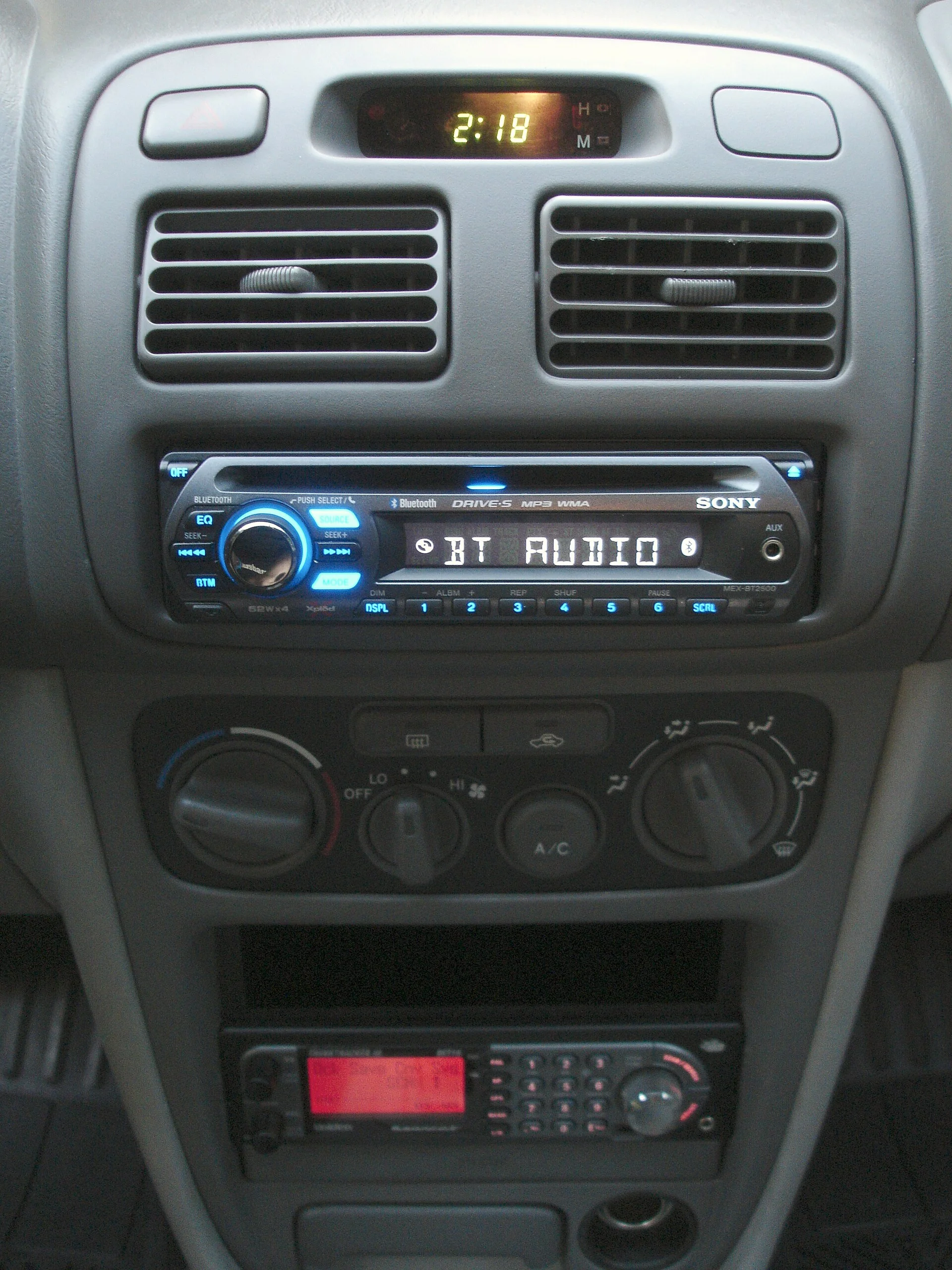
Why Car Bluetooth Drops: It's Almost Never Just One Thing
A Bluetooth connection in your car looks like one simple link between your phone and the stereo, but it is actually a chain with three weak points, and any one of them can break the audio. There is your PHONE, which decides whether to stay connected and how aggressively to manage its own radio and battery. There is the RADIO SIGNAL itself, a tiny 2.4 GHz broadcast fighting through a metal cabin crowded with other wireless devices. And there is the CAR SIDE — the head unit or factory infotainment system, with its own aging firmware, its own limited memory, and its own list of paired phones. When Bluetooth keeps cutting out, the real question is never just "why" but "which of the three is failing," because the fix for a phone problem is nothing like the fix for interference or a tired head unit.
- Your phone — it decides whether to hold the link and how aggressively to manage its own radio and battery.
- The radio signal — a faint 2.4 GHz broadcast fighting through a metal cabin crowded with other wireless devices.
- The car side — the head unit, with its aging firmware, limited memory, and its own list of paired phones.
The reason this matters is that most people troubleshoot in the wrong order. They delete and re-pair the phone over and over, or they buy a new accessory, when the actual cause was a battery-saver setting silencing the connection, a USB charger throwing radio noise, or simply the phone sitting in a metal cupholder six inches from the antenna's blind spot. A scattershot approach fixes a drop by accident now and then, but it never tells you what was wrong, so the problem comes back.
This guide walks the chain from the most common and cheapest causes to the rarest and most expensive. First it explains why a phone can be "paired" yet still refuse to hold a connection, then it covers radio interference, the phone-side settings that quietly kill Bluetooth, the car-side limits, and where you physically place the phone. It then shows how the KIND of drop you're hearing — music stutter, a dropped call, or a total disconnect — points at a different layer of the problem. Finally it gives a step-by-step fix sequence and an honest answer for when the built-in radio is simply worn out.
Paired Is Not the Same as Connected
The first thing to understand is that pairing and connecting are two different events, and confusing them sends people down the wrong path. PAIRING is a one-time handshake where the phone and the car exchange security keys and remember each other; you only do it once per device. CONNECTING is what happens every time afterward, when the two already-paired devices find each other and open an active audio link. A phone can be perfectly paired — listed right there in the car's menu — and still fail to connect, or connect and then drop, because connecting is the fragile, repeated part that depends on signal, settings, and timing every single time.
This distinction explains why "just delete it and pair it again" sometimes appears to work. Re-pairing wipes a stale or corrupted pairing record on both ends and forces a clean handshake, which genuinely fixes the cases where the saved keys had gone bad. But if the underlying cause is interference, a battery-saver setting, or a failing radio, re-pairing changes nothing for long — the fresh pairing connects, then drops the same way, because the repeated act of CONNECTING is still hitting the same wall. Endless re-pairing that keeps regressing is itself a clue that the problem is not the pairing record.
It also explains a frustrating pattern many drivers know: the phone connects fine in the driveway but cuts out once you're moving, or it reconnects every morning but drops within minutes. Those are CONNECTION-stability problems, not pairing problems. So before you delete anything, ask whether the phone is failing to remember the car at all (a pairing issue, rare) or remembering it fine but losing the live link (a connection issue, common). Almost every "keeps cutting out" complaint is the second kind, which is why the rest of this guide focuses on what destabilizes an active connection rather than on re-pairing rituals.
Interference: The Crowded 2.4 GHz Neighborhood
Bluetooth runs in the 2.4 GHz band — the same slice of unlicensed radio space used by Wi-Fi, wireless mice and keyboards, baby monitors, garage remotes, and a surprising amount of cheap electronics. Inside a car that band gets crowded fast, and a crowded band means collisions: two signals talking over each other, forcing Bluetooth to resend data, which you hear as a stutter, a half-second dropout, or a full disconnect. Bluetooth fights this with frequency hopping — it skips rapidly across many channels to dodge noise — but it can only dodge so much when something nearby is blasting on the same frequencies.
The most overlooked source of in-car interference is the humble USB charger and charging cable. Cheap, poorly shielded chargers and cables are notorious for spraying electromagnetic noise across exactly the frequencies Bluetooth uses, and because the phone is often charging on the very same cable, the noise source sits inches from the radio. This is why a connection that's rock-solid normally can start stuttering the moment you plug in to charge. Swapping a no-name charger for a quality shielded one, or moving the charging cable away from the phone and the head unit, fixes a startling number of "random" dropouts at almost no cost.
Other interference sources are worth a quick check. A phone hunting for Wi-Fi, or actively using a 2.4 GHz hotspot, competes with its own Bluetooth radio; toggling Wi-Fi off in the car is a fast diagnostic. Window tint with a metallic film, aftermarket electronics, and even another passenger's active Bluetooth gear can all add to the congestion. The tell for interference is that drops are RANDOM and ENVIRONMENT-linked — worse in a busy parking garage, near other cars at a light, or only while charging — rather than tied to one specific song or call. If the dropouts track where you are and what's plugged in, suspect the radio neighborhood before you blame the phone or the stereo.
Your Phone Is Often the Culprit (Battery Saver, Updates, Stale Pairings)
Modern phones are aggressive about saving power, and Bluetooth is one of the first things they throttle. Battery-saver or low-power modes can restrict background radio activity, and some phones — especially certain Android skins with heavy "battery optimization" — will quietly limit or kill the Bluetooth connection to apps running in the background, including the very music app you're streaming from. If your audio cuts out specifically when the screen locks, when battery saver kicks in at a low charge, or when you switch apps, the phone's power management is a prime suspect. Whitelisting your audio app from battery optimization and disabling low-power mode while driving often ends the drops outright.
Software state is the next phone-side gremlin. A phone that hasn't been updated in a long time, or one that just updated and now misbehaves, can have Bluetooth bugs that only show up with certain car systems. The cheap, no-data-loss reset is simply to restart the phone — it clears the Bluetooth stack's working memory and resolves a lot of "it just started doing this" cases. Beyond that, keeping the phone's operating system current matters, because Bluetooth compatibility fixes ship in those updates, and a mismatch between a new phone and an old car is a classic source of instability.
Finally there's the stale-pairing scenario, the one case where deleting and re-pairing is genuinely the right move. Over months, the saved pairing record on the phone or the car can become corrupted, especially after OS updates or after the phone has been paired with many other devices. The clean fix is to "forget" the car on the phone AND remove the phone from the car's device list — both sides, not just one — then pair fresh. Doing only one side leaves a half-broken record that often reconnects worse than before. Re-pairing won't cure interference or a dying radio, but for a connection that degraded slowly over time with no other obvious cause, a clean both-sides re-pair is worth doing once before you look further.
The Car Side: Firmware, Full Device Lists, and Aging Head Units
The stereo has its own computer, and it ages less gracefully than your phone. Factory infotainment systems and aftermarket head units run firmware that the manufacturer occasionally updates to fix Bluetooth bugs and add support for newer phones — but most owners never install those updates, so a car built years ago is often trying to talk to a brand-new phone using outdated software. If your drops started after you got a new phone while everything was fine on the old one, an out-of-date head unit is a leading suspect. Checking the automaker's site or the head-unit maker for a firmware update, where one exists, is the highest-value car-side fix.
A subtler car-side problem is a full or cluttered paired-device list. Many head units can store only a handful of devices — sometimes as few as five — and once the list is full, behavior gets strange: the system may keep trying to reconnect to a phone that isn't present, or thrash between two devices that are both in range, dropping your connection in the process. A car shared by a family, or one that's accumulated years of guests' phones, can hit this limit. Clearing out old, unused devices from the car's Bluetooth list and leaving only the phones you actually use removes that source of confusion.
Two phones fighting over one car is its own classic. If your phone and a partner's phone — or your phone and a tablet — are both paired and both in the cabin, the head unit may auto-connect to whichever it sees first and then bounce between them, which feels exactly like a random disconnect. The fix is to turn off Bluetooth on the device you're NOT using for audio, or to remove it from the car entirely. And if the head unit itself is simply old and buggy — the kind that needs a hard power-cycle to behave — a battery-disconnect reset or the unit's own factory-reset option sometimes clears a corrupted state that no amount of phone-side fiddling will touch.
Where You Put the Phone — Signal, Metal, and Distance
Bluetooth is a short-range, low-power radio, and a car interior is a hostile place for it: sheet metal, the metalized film in some tinted glass, and the steel of the dashboard all absorb and reflect 2.4 GHz signals. Where the phone physically sits can make the difference between a flawless link and constant dropouts. A phone buried in a center console bin, slid under a seat, tucked in a back pocket, or dropped into a metal cupholder is partly shielded from the head unit's antenna, and the connection has to claw through that obstruction every moment. The same phone sitting in an open dash mount near the stereo usually holds a clean link.
Distance and body-blocking matter more than people expect at these low power levels. Your own body is mostly water, which absorbs 2.4 GHz well, so a phone in a left-hip pocket with the antenna on the right side of the dash is shooting its signal straight through you. Passengers, bags, and even the way you hold the phone during a call can attenuate the link enough to cause a drop. If your cut-outs correlate with where the phone is rather than where you are, the fix is free: move the phone to an open, elevated spot closer to the head unit and see whether the drops stop.
This is also the easiest variable to test deliberately. Set the phone on the dash in clear line of sight to the stereo, play audio, and drive a route that normally causes drops. If the connection suddenly holds, you've proven the problem is placement and shielding — and the answer is a mount, not a new phone or stereo. If it still drops even with the phone sitting in the open right next to the head unit, you've ruled placement out and can focus on interference, settings, or the hardware itself with much more confidence.
Music Cuts but Calls Are Fine? Profiles and Codecs Explained
Not all Bluetooth drops are the same, and the KIND of failure is a powerful clue, because car Bluetooth actually runs different "profiles" for different jobs. Music streaming uses a profile called A2DP, which sends higher-bandwidth stereo audio. Phone calls use a separate hands-free profile (HFP) that's lower bandwidth but two-way. These behave differently under stress: a marginal connection often drops music first because streaming stereo audio demands more steady bandwidth than a compressed phone call does. So if your MUSIC stutters and cuts but CALLS are rock-solid, that pattern points toward a bandwidth or interference problem rather than a total connection failure.
Codecs add another layer. The codec is how the audio is compressed for the trip across the air, and phone and car negotiate which one to use. A higher-quality codec moves more data and is more sensitive to a noisy link, so on a flaky connection it can stutter where a more basic codec would have held. This is mostly out of your hands in a car — you generally can't pick the codec from the dashboard — but it's why two phones can behave differently in the same car, and why streaming high-quality audio can be choppier than a podcast or call on a weak link. It's a real engineering trade-off, not a defect.
Use the symptom to localize the fault. Total disconnects (the phone vanishes from the car entirely and has to reconnect) lean toward pairing records, the device-list and two-phone problems, or power management putting the radio to sleep. Audio-only stutter with the connection otherwise intact leans toward interference, codec/bandwidth strain, or placement. Calls that break up while music is fine can point at the hands-free profile or the car's microphone path specifically. Matching the kind of drop to the likely layer keeps you from, say, endlessly re-pairing when the real problem was a USB charger drowning the music stream in radio noise.
The Fix Sequence: Cheapest and Most Likely First
Work the problem in order, easiest and most common first, and stop as soon as the drops end. Step one costs nothing: restart the phone and, if you can, power-cycle the car (a full shutdown, not just accessory mode). This clears the Bluetooth stacks on both ends and resolves a large share of sudden-onset cases. Step two, turn off battery saver / low-power mode and exempt your audio app from battery optimization, since aggressive power management is one of the single most common causes of music that cuts when the screen locks.
- Restart the phone and power-cycle the car to clear both Bluetooth stacks.
- Turn off battery saver and exempt your audio app from battery optimization.
- Swap or move a cheap USB charger and route the cable away from the phone.
- Put the phone in an open spot near the dash, out of metal bins and pockets.
- Do a clean both-sides re-pair and clear out old paired devices.
- Update the phone's OS and the head unit's firmware.
Step three, attack interference: unplug or swap a cheap USB charger and route the charging cable away from the phone and head unit, and toggle the phone's Wi-Fi off as a test. Step four, fix placement: put the phone in an open spot on or near the dash, out of metal bins and pockets, and re-test on a route that normally drops. Step five, clean up the pairing: forget the car on the phone AND delete the phone from the car's device list, then pair fresh — both sides — and while you're in there, remove old devices clogging the car's list and disable Bluetooth on any second phone in the cabin.
Step six is the slower but high-value pair: update the phone's operating system and check for a firmware update for the car or head unit, because a new-phone / old-car mismatch is a frequent root cause and updates are exactly where those fixes live. Run these in sequence and change ONE thing at a time, re-testing after each, so you actually learn what fixed it. If you reach the end of this list and the connection still drops with a clean phone, a clear charging setup, the phone in the open, and current software on both ends, you've done real diagnostic work — and you've earned the conclusion that the built-in radio itself is the problem.
When It's the Hardware — and the Adapter Workaround
Sometimes the honest answer is that the car's Bluetooth hardware is simply weak or worn out, and no setting will fix it. Early factory Bluetooth from the first years it appeared in cars used older, less robust versions of the standard with shorter range and worse interference handling, and those systems drop modern phones no matter what you do. A head unit with a failing or poorly placed internal antenna behaves the same way. When you've cleaned the phone, killed the interference, fixed placement, and updated both ends and it STILL cuts out, you're not missing a trick — the radio is the bottleneck.
The good news is you rarely need to replace the whole stereo. A dedicated Bluetooth adapter brings a modern, well-shielded Bluetooth radio of its own and feeds the audio into the car through a port the head unit already trusts — typically the AUX input or a USB port. Because it bypasses the car's old built-in radio entirely, a good adapter often solves chronic dropping that the factory system never could, and it's a fraction of the cost of a new head unit. If you want the criteria that separate a stable adapter from a flaky one, our guide on how to choose a Bluetooth car adapter walks through Bluetooth version, codec support, and power, and a roundup of a dedicated Bluetooth adapter shows the models that hold a connection well.
If your car has no usable AUX or USB input, the alternative is an FM transmitter, which broadcasts the audio to your radio on an empty FM frequency — handy in older cars, though it's more prone to its own kind of static and interference than a wired adapter. The trade-offs between a Bluetooth adapter versus an FM transmitter come down to what inputs your car has and how much audio quality you want, and it's worth understanding the broader Bluetooth adapter features before you buy. Whichever route you take, the principle is the same: when the built-in radio is the lost cause, you replace just the radio — not the whole car's audio system — for very little money.
The Bottom Line
Car Bluetooth that keeps cutting out is almost never one mysterious fault — it's a chain with three weak links, and the trick is figuring out which one is breaking. The phone may be throttling the radio to save battery; the 2.4 GHz airspace may be jammed by a cheap charger or competing Wi-Fi; the head unit may be running old firmware, juggling too many paired devices, or simply too far from a phone buried in metal. Each of those has a different, mostly free fix, and the kind of drop you hear — music stutter, dropped call, or total disconnect — points you toward the right layer instead of leaving you guessing.
Work it cheapest-first: restart both ends, turn off battery saver and exempt your audio app, swap or move a cheap USB charger, place the phone in the open near the stereo, then do a clean both-sides re-pair and update the software on the phone and the car.
Change one thing at a time and re-test, so you actually learn the cause rather than fixing it by accident.
The large majority of "keeps disconnecting" complaints fall to one of those steps.
If you've genuinely done all of that and a current, well-placed phone still drops on a clean connection, stop blaming yourself — the car's built-in radio is the weak point, and the smart fix is to bypass it with a modern Bluetooth adapter or, in an older car without the right inputs, an FM transmitter. Match the fix to the actual cause and you go from a stereo that randomly cuts out to a connection you can finally trust for the whole drive.