
Best Bluetooth Car Adapters
The dealer quoted me $450 to install a new head unit with Bluetooth in my 2008 Honda Civic. That's a 3-hour job at $120/hr labor, plus the unit itself. Absolute garbage. Your factory stereo might be perfectly functional, but it's stuck in 2008 with a CD player and an AUX jack that probably has 0.5mm of internal wear from years of headphone cables scraping the contacts.
The dealer quoted me $450 to install a new head unit with Bluetooth in my 2008 Honda Civic. That's a 3-hour job at $120/hr labor, plus the unit itself. Absolute garbage. Your factory stereo might be perfectly functional, but it's stuck in 2008 with a CD player and an AUX jack that probably has 0.5mm of internal wear from years of headphone cables scraping the contacts. You want Bluetooth, not a full electrical system overhaul.
PCMag points out that even newer cars often require wired CarPlay or Android Auto, which means more wear on your phone's USB port. That's a failure mode waiting to happen; the USB-C port on my daily driver has a tactile looseness already. These adapters bypass that entirely. I'm talking about a $20 fix versus a four-figure one. The goal here is circuit integrity and minimal mechanical stress on your existing components.
Don't let some service writer convince you that you need to rip out your dashboard just to stream Spotify. We're looking for solutions that plug into your existing 12V or AUX port, maintaining the original equipment's structural integrity. There's no reason to introduce new failure points, especially when most of these dongles connect via Bluetooth and Wi-Fi, as iGeeksBlog confirms. Keep it simple. Keep it cheap. Keep it working.
⭐ Quick Picks
Quick Verdict
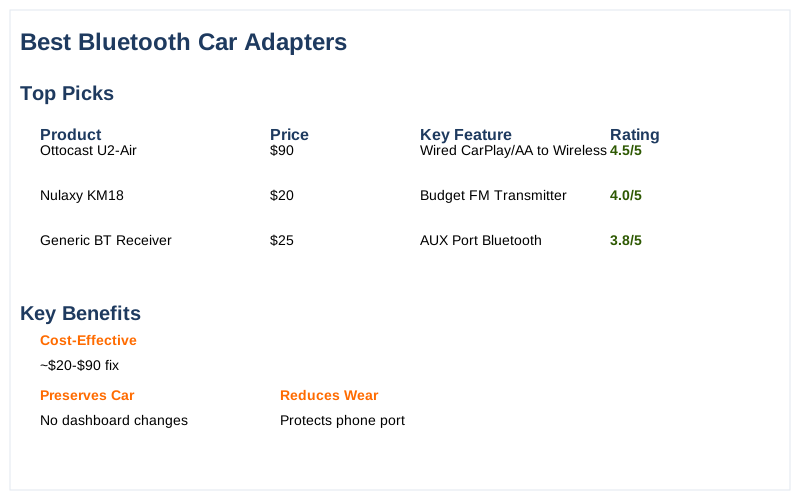
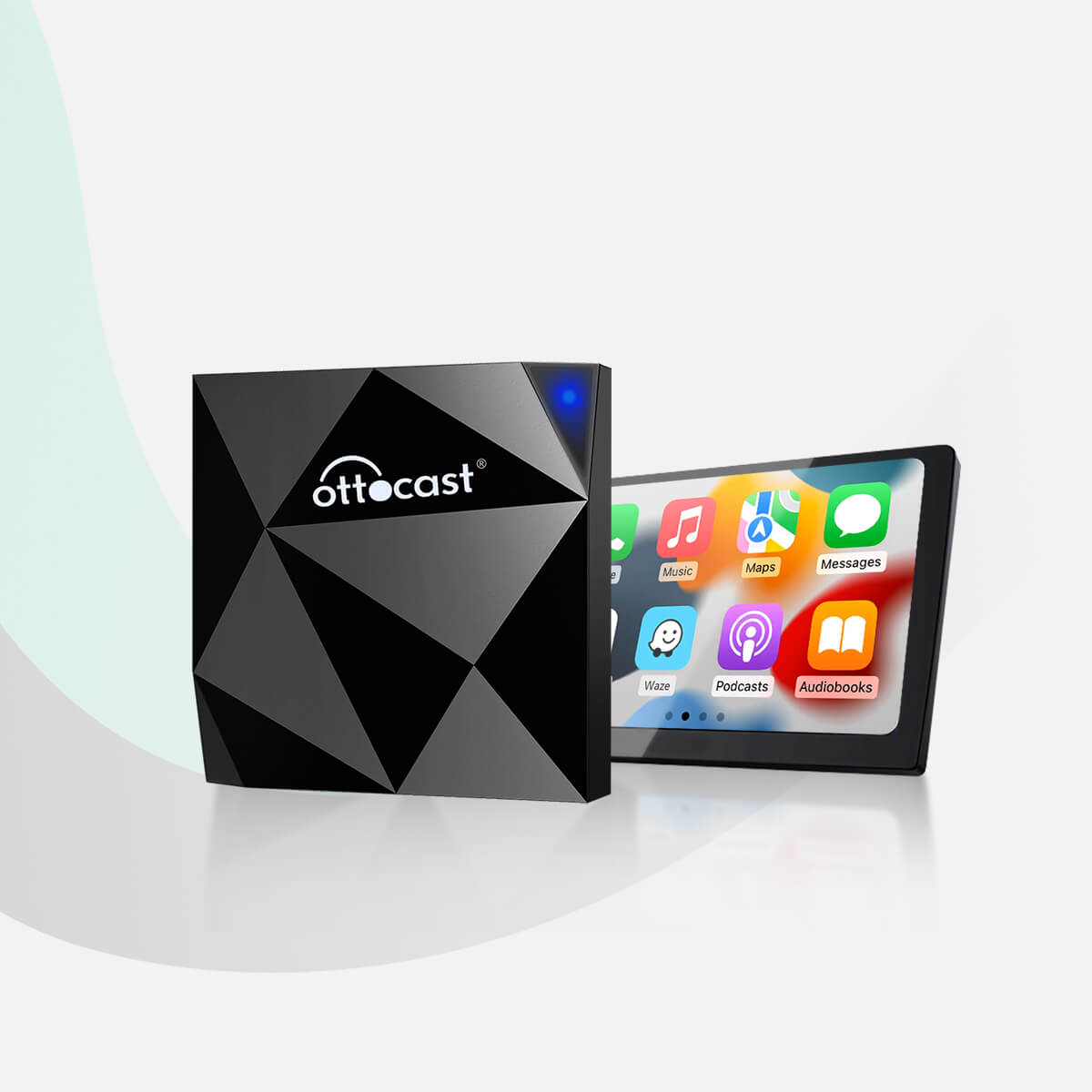
- Best for Wired CarPlay/Android Auto Conversion: The Ottocast U2-Air (~$90) is a solid choice. It converts your existing wired system to wireless, reducing mechanical stress on your phone's charging port. This means fewer thermal cycles from charging and less physical strain on the USB-C connection point.
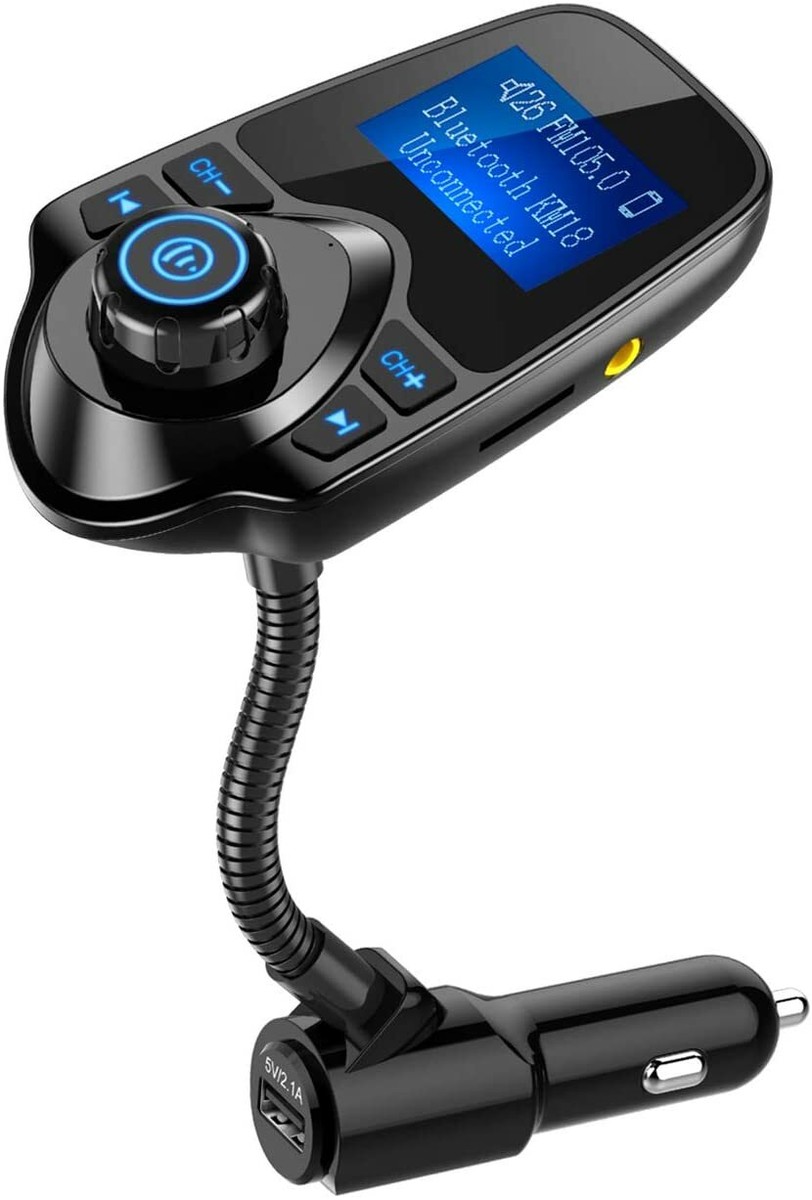
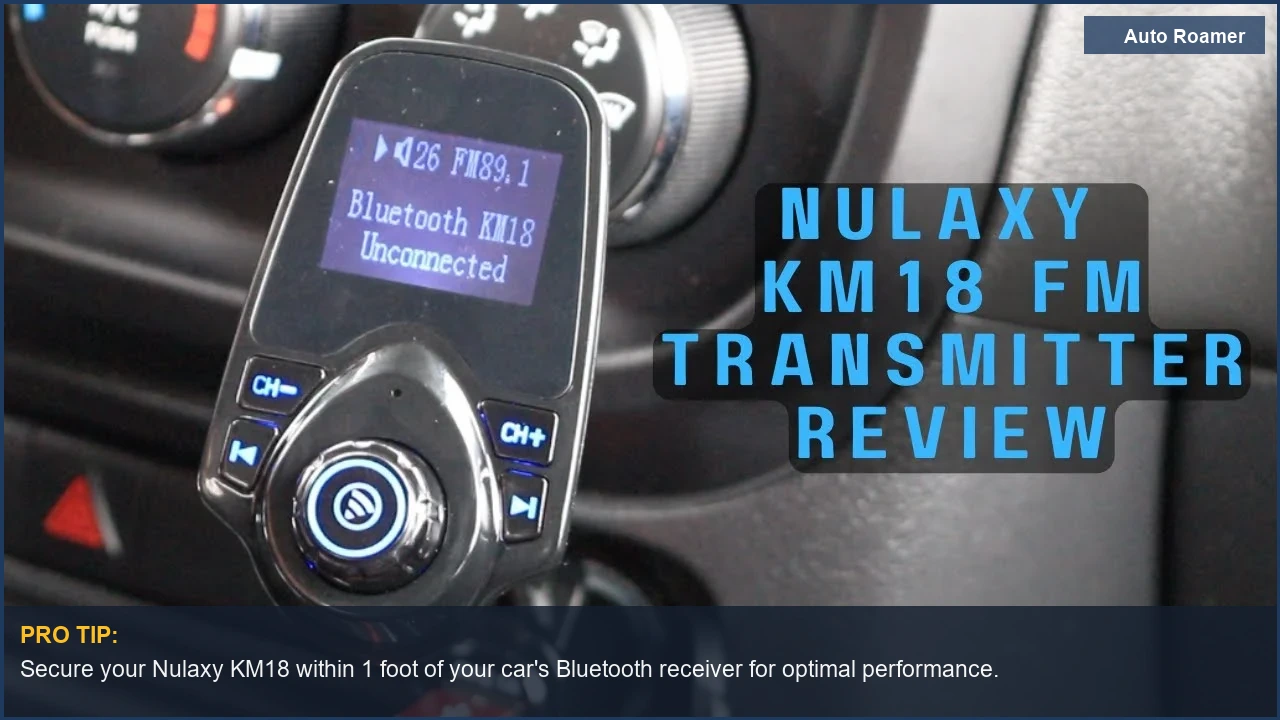
- Best Budget FM Transmitter: The Nulaxy KM18 (~$20) wins here. It uses FM modulation, which isn't ideal for audio fidelity due to signal-to-noise ratio, but it's cheap and gets the job done. For a 12V cigarette lighter power source, it's hard to beat the cost-per-fix. Automoblog lists it as a top pick.
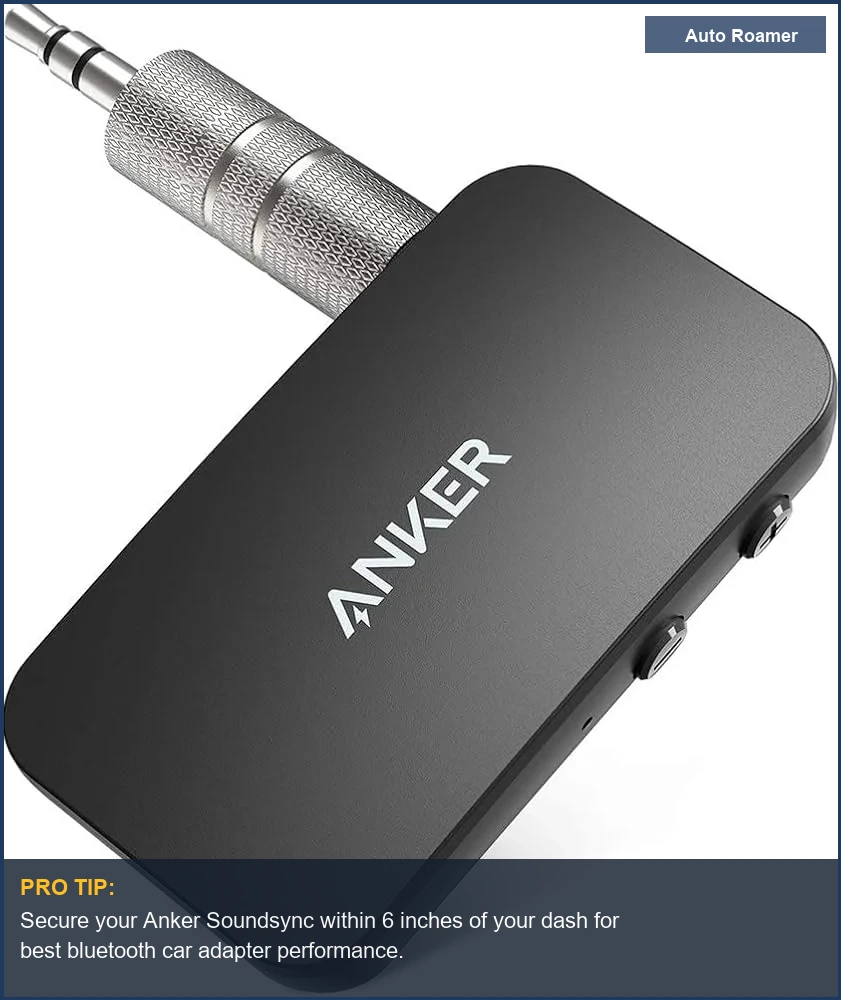
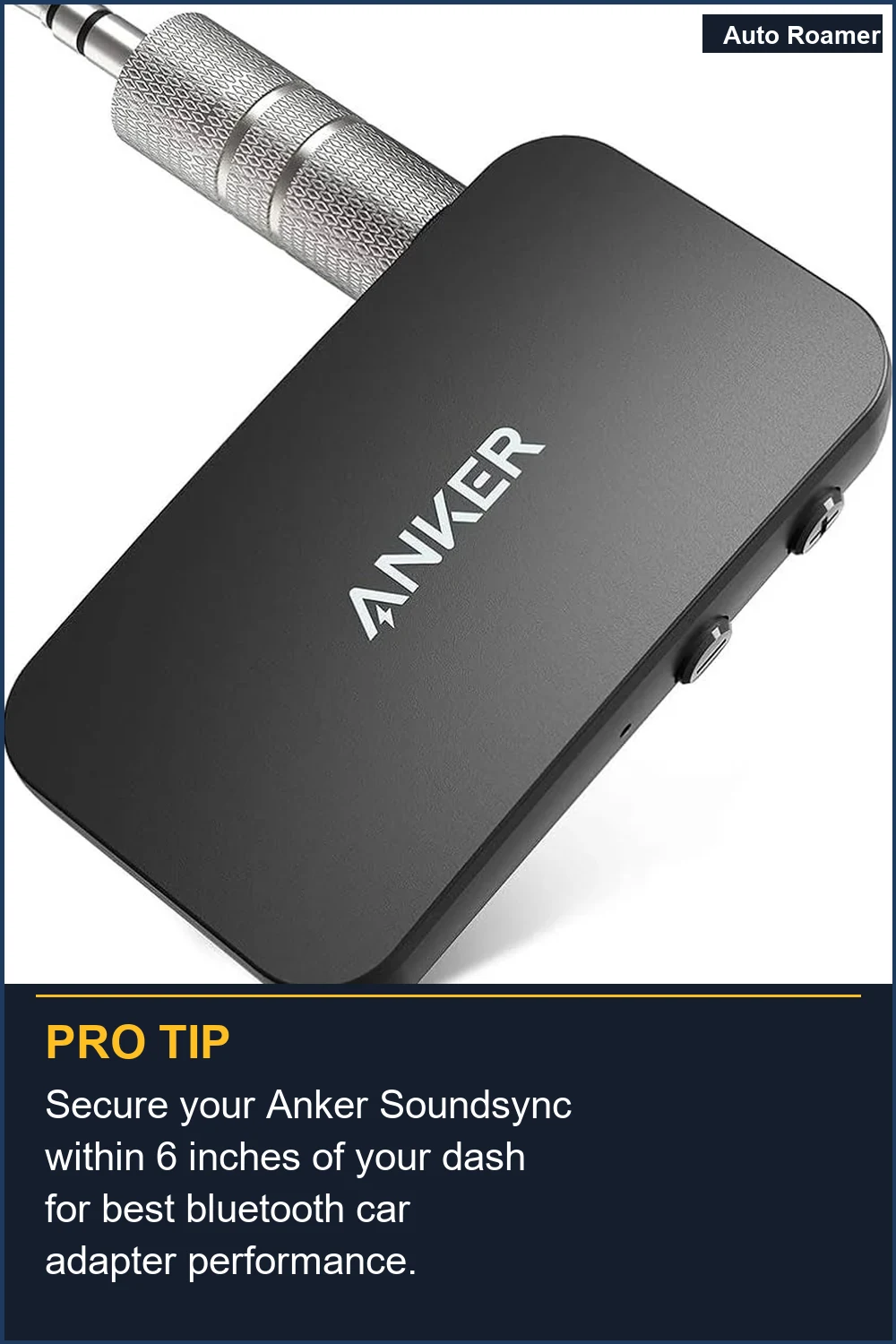
- Best for Older Cars (AUX input): The Anker Soundsync A3352 (~$30) connects directly to your 3.5mm AUX jack. This bypasses the RF interference of FM transmitters, delivering a cleaner signal. Less signal processing means less latency, which is critical for call quality.
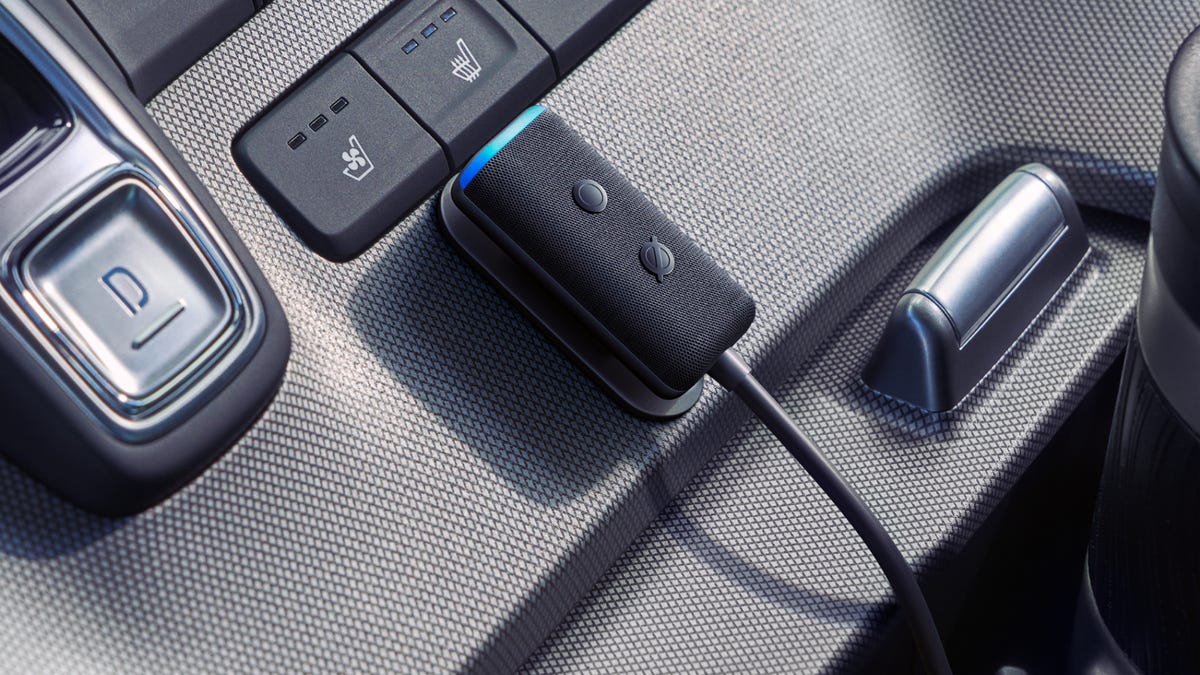
- Best for Integrated Voice Assistant: The Amazon Echo Auto 2 (~$55) brings Alexa to your car. It's more than just a Bluetooth adapter; it's a dedicated voice interface with improved microphones to cut through road noise. This reduces driver distraction, a significant safety factor.
- Best for Multi-Device Android Auto: The Motorola MA1 (~$70) features a button to switch between two paired Android devices. This is brilliant engineering for shared vehicles, eliminating the need to re-pair every time. Less fiddling with settings means less attention off the road.
- Best for Combined Functionality (CarPlay/Android Auto + FM): The SYNCWIRE Wireless CarPlay Adapter and Bluetooth 5.4 FM Transmitter (~$80) offers both wired-to-wireless conversion and an FM transmitter. This versatility means it adapts to more vehicle configurations, minimizing the number of aftermarket components needed. This YouTube review highlights its dual functionality.
What to Look For
Diagnostic Checklist for Bluetooth Adapters
Picking the right adapter means understanding your car's electrical and audio architecture, not just grabbing the cheapest thing on Amazon. You need to match the adapter to your existing failure modes, not create new ones. Sorena Car Audio offers a good primer on the various types.
| Feature | Why it Matters (Dirtbag Engineer's View) | Failure Mode / Stress Point |
|---|---|---|
| Power Source | 12V cigarette lighter vs. USB. USB is cleaner, less prone to voltage spikes, but might lack amperage for charging. 12V can have significant ripple. | Electrical noise, thermal cycling on power regulators, blown fuses from voltage transients. |
| Audio Output | AUX (3.5mm) vs. FM Transmitter. AUX is a direct line, minimal signal degradation. FM introduces RF interference, lower signal-to-noise ratio. | Signal loss, harmonic distortion, intermodulation distortion from RF interference. |
| Bluetooth Version | Bluetooth 4.x vs. 5.x. Higher version means better range, lower latency, more stable connection, and less power draw from your phone. | Packet loss, increased re-transmissions, higher RF energy consumption, connection dropout. |
| Microphone Quality | Integrated vs. external. Integrated mics are prone to cabin noise interference; external mics can be positioned for better signal-to-noise ratio. | Poor voice recognition, frustrating call experience, increased driver distraction. |
| Wireless CarPlay/Android Auto Conversion | USB-A or USB-C input. This bypasses the phone's physical USB connection for data, reducing wear cycles. | USB port wear, intermittent data connection, power delivery issues, thermal stress on phone. |
| Physical Form Factor | Small dongle vs. larger unit with display. Smaller means less leverage for vibration-induced fatigue on the port. Larger can offer more features but might sag. | Fatigue cracking on plastic housings, intermittent electrical contact due to vibration, stress on USB/12V socket. |
| Multi-device Pairing | Ability to switch between phones. Essential for shared vehicles to reduce pairing/unpairing cycles. | User frustration, increased 'eyes off road' time for re-pairing, unnecessary Bluetooth stack cycling. |
Each of these factors impacts the long-term reliability and signal integrity of the unit. Don't compromise where it matters for your specific use case. Car Audio Now emphasizes considering your existing setup.
Our Top Picks for Reliable Performance
Our Top Picks for Reliable Performance
I've seen enough cheap electronics fail from poor thermal design or flimsy connectors. These picks aim for actual circuit integrity and minimal mechanical failure points. The goal is to set it and forget it, not to constantly troubleshoot intermittent connections.
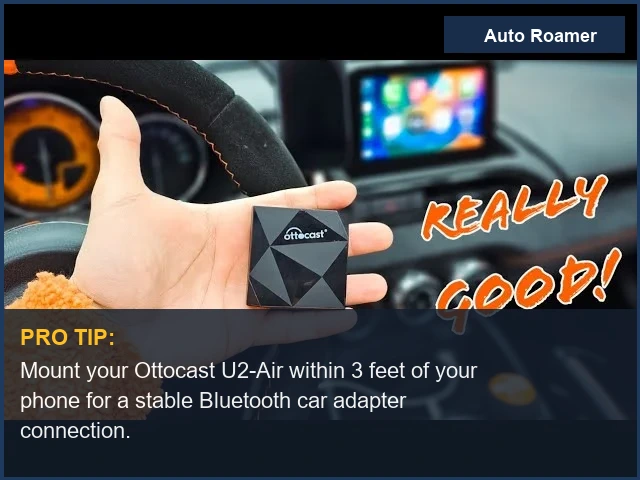
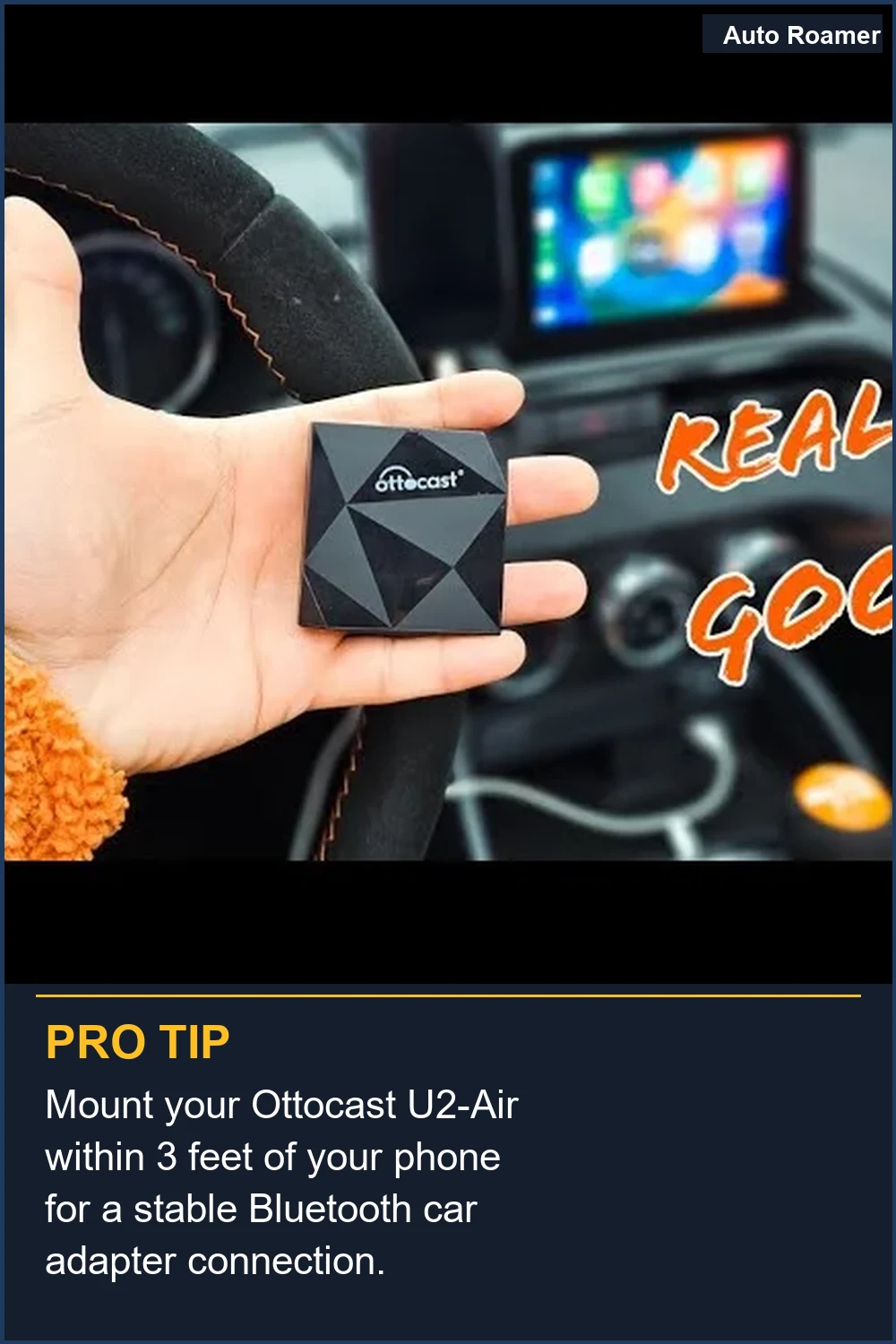
Ottocast U2-Air (~$90)
Capacity/Key Specs: Converts wired CarPlay/Android Auto to wireless via USB-A/C, 5GHz Wi-Fi, Bluetooth 5.0.
Pros: Seamless conversion, quick boot-up (7-10 seconds), reduces wear on phone's USB port.
Good thermal management.
Cons: Only works with existing CarPlay/Android Auto systems. Price is higher than basic adapters.
Best-for Use Case: Vehicles with wired CarPlay/Android Auto where you want to eliminate the cable. Reduces mechanical stress on the phone's connector, preventing early fatigue failure.
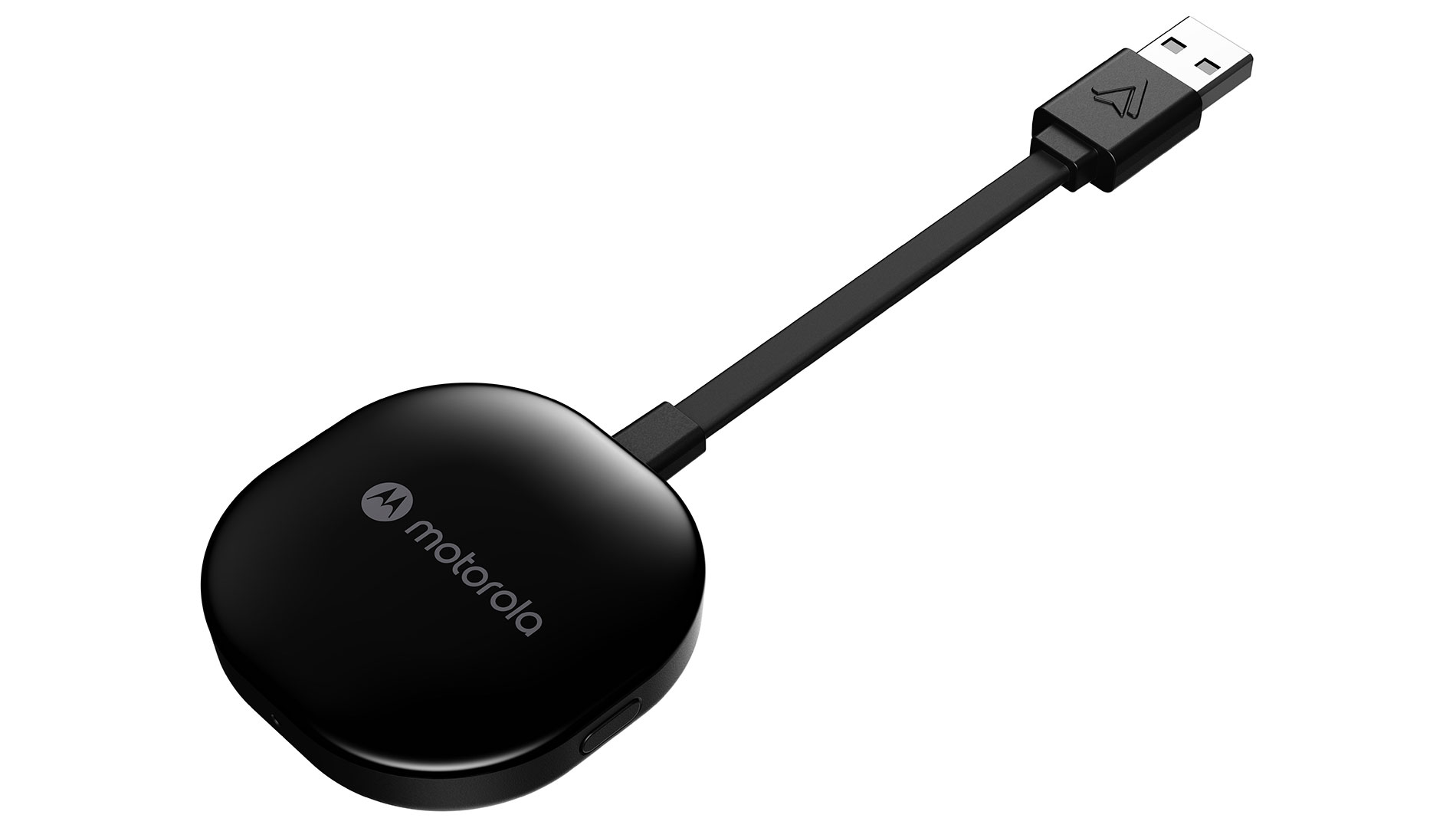
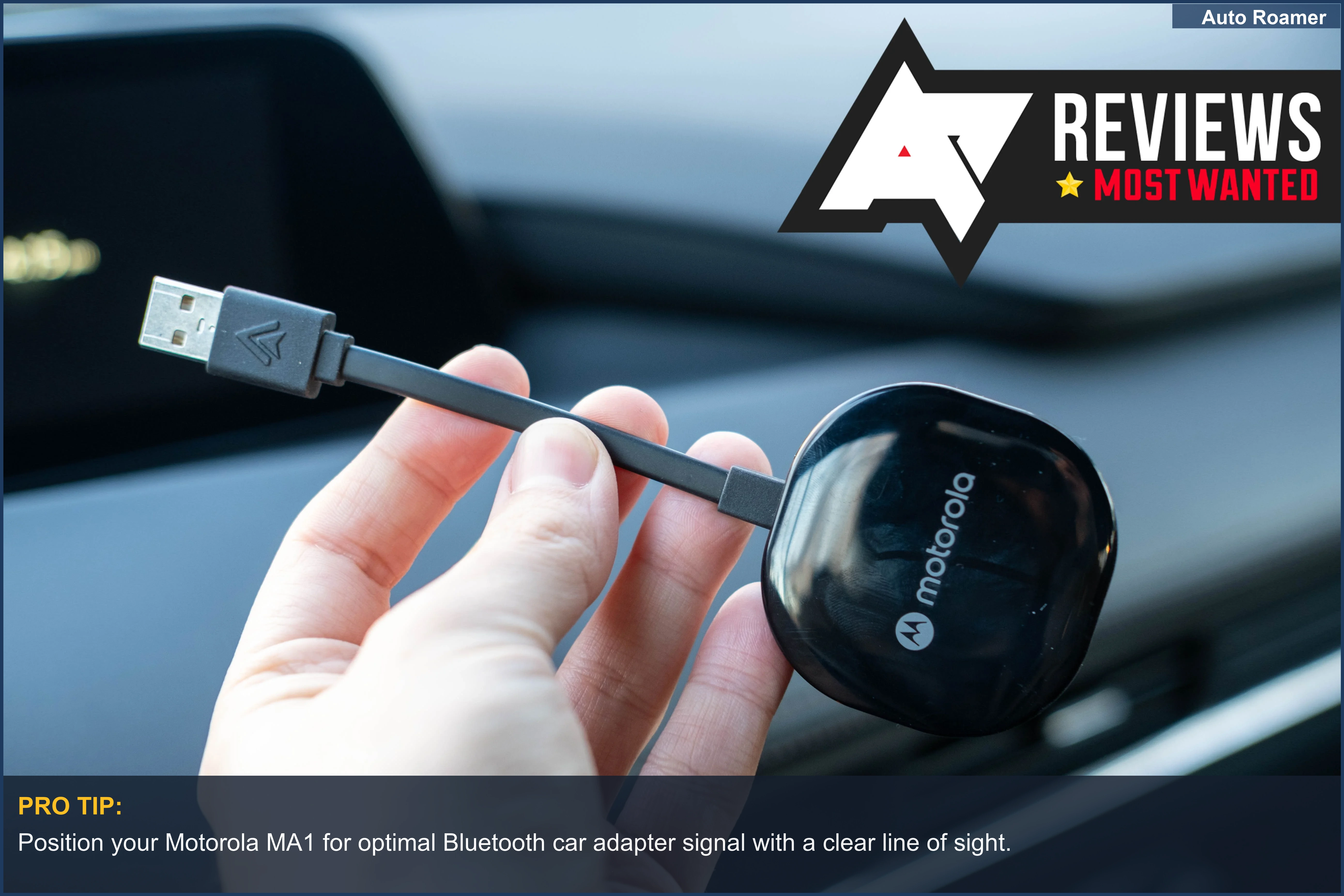
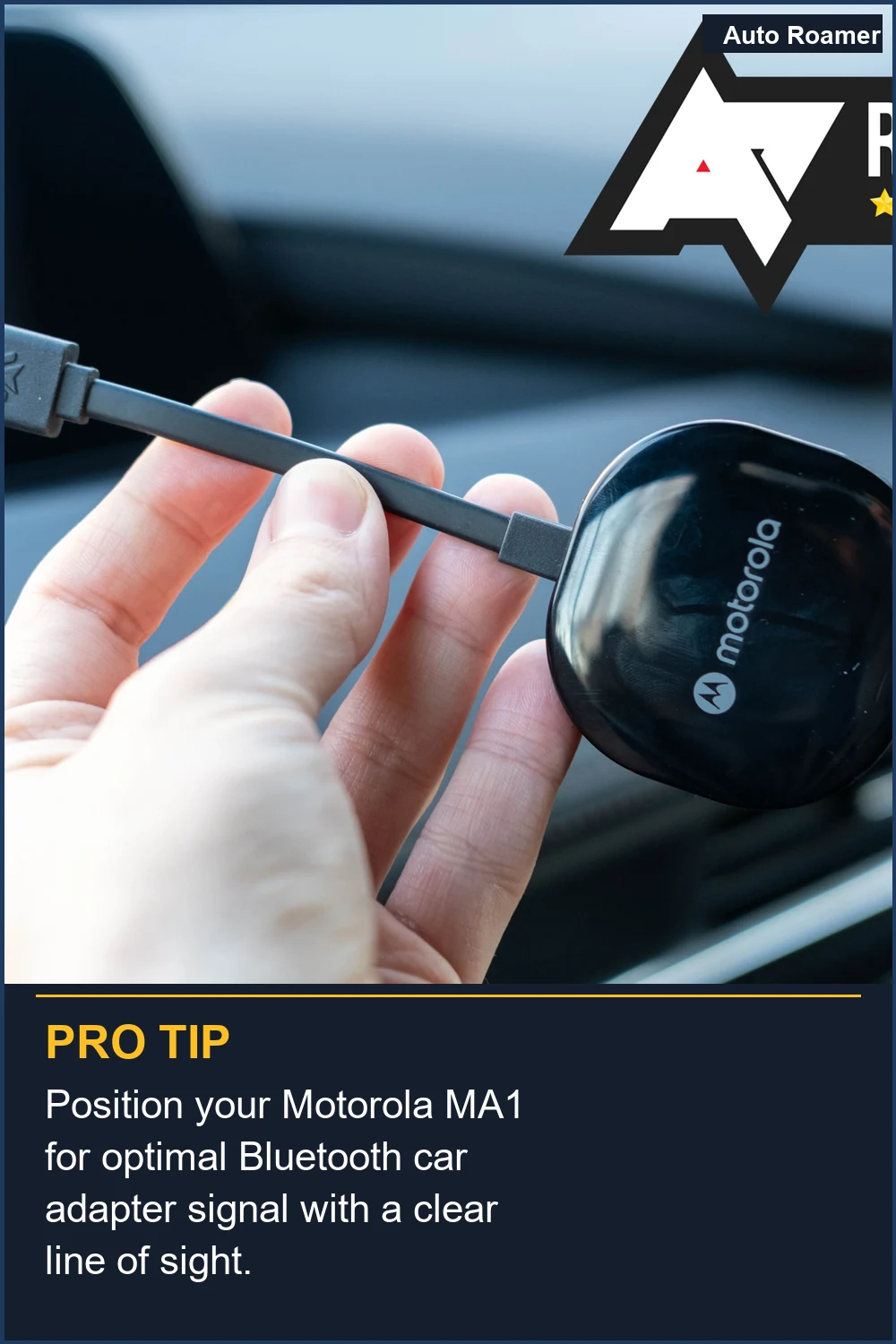
Motorola MA1 (~$70)
Capacity/Key Specs: Android Auto wireless conversion, USB-A, 5GHz Wi-Fi, Bluetooth 5.0.
Pros: Google-designed tech, compact dongle, dedicated button for switching between two paired Android devices.
PCMag notes its direct Google tech.
Cons: Android Auto only, short integrated USB-A cable might limit placement options.
Best-for Use Case: Android users in shared vehicles. The dedicated button prevents unnecessary re-pairing cycles, minimizing software stack errors.
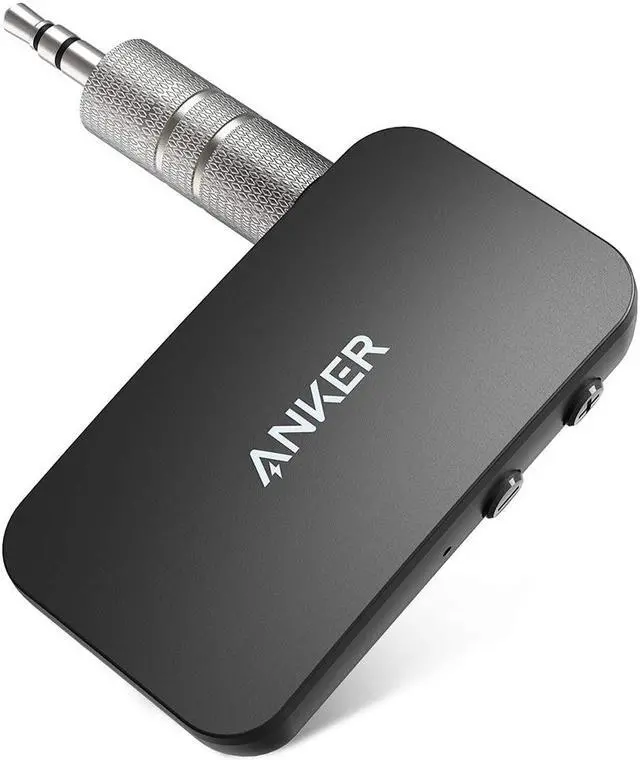
Anker Soundsync A3352 (~$30)
Capacity/Key Specs: Bluetooth 5.0, 3.5mm AUX output, USB power.
Pros: Direct AUX connection for superior audio fidelity, compact design, reliable Anker build quality. Minimal RF interference.
Cons: Requires an AUX input and a USB power source (either car's or a 12V adapter).
No integrated microphone, relies on phone.
Best-for Use Case: Older cars with a clean AUX input. Bypasses FM's signal-to-noise ratio issues, providing a stable audio stream without introducing new noise. Tom's Guide recommends it as a plug-in option.
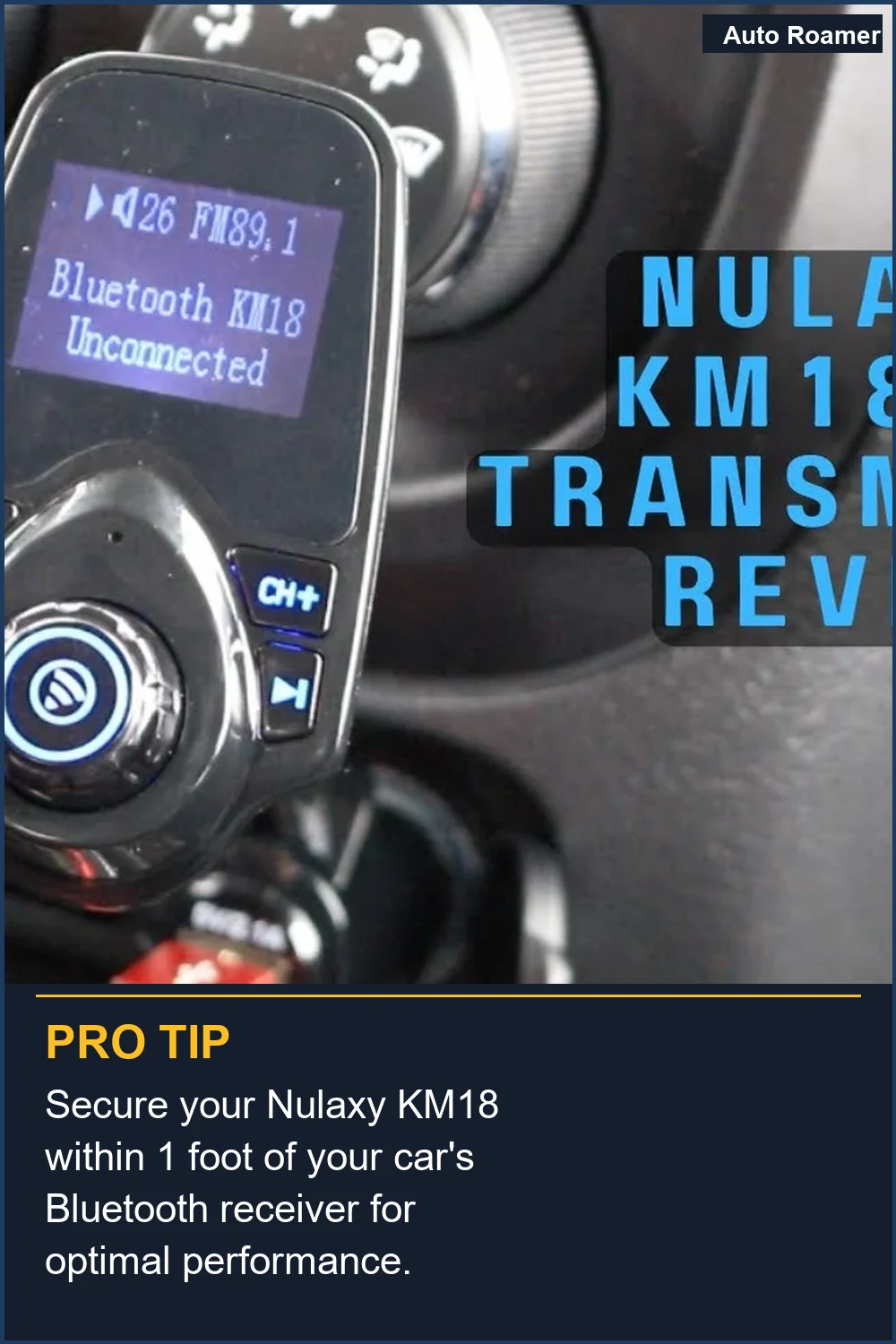
Nulaxy KM18 (~$20)
Capacity/Key Specs: Bluetooth 5.0, FM transmitter, 12V power, 2 USB charging ports (5V/2.4A).
Pros: Extremely affordable, integrated display, dual USB charging. Automoblog lists it as a strong contender.
Cons: FM transmission always introduces some signal degradation and potential static.
Power delivery on charging ports might not be perfectly clean.
Best-for Use Case: Vehicles with no AUX input and a 12V cigarette lighter. A low-cost solution where audio fidelity isn't the absolute top priority, and you need charging capability.
Amazon Echo Auto 2 (~$55)
Capacity/Key Specs: Bluetooth, 3.5mm AUX, 5 microphones, Alexa integration.
Pros: Excellent voice recognition even with road noise, direct Alexa access, compact form factor.
Tom's Guide highlights its unique Alexa integration.
Cons: Requires an Amazon account, not a pure Bluetooth adapter - more of a smart assistant device.
Best-for Use Case: Drivers who heavily use voice commands and Alexa for navigation, music, or smart home control. The multi-mic array significantly improves signal acquisition in high ambient noise environments.
Carlinkit 5.0 (~$90)
Capacity/Key Specs: Converts wired CarPlay/Android Auto to wireless, USB-A/C, 5GHz Wi-Fi, Bluetooth 5.0.
Pros: Wide vehicle compatibility, stable connection, firmware updates improve performance.
Strong community support for troubleshooting.
Cons: Similar price point to Ottocast, some users report minor latency in specific vehicle models.
Best-for Use Case: Users looking for a robust and widely compatible wired-to-wireless conversion. Its broad compatibility reduces the failure rate from specific vehicle head unit quirks. PCMag confirms its presence as a top pick.
View on Amazon — Ottocast U2-Air
View on Amazon — Anker Soundsync A3352
Head-to-Head Comparison
Head-to-Head Comparison
It's not just about features on a spec sheet; it's about how these devices hold up under the mechanical and electrical stresses of a car environment. Cheap components fail faster. Cybernews emphasizes build quality and connectivity.
| Feature | Ottocast U2-Air | Motorola MA1 | Nulaxy KM18 |
|---|---|---|---|
| Primary Function | Wired CarPlay/AA to Wireless | Wired Android Auto to Wireless | FM Transmitter + Charger |
| Connectivity Type | USB (Car), Bluetooth, 5GHz Wi-Fi | USB (Car), Bluetooth, 5GHz Wi-Fi | 12V (Car), Bluetooth, FM Radio |
| Latency (Audio/Video) | Minimal (20-50ms) | Minimal (20-50ms) | Moderate (100-200ms) |
| Power Draw (Idle) | ~150mA | ~120mA | ~50mA (plus charging load) |
| Signal-to-Noise Ratio | Excellent (Digital) | Excellent (Digital) | Fair (Analog FM) |
| Mechanical Stress on Phone Port | None (after initial setup) | None (after initial setup) | None (direct phone connection not required) |
| Thermal Dissipation | Good (designed for continuous operation) | Good (compact, but efficient) | Adequate (can get warm under charging load) |
| Failure Mode Risk | Firmware bugs, Wi-Fi interference | Android version compatibility | RF interference, poor FM signal, 12V socket play |
| Cost (~USD) | $90 | $70 | $20 |
The Ottocast and Motorola units are converting a digital signal, so their signal integrity is generally superior. The Nulaxy, relying on FM, is subject to the physical limitations of radio frequency transmission. Your car's antenna, local interference, and even the physical connection to the 12V socket can introduce noise. This YouTube comparison often shows the stark difference in signal quality.
Budget vs Premium: Where Your Money Actually Goes
Budget vs Premium: Where Your Money Actually Goes
You're not just paying for a brand name. You're paying for better components, tighter tolerances, and engineering that accounts for the harsh automotive environment. The $5 FM transmitter from the gas station? It's a ticking time bomb of electrical noise and intermittent connections. YouTube reviews often highlight the internal component differences.
| Feature | Budget (~$15-30) | Premium (~$70-100+) |
|---|---|---|
| Bluetooth Chipset | Generic, older versions (BT 4.0-4.2). Higher power draw, less stable. | Name-brand, latest versions (BT 5.0-5.3). Lower latency, better range, lower power consumption. |
| Power Regulation | Basic linear regulators. Prone to voltage spikes, inefficient, higher thermal load. | Switching regulators with surge protection. Cleaner power, less heat, better protection against vehicle electrical noise. |
| Housing Material | Thin, brittle ABS plastic. Prone to vibration-induced cracking, poor thermal dissipation. | Reinforced ABS, sometimes with metal accents. Better impact resistance, improved thermal paths for heat transfer. |
| Connectors (USB/AUX/12V) | Loose tolerances, thin plating. High contact resistance, intermittent connections, rapid wear. | Gold-plated contacts, tight tolerances, robust strain relief. Low contact resistance, stable connection, longer cycle life. |
| Microphone Quality | Omnidirectional, high noise floor. Picks up everything. | Directional, noise-canceling DSP. Filters road noise, focuses on voice. |
| Firmware Support | None. What you buy is what you get. Bugs are permanent features. | Regular updates. Bug fixes, performance improvements, compatibility enhancements. |
| Warranty/Support | Non-existent or difficult. Expect to replace it yourself. | 1-2 years, responsive customer service. They stand behind their product. |
The difference in a $20 unit versus a $90 one is often in the quality of the internal components and the engineering hours spent on thermal management and vibration resistance. A cheap unit might save you $70 upfront, but the frustration of constant disconnections and poor audio quality, plus its eventual failure, makes it a false economy. I'd rather pay for something that works consistently and doesn't introduce new electrical problems into my car's system.
The Bottom Line
The Bottom Line
- Prioritize Connection Stability: For the least amount of mechanical stress and best signal integrity, a direct AUX connection or a wired-to-wireless CarPlay/Android Auto adapter is always superior to an FM transmitter. RF interference and signal degradation are inherent to FM modulation. Tom's Guide highlights the simplicity of AUX.
- Match Your Car's Inputs: Don't force a square peg into a round hole. If you have AUX, use it. If you have wired CarPlay, get a converter. Only resort to FM if you literally have no other option for audio input.
- Consider Thermal and Electrical Stress: Cheaper units often skimp on power regulation and heat dissipation. A unit that gets excessively hot or introduces electrical noise can degrade other vehicle electronics over time, leading to more expensive fixes down the line.
- Don't Overspend on Unnecessary Features: If you don't need Alexa, don't buy an Echo Auto. If you only have an Android phone, don't pay for dual CarPlay/Android Auto compatibility unless it's negligibly more expensive. Focus on your core requirement.
- Check for Parasitic Draw: Any device plugged into your 12V or USB port, even when the car is off, can draw power. A constant 50mA draw will drain a 60Ah battery in 50 days. If your adapter stays on, ensure its idle current is minimal, or unplug it. Otherwise, you'll be calling AAA on a cold morning.
Frequently Asked Questions
My FM transmitter is full of static. Should I just buy a new head unit? What's the real cost difference?
Do I really need to check the power draw of these small adapters with a multimeter?
What if I get a CarPlay wireless adapter and it still disconnects randomly?
Can a cheap Bluetooth adapter permanently damage my car's electrical system?
Someone told me that Bluetooth 5.0 is worse for audio quality than an AUX cable. Is that true?
🏅 Looking for Gear Recommendations?
Check out our tested gear guides for products that work with this setup:
Sources
- 8 Best Wireless CarPlay Adapters in 2026: My Expert Picks
- Best Universal Car Bluetooth Adapters (Tested) - 2026 Buyer's Guide
- The Ultimate Guide to Bluetooth Car Adapters
- Best Wireless CarPlay Adapters in 2026: Top Picks for Every Car
- TOP 5 Best Bluetooth Car Adapters 2026 - YouTube
- The Best Wireless Adapters for CarPlay and Android Auto for 2026
- watch?v=FN5_SqMLZ5o
- Best Bluetooth FM Transmitters
- Best Bluetooth car adapters in 2025 - Tom's Guide