The Pitch: A Camera That Is Really an App — and a “Free” Cloud
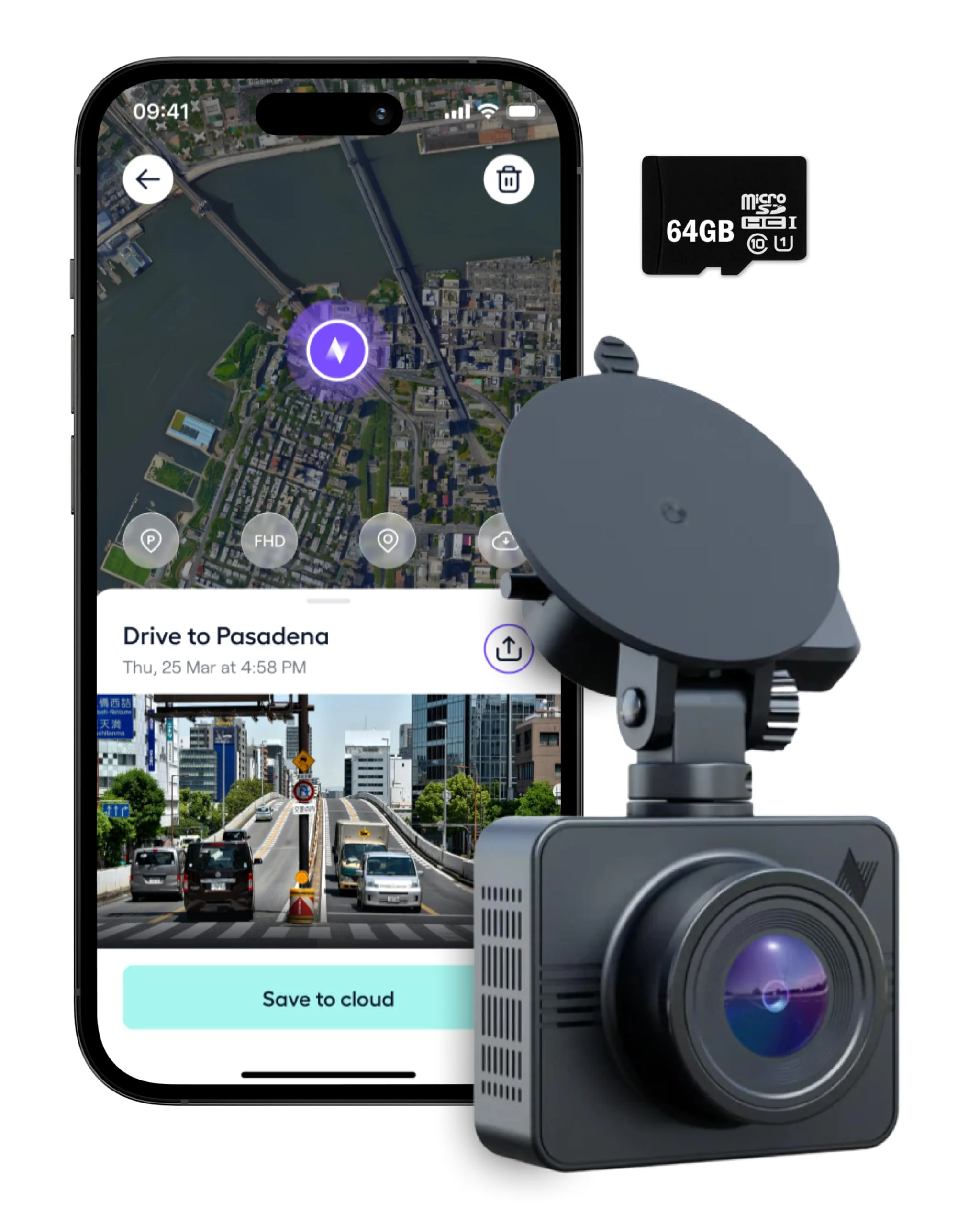
Nexar's marketing leads with the word “free.” Free unlimited cloud backup, automatic incident reports, a dash cam you stick to the glass in about a minute and then forget exists. The camera itself — a modest 1080p sensor in the original Beam — reads like a footnote in the brochure. The brochure is an opening offer; let's check it against the spec sheet.
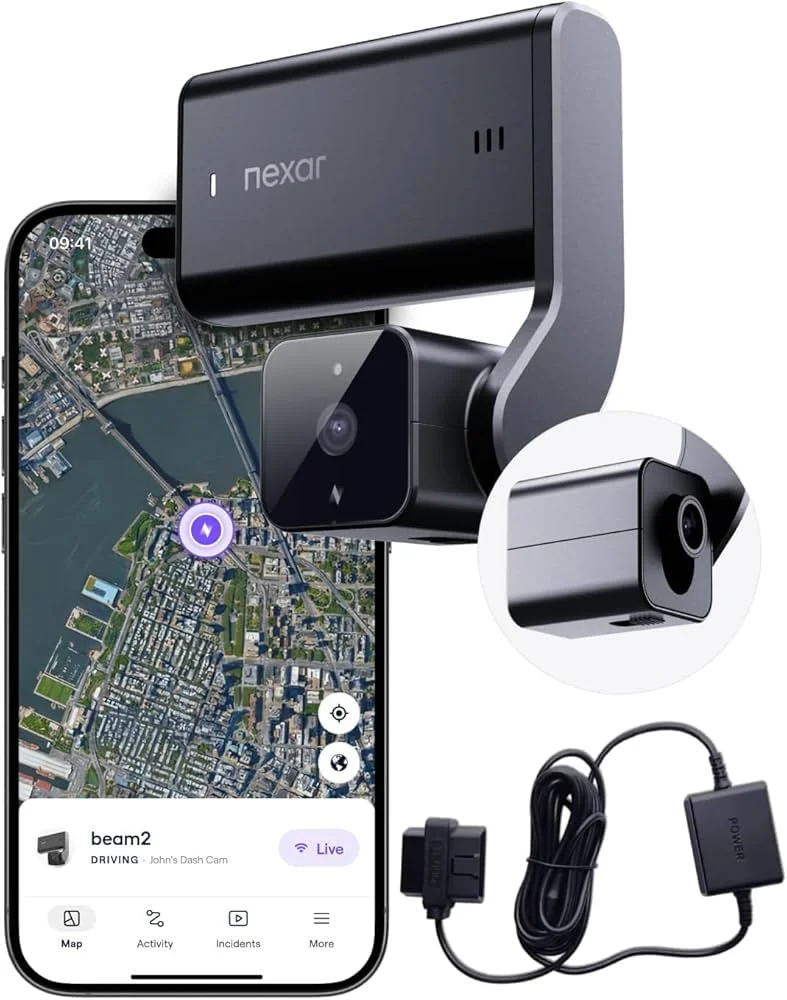
That ordering is accidentally honest. The Beam line is an app with a lens attached, and that's not an insult — it's the entire buying decision. The newer Nexar Beam2 (around $240 with 64GB and an OBD power kit) upgrades the sensor to 2.5K and builds in LTE, but the product is still the evidence trail, not the optics.
So the right question isn't “how sharp is the footage?” It's “who handles the worst day of my driving year with less friction — Nexar's app, or a conventional front-and-rear setup with better glass and a memory card you own?”
This review takes the claims apart one at a time: what the free cloud actually uploads (narrower than it sounds), what the one-minute setup and insurance reports genuinely get right, where the resolution ceiling and phone dependency bite, and what the Beam2's subscription really costs over three years.
One disclosure up front: no review unit crossed my desk for this one. It's the spec sheets, the published reviews — PCWorld, Tom's Guide, TechRadar — and the owner consensus, read with a parts-counter skeptic's eye and cross-checked against what rival cameras give you for the same money.
Short version: the Beam is the right tool for a specific buyer — and the wrong tool sold convincingly to everyone else. The rest of this review figures out which one you are.
Three Cameras, One Idea: The Beam Lineup Decoded
The lineup looks crowded until you notice every model is the same bet wearing different hardware: minimal camera, no screen, no buttons. The phone is the interface, the cloud is the storage story, and the spec sheet is deliberately modest.
The original Nexar Beam GPS is the entry point: 1080p Full HD, a 135-degree field of view, built-in GPS, and a 32GB microSD card in the box that holds roughly four hours of loop recording. The storage tiers price out like this at list:
- 32GB — $119.95, the card-in-the-box configuration
- 64GB — $148.95
- 128GB — $174.95
- 256GB — $209.95, if you want a longer local buffer
The Beam2 is the current flagship: a 2.5K QHD Sony Starvis front sensor, an optional 720p cabin camera aimed at rideshare drivers, and a built-in multi-carrier LTE SIM that lets the camera talk to the cloud without your phone in the car. Storage is internal only — 64GB to 256GB, no card slot.
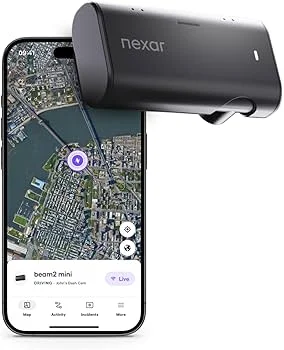
There's also a Beam2 Mini, a smaller Full HD unit for tighter budgets. TechRadar's verdict on it — “a mixed bag” — is about right for the category it competes in, and it inherits the same app-first logic as its siblings.
Every Beam2 SKU ships with a $25 OBD power kit for parking coverage, and the Amazon listings vary — front-only, front-and-cabin, and subscription-included versions all live under different product pages, so check which configuration you're actually pricing.
If you're skimming, here's the map: the original Beam is the cheapest credible evidence cam, the Beam2 is the connected flagship this review mostly argues about, and the Mini is the budget compromise that gives up the most for the least savings.
Notice what's missing across the whole range: a 4K option. Nexar is betting you care more about what happens to your footage than how many pixels it carries. Keep that bet in mind — it's the thread that runs through everything below.
“Free Unlimited Cloud” — What Actually Gets Uploaded
Start with the headline claim, because it's the one doing the selling. “Unlimited cloud storage, free” sounds like Nexar mirrors everything your camera records to a server. It doesn't, and the distinction decides whether this camera fits your life.
Here's the actual mechanism. The camera records continuously to local storage, same as any dash cam. When the g-sensor flags an incident — hard braking, an impact — the relevant clip gets marked and uploaded to Nexar's cloud along with drive data. The “unlimited” applies to those flagged clips and ride summaries, not to a full mirror of your card.
On the original Beam, that upload rides your phone. The camera pairs to the Nexar app over Wi-Fi and Bluetooth, and clips travel through your phone's data connection. Phone not in the car? App force-closed? Then nothing reaches the cloud until the pairing comes back.
The Beam2 changes the plumbing. Its built-in multi-carrier LTE SIM talks to the cloud directly, no phone required — which is exactly the convenience you'd expect to come with a recurring charge, and it does. The always-connected features sit behind a subscription once the bundled period runs out. More on that math below.
“Free unlimited cloud” translates to: free, unlimited backup of the moments the camera decides matter, relayed through whatever connection is available. As an evidence service, that's genuinely excellent. As a DVR replacement, it isn't even trying to be one.
One practical consequence worth spelling out: if a thief takes the camera, the flagged clips that already synced are safe in the cloud — a real advantage over card-only cams, where the evidence drives away with the hardware.
Is the narrower promise still worth having? Honestly, yes — for claims and disputes, the clip that matters is precisely the one the g-sensor flags. You just shouldn't buy it believing every mile you drive lives in a data center somewhere. It doesn't.
Setup and the Insurance Report: The Part Nexar Gets Right
Credit where it's earned, because the next sections get rougher. The one-minute setup claim mostly survives contact with reviewers — the whole install is three steps:
- Stick the mount to the glass.
- Plug into power.
- Pair the app — done.
No menus on the camera, because there's no screen to put them on.
The Beam2 sweetens the install with that bundled OBD power kit — it draws from the diagnostic port instead of a lighter socket, which keeps the camera powered for parking coverage without a hardwire job or an installer's labor bill.
Then there's the feature that justifies the whole app-first design: the incident report. After a collision, the app packages the flagged clip with a timestamped GPS track and speed data into a report you can hand straight to an insurer or the other driver's adjuster.
Reviewer consensus lands hard in Nexar's favor here. PCWorld's original Beam review led with the cloud-backed affordability, The Gadgeteer called it the device that “can eliminate big headaches,” and the one-tap evidence trail is the most consistently praised feature across the line's coverage.
One practical note from the install side: the Beam mounts with an adhesive pad, so seat it on clean glass and give it a day before trusting it. The camera's small footprint helps here — tucked behind the rearview mirror, it draws less attention than a screened unit, both from drivers who'd fiddle with it and from anyone peering through the glass in a parking lot.
It's also the feature that matters most for the least technical drivers in your household. A camera in a teen driver's car only earns its keep if the footage is retrievable without anyone fiddling with microSD cards at the kitchen table. That's the Beam's honest sweet spot.
A claims clerk that never forgets to file — that's the product. The brochure undersells it by leading with megapixels it doesn't have.
Living With the App: Day to Day, Tier by Tier
A camera with no screen makes the app the entire user experience, so it deserves its own section. The app handles pairing, settings, footage review, and every cloud feature — there is no fallback interface if it misbehaves. Nexar calls the original's companion “Nexar Classic” and the Beam2's “Nexar Connect” — same idea, different tiers.
Day to day, the app logs your drives and surfaces flagged clips with their GPS context. Find My Car drops a pin where you parked. On the Beam2, the paid tier adds remote live streaming — open the app anywhere and see what the camera sees — plus real-time parking notifications.
The free Basic tier is more capable than cynics expect. What stays free:
- Wi-Fi access to the camera
- Automatic incident detection
- The core clip backup
What you rent with the LTE plan is reach — the camera talking to you when you and your phone are nowhere near it.
The platform split is the asterisk on all of it. iOS coverage reads smooth; PCWorld's Android experience included pairing drops and failed downloads serious enough to anchor the review's verdict. Nexar ships app updates constantly, so this may improve — but buy against the published record, not the roadmap.
One more habit to budget for on the original Beam: clip transfers happen in the app, over the camera's Wi-Fi, and reviewers describe the workflow as clunky when you're moving more than a flagged clip or two. Five minutes in a parking lot, not five seconds at a desk.
None of this is disqualifying for the target buyer. It's just the deal in plain terms: you traded the screen, the buttons, and the card slot for a phone app. Make sure you like the app.
Video Quality: A 1080p Ceiling in a 2.5K Body in a 4K World
Now the part the marketing whispers. The original Beam records 1080p through a 135-degree lens — fine for documenting that a collision happened and who crossed the line, less fine for reading a plate across three lanes at dusk. The sensor was competitive when this camera launched; the market kept walking.
Daylight footage at 1080p does the job at close range. Night is where the ceiling shows: headlight bloom, motion blur, and compression eat exactly the detail a contested claim needs. That's physics common to every 1080p cam, not a Nexar-specific sin — but rivals have moved on.
The Beam2's 2.5K front sensor is a real step. PCWorld's testing found footage notably sharp in daylight and low light, with headlight glare handled reasonably — and still noted that license-plate legibility at night remains limited. The optional cabin camera records 720p, which is enough for documenting a passenger dispute and not much else.
How a sensor handles darkness is worth understanding before you buy any cam — the night-vision hardware differences between budget and premium units are bigger than the spec sheets suggest.
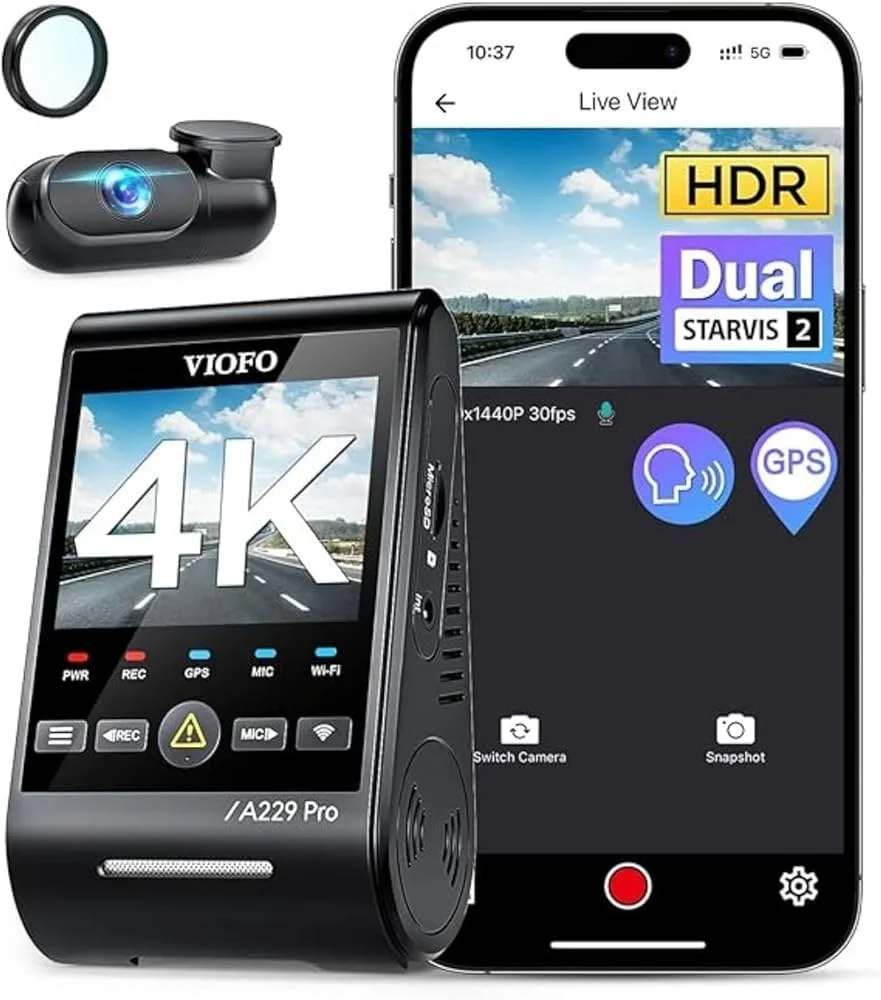
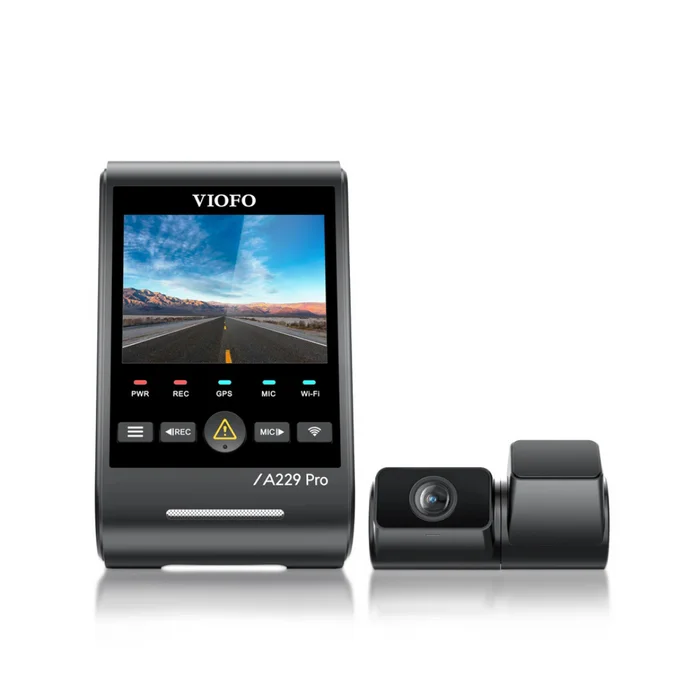
Here's the uncomfortable comparison. The VIOFO A229 Pro sells for similar money to a Beam2 and records 4K HDR up front with a Sony STARVIS 2 sensor, plus 2K out the back. The numbers don't lie: if footage quality is what you're optimizing, the same dollars buy roughly twice the resolution and a second camera.
Nexar's counter is that resolution isn't the product — the evidence pipeline is. That's a coherent position, and if a plate matters at 2 a.m., no app feature substitutes for sensor size and HDR; the capture happens once, at the glass. Make sure you're agreeing to Nexar's trade deliberately, not because the brochure changed the subject.
Parking Mode, LTE Alerts, and the Fine Print Around Both
The Beam2's party trick is Live Parking Mode: the camera wakes on impact or motion while you're parked, records the event, and pings your phone in real time — from anywhere, because the LTE radio doesn't care where you are. For street parkers, that's a genuinely useful capability.
Now the fine print. That trick needs two things: continuous power, which the bundled OBD kit supplies, and the LTE Protection plan once your included period ends. The two tiers split like this:
| Plan | Price | What you get |
|---|---|---|
| Basic | Free | Wi-Fi access, incident detection, clip backup |
| LTE Protection | $9.99/month or $95.88/year | Live remote streaming, real-time parking alerts |
The live, remote features are what you're renting; the free tier keeps the rest.
Configuration matters too. The front-and-cabin Beam2 with 128GB lands around $300, which is the class of unit PCWorld tested for rideshare duty, and a rear window camera is a separate add-on. Nexar publishes an operating range of 14°F to 158°F, so summer heat soak is within spec — though cold-climate drivers should note that 14°F floor.
The original Beam advertises 24/7 parking coverage as well, but read it as app-and-power-assisted rather than autonomous: it needs constant power and your phone's cooperation to tell you anything. The Beam2 is the one that actually delivers the watch-my-car-from-anywhere promise — at subscription prices.
And check which Beam2 listing you're buying: some SKUs bundle a full year of Nexar Connect, others a 30-day trial — same camera, materially different first-year cost.
Run the value test honestly. If your car sleeps in a garage, you're paying $95.88 a year for alerts about a parking spot nothing happens in. If it sleeps on a city street, the same $95.88 might be the cheapest peace of mind on this page.
What Reviewers Keep Praising — and What They Keep Flagging
Read enough coverage of the Beam line and the same two columns fill up fast. No single review settles it; the pattern across them does. And a camera this dependent on software lives or dies by its app, so app complaints carry more weight here than they would for a conventional unit.
The praise column: build and design (the look, feel, and functionality won PCWorld over), the friction-free evidence trail, and on the Beam2, LTE-powered automatic uploads with emergency alerts that work without you thinking about them. A free cloud tier on a $120 camera remains genuinely unusual.
The flag column is just as consistent. PCWorld's Beam2 reviewer hit persistent Android app trouble — connection failures and repeated video-download errors, summarized as “an ongoing exercise in frustration” — and gave the camera a tentative thumbs-up for iPhone users specifically, advising Android owners to test thoroughly inside the return window.
Storage design draws fire too. The Beam2 has no microSD slot and no USB mass-storage mode: footage leaves the camera through the app and cloud, or it doesn't leave. The camera also doesn't detach from its mount, which reviewers flag for high-theft neighborhoods.
The original Beam's coverage tells the same story in miniature. PCWorld titled its review “Affordable, with unlimited cloud uploads”; T3 and Digital Camera World liked the value and dinged the clunky camera-to-cloud workflow that has you babysitting transfers in the app.
Owner threads echo the split: people who wanted an automatic insurance witness tend to keep it; people who wanted a footage machine tend to return it. Marketing says effortless; reviews say effortless-if-your-phone-cooperates. If your decision hangs on the app, spend ten minutes in both app stores' recent reviews before you order — that's live telemetry the spec sheet can't give you.
Run the Math: Three Years of Ownership, Priced Honestly
Subscriptions hide in annual increments — the brochure prices the hardware, the app prices the habit. So put the Beam against its obvious rival over a three-year window and see what you're actually paying for.
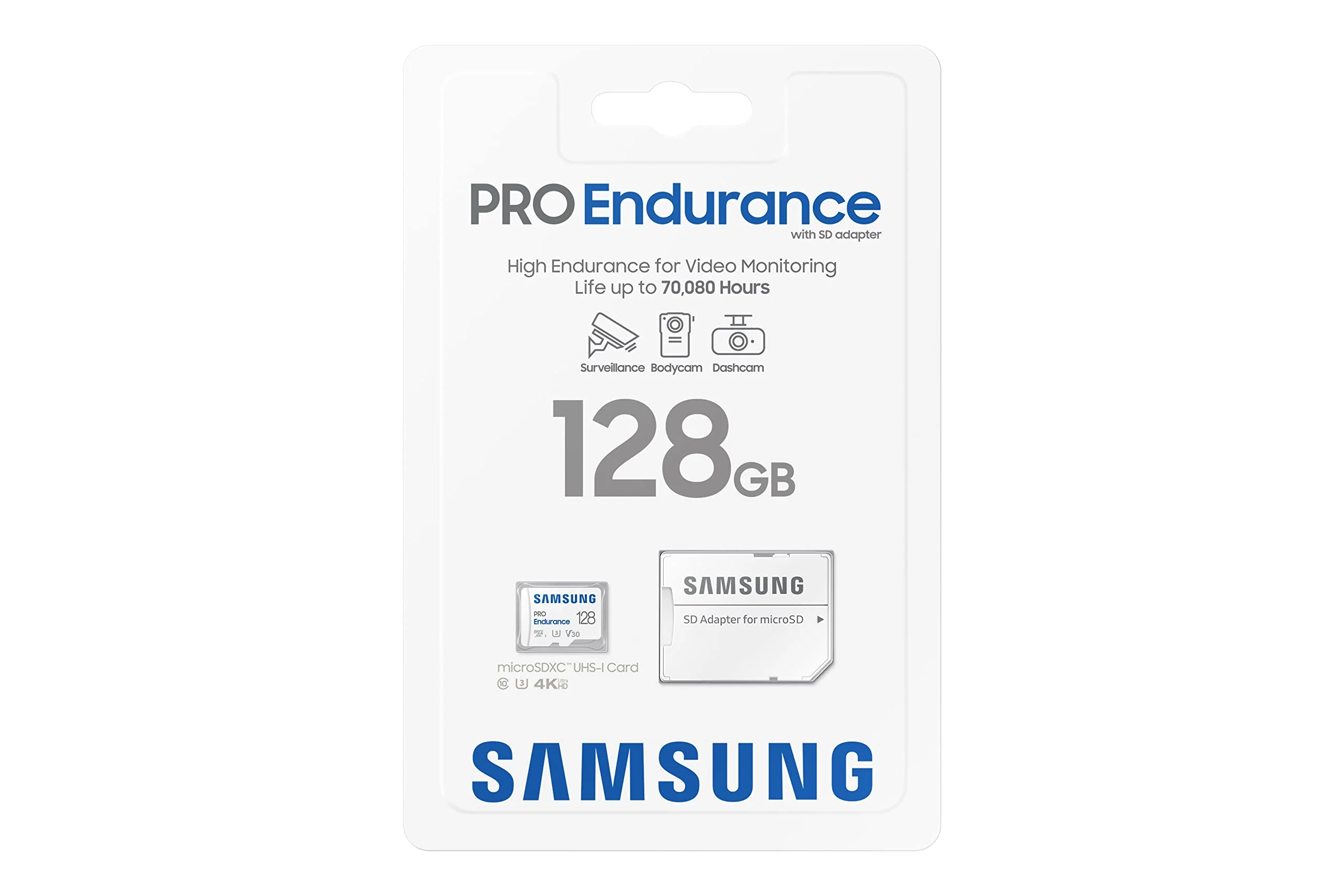
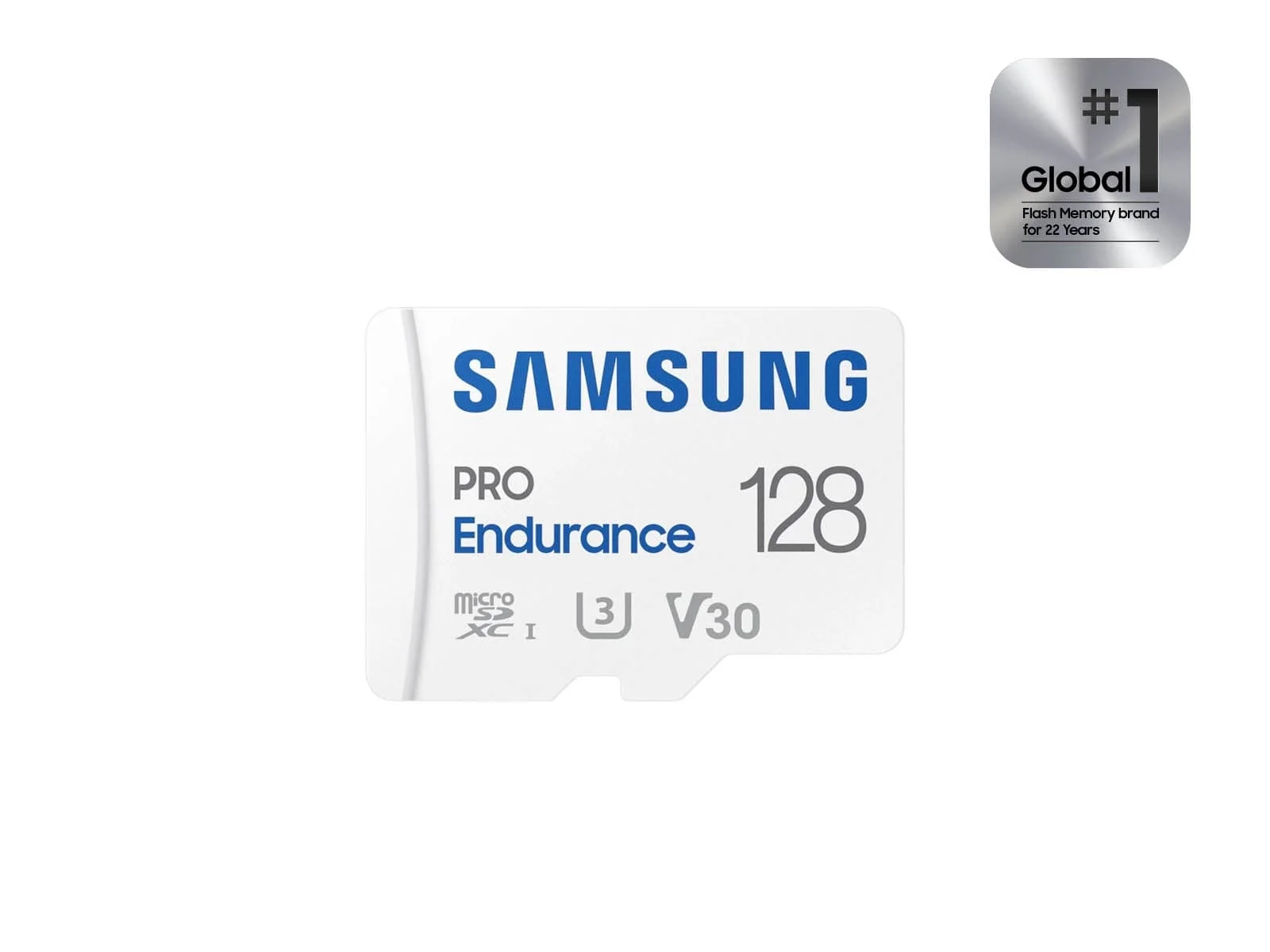
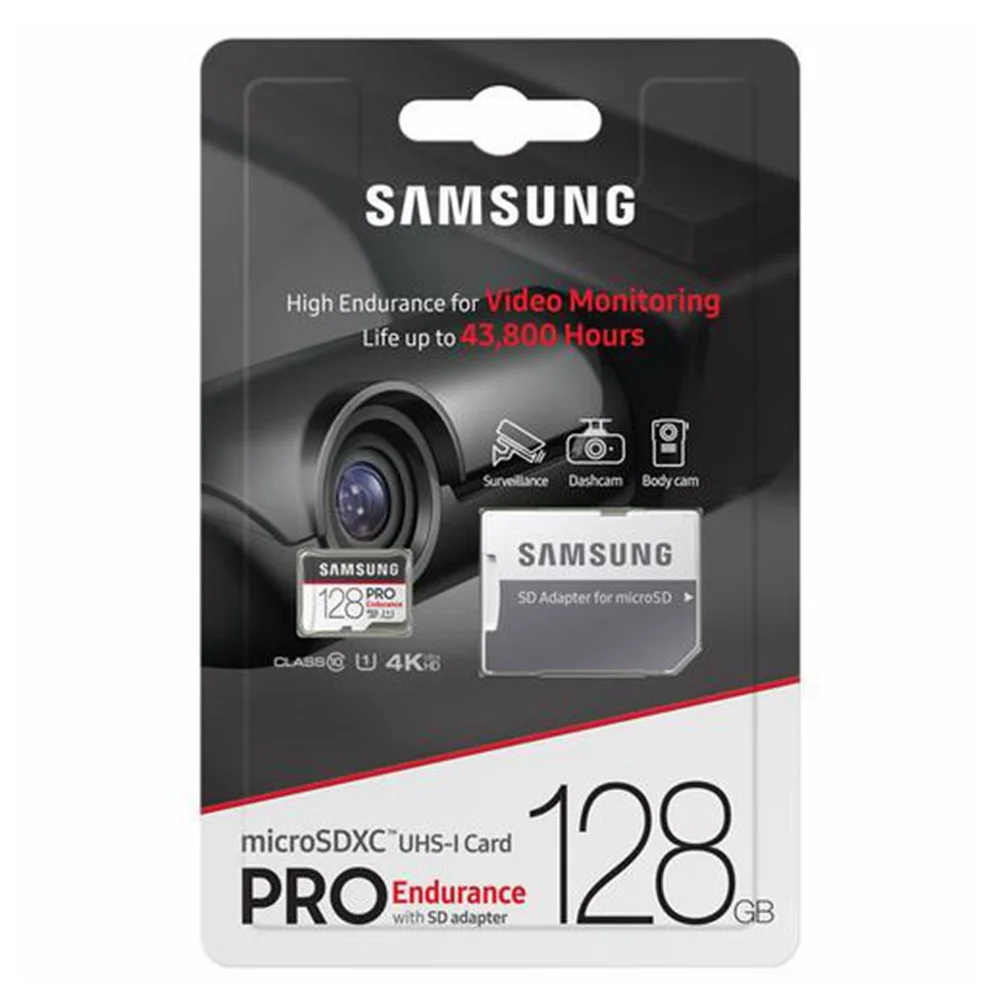
The original Beam GPS at $119.95 is the clean case: no subscription, free incident cloud, done. If you outgrow the 32GB card, a high-endurance microSD like the Samsung PRO Endurance costs about twenty dollars and extends the loop without touching the cloud promise. Three-year cost: roughly $140. (Prices move around week to week; treat these as the going rate, not gospel.)
The Beam2 at $239.95 looks like a $240 camera but behaves like a $430 one. After the bundled period, the LTE plan adds $95.88 a year — and the LTE features are the reason to buy a Beam2, so skipping the plan means paying the hardware premium for tricks you turned off. That's the brochure's quietest sentence.
The VIOFO comparison: an A229 Pro runs about $260 once, plus a memory card — see the endurance-card guide for which ones survive dash-cam duty — and carries no recurring fee. Call it $280 for three years of 4K front and 2K rear.
So the three-year scoreboard, cheapest to priciest:
- Original Beam GPS — roughly $140, camera plus an optional bigger card, no subscription
- VIOFO A229 Pro — about $280, 4K front and 2K rear, no recurring fee
- Beam2 with the LTE plan — roughly $430, hardware plus $95.88 a year
The real delta isn't $240 versus $260 — it's that $430 versus $280, and what the extra $150 buys is the SIM card's convenience: live alerts, remote streaming, zero card management.
Does that actually matter? For a rideshare driver or a street parker, plausibly yes — fifty dollars a year for a remote witness is cheap. For a garage-parked commuter, you're renting a feature your driveway already provides.
Footnote for the original Beam: its free cloud has no subscription lurking at all, which is why the $119.95 camera is the easiest recommendation in this review. Nexar monetizes the LTE radio, not the storage.
Nexar Beam vs. VIOFO: Same Money, Different Religion
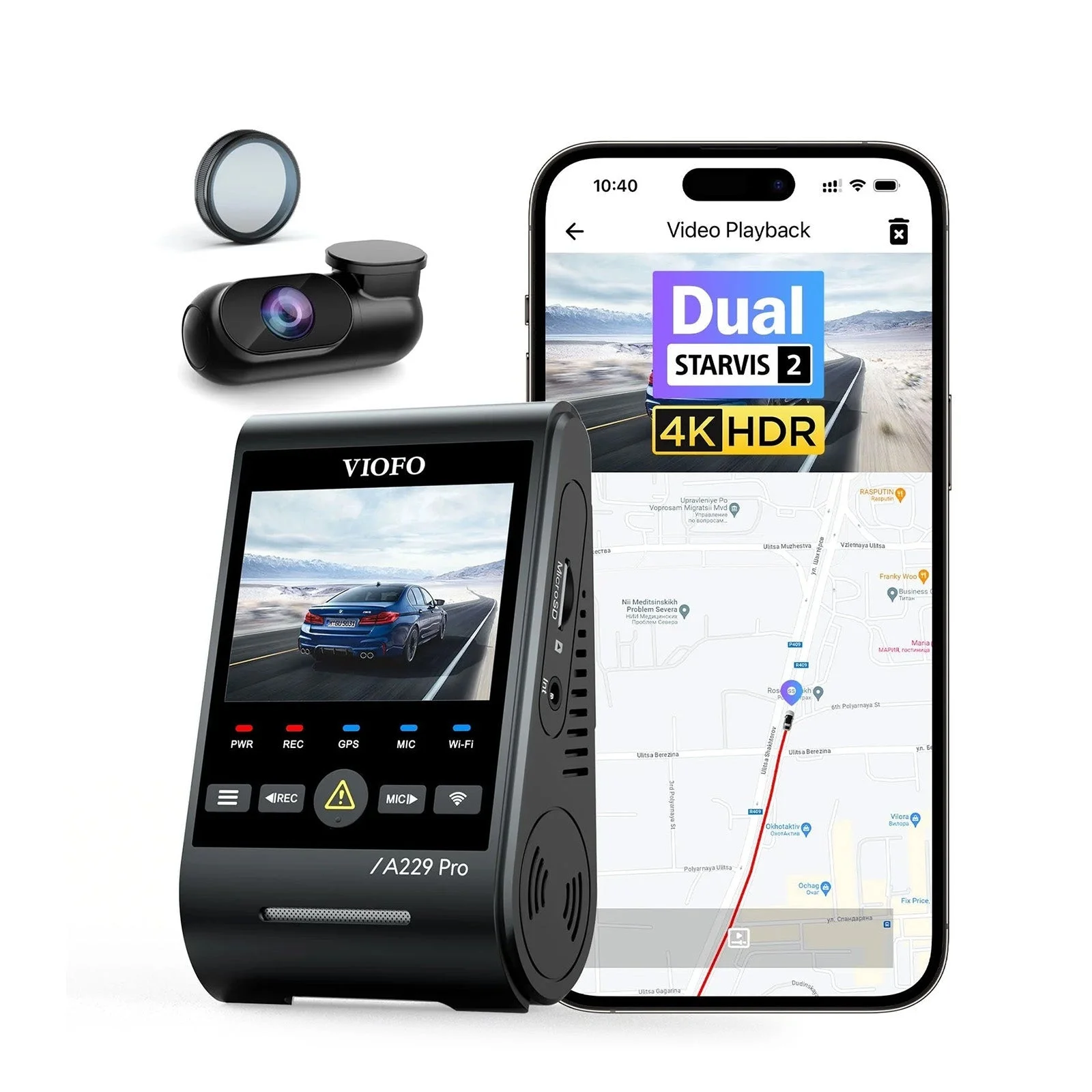
This is the decision most buyers actually face, so let's make it explicit. Both companies will take roughly $250 from you, and they disagree completely about what a dash cam is for. The split runs deeper than specs — it's two theories of ownership: footage as a service versus footage as property.
Buy the Nexar if the evidence trail is the product
You want the camera installed in one minute and never thought about again. You want incident clips backed up without touching a card, a one-tap report your insurer can read, and — with the Beam2 — a text message when something hits your parked car.
You're also, ideally, an iPhone household given the published Android app complaints, you're comfortable with 2.5K instead of 4K, and you've read the subscription math above without flinching. For parents, rideshare drivers, and street parkers, this column is a legitimate win.
Buy the VIOFO if the footage is the product
The A229 Pro is the instrument: 4K HDR front, 2K rear, STARVIS 2 sensors that earn their keep at night, buffered parking mode through a hardwire kit, and up to 512GB of local microSD you own outright. No subscription, no SIM, no app dependency for the core job.
The trade is friction. You'll manage cards occasionally, the app is a tool rather than a product, and remote alerts aren't part of the deal. In exchange, every pixel of every drive belongs to you, at the highest quality in this price band. Price-watch both before you click — VIOFO discounts routinely pull the A229 Pro under the Beam2's street price.
Notice neither column is wrong. The mistake is buying from one column while expecting the other column's benefits — that's where the one-star reviews on both products come from. Decide which failure would make you angrier, a missed plate or a missed alert, and the right column picks itself.
The Verdict on the Nexar Beam
The Nexar Beam earns a conditional recommendation, with the condition doing real work. As an automatic insurance witness — the thing it's actually engineered to be — it's arguably the best value in the category, and the original at $119.95 is the cheapest credible cloud-backed dash cam you can put in a car.
Buy the original Beam GPS if you want set-and-forget evidence on a budget and your phone reliably rides along. Buy the Beam2 if live parking alerts, the cabin option, and phone-free uploads fit how you park and work — and budget the $95.88 a year honestly, because that's the price of the features you're buying it for.
The middle path is real too: run a Beam2 on the free Basic tier as a plain 2.5K cam with Wi-Fi incident backup, then add the LTE plan only for the months you actually street-park or road-trip. The plan is monthly; use that.
Skip the line entirely if footage quality is your first priority. A 4K HDR rival at the same money out-resolves everything Nexar sells, and no cloud feature recovers a plate the sensor never captured. The VIOFO column above exists for a reason.
And if you're on Android, borrow PCWorld's documented advice rather than learning it yourself: test the app hard inside your return window. A camera whose whole value lives in its app can't survive an app you fight with.
Marketing says you'll never miss a moment. Reality: you're hiring a very good claims clerk who happens to hold a camera. Plenty of drivers need exactly that employee — just sign the subscription paperwork knowing which job you filled.