Dashcam Accessories

How Long Do Dashcam Memory Cards Actually Last?

Casey - The Weekend Warrior
4 min read
Includes Video

The lifespan of a dashcam memory card isn't some magic number; it's a ticking clock tied to how much video gets written and rewritten every single day. Think of it like a phone's battery - use it hard, and it won't last forever.

★ Best Overall
Editor picks below — verified, expert-reviewed.
👉 Shop Top Pick on Amazon →

The lifespan of a dashcam memory card isn't some magic number; it's a ticking clock tied to how much video gets written and rewritten every single day. Think of it like a phone's battery - use it hard, and it won't last forever. Most people don't realize these little cards have a finite number of write cycles before they start to get flaky, and that's usually the first thing to go.

We've seen microSD cards go bad anywhere from a couple of months to 1-2 years. It's not some conspiracy, it's just basic wear and tear on tiny electronics doing a tough job.

The Core Answer

Here's the honest version: your dashcam memory card isn't going to last forever, and guessing when it'll die is a rookie mistake. The main culprit is the constant overwriting of footage. Every time your dashcam records, it's writing data, and that process wears down the card's flash memory cells. Flash memory wears out after several thousand write cycles. So, a 32GB card might hold about 60 hours of video, but that doesn't mean it'll last 60 hours of continuous recording before failing. It's about the number of times it writes, not just the total time. The real move is to understand that specialized 'high endurance' cards exist for a reason. They're built to handle thousands of hours of constant writing, unlike a standard card you'd use for your phone photos. Dash cams are exposed to constant vibrations and temperature variations, which can further shorten the life of a card not designed for that abuse. I learned this the hard way when my dashcam started spitting out corrupted files on a road trip through the Rockies in December. It was freezing, and the card just gave up the ghost. That was a $50 lesson. What nobody tells beginners is that the lifespan can range dramatically. Some people report cards failing in as little as a few months, while others claim theirs last for years. We've seen microSD cards go bad anywhere from a couple of months to 1-2 years. It's really a gamble if you're using a cheap, standard card. The quality of the card, how the dashcam writes data, and even the climate you drive in all play a role. My current setup uses a card specifically rated for dashcam use, and I haven't had a hiccup in over a year.
To maximize your dashcam's performance, understanding dashcam storage needs for extended wildlife recording is essential.
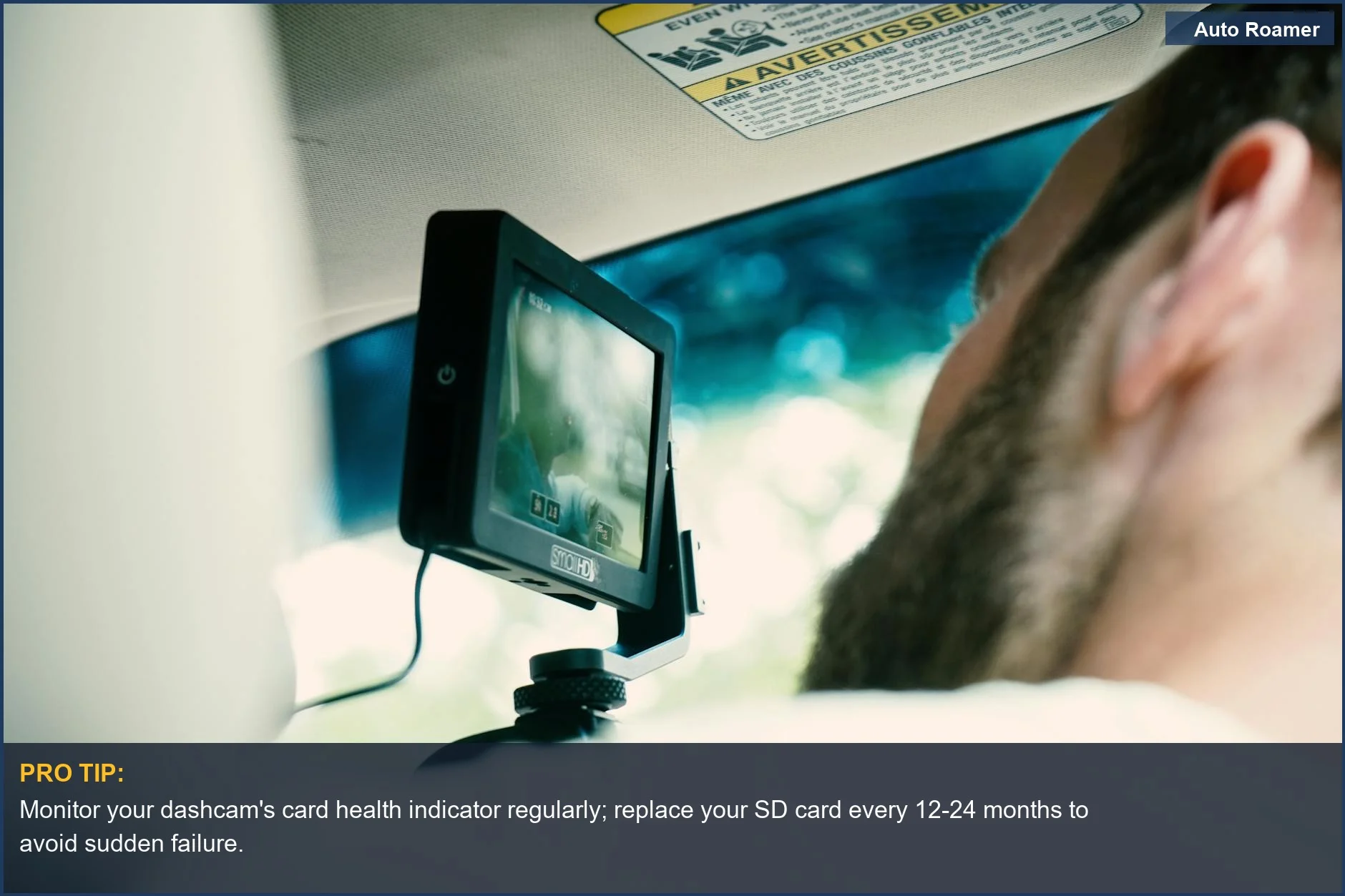
Monitor your dashcam's card health indicator regularly; replace your SD card every 12-24 months to avoid sudden failure.
A driver monitors their dashboard camera, highlighting the technology that relies on a healthy memory card. Understanding dashcam card failure is key to continuous recording. | Photo by Kyle Loftus

Why This Matters for Your Setup

Why does this even matter for your setup? Because a dead memory card means your dashcam is useless. You're driving blind, literally. If you get into an accident or witness something crucial, and your camera hasn't been recording because the card failed, you've got no evidence. A good quality memory card is supposed to last as much as 100,000 write cycles, which translates to years of use for most people. Here's the field notes breakdown:
  • No Evidence: If your card dies, your dashcam is just a fancy paperweight. This is the biggest risk. Dash cams are exposed to constant vibrations and temperature variations, which can impact the lifespan of SD cards.
  • Corrupted Files: Even before it completely dies, a failing card can start corrupting your footage. You think you have proof, but it's just a jumbled mess.
  • I had this happen on I-95 in Virginia; thought I had a clear recording of a near-miss, but it was just static.
  • Unexpected Costs: When a card fails, you have to buy a new one. If you're using cheap cards, you might be buying them more often than you'd like.
  • It's mainly the overwriting of data that causes the most wear.
  • Peace of Mind: Using a reliable card means you're not constantly worried about whether your camera is actually working. That's worth more than the few extra bucks you might spend.
  • Understanding the right SD card size and longevity is crucial for maintaining your dashcam’s effectiveness, as detailed in Viofo Dash Cam Storage.
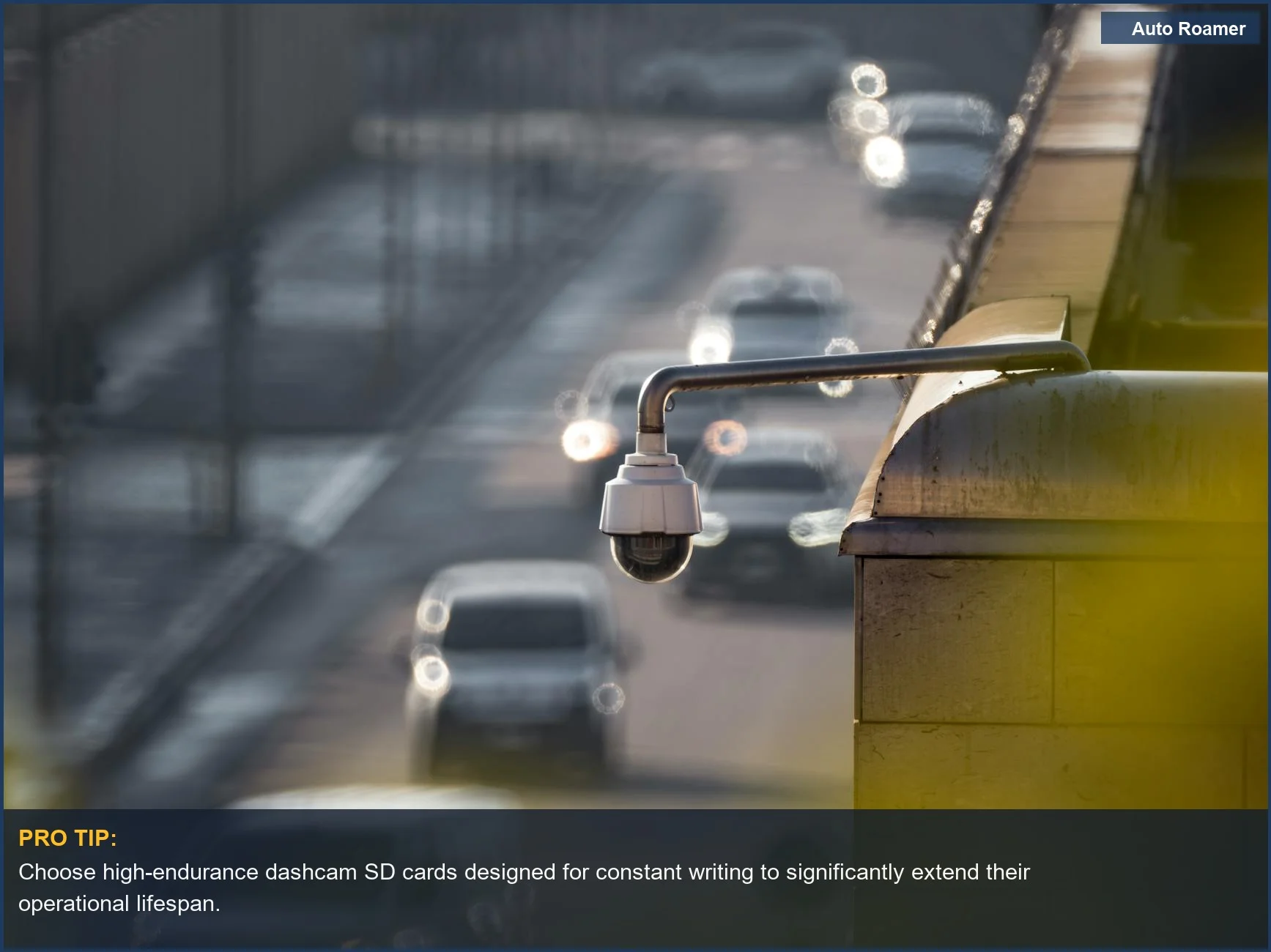
    Choose high-endurance dashcam SD cards designed for constant writing to significantly extend their operational lifespan.
    A security camera observes a busy street, underscoring the need for reliable dashcam footage. Ensure your dashcam memory card lifespan supports constant recording for crucial evidence. | Photo by tommy picone

    Making the Right Choice

    The bottom line is that dashcam memory cards have a limited lifespan, and you shouldn't treat them like they'll last forever. It's not about the capacity as much as it is about the write cycles. A 32GB SD card can record up to 2 hours of footage, but that's just storage, not longevity. Here's how to approach it:
  • Choose Wisely: Opt for cards specifically designed for high endurance or dashcam use. They cost a bit more upfront, but they're built to handle the constant writing. I learned this lesson after a card failed during a crucial moment.
  • Format Regularly: Most dashcam manufacturers recommend formatting the card every few weeks or months. This helps keep the file system clean and can prevent fragmentation, which can stress the card.
  • If you use the right micro SD card and format it a few times a year your dash cam should last you for a few years.
  • Don't Skimp: A cheap, unbranded card is a gamble. You might get lucky, but you're more likely to end up with corrupted footage or a dead card sooner rather than later.
  • There is a brief delay of around 1 to 2 seconds that ensures the memory card has adequate time to write data.
    To ensure optimal performance, understanding how to choose the right SD card is essential for your dashcam.
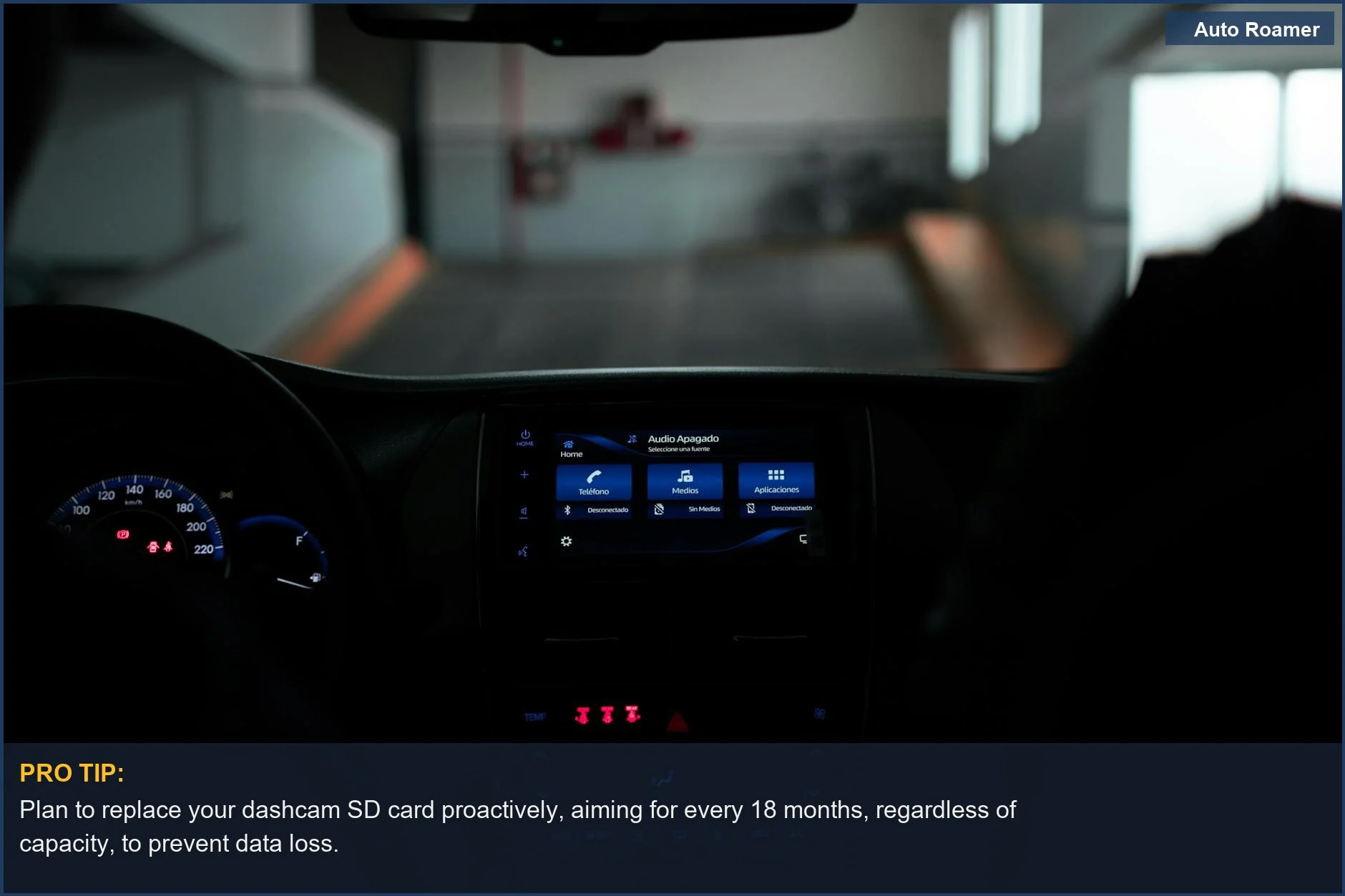
    Plan to replace your dashcam SD card proactively, aiming for every 18 months, regardless of capacity, to prevent data loss.
    The illuminated interior of a modern car dashboard shows advanced technology. This is a reminder of how often to replace your dashcam SD card for optimal performance. | Photo by Nicolás Langellotti

    Frequently Asked Questions

    If my dashcam dealer wants $80 to replace the SD card, but I can buy one online for $15, what's the deal?
    That's the classic 'dealer markup' game. The $15 card is likely a standard one, while the dealer might be selling a 'high endurance' card for $80. The honest version: you can absolutely buy a decent high-endurance card online for $20-$30 that will perform just as well, if not better, than what the dealer offers. Just make sure it's rated for dashcam use and has sufficient capacity.
    Do I really need a special tool to format my dashcam's SD card, or can I just use my computer?
    You do not need any special tools. Most dashcams have a format option right in their menu. If not, you can format it on your computer, but make sure you use the FAT32 file system. The real move is to check your dashcam manual; it'll tell you the best way to format it for your specific model. I just plug mine into the dashcam itself and hit format.
    What if my dashcam keeps saying 'SD card error' even after I format it?
    That's usually the card's way of saying it's done. It's hit its write cycle limit and can't reliably store data anymore. The fix is almost always a new card. I had this happen on a road trip in Arizona; the dashcam just kept cycling through error messages, and no amount of formatting helped. Time for a new card, my friend.
    Can a failing SD card actually damage my dashcam itself?
    It's unlikely to permanently damage the dashcam hardware, but a failing card can cause it to freeze, overheat, or reboot unexpectedly. This constant stress on the dashcam's internal components isn't ideal. Think of it like trying to run a high-performance engine on bad fuel; it'll sputter and struggle, and while it might not break the engine, it's not good for it long-term. Dash cams are exposed to constant vibrations and temperature variations, which can impact the lifespan of SD cards.
    I heard that dashcams only record for a few minutes at a time and then stop, so the card lasts forever. Is that true?
    That's a myth, and a dangerous one. Most dashcams record continuously, overwriting the oldest footage when the card is full. Some might have 'event recording' that saves clips when they detect impact, but the main loop recording is constant. It's mainly the overwriting of data that causes the most wear. If you're not actively formatting or replacing your card, it will eventually fail.

    🏅 Looking for Gear Recommendations?

    Check out our tested gear guides for products that work with this setup:

    C

    Casey - The Weekend Warrior

    Weekend car camper and road trip enthusiast. Focuses on practical, budget-friendly solutions for families and first-time campers.

    Sources

    Related Articles