Where to Start
Dash cam video resolution is the first thing anyone talks about when they bring one of these things up, and honestly, it's not that complicated. It basically tells you how much detail you're going to get in the footage your camera spits out. Think of it like trying to see the license plate of a car that zoomed past you on I-81 at 70 mph. Higher resolution means you actually stand a chance.
Dash cam video resolution determines how clear that image is, and clarity is king when you need proof for insurance or just want to brag about that deer you saw. My first dash cam was so grainy, I swear it looked like it was filmed on a potato in 1998. The real move is understanding what those numbers actually mean before you drop your cash.
Capturing scenic views on your camping trips is cool, but useless if you can't even tell what mountain you're looking at. Let's break down what you actually need to see.
The Core Answer
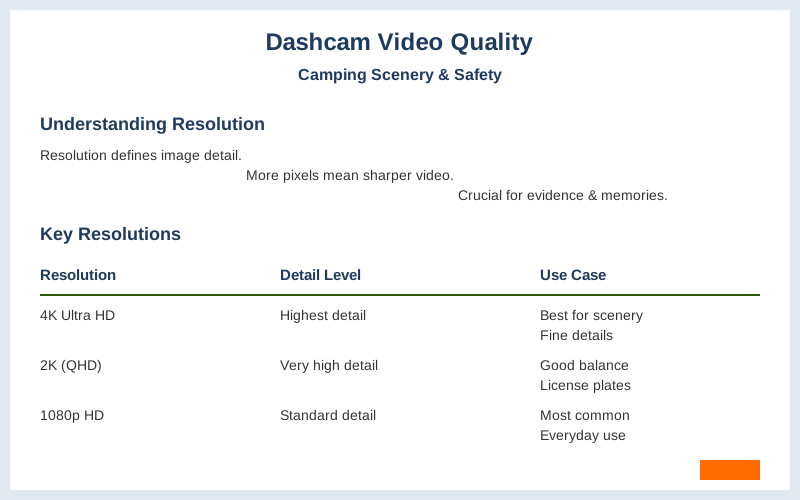
The core answer to dash cam video quality really boils down to resolution, which is just a fancy word for how many tiny dots, or pixels, make up the picture. The more pixels you have, the sharper and more detailed your video will be. Dash cams are typically offered in three different video resolutions: 4K, 2K, and 1080p HD.
My first dash cam was a 720p unit, and trying to read a license plate was like trying to read a book from across a football field. Brilliant engineering, right?
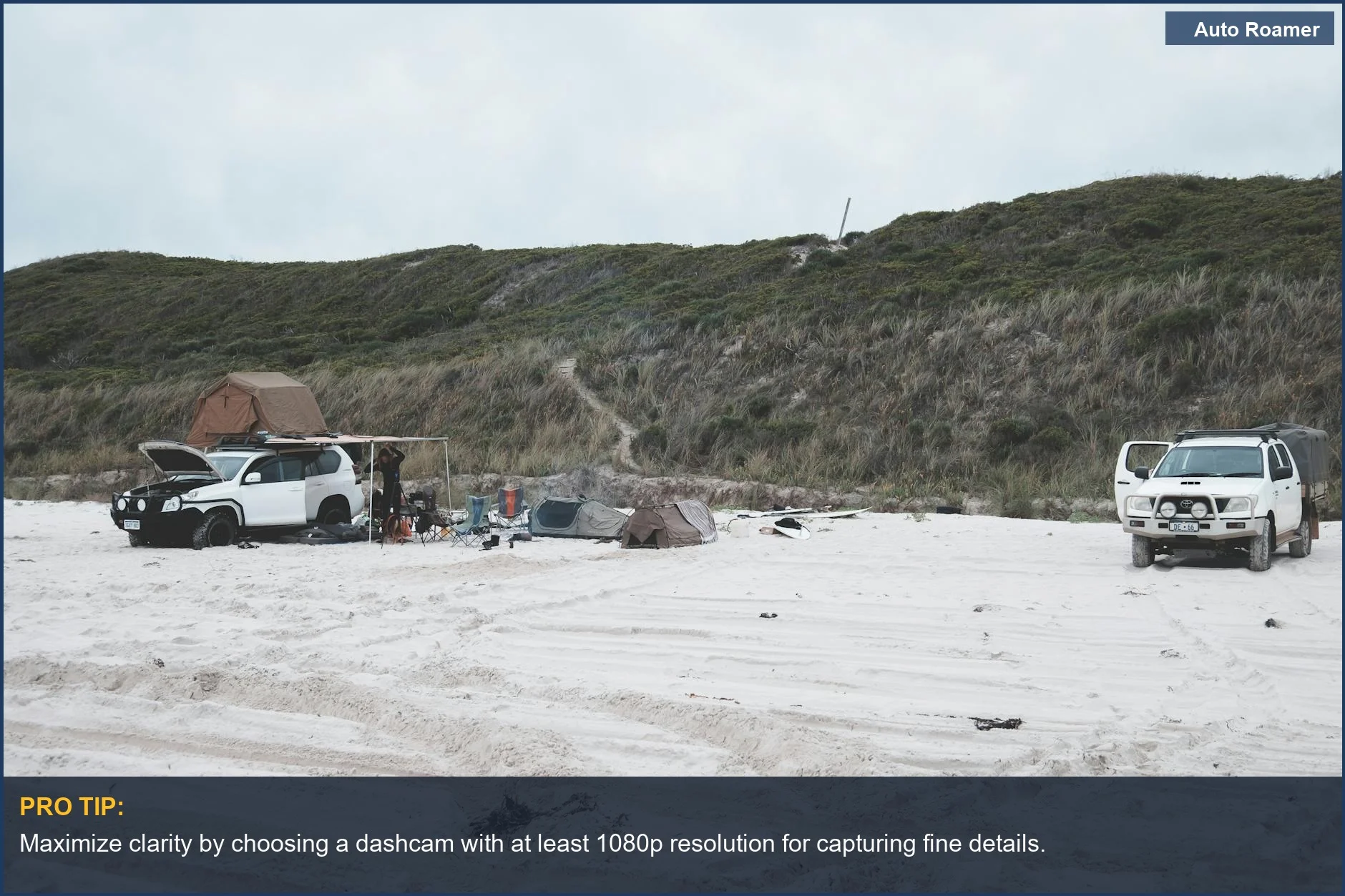
Most people get by just fine with 1080p (that's Full HD, by the way). It's the most common resolution for a reason. It gives you enough detail to see what's going on, like if someone runs a red light or if that squirrel was really trying to take out your front tire. The most commonly used resolutions in dash cams are 1080p and 2K. For everyday driving, 1080p is usually the $50 version that gets the job done.
Now, if you're trying to capture those epic mountain vistas on your way to a campsite, or if you're worried about identifying every single detail in a crash, you might want to step up. 2K resolution gives you a noticeable bump in clarity. It's like going from a standard definition TV to an HD TV. You can see more, and the finer details pop out.
While 720p and 1080p are still widely used, 2K and 4K are becoming more popular.
4K is the top-tier stuff. It's the sharpest, most detailed video you can get. This is where you'll be able to zoom in on footage and still see, for example, the exact wording on a road sign or a tiny detail on another car. But here's the catch, and what nobody tells beginners: higher resolution means bigger video files. So, a 4K dash cam will fill up your memory card way faster than a 1080p one.
Higher resolution footage takes up more storage space.
Another thing that matters is frame rate, which is how many pictures per second your camera captures. Higher frame rates (like 60 frames per second, or fps) make motion look smoother. This is crucial if you're filming a fast-moving scene, like a deer darting across the road or a busy highway. My first dash cam was stuck at 30 fps, and anything moving fast looked like a choppy mess.
The higher the frame rate, the smoother your video will appear.
Night vision is also a big deal. Most dash cams have some sort of low-light capability, but it varies wildly. The honest version: don't expect miracles in pitch black. Good night vision means you can still see details in dimly lit areas, like parking lots at night or country roads after sunset. It's not magic, it's just better sensors and processing.
Before you buy a dash cam, check reviews specifically for how well it performs when the sun goes down. My buddy's $40 dash cam was basically useless after dark, but his $150 one could actually make out street signs. That's the difference.
Why This Matters for Your Setup
Why does all this pixel-pushing matter for your camping trips and general safety? Well, for starters, if you ever need evidence for an accident, you need clear footage. My cousin got rear-ended last year, and his dash cam footage was so fuzzy, the insurance company basically said 'tough luck'. Yes, video quality is important because you want decent enough footage so that you, the police, and your insurance company can see who did what.
Here's the breakdown for your specific needs:
- For Accident Evidence: You absolutely need at least 1080p resolution. This is the minimum for clearly identifying license plates and other critical details in a pinch. Anything less is basically a blurry guess.
A 1080p (also called Full HD) dash cam is generally less useful if you're looking for fine details.
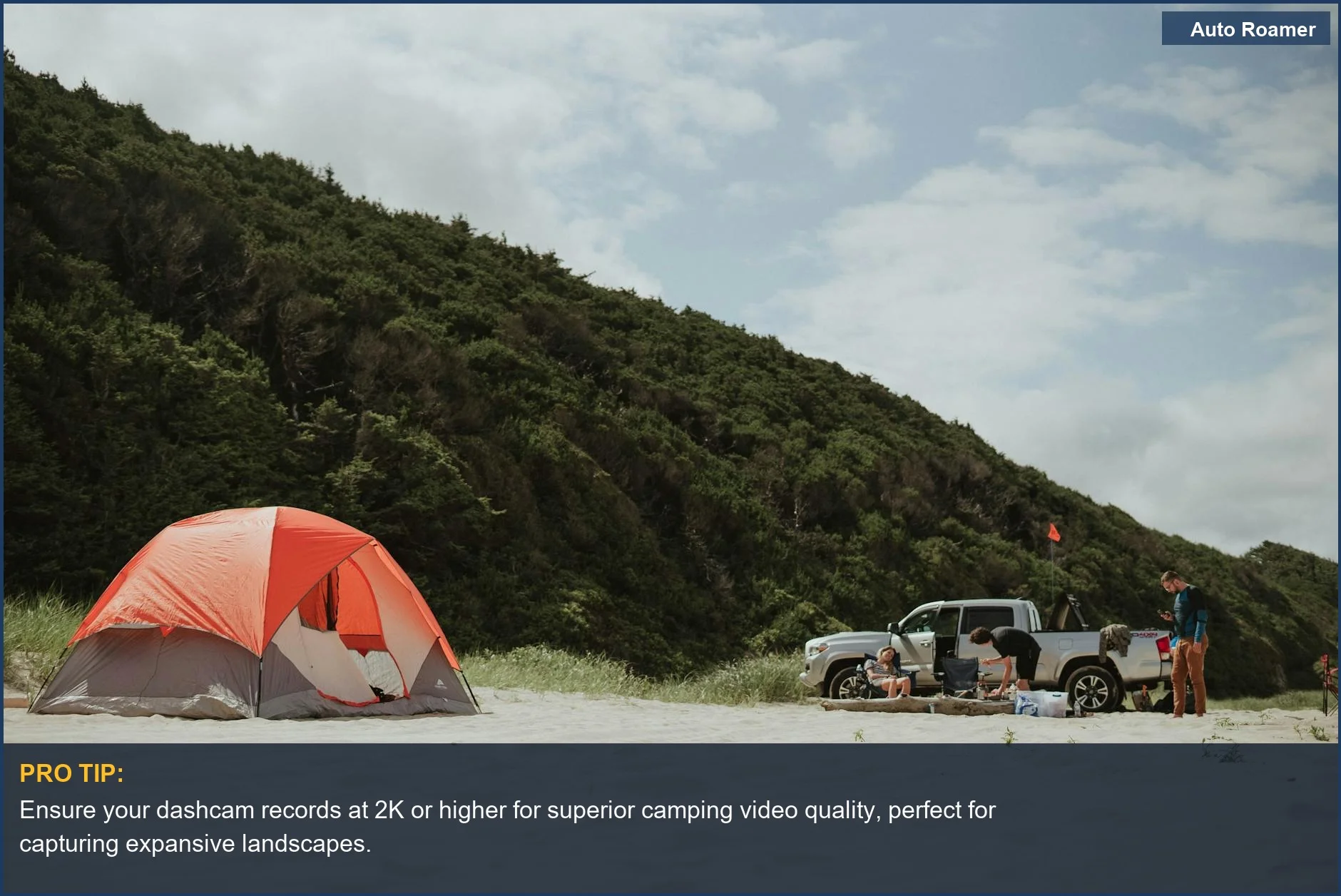
- For Scenic Camping Videos: If you want to capture those sweeping mountain views or the starry night sky without it looking like a smear of light, then 2K resolution is your sweet spot. It's a good balance between detail and file size.
You won't fill your memory card in an hour, but the footage will look way better than a basic 1080p. Dash cams have wide lenses that capture a wide view.
- For Low Light & Wildlife: If you camp in areas with lots of wildlife or drive on dark rural roads, good low-light performance is key. This often ties into higher resolution and better sensors, but it's not guaranteed. Check reviews specifically for night footage.
This video shares everything you need to know to choose the right dash cam.
- Storage Space: Remember, higher resolution = bigger files. A 128GB card might hold 8 hours of 1080p footage but only 4 hours of 4K. You need to balance your desire for detail with how much storage you have, or be prepared to buy larger cards. Keep in mind that higher resolution footage takes up more storage space.
Making the Right Choice
So, when you're looking at dash cams, don't get lost in all the jargon. Focus on what actually matters for your camping trips and your peace of mind on the road.
- Resolution is King: For evidence, 1080p is the minimum. For pretty scenery, bump it to 2K. Dash cams are typically offered in three different video resolutions: 4K, 2K, and 1080p HD.
- Frame Rate for Smoothness: If you see a lot of fast action, aim for 60 fps. It makes a difference.
The higher the frame rate, the smoother your video will appear.
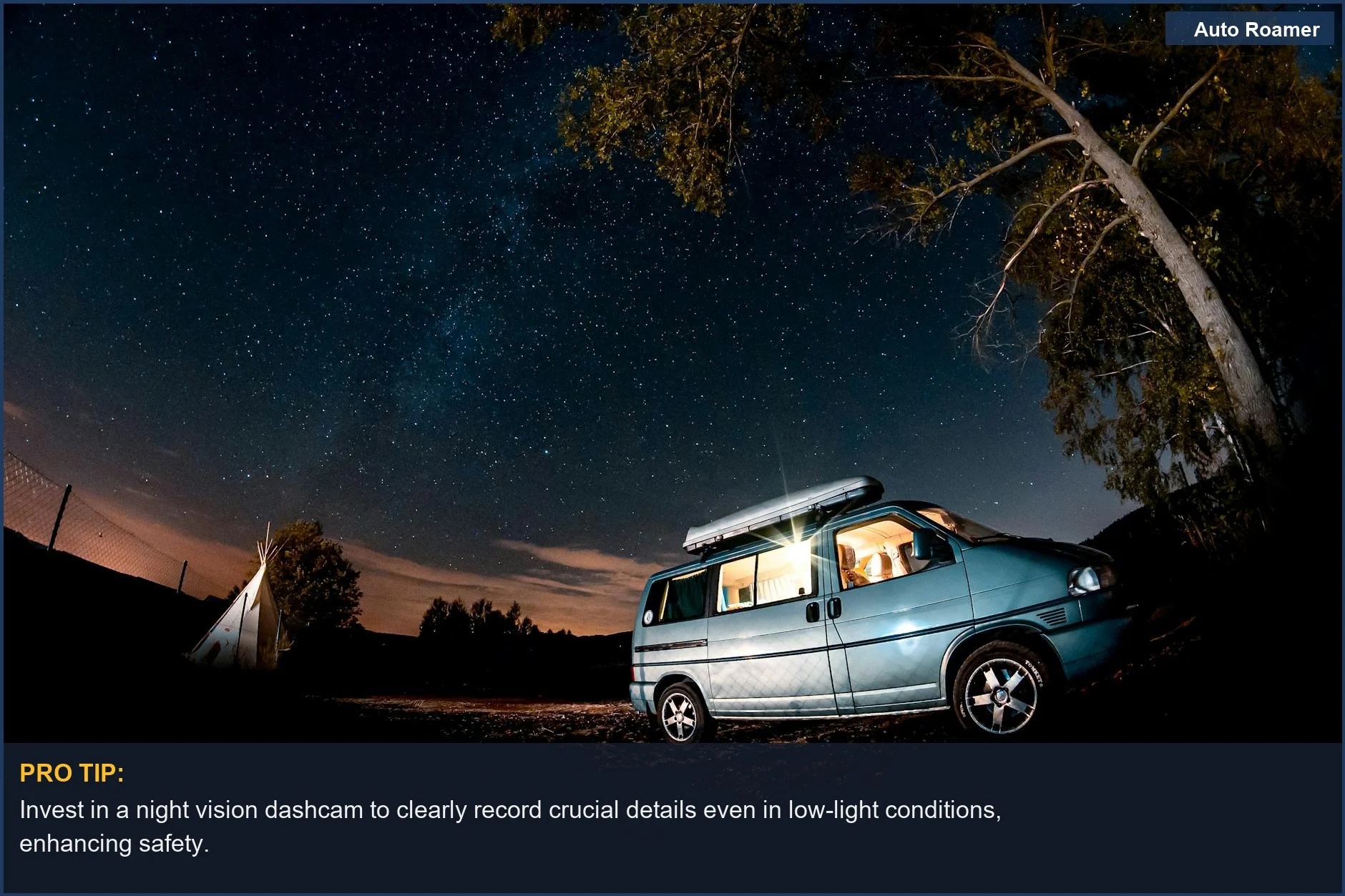
- Night Vision is Not Optional: Don't skimp here if you drive in anything less than perfect lighting. We need to talk about dashcam video quality and how bad it can be at night.
- Storage is a Real Thing: Higher resolution eats memory cards. Plan accordingly, or be ready to buy more storage. Higher resolution footage takes up more storage space.
It's not about having the most expensive gadget; it's about having one that actually works when you need it. My first $40 dash cam was basically a paperweight that recorded grainy nonsense. The real move is to understand these basics so you don't waste your money on something that looks like it was filmed through a dirty sock.