
How to Choose the Right Wireless Charging Speed for Your Car Phone Holder
Choosing the right wireless charging speed for your car phone holder isn't rocket science, but it sure can feel like it when you're staring at a wall of specs. My first car charger was a cheap, no-name thing that charged my phone slower than a sloth on vacation.
Most people just want their phone to stay alive while they're navigating or blasting tunes. You don't need to be an electrical engineer to figure this out. It all comes down to how fast you need that juice.
The honest version is that not all wireless chargers are built the same. Some are designed for a trickle charge, while others can keep up with your demanding apps.
Getting this wrong means your phone might die faster than you can say 'low battery alert'.
The Core Answer
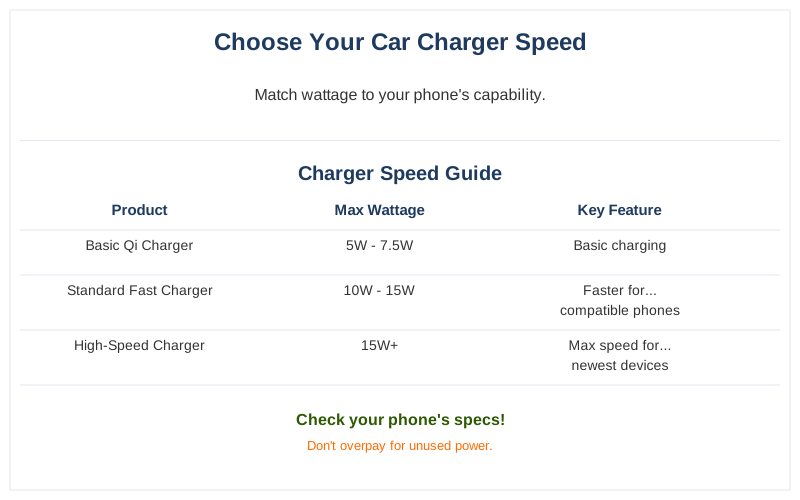
The core answer to wireless charging speed is simple: more watts generally means faster charging, but your phone has to be able to accept it. Think of it like a garden hose. You can have a fire hose (high wattage), but if your phone only has a tiny spout (low receiving capability), you're still only going to get a trickle. This is why matching the charger to your phone is key.My first attempt at a fast charger was a 15-watt unit that claimed to be lightning fast. Turns out, my phone at the time only officially supported 7.5 watts wirelessly. So, I was paying extra for power my phone just couldn't use. It was like buying a Ferrari engine for a go-kart. Brilliant engineering, really.
For most modern smartphones, especially iPhones with MagSafe or newer Androids like Samsung Galaxy or Google Pixel, you'll want to look for chargers that can deliver at least 10 watts, and ideally 15 watts for a noticeable difference. Some Android phones even support 30 watts or higher, but again, your phone has to be on board with that.
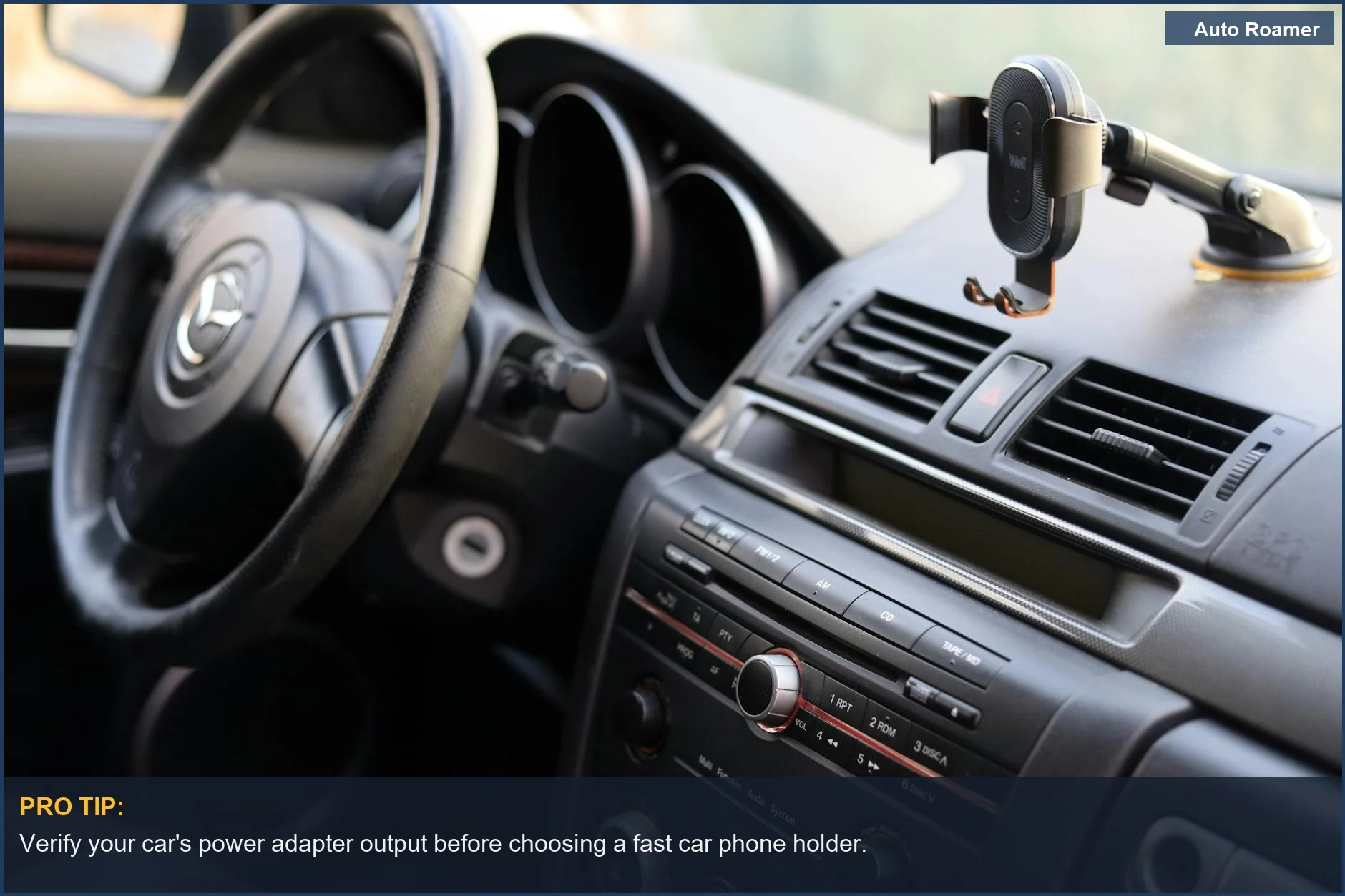
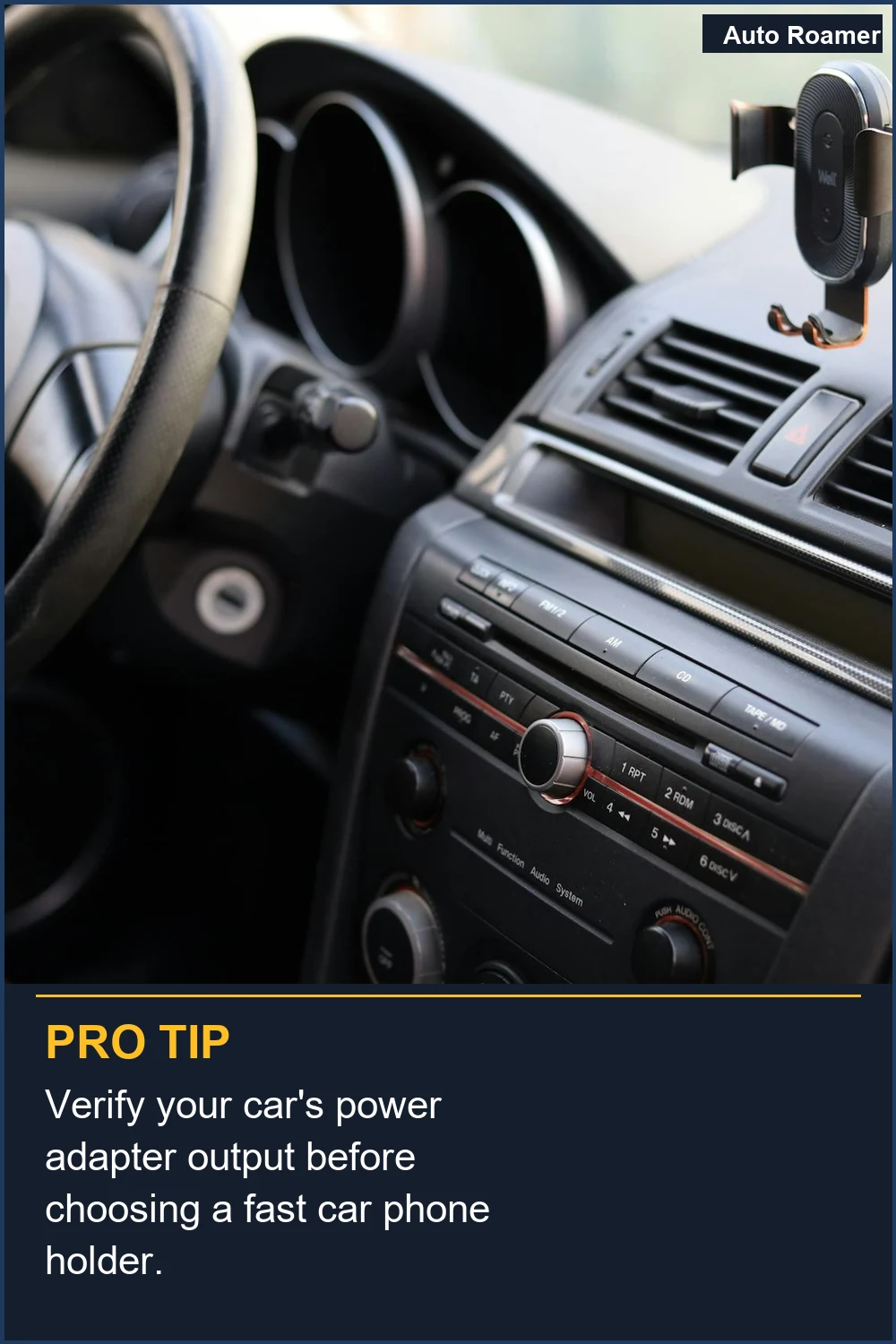
What nobody tells beginners is that the car's own power source can be a bottleneck. You can have a 30-watt wireless charger, but if it's plugged into a car's USB port that only outputs 10 watts, you're still stuck. The charger needs a strong signal from the car's power adapter to push out its maximum speed. I learned this the hard way trying to charge my phone while running Google Maps and Spotify in my old Honda Civic; the phone barely stayed at 100%.
The newer Qi2 standard is basically Qi trying to be MagSafe, adding magnetic alignment and better power delivery, often up to 15 watts. If your phone supports Qi2, it's a good bet for consistent speed and a solid connection without the proprietary Apple tax.
If you're rocking an older phone, or just need a basic charge to keep your navigation running, a 5-watt or 10-watt charger is probably fine. It won't win any speed races, but it will prevent your phone from dying. My dad still uses a 5-watt charger in his truck, and he's perfectly happy because he only uses his phone for calls and texts. He calls it 'sufficient'.
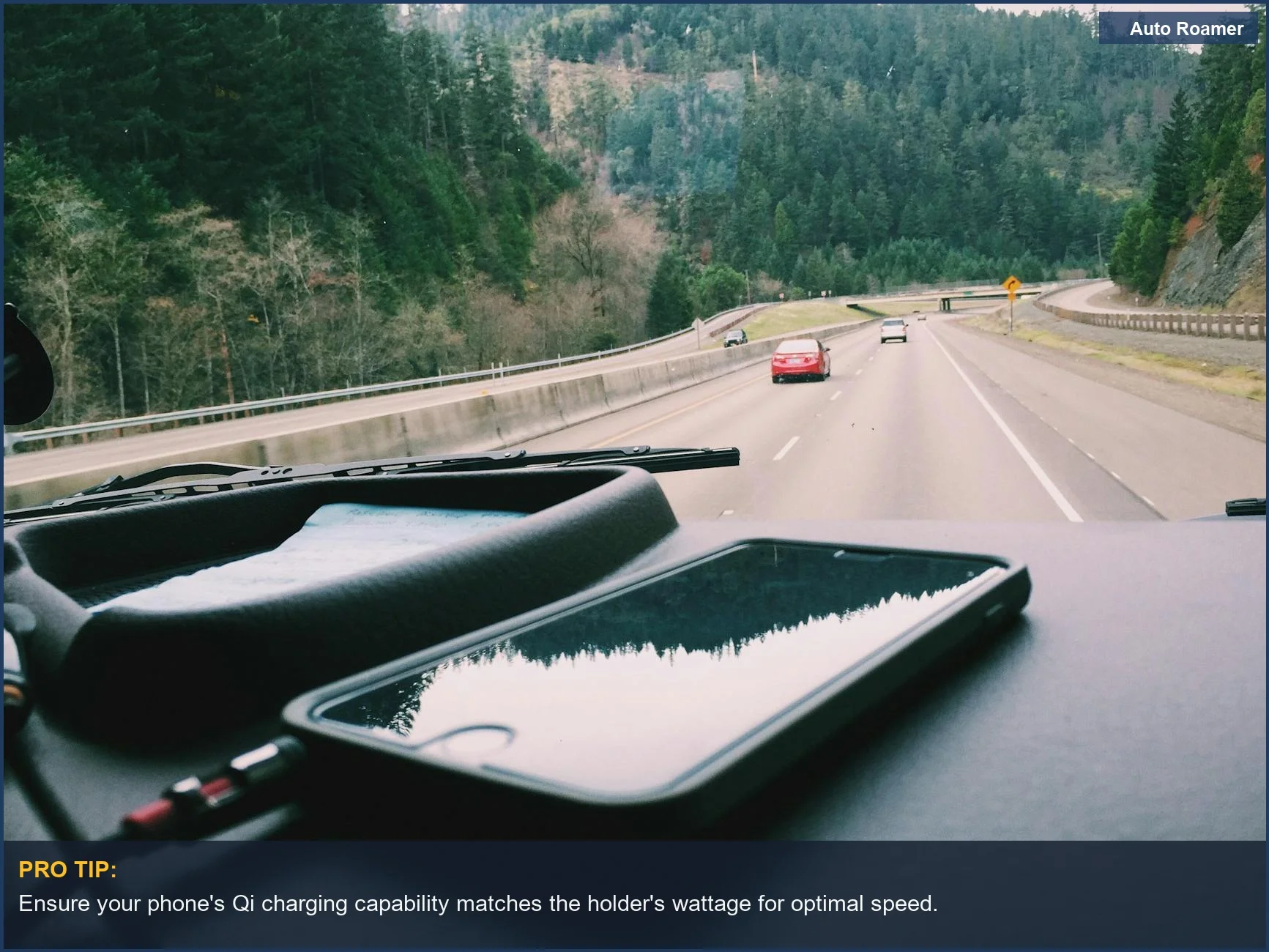
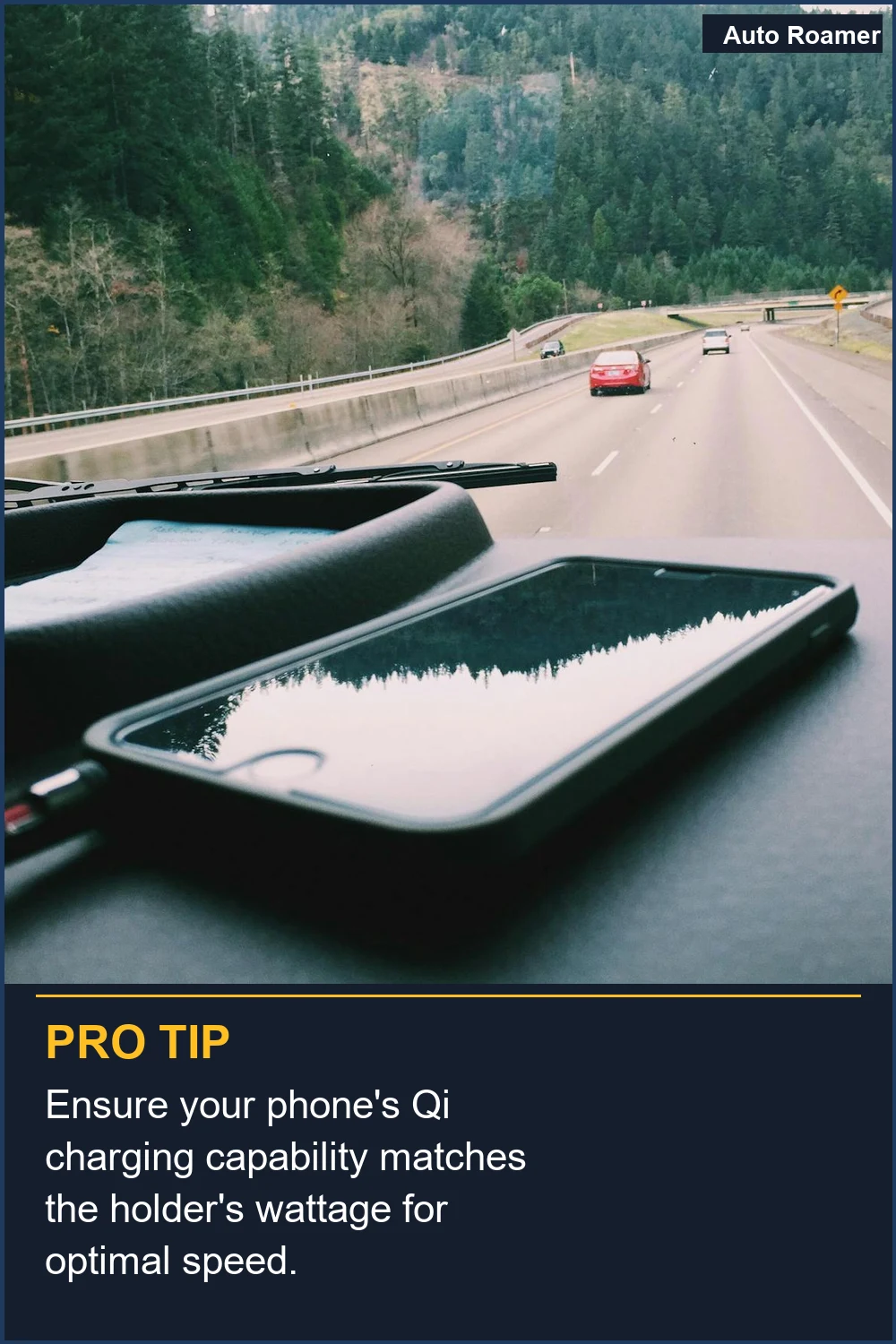
The real move is to check your phone's specs. Most manufacturers list the maximum wireless charging wattage. If it's not listed prominently, a quick Google search like 'iPhone 14 Pro max wireless charging speed' will tell you. Then, aim for a charger that meets or slightly exceeds that number. Don't overspend on watts your phone can't handle.
I once bought a charger that claimed 50W. It was wildly optimistic. My phone would get warm, and the charging icon would flicker between 'charging rapidly' and 'charging slowly'. It was more frustrating than useful. The honest version: stick to realistic wattage for your specific device.
Ultimately, the speed you need depends on your usage. If you're constantly on long drives with multiple apps open, you need speed. If you just need to top up between errands, slower is fine. Don't fall for the marketing hype; focus on what your phone can actually do and what your car can deliver.
The Bottom Line
The bottom line is that faster isn't always better if your phone can't handle it, and your car's power adapter might be the real limiting factor. My first car charger was a $15 gamble that paid off in frustration, not speed. I ended up buying a different one for $30 that actually worked with my phone's capabilities and didn't overheat.When you're looking at charging speeds, think 15 watts as a solid baseline for most modern phones. If you have a newer Android that boasts super-fast charging, sure, look for higher wattage, but verify your phone supports it. Otherwise, you're just buying bragging rights, not performance.
Don't forget the power source. A weak USB port in your car is like trying to fill a swimming pool with a leaky eyedropper. You need a decent car adapter, ideally one that can output 18 watts or more, to make those faster wireless chargers sing. I learned this when my phone would barely charge on a 2-hour drive, even with a 'fast' wireless charger. Turns out, the car's built-in USB was the culprit.
The real move is to find a balance. Get a charger with enough wattage for your phone, and ensure your car can provide the juice to power it. It's not about having the highest number; it's about having the right number for your setup that keeps you connected.
Frequently Asked Questions
If I buy one of those fancy 30-watt wireless chargers, can I just plug it into any USB port in my car, or do I need a special adapter?
Do I need a special tool to measure how many watts my car's USB port is actually putting out?
What if I buy a 15-watt wireless charger, and my phone only supports 10 watts, but it still seems to charge really slowly?
Can using a wireless charger that's too powerful for my phone permanently damage the battery?
Myth: All wireless chargers are basically the same speed, so I should just buy the cheapest one.
🏅 Looking for Gear Recommendations?
Check out our tested gear guides for products that work with this setup:
Sources
- cnet.com
- Your 2026 Guide to the Best Wireless Phone Charger for Car - Anker
- The Best Wireless Charging Phone Mounts for Cars - ny times
- Auto Wireless Charger for Car: Best Options in 2025 - Recharged
- Which Wireless Car Charger Should You Choose? Acefast D1 vs ...
- How To Choose The Best Wireless Car Charger Mount - QROV