
The honest verdict: endurance for recording, speed for capture
SanDisk's High Endurance and Extreme microSD cards look similar on the shelf and cost in the same ballpark, but they are built for opposite jobs, and buying the wrong one either wears out fast or wastes money on speed you cannot use. The distinction is simple once you know it: endurance versus speed, matched to how your device records.
The short version: buy the SanDisk High Endurance microSD (or the step-up Max Endurance) for anything that records continuously — a dash cam or a security camera. Buy the SanDisk Extreme microSD for a 4K action camera, a drone, or a phone, where read/write speed and app performance matter most.
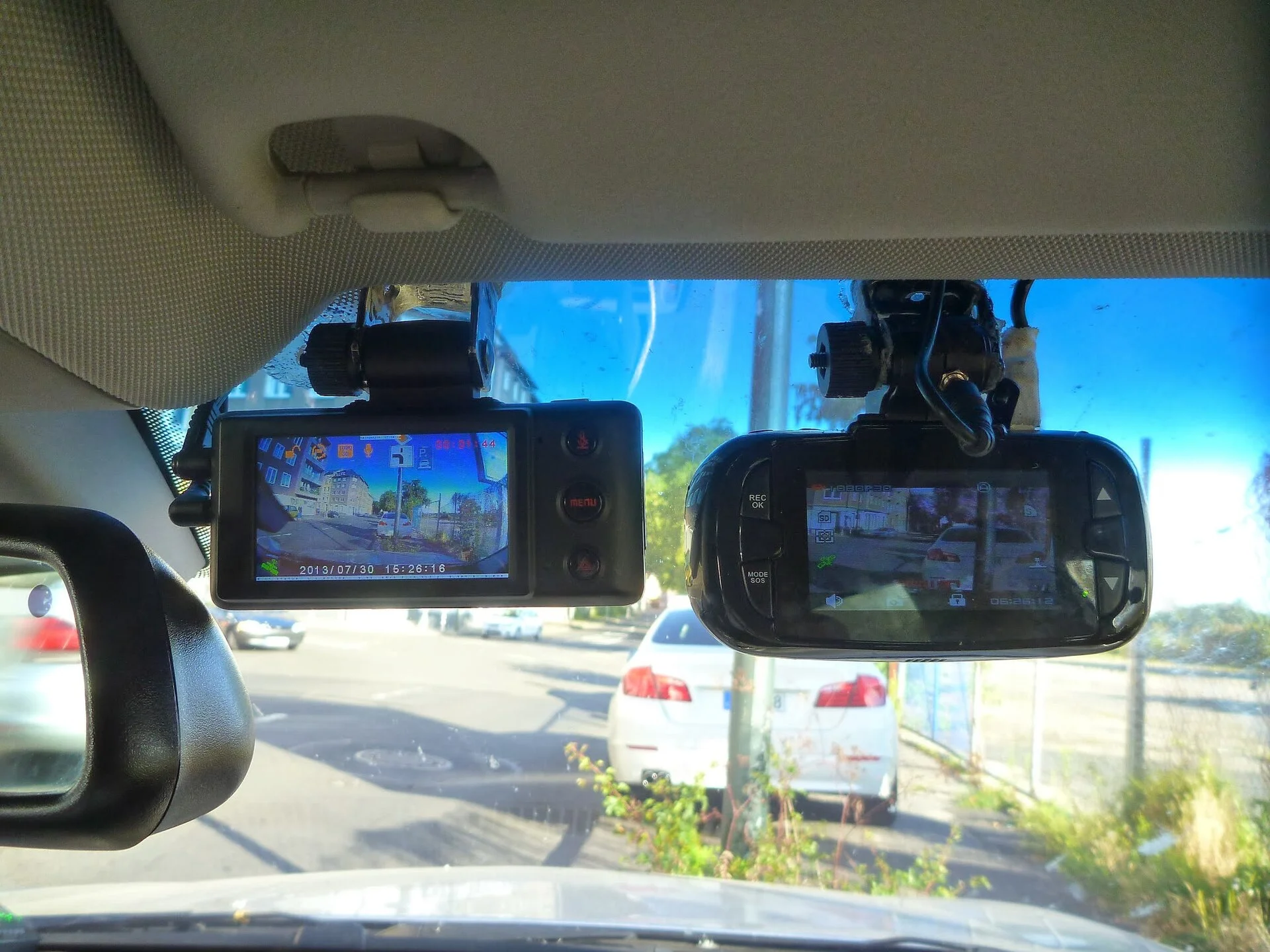
The reason comes down to how each device uses the card. A dash cam records in a loop, constantly overwriting the oldest footage, which hammers the same memory cells over and over all day. An action camera or phone writes in bursts and reads back large files, so it rewards raw speed instead. Match the card to that pattern and it lasts for years and performs; mismatch it and you get dropped frames or an early failure.
This guide breaks down what endurance actually means, how each card is built, speed versus durability, capacity and how long footage lasts, reliability and failure signs, and which card the common devices — dash cams, action cameras, drones, and phones — actually need.
High Endurance vs Extreme at a glance
These two cards are built for opposite jobs. Here is how they compare on the traits that decide which one belongs in your device:
| Trait | SanDisk High Endurance | SanDisk Extreme |
|---|---|---|
| Built for | Continuous / loop recording | Speed and 4K capture |
| Life rated in | Recording hours | TBW (terabytes written) |
| Read speed | ~100 MB/s | up to ~200 MB/s (Pro) |
| Endurance | Highest for 24/7 recording | Lower (speed-focused) |
| Best device | Dash cam, security camera | Action cam, drone, phone |
The rule is simple: for a device that records continuously, like a dash cam, buy High Endurance (or Max Endurance); for speed-critical burst capture like a 4K action camera, buy Extreme. Matching the card's design to the job is what prevents early failure.
The table is really a single decision dressed up as a spec sheet: match the card's rated endurance to the way your device writes data. A dash cam that loops footage all day long lives or dies on the endurance row, while an action camera chasing high 4K bitrates lives on the speed row instead. Ignore whichever row does not describe how your device records, and the right card almost chooses itself.
What 'endurance' actually means for a memory card
Every flash memory cell can only be written and erased a finite number of times before it wears out. For a card that stores photos you take occasionally, you will never reach that limit in a lifetime. For a card that records a continuous loop — writing, filling up, and overwriting the oldest footage all day, every day — you can reach it surprisingly fast if the card was not built for it.
That is why SanDisk rates its High Endurance line differently. Instead of the standard TBW (terabytes written) figure used for ordinary cards, the High Endurance family is rated in continuous recording HOURS, and the step-up Max Endurance is rated for up to about 120,000 hours of recording. That rating speaks directly to the dash-cam and security-camera use case, where the card never stops writing for the life of the device.
- Endurance cards: rated in recording hours; built to survive constant overwriting.
- Standard/Extreme cards: rated in TBW; built for occasional bursts and fast transfers.
The takeaway is that a card's headline speed tells you nothing about how long it will survive continuous recording. A fast card can wear out in a loop-recording device long before a slower endurance card would, which is exactly why the two SanDisk lines exist and why the recording-hours rating matters far more than the MB/s figure when you are shopping for a dash cam or security camera.
SanDisk High Endurance: built for the loop
The High Endurance card exists for one job: surviving the relentless write cycle of continuous recording. It prioritizes write-cycle durability over peak speed, with read speeds around 100MB/s — plenty for a dash cam or security camera to write clean, uninterrupted footage, even at high bitrates and 4K on capable cameras that demand a steady write stream.
Because loop recording constantly overwrites the card, that durability is the whole point. A High Endurance card is engineered so those endless overwrite cycles do not wear it out prematurely, and the family scales up to 256GB, which stores days of footage before the loop begins overwriting the oldest clips. SanDisk itself points security-camera and dash-cam users toward its endurance cards for exactly this reason, and the Max Endurance version pushes the recording-hours rating even higher for the most demanding 24/7 setups.
What you give up is raw transfer speed: pulling a large clip off a High Endurance card to your computer is slower than off an Extreme. For a camera that records and overwrites in place, that rarely matters — you review most footage on the device or in the app. If you want the tradeoffs in practical terms, our dash cam SD card guide and our notes on how long dashcam memory cards last put the endurance rating in context for a real recording device rather than abstract specs.
SanDisk Extreme: built for speed and capture
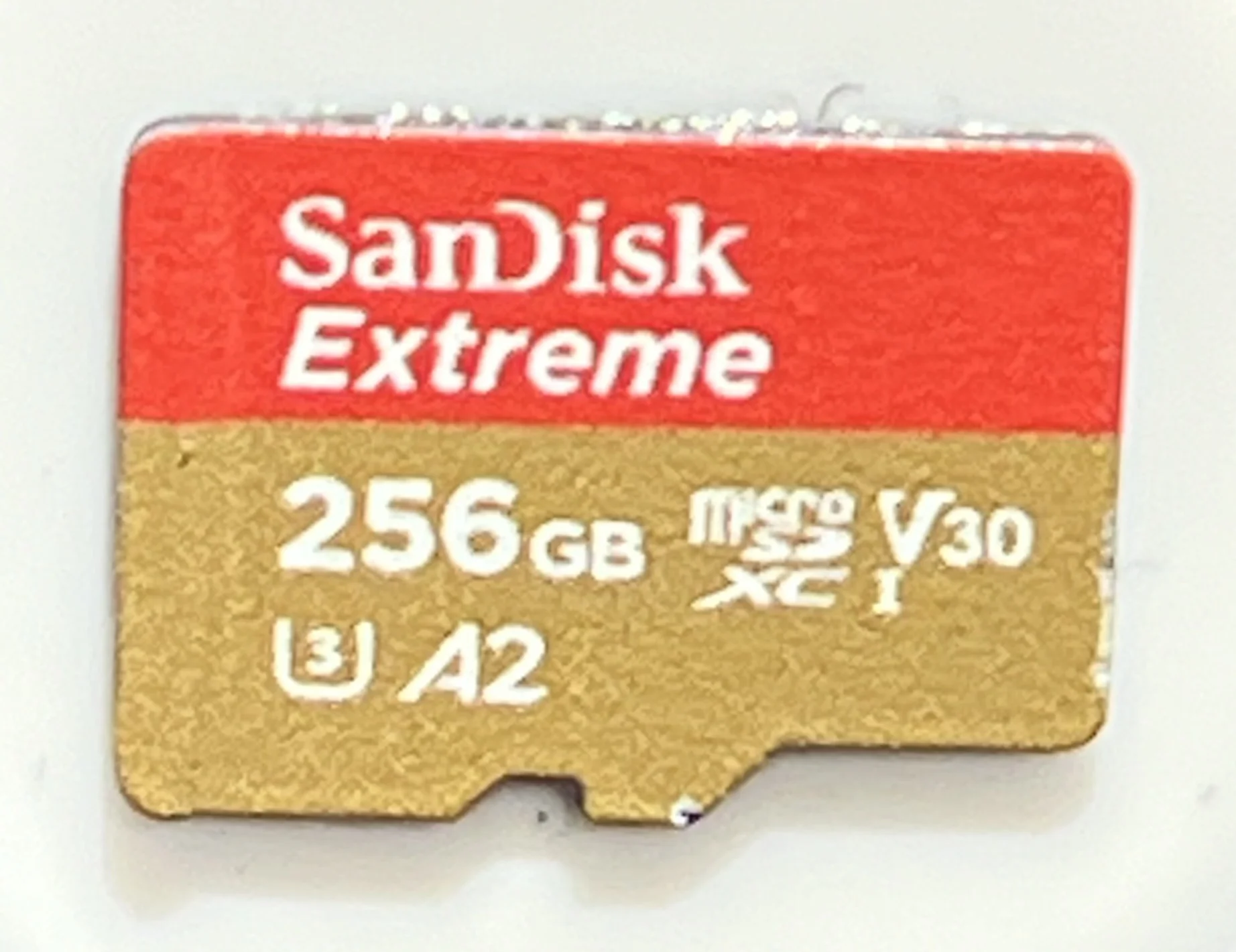
The Extreme is the opposite specialist. It is speed-optimized, with read speeds up to about 190MB/s, A2 app performance, and V30/U3 video ratings — the specs that matter when a device is capturing high-bitrate 4K bursts and you are moving big files on and off the card frequently through the day.
That makes the Extreme ideal for a 4K action camera, a drone, or a phone. An action camera shooting high-frame-rate 4K needs the sustained write speed to avoid dropping frames mid-clip; a phone benefits from A2 app performance for running apps off the card; and a photographer or videographer offloading a full card wants the fast read speed so the transfer does not take forever. The Extreme is tuned for all of that.
The trade-off is endurance. The Extreme's lifespan is rated in TBW like standard cards, and its sustained-write endurance under constant 24/7 loop recording is lower than the dedicated Endurance cards. That is fine for burst capture — you are not overwriting the same cells thousands of times a week — but it is the wrong tool for a device that never stops recording. For its intended jobs, though, the Extreme's speed is genuinely useful and its endurance rating is more than adequate for years of shooting.
Speed vs endurance: which does your device need?
The whole decision collapses to one question: does your device record continuously, or capture in bursts? Answer that honestly and the card chooses itself without any further agonizing over spec sheets.
- Continuous loop recording (dash cam, home/security camera): endurance is king — the card is overwritten constantly, so choose High Endurance or Max Endurance.
- Burst capture and fast transfers (4K action cam, drone, phone, camera): speed is king — choose the Extreme for its ~190MB/s reads and A2/V30 ratings.
It is worth stressing why you should not just buy the faster card for everything. The Extreme's higher speed does nothing to help it survive loop recording, and its lower sustained-write endurance means it can fail earlier in a dash cam than a cheaper, slower High Endurance card would. Conversely, putting a High Endurance card in an action camera works but leaves some transfer speed on the table. Buying to the device's pattern gets you both longevity and performance where each actually matters.
One more compatibility note that applies to both cards: match the card to the device's required speed class and its maximum supported capacity. A card that is too slow drops frames, and one larger than the device supports will not be recognized at all. Check the device's manual before buying either card so you get a size and class it can actually use.
Capacity and how long footage lasts
Capacity determines how much footage sits on the card before recording loops back and overwrites the oldest clips, and it interacts with the endurance question in ways worth understanding. Both lines come in a range of sizes, with the endurance family reaching up to 256GB for the longest retention.
For a dash cam, a larger card is not just about convenience — it means more of a drive is retained before it is overwritten, so an incident from earlier in the trip is still on the card when you go looking for it later. It also spreads writes across more cells, which can help longevity over time. A 128GB or 256GB High Endurance card stores a generous window of high-bitrate footage before the loop begins, which is why bigger is often better for a recording device rather than an unnecessary luxury; our notes on the best dashcam memory card for 4K recording cover how capacity and speed class work together at high bitrates.
For an action camera or phone, capacity is more about how much you can shoot or store before offloading, and the Extreme's fast transfer speed makes clearing a full large card far less painful. In both cases, buy the largest capacity your device supports and your budget allows — but remember that on a dash cam, pairing big capacity with the endurance rating is what actually keeps footage available and the card alive over years of daily loop recording.
Reliability, failure, and warning signs
A memory card in a recording device is a consumable — it will eventually wear out, and the endurance rating is really a measure of how long that takes. The failure mode that matters for a dash cam is the worst kind: a worn card can stop recording or corrupt footage silently, so you only discover the problem when you need the video and it is not there on the card.
That is the real argument for an endurance card in a loop-recording device — not that it never fails, but that it is built to last far longer before it does, and quality dash cams paired with endurance cards often warn you when the card is degrading. Watch for warning signs on any card: frequent recording errors, files that will not play back, the camera repeatedly asking you to format the card, or footage with gaps in it. Any of those means the card is near the end of its life.
- Format periodically: a scheduled reformat keeps the file system healthy.
- Replace on symptoms: errors, unplayable files, or gaps mean it is time.
- Buy for the job: endurance in a loop device outlives a fast card by far.
Treat the card as maintenance, not a one-time purchase, and you avoid the nightmare of a dead card at the exact moment you needed the footage most — after an accident, a break-in, or a hit-and-run in a parking lot.
For dash cams and security cameras specifically
If your device is a dash cam or a home security camera, the recommendation is unambiguous: use an endurance card. These devices record continuously and overwrite the oldest footage in a loop, which is precisely the workload that wears out a standard or speed-focused card early. SanDisk itself points dash-cam and security-camera users toward its High Endurance and Max Endurance lines for this reason.
The choice within the endurance family is about how hard the device works the card. A dash cam that records only while you drive is well served by a High Endurance card; a camera that records 24/7, including long parking-mode sessions, benefits from the Max Endurance card's higher recording-hours rating. Either way, pair it with enough capacity to retain a useful window of footage — our dash cam SD card requirements notes cover the speed class and capacity your specific camera needs before you buy.
Do not be tempted by a faster Extreme card here just because the MB/s number is bigger. In a loop-recording device the Extreme's speed is wasted and its lower sustained-write endurance is a liability that shortens the card's life. The endurance card is both the cheaper long-run choice and the more reliable one for the footage you are actually keeping the camera around to capture — which is the whole point of running a dash cam at all.
For action cameras, drones, and phones
Flip the use case and the answer flips too. For an action camera, a drone, or a phone, the Extreme is the right card. These devices capture high-bitrate 4K in bursts and move large files, and they reward the Extreme's read speeds up to about 190MB/s, its A2 app performance, and its V30/U3 video ratings that a slower card cannot deliver.
An action camera shooting high-frame-rate 4K needs sustained write speed to avoid dropped frames mid-clip; a drone streaming and recording high-resolution video needs the same steady throughput; and a phone using the card for apps and media benefits from A2 performance and fast transfers. Because these devices write in bursts rather than an endless loop, the Extreme's TBW-rated endurance is more than sufficient — you are not overwriting the same cells thousands of times a week the way a dash cam does.
Buy the capacity your device supports and your shooting demands, and match the speed class the camera requires for its highest recording mode. For capture devices, the Extreme gives you the speed that prevents dropped frames and the fast offload that keeps you shooting — the exact strengths that would be wasted in a dash cam but are decisive here. Using the right specialist for each device is how you avoid both dropped frames and premature card death.
Which to buy: match the card to the job
These two cards are not competitors so much as specialists for opposite tasks, and the right buy is entirely about what device the card goes into — not about which card is 'better' in the abstract.
- Buy the SanDisk High Endurance microSD (or the Max Endurance card) for any continuous-recording device — a dash cam or security camera. Its recording-hours rating and write-cycle durability are what keep it alive and your footage available over years of loop recording.
- Buy the SanDisk Extreme microSD for a 4K action camera, a drone, or a phone, where read/write speed, A2 app performance, and fast file transfers are what you actually use day to day.
Do not overpay for speed a dash cam cannot use, and do not skimp on endurance a recording device demands. Match the card to the workload — continuous loop versus burst capture — and check your device's required speed class and maximum capacity before buying. Get that right and either card delivers exactly what it was built for, for years, at a price that reflects the job rather than the marketing on the packaging.