
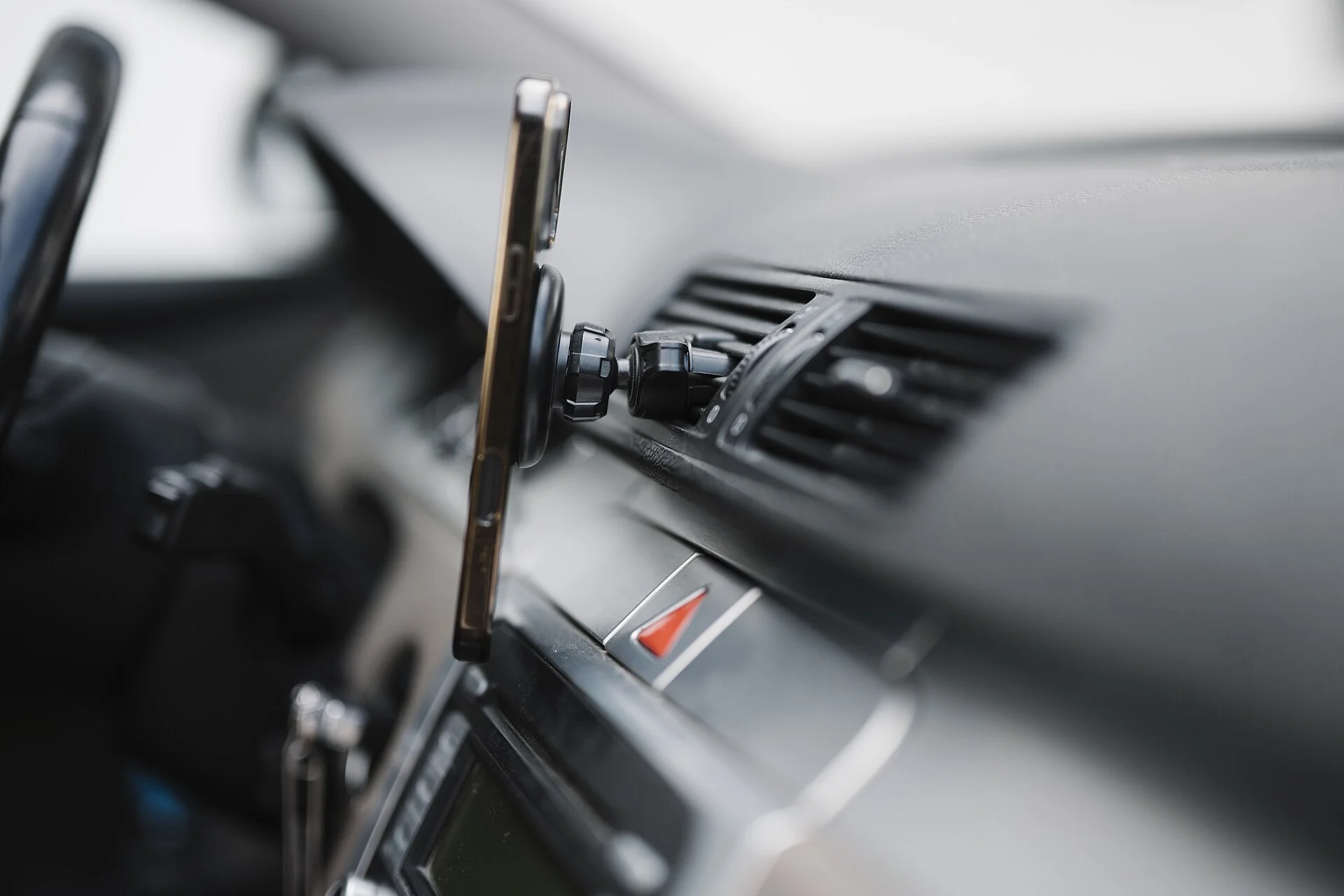
Your Phone Isn't Broken - It's Caught in a Heat Sandwich
You clamp the phone to the windshield, plug it in, start navigation, and twenty minutes into a sunny drive the screen dims, the maps stutter, and a warning pops up telling you the phone is too hot to use - or that it has quietly stopped charging. It feels like a defect, like the charger or the phone is failing. It almost never is. Your phone is doing exactly what it was designed to do when it gets too hot: it is protecting itself.
The real problem is that a phone in a car mount sits at the meeting point of three separate heat sources, all arriving at once. Direct sun pours through the windshield and warms the phone's dark body. Charging adds its own heat from the inside. And running turn-by-turn navigation drives the processor, screen, and cellular radio hard enough to throw off real warmth of its own. Any one of these alone is usually fine. Stacked together on a hot day, they push the phone past the temperature where it can keep working safely.
That framing is the whole key, because it tells you what to do: you do not need a new phone or a new charger - you need to remove one or more layers of the heat sandwich. This guide explains why each layer matters, what the phone's warnings and the maddening 'charging on hold' message actually mean, and then walks the fixes cheapest-first, starting with the single highest-leverage change: where the mount sits. Get the phone out of the sun and ease the stacked load, and the overheating almost always stops.
You do not need a new phone or a new charger - you need to remove one or more layers of the heat sandwich.
Why Heat Is a Phone's Worst Enemy: the Lithium-Ion Temperature Story
To understand the warnings, start with the battery, because that is what the phone is really guarding. Phones are built to operate in a surprisingly narrow comfort band. Apple, for example, states that an iPhone works best when the surrounding air sits between 32 and 95 degrees Fahrenheit, and that it should only be stored between roughly minus-4 and 113 F. The upper end of that working range - 95 F - is not a number you have to try hard to beat. A car cabin in the sun blows past it easily, and a phone bolted to the glass is sitting in the hottest spot in the car.
The reason those limits exist is lithium-ion chemistry. The cell inside your phone starts to degrade once it consistently runs above about 95 F (35 C), and as it climbs toward 113 F (45 C) the harm shifts from ordinary accelerated wear toward damage that does not come back. That is why the phone treats heat as an emergency and not a nuisance: above those thresholds, every minute is quietly costing the battery some of its future capacity. It is worth noting how low that 95 F ceiling really is in car terms - it is a pleasant spring afternoon, not a heat wave, yet a sun-struck dashboard can read 130 F or more while the air outside feels merely warm.
So when your phone throttles, dims, or stops charging in a hot mount, it is not being fussy - it is keeping the cell out of the zone where it gets permanently hurt. The flip side is reassuring: the phone has these protections precisely so a hot drive does not destroy it. Your job is to keep the phone comfortable enough that it never has to slam on those brakes in the first place, which means understanding where the heat is actually coming from.
The Real Culprit: Three Heat Sources Stacked at Once
Here is the insight that explains nearly every car-mount overheating complaint: it is almost never one thing. People search for whether it is the charger, or the mount, or the maps app, looking for a single villain. The truth is that the overheating happens specifically because three heat sources land at the same time, and the phone can shed one but not all three together.
Source one is the sun - radiant heat from outside, warming the phone's body through the windshield. Source two is charging - the unavoidable warmth produced inside the phone whenever energy is being pushed into the battery. Source three is the workload - the processor, bright screen, GPS receiver, and cellular radio all running flat-out for navigation, each turning electricity into heat. On a mild day, with the phone in shade, any one or even two of these is comfortably within range. On a hot day with all three active, the totals add up past the safe ceiling and the phone starts defending itself.
This is why the same phone that charges happily on your desk cooks on the windshield, and why owners on forums consistently report the meltdown happening on long sunny drives with maps running and the cable plugged in - not on short hops or in the shade. It also points straight at the cure. You do not have to eliminate all the heat. You only have to pull one or two layers off the stack to drop the phone back under its limit. The rest of this guide is really just a tour of which layers are easiest to remove.
- The sun: radiant heat warming the phone's dark body through the windshield.
- Charging: the unavoidable warmth produced inside the phone as energy is pushed into the battery.
- The workload: the processor, bright screen, GPS, and cellular radio all running flat-out for navigation.
Direct Sun and the Windshield Greenhouse - Where the Mount Sits Matters Most
Of the three heat sources, sun is both the biggest and the easiest to attack, which is why mount placement is the single highest-leverage fix in this entire guide. A car interior in the sun behaves like a greenhouse: light passes through the glass, is absorbed by the dark surfaces inside, and re-radiates as heat that the closed cabin traps. The dashboard and the area right against the windshield are the hottest places in that greenhouse - and a windshield or dashboard car phone mount parks your phone exactly there.
Worse, your phone is essentially a flat dark panel, which absorbs radiant heat efficiently. Set it on the dash in direct sun and it is not just sitting in hot air - it is being actively warmed like a small solar collector, on top of whatever heat the charging and the maps are already adding. This is why a phone can overheat in a mount on a day that does not feel especially brutal outside the car: the cabin and the sun-struck dash are far hotter than the ambient reading.
The fix is to get the phone out of the direct beam. Moving the mount to a lower spot that the dashboard or A-pillar shades, angling it away from the sun, or relocating to a vent mount (covered next) all remove the radiant input the phone has no way to cool against. A windshield sun shade when you park keeps the whole cabin - and therefore the mount - dramatically cooler before you even start driving. Shade is free, and it attacks the largest single contributor first.
Charging Heat: Fast Charging, the Inefficiency Tax, and Wireless vs Wired
Charging looks like it should be the innocent party - it is just topping up the battery - but moving energy is never free of heat. No charger is perfectly efficient, and the power lost in the conversion comes out as warmth in both the charger and the phone. The faster the charge rate, the more energy is being pushed per minute, and the more heat is generated in that same span. A maximum-rate fast charger feeding a phone that is already warm from the sun is adding fuel to the fire.
This is where the choice between a cable and a wireless pad matters more than people expect. Wired charging through a good car USB charger is the more efficient path - roughly 90-95 percent of the input power reaches the battery. Wireless and MagSafe pads run lower, around 80-85 percent, and that extra 10-15 percent that does not make it into the battery is lost as heat - landing right in the gap between the pad and the back of the phone. That is the worst possible place to add heat, because the back is one of the surfaces the phone relies on to cool itself.
So if your phone overheats specifically on a wireless car mount, the pad itself is a meaningful part of the problem, and switching to a plain cable often fixes it on its own. More broadly: charging and navigating at the same time roughly doubles the heat load, because the battery is taking in charge while simultaneously feeding a heavy workload. If the phone is already near full, simply unplugging - so it is navigating but not charging - removes an entire side of the heat equation. You rarely need both happening at once for a whole drive. If your phone is the navigator and you have a passenger, handing them the phone to charge it on a cool seat for a stretch, then remounting it once topped up, sidesteps the doubled load entirely.
The Navigation Workload: GPS, Screen, and Cellular as a Heat Engine
The third heat source is the one people least suspect, because it is invisible: the work the phone is doing. Turn-by-turn navigation is genuinely one of the most demanding tasks a phone performs, and it is demanding continuously for the whole drive. It keeps the GPS receiver locked on, holds a bright screen on at all times, streams map data over cellular, and runs the processor constantly to redraw your position, recalculate routes, and pull in live traffic. Every one of those is a small electric heater.
Sustained computation like that is precisely what generates processor heat, which is why overheating reports cluster around long navigation sessions rather than quick tasks. It is also why the problem feels worse with certain apps or settings - real-time traffic, 3D map rendering, and high screen brightness all crank the workload up. The phone is essentially running a small sustained benchmark the entire time you drive, and on a hot, sunny, charging dashboard that benchmark's heat has nowhere to go. Streaming music or a podcast over Bluetooth at the same time, or keeping a hotspot alive for other devices, piles a little more onto that radio-and-processor load - small individually, but every active radio is one more contributor to the total.
The good news is that this layer is very tunable. Lowering screen brightness, turning off live traffic, enabling Low Power or battery-saver mode, and - the big one - using downloaded offline maps instead of constant live rendering all cut the processor and radio load that becomes heat. Offline maps in particular spare the phone from streaming and re-rendering constantly. None of these stops you from getting where you are going; they just take the navigation layer off a boil.
The Case and the Airflow Trap
One quiet contributor sits between the phone and the air: the case. A phone sheds heat mostly through its back and frame, treating those surfaces like a radiator that dumps warmth into the surrounding air. A thick, insulating, or rugged case wraps that radiator in a blanket. The heat the phone is trying to release gets trapped against the body instead of escaping, so the internal temperature climbs faster and falls slower.
This gets worse in two specific car-mount situations. The first is a wireless charging mount: now you have a charging pad pressed flat against the back of the phone - the main cooling surface - while a thick case sits in between, sealing in both the phone's own heat and the heat the pad is generating. The second is a tight clamp or fully enclosed holder that hugs the phone on multiple sides, reducing the area exposed to moving cabin air. Airflow is how a hot phone recovers, and an enclosing mount starves it of that airflow.
You do not have to abandon protection, but when a phone is chronically overheating in the mount, temporarily removing a heavy case during long sunny drives can make a noticeable difference, and choosing an open-style cradle or magnetic vs clamp holder that leaves the back and sides exposed lets the phone breathe. The goal is simple: give the phone's cooling surfaces contact with air, ideally moving air, rather than wrapping them up right where the heat is being made.
What Your Phone Is Doing to Protect Itself (Throttle, 'Charging on Hold', Shutdown)
Once you know heat is the enemy, the phone's confusing behaviors all make sense - they are a graded series of defenses, not malfunctions. As the phone warms past its comfort range it starts gently: it dims the screen, slows the processor (this is throttling, and it is why maps suddenly feel laggy), and may pause background downloads or disable the camera flash. These are the early, mild moves to cut its own heat production before things get serious.
The behavior that confuses people most is charging-related. When you see a message like Apple's 'Charging On Hold - charging will resume when [device] returns to normal temperature,' the phone has deliberately stopped charging to protect the battery from taking in energy while it is too hot. This is not a broken cable, a failed charger, or a bad port - it is the safety system working as intended. The fix is to cool the phone, not to swap the charger. Many people replace perfectly good accessories chasing this message when the real answer is the cabin is too hot.
At the extreme, the phone takes itself offline: an iPhone shows a black screen stating it 'needs to cool down before you can use it,' and the device becomes unusable until it cools. That total shutdown is the last-resort protection, the same principle as a dash cam shutting off in hot weather - the electronics would rather go dark for a while than cook themselves. If you reach that screen, do not fight it; get the phone into shade or A/C airflow and wait. It will come back once it is back in range.
- Mild: dims the screen, throttles the processor, and pauses background downloads.
- Charging paused: the 'Charging On Hold' message - it deliberately stops charging to protect a hot battery.
- Last resort: a full shutdown until the phone cools back into range.
The Fix List, Cheapest-First: Move the Mount, Kill the Stacked Load
Because overheating is a stack of heat sources, the cure is to pull layers off the stack, easiest and free first. Start with placement, since sun is the biggest single input: move the mount out of direct sunlight to a lower, shaded spot, and use a windshield sun shade whenever you park so the cabin is not an oven before you even begin. This one change alone resolves a large share of cases at zero cost.
Next, attack airflow and charging. A vent mount is the standout upgrade here, because the climate-control airflow passes directly over the phone and actively carries heat away - the opposite of baking against the glass. Run the A/C, point a vent at the phone, and take off a thick case so its cooling surfaces are exposed. On the charging side, prefer a cable over a wireless pad when heat is a problem, drop to a modest charge rate rather than maximum fast charging, and unplug once the phone is topped up so it is not charging and navigating at the same time.
Finally, lighten the workload in software: lower screen brightness, turn off real-time traffic, switch on Low Power or battery-saver mode, close background apps, and use downloaded offline maps instead of constant live rendering. One caution on cooling a phone that is already hot - never put it in the freezer or blast it with the coldest A/C straight onto the glass, because a sudden temperature swing can cause internal condensation. The safe move is to power it down or close the maps and let it cool gradually in shade. Work down this list and you will almost always find the phone stops overheating long before you run out of fixes.
- Move the mount out of direct sun and shade the parked cabin with a windshield sun shade.
- Switch to a vent mount in the A/C airflow and shed a thick case.
- Charge by cable at a modest rate, and unplug once the phone is topped up.
- Lighten the maps: lower brightness, no live traffic, battery-saver mode, and offline maps.
Does the Heat Actually Hurt Your Phone? And the Bottom Line
It is worth being honest about the stakes, because they cut both ways. A single hot drive that triggers the warnings is not going to ruin your phone - the throttling, the charge pause, and the shutdown exist precisely so that one bad afternoon does no lasting harm. But repeated heat is a different story. Prolonged exposure to high temperatures permanently chips away at a lithium-ion battery's usable capacity over time, with sustained-heat lifespan losses cited as high as around 20 percent. So a phone that cooks in the mount day after day is paying a slow, real tax on its battery health, even when nothing dramatic seems to happen.
That is the case for fixing it properly rather than just powering through the warnings. And the fix is genuinely easy once you see the problem clearly: overheating in a car mount is a stack of three heat sources - sun, charging, and a heavy navigation workload - landing together and pushing the phone past about 95 F, where its battery starts to suffer and its protections kick in. You do not have to defeat all three. Remove one or two and the phone drops back into its happy range.
Practically, that means: get the mount out of the sun and shade the parked cabin; move to a vent mount in the A/C airflow; lose the thick case; charge by cable at a modest rate and unplug when full; and lighten the maps with lower brightness, no live traffic, battery-saver, and offline maps. And when you see 'charging on hold' or a cool-down warning, remember it is the phone protecting itself, not an accessory that failed - the answer is to cool the phone, not to buy a new charger. Do that, and your phone rides comfortably on long sunny drives instead of tapping out an hour from home.
You do not have to defeat all three. Remove one or two and the phone drops back into its happy range.