

Why Your FM Transmitter Has Static (and the Two Causes Behind It)
You plug in the FM transmitter, tune the radio to match, start your playlist — and instead of clean music you get hiss, a whine that rises when you accelerate, or a ghost of some other station bleeding through. It is one of the most common frustrations with these little gadgets, and the reason it is so maddening is that people try random fixes without knowing what they are actually fighting. The good news: there are really only two root causes, and once you know which one you have, the fix is straightforward.
The first thing to understand is that an FM transmitter is a legally tiny radio station. It broadcasts at microwatt power with a range of only a few feet, so it has almost no margin — anything stronger nearby, or any electrical noise that leaks in, shows up instantly as static. Static is simply a signal-to-noise problem: you hear it whenever the noise reaching the radio is large compared with your transmitter's weak signal. So every real fix does one of two things — makes your signal stronger and cleaner, or removes the noise.
That splits the causes into two families. One is RF competition: another radio station is broadcasting on or near your frequency and overpowering you. The other is electrical noise: interference from the car's own alternator, ignition, and 12V power supply folds into your signal. They sound different, they have a simple test to tell them apart, and they have completely different fixes. This guide walks through both, then gives you a cheapest-first order to try the fixes — and tells you when static means it is time to abandon FM altogether.
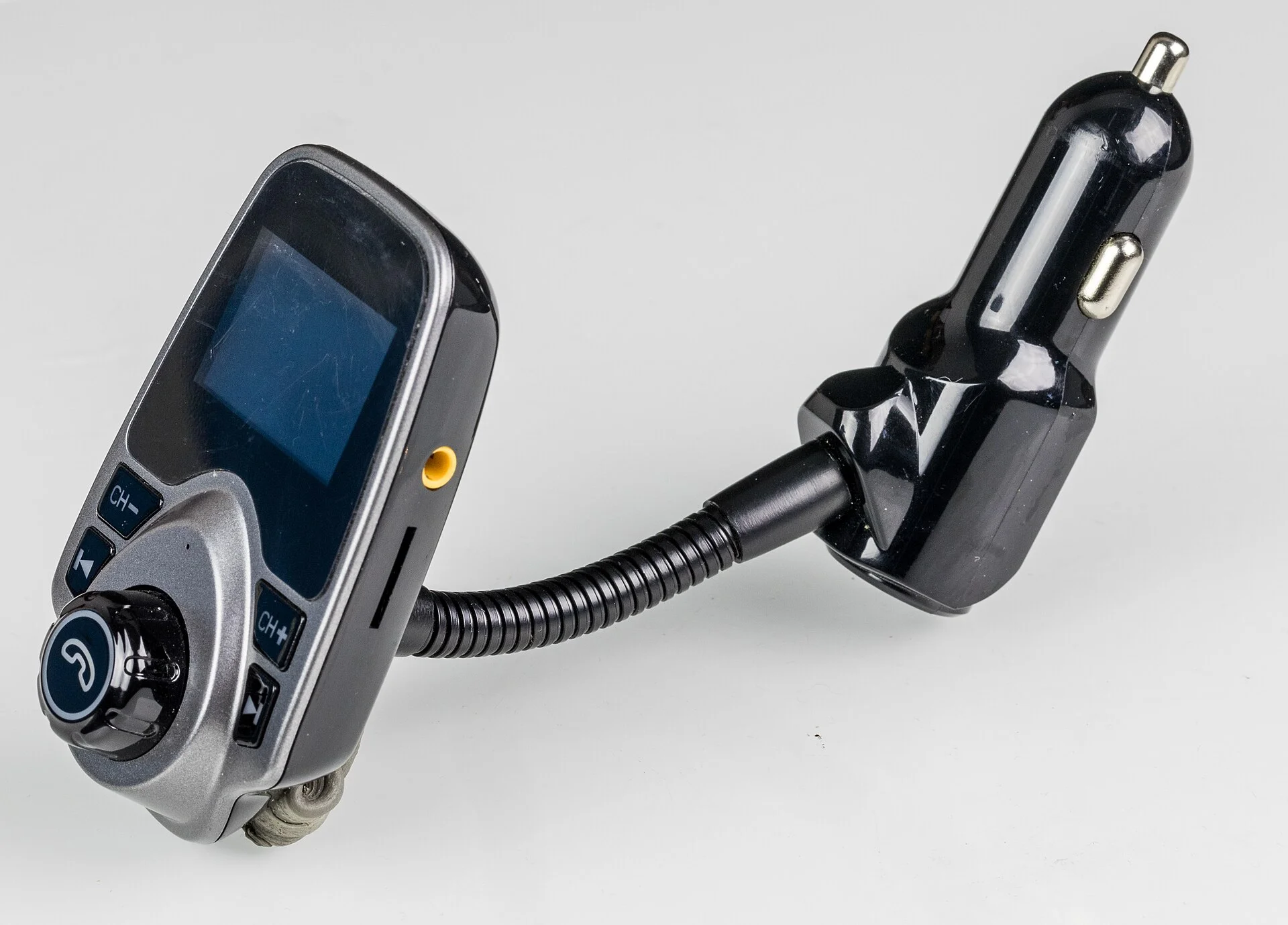
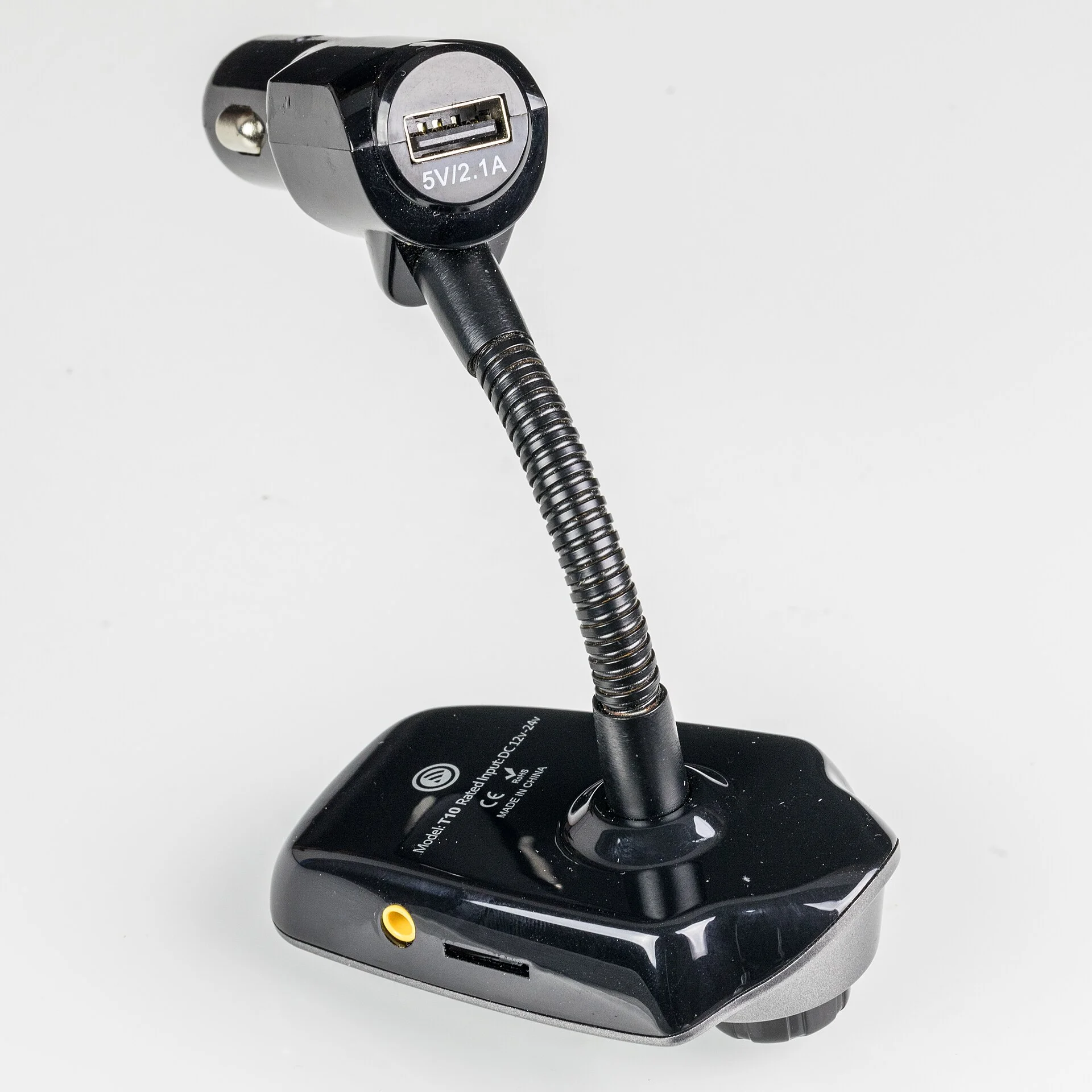
First, Diagnose It: Is It the Frequency or the Electrical System?
Do not buy anything or change anything until you have run one quick test, because the two causes need opposite fixes. With the music playing and the static present, rev the engine — or just listen as you accelerate and slow down — and pay attention to what the noise does:
- The noise is a whine or buzz whose pitch rises and falls with engine RPM — that is electrical noise from the car itself, almost always alternator or ignition noise riding in through the power or ground. Changing the frequency will not help; you need the electrical fixes further down.
- The noise is steady hiss, or a faint second station, and it does not track the engine — that is an RF / signal problem: either another station is fighting your frequency, or your signal is simply too weak. Frequency and placement fixes are what you want.
A second tell is whether the noise is there with the engine off (key on accessory, engine not running). If the static is fine with the engine off and only appears once the engine — and therefore the alternator — is running, that is a near-certain electrical-noise fingerprint. If it is equally bad either way, lean toward a frequency or weak-signal cause.
This one minute of diagnosis saves you from the classic trap: spending an hour scanning for clear frequencies when the real problem is alternator whine that no frequency on the dial will escape. Sort the cause first, then fix it.
It is also worth listening to the character of the noise, because it narrows things further. A constant, even hiss like soft television snow points to a weak signal — your transmitter is too faint relative to the radio's noise floor. A warbling tone or a faint music-and-voices layer underneath your own audio points to another station bleeding in. A buzzy, electrical rasp that changes with the engine, the headlights, the blower fan, or the turn signals points squarely at the car's electrical system. You will often hear more than one at once, which is normal — fix the loudest offender first and re-listen, because removing the dominant noise frequently reveals that the rest was never as bad as it sounded.
Cause 1: A Crowded Frequency (the Quick, Free First Check)
If your test pointed to an RF problem, start here because it is free. Your transmitter and a real radio station cannot share a frequency without fighting, and the station — broadcasting at thousands of watts against your microwatts — wins, leaving you static. The fix is to find a clear, unused frequency that no local station occupies, ideally with empty space on either side so nothing bleeds over.
The short version: tune your car radio across the dial and listen for a spot with pure dead air — no music, no chatter, no faint hiss of a distant station — then set your transmitter to that exact frequency. The low end of the band, around 87.9 MHz, is often emptier and a good place to start looking, though it is not magic and still needs checking. Remember that a frequency clear in your driveway can fill up with a powerful local station as you drive into town, so a frequency that fails on the highway is a sign you simply need a different clear channel for that area.
Because frequency selection is its own deep topic — how the FM band is laid out, why some channels are emptier than others, and how to re-find a clear one on the road — this guide keeps it short and points you to the dedicated walkthrough. If your static does not track the engine and changing frequency helps even a little, the frequency is your culprit and that companion guide is where to go next. If changing frequency does nothing at all, the cause is electrical, and the next sections are for you.
Cause 2: Electrical Noise From Your Car's 12V Power
This is the big one the frequency-focused advice never covers, and it is the cause behind that engine-following whine. Your car's electrical system is a noisy place. The alternator pumps out power in pulses as it spins, the ignition fires, the fuel pump cycles — and all of that puts ripple and spikes onto the 12V supply. The cigarette-lighter or accessory socket your transmitter plugs into carries every bit of that noise. A transmitter drawing power there can pick the noise up and fold it straight into the audio it broadcasts, so you hear the alternator in your music.
The classic symptom is alternator whine: a high-pitched tone that climbs as you rev. The usual mechanism is a ground loop — the audio source and the car are grounded at two points sitting at slightly different voltages, and the tiny current that flows to equalize them rides through the audio path as hum or whine. There are three layers of fix, cheapest first:
- Break the ground loop. If your transmitter takes a wired aux cable from the phone, an inline ground loop isolator dropped into that aux line breaks the offending path and very often kills the whine outright. It is a small, cheap part and the single most effective fix for buzz on a wired connection.
- Clean up the power. An inline 12V noise filter wired into the accessory feed smooths the ripple on the power going to the transmitter, attacking alternator and ignition whine at the source rather than after it has already contaminated the audio.
- Change where it draws power. Sometimes a different 12V socket, or running the phone on its own battery instead of charging through the same transmitter while it plays, sidesteps the noisy path entirely. It is free to try.
If the whine appears the moment the engine starts and vanishes with the engine off, you have confirmed electrical noise and these are your fixes. Do not waste time on the frequency — no clear channel exists that the alternator is not riding into.
Cause 3: A Weak Signal — Distance, Placement, and the Antenna
Even with a clear frequency and clean power, a transmitter signal that is too weak relative to the noise floor will hiss. Because the transmitter is a microwatt device, distance to your car radio's antenna matters enormously: the closer the transmitter sits to the antenna lead, the stronger your signal arrives and the less static you hear. A unit buried in a low center-console cup holder, far from the antenna and shielded by metal, sounds noticeably noisier than one mounted high near the dash with a clear line to the antenna.
So move it. Try the transmitter in the highest, most open 12V socket you have, or use a short extension so it sits up near the dash. In older cars the antenna is a mast at the front fender or along the windshield, so positioning the transmitter forward and high — toward that antenna — helps. Small changes in placement can be the difference between hiss and clarity, and they cost nothing.
The antenna itself is easy to forget. A retracted, broken, or disconnected antenna — or a powered antenna that never raised — weakens reception for everything, including your transmitter, which drops your wanted signal and lets static through. Make sure a manual mast is fully extended and a power antenna is actually going up when the radio comes on.
One more weak-signal trick worth knowing: FM stereo needs a much stronger, cleaner signal than mono to sound good, because the extra stereo information is far more vulnerable to noise. A marginal signal that would be quiet in mono will hiss in stereo. This is why many radios automatically blend toward mono on weak signals — and if your radio or transmitter offers a mono option, forcing mono can trade a little stereo width for a dramatically quieter signal when you are stuck with a weak link.
Cause 4: Cheap Hardware and Poor Shielding
Not all transmitters are created equal, and a surprising amount of static traces straight back to a bargain-bin unit. Cheap FM transmitters cut costs exactly where it hurts noise performance: thin or absent internal shielding, minimal power-supply filtering, and weaker Bluetooth chips. The result is a device that both broadcasts a weaker, dirtier signal and lets more of the car's electrical noise leak through. You can chase frequencies and isolators all day, but if the box itself is the problem, you are fighting uphill.
This is the one place where spending a little more genuinely helps. A better-quality FM transmitter typically adds real RF filtering and shielding, a stronger and cleaner output stage, and a better Bluetooth chip for the input side — and the static drop is often immediately obvious. The jump from a throwaway unit to a mid-range one is usually small in dollars and large in audio quality.
If you are shopping rather than salvaging, it is worth knowing which features actually matter for noise versus which are marketing. Things like built-in noise filtering, solid shielding, a strong Bluetooth chip, and a stable power circuit are what separate a clean transmitter from a noisy one — far more than the number of colored LEDs or a flashy display. Match the unit to a car that you already know has a noisy electrical system and the better hardware earns its keep.
There is a quick way to test whether your transmitter is the weak link before you spend anything: borrow or try a different unit, even briefly, in the same car on the same frequency and the same socket. If the static drops noticeably with another transmitter while everything else stays identical, you have isolated the hardware as the cause and an upgrade is the right move. If the static is just as bad with a second unit, the problem lives in the car, and a new transmitter would have been wasted money. This swap test is the cleanest way to avoid buying your way around a problem that a free fix would have solved.
Cause 5: Noise on the Input Side (Bluetooth, USB, and Aux)
Static does not only come from the FM broadcast stage — it can ride in before the transmitter ever puts a signal on the air, through the connection between your phone and the transmitter. How your audio gets in changes which noise problems you can have.
Wired aux (3.5mm): a cable carrying analog audio from a phone that is also charging is a prime spot for a ground loop, and the buzz it causes is the same whine described earlier. An inline ground loop isolator on the aux cable, or simply playing from the phone's battery without charging it at the same time, usually clears it.
USB power cables: a long USB cable feeding the transmitter can act as an antenna for electrical noise and carry it into the device. Clipping a ferrite choke around the cable — the little cylindrical bead you often see molded onto factory cables — suppresses the high-frequency noise traveling along it. Using a shorter, better-quality cable helps for the same reason.
Bluetooth: a Bluetooth link avoids the aux ground loop entirely, which is a real advantage, but it brings its own failure mode: dropouts and digital stutter if the phone is far away, sealed inside a metal console, or competing with other 2.4GHz devices. Keep the phone close and out of a metal box so the link stays solid before the FM stage even matters. If your noise is a clean signal interrupted by stutters rather than a constant hiss, the Bluetooth link — not the FM broadcast — is the thing to fix.
One detail people miss on the input side is the phone itself. A phone with a weak cellular signal works its radios harder to stay connected, and that extra activity can occasionally leak into a nearby aux cable or a cheaply-shielded transmitter as a rhythmic chirp or buzz. If you hear a faint pulsing noise that has nothing to do with the engine, try switching the phone to airplane mode with only Bluetooth on while you drive offline-saved music, or simply move the phone a few inches away from the transmitter and cable. It is a small effect compared with alternator whine or a crowded frequency, but on an already-marginal setup it can be the last bit of noise standing between you and clean audio.
The Fix Order: Cheapest and Easiest First
Putting it all together, here is the order to work through so you spend the least money and time before the static is gone. Each step builds on your one-minute diagnosis of whether the noise tracks the engine.
- Run the engine-RPM test to split electrical noise from a frequency/signal problem. This decides everything below.
- If it is a signal problem, change frequency — scan for a truly dead channel and set the transmitter to it. Free, instant, and the right first move for hiss or a bleeding-through station.
- Reposition the transmitter higher and closer to the antenna, and confirm the antenna is up and intact. Still free.
- Force mono if your gear allows it, to quiet a weak stereo signal. Free.
- If it is electrical noise, break the ground loop with an inline ground loop isolator on the aux line, and clip a ferrite choke onto the power and data cables. Cheap and very effective against whine.
- Add a 12V noise filter on the accessory power feed to smooth alternator ripple at the source. Cheap.
- Upgrade the transmitter to a better-shielded unit if a cheap one is the bottleneck. Modest cost, often the biggest single improvement.
Work top to bottom and stop when the static is gone. Most people find their fix in the free steps; the paid ones are for stubborn cars and bargain hardware. The discipline that matters is doing the diagnosis first so you apply electrical fixes to electrical noise and signal fixes to signal problems — not blindly throwing parts at it.
When Static Wins: Switching Away From FM Entirely
Sometimes the honest answer is that FM is the wrong tool for your situation. In a dense city, every usable frequency may already be taken by a powerful station, leaving no clear channel to claim no matter how carefully you scan. And some cars simply have stubbornly noisy electrical systems that no reasonable stack of isolators and filters will fully tame. If you have worked the whole fix order and still hear static, the durable solution is to stop broadcasting over the air altogether.
The cleanest upgrade is to bypass FM entirely. If your car has an aux input, a Bluetooth adapter that plugs into it gives you a direct wired path with none of the airwave competition or alternator whine — the music never becomes a radio signal, so it never picks up radio noise. For cars without an aux jack, a head-unit replacement with built-in Bluetooth solves it permanently. Either way, you trade the convenience-and-static of an FM transmitter for a connection that is quiet by design.
That trade-off is worth weighing honestly. An FM transmitter is the cheapest, most universal option and works in literally any car with a radio, which is why it stays popular — but it lives or dies on signal quality. If you have fought static through every fix here and it still creeps back, the few extra dollars for a Bluetooth adapter buy you silence, and that is usually the better long-term call for a car you drive every day.