
What is the Best Dashcam Resolution for Overlanding Clarity?
The number of pixels packed into each frame of video your dash cam records is called its resolution. It's the fundamental factor dictating how sharp and clear your footage will ultimately be. In the world of driving, this detail can mean the difference between a blurry mess and crystal-clear evidence.
The number of pixels packed into each frame of video your dash cam records is called its resolution. It's the fundamental factor dictating how sharp and clear your footage will ultimately be. In the world of driving, this detail can mean the difference between a blurry mess and crystal-clear evidence. Higher resolutions mean more pixels, and more pixels mean you can actually see what's happening on the road.
This is crucial when you need to make out license plates or road signs, especially when things get hectic.dash cam resolutions are measured in pixels, and getting it right is key. For overlanding, where you might need to identify trail markers or wildlife in the distance, this becomes even more important than your daily commute.
The Core Answer
When I first started looking into dash cams for my old Subaru Outback, it was all Greek to me. Everyone talked about 1080p, 2K, and 4K, and I just wanted something that wouldn't turn my footage into abstract art. The honest version is, for overlanding, you want clarity. That means you're generally looking at resolutions of at least 1080p (Full HD). This is the standard that lets you capture enough detail to make out license plates and general road conditions, which is the minimum I'd accept. 1080p (Full HD) is a solid baseline. Stepping up to 2K resolution, which is 2560 x 1440 pixels, gives you a noticeable bump in detail. I found this particularly helpful when reviewing footage from a dusty trail in Moab. Being able to zoom in a bit without losing too much quality was a game-changer. It's like upgrading from a regular photo to one you can actually crop. 2K resolution offers sharper footage. Now, 4K resolution (3840 x 2160 pixels) is the top tier. This is where you get incredible clarity. For overlanding, this means you can capture the fine details of terrain, wildlife scurrying across the trail, or even distant landmarks with stunning sharpness. I remember watching footage from a 4K dash cam of a herd of elk crossing the road ahead of me; it was like watching a nature documentary. 4K resolution lets you capture trail details. However, the real move here is to understand that higher resolution means bigger file sizes. My first dash cam was 1080p, and it filled up my 32GB card pretty quickly. If you go to 4K, you'll need a much larger card, and potentially a dash cam that can handle the processing without overheating. Think about how long your trips are and how much storage you'll need. higher resolution means better video quality. What nobody tells beginners is that sometimes, even with a high-resolution camera, if the sensor or lens isn't great, or if you're driving at night in the pouring rain, the footage can still be garbage. Factors like low-light performance and High Dynamic Range (HDR) are just as important as the raw pixel count. I learned this the hard way on a foggy morning drive in the Cascades; my fancy 4K dash cam looked like a potato. High Dynamic Range (HDR) is available on some devices. So, the $50 version is: 1080p is fine, 2K is better for detail, and 4K is king for overlanding clarity. But don't forget about the other stuff like sensors and HDR. My $100 dash cam from three years ago is still going strong, but I've definitely thought about upgrading the resolution.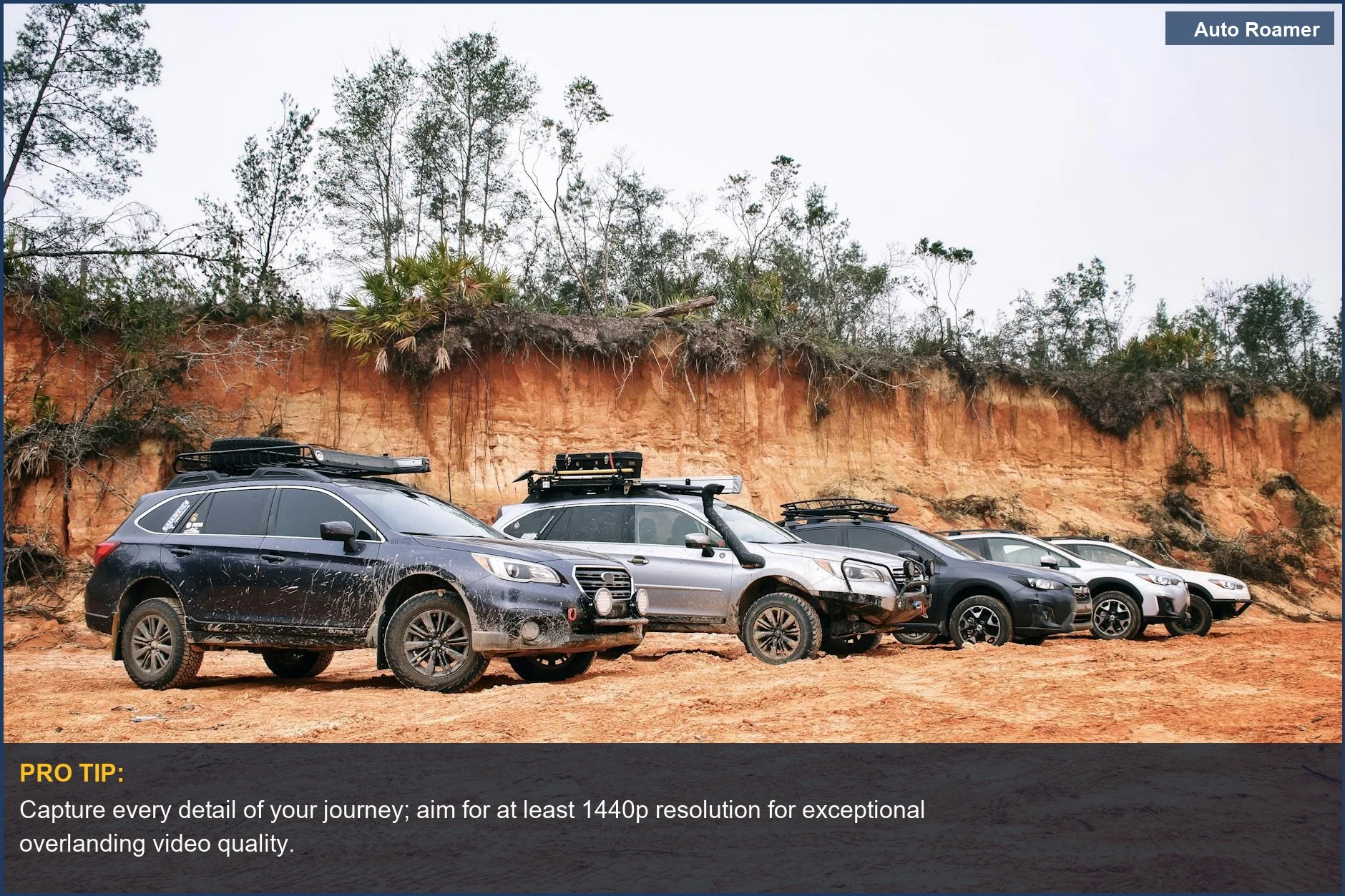
Why This Matters for Your Setup
When you're out on the trail, the resolution of your dash cam isn't just about bragging rights; it's about practical evidence and documentation. I learned this the hard way when I needed to prove a minor fender bender after a trail run. The other driver was trying to blame me for coming out of a blind turn too fast. Here's why resolution matters for your setup:
Making the Right Choice
So, when you're picking out a dash cam for your overlanding rig, don't just grab the cheapest thing you see. Resolution is a key factor in getting useful footage. Think about what you actually need the video for.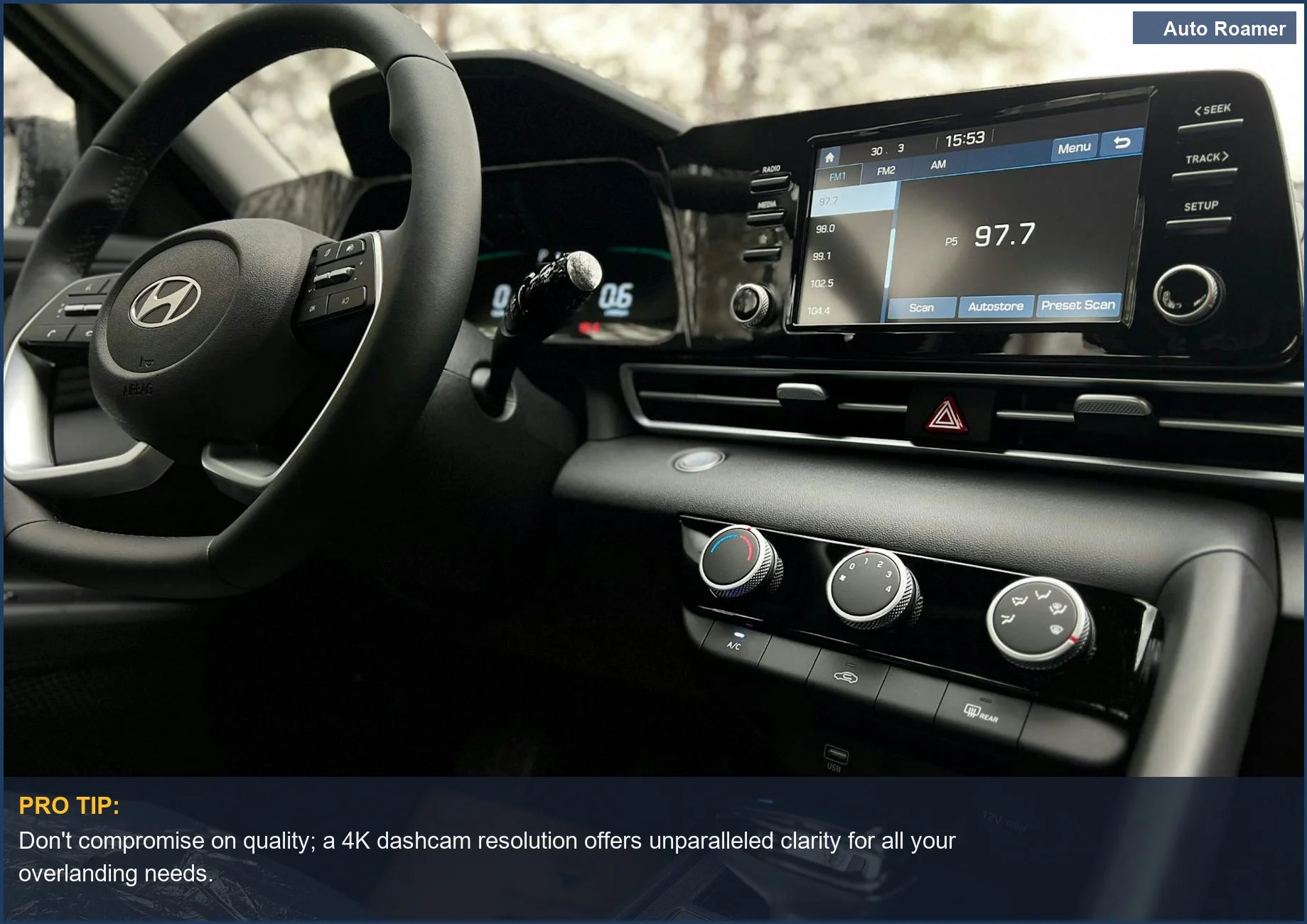
Frequently Asked Questions
My dash cam only records at 720p. Is it really that bad for overlanding?
Do I need a special app or software to view 4K dash cam footage?
What if my dash cam footage is clear during the day but completely black at night, even though it's supposed to have night vision?
Can using a super high-resolution dash cam (like 4K) constantly wear out my car's electrical system?
I heard that higher resolution drains the battery faster. Is that true for dash cams?
🏅 Looking for Gear Recommendations?
Check out our tested gear guides for products that work with this setup:
Sources
- Is there a certain resolution needed to see license plates? and are ...
- Clarity HDR on a Compatible Garmin Dash Cam
- Best Dash Cam Resolution: See Every Detail Clearly Now!
- 1080P, 2K, 4K Dash Cam—Which One Should You Choose? - DDPAI
- Guide to Dash Cam Video Resolutions: Do you need 720, 1080, or a ...
- Best Resolution for Dash Cam: The Complete Guide for Drivers
- 10 Best 4K Dash Cam for Your Overlander - YouTube
- Best Dash Cam for Tacoma Overlanding: Full Build Guide - Wefoka