Why a $150 Triple-Camera Dash Cam Deserves a Hard Look
I price gear against what failure costs, and a dash cam is the rare purchase where the cheap one can genuinely cover you — or quietly miss the one crash that mattered. With budget three-channel cams, the question is always which of those two you just bought.
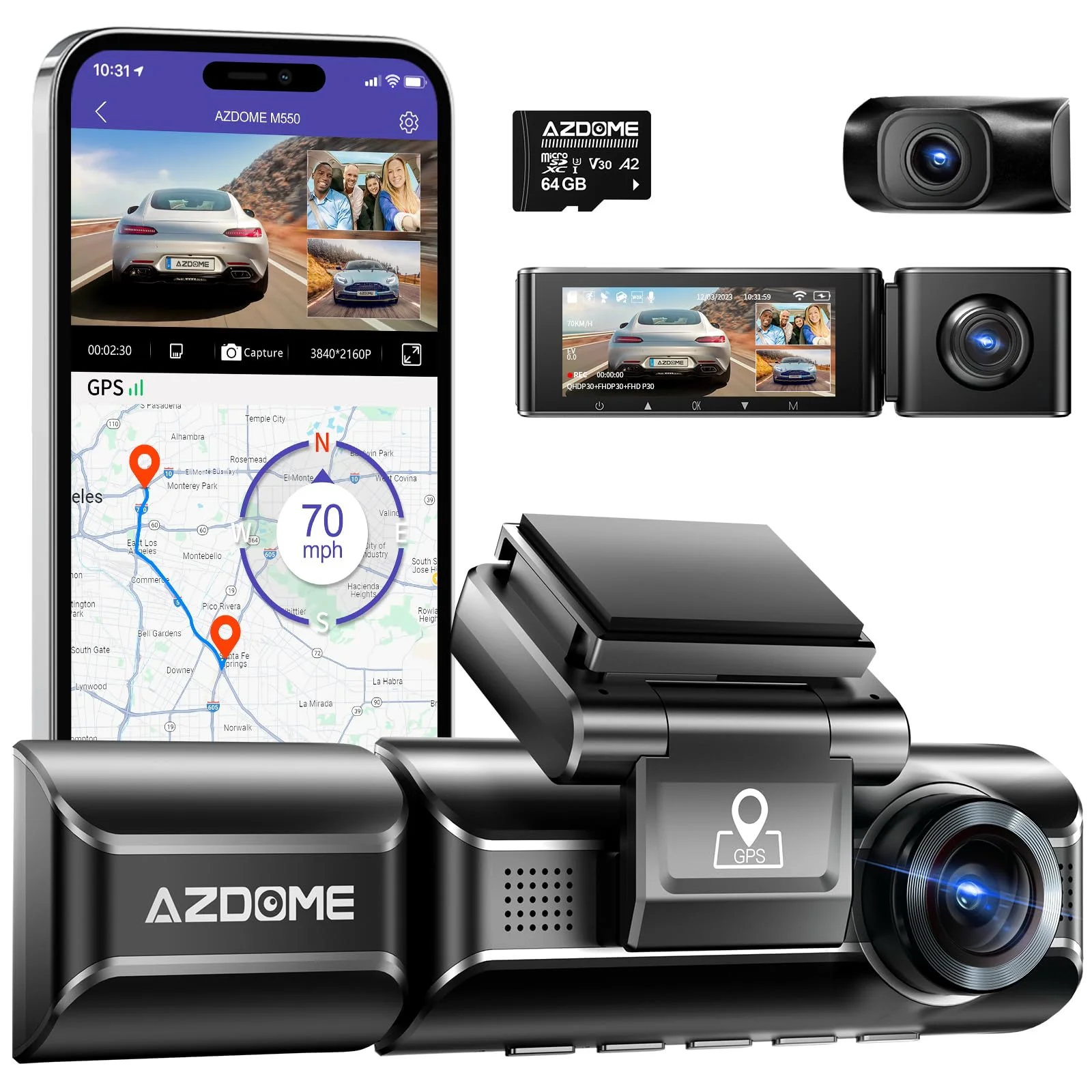
The AZDOME M550 is the cheapest way to put three cameras in one car — front, cabin, and rear for about $149.99. That's less than half of what Vantrue asks for its N4 line, and the spec sheet reads nearly the same: 4K front, IR cabin lens, GPS, a capacitor build, 24-hour parking mode.
"Reads nearly the same" is doing some quiet work in that sentence. The 4K number carries an asterisk, the app has a reputation, and a documented mount problem can take the whole camera down with it.
None of that makes the M550 a bad buy. It makes it a specific one — right for some drivers, a false economy for others, and worth knowing the difference before the $230 you saved becomes the deductible you didn't.
The competition isn't sitting still either. WOLFBOX sells a triple ten dollars up, and AZDOME's own M550 Max sits forty dollars above this one. The $149.99 price only matters if the camera underneath it holds up.
So here's the value-engineer's read: what the sheet actually claims, what owners and named reviewers consistently confirm, where it falls short, and exactly who should pocket the difference versus who should pay Vantrue's price. I haven't bench-tested a unit and won't pretend otherwise — every claim here traces to the published specs, DashCamTalk's long-running review, and the owner reports that accumulate once a camera has spent a few years on windshields.
The Spec Sheet vs. the Sensor: Reading the 4K Claim
Start with the front camera, because it's where the marketing and the hardware part ways. The M550's front lens is built on a Galaxycore GC4653 — a 4-megapixel sensor with a native resolution of 2560 x 1440.
The 4K asterisk
DashCamTalk's review spells out what that sensor means in practice: the advertised 4K is interpolated, stretched in software from a 1440p capture rather than recorded natively. You're buying a good 1440p front camera with a 4K sticker on it.
That's not a scandal at this price — interpolated 4K is a habit across the whole budget tier. But plate-reading distance follows the sensor, not the box. My rule for marketing math: the number on the box is the ceiling, never the floor.
What each lens records with all three running
Switch on all three channels and the resolutions settle to 1440p front, 1080p cabin, and 1080p rear. There's no hidden penalty beyond that — the M550 records all three feeds simultaneously to one card, which some bargain triples quietly don't.
The rear unit runs a Galaxycore GC2053 at 1080p and 30 frames per second, around 10 Mbps, with the same 150-degree field of view as the front. DashCamTalk rates the rear footage adequate by day and grainy at night — average for the class, and a clear step below what the front lens delivers.
The takeaway: judged as the 1440p/1080p/1080p system it actually is, the M550's numbers are honest and competitive at $150. Judged against its own box, it over-promises. If the way this category advertises resolution makes your eyes cross, our guide to how dash cam resolution claims actually work untangles the whole habit.
The Cabin Camera Is the Reason This Camera Exists
A third channel earns its cost in exactly one place: the interior. Rideshare and delivery drivers buying dispute insurance, parents of new drivers, anyone whose car doubles as a workplace — that's who a cabin lens is for, and the M550 prices that buyer in.
The interior camera runs a Sony STARVIS IMX307 sensor behind an infrared LED array — genuinely the most premium part on this camera. STARVIS is the same low-light sensor family the expensive cams lean on for their night footage.
Resolution matters less in a cabin than on a license plate. At arm's-length distances, 1080p resolves faces and gestures fine — the sensor's light handling is the spec doing the real work, and it's the one part AZDOME didn't cheap out on.
The IR array matters more than the resolution here. Infrared floods the cabin with light the sensor can see and your passengers can't, so the interior view survives a pitch-black car. A cabin lens without real IR is a daytime-only camera, and most disputes don't schedule themselves for daylight.
DashCamTalk's review found the interior camera does its job both day and night — which, at this price, is the single finding that justifies the M550's existence. Plenty of budget triples bolt on a third lens that goes blind after sunset.
The cabin camera is the channel you hope stays boring. It records an empty seat for a thousand hours so that the one loud minute with a passenger has a witness — that's the whole purchase, and the M550's STARVIS-plus-IR setup is the right hardware for the job.
If you're still deciding whether you need three channels at all — most private commuters don't — our breakdown of who actually needs a 3-channel dash cam draws that line honestly. The short version: no passengers, no third lens needed.
GPS, the Capacitor, and 24-Hour Parking — With One Catch
The rest of the sheet covers the unglamorous gear that decides whether a dash cam survives. The M550 gets the big one right: it runs a capacitor instead of a lithium battery.
That choice matters in a parked car. A windshield in summer sun cooks the electronics, and lithium cells swell and quit under that heat — a capacitor build shrugs it off. It's the difference between a camera that lasts and one that dies its second August.
GPS rides in the mount and stamps speed and location onto the footage, which is exactly the metadata an insurance dispute wants. The 3.19-inch screen on the body lets you review clips without touching the app — keep that detail in mind, because it becomes load-bearing two sections from now.
Parking coverage is real but not free. The M550 offers three parking modes:
- Collision detection
- Motion detection
- Time-lapse
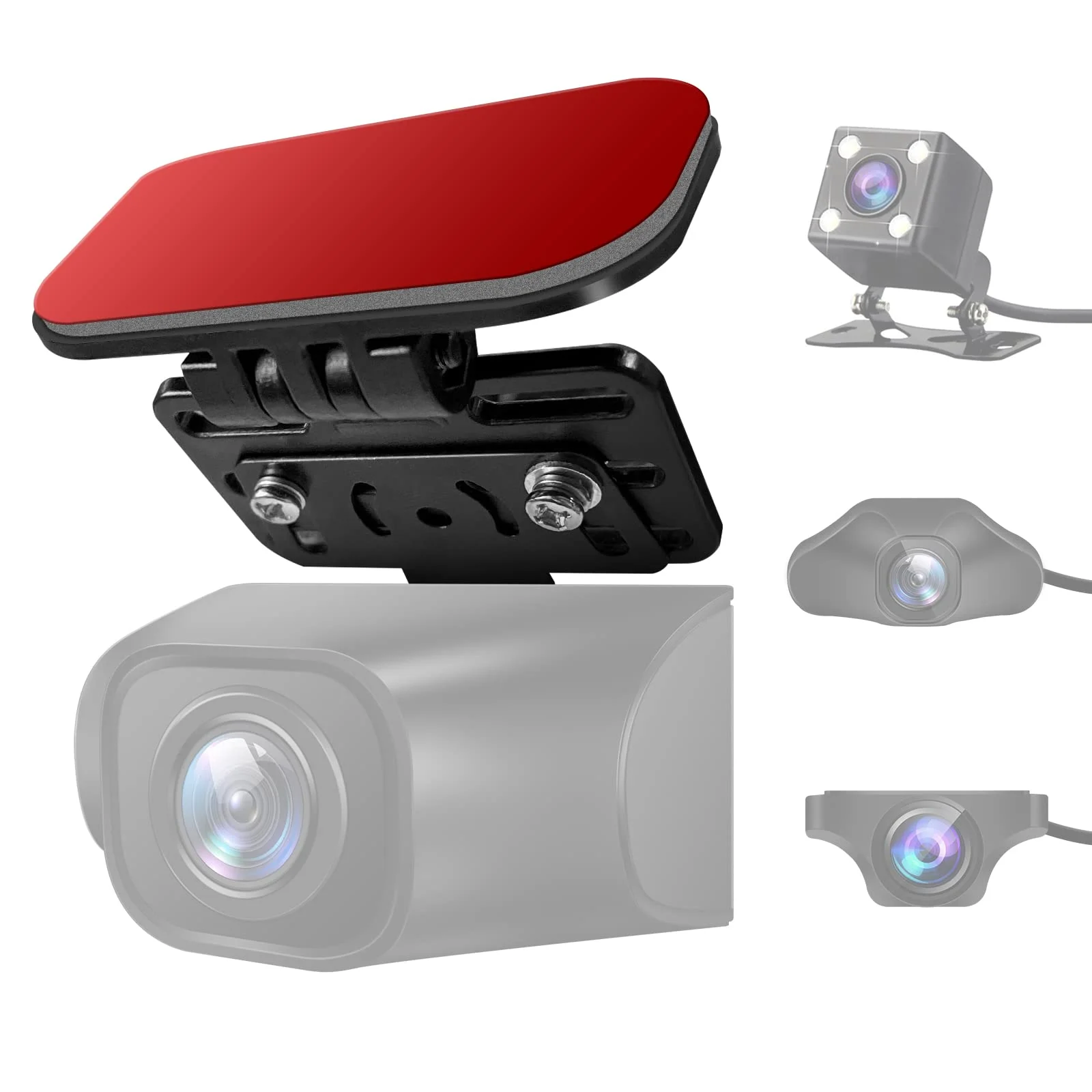
Now the catch. That GPS mount — the part the whole camera hangs from and draws power through — is the M550's documented weak point. Owner reports going back years describe mounts that crack or fail electrically, and because power feeds through the bracket, a dead mount means a camera that won't switch on at all.
A $150 camera held hostage by its own bracket is exactly the kind of failure a spec sheet never mentions. The replacement part is cheap; discovering you needed one the week after a crash is not.
Where the M550 Earns Its Keep
Price first, because it's the headline. DashCamTalk calls the M550 one of the lowest-priced three-channel cams available, and that isn't a backhanded compliment — the review's bottom line is that the video quality is acceptable for what it costs.
The praise that repeats across owner reviews is about coverage-per-dollar: three real angles, recorded simultaneously to one card, for the price of most brands' front-and-rear kits. For a rideshare driver covering the cabin on a working budget, that math is the entire pitch.
Setup earns consistent goodwill too. Owners describe the install as genuinely simple — stick the mount, run the rear cable, plug in — and the on-body screen means configuration doesn't depend on the app cooperating. Rideshare forums regularly point new drivers at the M550 for exactly this reason.
AZDOME's software support is better than its budget tier suggests. DashCamTalk credits the company with responsive firmware updates over the camera's life, and the unit carries a 12-month warranty — not remarkable, but real, and more than the no-name triples at the same price deliver.
Storage is handled sensibly too. Current listings support cards up to 256GB, which matters on a triple — three simultaneous streams fill a card fast, and headroom is what keeps loop recording from eating yesterday's incident before you've ever seen it.
Add it up and the M550's case is coherent:
- The one premium sensor where it counts — the cabin
- Honest 1440p up front
- A capacitor build
- A price that undercuts the category
The corners it cuts are real — but they're cut where the next section says, not hidden. That's rarer in this tier than it should be.
The Honest Cons List
Every budget product is a list of chosen compromises, and the M550's are unusually well documented. Here's the ledger, owner-reported and reviewer-confirmed:
- The app is the biggest complaint. DashCamTalk and Dash Cam Discount both flag app connectivity as the M550's leading drawback — pairing failures and dropped connections that make footage transfer a chore.
- GPS-mount failures. The recurring hardware report: mounts that break and stop the camera powering on, paired with complaints about slow customer service on replacements.
- Rear footage gets grainy at night. Adequate by day, average after dark — DashCamTalk scores the M550's night video 5 out of 10.
- Scattered fail-to-record reports. A minority of owners describe the camera missing incidents — the single most expensive failure a dash cam can have.
That last item deserves the longest pause. DashCamTalk rates the M550's reliability 5 out of 10, and reliability is the spec every other spec hangs from — a camera that doesn't record is a $150 windshield ornament.
The honest framing: not everyone hits these problems, and plenty of owners run the M550 for years without drama. But the failure reports cluster around the same three parts — app, mount, card handling — often enough that they're a pattern, not noise.
Weigh the pattern against the price, not against perfection. The Vantrue N4 Pro S has its own complaint threads — every dash cam does — but at $379.99 the pattern runs thinner, and that thinness is a large part of what you're paying for.
The mitigations cost nothing: review clips on the screen instead of fighting the app, reformat the card monthly, confirm footage actually exists every few weeks, and treat the mount like the single point of failure it is. None of that should be your job. On a $150 triple, some of it is.
M550 vs Vantrue N4 Pro S vs the Other Triples
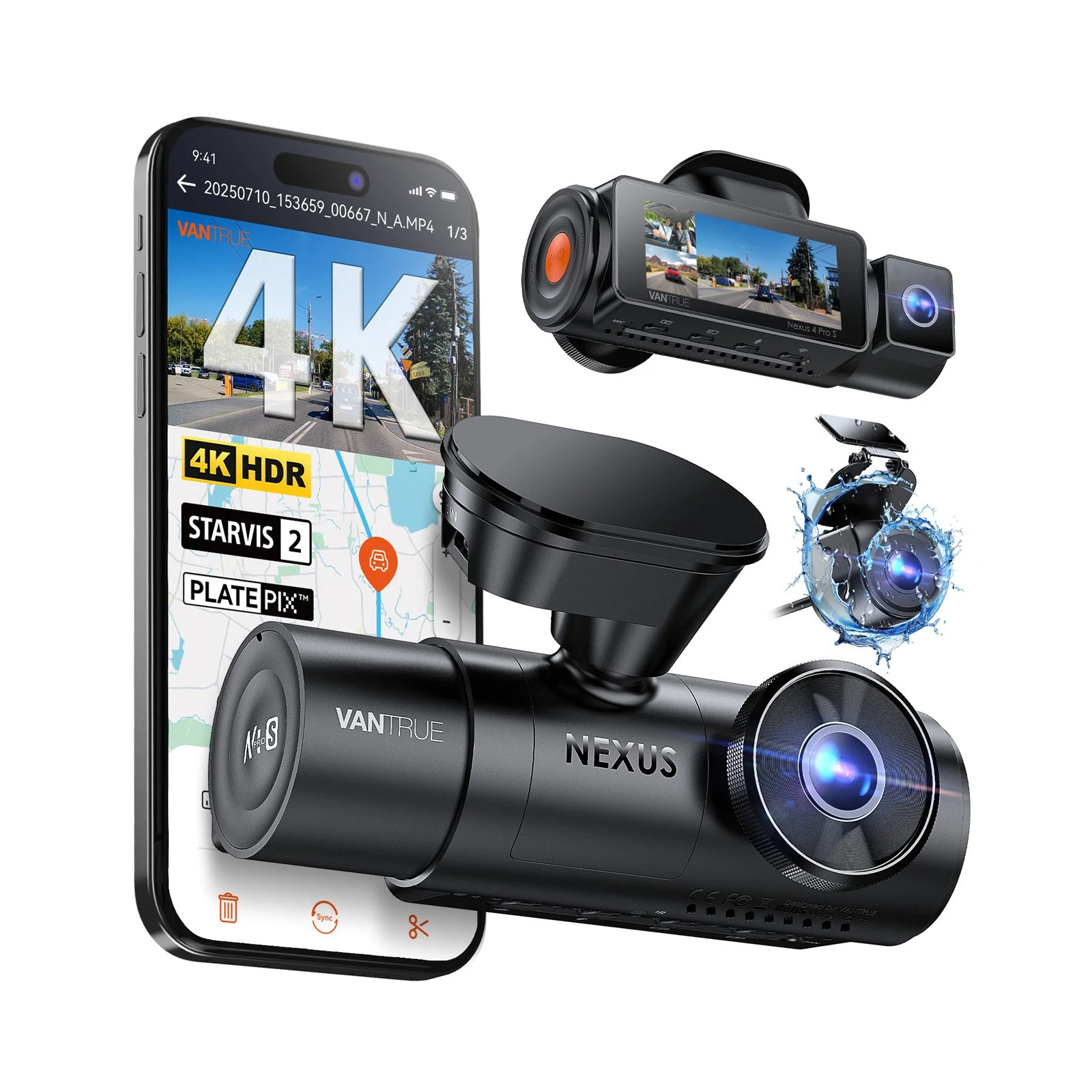
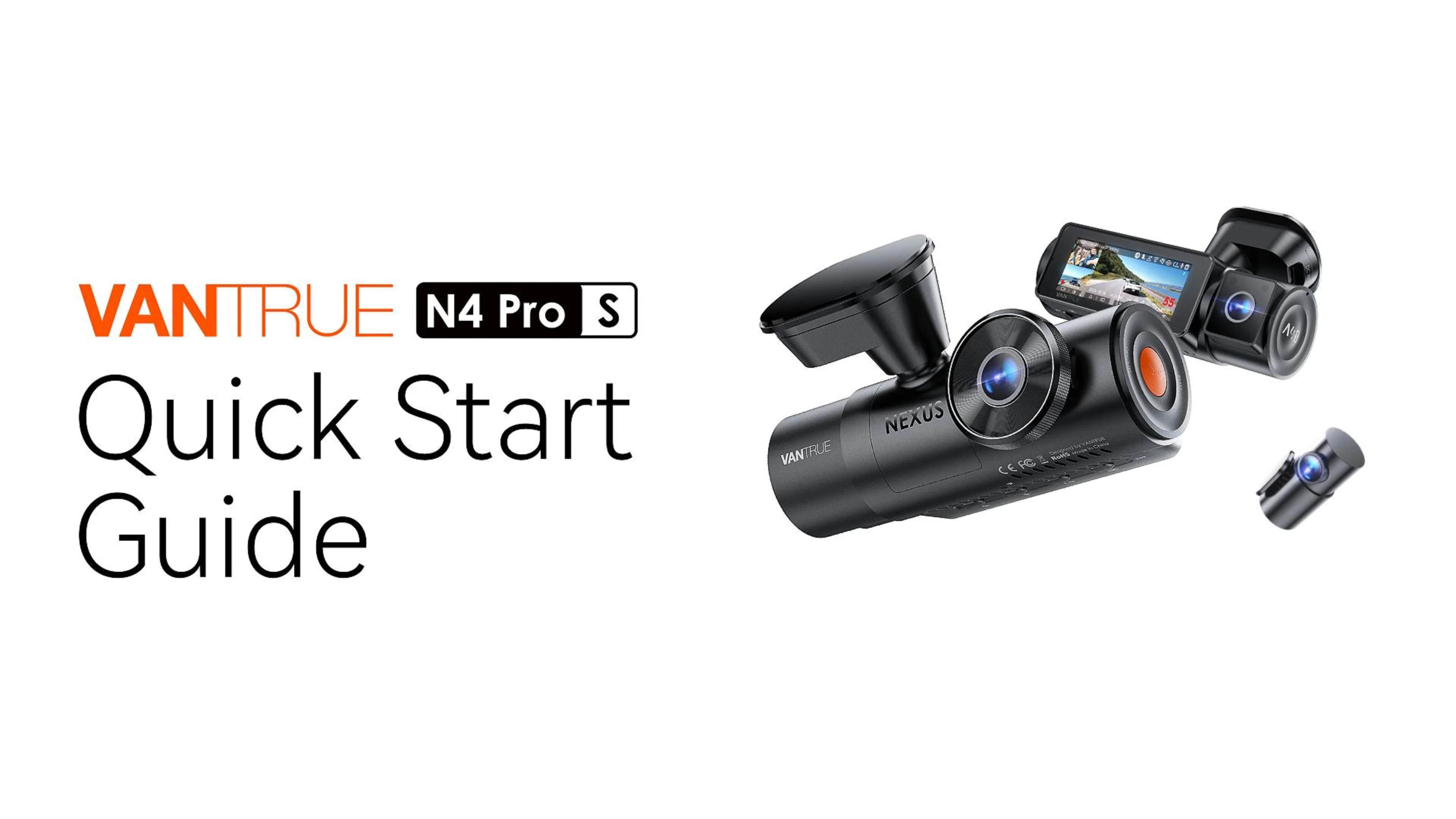
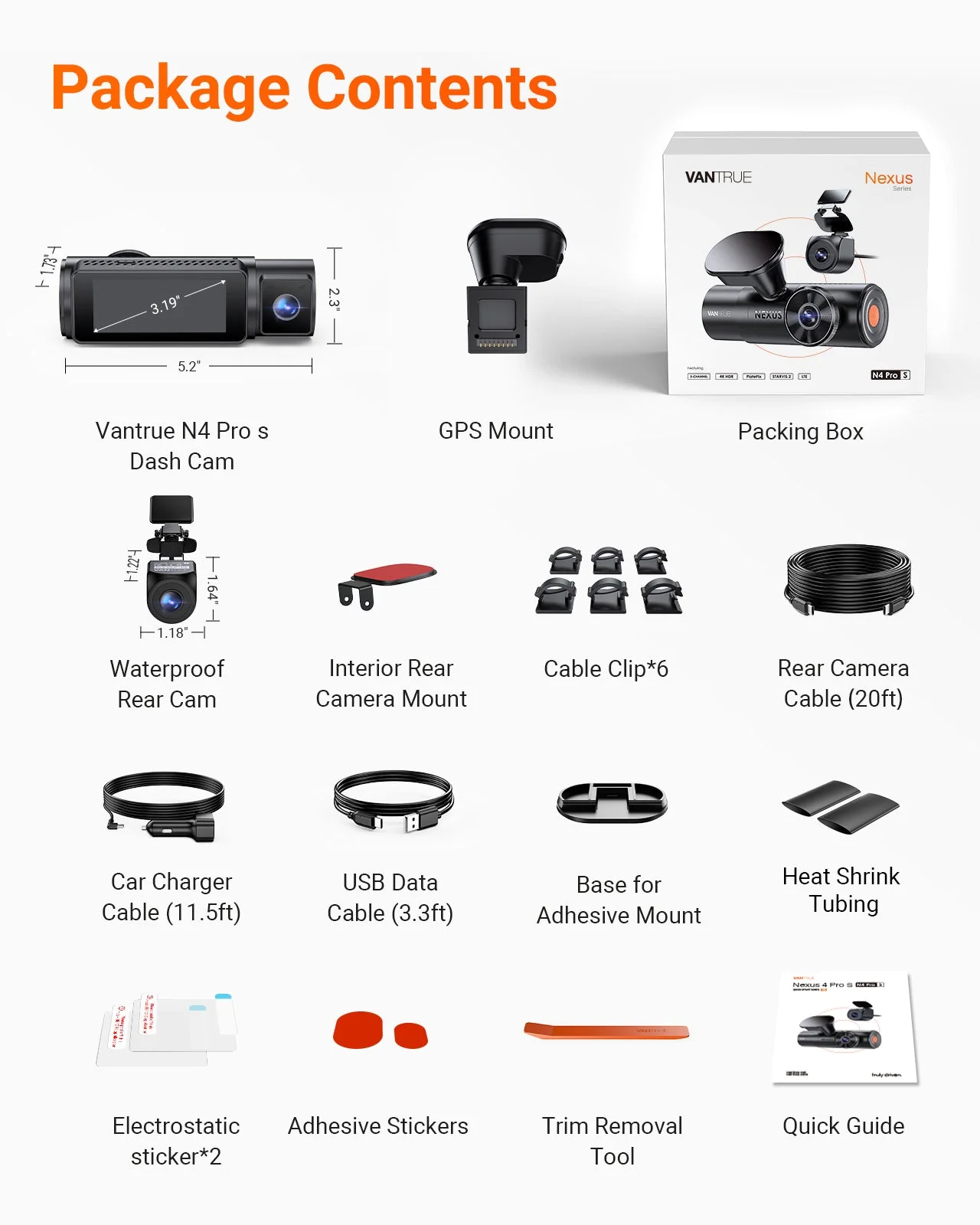
The comparison that matters is the one the M550's price invites. The Vantrue N4 Pro S is the category's premium benchmark at $379.99 — STARVIS-class sensors across the channels and the cabin night footage reviewers consistently rank at the top of the class. If footage quality is your livelihood, that's where spending more keeps paying off.
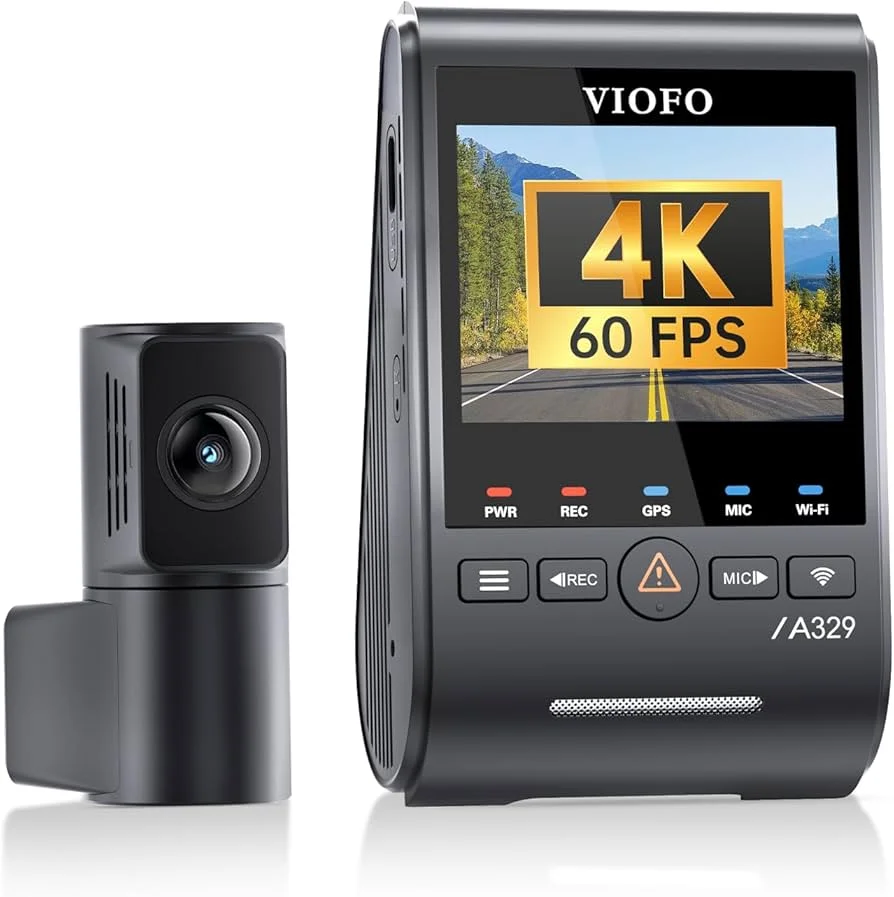
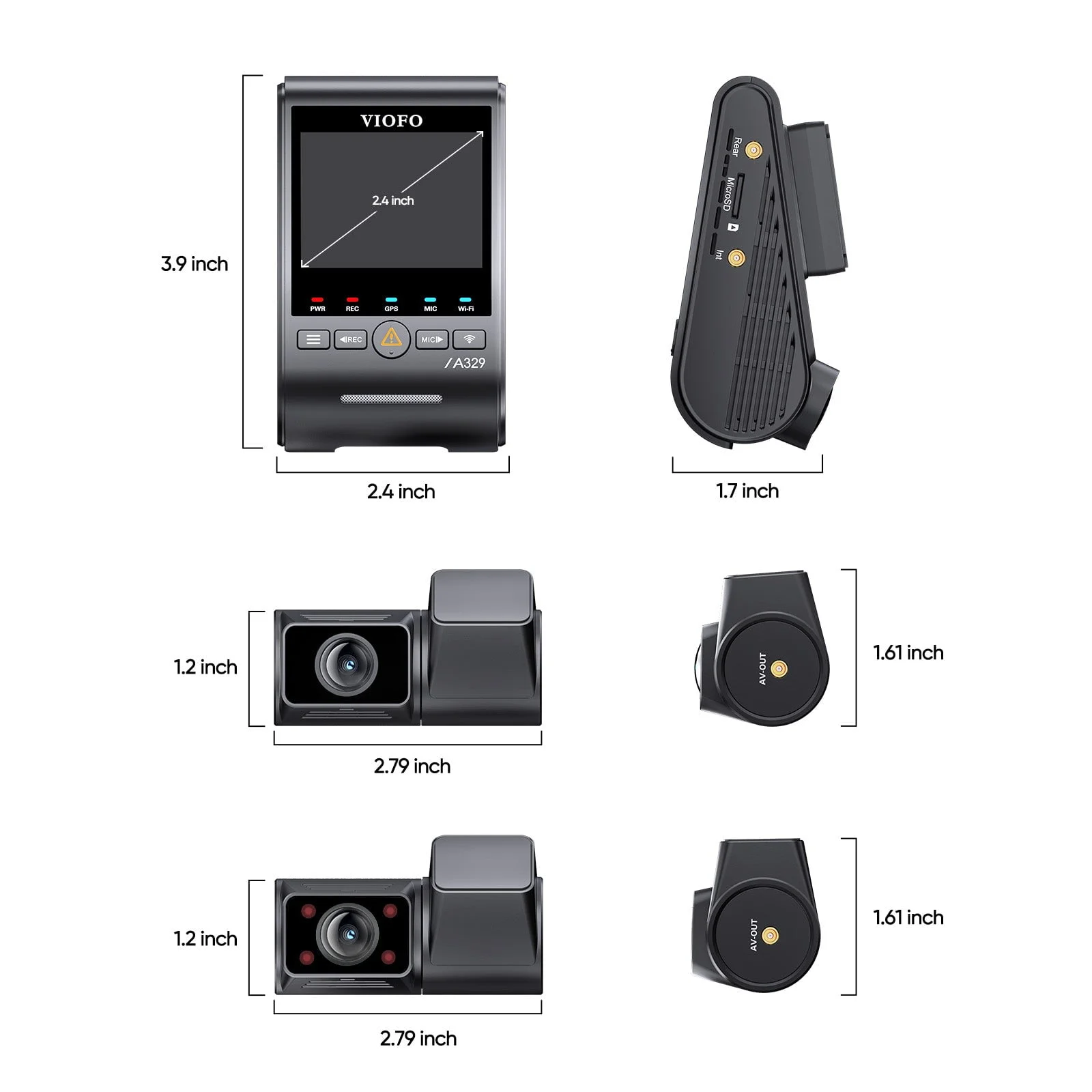
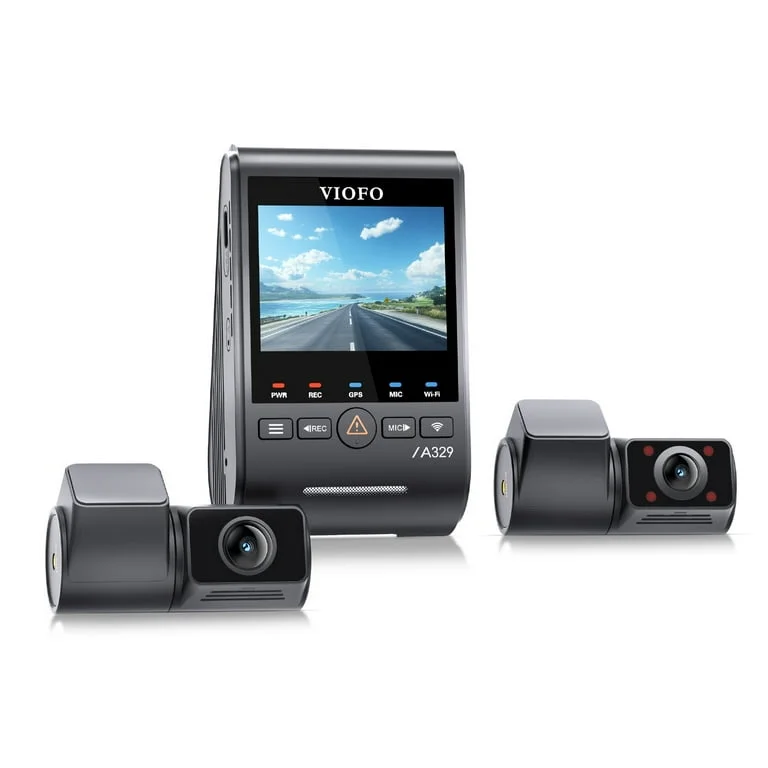
The VIOFO A329S ($259.99) is the reliability-first middle: a named 4K front sensor, a real IR cabin camera, and VIOFO's long record of cams that survive years on a windshield. It's the alternative the M550's reliability score quietly argues for.
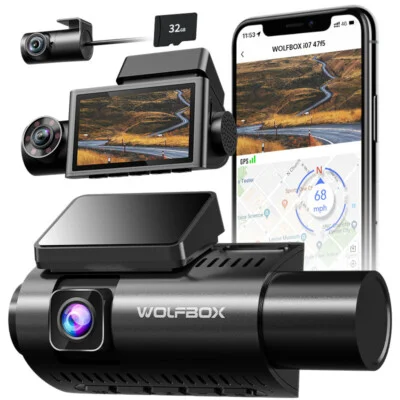
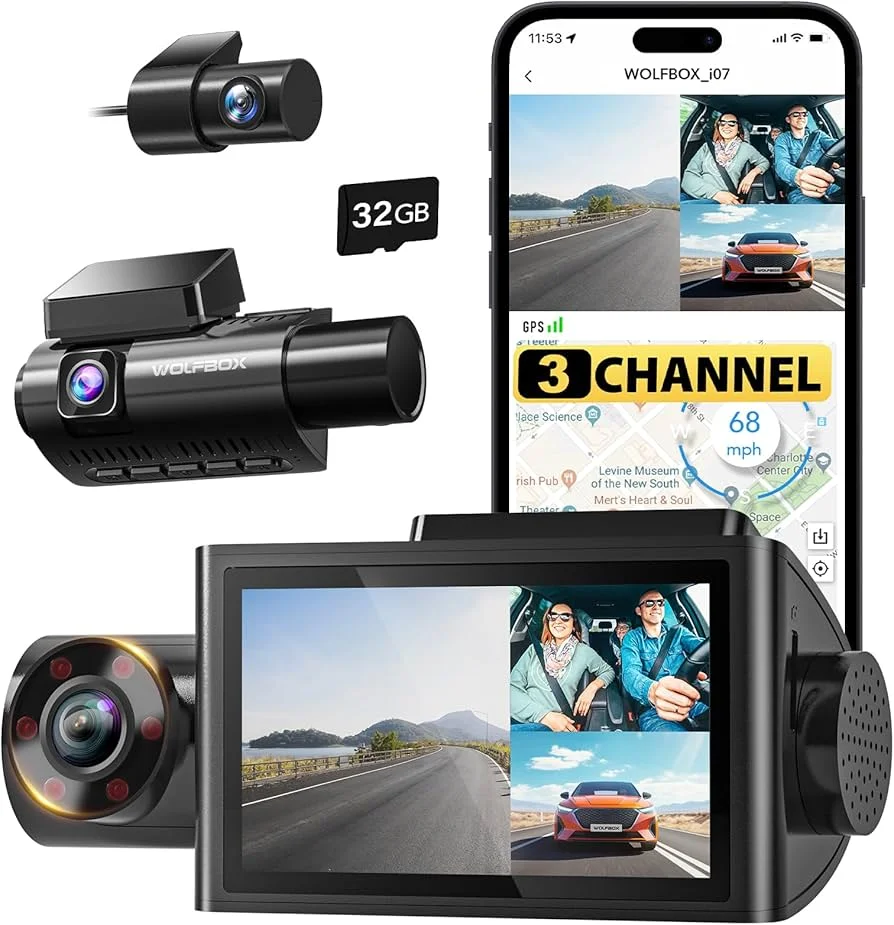
Closer to the M550's bracket, the WOLFBOX i07 ($159.99) is the direct rival — a solid triple with WiFi, ten dollars up. Owner reports split the two on details rather than fundamentals; neither escapes budget-tier compromises.
And AZDOME sells the M550's own answer to its critics: the M550 Max ($189.99) upgrades to dual STARVIS sensors, a 4K + 2.5K + 1080P channel split, and a 64GB card in the box. Forty dollars buys back the original's two biggest video complaints.
One thing all four get right: capacitor builds and real IR cabin options at every tier. The category has matured — the difference between $150 and $380 is no longer whether the hardware is sane, it's how often it lets you down and how the footage looks at 2 a.m.
| Camera | Price | What it's buying you |
|---|---|---|
| AZDOME M550 | $149.99 | Cheapest real triple; STARVIS IR cabin camera |
| WOLFBOX i07 | $159.99 | Direct rival with WiFi |
| AZDOME M550 Max | $189.99 | Dual STARVIS, 4K + 2.5K + 1080P, 64GB card included |
| VIOFO A329S | $259.99 | Named 4K front sensor, reliability record |
| Vantrue N4 Pro S | $379.99 | Top-of-class cabin and night footage |
Here's how I'd cut it. Under $160, the M550 and the i07 trade punches, and the M550's cabin hardware gives it the rideshare edge. At $190, the Max is the better AZDOME for most buyers. From $260 up you're no longer paying for resolution — you're paying for the reliability and night footage the budget tier can't deliver, and that's the honest line between the tiers.
Who Should Buy the M550 — and Who Should Pay More
Buy the M550 if you're the buyer it was built for: a rideshare or delivery driver who needs cabin coverage on a working budget, a parent putting eyes in a new driver's car, or anyone who wants three angles on a second vehicle without spending Vantrue money.
You're also the right buyer if you'll actually mind it.
The M550 rewards an owner who reformats the card, glances at the footage monthly, and reviews clips on the screen. It punishes the install-and-forget type — and most of the fail-to-record stories read like install-and-forget stories.
Pay more if footage is professionally load-bearing. A full-time rideshare driver whose deactivation appeal might hinge on one clip should buy the Vantrue and consider the $230 difference cheap insurance. Same answer if your car bakes in a hot climate and you want engineering margin instead of luck.
Skip the M550 entirely if the app workflow matters to you. If transferring clips over WiFi is how you'll actually use a dash cam day to day, buying the camera with the category's most complained-about app is the false economy in its purest form.
The M550's price edge survives the kit — it just shrinks from dramatic to merely comfortable. That's still the cheapest path to 24-hour triple coverage.
And if you're stuck between tiers, the M550 Max is the quiet right answer — it keeps AZDOME's price logic and fixes the original's sensor compromises for less than the cost of one nice dinner out. For most buyers, that's the exact point where spending more stops paying off.
My Verdict: A Conditional Yes at $150
The AZDOME M550 is a conditional buy, and the conditions are knowable in advance — which is most of what I ask of cheap gear. It does three cameras' worth of work for one mid-tier camera's price, as long as you hold up your end of the maintenance bargain.
What you're getting: the least expensive way to put three honest channels in a car, with the budget tier's best cabin hardware (a STARVIS sensor plus real IR), a heat-proof capacitor build, GPS, and true simultaneous recording. Judged per dollar, nothing at $149.99 covers more.
What you're accepting: an interpolated 4K claim that's really 1440p, a rear camera that goes grainy at night, the category's flakiest app, and a documented mount failure that demands you treat the bracket gently and check your footage monthly. DashCamTalk's 5-out-of-10 reliability score is the asterisk hanging over everything above it.
My call: for a budget rideshare setup, a teen driver's car, or a second vehicle, the M550 is a justified buy — pocket the savings, add the hardwire kit, set a monthly footage check, and it will do the job. If the footage genuinely has to be there — professional driving, a one-car household, a hot climate — pay for the Vantrue N4 Pro S or the VIOFO A329S and stop gambling. The cheap one is only cheap if it records. — Ray Ortiz
The complete lineup compared here: AZDOME M550 3 Channel Dash Cam ($149.99), AZDOME M550 Max 4K 3 Channel Dash Cam ($189.99), Vantrue N4 Pro S 4K 3 Channel Dash Cam ($379.99), VIOFO A329S 4K 3 Channel Dash Cam ($259.99), WOLFBOX i07 3 Channel Dash Cam Built-in WiFi ($159.99) — each weighed on the same specs and the same attributed owner and reviewer consensus.