How to Safely Charge Devices in a Model Y While Camping
The short answer is reassuring: charging your devices in a Tesla Model Y while camping is one of the safest, simplest parts of EV camping. The car has multiple USB-C ports and a 12V outlet, all fed by a traction battery measured in tens of kilowatt-hours. Topping up a phone, a tablet, a headlamp, or even a CPAP draws so little from that battery that the overnight cost is usually a rounding error.
The places you plug in:
- Front USB-C ports: a pair in the center console, typically rated up to 65 watts each on recent builds, enough to fast-charge a phone or trickle a laptop.
- Rear USB-C ports: on the back of the console for second-row passengers, usually lower-wattage but fine for phones and small electronics.
- 12V outlet: in the rear cargo area, the same standard socket a cigarette-lighter adapter plugs into, useful for 12V camping accessories and a small inverter.
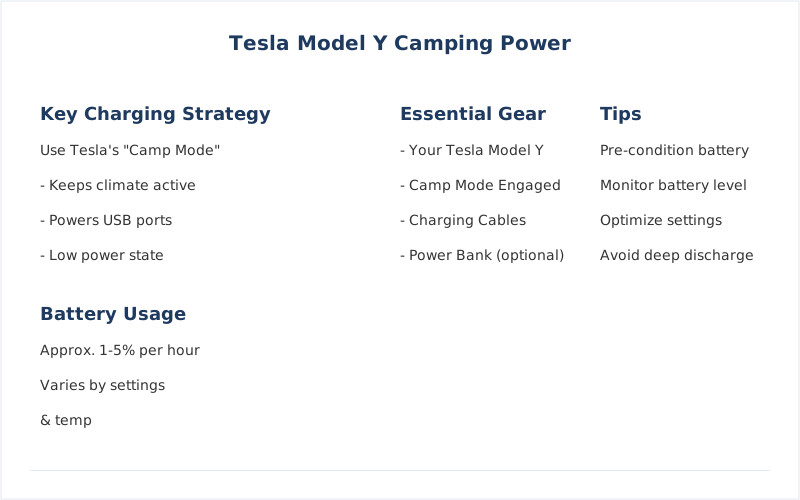
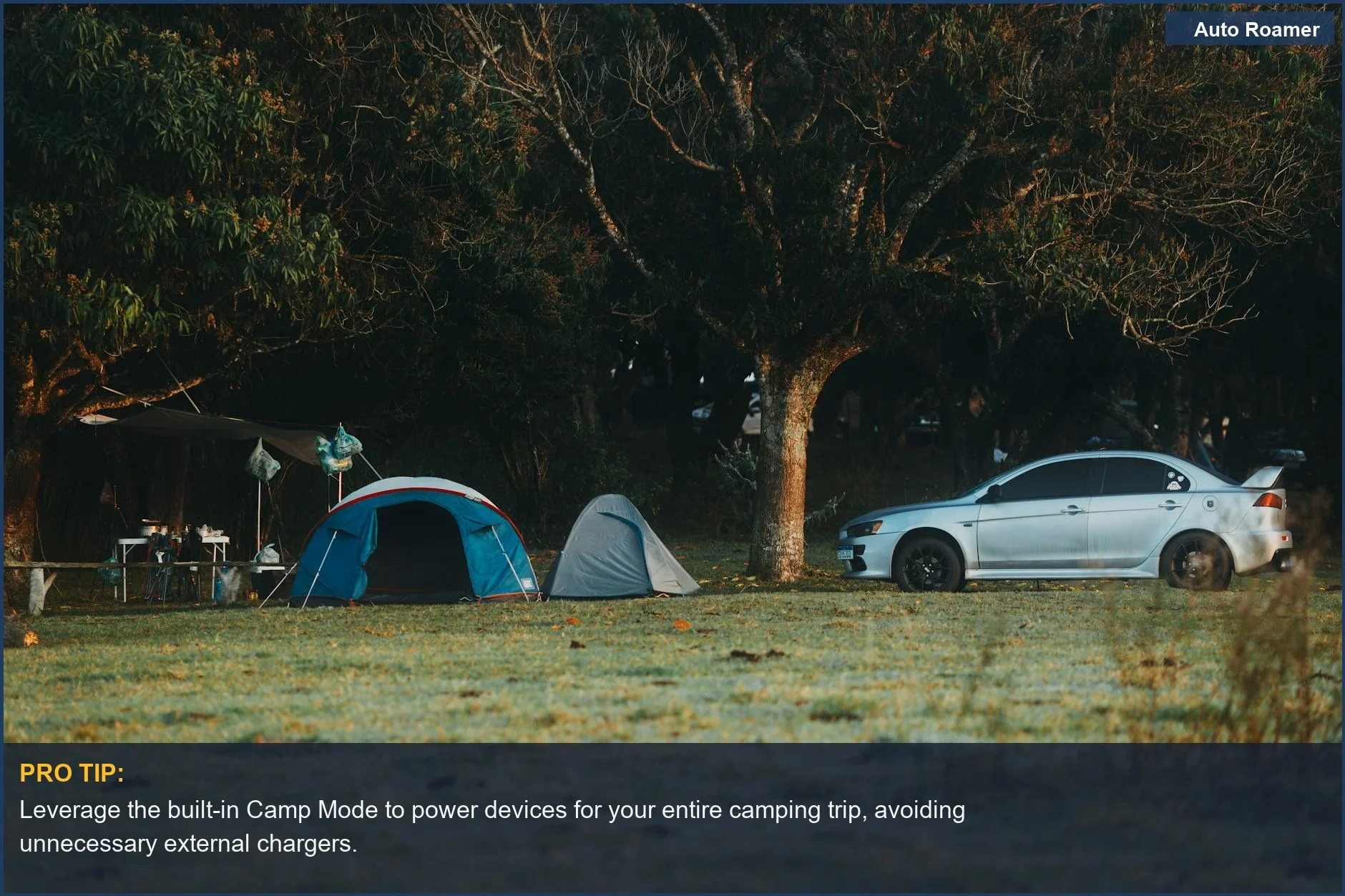
The one feature that ties it together is Camp Mode, which keeps the car's low-voltage systems — climate, screen, ports, lights — awake while you sleep so power keeps flowing all night. Engage it from the climate menu on the touchscreen and the car stops trying to enter its deep-sleep state.
Because the Model Y is an electric vehicle, the carbon-monoxide danger that comes with idling a gas engine for power simply does not exist here — there is no exhaust. That removes the single biggest hazard of charging in a gas car overnight. The remaining safety question is not about the charging at all; it is about range management, which the rest of this guide walks through.
It helps to set expectations before getting into specifics. If you have ever stressed about charging devices in a gasoline car — running the battery flat, idling the engine, worrying about fumes — almost none of that applies to a Model Y. The car is, in effect, a very large battery on wheels with a comfortable cabin, and your devices are tiny loads sipping from it. The mindset shift is to stop thinking of device charging as something to ration and start thinking of climate control and drive-out range as the only two things that actually move the needle.
Throughout this guide the numbers come from Tesla's published port and battery specifications and from the well-documented energy capacities of phones, laptops, and CPAP machines, not from any first-hand bench testing on our part. The conclusions hold regardless of small spec differences between model years, because the gap between a car-sized battery and a phone-sized one is enormous.
USB-C Ports and Wattage: What Each One Actually Delivers
The Model Y's USB-C ports are the workhorses for camping power. Knowing roughly what each delivers helps you decide what to plug in where, instead of guessing in the dark.
What the ports are built to do, based on Tesla's published configuration for recent Model Y builds:
| Port | Location | Typical output | Good for |
|---|---|---|---|
| Front USB-C | Center console (x2) | Up to ~65W each | Phone fast-charge, laptop trickle |
| Rear USB-C | Back of console (x2) | Lower wattage | Phones, earbuds, small devices |
| 12V outlet | Rear cargo area | ~12V, fused | 12V accessories, small inverter |
A few practical notes. Wattage figures vary by model year and software, and the higher numbers are a ceiling, not a guarantee — your device only pulls what its own charging circuit will accept. A phone that maxes out at 25 watts will not charge any faster on a 65-watt port than on a 25-watt one. The higher-rated front ports matter most for laptops and tablets that can actually use the extra power.
Use a quality USB-C cable rated for the wattage you want. A thin charge-only cable can bottleneck a fast charger, which is a common reason people think a port is underperforming. For the front ports, a 100-watt-rated cable removes the cable as a variable entirely.
If your gear is older and uses USB-A, bring a compact USB-A-to-USB-C adapter or a USB-C wall-style hub that fits the port. The Model Y standardized on USB-C, so legacy cables need an adapter rather than a matching socket.
It is also worth thinking about port allocation before you settle in for the night. With two front ports and two rear ports, a couple sleeping in the car has enough sockets for two phones, a tablet, and a CPAP without anyone fighting over a plug, but a small multi-port USB-C hub plugged into one of the high-wattage front ports gives you headroom for headlamps, earbuds, a camera battery, and a power bank all at once. Charging a backup power bank from the car during the evening is a quiet trick: it lets the car top off a buffer you can then carry to a picnic table or a tent without leaving devices tethered to the cabin overnight.
Finally, do not overlook the wireless phone chargers in the console if your build has them. They are convenient for a quick top-up but are slower and less efficient than a wired USB-C connection, so for an overnight charge where you want a device truly full by morning, the cable wins. Save the wireless pad for daytime convenience and use the ports for the things that need to be ready when you wake.
The 12V Outlet and When to Use an Inverter
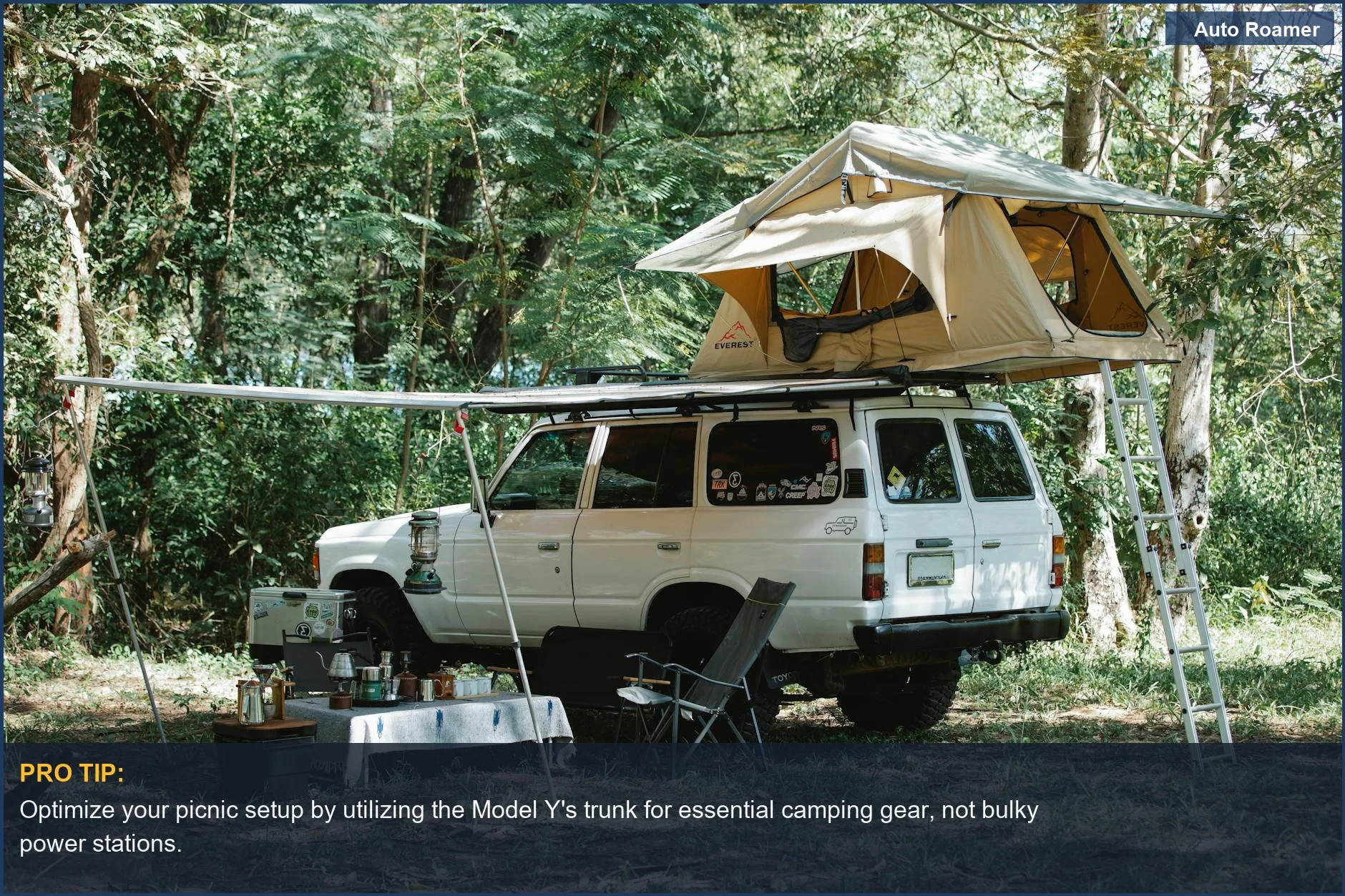
The 12V outlet in the rear cargo area is the bridge to the wider world of camping gear that does not come with a USB plug. It behaves like the 12V socket in any car: plug in a standard adapter and you have power for 12V coolers, fans, tire inflators, and the like.
Where it gets useful is pairing it with a small inverter for the occasional device that needs a household-style AC outlet. The honest guidance on that:
- Match the inverter to the socket, not your ambitions. A car 12V outlet is typically fused around 10 to 15 amps, which caps a safe inverter at roughly 150 watts. That covers laptop bricks, camera chargers, and small electronics — not a kettle or a hair dryer.
- High-draw appliances need a real power station. Anything resistive and hungry — induction cooktops, heaters, kettles — should run off a dedicated portable power station, not the car's 12V circuit.
- Mind the modified vs pure sine wave question. Sensitive electronics and some medical devices prefer a pure sine wave inverter; cheap modified-sine units can buzz or misbehave with them.
For most campers the takeaway is simple: USB-C covers phones, tablets, and headlamps; the 12V outlet plus a small inverter covers a laptop; anything bigger belongs on a separate power station so you never stress the car's circuits.
One more reason to keep the 12V load modest: the outlet and its fuse are sized for car accessories, and a borderline inverter that trips the fuse mid-trip is an annoyance you do not want at a dark campsite. Staying well under the rated amperage keeps everything boringly reliable.
How Much Battery Device Charging Actually Uses (Almost None)
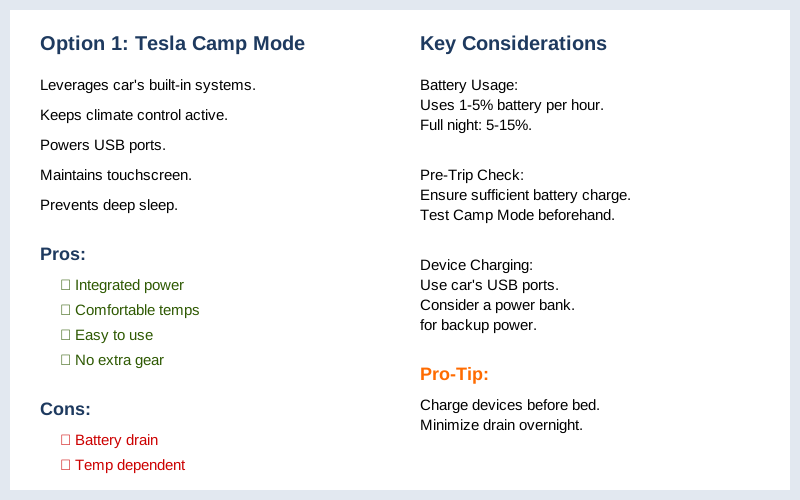
This is the fact that changes how you think about EV camping power. A Tesla Model Y's traction battery holds roughly 60 to 80 kilowatt-hours depending on variant. Your phone battery holds somewhere around 0.015 to 0.02 kilowatt-hours. Charging it from empty to full pulls a vanishingly small fraction of the car's reserve.
Put a night's worth of device charging in perspective:
- Phones and tablets: charging several to full overnight uses well under one percent of the traction battery — effectively negligible.
- Laptops: a full laptop charge is larger but still a small fraction of a percent of the pack.
- The real consumer is climate, not charging. Running the heater or air conditioning through Camp Mode is what actually moves the battery percentage overnight.
That last point is the key reframe. Owners often blame device charging for overnight battery drop, but the published experience and Tesla's own design point to climate as the dominant load. Heating in cold weather is especially hungry because resistive and heat-pump systems work hard to hold cabin temperature against the outside cold. Air conditioning in summer draws less but still dwarfs anything plugged into a USB port.
We have not bench-tested these figures ourselves; they come from Tesla's published battery capacities and the well-documented energy a phone or laptop battery holds. The conclusion is robust regardless of the exact numbers, because the gap between a car battery and a phone battery is several thousand to one. For a fuller treatment of the overnight climate load, see our breakdown of Camp Mode battery drain per hour.
One way to feel the scale: a single mile of driving range in a Model Y represents far more energy than a full night of charging every device you own. So if you ever catch yourself unplugging a phone to save battery for the drive home, relax — that mile-versus-milliwatt-hour comparison is the whole story. The energy you would save by not charging the phone is invisible against the range readout. What you should watch instead is the thermostat: a few degrees of extra heating on a cold night can cost more range than a week of device charging.
This also explains why people get conflicting reports online about overnight battery loss. Someone camping in mild weather with the climate barely running might lose two or three percent overnight, while someone holding a warm cabin in freezing temperatures could lose fifteen percent or more. Neither is wrong, and neither has anything to do with how many phones were plugged in. The variable is always climate and outside temperature.
Camp Mode: Keeping Power On Safely Overnight
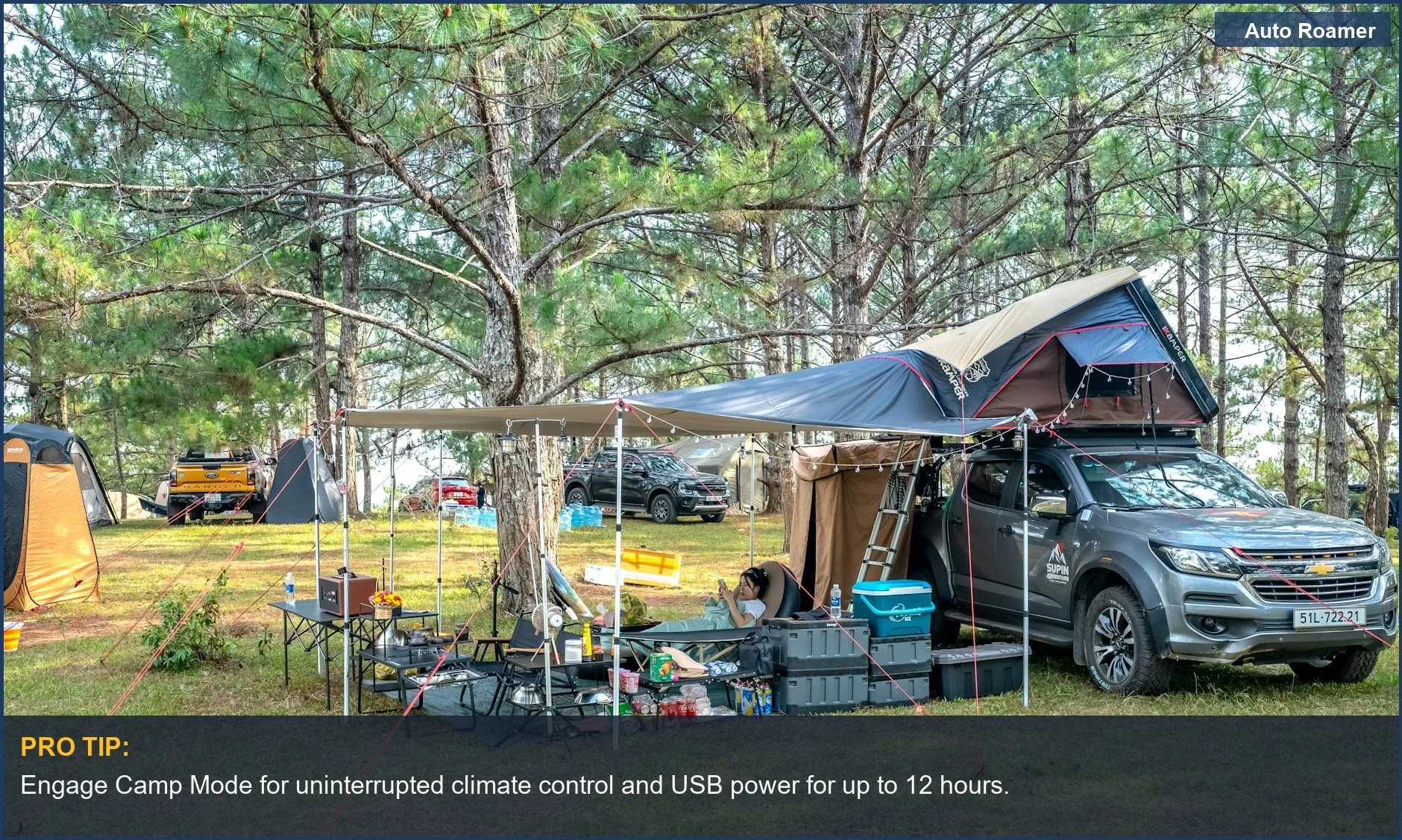
Camp Mode is the feature that makes overnight charging effortless. Without it, a parked Tesla eventually powers down its low-voltage systems to conserve energy, which can interrupt the ports and shut off the climate. Camp Mode tells the car you are deliberately staying, so it keeps everything awake until you turn it off.
What it actually does for charging and comfort:
- Keeps the ports live: USB-C and the 12V outlet keep delivering power all night instead of cutting out when the car would normally sleep.
- Maintains climate: you set a target temperature and the car holds it, which is the comfort half of the equation and, again, the part that actually uses meaningful battery.
- Keeps the screen and lights usable: so you can read, adjust settings, or check your remaining range without waking the car the hard way.
Engaging it is straightforward: open the climate controls on the touchscreen and select Camp Mode (sometimes labeled with a tent icon, depending on software version). You can monitor and adjust temperature from the Tesla phone app, which is far easier than reaching for the screen in the dark.
A safety detail worth knowing: because the system runs the climate to hold your set temperature, the cabin stays comfortable without you needing to crack windows for warmth. For airflow and condensation, you can still vent if you like, but you are never relying on a running combustion engine for heat — there is none. If you also want to sleep well, our guide to Model Y sleeping comfort covers the bed and ventilation side of the setup.
A couple of behaviors are worth anticipating. Camp Mode stays on until you turn it off or until the battery falls to a protective low level, at which point the car steps down non-essential functions to preserve enough charge to drive. That is a safety backstop, not a target — you never want to rely on it, because it means you have already cut your drive-out margin thinner than you should. Treat the automatic cutoff as the floor you plan to stay well above, not a feature you lean on.
It is also smart to engage Camp Mode early, before you settle in, rather than after the car has begun powering down for the night. Starting it from a fully awake state avoids any gap where the ports briefly cut out, and it gives the climate system time to bring the cabin to your set temperature before you are trying to sleep. A few minutes of preparation makes the whole night smoother.
Powering High-Draw Devices: Laptops and CPAP Machines
Most camping devices are trivial loads. Two stand out as worth planning for: laptops, because people work from the road, and CPAP machines, because they run all night and they matter to health. Both are entirely doable in a Model Y with a little forethought.
For a laptop, the front USB-C ports can charge or run many modern machines directly if they accept USB-C power delivery. A power-hungry gaming or workstation laptop that needs a barrel-plug brick is better served by a small inverter on the 12V outlet, kept under the outlet's safe wattage, or by a dedicated power station.
For a CPAP, the priorities are different:
- Run the humidifier sparingly or not at all. The heated humidifier is by far the biggest draw on a CPAP; turning it off dramatically cuts power use and makes the machine easy to run all night.
- Prefer a DC power option if your machine offers one. Many CPAPs sell a 12V DC cord that runs cleanly from the car's 12V outlet without an inverter, which is more efficient and avoids inverter compatibility quirks.
- If you use an inverter, keep it small and ideally pure sine wave. CPAP electronics are sensitive, and a clean inverter avoids the buzzing and faults a cheap modified-sine unit can cause.
Either way, a CPAP run without its humidifier is a modest overnight load against a traction battery this size — far less than the climate system. The honest planning move is to treat the CPAP as an always-on device, confirm it runs from your chosen port before the trip, and size your overnight climate use around the range you want to keep, since that is where the real battery goes.
Overnight Battery Planning: Leave Enough Range to Drive Out
Here is the one genuine safety discipline of charging in a Model Y overnight, and it has nothing to do with the devices. Because Camp Mode and climate slowly draw the traction battery, the thing you must protect is enough remaining range to drive to your next charger in the morning.
A simple planning routine that keeps you safe:
- Arrive with margin. Reaching the campsite with a healthy charge — many owners aim for 70 percent or more — gives you room for both the overnight draw and the drive out.
- Know your exit distance. Check how far the nearest reliable charger is and reserve clearly more range than that drive requires, with extra padding for cold, elevation, and detours.
- Watch the overnight trend, not the devices. If you are running heat in cold weather, check the percentage before bed and account for several hours of climate draw; the phones and laptops are not the variable.
- Set a floor and respect it. Decide the lowest charge you will let the car reach overnight, and if climate use would cross it, lower the target temperature or add insulation rather than risk the drive out.
The mental model: device charging is free, climate is the budget, and range to the next charger is the line you never cross. Plan the night around that line and the rest takes care of itself.
This is also why off-grid stays of several days take more thought than a single overnight. Without a charger nearby, every night of climate use chips away at the same reserve you need to leave, so multi-day campers run leaner on heat and cooling and keep a bigger range buffer. For one or two nights near civilization, the math is forgiving.
What Not to Do, and How EV Charging Differs From Gas
The Model Y removes the most dangerous parts of charging devices in a car overnight, but a few habits still matter. Most are about respecting the car's limits and keeping the cabin healthy, not about any charging hazard.
The short do-not list:
- Do not overload the 12V outlet. Pushing a large inverter past the outlet's fuse rating trips the circuit at best and stresses wiring at worst. Keep inverter loads well under the rated amperage.
- Do not block the cabin vents. Piling gear or bedding over the climate vents starves the airflow Camp Mode relies on to hold temperature and keep air fresh. Leave the vents clear.
- Do not ignore the range floor. The only way to get stranded is to let overnight climate draw eat the range you needed to drive out. Plan it, do not wing it.
- Do not assume campground outlets. Many sites have no usable 120V power, and the ones that do are not guaranteed free. Your car is the more reliable source.
The contrast with a gas car is worth stating plainly. In a gasoline vehicle, the only way to run power overnight is to idle the engine, which produces carbon monoxide — a real and sometimes fatal danger in an enclosed or poorly ventilated spot. A Model Y has no engine and no exhaust, so charging devices and running climate overnight carries no carbon monoxide risk at all. That is the single biggest safety advantage of EV camping, and it is why the worries here shift from air quality to simple range math.
That said, ventilation still matters for comfort and condensation: a sealed cabin with sleepers inside fogs up and feels stuffy, so cracking a window remains a good habit even though there is no exhaust to worry about. If you are comparing power approaches more broadly, our overview of how to charge devices in a Model Y while camping covers the general setup that this safety-focused guide builds on.
To put the whole picture together: the Model Y makes device charging close to a non-issue, which is exactly why the advice here keeps redirecting your attention away from the phones and toward the two things that matter — climate use and the range you reserve to drive out. Get those two right and you can charge everything you own, sleep in a climate-controlled cabin with no exhaust risk, and wake up with plenty of miles to reach the next charger. That is a genuinely better overnight power situation than almost any gas vehicle can offer, and it is available straight out of the box with no extra gear.