What a Hundred Bucks Promises on the Budget-4K Shelf
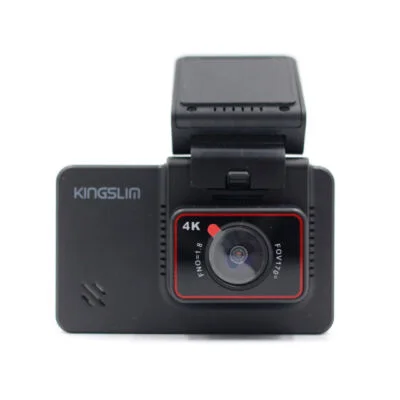
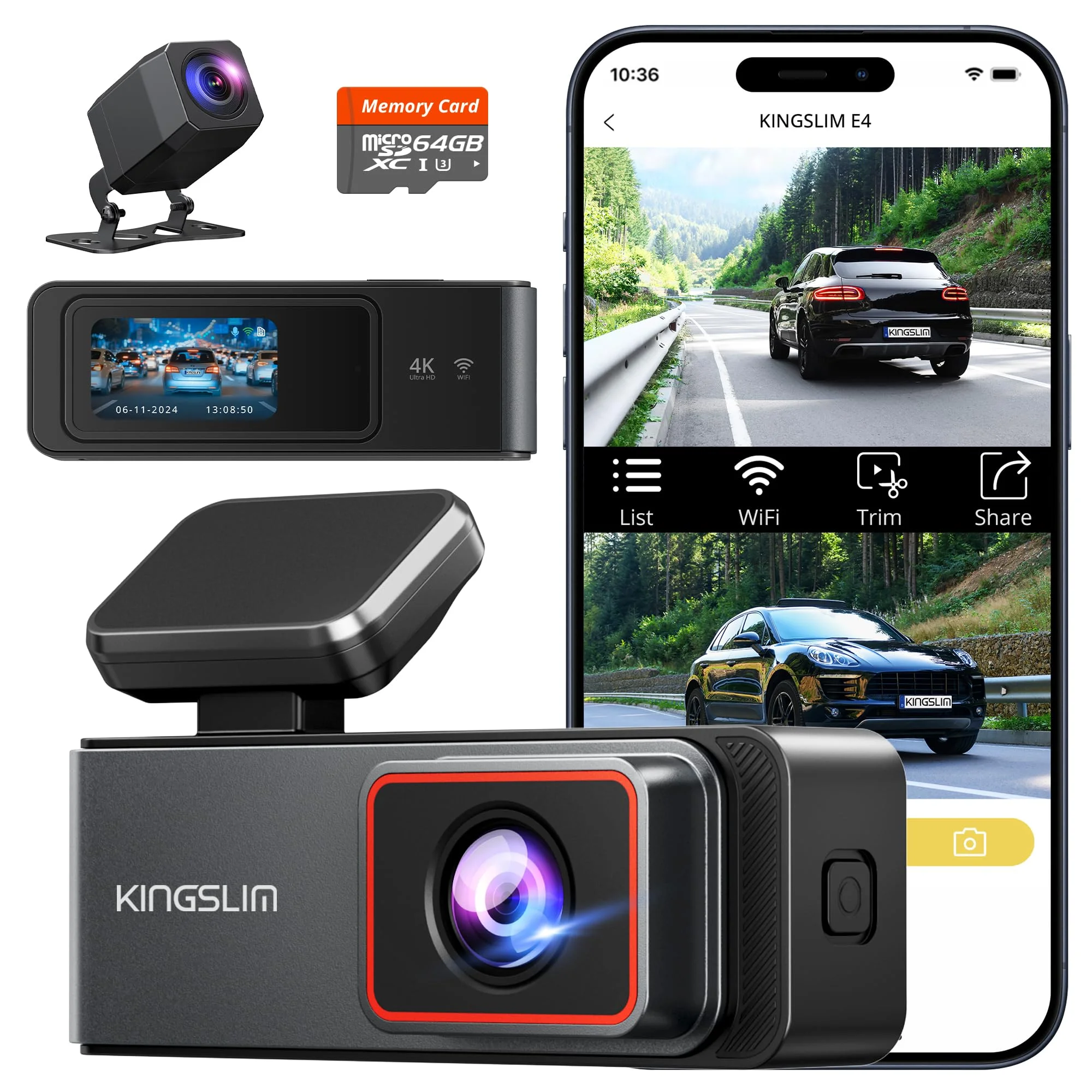
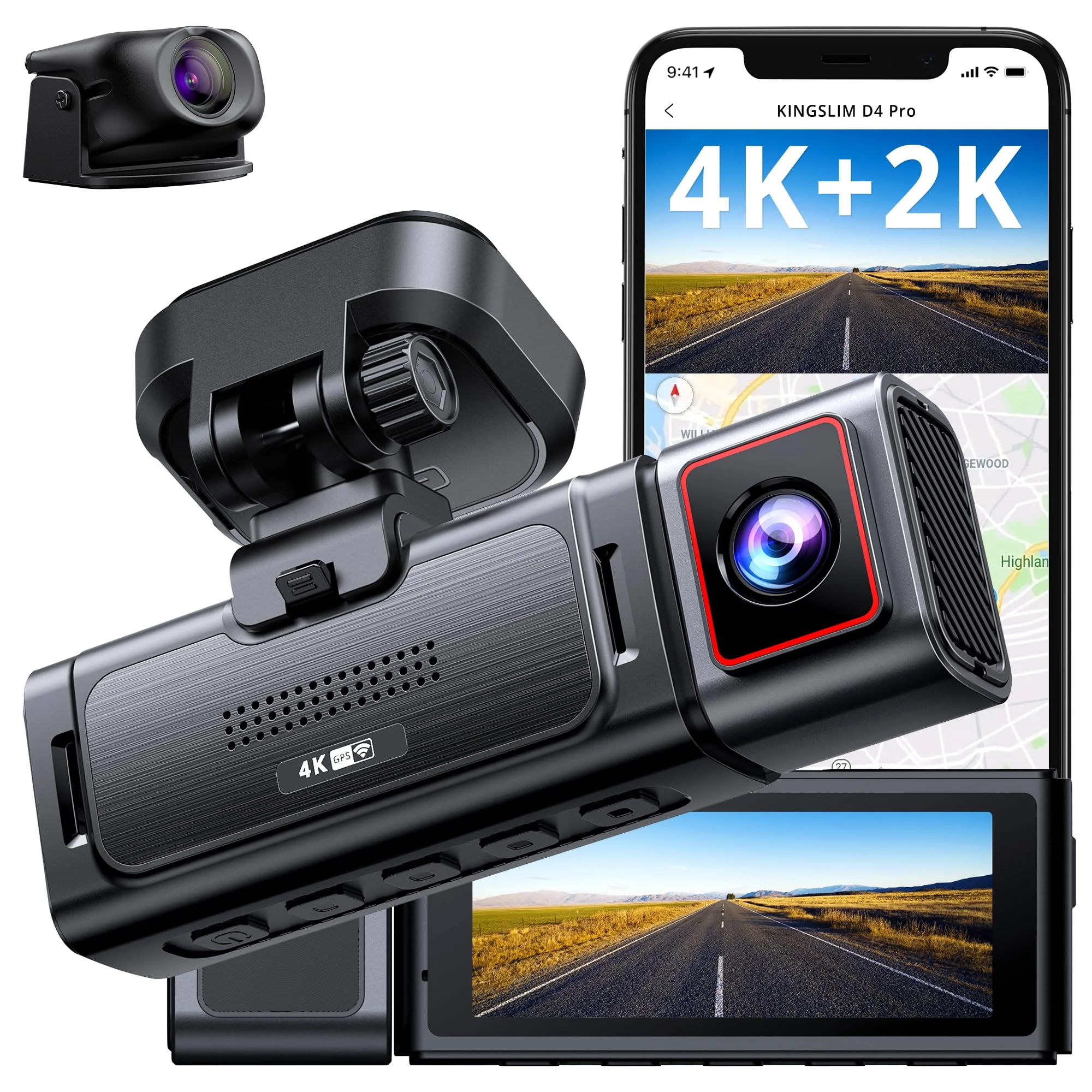
The Kingslim D4 makes a simple offer: a 4K front camera, a 1080p rear camera, and a 3-inch touchscreen for right around $100. On the budget shelf, that combination usually hides a cut corner somewhere. The job of this review is finding it.
I come at gear the way I come at everything in my garage — what does the cheap option cost you later? A dash cam is evidence equipment. If it saves you one disputed insurance claim, it paid for itself ten times over. If it fumbles the one clip that mattered, it was expensive at any price.
The D4 has been on the market long enough to have a real paper trail, which I like. Automoblog rates it the best dash cam for the price at around $100, citing the recording quality and the easy interface. Forbes ran one through hot summer weather and cold Oregon fall mornings and reported it performed without problems.
That's a longer track record than most cams in this bracket can show. But the same record keeps surfacing three complaints: a soft rear image at night, a slow phone app, and a parking mode that quietly requires a separate hardwire kit.
None of those three is a dealbreaker by itself. Added up, they decide whether the D4 is the smart hundred-dollar buy or the false economy that sends you back to the checkout page a year later. That's the difference between buying once and buying twice.
So here's the value math, line by line: the claimed specs, what owners and named reviewers actually report, and whether the Rove R2-4K DUAL or the Redtiger F7N — each about ten dollars more — changes the answer.
The Spec Sheet, Read Like a Receipt
Kingslim's listing leads with the sensor: a Sony STARVIS chip behind an f/1.8 lens, paired with a HiSilicon processor. That's the right kind of name-dropping. Budget cams that hide their sensor are usually hiding it for a reason — a named STARVIS part is the spec that matters, not decoration.
| Spec | What the listing says |
|---|---|
| Front resolution | 4K solo, 2.5K with rear connected |
| Rear resolution | 1080p |
| Sensor | Sony STARVIS behind an f/1.8 lens |
| Screen | 3-inch touchscreen |
| Wi-Fi / GPS | Built in |
| Parking mode | Needs the separate hardwire kit |
The front camera records at 4K when running solo and steps down to 2.5K once the rear camera is plugged in. That's not a scandal; it's how most budget 4K duals manage processor load. But know what you're buying: in the two-channel setup you actually want, the front is a 2.5K camera, not a 4K one.
The practical difference is plate-reading distance. A 2.5K front image still holds enough detail to pull a license plate at normal following distance in daylight, which is the entire job. The 4K number on the box is mostly there to win a comparison chart.
The rear unit records at 1080p through a 170-degree front field of view up top and a narrower rear lens behind you. Wi-Fi and GPS are built in, per the listing — no extra module to buy, which at this price is genuinely unusual and worth real money.
GPS matters more than people think for evidence. A clip stamped with speed and location settles an argument; a clip without it starts one. Getting that included at $100 is where the D4's value case starts.
What the spec sheet doesn't print in big letters: parking mode requires constant power, the screen draws from a small internal cell, and the app does the file transfers. Hold those three thoughts — each one turns into a line item below.
The Touchscreen Is the Part You'll Use Every Week
PCWorld's review called the D4's 3-inch touch display "lush" and almost unheard of at this price, and that tracks with the category. Most hundred-dollar cams give you a 2-inch screen and four stiff buttons that feel like programming a 1998 clock radio. The D4 skips that entire era.
Forbes made the same point from a different angle — its review was literally framed around not needing a phone. Settings, clip playback, locking a file after an incident: all of it happens on the screen, standing at the windshield, no app pairing required.
That matters more than it sounds. The moment you actually need a dash cam — roadside, rattled, someone else's insurance information in your hand — is the worst possible moment to fight a Bluetooth handshake. A touchscreen that just shows you the clip is the difference between evidence and frustration.
Owners on r/Dashcam echo the ease-of-use point; the long-running D4 threads consistently describe setup as quick and the menus as self-explanatory. Automoblog's verdict leaned on the same thing — recording quality plus an easy interface is the whole pitch. That's rare agreement for a budget brand's menus.
The honest caveat: a touchscreen is a moving part, in the thermal sense. It's more glass, more digitizer, more things living on a hot windshield. The D4's record here is decent — Forbes's hot-weather report is reassuring — but a screen-first design is a trade, not a free lunch.
My read as the guy who won't pay for features twice: the screen replaces the app for ninety percent of what you'd do with the camera, and the app is the D4's weakest part anyway. The touchscreen isn't a luxury on this cam. It's the workaround.
Footage: Sharp Days, Honest Nights
Daytime front footage is where the consensus is strongest. Parkers' reviewer found the D4 produced clear, crisp video with enough detail to rely on, and owner reports agree — one of the top r/Dashcam threads describes the video as "real clear" with the rear cam working fine through the back glass.
That's the STARVIS sensor and the f/1.8 aperture doing their jobs. Wide aperture, decent processing, and a front camera that resolves plates at sane distances in daylight. For commuting and road trips, the front channel is simply good — not good-for-the-price, good.
Night is where the receipt gets honest. The front camera holds up reasonably after dark — the wide aperture buys it light — but the 1080p rear channel goes soft at night, and that's the most consistent knock in the D4's owner record.
Some of that is physics nobody at any price fully escapes: the rear camera shoots through tinted glass, often through a defroster grid, at headlight-glare angles. A 1080p sensor on a budget processing budget has nothing in reserve for those conditions. You'll see the car behind you; you won't always read its plate.
The question is whether that's a dealbreaker. For most drivers, the rear channel's job is proving the rear-end hit happened and roughly how — and a soft-but-present night clip still does that. If your threat model is nighttime hit-and-runs where the rear plate is everything, this is the spec that should push you up a tier.
One more honest note: Digital Camera World found the video quality holds up best when files are pulled off the card directly rather than squeezed through the app — which is a nice segue to the D4's actual weak spot.
The App Is Where Your Money Didn't Go
Every budget product has one place the money didn't go. On the D4, it's the software. Digital Camera World's verdict said it flat out: good hardware let down by poor software. It's a familiar budget-shelf story.
The complaint pattern is specific. Wi-Fi transfers to the phone are slow — fine for one 30-second incident clip, miserable for pulling a day of footage. Pairing is the usual budget-cam dance of joining the camera's own network. And the app itself is serviceable for settings, clunky for everything else.
The r/Dashcam archive carries the same theme; the memorably titled "So much stupidity" thread is an owner wrestling with exactly this class of friction. None of it is unique to Kingslim — the entire under-$120 shelf ships with software that feels like an afterthought — but the D4 doesn't rise above the pack here either.
Now the value math, because this one has a cheap fix:
- Buy a USB microSD card reader — about eight bucks.
- Pull the card and plug it into your phone or laptop.
- Copy every file at full quality, at copy speed — exactly the workflow Digital Camera World's reviewer ended up endorsing for best results.
Eight dollars to route around the worst thing about a hundred-dollar camera. I've paid more to fix less, and I keep a drawer of cheap fixes exactly like it.
The bigger reason the app's weakness doesn't sink the D4 is the touchscreen. Lock a clip, review it, change a setting — the screen handles all of it without the phone ever leaving your pocket. A cam with this app and no screen would be a hard pass. With the screen, the app demotes itself to optional.
Parking Mode and the Hardwire-Kit Tax
The box says parking mode, and it's real — motion and impact detection while the car sits. What the big print doesn't say: it only works with constant power, which means buying and installing the separate hardwire kit. The D4's internal cell exists to close files gracefully, not to run surveillance overnight.
That's not a Kingslim scam; it's how nearly every dash cam at every price handles parking duty. But it belongs in your purchase math, because budget hardwire kits generally run another fifteen to twenty-five dollars, and the install means routing a cable to your fuse box.
The install itself is a fair weekend job — trim tools, a fuse tap, twenty minutes of swearing at door seals. If you've never done one, our dash cam hardwiring guide walks the whole thing, including the battery-protection cutoff voltage you should set so the cam can't strand you with a dead battery.
So the real price of a parking-mode D4 is not $100 and a suction cup. The honest line items:
- The camera: roughly $100.
- The hardwire kit: another fifteen to twenty-five dollars.
- The install: an afternoon at the fuse box.
Budget for that or skip the feature honestly. The listing won't do that math for you, so do it before checkout.
Worth saying: the same tax applies to the Rove and the Redtiger. Nobody on this shelf does meaningful parking mode off an internal battery, whatever the marketing art implies. The kit is the cost of entry everywhere, so it doesn't move the comparison — it just moves the total.
If you park on the street in a dense area, pay the tax; parked-car clips are half the reason to own one of these. Garage parkers can keep the twenty bucks — put it toward a bigger memory card instead, since footage you keep beats footage you overwrite.
Kingslim D4 vs Rove R2-4K vs Redtiger F7N: The Ten-Dollar Question
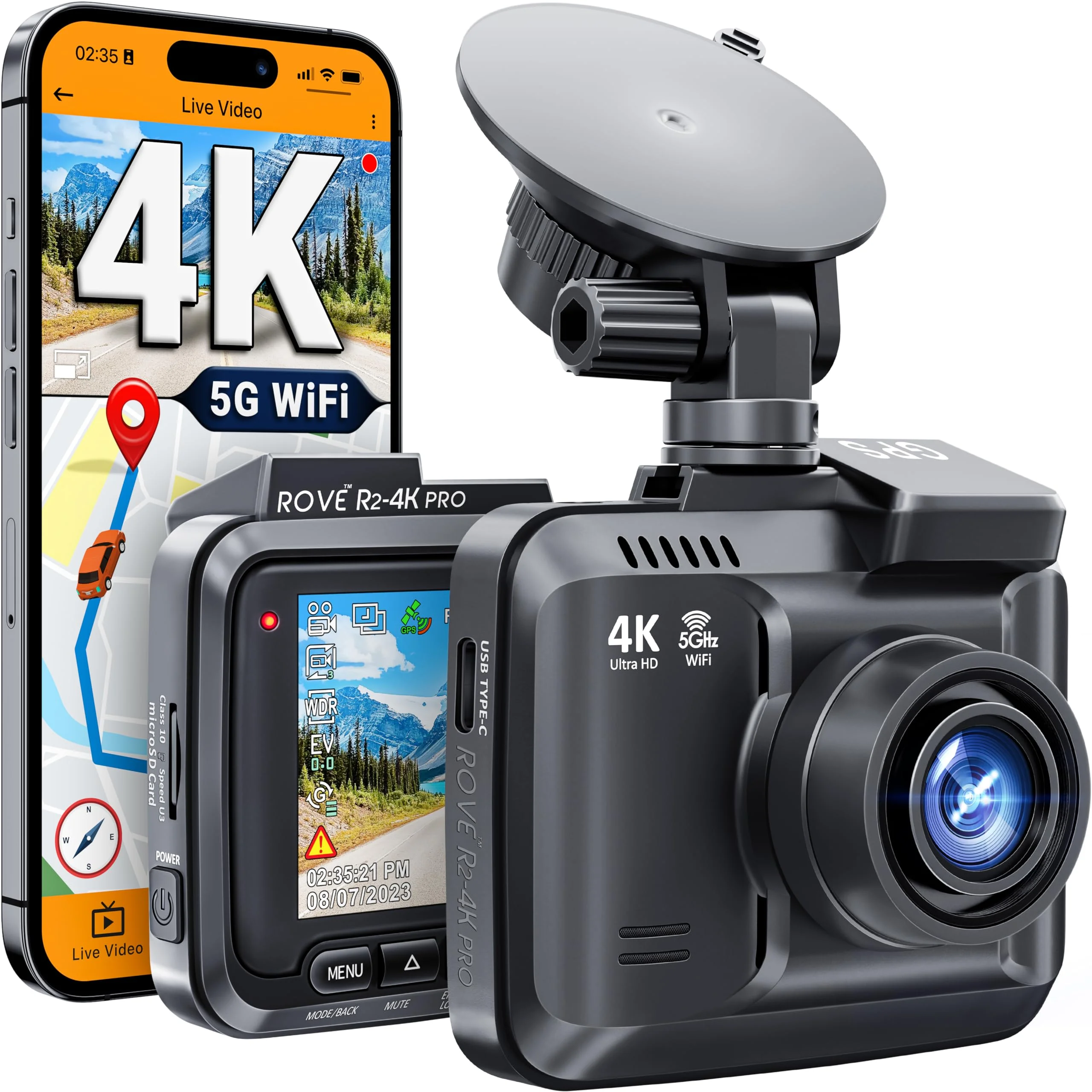
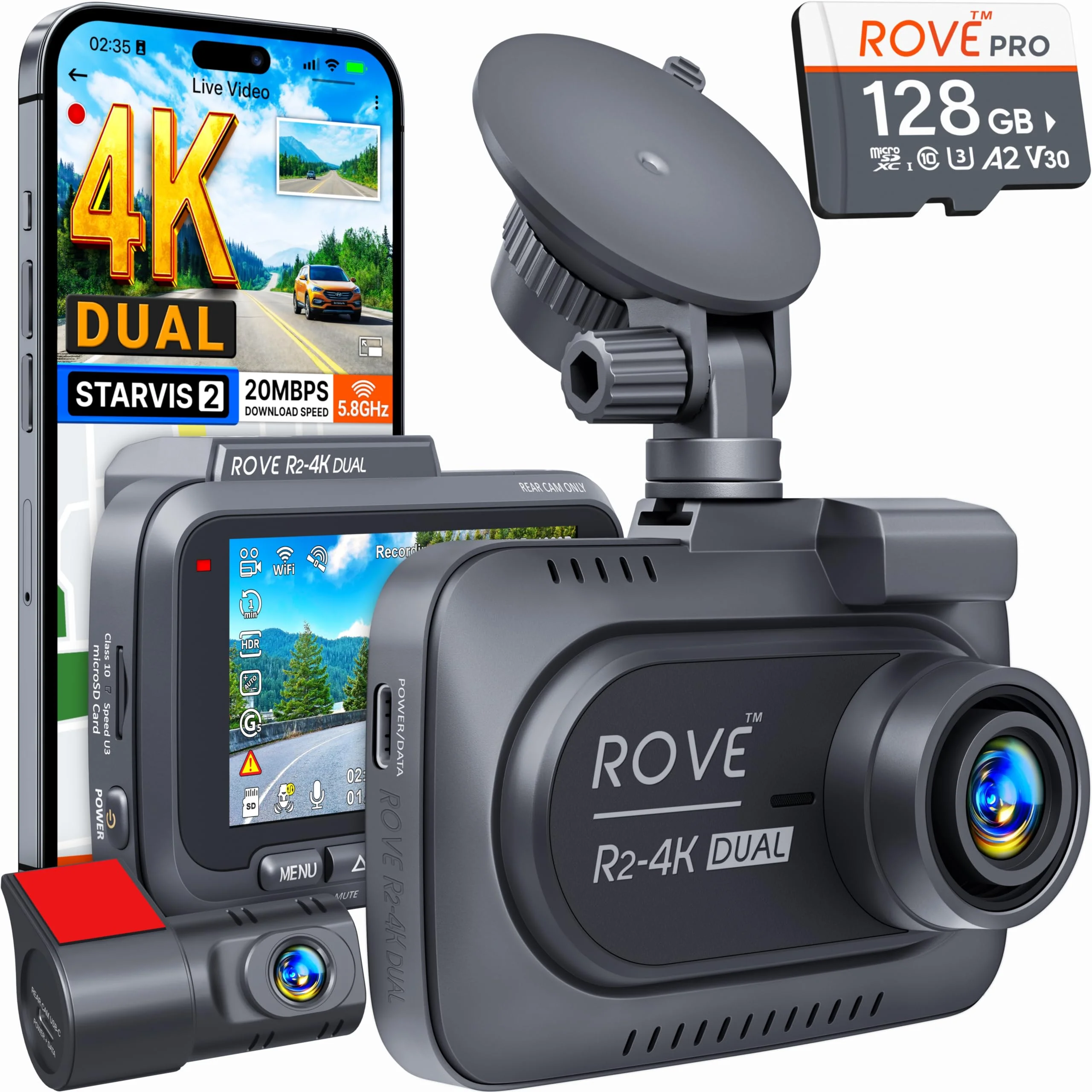
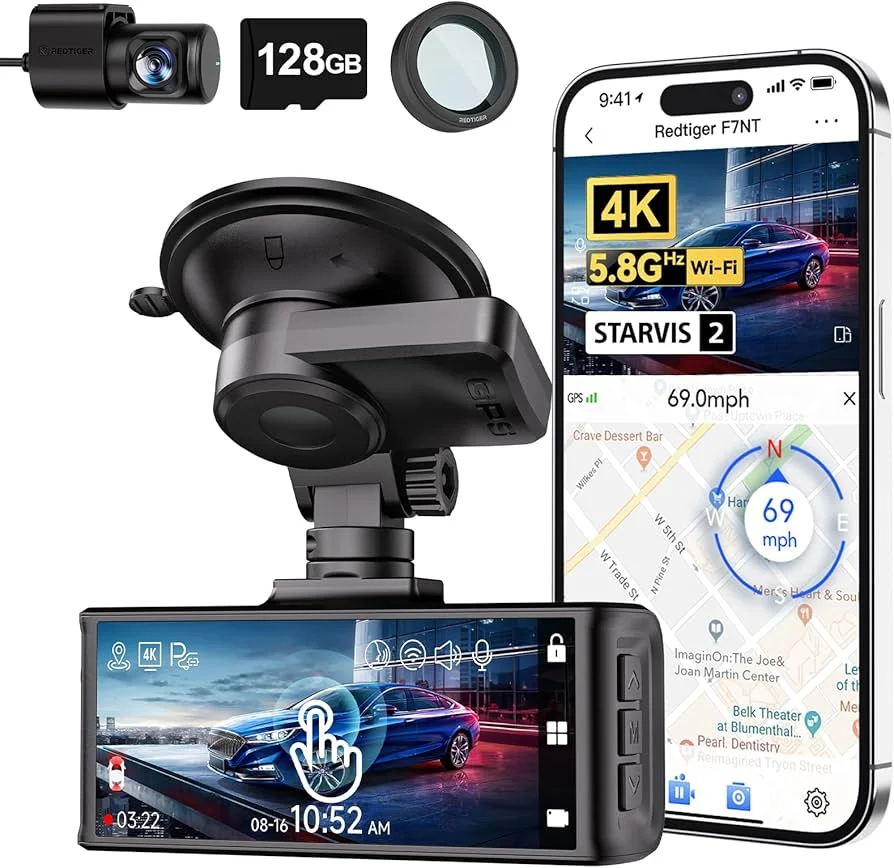
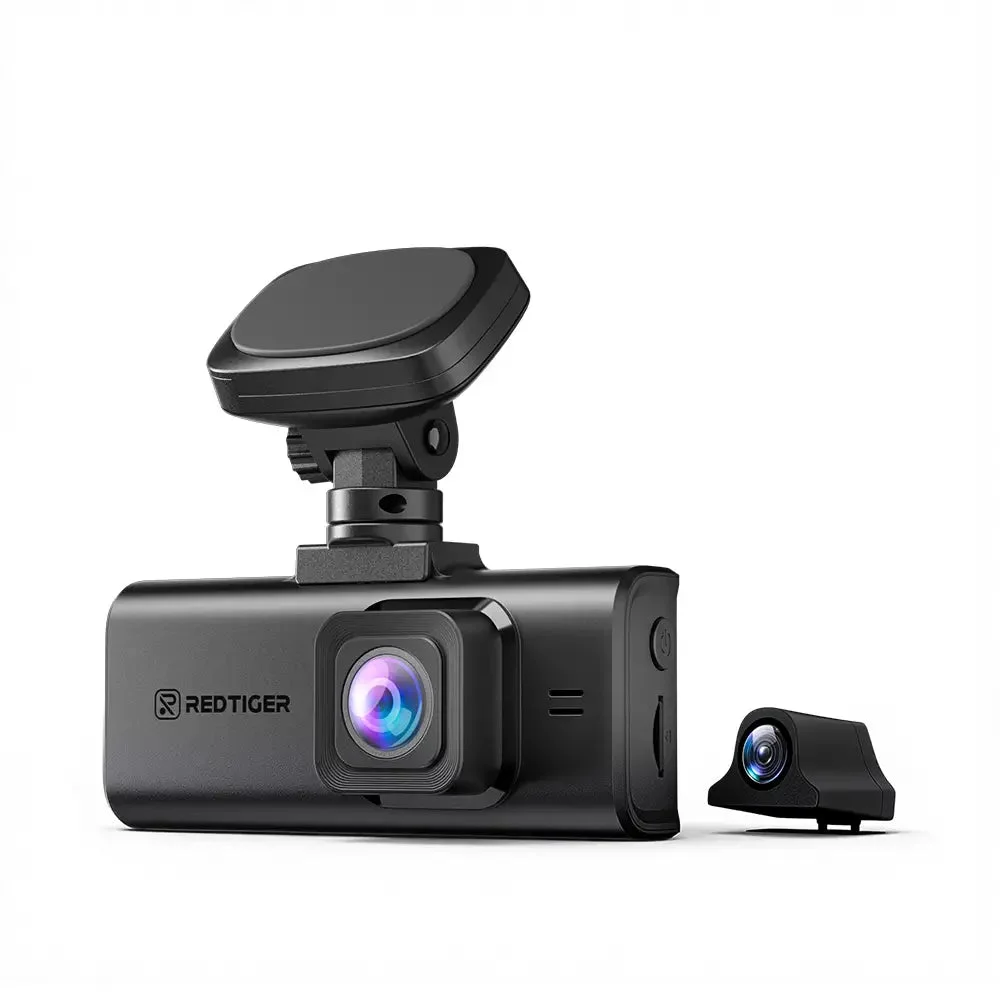
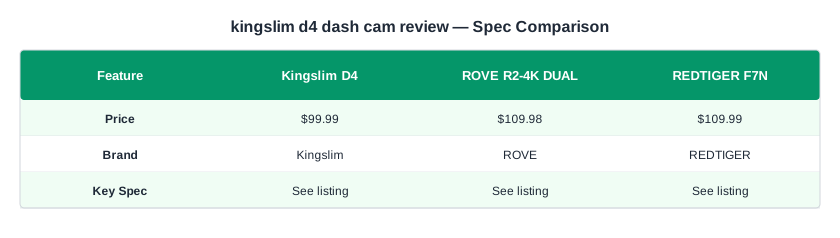
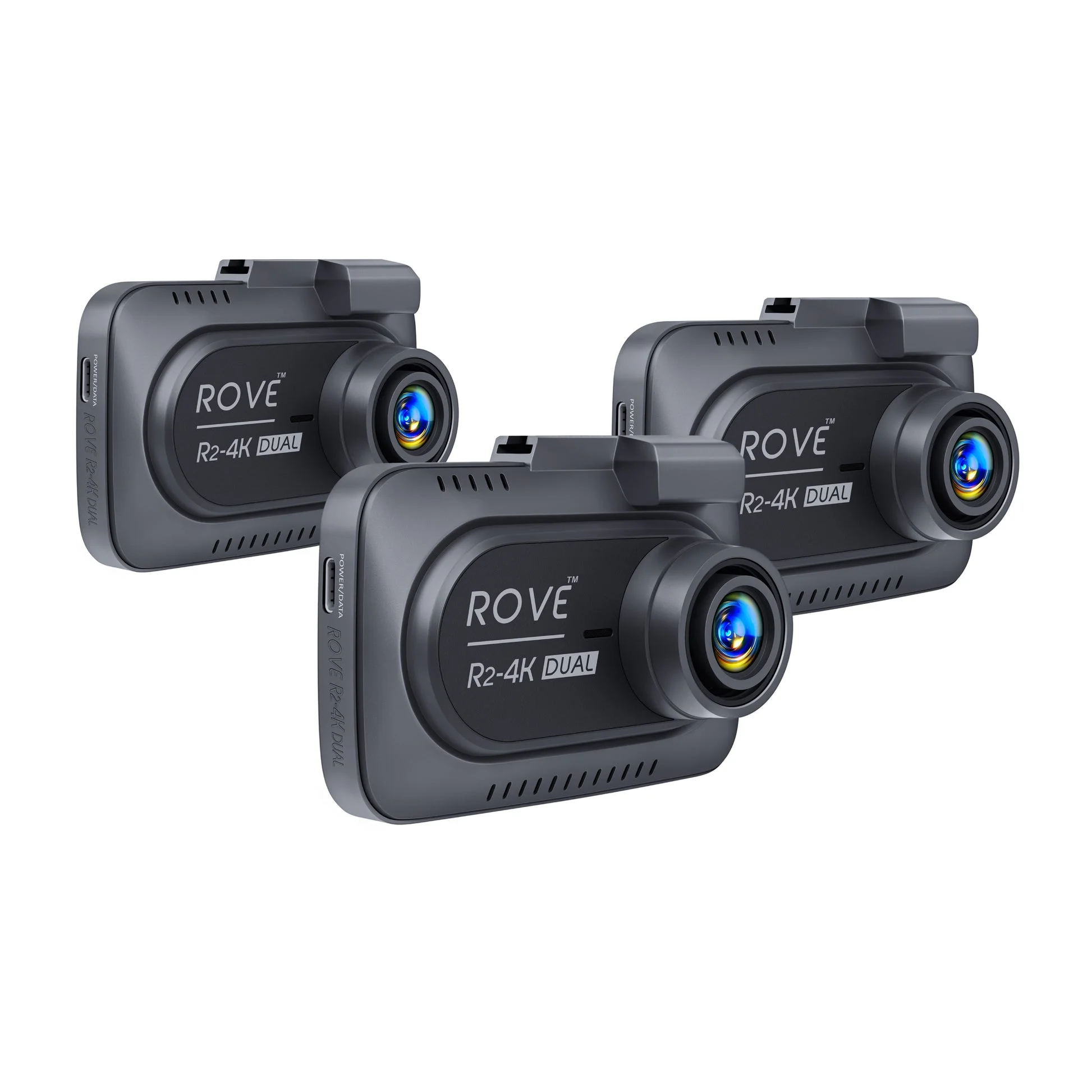
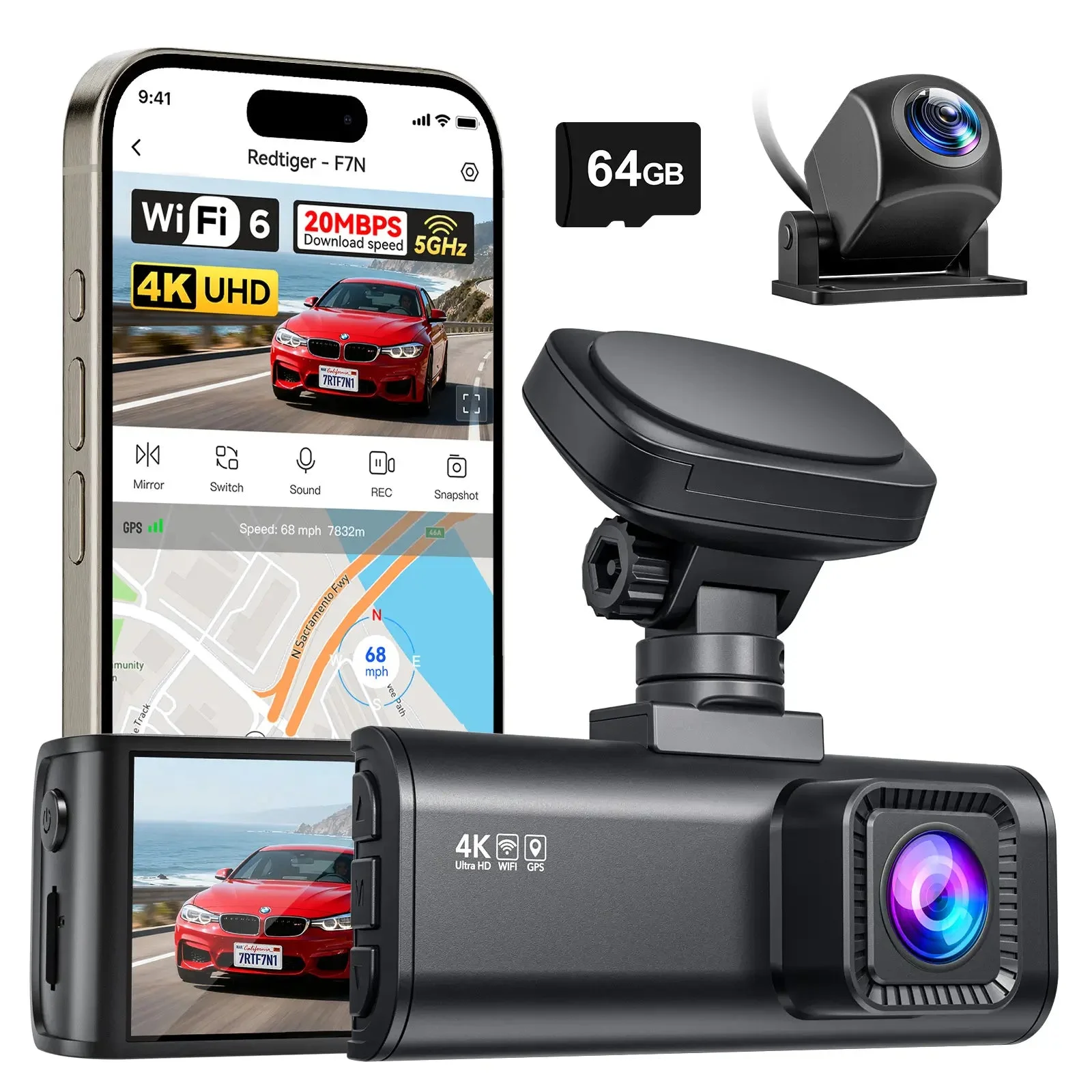
The D4 doesn't live alone. At $109.98 the Rove R2-4K DUAL and at $109.99 the Redtiger F7N sit one coffee run above it, and both are fixtures of the front-and-rear value conversation for the same reason the D4 is: genuine 4K front, usable rear, GPS, around a hundred bucks.
Where the D4 wins
The screen, full stop. The D4's 3-inch touchscreen is the interface the other two replace with buttons and a heavier reliance on their apps. If you want a cam you operate at the windshield — no phone, no pairing — the D4 is the only one of the three built around that idea.
It's also typically the cheapest of the three, and its multi-year record across Forbes, PCWorld, Parkers, and years of owner threads is unusually deep for a budget brand. You are not the beta tester. That's worth something at this price.
Where the extra ten bucks wins
Night work and app work. The Rove and Redtiger kits have the stronger reputation on low-light footage — particularly rear-channel usability after dark — and both apps, while hardly premium, draw fewer complaints than Kingslim's. The Redtiger's wider price swings on sale also make it the frequent deal pick.
If you drive mostly at night, deliver, or rideshare, the ten dollars buys a real difference in the footage you'd actually submit. If your threat model is daytime commuting and parking lots, it buys you a spec-sheet win you'll rarely see on screen.
That's the whole ten-dollar question: the D4 is the best interface of the three, the other two are the better night cameras, and none of them escapes the hardwire-kit tax for parking mode.
The Verdict: Who Should Buy the D4 — and Who Shouldn't
The Kingslim D4 is a smart hundred-dollar buy for a specific driver:
- You want sharp daytime evidence front and rear.
- You'd rather touch a screen than fight an app.
- Your car sleeps in a garage — or you're willing to add the hardwire kit for street duty.
For that driver, the value case is clean. A named Sony STARVIS sensor, crisp daytime footage that Parkers and years of owners vouch for, built-in GPS stamping your clips, and a touchscreen that PCWorld rightly called out as a near-unicorn at this price. Add the $8 card reader, ignore the app, and the D4's weakest part stops mattering.
Skip it — and spend the extra ten dollars on the Rove R2-4K DUAL or the Redtiger F7N — if night footage is your main event. The D4's 1080p rear goes soft after dark, and that's the one gap no accessory fixes. Ten dollars against the clip you might actually need someday is not where I'd pinch.
And if you were buying purely on the 4K badge, recalibrate: in dual-channel mode the front records at 2.5K, on this cam and most of its rivals. The false economy isn't the D4 — it's paying for a number the camera only hits with the rear channel unplugged.
One last receipt check before you click: the card. Whatever dual cam you pick, buy a name-brand high-endurance microSD — dash cams rewrite the same card all day, every day, and a bargain card is the quietest way to lose the one clip you bought all this hardware to capture.
My garage-rule summary: the D4 is the budget dual that's honest about where your money went — sensor, screen, GPS — and predictable about where it didn't. At $100, that's a deal I'd take. — Ray Ortiz