
Dash Cam Problems
The video feed just went black. You're on a long stretch of highway, the sun beating down, and your dash cam, which was supposed to be your silent witness, has decided to take a nap. Or maybe it's stuck in an endless loop, constantly asking you to format the memory card.
The video feed just went black. You're on a long stretch of highway, the sun beating down, and your dash cam, which was supposed to be your silent witness, has decided to take a nap. Or maybe it's stuck in an endless loop, constantly asking you to format the memory card. That little red recording light is supposed to be a constant reassurance, but when it's off, or flashing erratically, you're left wondering if you're actually capturing anything important Dash Cam Maintenance and Troubleshooting - Facebook.
These aren't rare occurrences. Many drivers face dash cam problems, from a complete lack of power to persistent Wi-Fi connection issues Common Dashcam Issues and Solutions - wolfbox. You might find your dash cam won't power on, refuses to record, or even overheats on a hot day, leaving you with no footage when you need it most Dash Cam Troubleshooting Guide: Solve Your Camera Issues Today. Understanding these common dash cam problems and their fixes is crucial for keeping your device operational.
The Short Answer
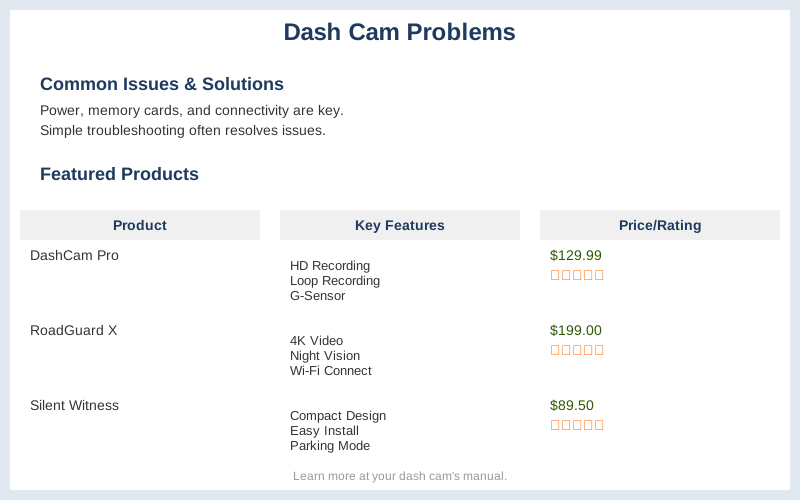
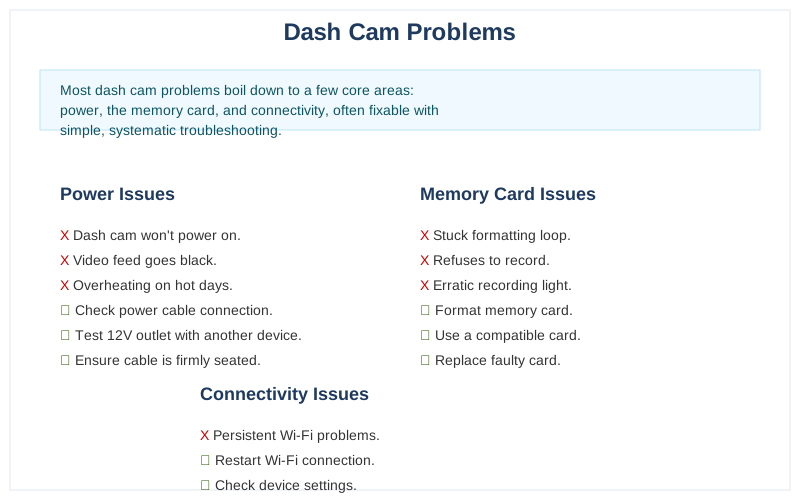
Most dash cam problems boil down to a few core areas: power, the memory card, and connectivity, often fixable with simple, systematic troubleshooting.
When your dash cam acts up, don't panic. The first thing to check is always the power supply. A loose connection is the most common culprit; ensure the cable is firmly seated in both the dash cam and your car's 12V outlet How To Troubleshoot A Dashcam | Halfords UK. If that's solid, test the outlet itself with another device. If the outlet is dead, a blown fuse is likely the issue - consult your car's manual to swap it out Dash Cam Troubleshooting Guide: Solve Your Camera Issues Today. Don't overlook the power adapter or cable itself; a damaged component here can easily stop the show.
The memory card is another frequent source of dash cam problems. If you see messages like "Check the memory card," it almost always means the card needs formatting BlackboxMyCar Troubleshooting Guide. We recommend formatting it at least once a month to keep things running smoothly. Some dash cams have a built-in formatting option, or you can do it on your computer. For higher resolutions like 1440p, or if you're using a rear camera, make sure you're using a 64GB class 10 U3 card; for 1080p, a 32GB class 10 U3 card is usually sufficient Common Dashcam Issues and Solutions - wolfbox. A corrupted or incompatible card will prevent recording.
Connectivity issues, particularly with Wi-Fi, can also be frustrating. If your dash cam's app won't connect, a simple power cycle of the dash cam often resolves it BlackboxMyCar Troubleshooting Guide. Remember that dash cam Wi-Fi is typically short-range, designed for connecting directly to your phone within the vehicle, not for long-distance access. If all else fails, performing a factory reset can often clear up persistent glitches.
What You Need to Know
Dash cam problems are frustrating, especially when you rely on them for safety and evidence. We've broken down the most common issues and how to fix them, drawing on real-world experience and expert advice.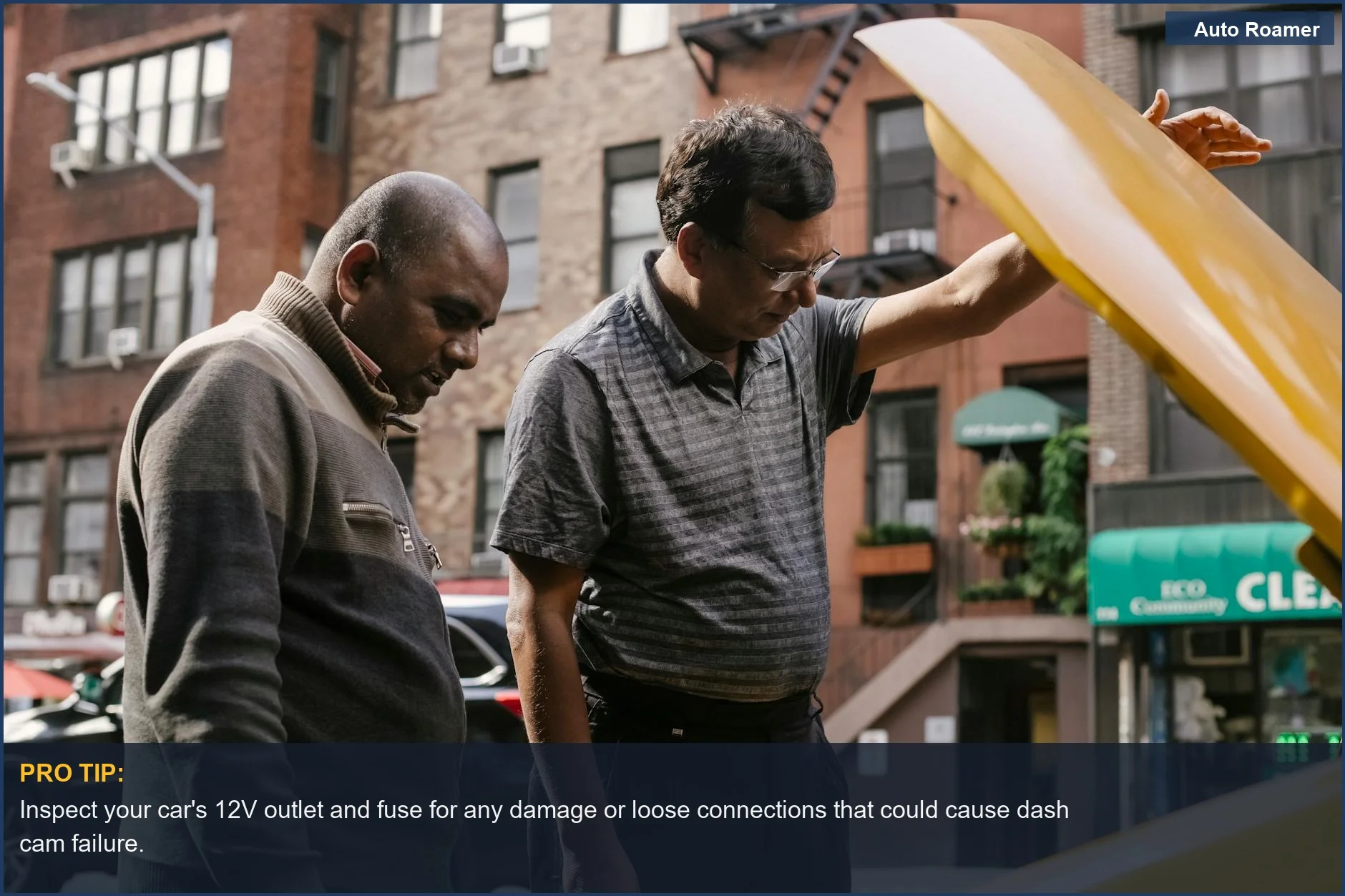
How to Handle This
What This Looks Like in Practice
- Extreme Cold on a Mountain Pass in a Toyota 4Runner: During a winter trip through the Rockies, our dash cam suddenly stopped recording. Extreme cold caused the internal battery to fail, and the device was no longer receiving consistent power from the car's 12V outlet. We'd checked the cable and adapter, which seemed fine, but the camera was unresponsive. Disconnecting the dash cam and letting it warm up in the cabin resolved the issue, highlighting how ambient temperature directly impacts dash cam performance and power delivery Dash Cam Troubleshooting Guide: Solve Your Camera Issues Today.
- Summer Heat in a Ford F-150 Causing Overheating: On a long desert drive, the dash cam repeatedly shut down with an overheating warning. Despite a secure power cable and properly formatted memory card, the device only operated for short periods. Direct sunlight and high ambient temperature overwhelmed the dash cam's thermal management. Parking the truck in the shade and allowing the camera to cool down periodically was the only way to keep it functional, emphasizing the critical need to consider thermal stress on electronics Common Dashcam Issues and Solutions - wolfbox.
- Rainy Day in a Honda CR-V Causing Intermittent Power Loss: Driving in heavy rain, we experienced frequent power interruptions. The device would turn off and on randomly, making clear footage impossible. We initially suspected a loose power cable, but the problem persisted after re-securing it. Moisture ingress into the 12V adapter port, or a damaged power cable from damp conditions, was the culprit. Thoroughly drying the port and swapping to a different power adapter resolved the issue, underscoring the importance of weatherproofing and cable integrity How To Troubleshoot A Dash Cam | Halfords UK.
- SD Card Errors in a Chevrolet Malibu on a Long Road Trip: After days of continuous recording, our dash cam displayed "Check the memory card" errors, refusing to save new footage. Despite using a recommended Class 10 U3 card, it seemed to have reached its limit or developed write errors. Formatting the card through the dash cam's menu resolved the immediate problem. This experience highlighted the necessity of regular memory card maintenance, ideally formatting at least once a month, to prevent critical failures BlackboxMyCar Troubleshooting Guide.
Mistakes That Cost People
Key Takeaways
- Many dash cam problems boil down to power and memory card issues. Ensure your power cable is securely plugged into both the dash cam and your car's 12V outlet Halfords UK. If your dash cam isn't turning on, try testing the car's power outlet with another device first RedTigerCam.
- A corrupted or incompatible microSD card is a frequent culprit for recording failures and error messages. Formatting your card regularly, ideally once a month, resolves up to 99% of "check memory card" warnings BlackboxMyCar. For 1080p resolution, use a 32GB Class 10 U3 card; for 1440p or dual-camera setups, opt for a 64GB Class 10 U3 card Halfords UK.
- Connectivity problems, especially with Wi-Fi, can often be fixed with a simple power cycle of the dash cam BlackboxMyCar. Remember, dash cam Wi-Fi is typically for close-range smartphone connections, not for long-distance networking.
- Don't overlook basic maintenance like checking that your dash cam is actually recording periodically Facebook. A quick detachment from the mount and removal of the microSD card can sometimes be the first step in deeper troubleshooting Dashcamtalk.
- The single most important thing to remember about dash cam problems? Regularly check and maintain your device; most issues stem from simple power or memory card faults that are easily preventable with proactive care.
Frequently Asked Questions
My dash cam won't turn on. What's the first thing I should check?
Why is my dash cam suddenly not recording anything?
My dash cam keeps saying 'Check the memory card.' How do I fix this?
The WiFi on my dash cam isn't connecting to my phone. What's wrong?
My dash cam overheats and shuts down in the summer. Is this normal?
I'm getting fuzzy or distorted video quality. What could be causing this?
My dash cam's GPS isn't locking on. What should I do?
Why does my dash cam turn off when I turn off the engine?
🏅 Looking for Gear Recommendations?
Check out our tested gear guides for products that work with this setup:
Sources
- common-troubleshooting-tips?srsltid=AfmBOoozzwg5x838SJPoTdf7z3IALkW0vcV7Yv_lU-VsDi0HdPQu-F0X
- Dash Cam Maintenance and Troubleshooting - Facebook
- Troubleshooting Guide for VIOFO A119S or A119 Dash Cams
- Dash Cam Troubleshooting Guide: Solve Your Camera Issues Today
- common-troubleshooting-tips
- how-to-troubleshoot-a-dash-cam.html
- how-to-troubleshoot-a-dash-cam.html
- Common Dashcam Issues and Solutions - wolfbox
- dash-cam-troubleshooting