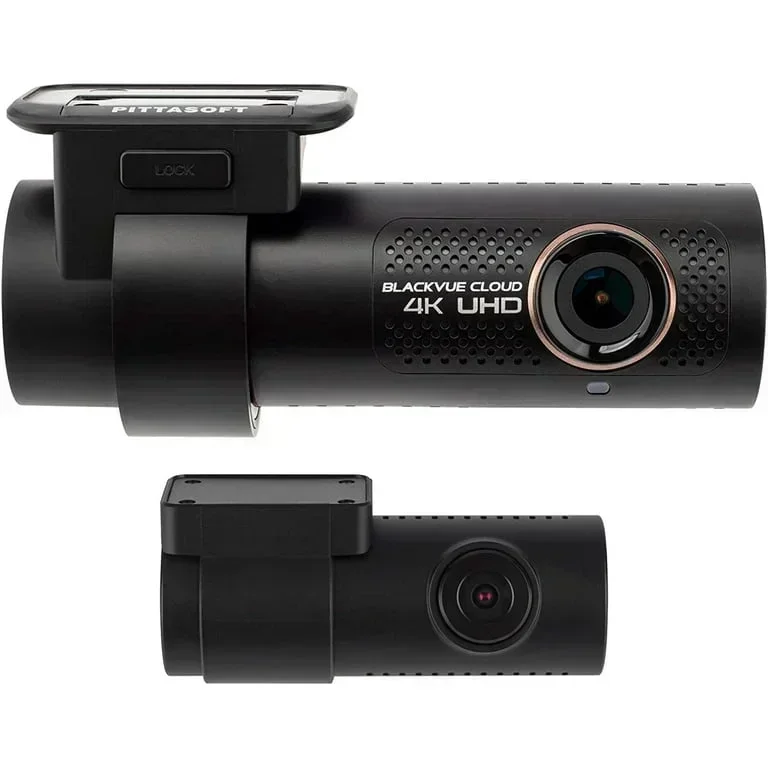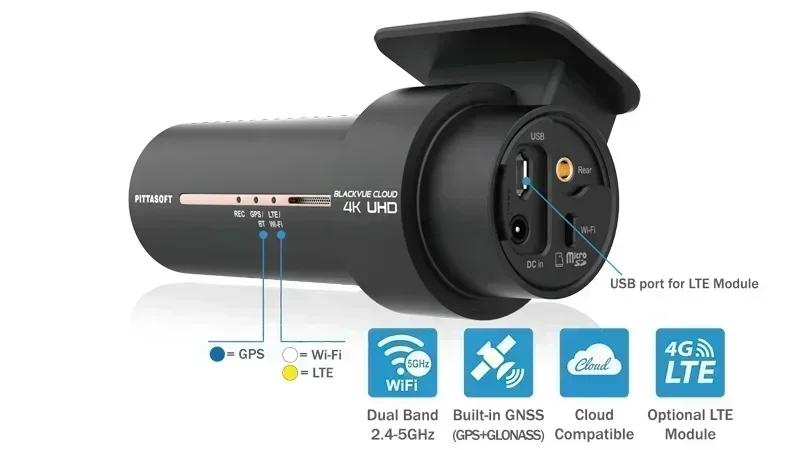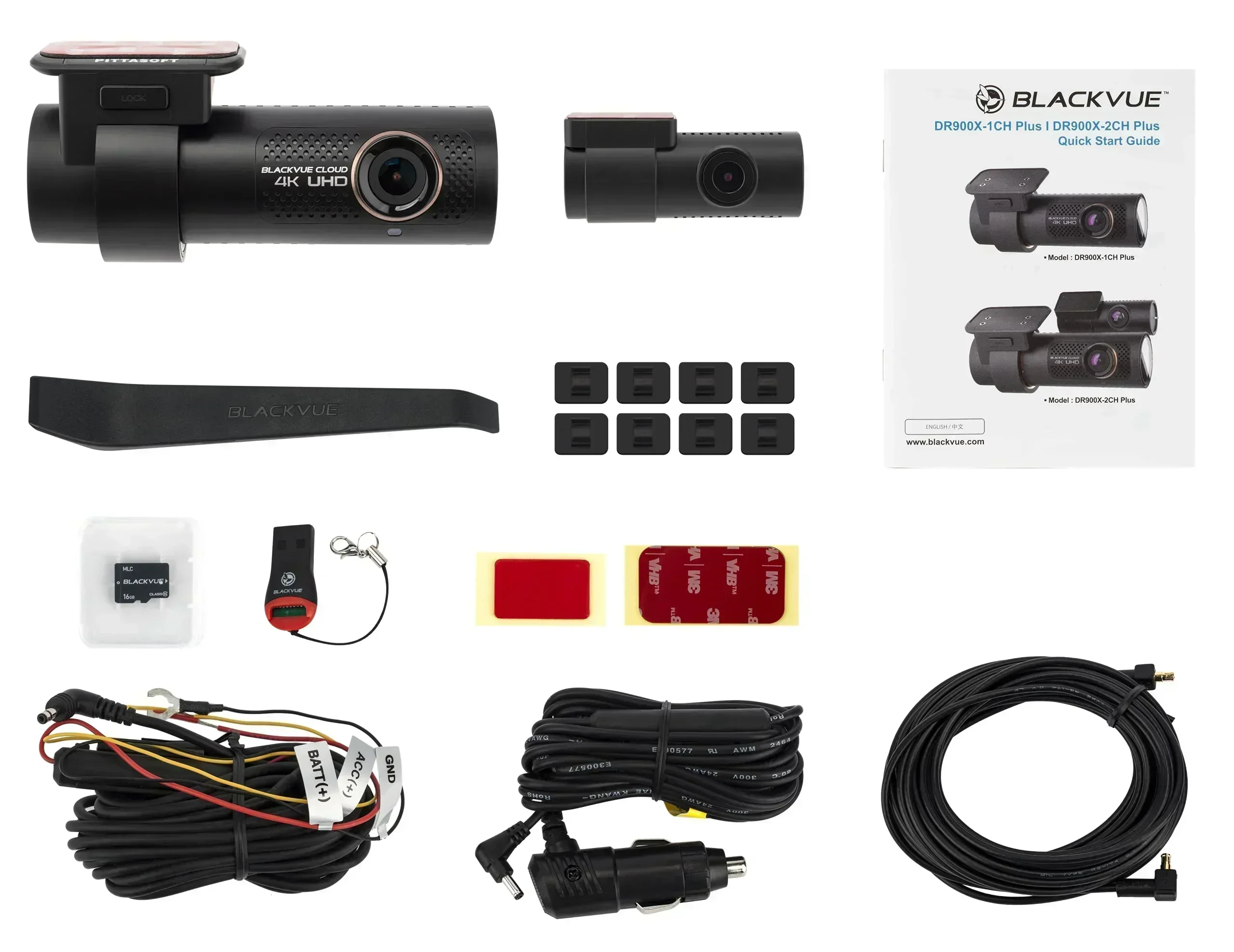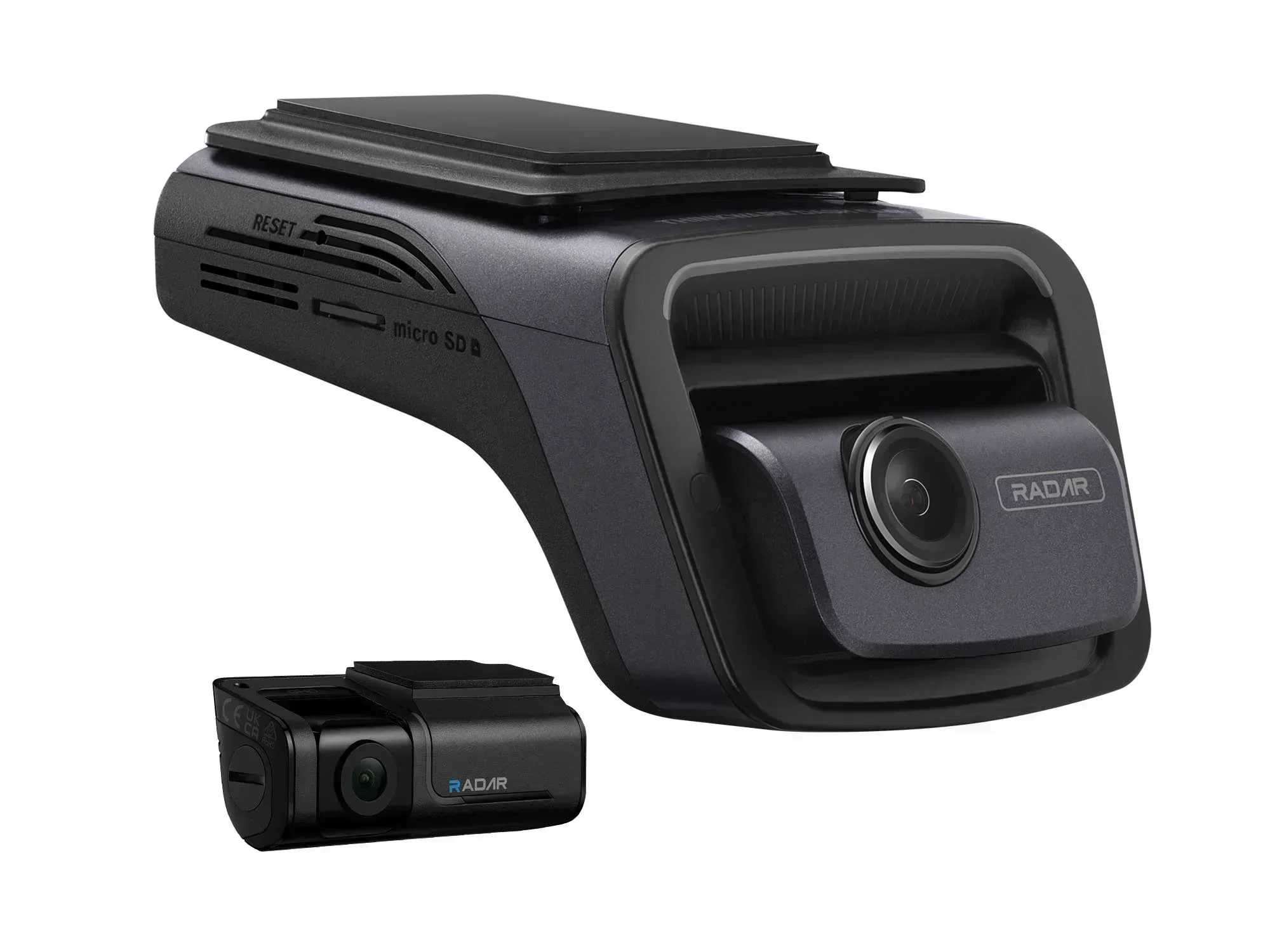
Two dual-4K flagships at a glance
| Spec | BlackVue DR970X-2CH | Thinkware U3000 |
|---|---|---|
| Front res | 4K UHD 3840×2160 @30fps | 4K UHD 3840×2160 @30fps (2K @60fps) |
| Rear res | 1080p Full HD | 2K QHD 2560×1440 |
| Sensor | Sony STARVIS 2 IMX678 (front) | Sony STARVIS 2 IMX678 front / STARVIS IMX335 rear |
| Parking mode | Buffered + battery discharge prevention | Radar buffered parking (front & rear) |
| Cloud | Yes, built-in LTE / Wi-Fi | Yes, Wi-Fi cloud |
| Price | ~$399.99 (Plus II) | ~$549.99 (2CH) |
Reading a spec sheet like a maker rather than a shopper, the first thing worth finding is where two flagships secretly agree. Both cameras hang their front channel on the same Sony STARVIS 2 IMX678 sensor, so the low-light ceiling up front is nearly identical. That is the part that matters most on a dark road, and neither company cuts a corner there.
- Shared ground: both shoot 4K up front on the same Sony STARVIS 2 IMX678 sensor.
- BlackVue’s lever: native LTE and a cloud ecosystem iterated over many years.
- Thinkware’s lever: a sharper 2K rear sensor and real radar modules for parking.
Where they split is telling. The BlackVue DR970X-2CH plays the mature-platform card, while the Thinkware U3000 spends its extra money on hardware you can point at. Neither is chasing a gimmick; both refine the same problem of capturing usable evidence in bad light, and simply chose different levers to pull. Which lever matters to your driving is the whole point of reading further.
Which one actually resolves a plate at night?
Plate legibility at night is the whole reason people buy a 4K dash cam, so it is the right place to start. The good news is that both cameras share the front sensor: Sony’s STARVIS 2 IMX678, an 8-megapixel back-illuminated chip designed for the high-contrast mess of oncoming headlights against a dark plate. When the underlying silicon is identical, the front-facing night gap narrows to how each brand tunes exposure and HDR in firmware, not raw capability.
What the sensor gives you is dynamic range: holding detail in the bright spot, a plate lit by your own headlights, without blowing it into a white smear. Both process that well. Across owner footage and reviewer captures, the difference at 15 to 20 feet is marginal for the forward view. Either one will read a plate directly ahead in a lit parking lot or on a moderately lit street.
Resolution is not sharpness. A 4K sensor behind a soft lens or a smeared CPL filter still produces mush, which is why the glass and the mount matter as much as the megapixel headline.
If night capture up front is your single priority, do not agonize between these two; the broader roundup of the best 4K dash cams shows how both stack against the wider field. The front-channel gap between these specific flagships is smaller than the marketing on either box suggests.
One genuine divergence is frame-rate flexibility. The Thinkware drops to 2K at 60fps up front, doubling temporal resolution, which is the setting to pick for freeway speeds where a plate passes in a fraction of a second. BlackVue holds its front channel at 4K/30 with a healthy bitrate around 60Mbps, favoring pixel count over frames. Neither is wrong; a highway commuter and a city driver would rationally choose opposite settings.
Rear-channel resolution: the spec that separates them
Here is the spec that actually separates these flagships, and it is the one buyers skim past. The front cameras are a tie, but the rear channels are not close. The Thinkware U3000 records its rear view at 2K QHD, 2560 by 1440, on a 5.14-megapixel Sony STARVIS IMX335. The BlackVue DR970X-2CH records its rear at 1080p Full HD on a 2-megapixel sensor. That is more than double the pixel count pointed out your back window.
That matters for the second-most-common accident: getting rear-ended, or catching the plate of a car that hit you and drove off. Your rear channel is doing that job, and 1080p starts to fall apart on a plate more than a car length back, especially at night or in rain. The U3000’s extra rear resolution is a genuine, verifiable advantage, not a marketing line.
- Thinkware rear: a 5.14MP IMX335 at 2560x1440 has a real shot at a plate two cars back under sodium streetlights.
- BlackVue rear: a 2MP 1080p channel often turns that same plate into a gray smudge past one car length once motion blur and low light stack up.
- Coverage: the Thinkware’s wider rear field keeps a car cutting in from the side lane in frame longer.
BlackVue’s defense is that a 1080p rear keeps file sizes and heat down, and for many owners a clear forward 4K plus a serviceable rear is plenty. That is a fair engineering trade. But if you park on the street, or drive where tailgaters are aggressive, the sharper rear channel is the reason to lean toward the Thinkware. It is the clearest case in this comparison where one flagship simply gives you more usable evidence for the same rear-facing risk.
Cloud and live view: what do they really add?
Cloud is the feature people either love or ignore, so it is worth being precise. Both cameras connect: the BlackVue DR970X-2CH ships in an LTE configuration with a nano-SIM slot and a mature cloud platform, while the U3000 leans on Wi-Fi with cloud support layered on. The practical payoff is remote live view, push notifications when your parked car is bumped, and pulling a clip off the camera without walking outside with a laptop.
On this axis BlackVue’s cloud is the more proven half of the comparison. It has been in the field for years, the LTE hardware is built in rather than bolted on, and the geofencing and remote-video-download flow is genuinely polished. If you fleet-manage vehicles or want to check on a car parked across town, that maturity is worth real money.
The counterpoint is that cloud only earns its keep if you will actually use it, and LTE means a recurring data plan on top of the purchase. For someone who mostly wants local footage on a card, the cloud is a nice-to-have, not a deciding factor. That recurring cost is often better spent on reliable power, which is why a solid dash cam battery pack beats a monthly LTE subscription you may barely touch.
Parking mode and the draw on your battery
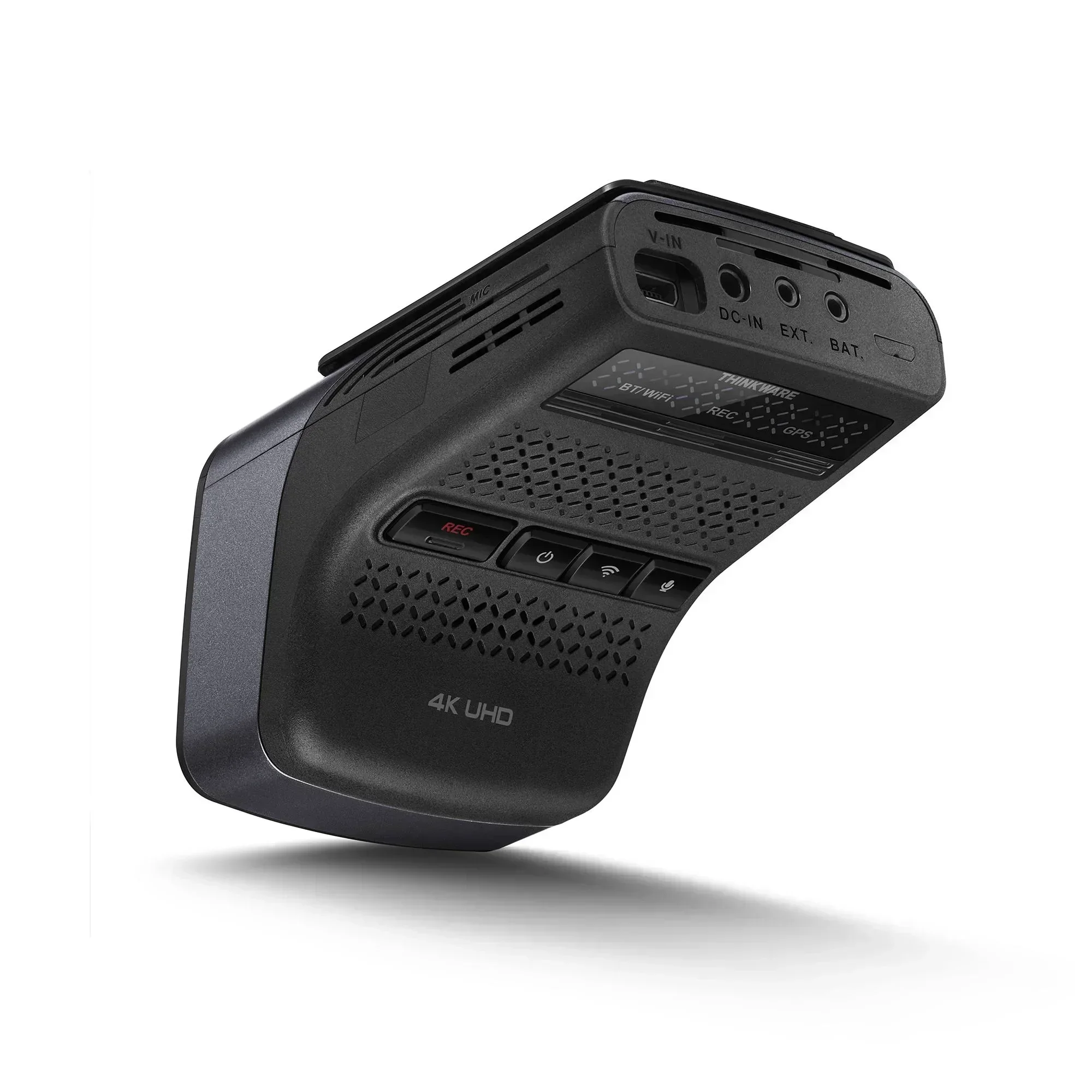
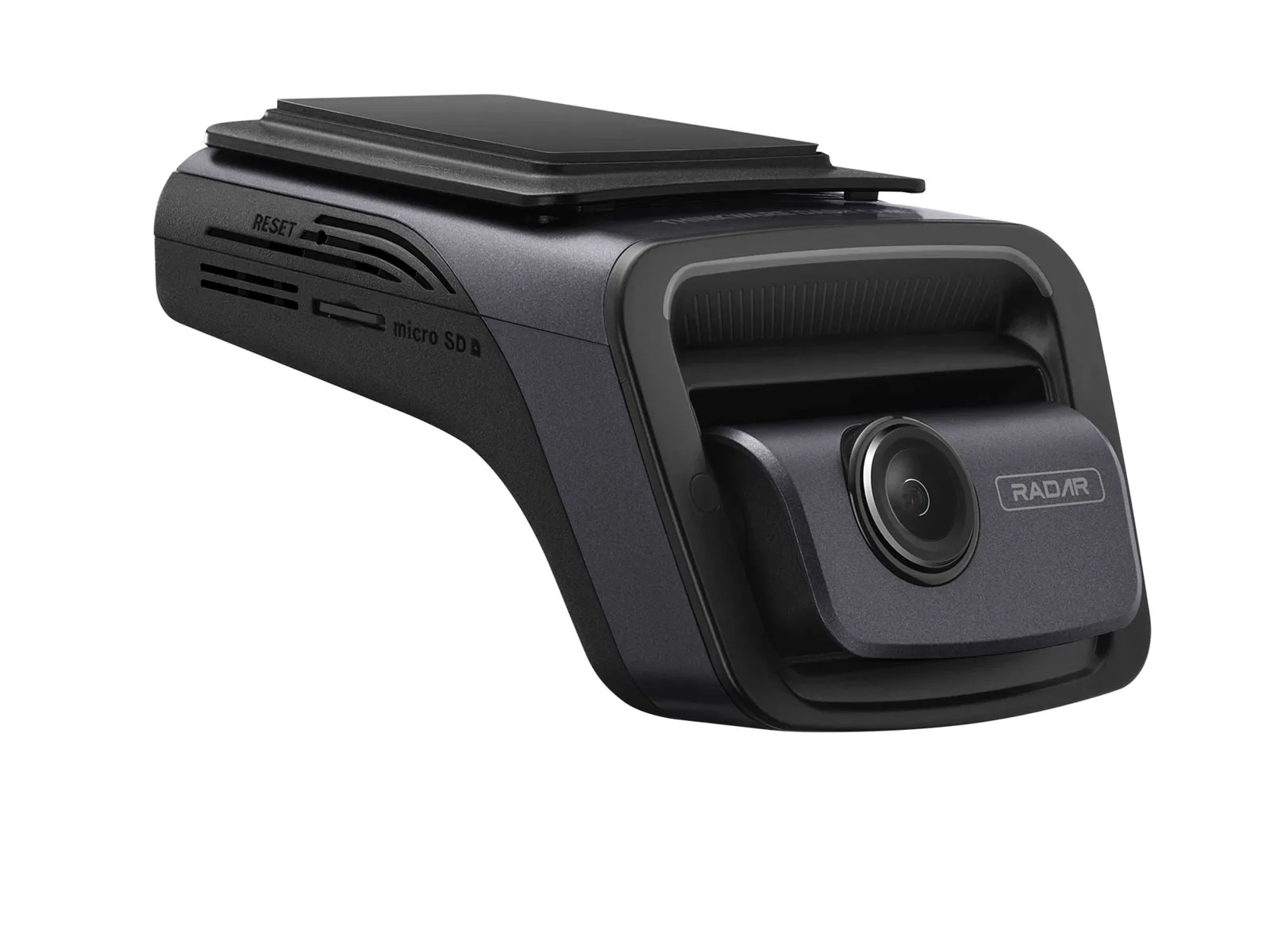
Parking mode is where these two flagships diverge most in hardware, and it is where the spec sheets and reviewer teardowns show the clearest design split. The Thinkware U3000 builds in low-power radar, front and rear, that watches for motion while the camera sits in a near-sleep state. When the radar detects something in range, it wakes the camera and records a roughly 20-second clip. Because the radar sips power instead of running the full imaging pipeline continuously, it protects your battery while still catching the event that matters.
The BlackVue DR970X-2CH takes the more traditional route: buffered parking recording triggered by its G-sensor and motion detection, paired with a battery-discharge-prevention cutoff that shuts the camera down before it drains the starter battery too far. It is a well-understood system, and the hardwiring harness that activates native smart parking is included in the box, which spares owners a separate accessory hunt.
Radar reduces the duty cycle at the sensor level, which is elegant; BlackVue’s cutoff protects the battery downstream, which is dependable. Neither approach makes a car’s starter battery safe for multi-day parking on its own.
A dedicated cell pack isolates the camera from the vehicle entirely, and pairing one of these flagships with that buffer is the setup reviewers recommend for true always-on parking coverage without a jump-start surprise. The radar approach also means the Thinkware triggers on a person walking past even when nothing touches the car, catching vandalism the BlackVue’s impact-and-motion system can miss, and that alone can justify the price gap for some owners.
How well is each one built inside?
A dash cam lives on a windshield in brutal heat and vibration, and the internals decide whether it survives two summers. The parts that matter are the sensor bonding, the thermal design, and how the two channels are wired — not the plastic shell everyone looks at first.
The BlackVue DR970X-2CH uses a cylindrical body with the lens and processor packed tightly, a layout BlackVue has refined across many generations. That maturity shows up as a proven thermal path and a mount design debugged over years of field returns. The tradeoff is that the tight cylinder concentrates heat, so ventilation and where you place it on the glass matter more than owners expect.
The Thinkware U3000 spreads its components across a wider, flatter housing and separates the radar modules into the parking hardware, which keeps the imaging board less crowded. More surface area generally means an easier time shedding heat. Neither is meaningfully user-repairable; both are sealed units where a dead sensor means a replacement, not a fix. But the flatter, more spread-out Thinkware layout has the edge on a parked-in-the-sun afternoon, while BlackVue’s decade of iteration earns trust that its design is dialed in.
Storage, heat, and the boring reliability stuff
The unglamorous parts are the ones that actually kill dash cams. Both flagships record to microSD, and the U3000 officially supports cards up to 512GB, which matters when you are writing dual high-bitrate 4K and 2K streams that eat capacity fast. A 4K front stream plus a 2K rear stream can chew through 20 to 30GB per hour depending on scene complexity, so a 256GB card gives you roughly a day of driving before it loops over itself.
- Endurance over capacity: constant rewriting is why the endurance rating, not the headline size, decides how long a card survives.
- High-endurance is not optional: a standard consumer card wears out and starts dropping clips within months at these bitrates.
- Silent failure: a worn card stops writing without warning, so you only find out when the footage you needed was never recorded.
Heat is the other silent killer. A 4K sensor plus an LTE or Wi-Fi radio generates real warmth, and a black plastic box baking behind glass in summer can push components past their comfort zone. BlackVue’s tight cylinder and the Thinkware’s flatter shell handle this differently, but both benefit from smart placement: behind the mirror, out of direct sun, with the cable routed so it does not trap heat.
Both are flagship products from companies that have shipped a lot of units and absorbed a lot of warranty data, so the firmware handles thermal shutdown and card-error recovery reasonably well. The standing advice holds regardless of pick: buy the high-endurance card the manufacturer recommends, format it on a schedule, and check footage monthly. The most expensive flagship is worthless if a worn card quietly stopped recording three weeks ago and nobody looked.
Voice control and everyday use
Day-to-day, a dash cam should mostly disappear, and the small interaction details decide whether it annoys you. Both flagships lean on companion apps for setup and playback rather than a screen on the unit, which is the modern approach and generally the better one; a screen is one more thing to fail and one more source of glare. You pair over Wi-Fi, review clips on your phone, and adjust settings there.
Voice guidance is where they feel different in the car. Both give spoken confirmations for events, parking-mode entry, and errors like a missing card, which is genuinely useful because it tells you the camera is alive without you taking your eyes off the road. The Thinkware’s alerts extend into safety warnings, including red-light and speed-camera notifications, which some drivers love and others find chatty. BlackVue keeps its voice prompts more focused on camera status.
For everyday use two things carry weight: how fast the app connects, and whether the camera boots and records reliably the moment you turn the key. Both are strong, and this is where BlackVue’s platform maturity quietly helps, because the app-to-camera handshake has been polished across many releases. Neither will frustrate a patient owner, but BlackVue is the calmer set-and-forget companion while the Thinkware rewards drivers who want the extra alerts. It is worth deciding which camp you fall into before you buy.
Which flagship should you buy
After weighing both on the spec sheets and reviewer consensus, the verdict comes down to what you are optimizing for, because both are genuinely well-built flagships and neither is a mistake. If your priority is the sharpest possible evidence from every angle, the Thinkware U3000 wins on the spec most buyers overlook: its 2K rear channel gives more than double the rear pixels of the BlackVue’s 1080p, and its low-power radar parking is the more elegant answer to protecting your battery during long parks. That is the camera to buy for street parking and rear-end protection.
If your priority is a mature, proven ecosystem, the BlackVue DR970X-2CH is the safer long-term bet. Its built-in LTE and years-refined cloud platform are the most polished in this comparison, its buffered parking with battery-discharge cutoff is dependable, and it typically lands around $150 cheaper. For someone who wants a calm, reliable camera that just works and connects remotely without fuss, it is hard to argue against.
The honest recommendation: choose the Thinkware if the rear channel and radar parking match your risk, choose the BlackVue if cloud maturity and value matter more. Whichever you pick, pair it with a high-endurance card and, for real parking coverage, an isolated power source. Read the wider best 4K dash cam guide before committing, because the right flagship depends on how you park and what you actually need to capture.
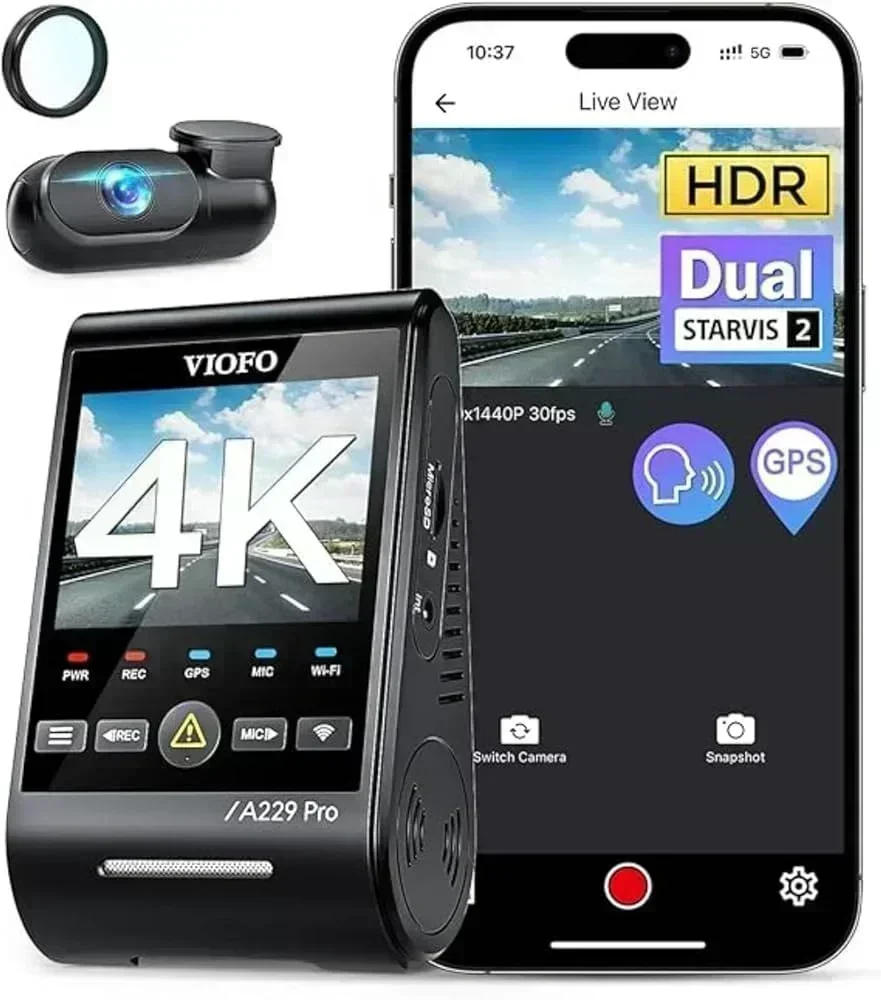
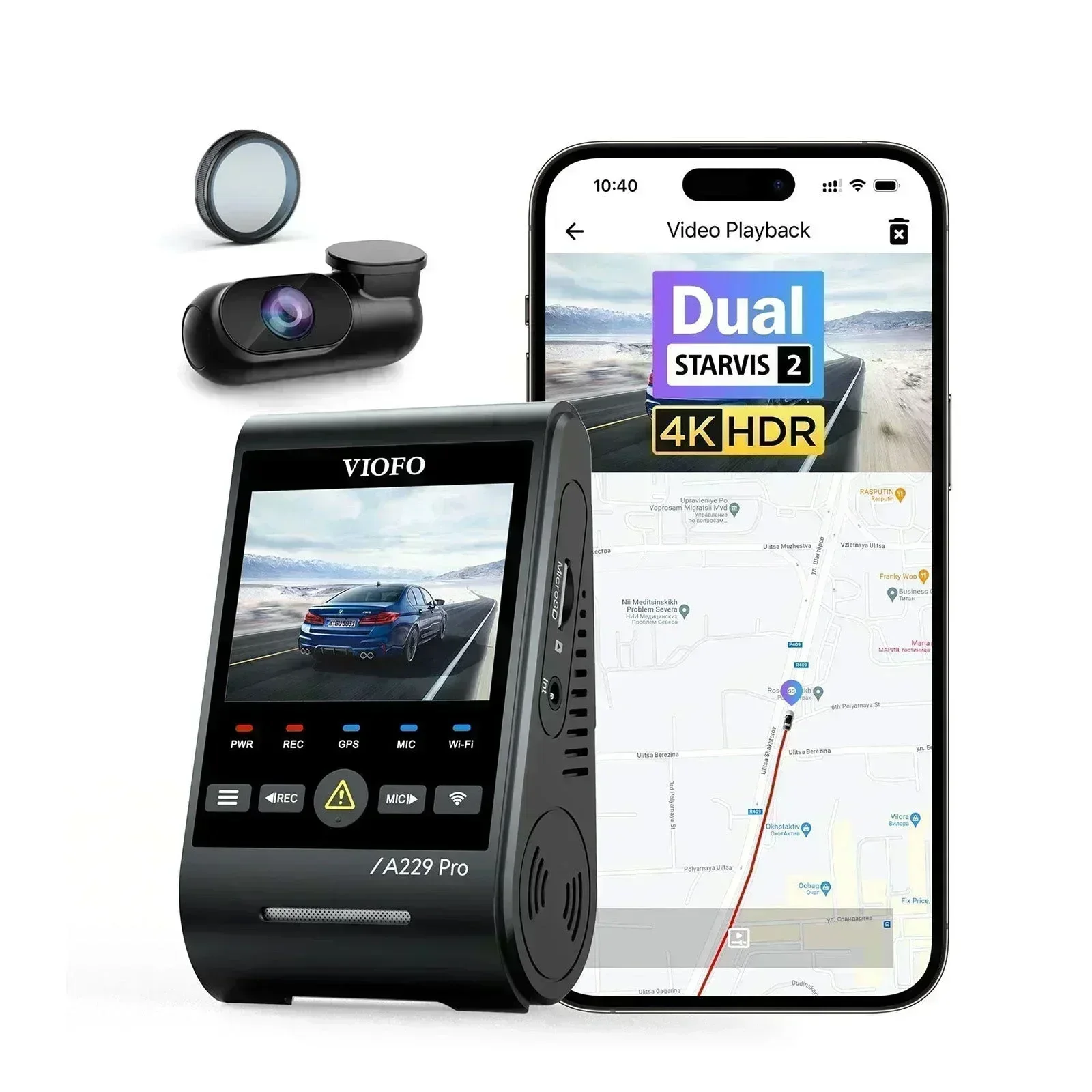
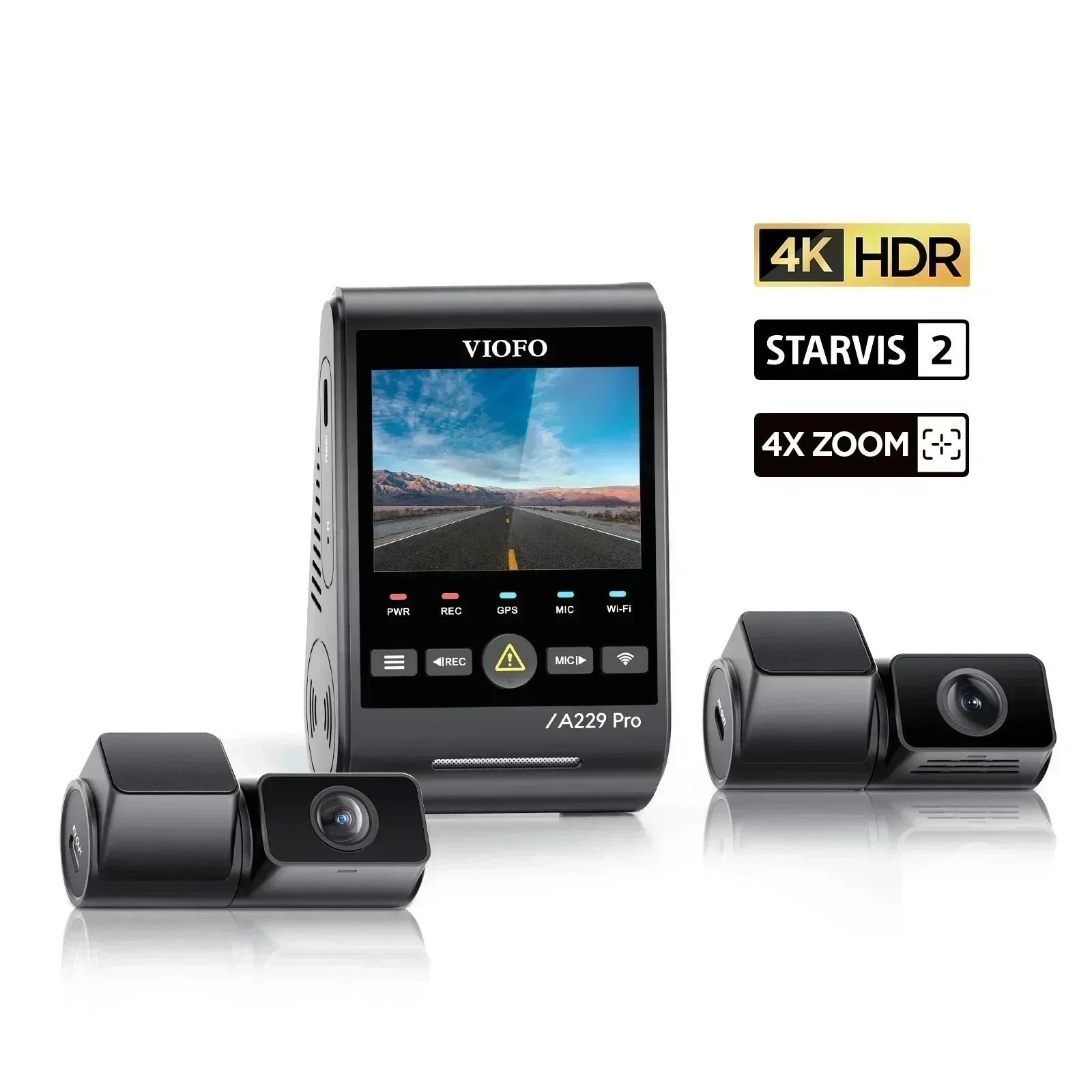
The complete lineup also includes BlackVue DR900X Plus and the value-brand Viofo A229 Pro — each compared on the same specs and reviewer consensus.