
How Good Is Dash Cam Audio, Really?
Short answer: at the top of the market, dash cam audio is genuinely usable — clear enough to make out what someone says a few feet from the camera. In the middle it is serviceable. At the bottom it often records that a conversation happened without proving what was said. The honest version is that audio quality varies more between models than almost any other dash cam feature, and almost nobody publishes a real comparison of it.
Reviews measure video obsessively — sensor, night footage, whether a plate is readable at 60 mph. Audio gets one line: "built-in microphone." So when people ask whether dash cam sound is actually any good, they are usually answering from a single camera they own, which tells them nothing about the range.
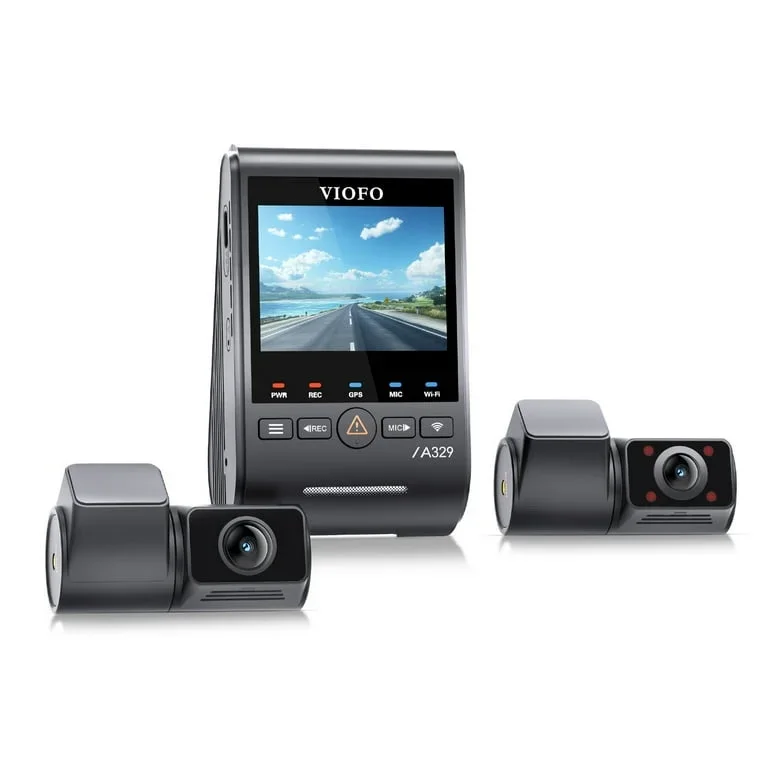
That range is real. The enthusiast favorites earn their reputation: the VIOFO A329S records clean, low-hiss speech, and the Vantrue N4 Pro S is built to capture the cabin itself. Many budget cameras sample audio at just 8 kHz, which is why their voices come back muffled under road noise.
Why does any of this matter? Because audio is the half of the recording that captures context. Video shows the other car drifting into your lane; audio captures the horn, the impact, and what the other driver said when he walked over. Insurance adjusters and attorneys work with that context every day.
This guide answers the real question in plain terms: how good is dash cam audio, what physically makes one camera sound better than another, how the popular models actually stack up by owner reports and reviewer consensus, whether the law even lets your mic be on, and a 60-second test you can run on whatever camera you already own.
One ground rule: nobody here ran a lab test, so every claim is sourced honestly. When a number comes from a published spec it says so; when it comes from owner patterns on forums like Dash Cam Talk or named reviewers, it says that too. Audio is where dash cam marketing goes quiet — which is itself the answer to part of the question.
Why Does Dash Cam Audio Matter Enough to Check?
If video already shows the crash, why care about sound at all? Because plenty of what decides a claim is never in the pixels — it is in what was said, when.
The recorded audio rides along in the same file as the video, and it can be the difference between a deniable claim and a documented one. Consider the common cases:
- A roadside admission — "I didn't even see you" — said through your open window.
- A horn you sounded before impact, establishing that you reacted.
- The absence of screeching from your own car, contradicting a claim that you braked erratically.
- A passenger's behavior in a rideshare dispute.
None of that is visual. A front-and-rear camera can show every angle of an incident and still miss the sentence that settles it.
The caveat, because there is always one: audio only helps if it is intelligible and lawfully made. Courts and insurers treat dash cam audio inconsistently, and a recording made in violation of a state consent statute can be excluded — or become its own legal problem. That is its own section below, because it changes the answer to "should the mic even be on."
Intelligibility is the part you control at purchase. The bar is lower than hi-fi but higher than you'd think: a voice from the driver's seat should survive road noise at highway speed, and a voice through an open window should be recognizable on playback. Owners report plenty of cameras that clear the first bar and fail the second.
And the recording has to exist at all. Several models ship with audio off by default, or quietly disable it after a firmware update resets settings — a complaint that shows up across brands on Dash Cam Talk. The most common audio failure isn't a bad microphone; it's a setting nobody rechecked. So treat audio as a feature you verify, not a checkbox on the box.
What Actually Makes One Dash Cam Sound Better Than Another?
Strip away the marketing and four physical factors decide whether recorded speech is usable. None of them appear on the retail box, which is why two cameras with identical "built-in mic" bullet points can sound nothing alike.
Where is the microphone pointed?
Nearly every consumer dash cam records mono audio from a single small electret microphone. What separates them is placement: a port facing the cabin picks up voices directly, while a mic buried against the windshield mostly hears glass — vibration, defroster air, and reflected road noise.
You can often spot the difference on the housing itself. A visible pinhole on the rear face, pointed at the occupants, is what you want. Owners consistently report that cabin-facing ports capture front-seat speech clearly, while bottom- or front-facing ports make the conversation sound like it's happening in the next room.
What sample rate and bitrate does it record?
This is the factor that most directly answers "why does cheap audio sound bad." Many budget cameras sample audio at just 8 kHz, which clips the frequencies that carry consonants — the result is the muffled, underwater voice owners complain about. Better cameras sample higher and encode mono AAC at modest bitrates, commonly 64 to 128 kbps when the number is published at all, which is rarely.
A higher sample rate is genuinely enough for speech a few feet from the mic. The practical limit of a modest bitrate shows up elsewhere: compression artifacts pile up on loud, complex sound, so horns, impacts, and shouting — exactly the moments you care about — distort first.
How does it handle wind, road, and gain?
The third factor is what the camera does about the cabin being a terrible recording studio. At 70 mph, tire roar and wind load the mic continuously; some firmware applies aggressive automatic gain control that "pumps" — swelling the noise floor between words, then ducking when someone speaks. A few brands tune this well. Reviewer commentary and owner threads converge: enthusiast brands like Viofo draw the fewest complaints about hiss and pumping, while the budget tier draws the most. Some higher-end models, Vantrue among them, add active wind- and engine-noise reduction to keep voices clearer.
What about your own car?
The fourth factor is the one no firmware fixes: your cabin. Echo off the glass, an HVAC fan on high, an open window at speed — owners report these swamp microphone differences entirely. The quietest camera in a loud cabin loses to a mediocre camera in a quiet one. Worth remembering before you pay a premium for audio alone.
Which Dash Cam Records the Cleanest Audio?
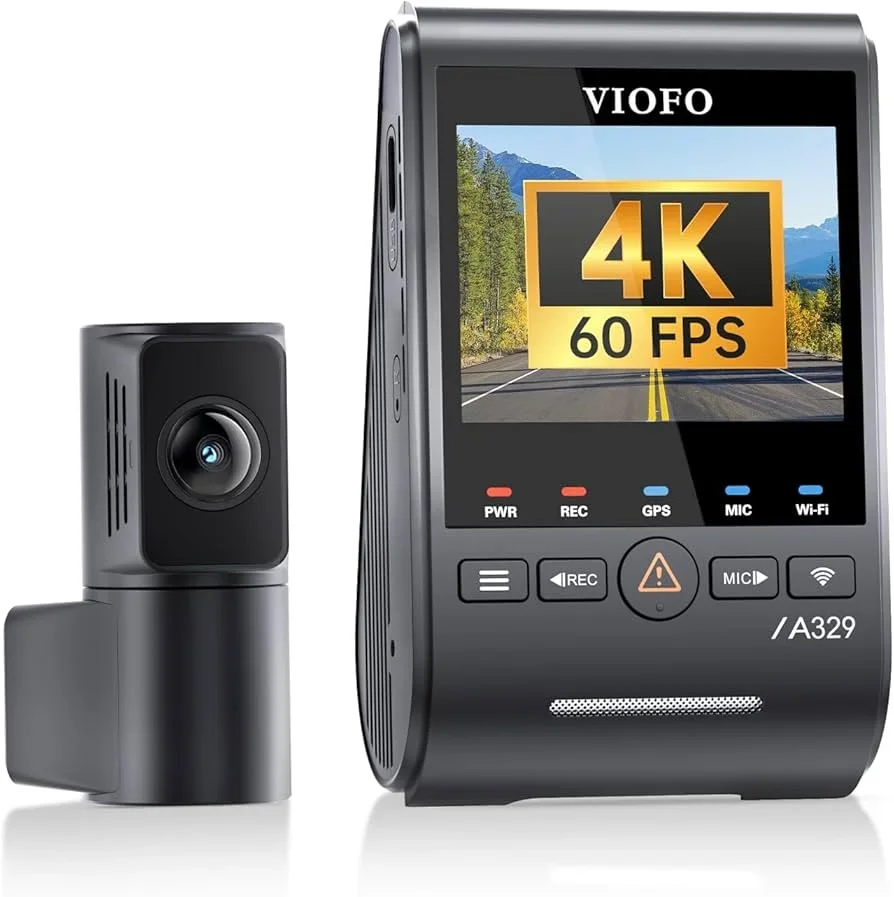
Ask the dash cam forums which brand records the most usable sound and the answer is boringly consistent: Viofo. The brand's A119 and A229 lines built that reputation, and the current VIOFO A329S — the 4K three-channel flagship at $259.99 — inherits it.
The evidence, sorted by source. On specs: Viofo is reported to use better microphones with an extended frequency range that helps voices carry, and it publishes a one-press mic mute on the camera body plus an app toggle, so you can kill the mic for a sensitive conversation without unmounting anything. (For owners who need more, Viofo even sells an optional external lavalier mic for compatible models.) That mute matters more than it sounds once you've read the consent section below.
On owner reports: across long-running Dash Cam Talk threads, A229 and A329S owners describe front-seat conversation as clearly intelligible in normal driving, with complaints concentrating on HVAC fan noise rather than the camera's own hiss — the right kind of complaint, since it implicates the cabin, not the mic.
On reviewer consensus: Vortex Radar's Viofo coverage and BlackBoxMyCar's write-ups both treat the brand's audio as a strength relative to category norms.
Now the honest caveats. Viofo's audio is clean for a dash cam — a category qualifier doing heavy lifting; it is still mono, speech-grade recording, not a field recorder. And the spec sheets stop short of naming an audio bitrate, so the "cleaner" claim rests on convergent owner experience rather than a single published number. If clean recording with the least fuss is your priority, this is the default — and the two-channel A229 line carries the same reputation at a lower price.
Real-World Scenarios: Which Camera Captures Passengers and the Cabin?
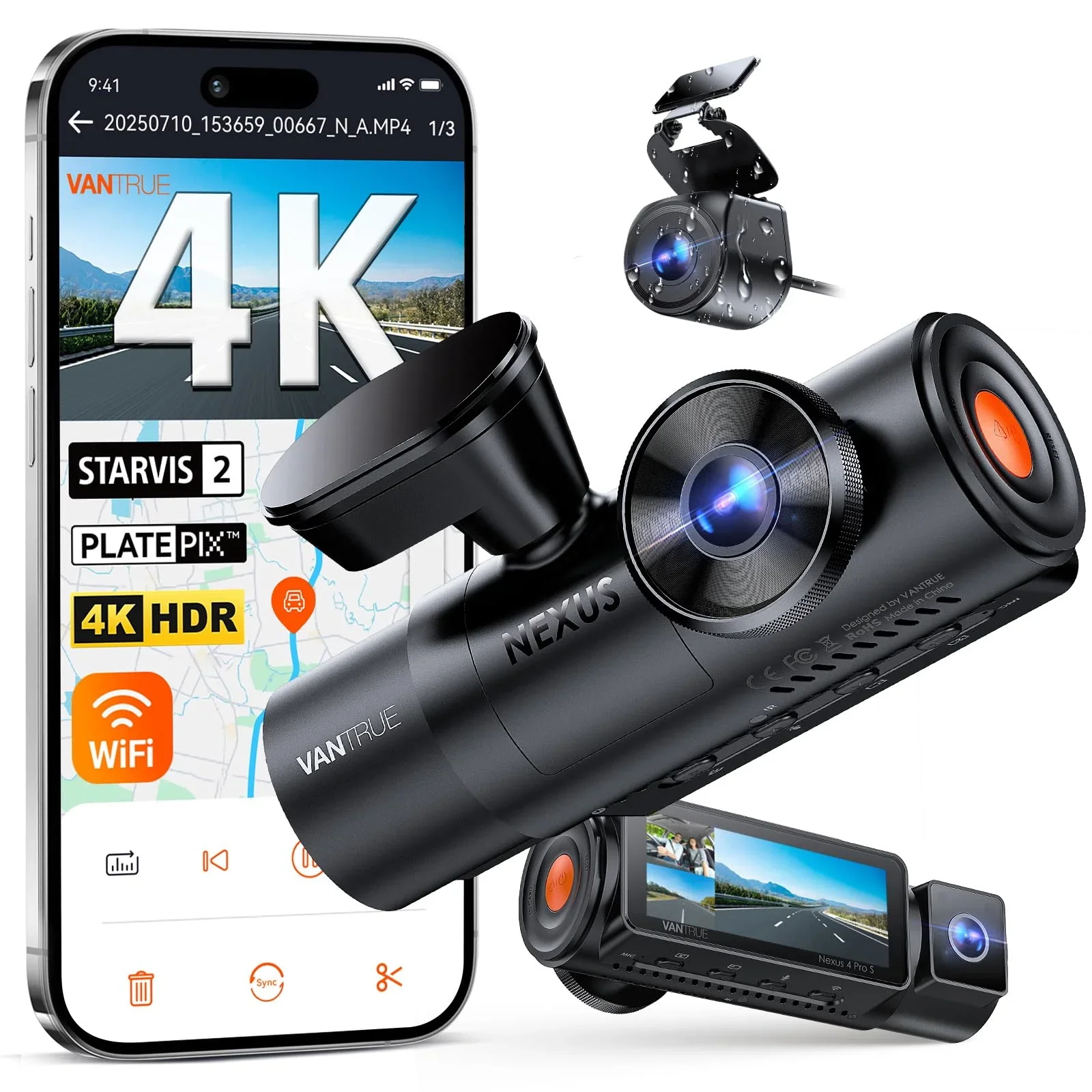
"Cleanest" and "best at hearing the cabin" are different questions. The Vantrue N4 Pro S ($379.99) answers the second one. Viofo treats sound as a clean side channel; Vantrue's three-channel design — front, cabin, and rear — treats the cabin itself as a subject.
That is why it dominates one specific use: rideshare. Drivers documenting passenger disputes need the interior camera and the soundtrack to agree, and owner reports from rideshare drivers describe back-seat passenger speech as intelligible — the test most front-mounted cameras fail, since their mics face away from the rear cabin. Vantrue also markets active wind- and engine-noise reduction aimed squarely at keeping cabin voices clear for professional drivers.
The hardware reasoning supports the pattern: the N4 Pro S pairs its infrared interior lens with a microphone in the same central housing, so the camera that watches the cabin also listens from the cabin's acoustic center rather than from against the glass. Named reviewers agree on the niche — the same logic that applies to dash cams for teen drivers. When the question is "what happened inside the car," this is the shape of camera that answers it.
The caveats are real. At $379.99 you are paying for three cameras and infrared night vision, not premium audio circuitry — owners describe the sound as strong for cabin coverage, not noticeably cleaner than Viofo's. And a camera built to record passengers makes the consent question sharper, not softer: in several states, recording your passengers without telling them is precisely what the statute prohibits.
It says something about this category that the camera best at recording people is also the one most likely to get its owner in trouble for it.
— Dr. Lena Fox
What About Garmin's Voice Control and Budget-Brand Audio?
Garmin's dash cams are the clearest case of audio engineering pointed at a different goal. The Dash Cam 47, 57, 67W, and Mini 2 all support "OK, Garmin" voice commands — which means the microphone's first job is hearing you, not documenting the scene.
That tradeoff is rational and visible. Garmin's published commands center on control — say "OK, Garmin," then "Save Video," "Take a Picture," "Record Audio," or "Stop Audio" to toggle the mic by voice — and owners report the commands work reliably at speed, genuinely useful when both hands are on the wheel. The recorded audio itself is mid-pack by owner consensus: speech near the camera is fine, but nobody buys Garmin for the soundtrack, and reviewers rarely mention its recording quality at all — an omission that is its own data point.
One detail worth knowing: a voice-controlled camera is, by definition, always listening for its wake word. That processing happens locally and is not the same as recording, but if your threshold for "microphone always on" is zero, the feature answers the question for you.
70mai sits in a similar spot for different reasons. Its A810 and other 4K models sell on video value per dollar and treat audio as a checkbox; owner reports describe the sound as serviceable — voices present, detail thin — with voice support tuned for a fixed set of phrases.
The honest framing for both: their microphones prioritize interaction over evidence. If you want voice control, Garmin executes it best in the category by reviewer consensus. If you want the cleanest recording of what was said around your car, neither brand is where the owner reports point. The gap between those two goals is exactly why a one-line "built-in microphone" spec tells you nothing.
By Price Range: Is Cheap Dash Cam Audio Good Enough?
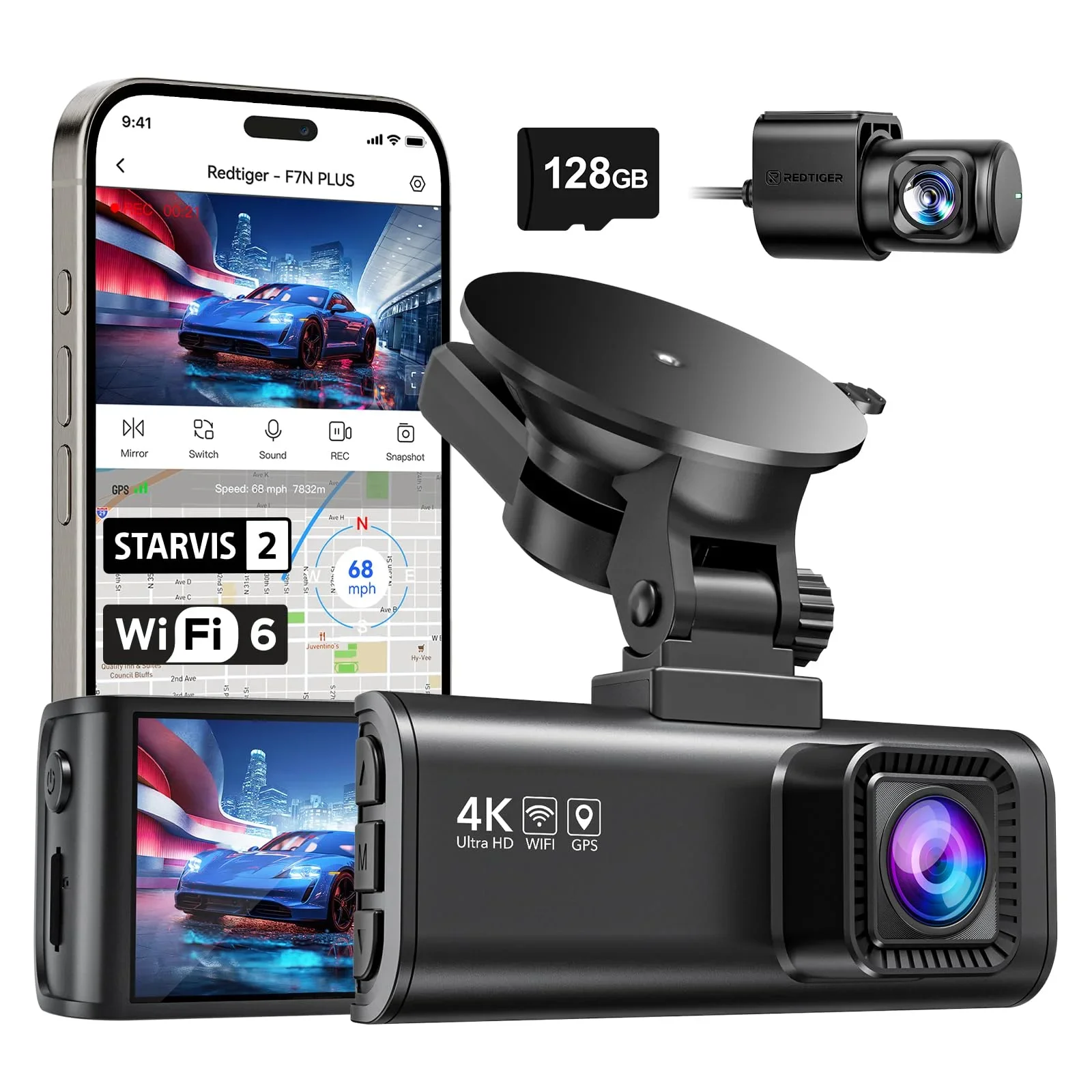
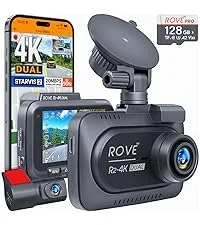
For a lot of drivers, this is the real question — not "what's the best," but "will the $110 camera I'm about to buy record sound I can use." The honest answer: below $200, audio is the line item where corners get cut first — invisible on the spec sheet, obvious on playback. Three popular examples show the range, by owner consensus:
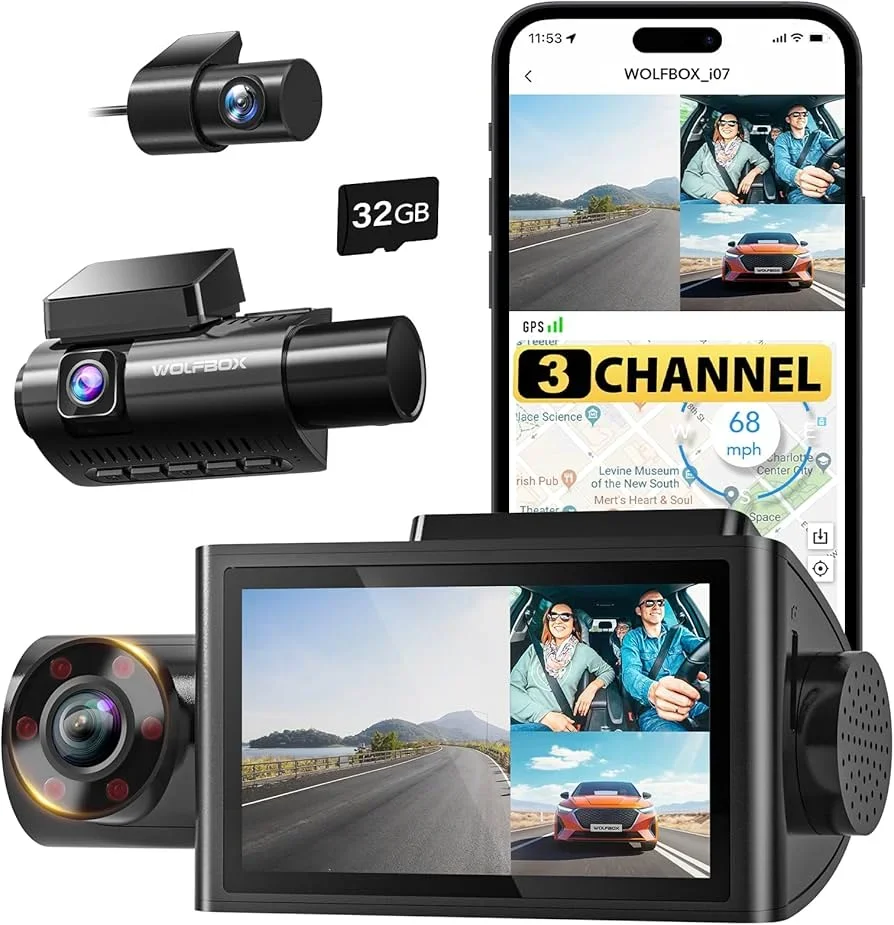
- WOLFBOX i07 ($159.99) — three-channel cabin coverage; conversations present and followable, thinner than the Vantrue it imitates.
- REDTIGER F7NP ($109.99) — intelligible at city speeds, increasingly buried by wind at highway speed.
- ROVE R2-4K DUAL ($109.98) — steady mid-grade speech with an audible noise floor.
The WOLFBOX i07 is the budget answer to the three-channel dash cam question — front, cabin, and rear with an interior lens aimed at rideshare drivers. Owners describe its audio as exactly what the price implies: conversations clearly present and mostly followable, with a thinner, boxier character than the Vantrue. Sufficient to document that a dispute happened; not a transcript.
The REDTIGER F7NP is a perennial best-seller in the front-and-rear class, and its audio pattern is the tier's signature: intelligible at city speeds, increasingly buried under wind at highway speed. Owners also note its voice prompts come through louder than the people in the car — make of that engineering priority what you will.
The ROVE R2-4K DUAL carries the longest track record here; owner consensus on its recording is steady mid-grade — speech near the mic usable, noise floor audible, with firmware updates repeatedly adjusting audio behavior.
The pattern across all three: budget audio fails gradually, not absolutely. Around town with the windows up, any of them documents a conversation. Add speed, wind, or distance from the mic and clarity falls off faster than on the enthusiast cameras. The same gradient applies to mirror-style cameras, with one extra wrinkle: a mic sealed against the windshield rarely helps. None of this makes the budget tier a mistake — a $110 camera that records adequate sound beats the $380 camera you decided not to buy. It just means audio is the one spec where the price gap is audible.
Is It Even Legal for My Dash Cam to Record Audio?
Here is the part that surprises people: in a meaningful chunk of the country, the riskiest thing about dash cam audio isn't quality. It's legality.
Recording a conversation is governed by state wiretap and eavesdropping statutes. Most states are "one-party consent": if you are part of the conversation, you can record it. Roughly a dozen are "all-party consent" states, where every participant must agree. The list commonly includes California, Delaware, Florida, Illinois, Maryland, Massachusetts, Montana, Nevada, New Hampshire, Pennsylvania, and Washington — and a few states are nuanced, with Oregon and Connecticut treating in-person and electronic conversations differently.
The two regimes, side by side:
| Consent regime | The rule | What it means in your car | Example states |
|---|---|---|---|
| One-party consent | One participant's consent — yours — makes the recording lawful | Recording conversations you take part in is generally permitted | Most states, including Texas, New York, and Ohio |
| All-party consent | Every participant in the conversation must agree | Passenger conversations need disclosure — or the mic off | California, Delaware, Florida, Illinois, Maryland, Massachusetts, Montana, Nevada, New Hampshire, Pennsylvania, Washington |
Apply that to a car. Recording yourself and the road raises no consent issue. Recording your passengers — especially a back-seat conversation you are not part of — is where all-party statutes bite, and penalties in some states are criminal rather than civil. The 50-state survey maintained by the law firm Matthiesen, Wickert & Lehrer is the reference worth actually reading, because these statutes shift and popular summaries lag.
Rideshare drivers carry the sharpest version: strangers in the car, commercially. The platforms permit dash cams but require compliance with local law. The practice owners converge on is a visible "audio and video recording in progress" notice, because announced recording converts a consent problem into an informed-choice one in most jurisdictions. A sticker is cheaper than a statute violation by a wide margin.
This is also why the mute control belongs in an audio comparison at all. Viofo's one-press mute, Garmin's "Stop Audio" voice command, and the menu toggles on the budget models are not conveniences; they are the compliance mechanism. A camera that makes turning audio off awkward makes following the law awkward. Nothing here is legal advice, and "I read the statute summary" is not "I read your state's statute" — if your driving crosses state lines, the conservative settings are disclosure, or audio off.
The 60-Second Checklist: How Do I Test My Own Dash Cam's Audio?
Whatever camera you own or buy, the spec debate ends the same way: you test the actual unit in your actual car. The protocol takes about a minute and answers more than any review can.
Park somewhere quiet, confirm audio recording is enabled in the settings — remember that firmware updates sometimes reset it — and record three short clips, in this order:
- Driver voice: at normal volume, state the date, then read a license plate and a phone number aloud. Numbers and letters are what you'll need intelligible later, so they're what you test.
- Window voice: with the engine running, speak the same lines through the open driver's window from outside, at roadside-conversation distance.
- Road clip: drive a few minutes including highway speed, talking occasionally, with the HVAC at your usual setting.
Then play the files back on a computer with headphones — not on the camera's tiny speaker, which flatters everything. Listen for whether the plate and phone number survive, whether the window voice is recognizable, and whether the highway clip buries speech under wind. While you're there, confirm the timestamp overlay matches reality — an accurate recording with a wrong clock is a gift to whoever disputes it.
The diagnostic logic is simple. If the driver-voice clip fails in a parked car, the problem is settings or hardware. If only the road clip fails, the problem is your cabin's noise floor — and no camera swap fixes a roaring HVAC fan. One minute of testing localizes the fault before you spend money on it.
Repeat the check after any firmware update; owners report settings resets often enough across brands that "verify after update" is the closest thing this category has to a maintenance schedule. And save the test clips — a dated baseline of your camera working normally is quietly useful if you ever need to show that an incident recording is consistent with the unit's ordinary output.
The Bottom Line: How Good Is Dash Cam Audio?
The dry summary of a few thousand owner reports: dash cam audio is a solved problem at the top of the market, a managed one in the middle, and a coin flip at the bottom — and the spec sheets tell you none of that.
For the cleanest recorded sound with the least drama, the VIOFO A329S is the example to beat, and the brand's A229-line siblings carry the same reputation down the price ladder. If the cabin is the subject — rideshare, family car, anything where what happens inside matters — the Vantrue N4 Pro S is built for the job, with the budget version of that shape being the WOLFBOX i07.
If voice control is the feature you'll actually use, Garmin executes it best, and its recorded audio is acceptable collateral. In the budget dual-channel tier, the REDTIGER F7NP and ROVE R2-4K DUAL both record city-speed conversation adequately — just don't expect highway clarity their hardware never promised.
Three rules travel with whichever you pick. Check your state's consent rules before the mic goes live, especially with passengers aboard. Run the 60-second check when the camera arrives and after every firmware update. And mount the camera where its mic port faces the cabin, not buried behind the mirror.
If you're choosing between tiers, price the decision by what you actually need recorded. Evidence of what was said costs Viofo or Vantrue money; evidence that something was said costs about a hundred dollars. Both are legitimate — only one survives a highway merge with the windows cracked. Now you know what the spec sheets don't print. — Dr. Lena Fox