
Do You Need a Dashcam with Cloud Storage?
My first dashcam was a $50 Amazon special that recorded in grainy potato vision. It lasted about three weeks before the SD card fried. I learned the hard way that just having a dashcam isn't enough; you need to actually be able to *get* the footage when you need it.
My first dashcam was a $50 Amazon special that recorded in grainy potato vision. It lasted about three weeks before the SD card fried. I learned the hard way that just having a dashcam isn't enough; you need to actually be able to get the footage when you need it. That means thinking about storage, and specifically, cloud storage.
It sounds fancy, maybe even unnecessary, but after a fender bender in a crowded parking lot, I realized the $12-a-month subscription might be worth it. The question is, do you need it?
The Core Answer
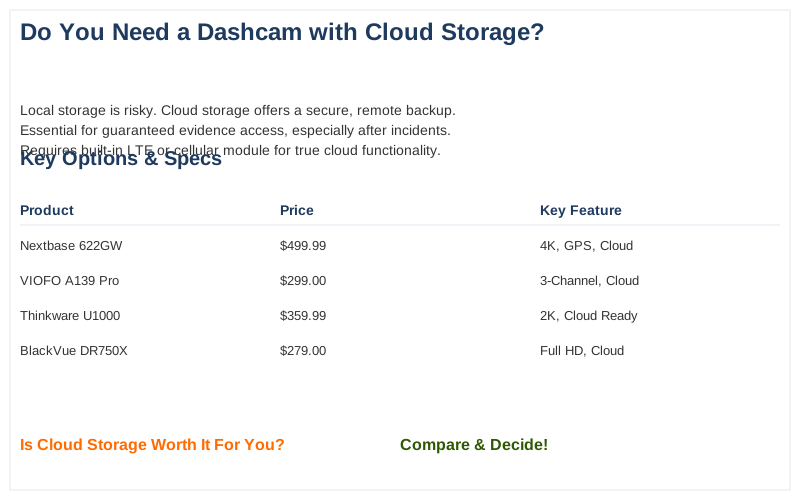
Here's the honest version: Most dashcams save footage to a local microSD card. That's fine until the card fills up, gets corrupted, or someone yanks the camera out of your car. Cloud storage acts like a digital safety net, uploading critical footage to a remote server automatically.Think of it like this: you wouldn't keep your only copy of your car insurance policy in your glove box if you lived in a flood zone. Cloud storage means even if your car is stolen, smashed, or the camera itself is destroyed, the video evidence is safe elsewhere. It's the real move to guarantee you have proof when you need it most, like after a hit-and-run at the grocery store.
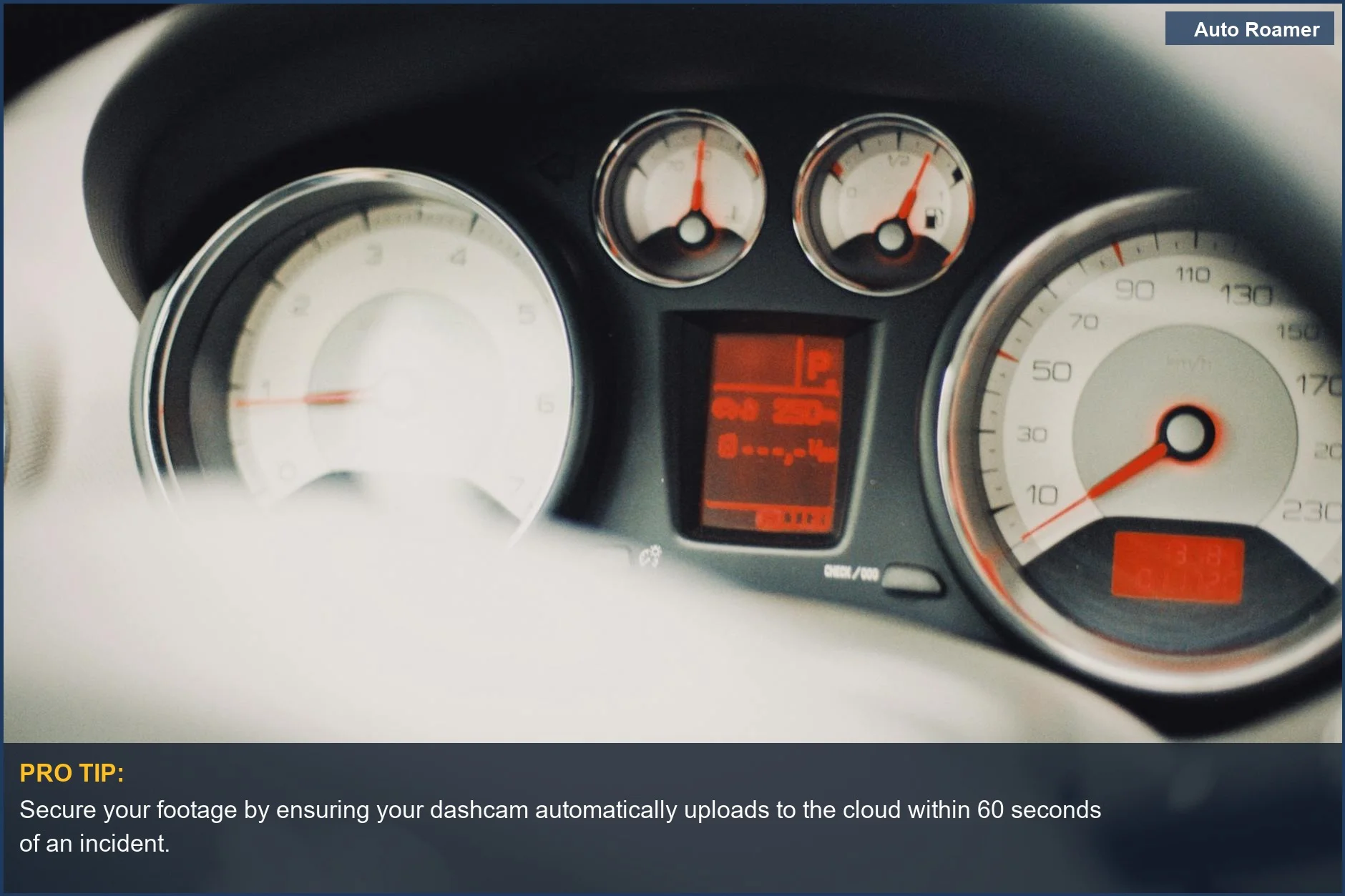
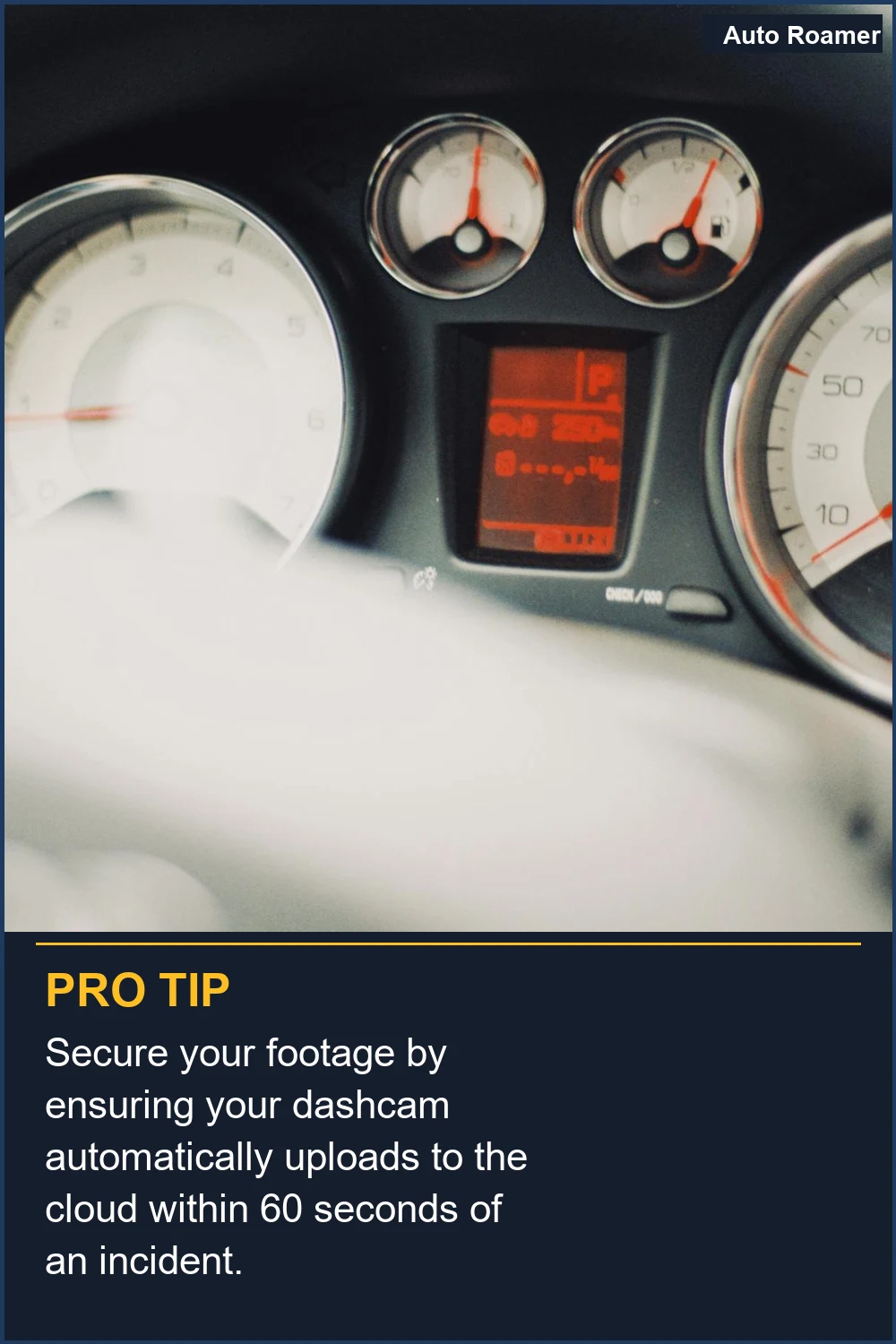
Some systems use your phone's Wi-Fi to upload, which is okay for quick transfers but not reliable for automatic backup. For true cloud storage, you usually need a dashcam with built-in LTE or a separate cellular module. This is how footage can be sent directly to the cloud when an event is triggered, like a sudden impact.
The big players in fleet management use cloud storage for obvious reasons. They can't be pulling SD cards from hundreds of vehicles. For them, it's about real-time access and off-site backup to protect their assets and drivers. The same principle applies to your personal vehicle if you're worried about losing crucial evidence.
The catch? It's rarely free. You might get a year of free cloud storage with a new camera, but after that, expect a monthly or annual fee, often around $5 to $15 per month, depending on the storage amount and features. Some offer limited free storage, but it's usually just enough for a few clips before you have to pay up.
So, do you NEED it? If you live in a busy area, park on the street, or have had a bad experience with corrupted SD cards, then yes, it's probably worth the monthly cost for peace of mind. If your car sits in a locked garage and you've never had an issue with local storage, you might be fine without it. It's about assessing your personal risk and budget. The smart drivers are the ones who think about this before something happens.
Why This Matters for Your Setup
Here's why this matters for your setup, and what nobody tells beginners:- Constant Connectivity is Key: For automatic cloud uploads, you need a reliable connection. This means a dashcam with built-in LTE or a hotspot. Relying on your phone's Wi-Fi is a rookie mistake; it's not always on and can drain your phone battery. I learned this the hard way in a parking garage where my phone signal was garbage.
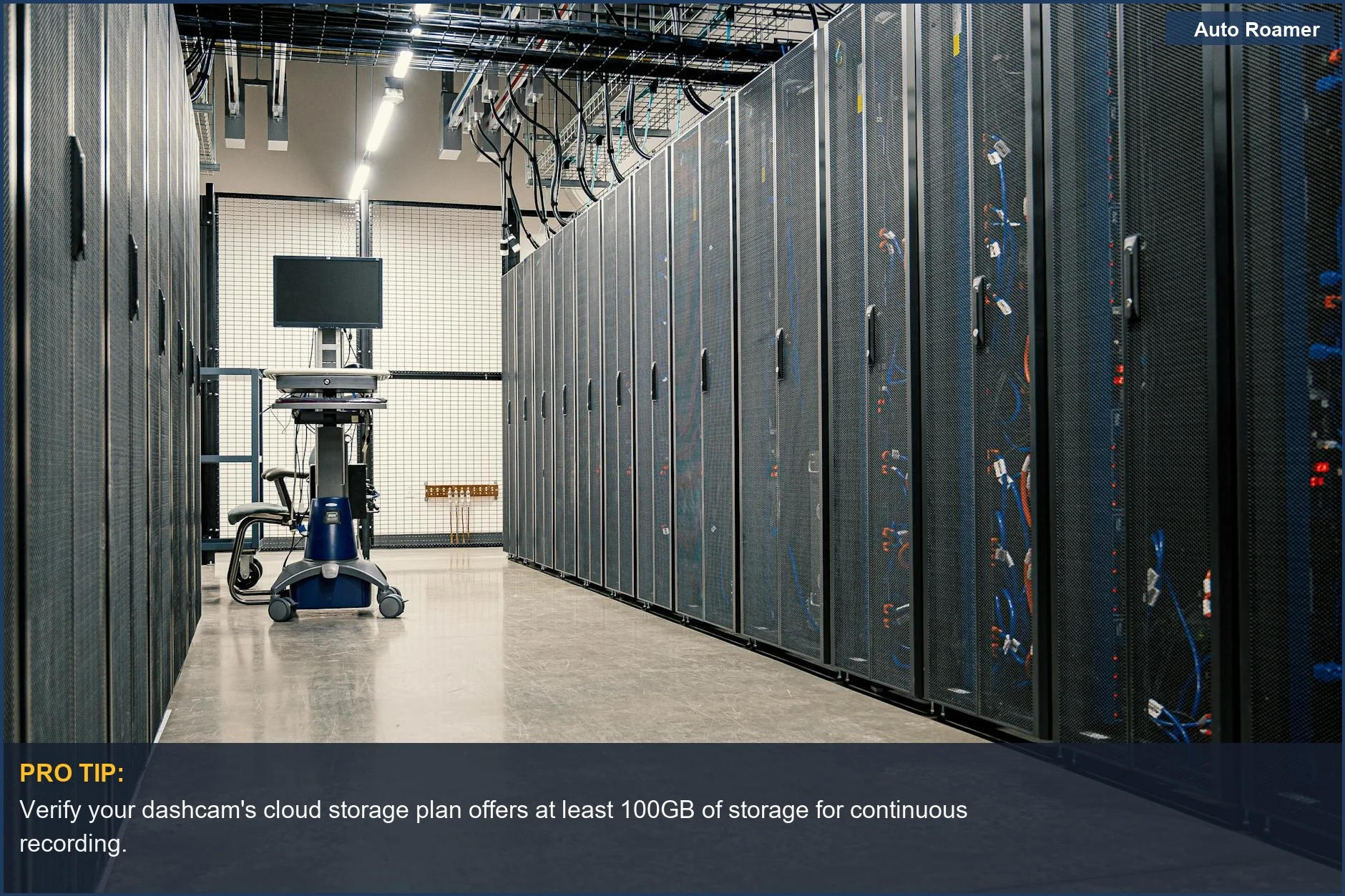
- Storage Tiers and Costs: Don't just look at the camera price. Check the cloud subscription costs. Some offer 10GB of free storage, which sounds like a lot until you realize a single parking incident could use up half of it. Expect to pay around $5-$15 per month for decent cloud storage, maybe more if you need live streaming or advanced features like geofencing, which alerts you if your car moves.
- Beyond Basic Recording: Cloud-connected dashcams often offer more than just recording. Features like GPS tracking, remote live view, and even motion detection alerts can be huge. I once got an alert that my car had been bumped while parked, and I could see live footage from the app. That feature alone is almost worth the monthly fee.
- Fleet vs. Personal Use: For fleets, cloud storage is almost non-negotiable for managing large amounts of video and ensuring compliance. For personal use, it's a trade-off between convenience, security, and cost. If you're constantly worried about losing footage, the slight monthly cost is a small price to pay for peace of mind. My buddy tried to save money by only using SD cards, and then he got rear-ended and his card was corrupted. Brilliant engineering.
Making the Right Choice
So, do you need a dashcam with cloud storage? It really depends on what you prioritize:- Your Parking Situation: If your car is parked on the street overnight or in a busy public lot, cloud storage is a no-brainer. It protects against theft, vandalism, and hit-and-runs. My first car was broken into, and the cheap dashcam was toast, along with any evidence.
- Risk Tolerance: Are you the type of person who worries about losing important documents? If so, the redundant backup of cloud storage will give you serious peace of mind. It's like having insurance for your insurance.
- Budget: The monthly fees can add up. If you're on a tight budget, a good quality dashcam with reliable local storage and a habit of backing up your footage regularly might suffice. But remember, the cheapest option often isn't the best when it comes to evidence.
- Connectivity Options: Ensure your chosen dashcam and provider have a robust connectivity solution, whether it's built-in LTE or a stable Wi-Fi setup. Without it, the cloud is just a concept, not a backup.
Frequently Asked Questions
Is it cheaper to get a dashcam with cloud storage built-in, or buy a regular one and add a separate cloud service?
Do I really need a hard-wire kit if I'm using cloud storage?
What if I have a cloud-capable dashcam, but my internet connection is spotty? Will my footage still upload?
Can using a dashcam with constant cloud uploading drain my car's battery permanently?
I heard that cloud storage is just a way for companies to lock you into expensive subscriptions. Is that true?
🏅 Looking for Gear Recommendations?
Check out our tested gear guides for products that work with this setup: